Free Email HTML Checker
Add your email HTML
Paste the full source, or choose an .html file.
Paste your email HTML and see what breaks before you send. The checker flags CSS that Outlook drops, styling that webmail strips, images with no alt text, layouts wider than the reading pane and markup past the size at which Gmail clips a message. Everything runs in your browser.
Markup clean? Next is the send
Stop hand patching email HTML.
Grigora Email builds campaigns on templates that already use table layout, inline styles and 600px containers, so the problems this checker looks for never get written. Your list, your site and your newsletter live in one place.
How to check email HTML
Four steps from source to a send you can trust.
Paste the HTML
Copy the full source of the email, starting at the DOCTYPE, or upload the .html file.
Run the check
The markup is parsed in your browser. Nothing is sent to a server.
Fix the errors
Errors break rendering in a major client. Warnings degrade it for part of your list.
Re-check and send a test
Run it again, then send yourself a real test in Outlook and Gmail.
How to check email HTML, step by step
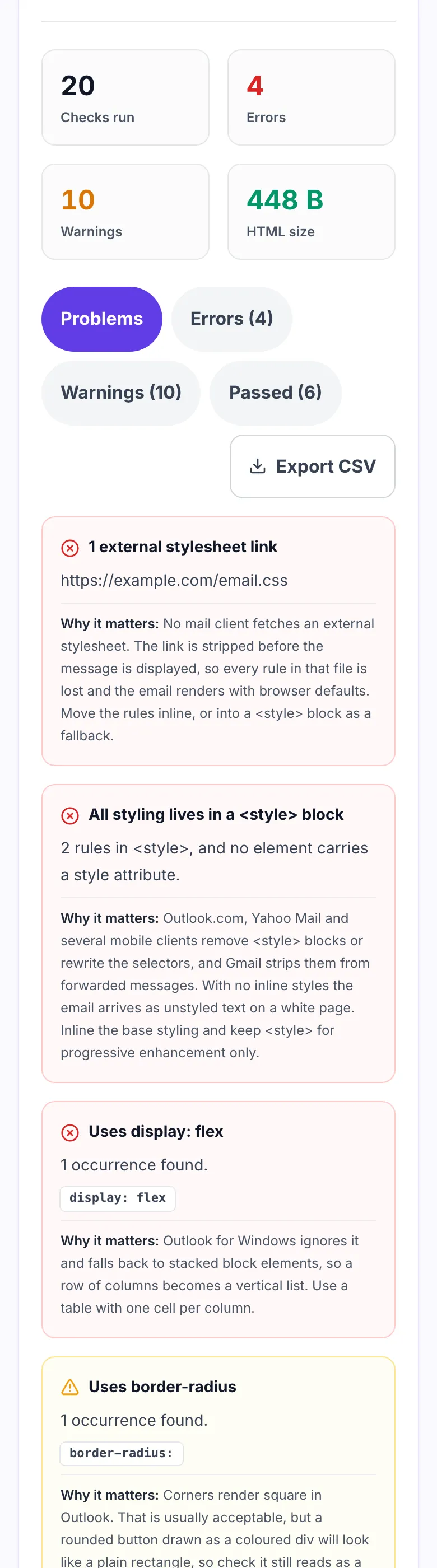
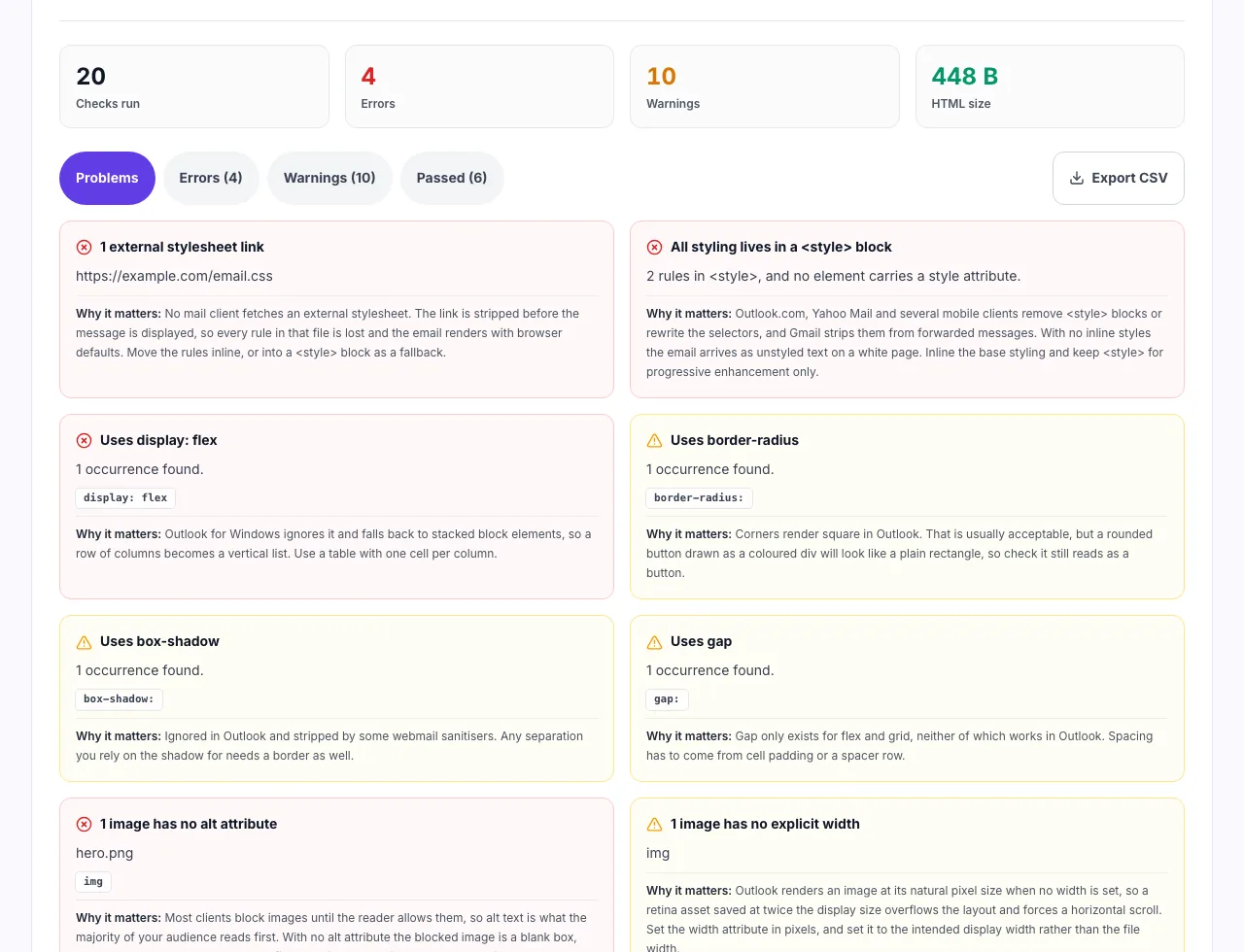
Real screenshots of the tool, taken while checking a template with known Outlook problems.
- 1
Paste the email HTML
Any exported template works. The checks run in the browser, so a campaign you have not sent yet stays private.
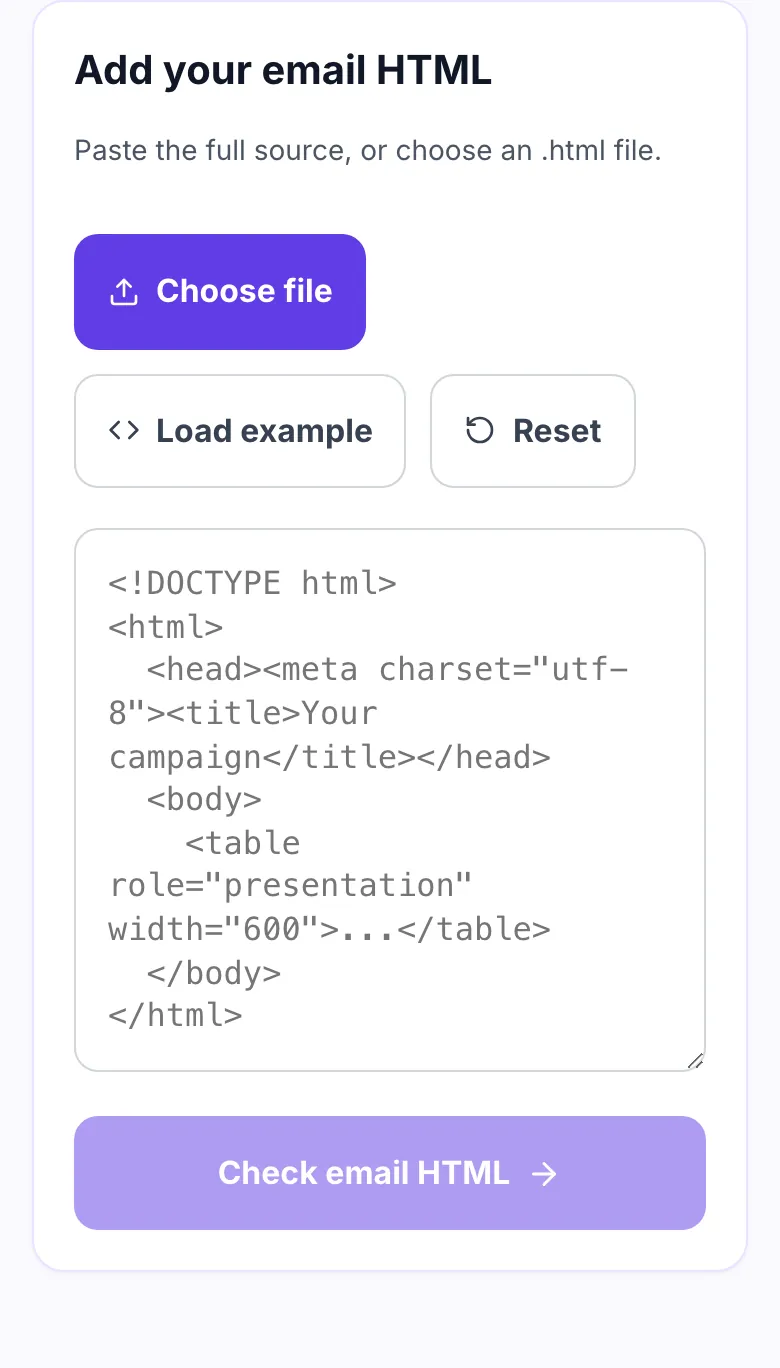
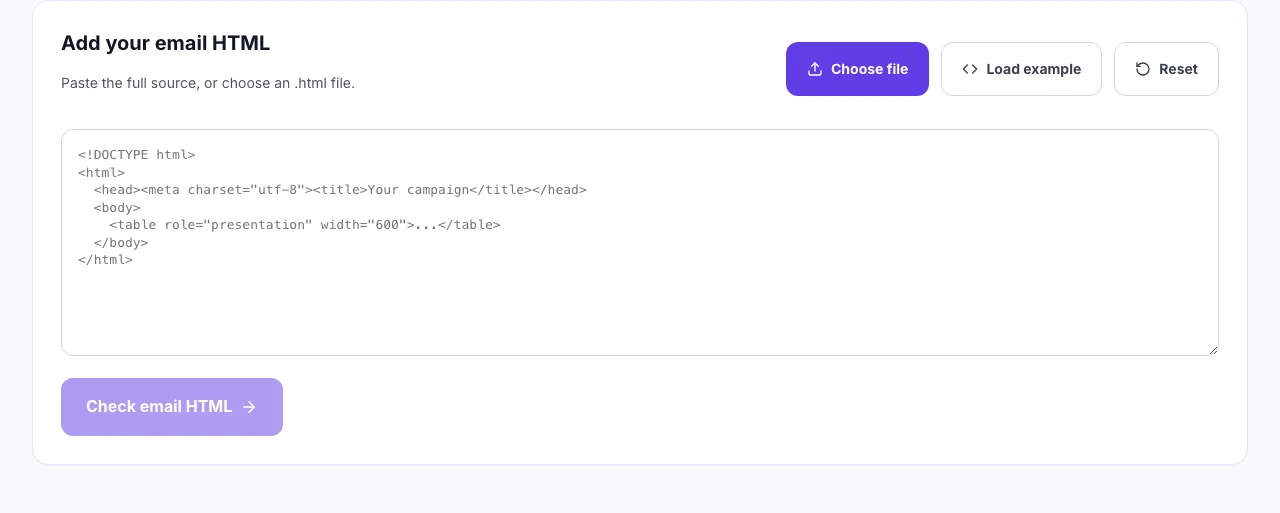
- 2
Load the example
The example includes the mistakes that break Outlook most often, so you can see what each finding looks like before testing your own file.
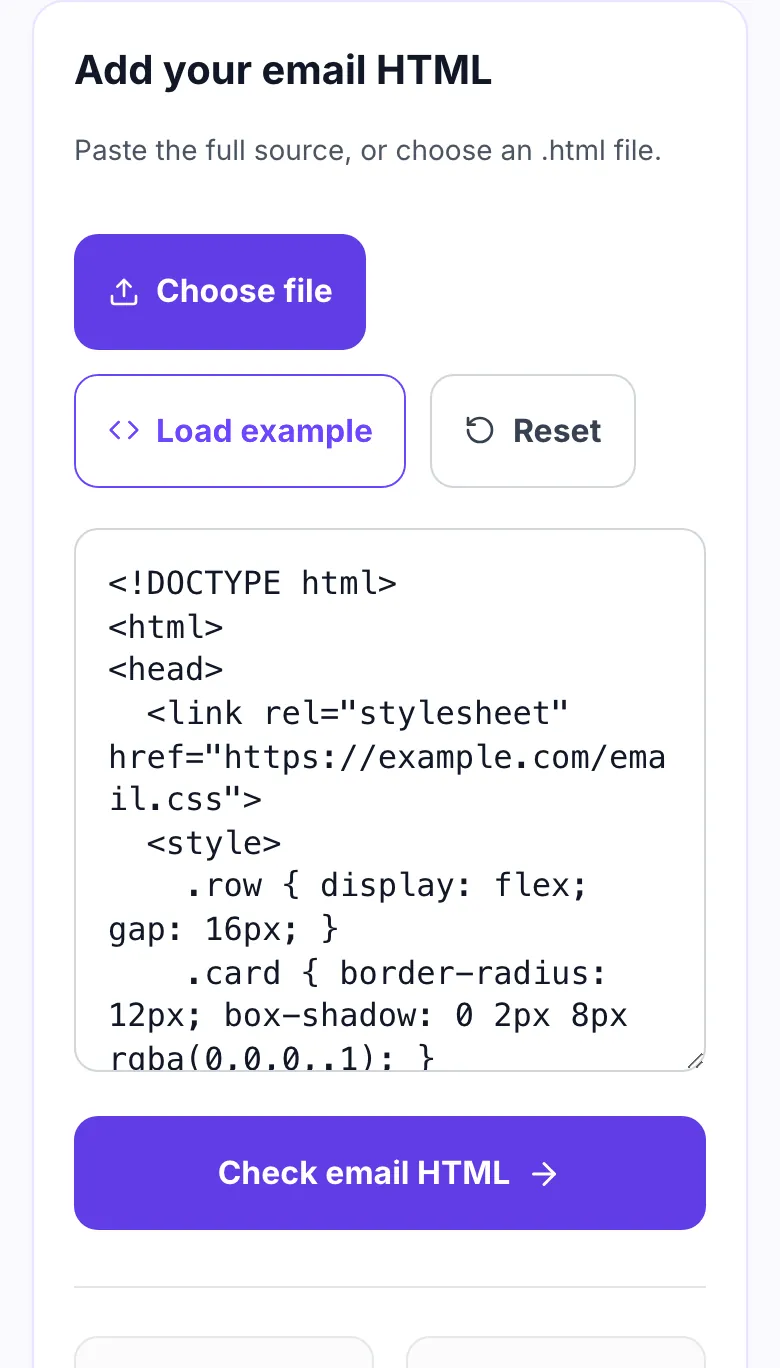
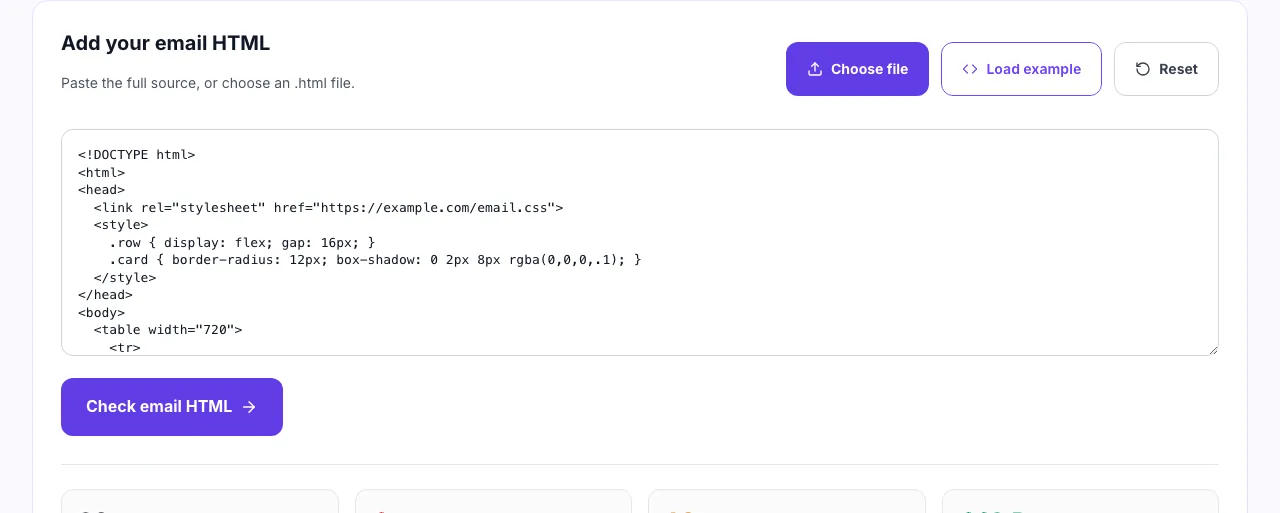
- 3
Work through the errors first
Every finding says why it matters and which client breaks, from an external stylesheet Gmail strips to a flex row Outlook stacks into a column.
When to run the check
Six moments worth spending thirty seconds on.
Before sending a campaign
A rendering bug found after the send cannot be fixed. Check the final HTML, not the draft.
After hand editing a template
One deleted closing tag in a table cell can collapse everything below it in Outlook.
When Outlook looks wrong
Find the flexbox, the positioning or the max-width that Word quietly dropped.
When Gmail clips the message
Measure the HTML against the 102KB limit and see how far over you are.
Reviewing a bought template
Marketplace templates vary. Check the alt text and table roles before you rely on them.
Writing transactional email
Receipts and password resets get read on phones under time pressure. They have to render.
Getting the HTML out of your platform
Where the source lives, by platform.
Grigora Email
- Open the campaign and choose the code view.
- Copy the full HTML.
- Paste it here before you schedule the send.
Mailchimp
- Open the campaign, then Preview.
- Choose "View code" and copy the source.
- Remember merge tags expand at send time.
Klaviyo
- Open the template and switch to the HTML editor.
- Select all and copy.
- Check before cloning the template for a flow.
Hand coded or MJML
- Build the template as usual.
- Take the compiled HTML, not the source.
- Upload the .html file directly.
Grigora vs. other ways to check
Side by side.
| Capability | Grigora | Preview services | Send a test | Browser preview |
|---|---|---|---|---|
| Runs without upload | Yes, in your browser | Uploads your HTML | Sends a real message | Nothing to check |
| Explains why a rule exists | Yes, on every finding | Screenshots only | No | No |
| Catches unclosed tags | Yes | No | No | No |
| Measures the 102KB limit | Yes | Sometimes | No | No |
| Signup required | No | Yes, paid | Account needed | No |
Common errors and how to fix them
Eight problems that show up in real campaigns.
Columns stack in Outlook
Cause: The row uses display: flex.
Fix: Rebuild the row as a table with one td per column and fixed pixel widths.
Message is cut off in Gmail
Cause: HTML exceeds 102KB.
Fix: Strip comments, shorten repeated inline styles, and remove any base64 images.
Everything arrives unstyled
Cause: Styling lives only in a <style> block.
Fix: Inline the base styles. Keep the block for media queries and dark mode only.
Blank boxes where images were
Cause: Images are blocked and have no alt attribute.
Fix: Give every meaningful image alt text, and alt="" for spacers.
Screen reader reads a grid
Cause: Layout tables have no role="presentation".
Fix: Add role="presentation" to every table that is not real tabular data.
Horizontal scroll in the inbox
Cause: A table or image is wider than 600px.
Fix: Cap the content table at 600px and set image widths in pixels.
Fallback font looks wrong
Cause: A web font is loaded with @import.
Fix: Write a full font stack. Design against the fallback, not the web font.
Footer escapes the container
Cause: A td or table is never closed.
Fix: Close every tag. Browsers repair this silently, Outlook does not.
Email numbers worth memorising
The four constraints behind most rendering complaints.
Frequently asked questions
Ten answers about email HTML.
Related free tools
Other utilities that pair with the Email HTML Checker.
Newsletter Preview Tool
See how a newsletter reads before you send it.
Try itSubject Line Tester
Check length, spam words and how the line truncates.
Try itSpam Score Checker
Find the phrases and patterns filters score against.
Try itEmail Signature Generator
Build a signature that renders in Outlook too.
Try itHTML Minifier
Shrink markup to stay under the Gmail clipping limit.
Try itImage Alt Text Checker
Find images missing the alt text readers rely on.
Try itSend email from the site you already run
Website, newsletter and store on one platform. Try it free for 14 days, no card needed.
Start building free