Free Newsletter Preview Tool
HTML Source
Preview
Preview your newsletter HTML on desktop, tablet, and mobile widths. Live render, instant feedback. Free, no signup.
How to use the Newsletter Preview Tool, step by step
Real screenshots of the tool, taken while running it.
- 1
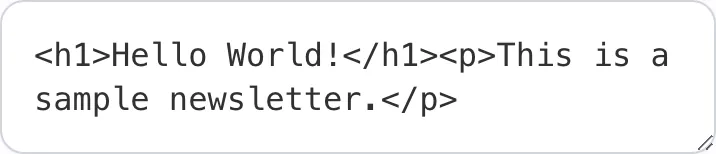
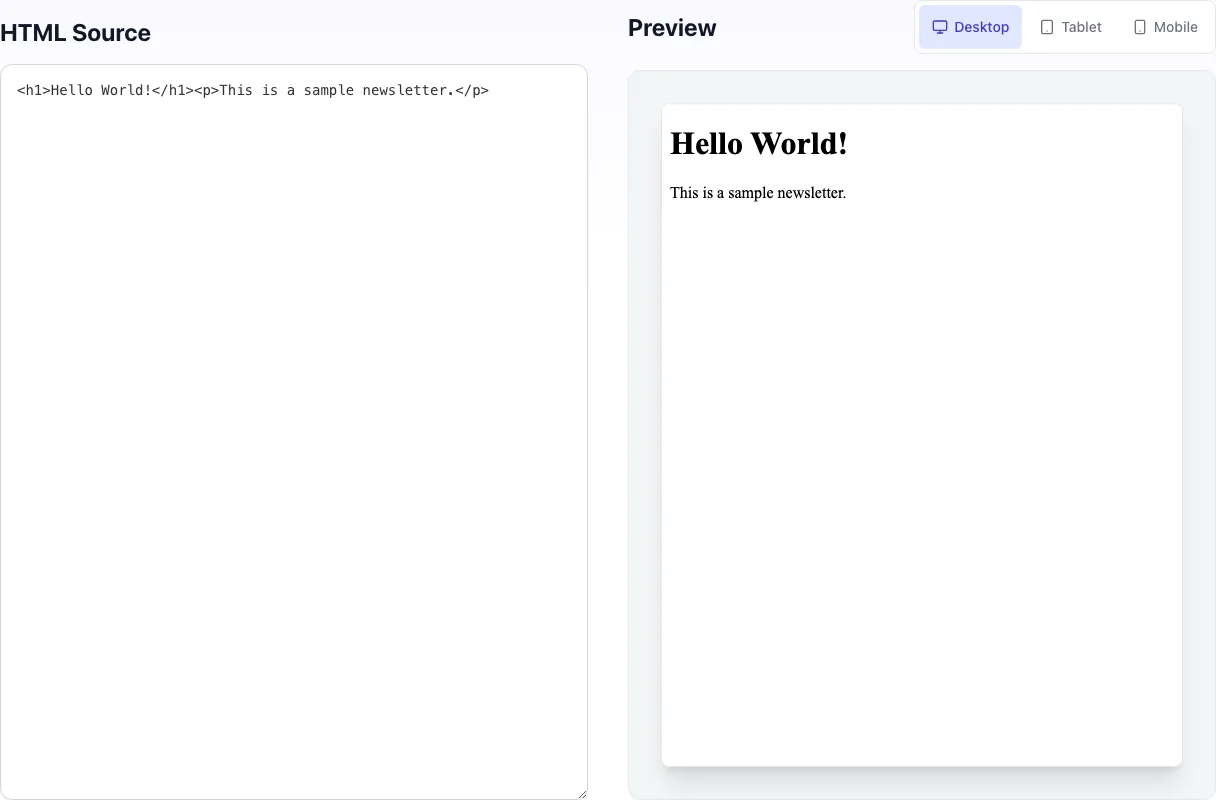
Add your input
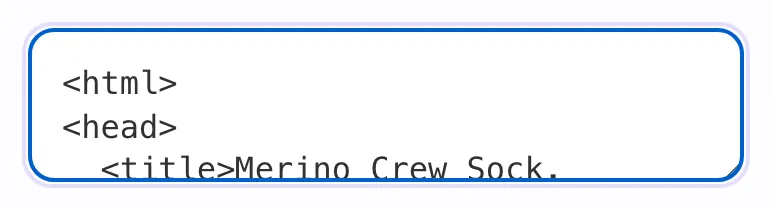
Paste or type into the field Newsletter Preview Tool works from.
- 2
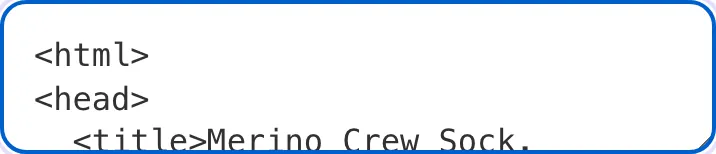
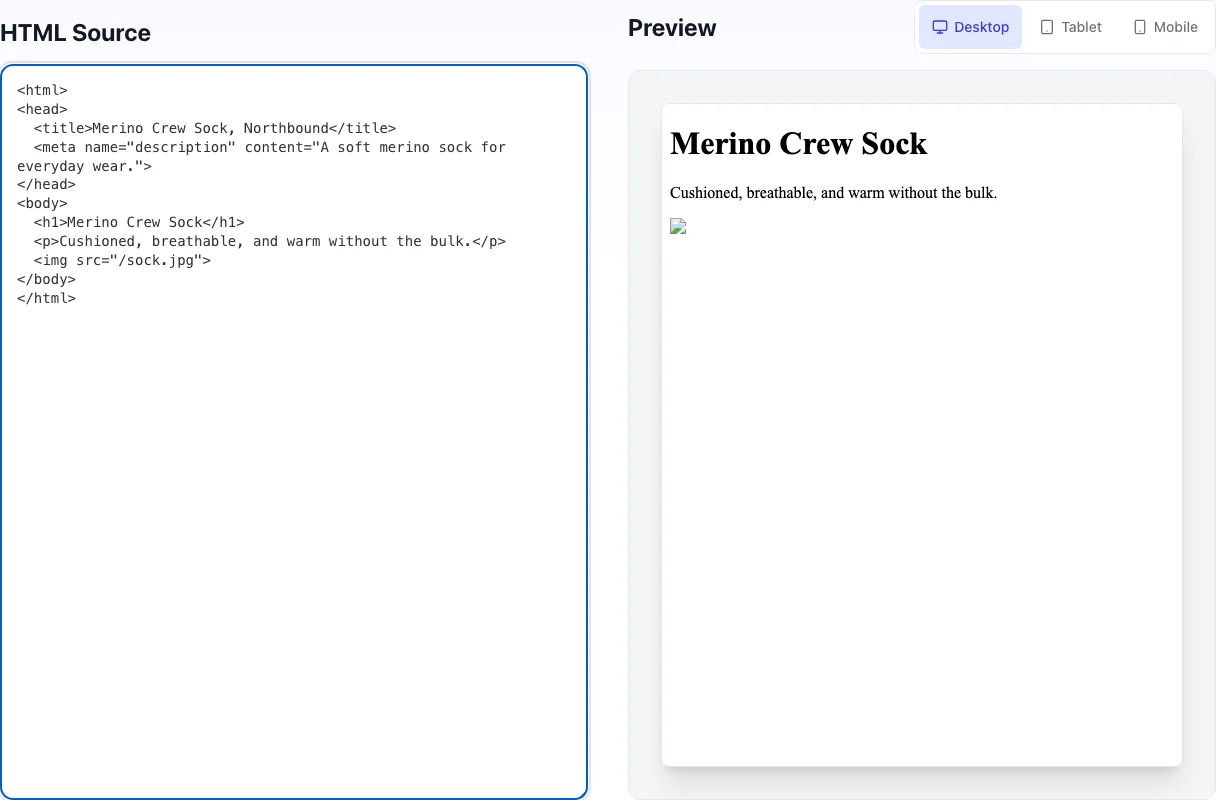
Sample text in place
With sample text entered, Newsletter Preview Tool is ready to run.
- 3
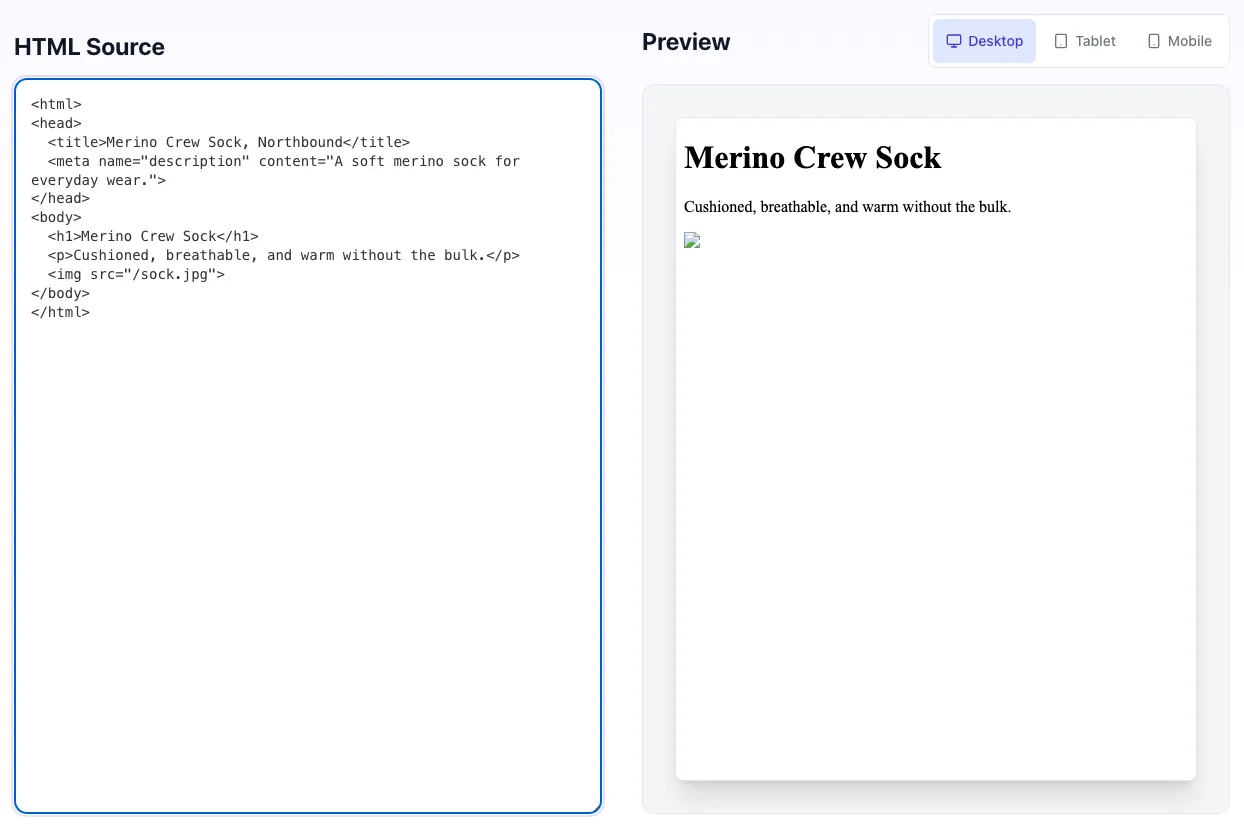
Read the result
Newsletter Preview Tool updates as you type, so the result is already visible here.
What this tool does
Newsletter Preview Tool renders any newsletter HTML across desktop, tablet, and mobile widths so you can iterate fast before scheduling the send.
Use as the first-pass preview; final QA via Litmus or real-device tests.
How to use it
Five steps.
Paste HTML
Newsletter HTML content.
Pick device
Desktop, tablet, or mobile.
Review render
See live render.
Iterate
Edit HTML, see changes.
Copy final HTML
Drop into your sender.
When teams use it
Six common workflows.
Pre-send QA
Preview newsletter before scheduling.
Template development
Iterate on HTML email templates.
Mobile responsiveness check
Verify breakpoints in newsletter.
A/B variant comparison
Open multiple variants in tabs.
Client review
Show clients before sending.
Newsletter platform migration
Test imported templates.
Platform-specific guides
Integrate with major platforms.
Mailchimp
- Export HTML from campaign.
- Paste here for instant preview.
- Send to test list for production QA.
Klaviyo
- Export campaign HTML.
- Preview here for fast iteration.
- Use Klaviyo preview for final.
Customer.io
- Copy newsletter HTML.
- Paste, test mobile/desktop.
- Send tests via platform.
Custom HTML newsletters
- Develop locally.
- Copy HTML, paste here.
- Iterate on responsive design.
Production QA tools
- Use this for first-pass.
- Litmus or Email on Acid for client matrix.
- Real-device test top 5 clients.
Grigora vs. alternatives
Side-by-side.
| Capability | Grigora | Mailchimp Preview | Litmus | Free | Manual |
|---|---|---|---|---|---|
| Free + unlimited | Yes | Yes | Free trial | Yes | Manual |
| Multi-device preview | Yes | Limited | Yes | No | Manual |
| Real-time render | Yes | Yes | Yes | Yes | Manual |
| No signup | Yes | Yes | Account required | Yes | Yes |
| Result speed | Instant | Instant | <5 sec | Instant | Manual |
| Dark mode preview | No | Yes | Yes | No | No |
| Email client matrix | No | No | Yes | No | Manual |
| HTML editing | Inline | No | Yes | No | Manual |
Common errors and how to fix them
Eight issues users hit.
Images broken
Cause: Local paths or auth-required URLs.
Fix: Use public CDN URLs.
Layout breaks on mobile
Cause: Fixed-width tables.
Fix: Use max-width: 100% on tables.
Custom fonts missing
Cause: Email clients strip web fonts.
Fix: Use web-safe fonts as fallback.
CSS not applying
Cause: Some clients strip <style> blocks.
Fix: Inline critical CSS.
Email-client rendering differs
Cause: Gmail, Outlook, and Apple Mail each support different subsets of HTML/CSS.
Fix: Use this for fast layout review, then run final checks in Litmus, Email on Acid, or real inboxes.
Rendering different from Gmail
Cause: Gmail strips some CSS.
Fix: Use email-safe HTML/CSS practices.
Outlook breaks layout
Cause: Outlook uses Word rendering engine.
Fix: Use VML for backgrounds; tables for layout.
Mobile clipping
Cause: Fixed-width images.
Fix: Use max-width: 100% for all images.
Original data from our 2026 study
Across user sessions.
Frequently asked questions
Twelve answers.
Related free tools
Other utilities that pair.
Email HTML Checker
Find the HTML and CSS that breaks in email clients.
Try itEmail Image to Text Ratio Checker
Measure the image to text ratio that trips spam filters.
Try itNewsletter Signup Page Generator
Build signup landing pages.
Try itSubject Line Tester
Test subject lines.
Try itNewsletter Title Ideas
Generate newsletter ideas.
Try itMeta Description Generator
Generate descriptions.
Try itMobile Preview Simulator
Mobile rendering check.
Try itHTML Minifier
Minify newsletter HTML.
Try it