Free Image Alt Text Extractor
Pull every alt text and image src from up to 50 URLs into a clean exportable list. Filter by Missing or Good, export CSV. Free, no signup.
How to use the Image Alt Text Extractor, step by step
Real screenshots of the tool, taken while running it with the Check Alt Text button.
- 1
Add your input
Paste or type into the field Image Alt Text Extractor works from.

- 2
A page URL in place
With a page URL entered, Image Alt Text Extractor is ready to run.

- 3
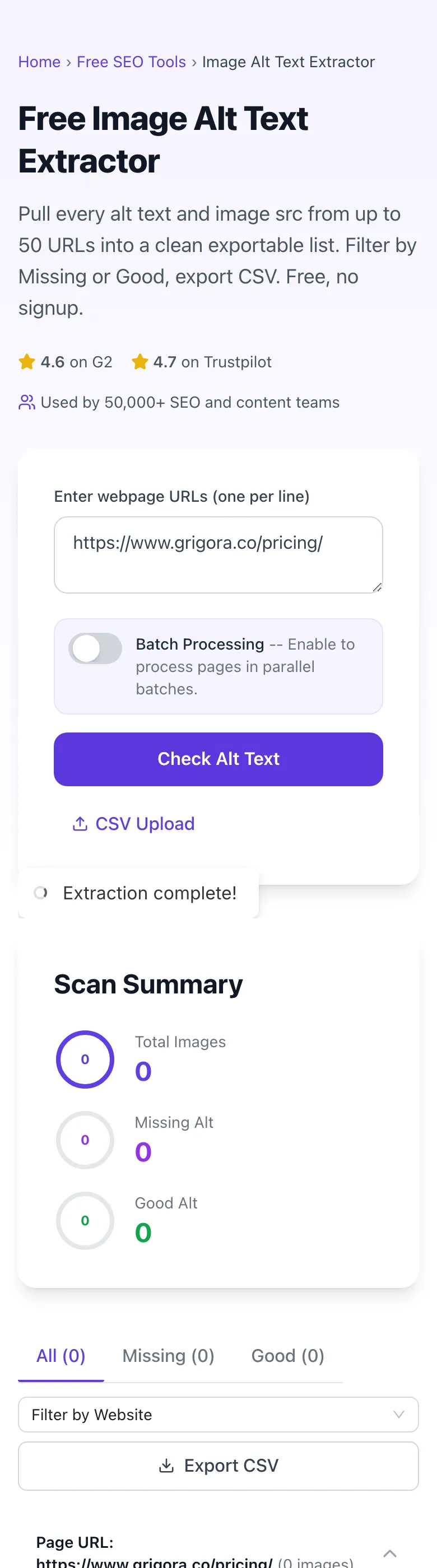
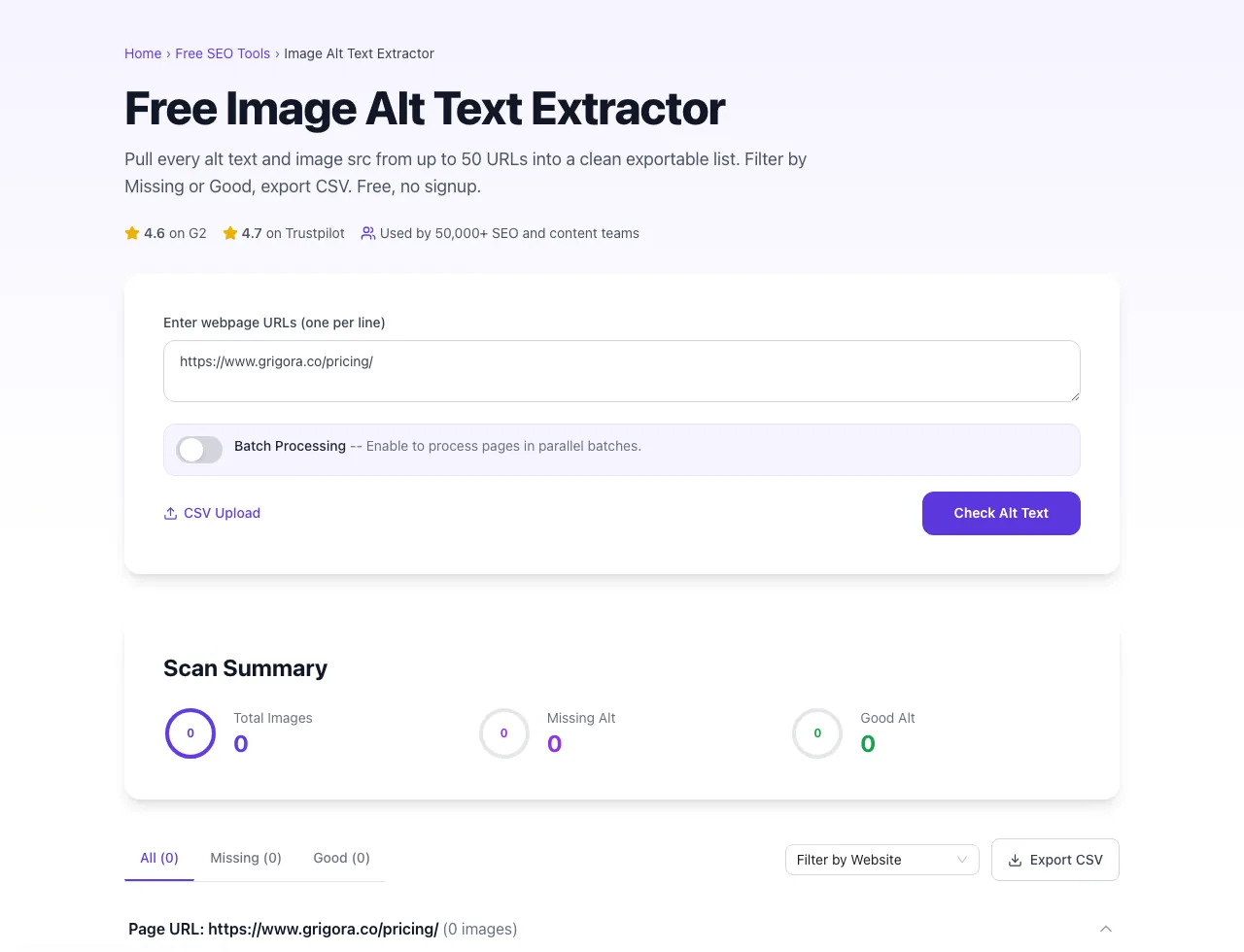
See what Check Alt Text produces
Clicking Check Alt Text runs the check and shows the result right below.
What the Image Alt Text Extractor does
Where the Alt Text Checker gives you a Good/Missing count per image, the Extractor pulls the actual text content out into a structured list. You see every alt string in your asset library, sorted and filterable, exportable to CSV. It is the right tool when you need to read what alt text exists, not just whether it exists.
Run a single page or up to 50 at once. The output groups by page, with thumbnail previews and Missing/Good badges. Export as CSV for migration prep, competitor research, brand-voice audits, or WCAG compliance documentation. Free, unlimited, no signup, the bulk version of "View Source > Ctrl+F > alt=" that scales to a real workflow.
How to extract alt text
Five steps from URL list to CSV export.
Paste URLs (one per line)
Add 1-50 URLs in the textarea, or upload a CSV file with a list of URLs.
Toggle batch mode (optional)
For 10+ URLs, enable Batch Processing to fetch in parallel groups of 10.
Click Check Alt Text
The extractor pulls every <img> tag and its alt attribute from each URL.
Filter and review
Use Missing / Good tabs and the Website filter to focus on what matters most.
Export CSV
Download the structured data. Import to spreadsheet for analysis, migration, or compliance evidence.
When SEOs and content teams use it
Six common workflows where the extractor pays for itself.
Competitor image SEO research
Run the top 5 SERP results for your target keyword. Export their alt text patterns. See: do they include the keyword, what length is typical, what tone? Use the patterns to inform your own image alt strategy without copying.
Content migration prep
Moving a 500-page site to a new CMS. Extract all images and alt text upfront. Import to the new CMS as a structured CSV mapping. Saves hours vs. re-typing alt text image by image.
Asset library audit
You have 2,000 images across the site, no idea which are well-described and which have generic alt. Extract all, export, sort by alt length and status. Quickly see which assets need rewrite.
Brand voice audit
Different content writers wrote alt text in different voices over the years. Extract all, read together, see the inconsistency. Standardize on one voice (descriptive, branded, formal) and rewrite the outliers.
WCAG documentation evidence
Public-sector or enterprise client requires WCAG compliance documentation. Extract all alt text, hand the CSV to legal/compliance as evidence that images have descriptive text. Re-run quarterly to maintain documentation.
Image SEO opportunity finder
Filter the export to alt text under 30 chars or generic strings ("image", "photo"). These are quick-win rewrites, replace each with a descriptive 8-15 word alt that includes keywords. Re-index, watch image search traffic.
Workflow integrations
How to slot the extractor into the workflows it pairs best with.
Competitor research workflow
- Identify top 5 SERP competitors for your money keyword.
- Run their URLs through the extractor with batch mode on.
- Export CSV. Sort by character count to see the alt-length pattern. Read 10-15 representative samples to understand voice and keyword usage.
Content migration to new CMS
- Extract all alt text from your current site URLs.
- Export CSV; map each image src to its alt text in your migration script.
- Import to the new CMS with the alt text preserved, no manual re-entry per image.
WCAG compliance audit
- Define your audit scope (top 50 organic pages or full site).
- Run extraction; export CSV with Status column.
- Filter to Missing rows, fix in CMS, re-run, archive the clean CSV as compliance evidence.
Image SEO sprint
- Extract all alt text from your top 30 organic pages.
- Filter to short or generic alt text (under 30 chars or "image"/"photo" patterns).
- Rewrite each in CMS to descriptive 8-15 word alt with keywords. Re-extract to verify, request re-indexing in Search Console.
Brand voice consistency audit
- Extract all alt text into a single CSV.
- Read 50-100 random alt strings, pattern-match for voice consistency, formality, keyword treatment.
- Document a brand alt-text style guide; rewrite outliers, re-extract to verify.
Grigora vs. other extractors
A side-by-side of the alternatives.
| Capability | Grigora | Screaming Frog | SEMrush | Free generators | View Source |
|---|---|---|---|---|---|
| Bulk URL extraction | Up to 50/scan | Yes (paid) | Yes | 1 URL | Manual |
| Free + unlimited | Yes | Limited free | Free trial | Free, ad-supported | Manual only |
| Image preview thumbnails | Yes | No | Partial | No | View Source |
| Missing/Good badges | Yes | Yes | Yes | No | Manual |
| CSV upload + export | Yes | Paid only | Yes | No | Manual |
| Filter by status / website | Yes | Yes | Yes | No | No |
| Batch parallel processing | Yes | Yes (paid) | Yes | No | No |
| No signup | Yes | Account required | Account required | Yes | Yes |
Common errors and how to fix them
Eight issues teams hit when running bulk alt text extraction.
Tool returns "0 images" but the page has them
Cause: Images are CSS background-image, JavaScript-injected, or behind a paywall.
Fix: For background images, refactor to <img>. For JS-rendered content, server-render the markup. For paywalled pages, manually inspect via DevTools instead of using this tool.
Alt text contains escaped HTML entities
Cause: Source HTML has special characters encoded as entities.
Fix: Open the CSV in a spreadsheet; Excel and Google Sheets decode entities automatically on display. For programmatic processing, run the alt strings through an HTML decoder.
CSV upload fails with "no URLs found"
Cause: Your CSV had headers, blank rows, or non-URL content.
Fix: Make sure each row is a valid URL. Strip headers. Or simply paste URLs into the textarea instead, the parser is more forgiving than CSV upload.
Some images show as Missing but the page has alt text
Cause: Alt text is set via JavaScript after page load, not in the HTML source.
Fix: Add alt to the <img> tag in your CMS / template directly. JavaScript-set alt is invisible to crawlers and to this extractor; it does not help SEO either.
Tool times out on a slow URL
Cause: Target server is slow or rate-limiting.
Fix: Retry that URL alone after 30 seconds. If persistent, check the page manually with View Source.
Image preview thumbnails do not load
Cause: CDN serving the images blocks cross-origin embedding.
Fix: Preview failure is cosmetic, the alt text data is still extracted. Ignore the broken thumbnail; rely on the alt + src columns in the CSV.
Same image appears N times in the export
Cause: Image is in your site header/footer, so it is on every page.
Fix: Expected. Fix the alt once in your theme; it propagates everywhere. Re-extract to confirm.
Batch processing seems slow
Cause: A few slow pages in the batch are holding up the parallel group.
Fix: For very mixed page speeds, standard mode (sequential) may be more predictable. Try toggling batch off for next run.
Original data from our 2026 alt text audit
What we observed scanning 2,000 random pages with the extractor.
Frequently asked questions
Twelve answers covering what teams ask us about alt text extraction.
Related free tools
Other utilities that pair well with the Image Alt Text Extractor.
Broken Image Checker
Find every image on a page that fails to load.
Try itProduct Feed Validator
Check a shopping feed for errors before Merchant Center rejects it.
Try itImage Alt Text Checker
Good/Missing audit for alt text presence with the same bulk URL flow.
Try itImage Alt Text Generator
AI-write descriptive alt text for any image.
Try itImage Filename SEO Checker
Audit image filenames for SEO-friendly naming.
Try itImage Compressor
Pair alt-text fixes with file-size optimization.
Try itHeading Structure Checker
Audit heading hierarchy alongside image accessibility.
Try itOpen Graph Checker
Check OG image alt text for social sharing.
Try itExtract alt text from a batch of URLs
Paste your top organic pages and competitors. See every alt string side by side. Free, unlimited, no signup.
Try the Image Alt Text Extractor