Convert Base64 back to an image online
The result appears here as you type.
Accepts a full data URI or just the base64 body. If the type is missing or wrong, the format is identified from the file signature instead, so a mislabelled string still previews and downloads correctly. Also called a Base64 image decoder. Works with or without the data: prefix, and detects PNG, JPEG, GIF, WebP and SVG.
If it will not parse
These are the messages people usually arrive with: InvalidCharacterError, The string to be decoded is not correctly encoded. Paste the input that produced one and the result pane names the problem and points at it.
How to use the Base64 to Image Converter, step by step
Real screenshots of the tool, captured while running it.
- 1
Open the tool
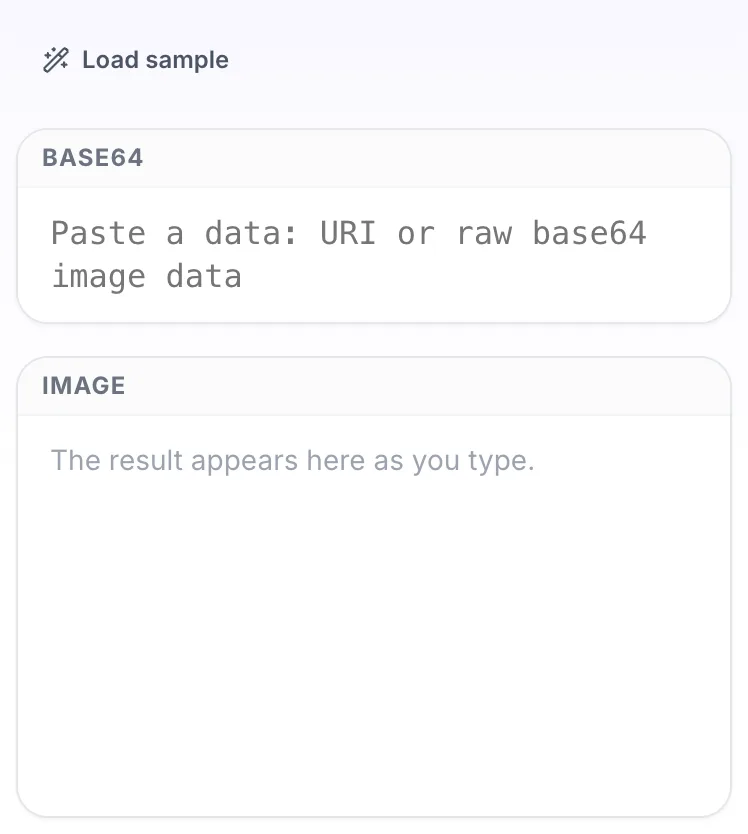
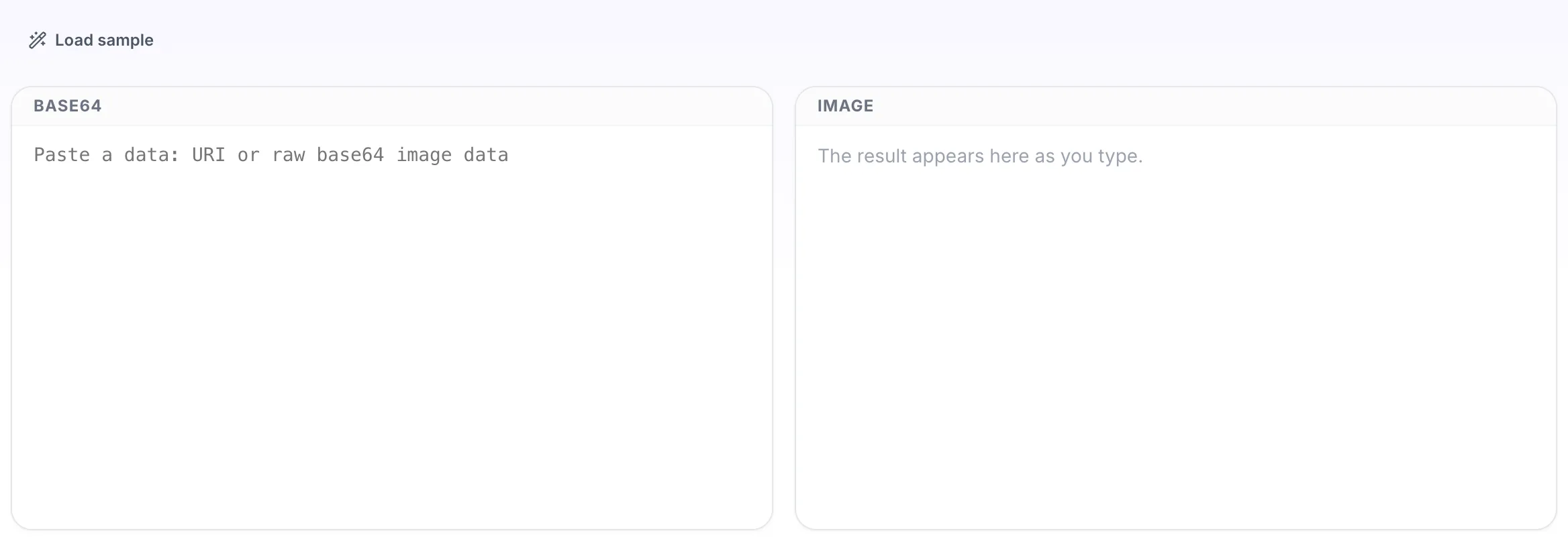
Base64 to Image Converter opens empty, with base64 on the left and image on the right.
- 2
Add your input
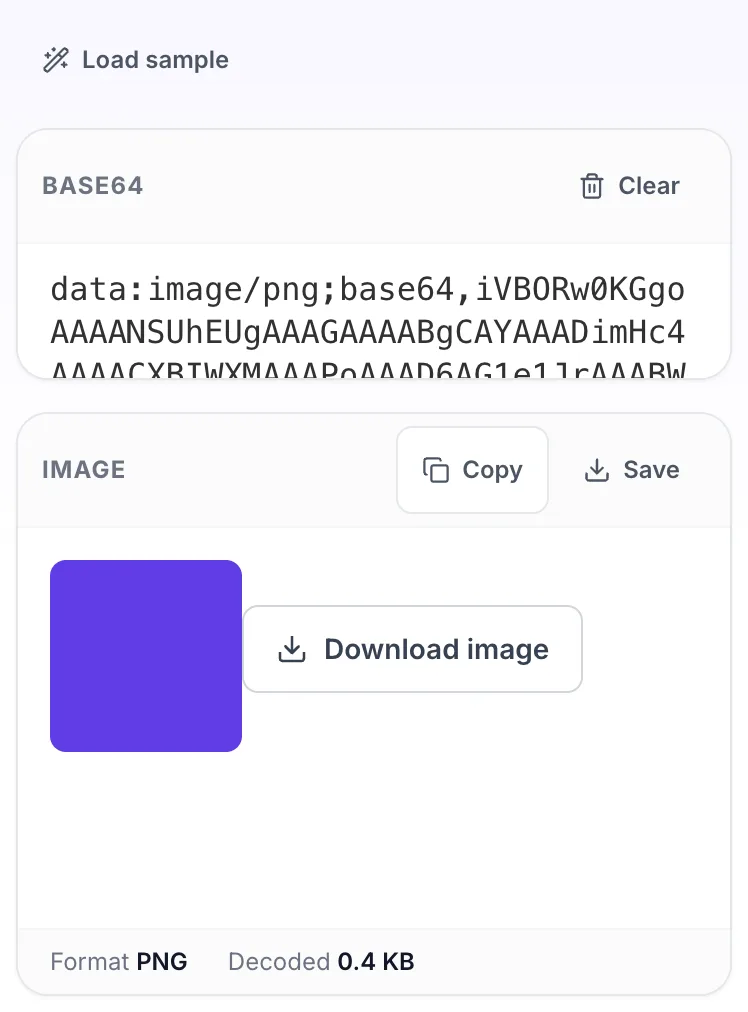
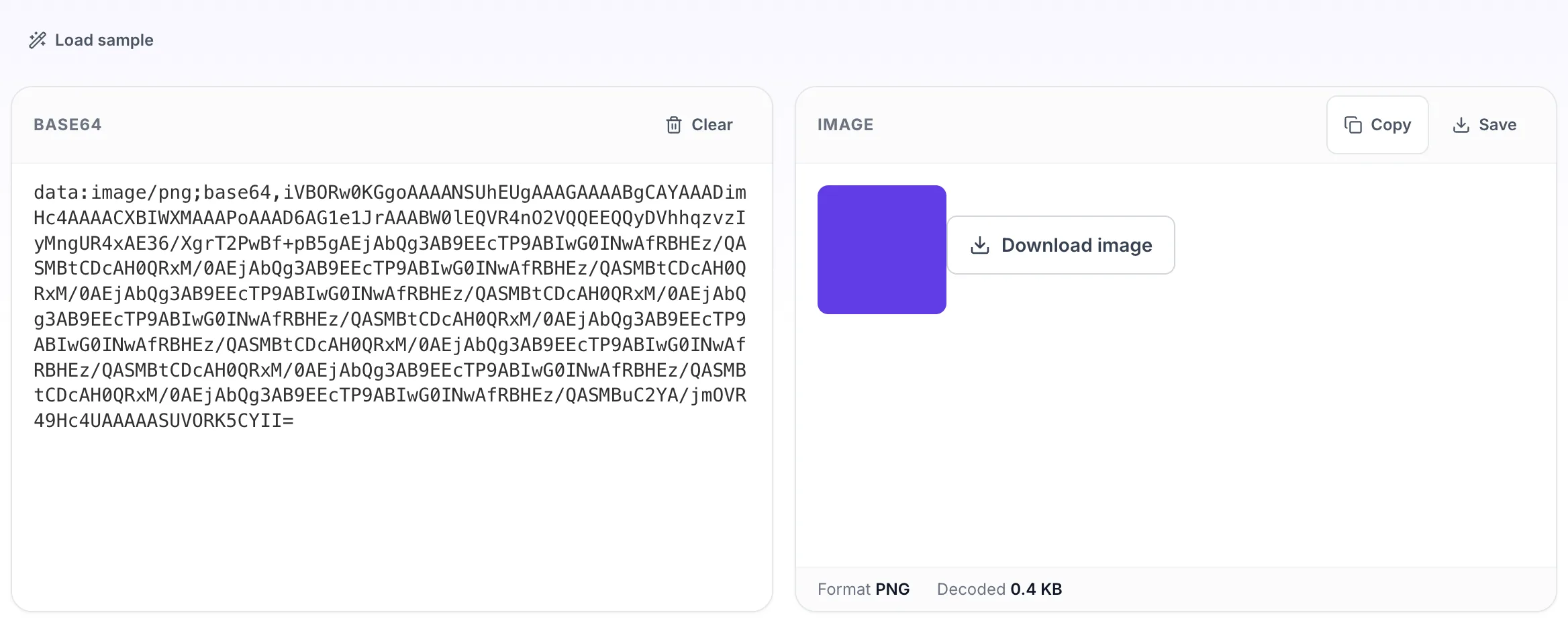
Paste your own base64, or load the sample. The image pane fills in as you type.
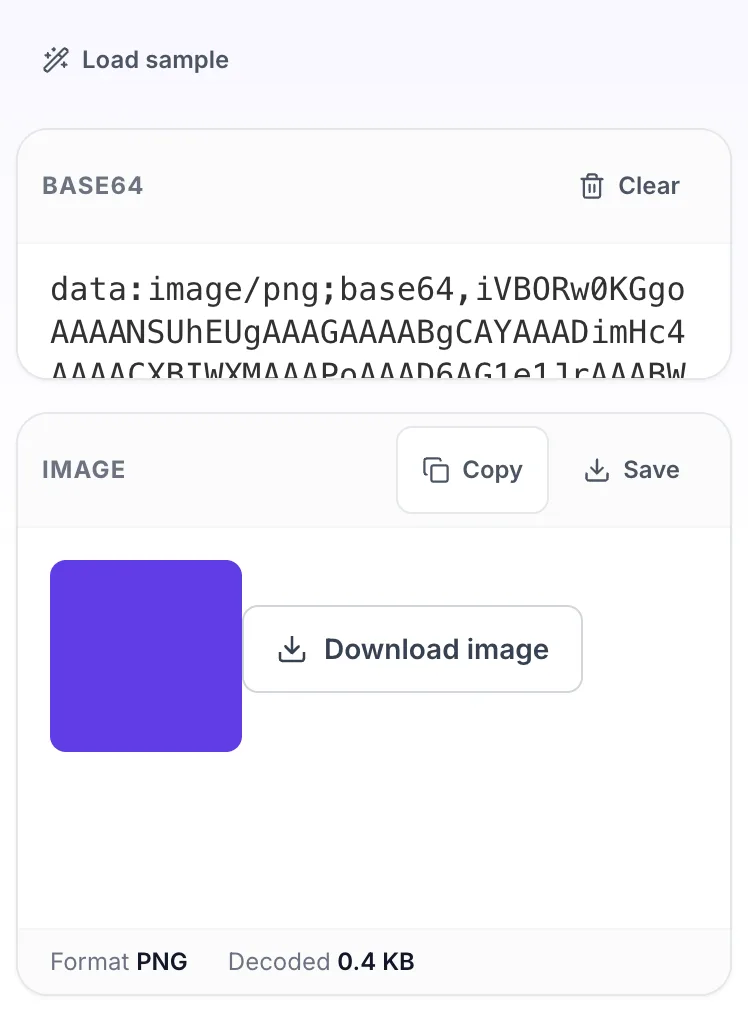
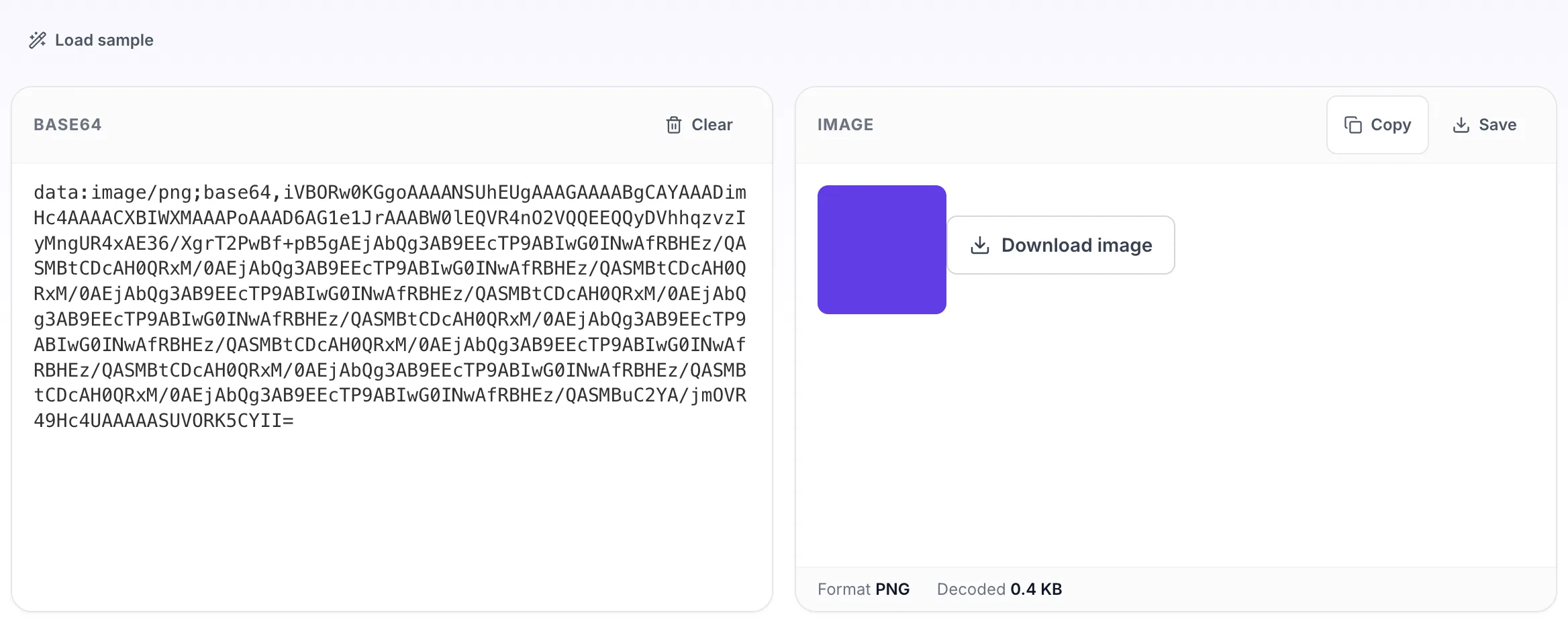
- 3
Read the result
The image appears on the right with copy and save beside it.