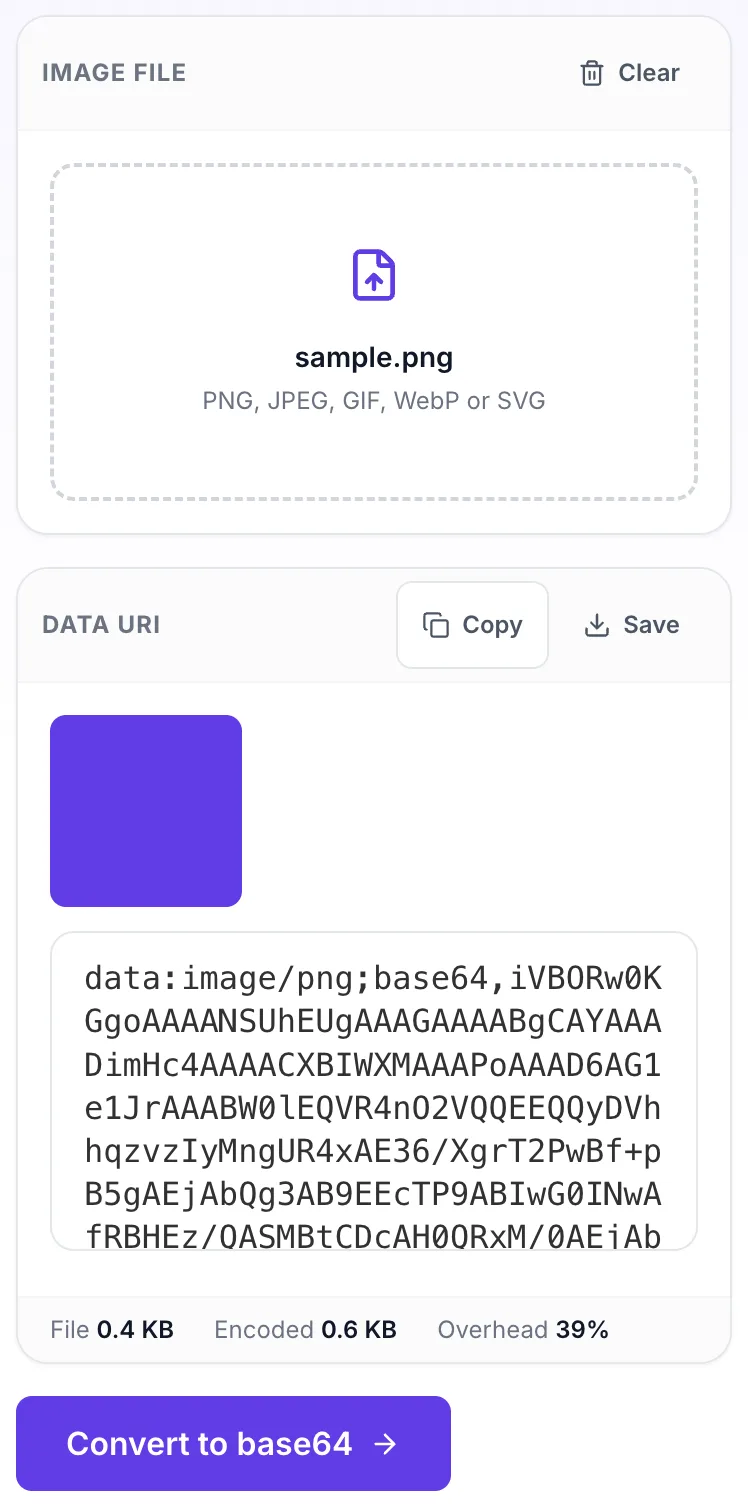
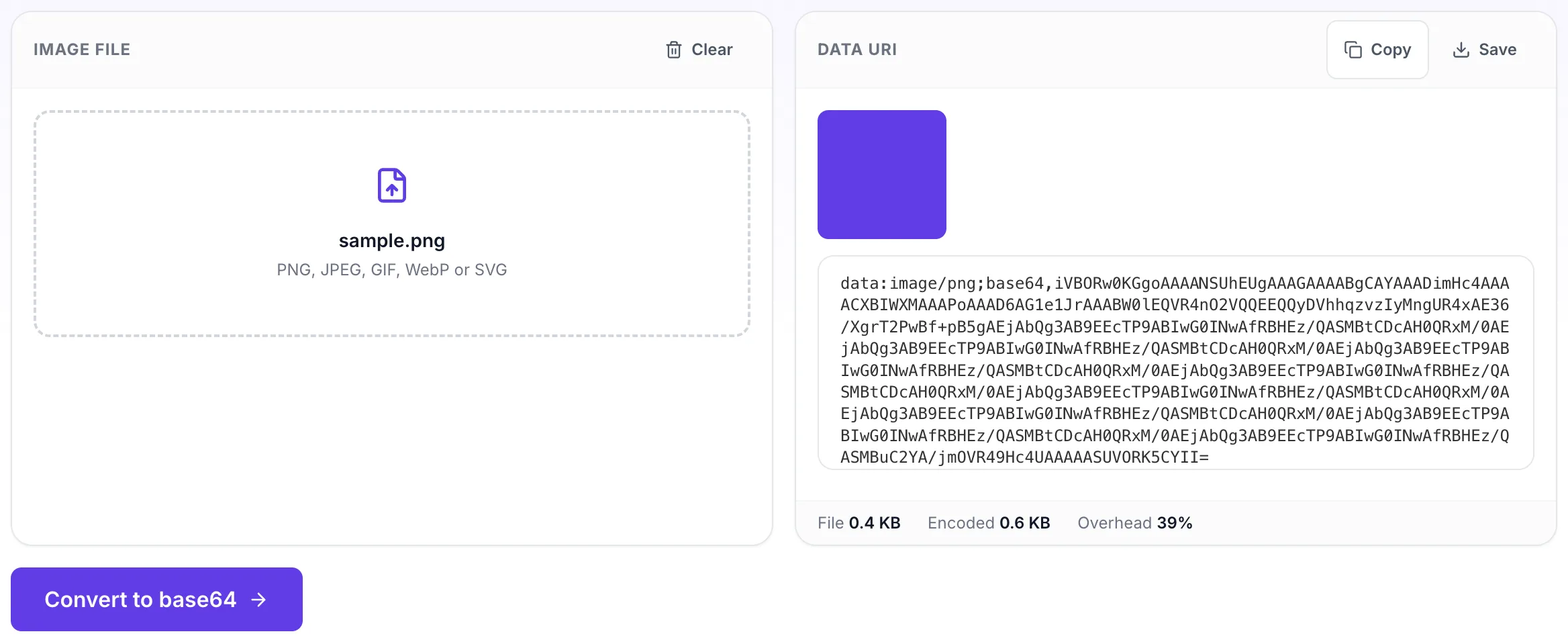
Produces a complete data URI ready to drop into a background-image rule or an img src. The file is read in the browser, so nothing is uploaded, which matters when the asset is not public yet. Also called an image to data URI encoder. Expect the Base64 to be about a third larger than the file.
How to use the Image to Base64 Converter, step by step
Real screenshots of the tool, captured while running it.
1
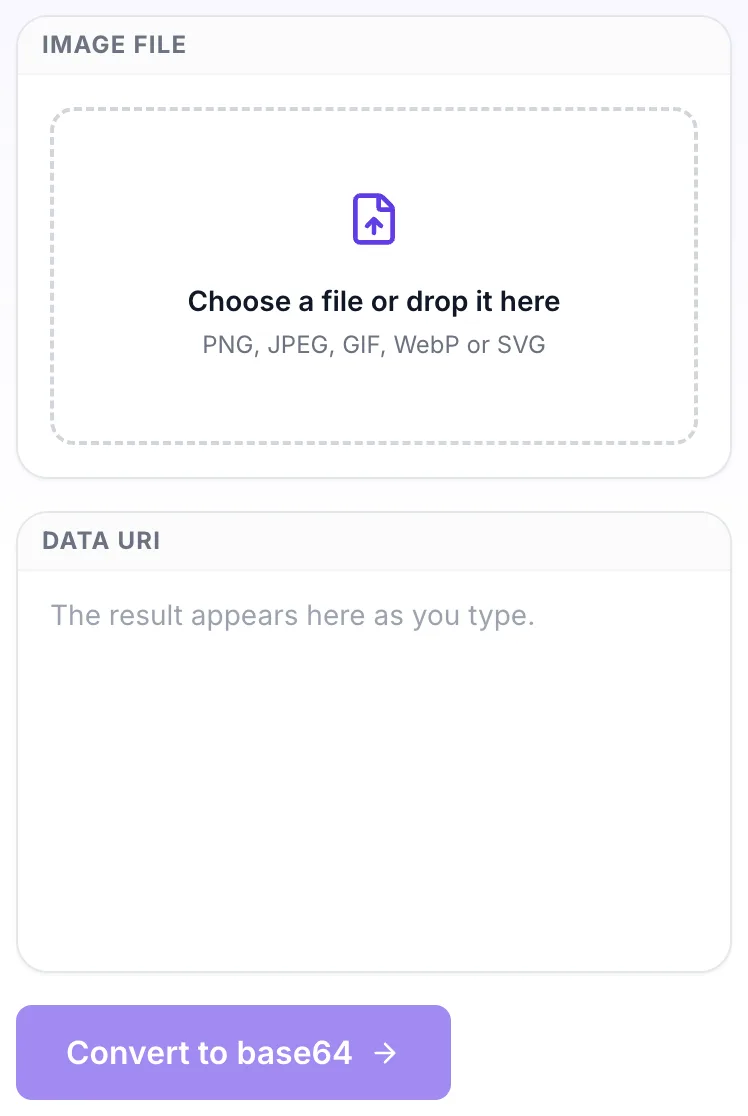
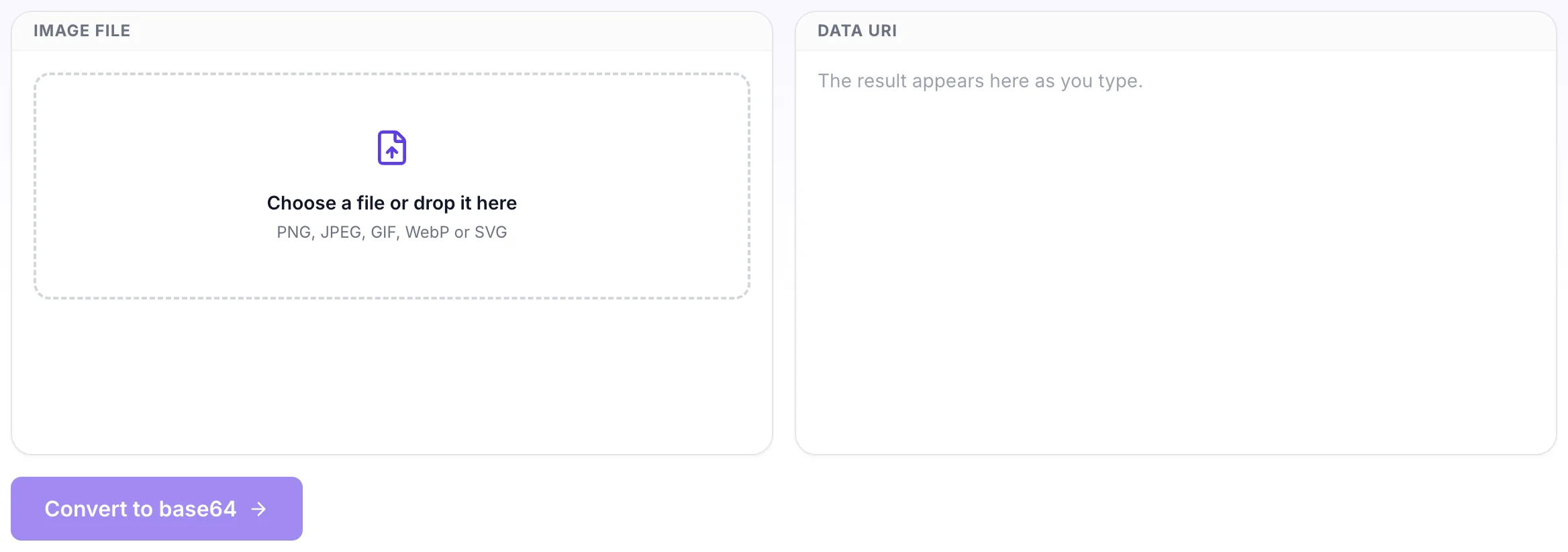
Open the tool
Image to Base64 Converter opens empty, with image file on the left and data uri on the right.
2
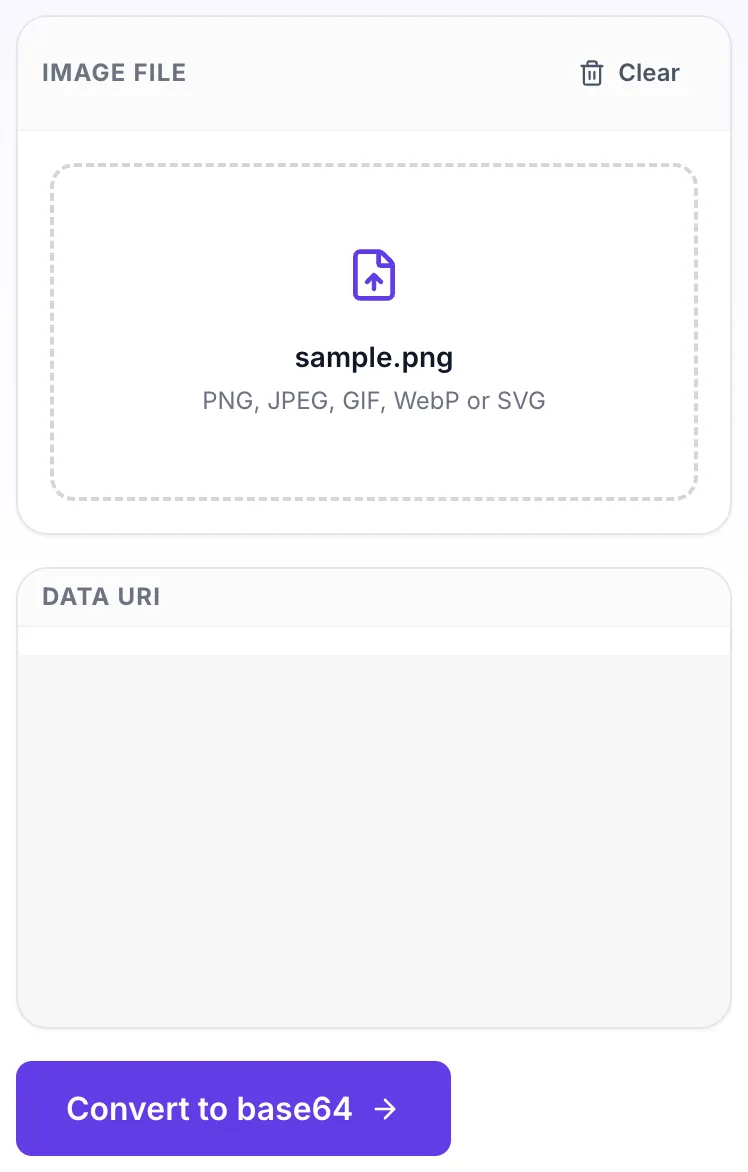
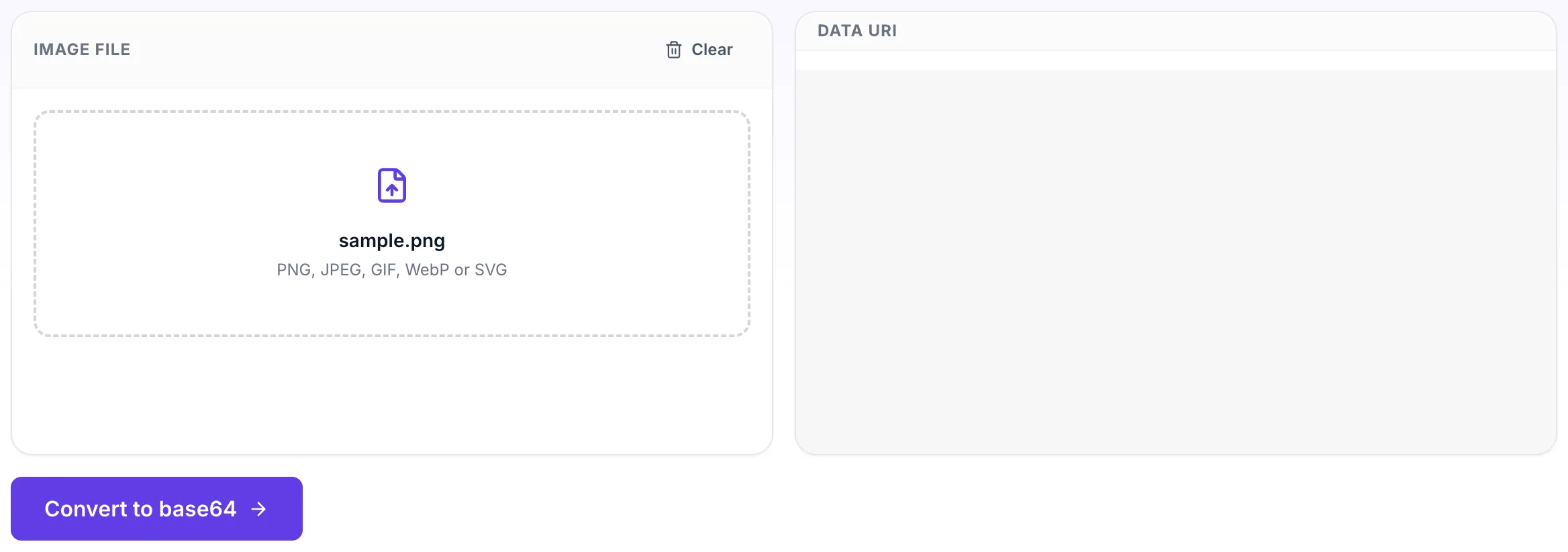
Choose your file
Pick a file and it is read in the browser. Nothing is uploaded.
3
Read the result
The result appears on the right, ready to download.
Questions people ask
For small assets that would otherwise cost a request, such as an icon or a one pixel gradient, and for emails where an external image would be blocked. For anything of real size a normal file reference is better.
Base64 encodes three bytes as four characters, so expect roughly a third more, plus the data URI prefix. A 10 KB image becomes about 13.5 KB of text.
Yes, though for SVG a URL encoded data URI is usually smaller than base64 and stays readable in the stylesheet.
No. The file is read with the browser FileReader and converted in the page. It never leaves your machine.
One at a time here. For a whole sprite sheet or icon set, a build step is a better fit than a manual conversion.