Decode Base64 to text online, padding and all
The result appears here as you type.
Accepts the standard alphabet and the URL safe variant, tolerates missing padding and ignores line breaks, because base64 copied out of an email header or a JWT rarely arrives clean. A Base64 decoder for strings. Paste a JWT header or payload segment and it decodes to readable JSON.
If it will not parse
These are the messages people usually arrive with: Failed to execute atob on Window, The string to be decoded is not correctly encoded, InvalidCharacterError. Paste the input that produced one and the result pane names the problem and points at it.
How to use the Base64 to Text Decoder, step by step
Real screenshots of the tool, captured while running it.
- 1
Open the tool
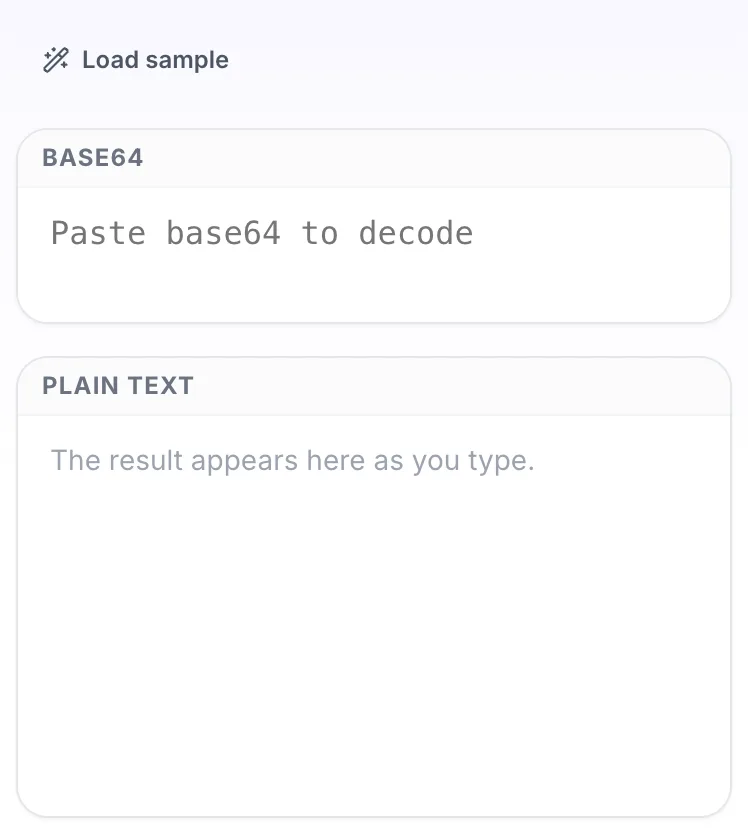
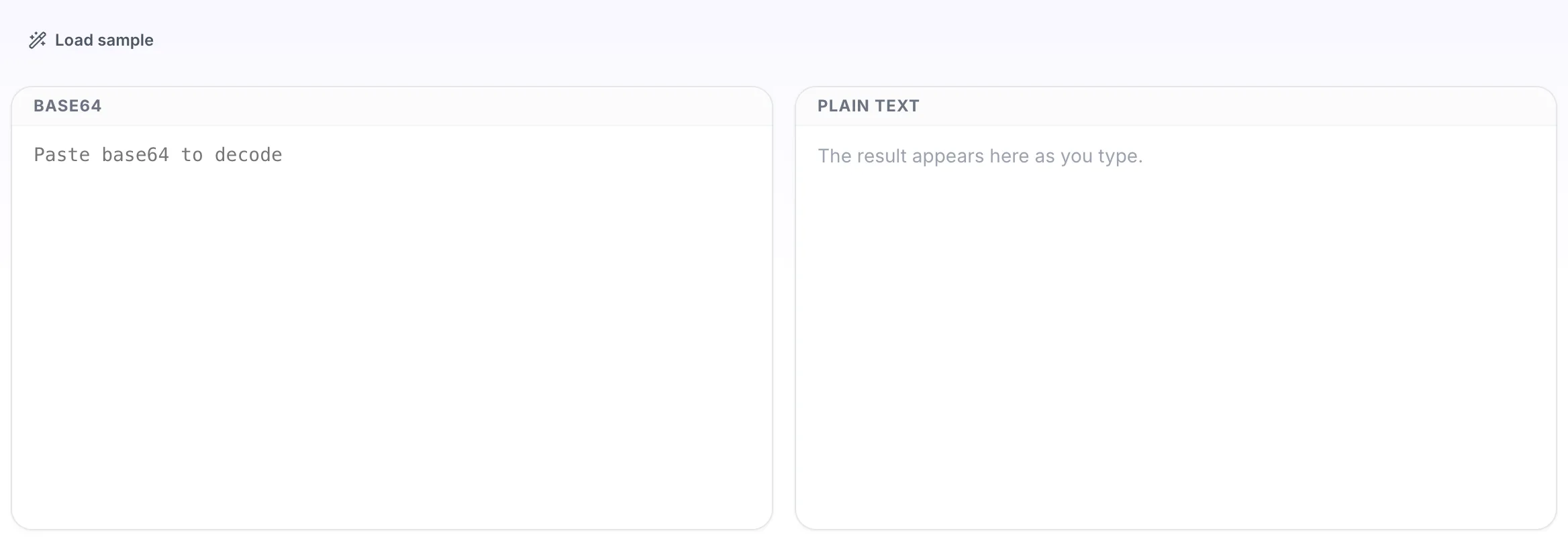
Base64 to Text Decoder opens empty, with base64 on the left and plain text on the right.
- 2
Add your input
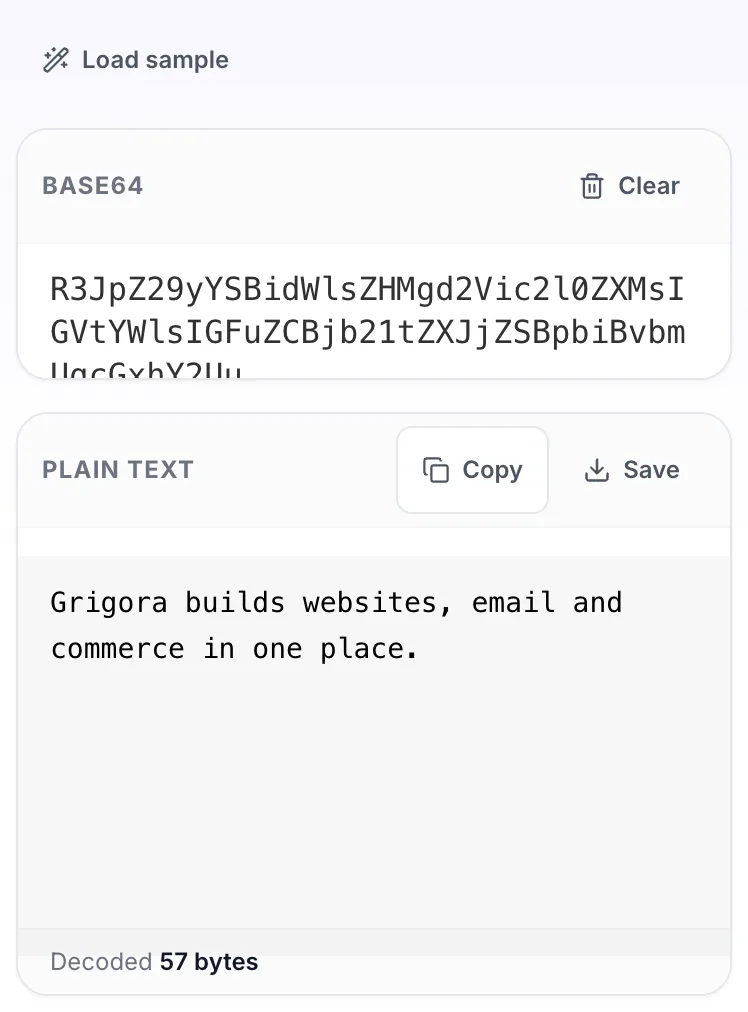
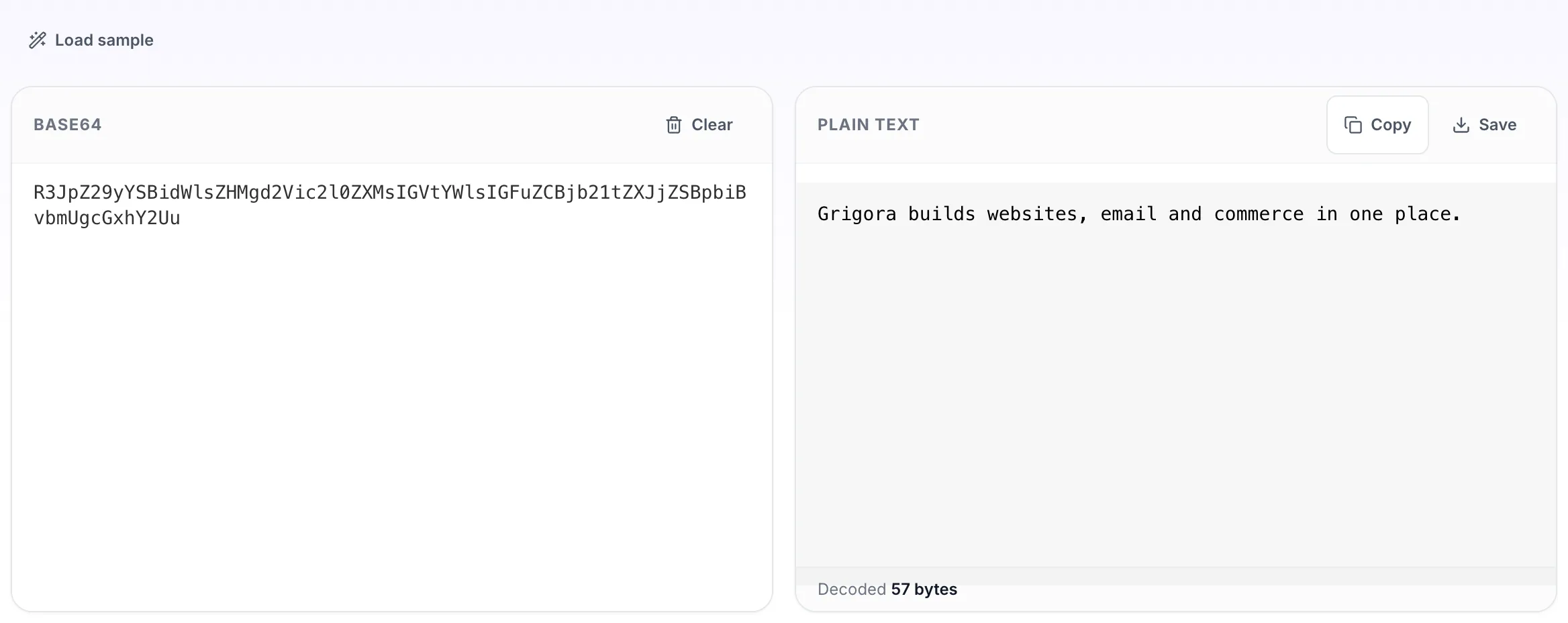
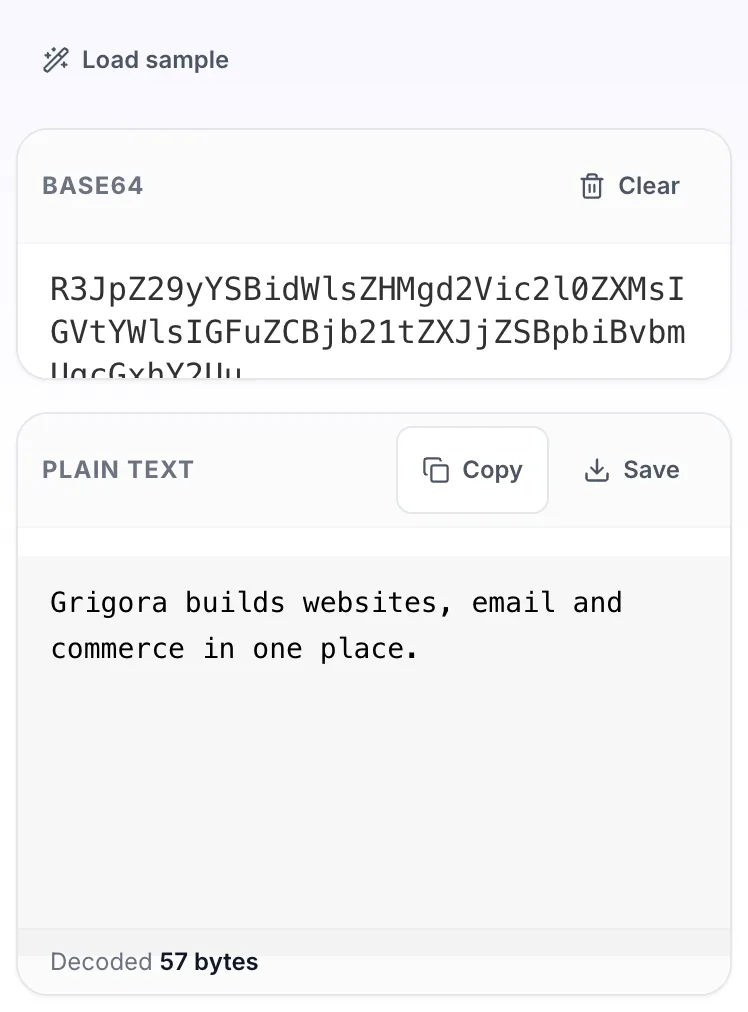
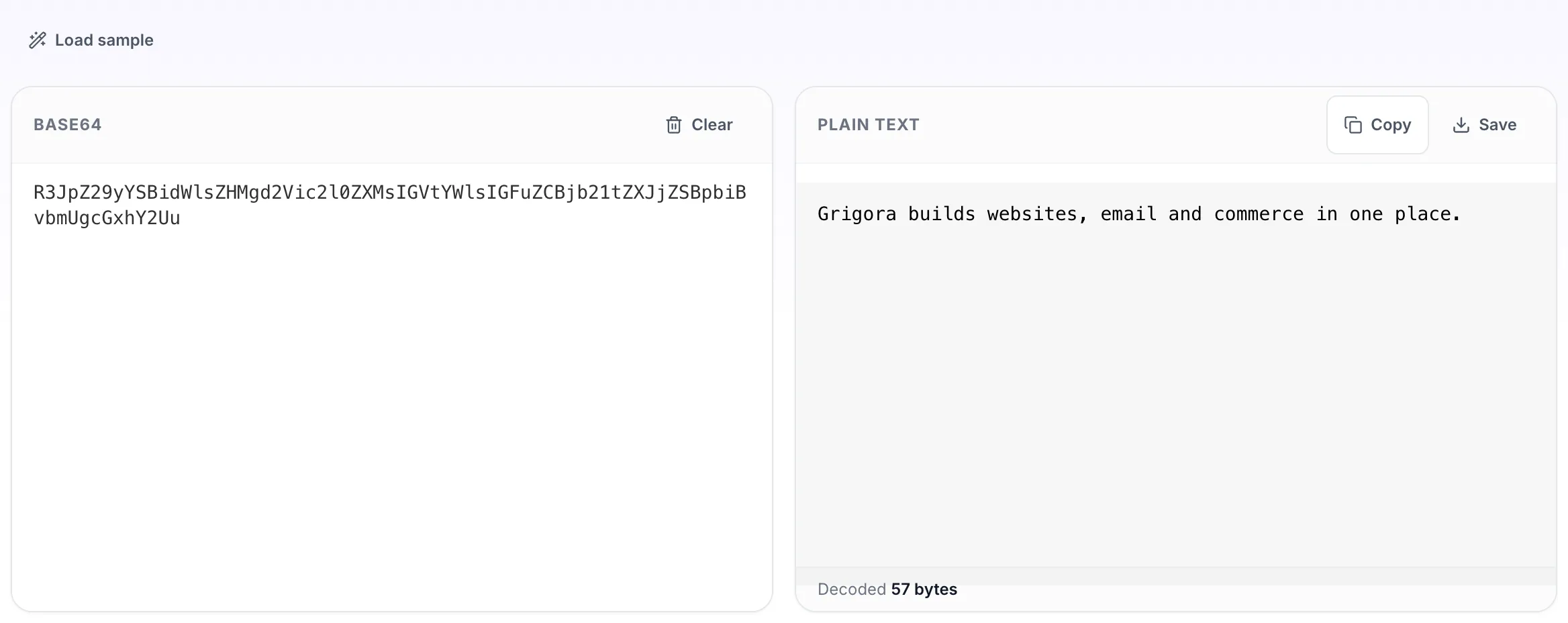
Paste your own base64, or load the sample. The plain text pane fills in as you type.
- 3
Read the result
The plain text appears on the right with copy and save beside it.