Convert JSON to XML online without writing tags
The result appears here as you type.
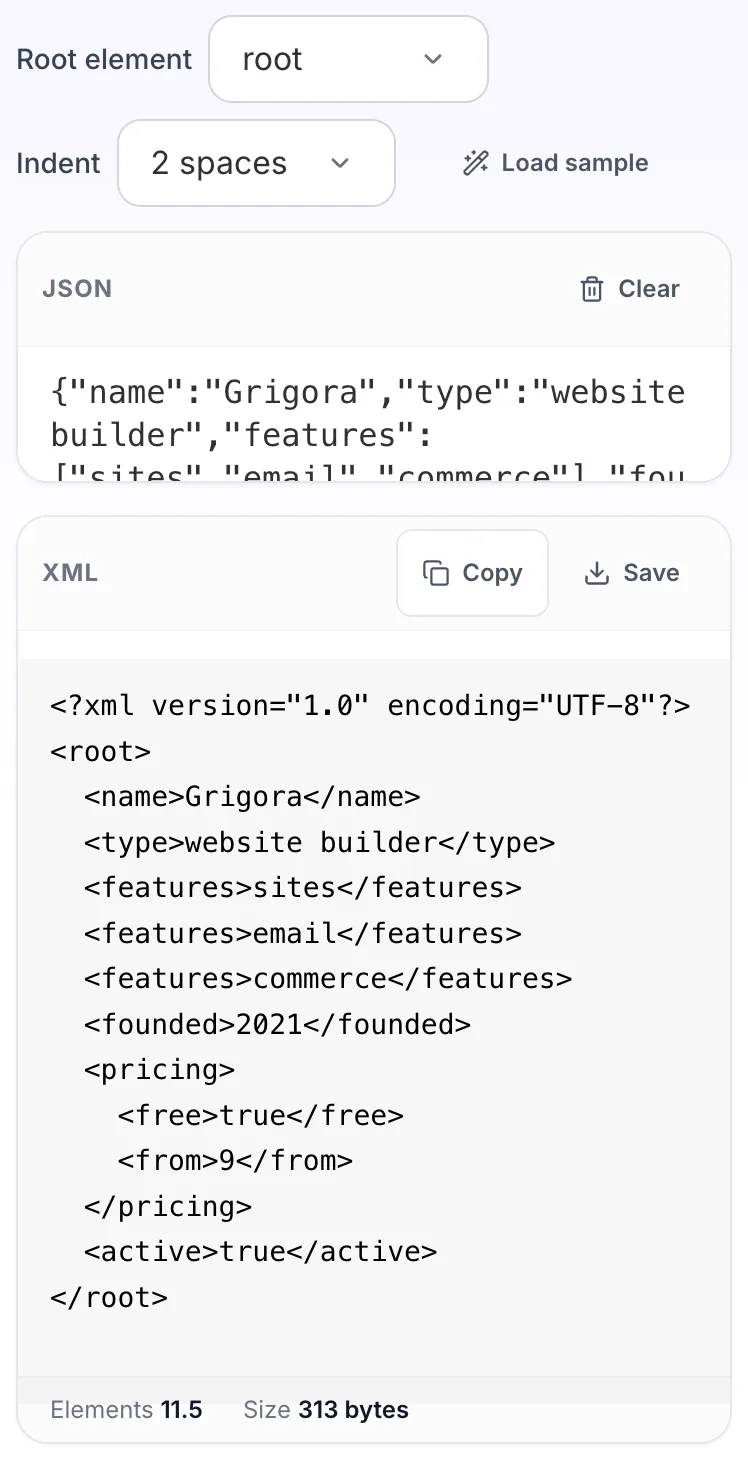
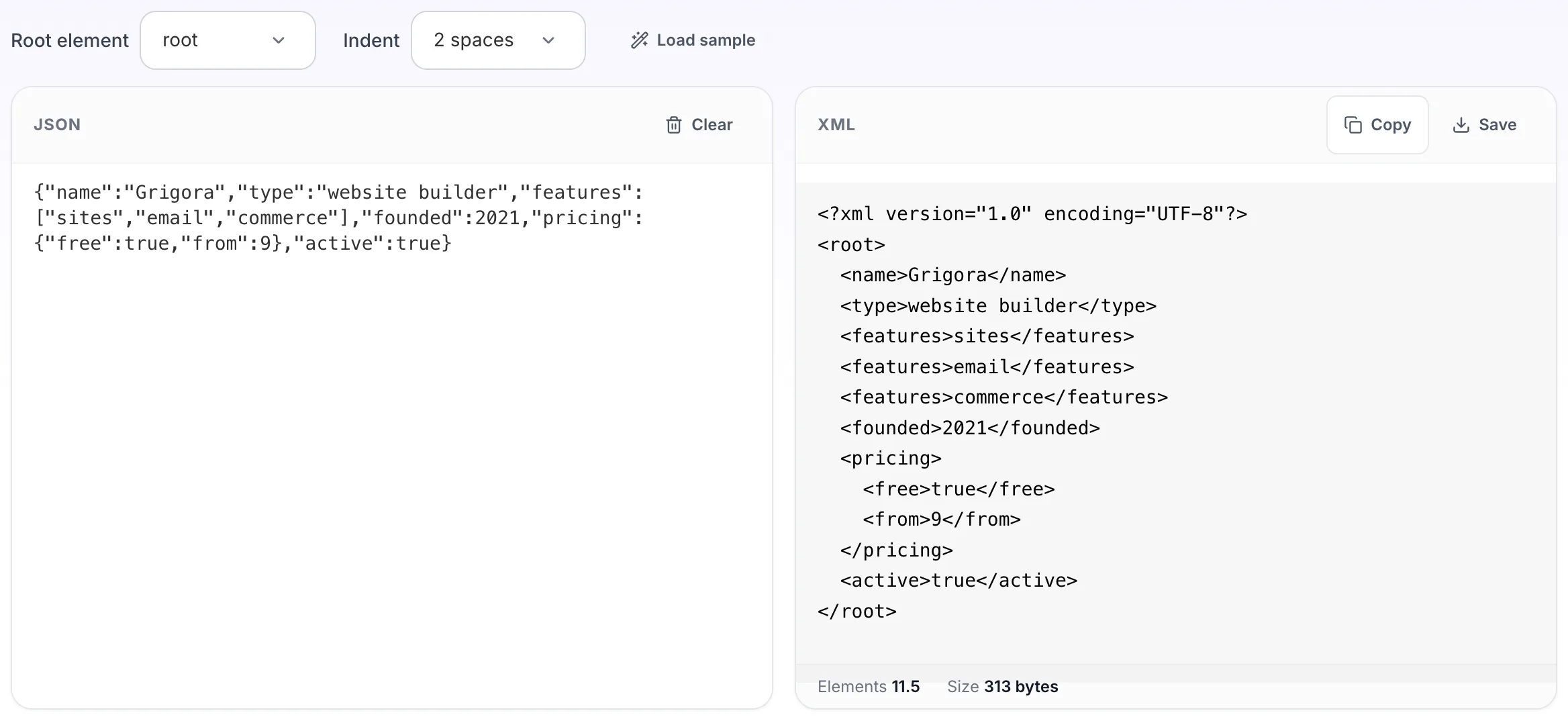
Maps each key to an element and each nested object to a child element. Keys that are not legal XML element names, such as ones starting with a digit or containing a space, become an item element carrying the original key as a name attribute rather than producing XML that will not parse. Arrays become repeated elements and null becomes an xsi:nil element, which is the usual XML convention.
If it will not parse
These are the messages people usually arrive with: Unexpected token in JSON, Unexpected end of JSON input. Paste the input that produced one and the result pane names the problem and points at it.
How to use the JSON to XML Converter, step by step
Real screenshots of the tool, captured while running it.
- 1
Open the tool
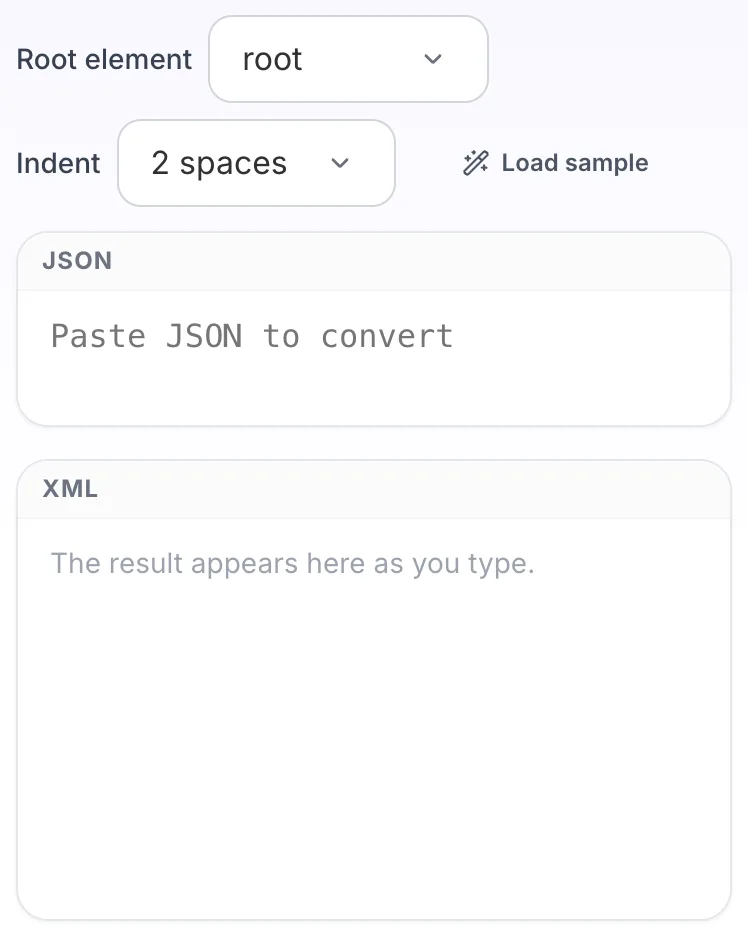
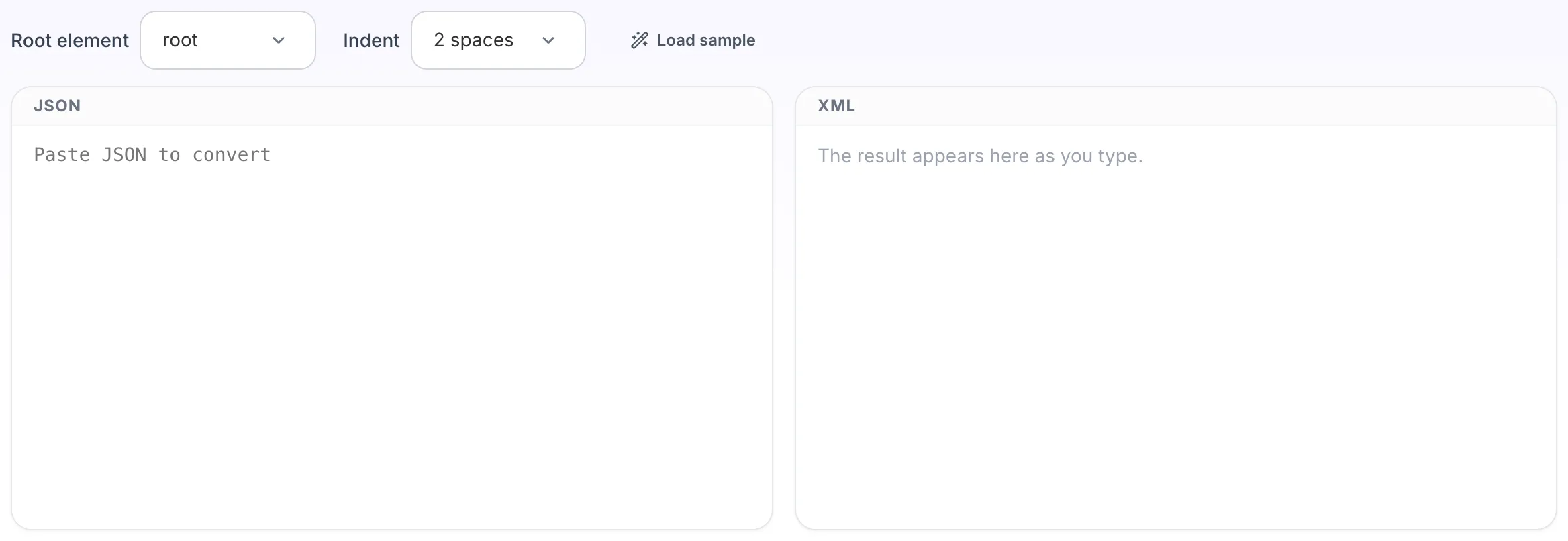
JSON to XML Converter opens empty, with json on the left and xml on the right.
- 2
Add your input
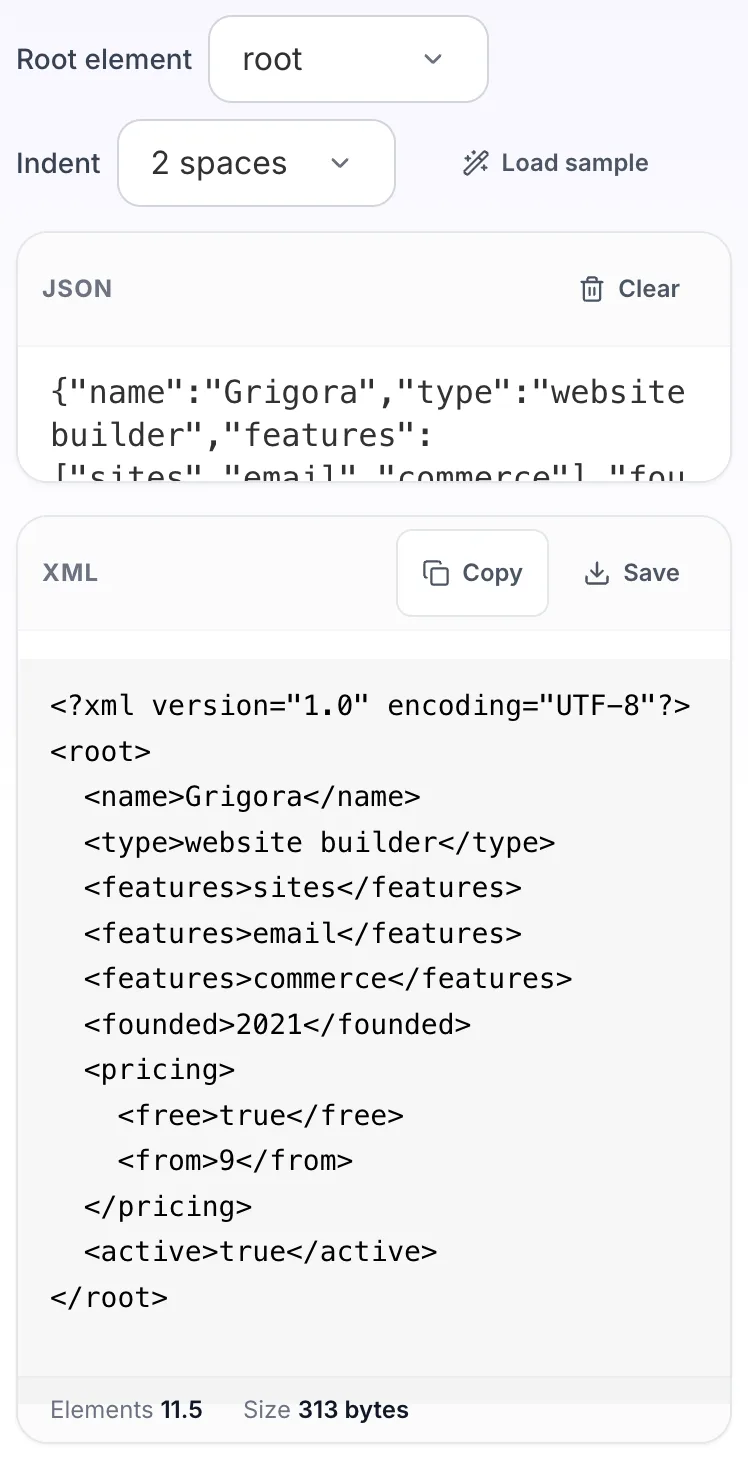
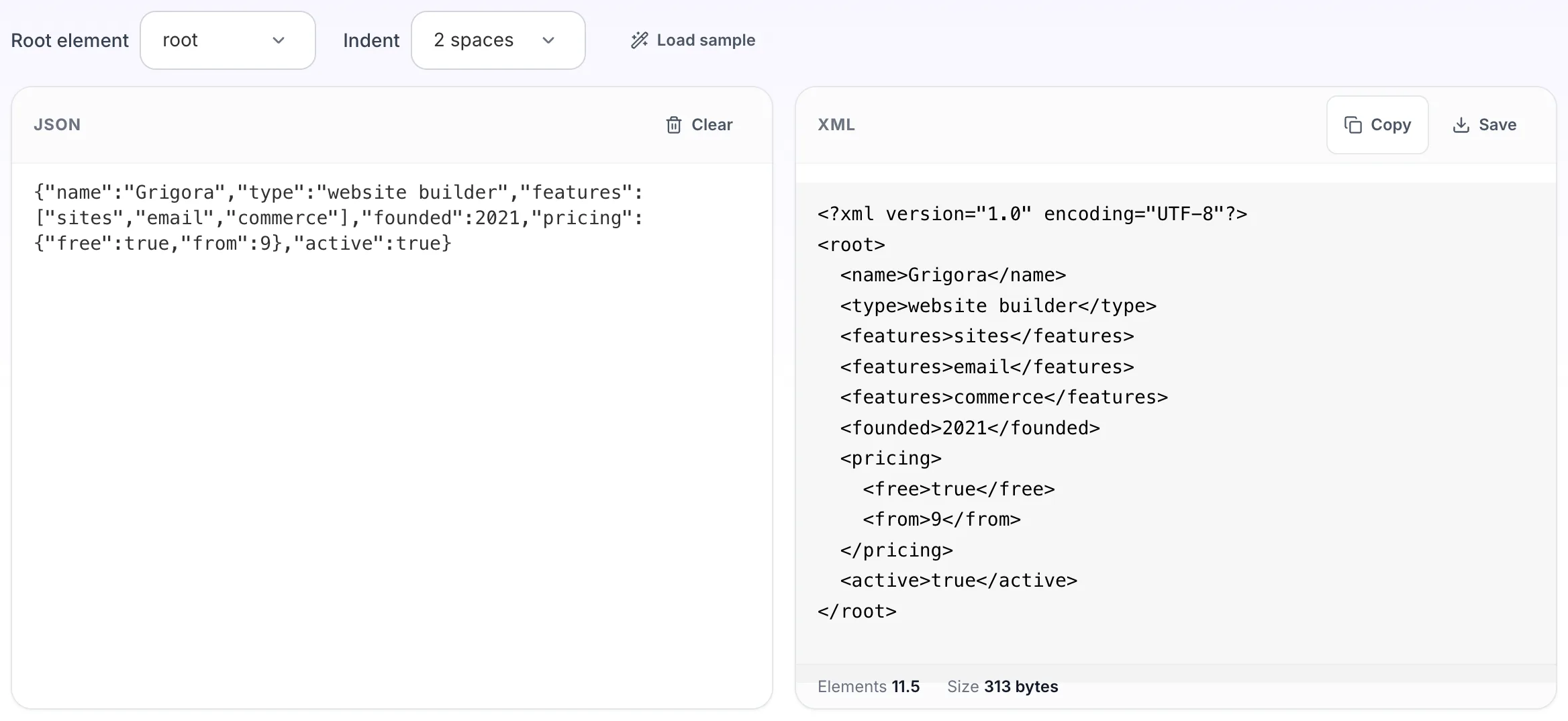
Paste your own json, or load the sample. The xml pane fills in as you type.
- 3
Read the result
The xml appears on the right with copy and save beside it.