Format JSON online and see exactly where it breaks
JSON
Formatted
The result appears here as you type.
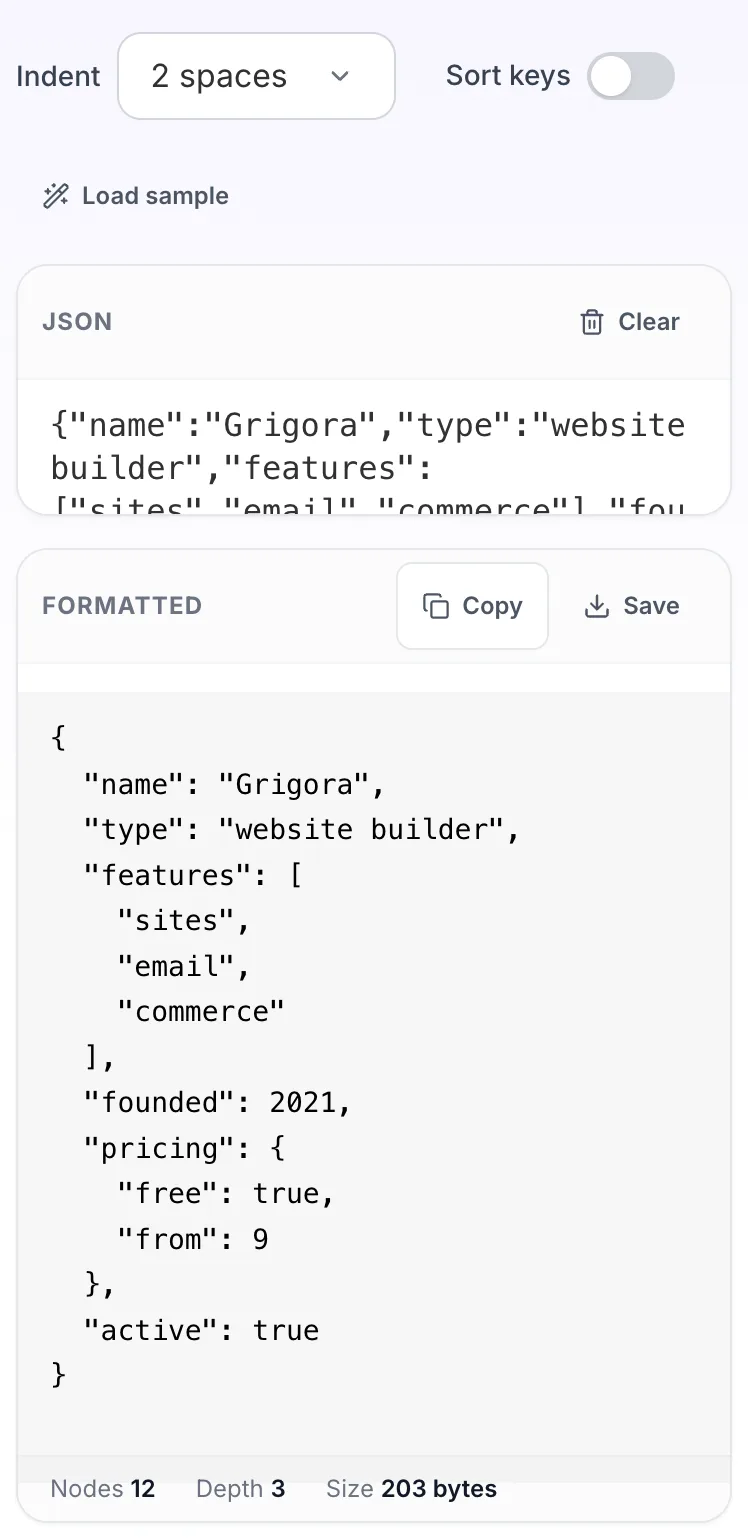
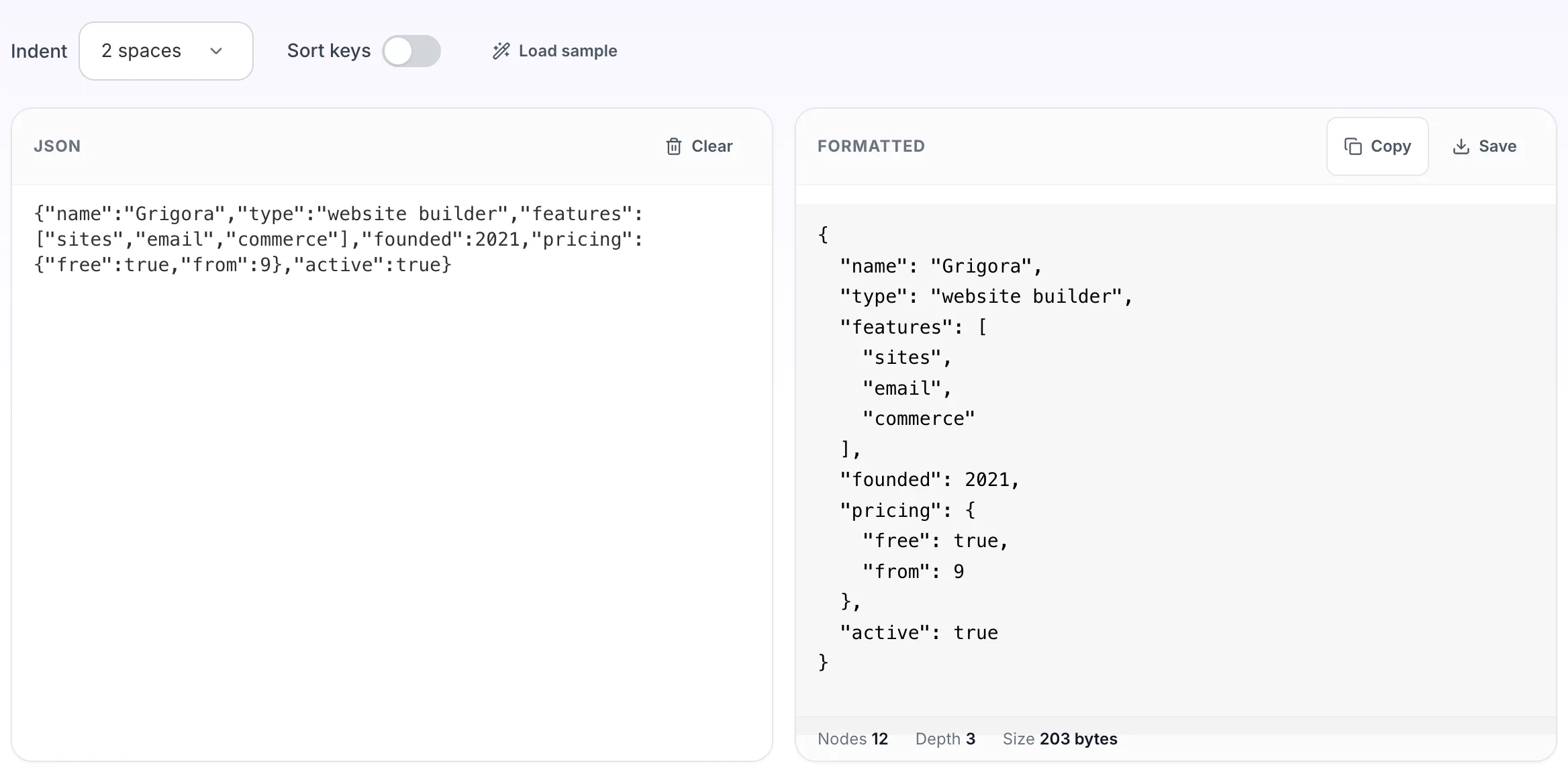
Paste JSON on the left and read the indented result on the right. If it will not parse, you get the line, the column and a caret under the character that broke it, rather than a position number to count to by hand. Also works as a JSON beautifier and pretty printer: paste minified JSON and read it back indented.
If it will not parse
These are the messages people usually arrive with: Unexpected token } in JSON at position 42, Unexpected end of JSON input, SyntaxError: JSON.parse, Expecting value. Paste the input that produced one and the result pane names the problem and points at it.
How to use the JSON Formatter, step by step
Real screenshots of the tool, captured while running it.
1
Open the tool
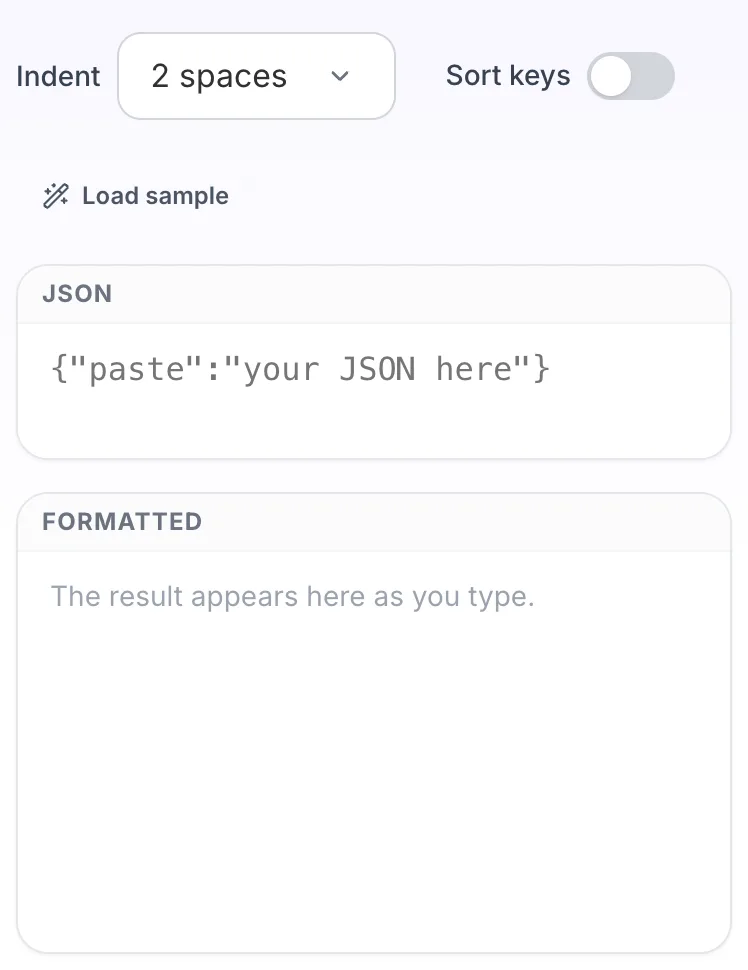
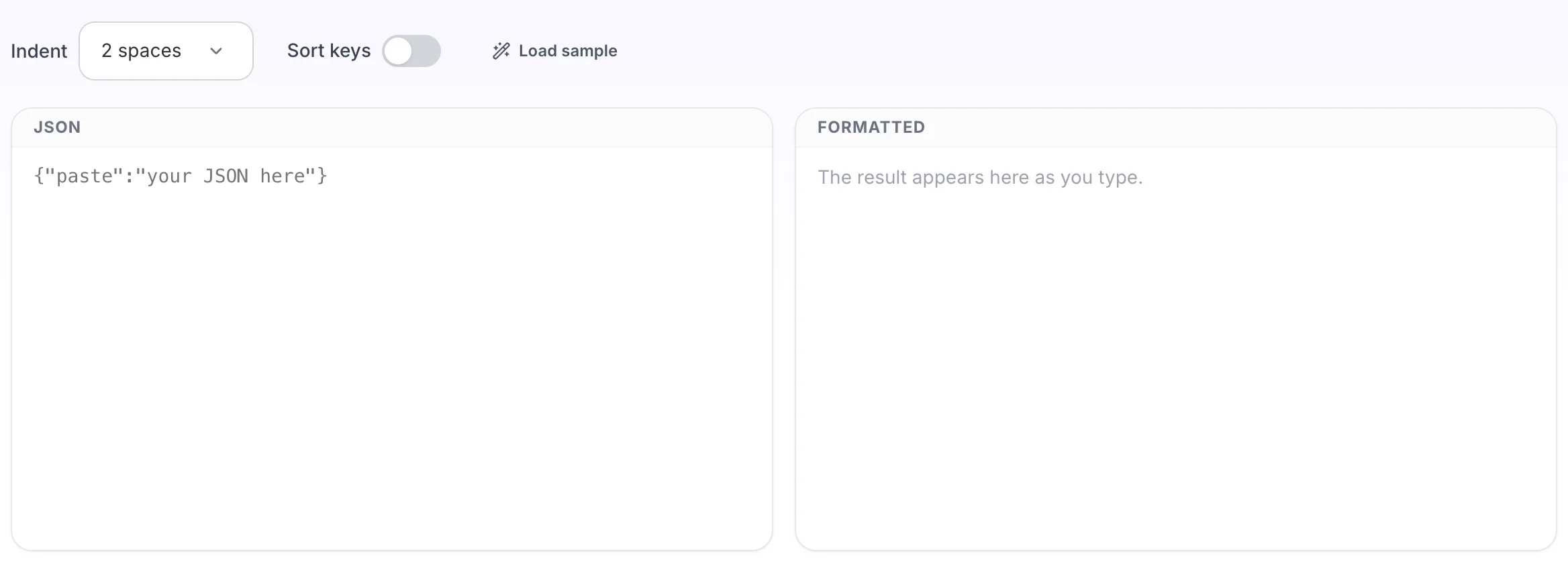
JSON Formatter opens empty, with json on the left and formatted on the right.
2
Add your input
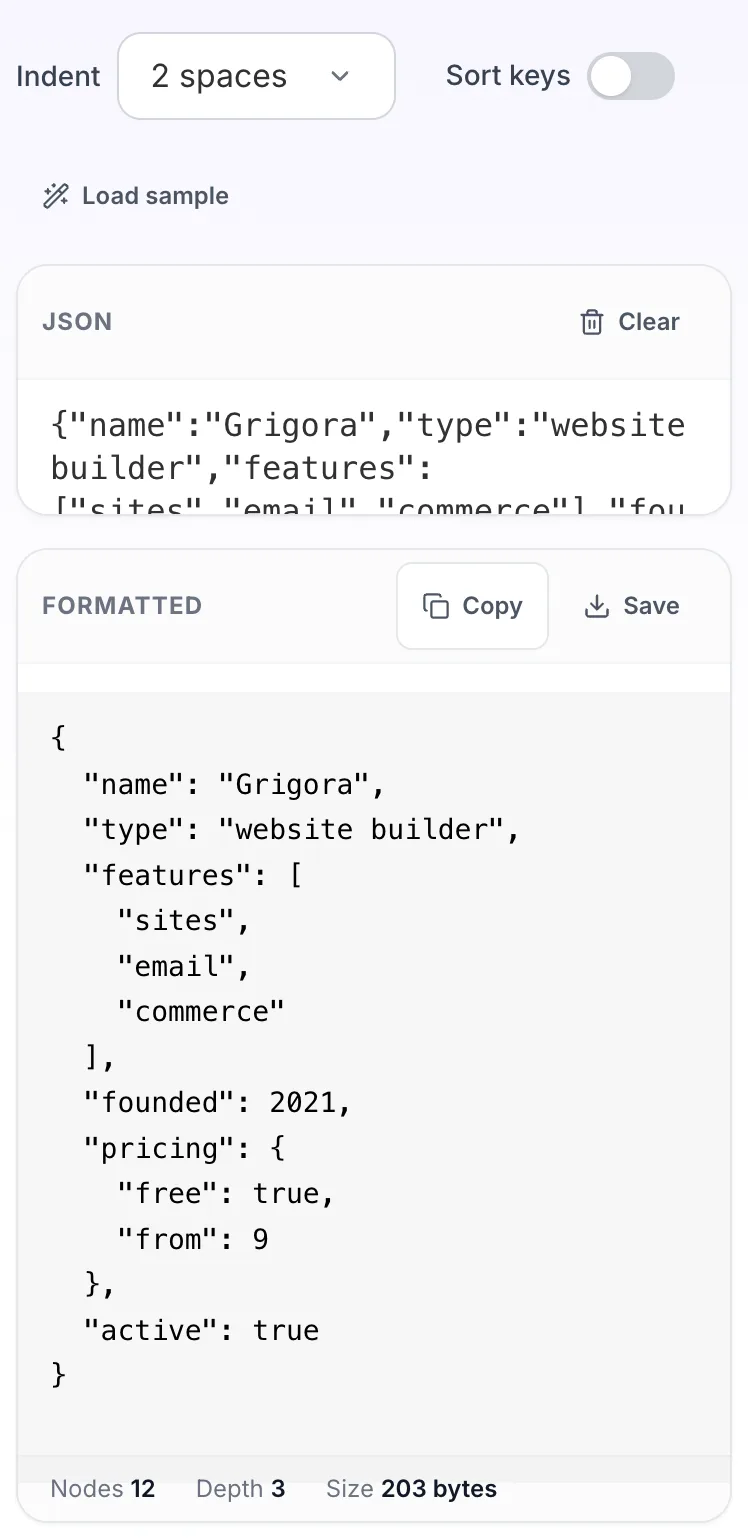
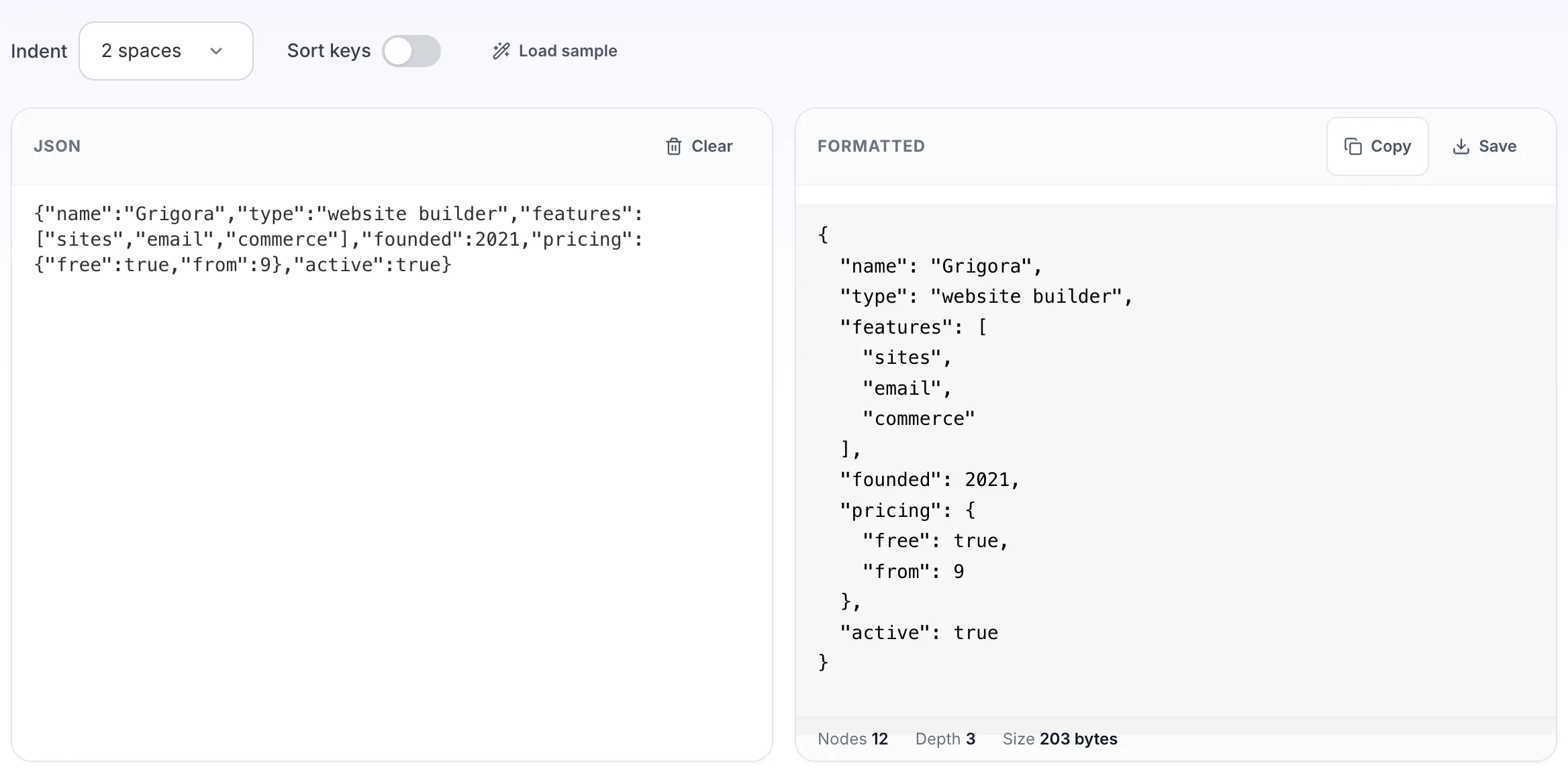
Paste your own json, or load the sample. The formatted pane fills in as you type.
3
Read the result
The formatted appears on the right with copy and save beside it.
Questions people ask
No. The formatting runs in your browser with the built-in JSON parser. Nothing is sent to a server, which means you can paste an API response containing customer data without it leaving your machine.
That is the browser telling you the document stopped being valid JSON at a specific character. The tool converts that position into a line and column and prints the offending line with a caret under it, so you can see whether it is a trailing comma, a single quote, or an unescaped newline inside a string.
It reorders object keys alphabetically at every level. JSON objects are unordered by definition, so the data is equivalent, but if something downstream depends on key order, leave it off.
No. Comments are not part of the JSON specification, so a document containing them is not valid JSON and will fail to parse. Strip them first if you are working with a JSONC config file.
A few megabytes is comfortable. Past that the browser tab does the work single threaded and the page will feel slow, so split the file or use a command line tool such as jq.