Pretty print JSON online with spaces or real tabs
The result appears here as you type.
The same parse and re-serialise every JSON tool does, with the indent choice made the point rather than a setting buried in a menu. Pick tabs and the output uses real tab characters, which matters when a linter is going to check the file you paste back. Pretty printing, beautifying and formatting all mean the same operation here. The choice that matters is the indent.
If it will not parse
These are the messages people usually arrive with: Unexpected token in JSON, Unexpected end of JSON input. Paste the input that produced one and the result pane names the problem and points at it.
How to use the JSON Pretty Print, step by step
Real screenshots of the tool, captured while running it.
- 1
Open the tool
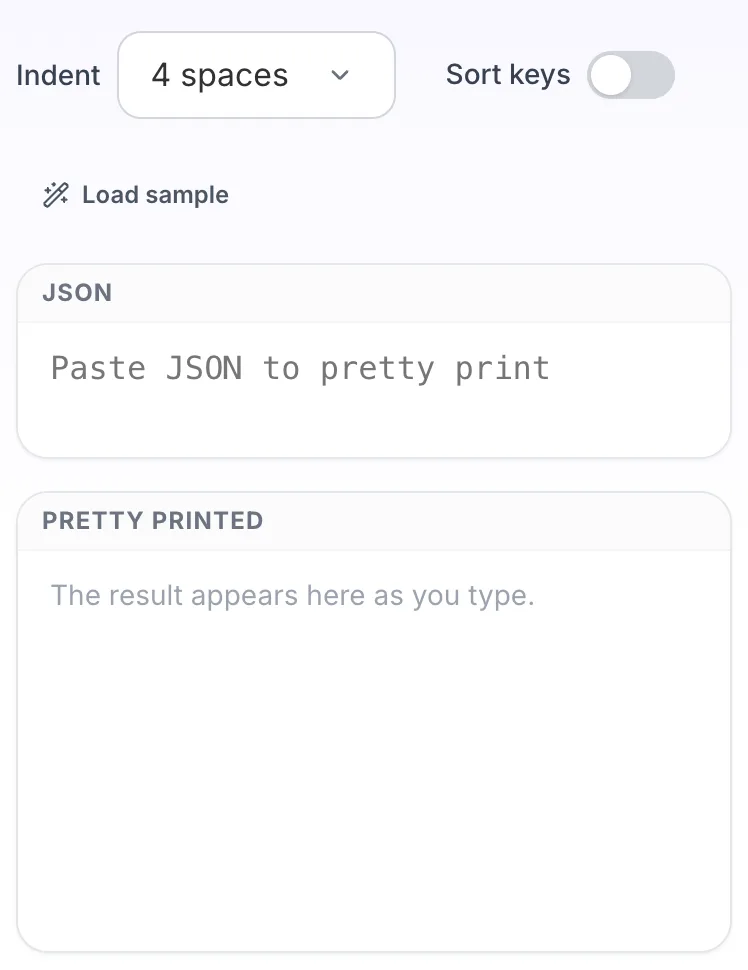
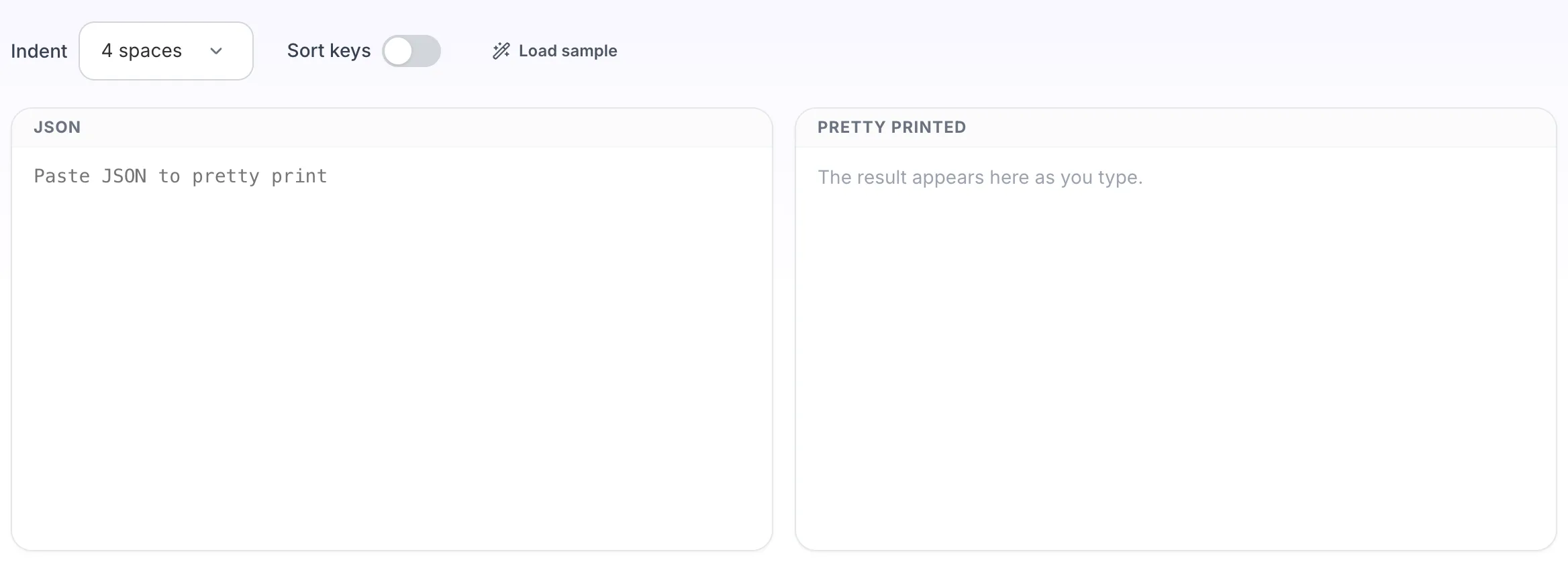
JSON Pretty Print opens empty, with json on the left and pretty printed on the right.
- 2
Add your input
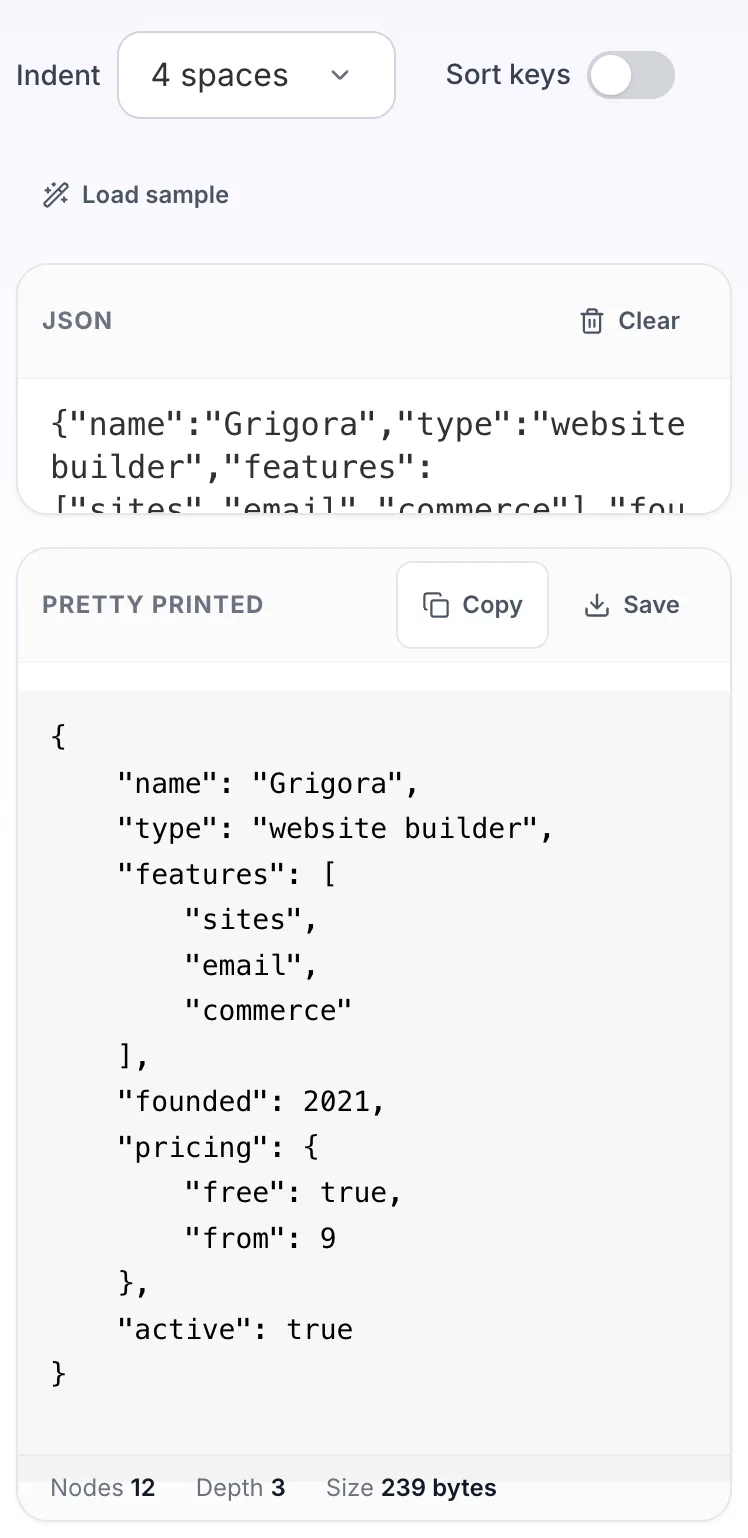
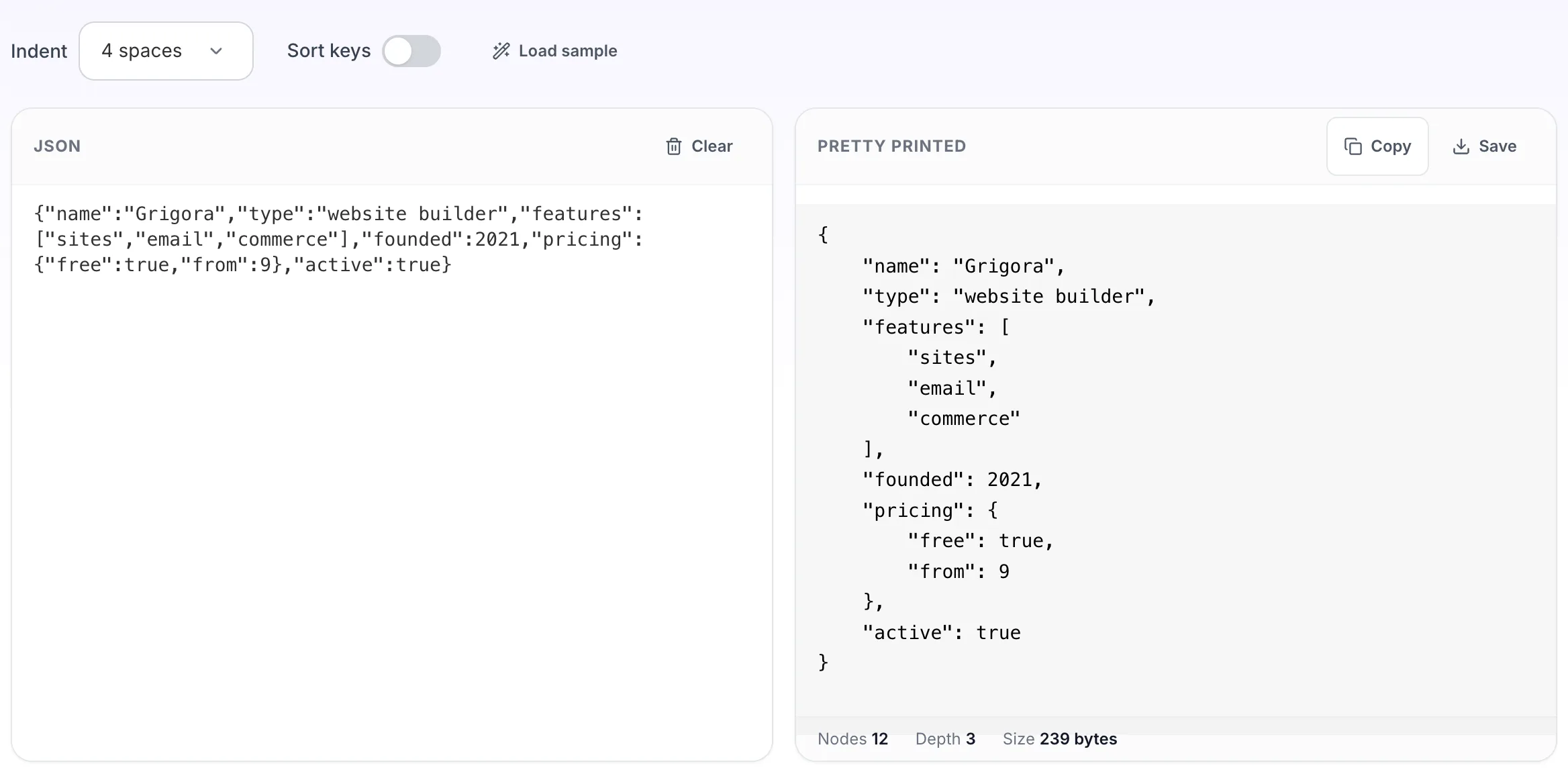
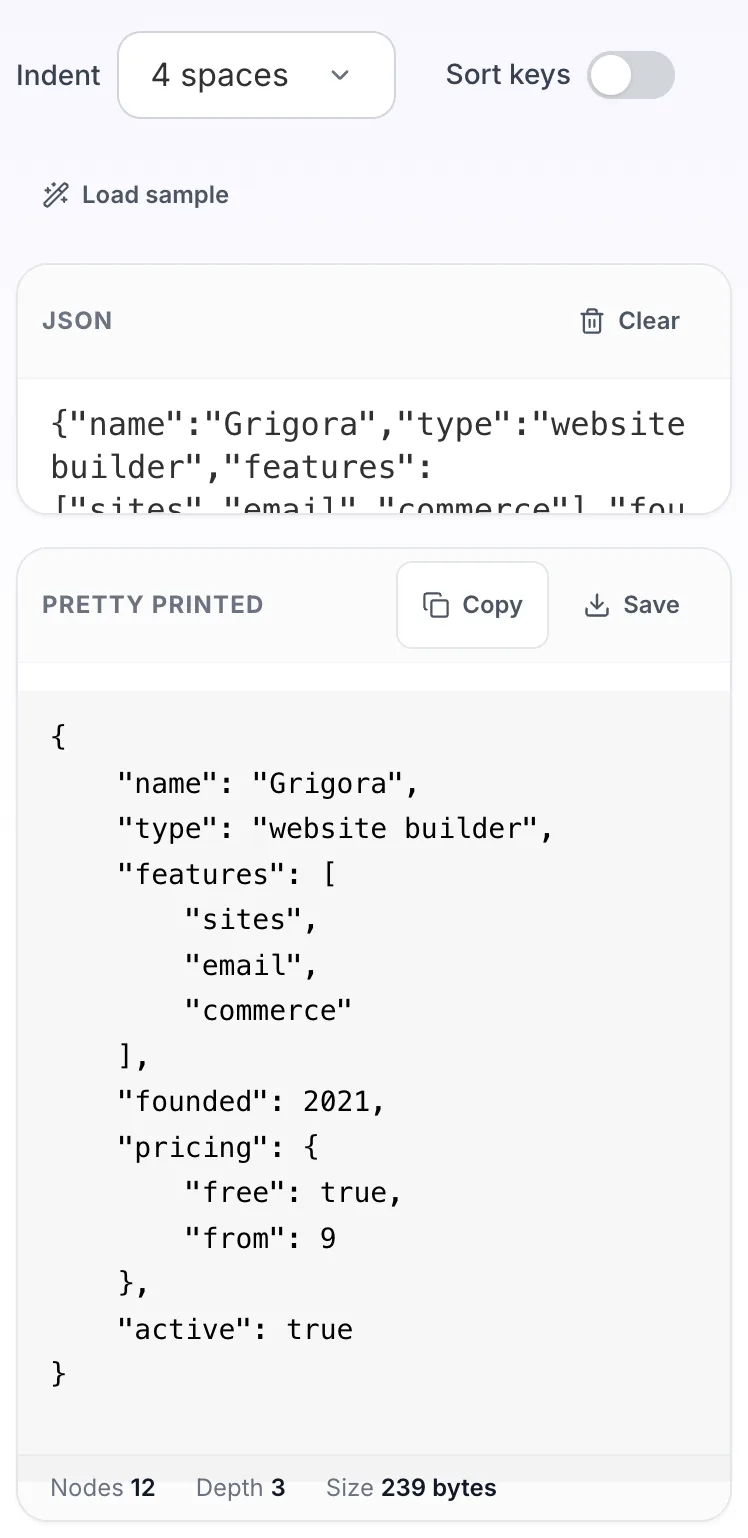
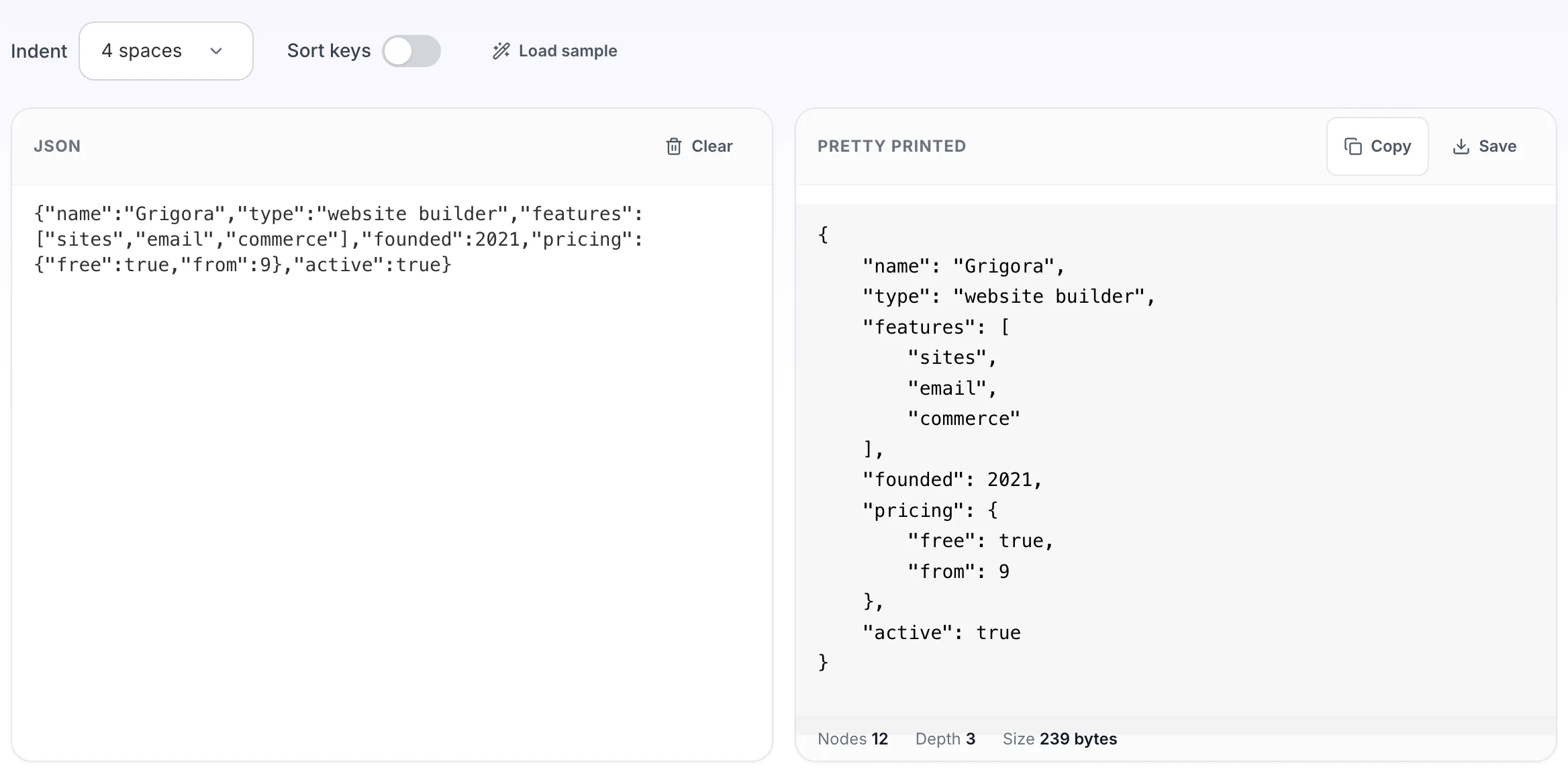
Paste your own json, or load the sample. The pretty printed pane fills in as you type.
- 3
Read the result
The pretty printed appears on the right with copy and save beside it.