Minify JSON online and see the bytes you saved
The result appears here as you type.
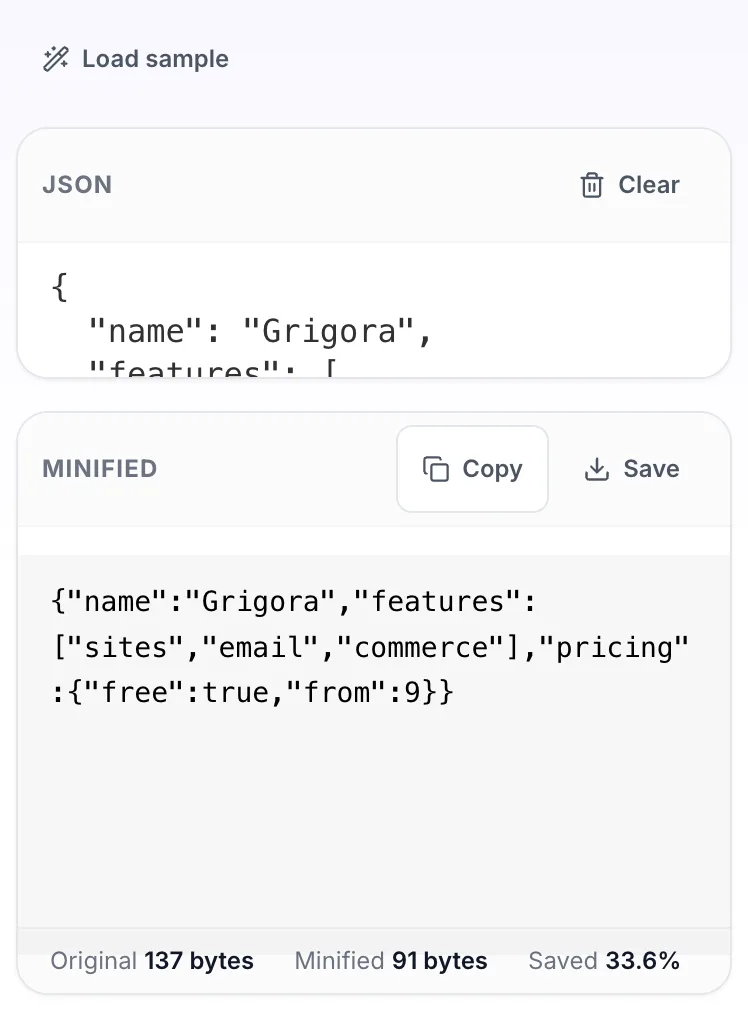
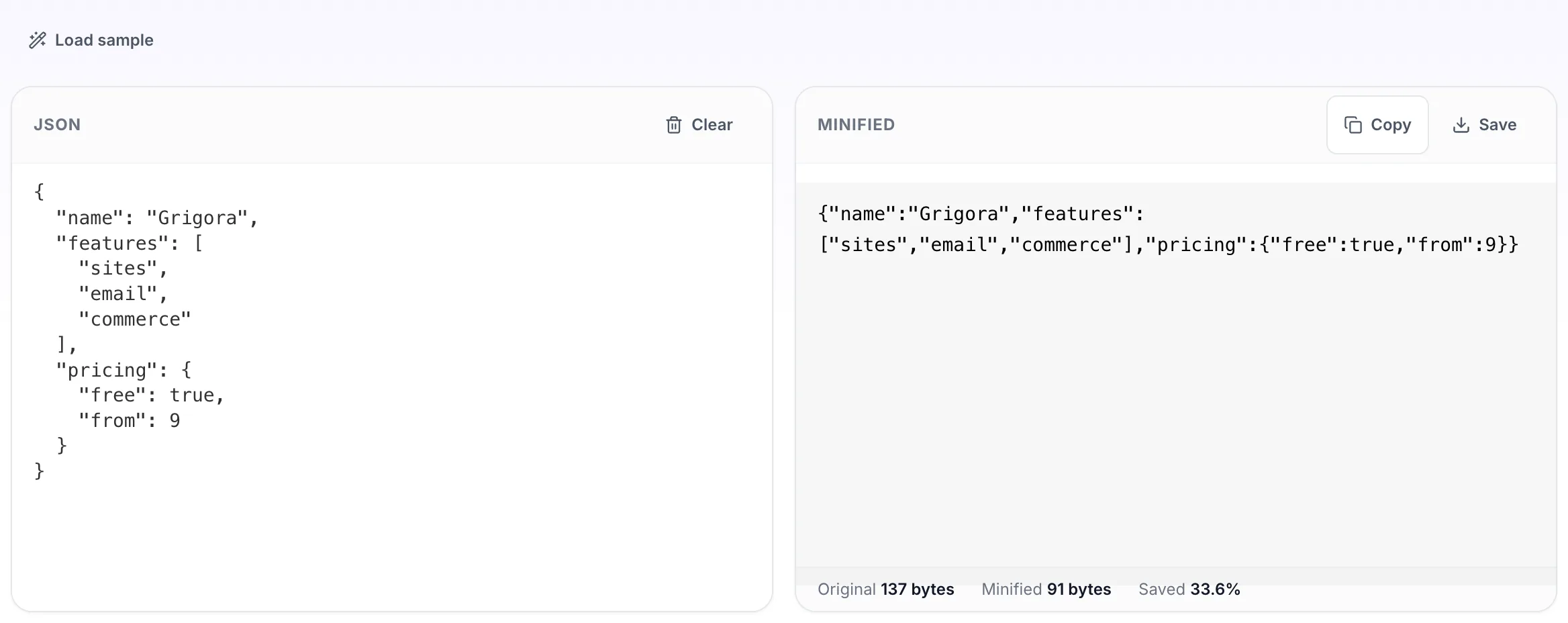
Removes the indentation and newlines a formatter added, and reports the before and after size so you can see whether it was worth doing. Useful for config you are about to paste into an environment variable, where newlines cause real problems. Also called a JSON compressor or whitespace remover. Reverse it any time with the JSON beautifier.
If it will not parse
These are the messages people usually arrive with: Unexpected token in JSON, Unexpected end of JSON input. Paste the input that produced one and the result pane names the problem and points at it.
How to use the JSON Minifier, step by step
Real screenshots of the tool, captured while running it.
- 1
Open the tool
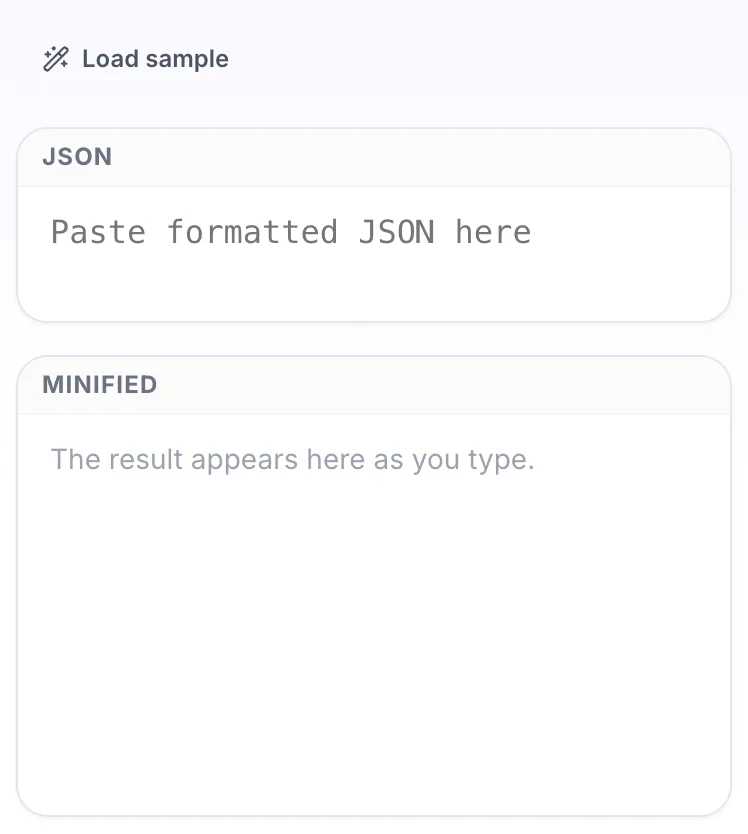
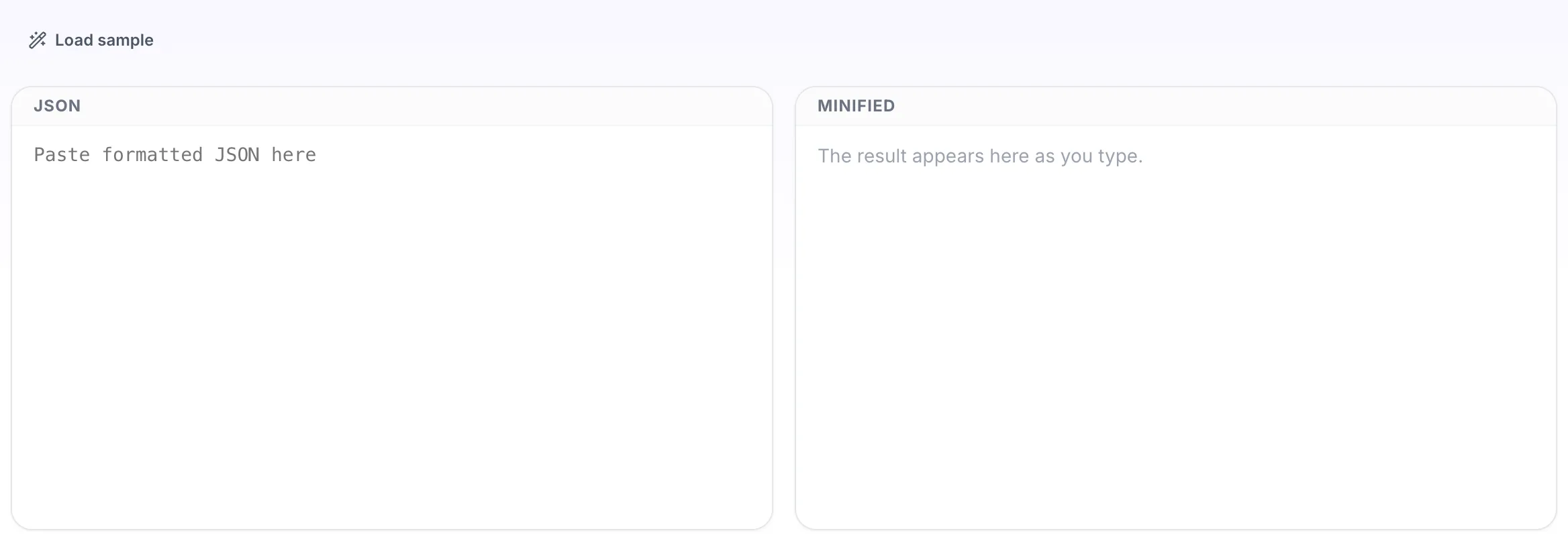
JSON Minifier opens empty, with json on the left and minified on the right.
- 2
Add your input
Paste your own json, or load the sample. The minified pane fills in as you type.
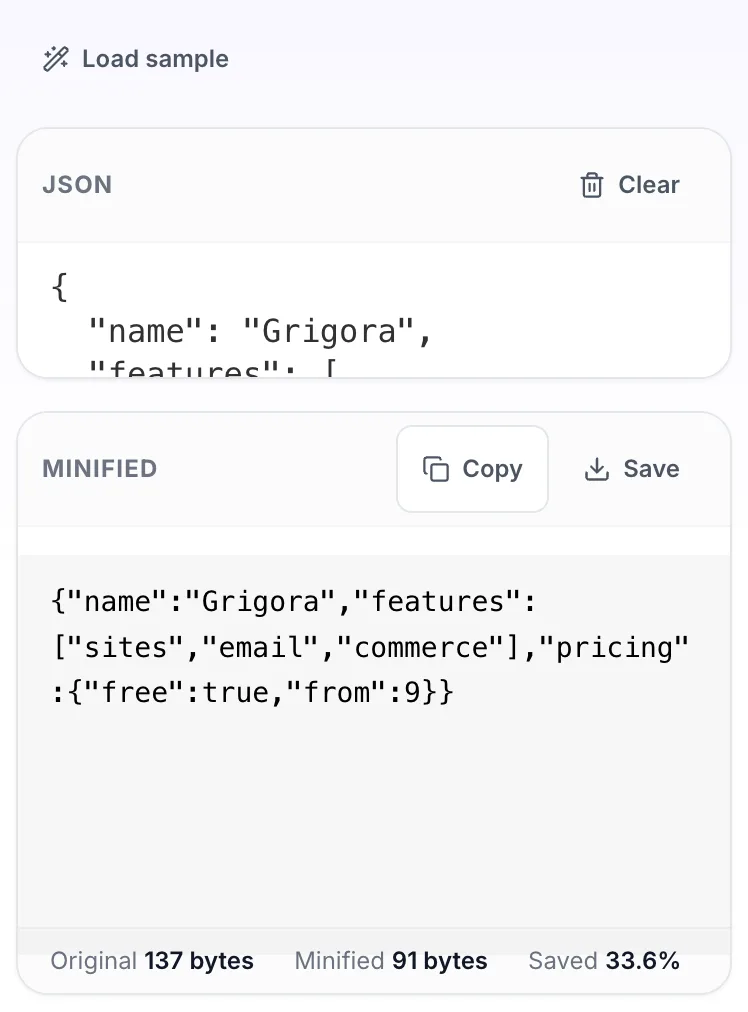
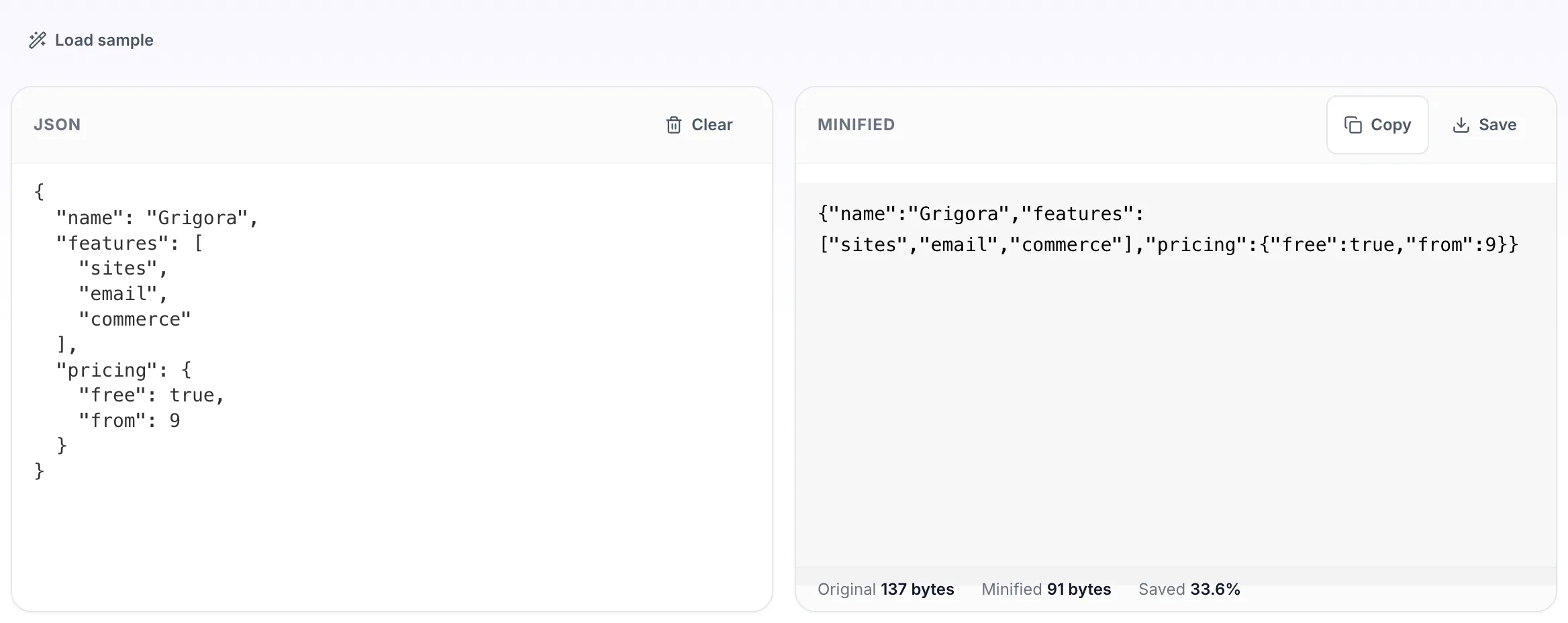
- 3
Read the result
The minified appears on the right with copy and save beside it.