Beautify and format minified CSS online
CSS
Beautified
The result appears here as you type.
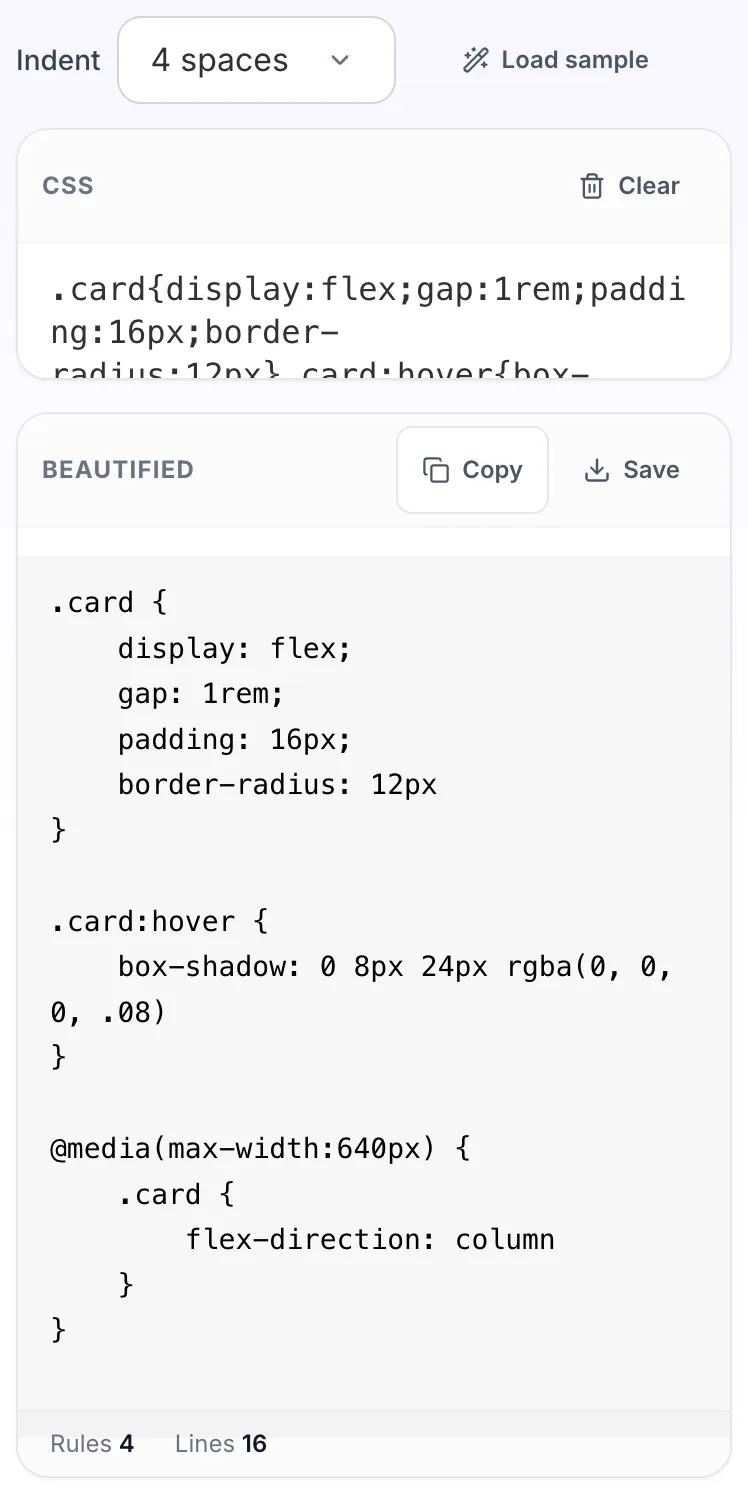
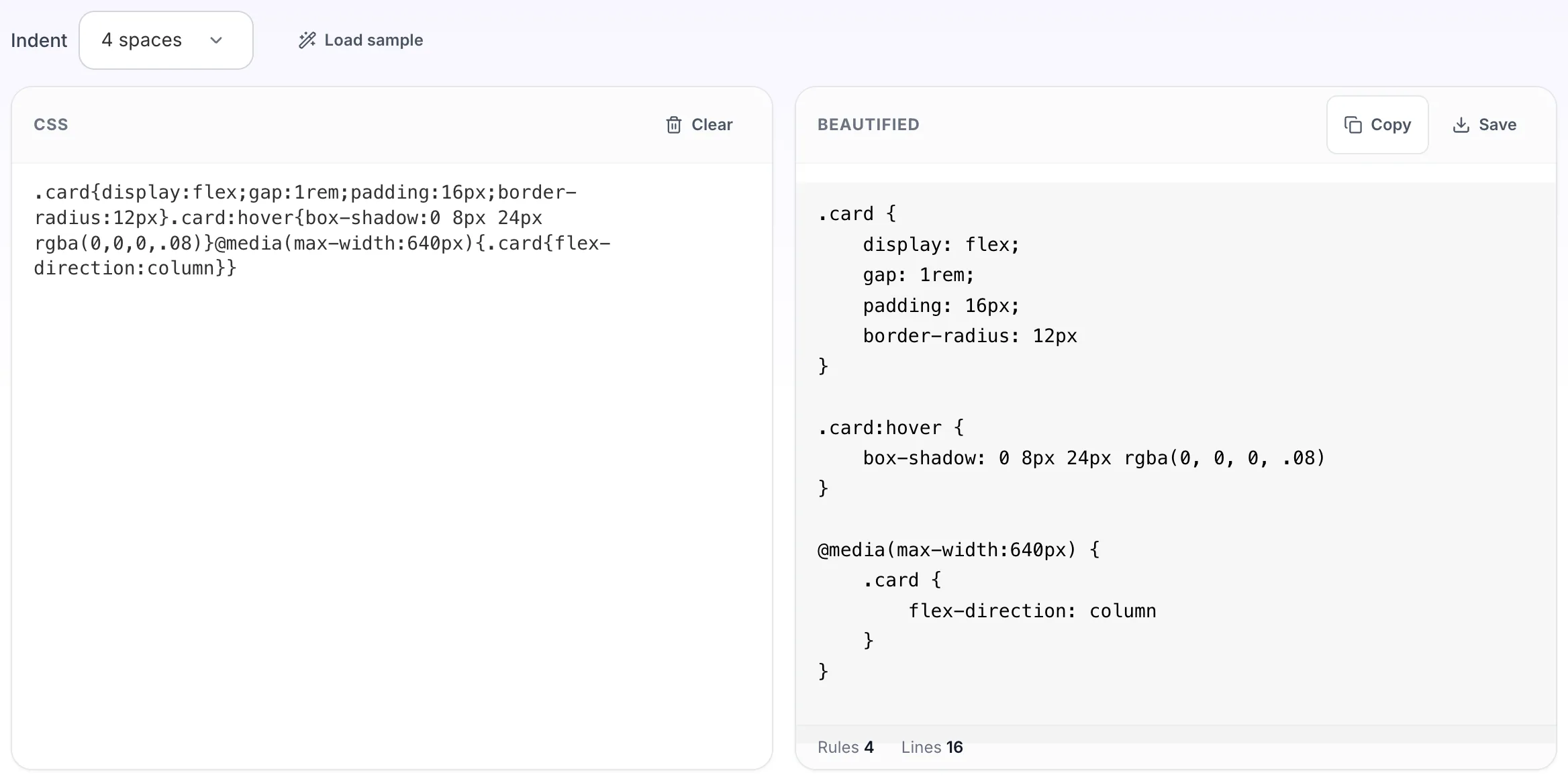
Takes a stylesheet that has been compressed onto one line and puts the rules, declarations and media queries back on separate lines. This is the inverse of the CSS minifier, for when you need to read a stylesheet you only have in built form. Also called a CSS formatter, prettifier or unminifier. It restores whitespace; comments removed by a minifier cannot come back.
How to use the CSS Beautifier, step by step
Real screenshots of the tool, captured while running it.
- 1
Open the tool
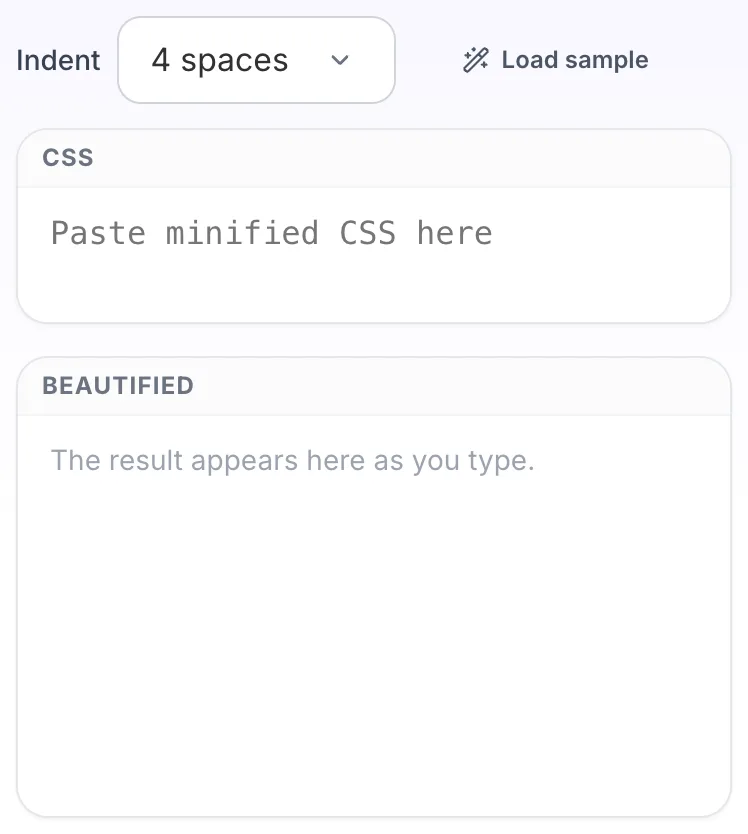
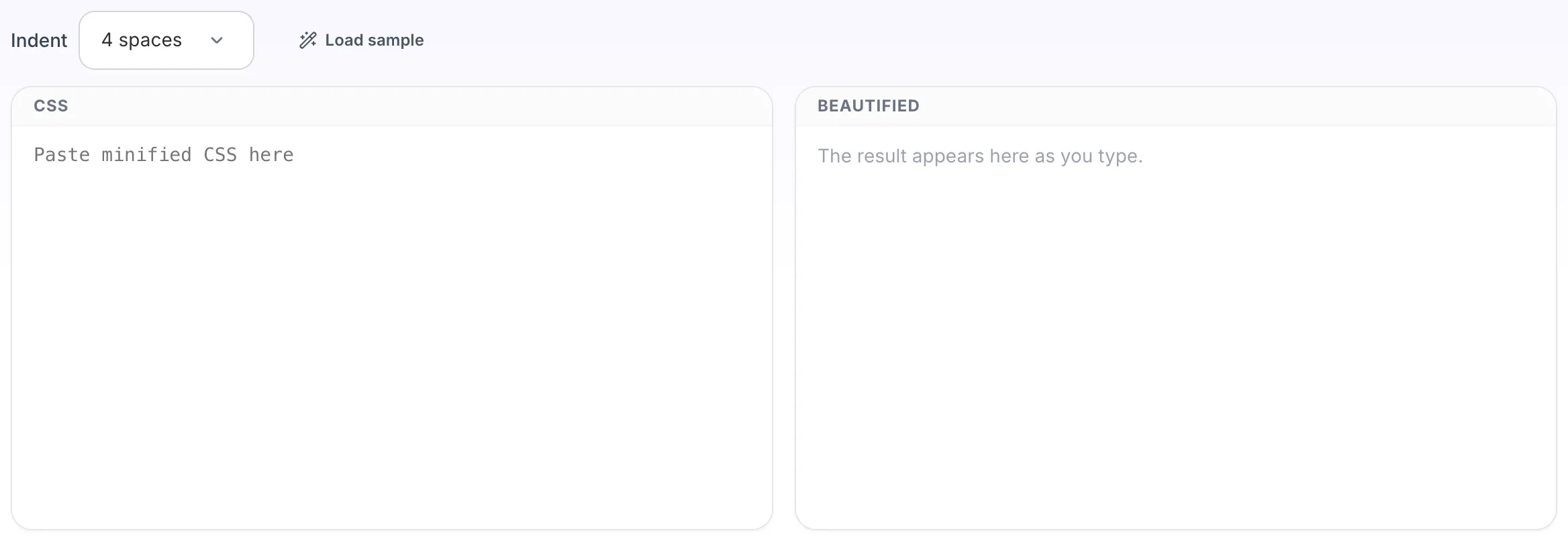
CSS Beautifier opens empty, with css on the left and beautified on the right.
- 2
Add your input
Paste your own css, or load the sample. The beautified pane fills in as you type.
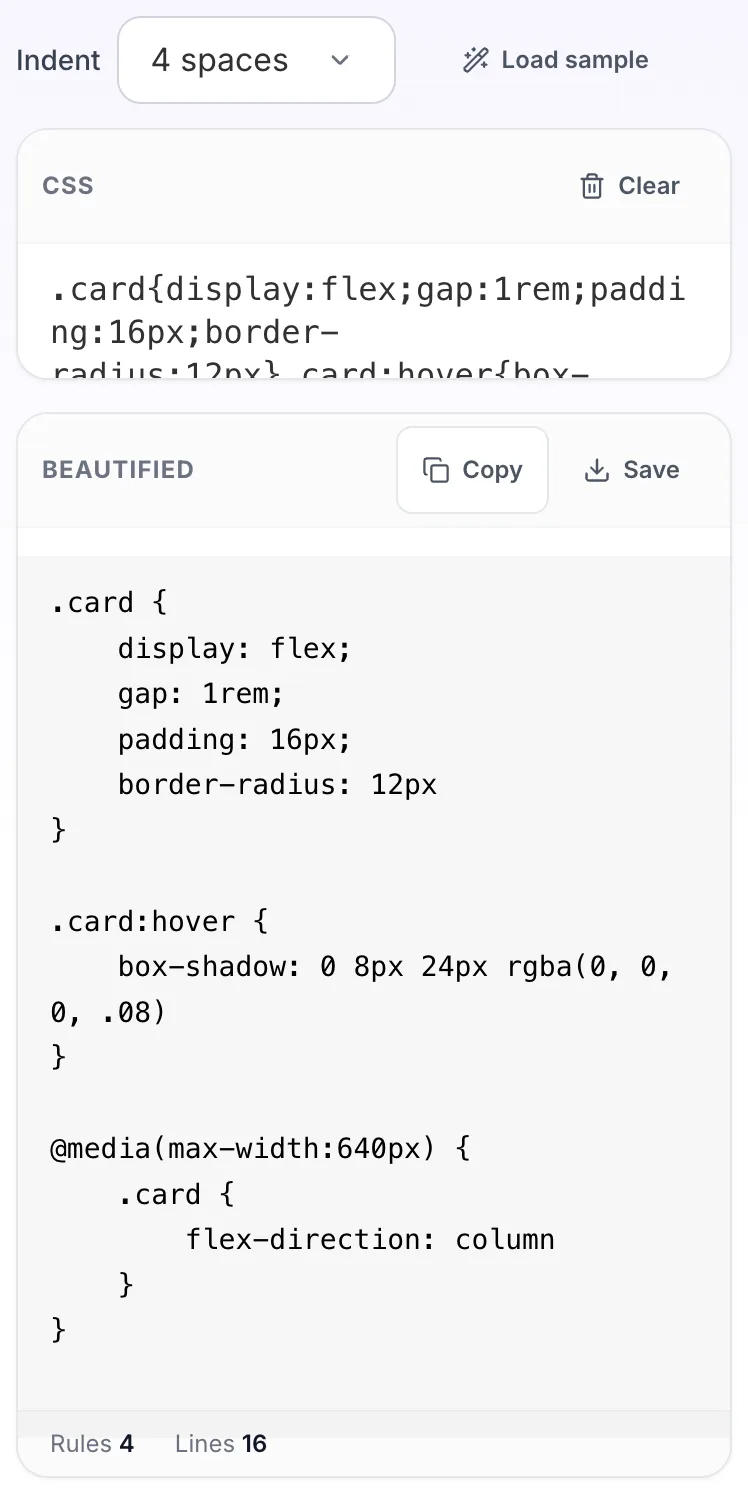
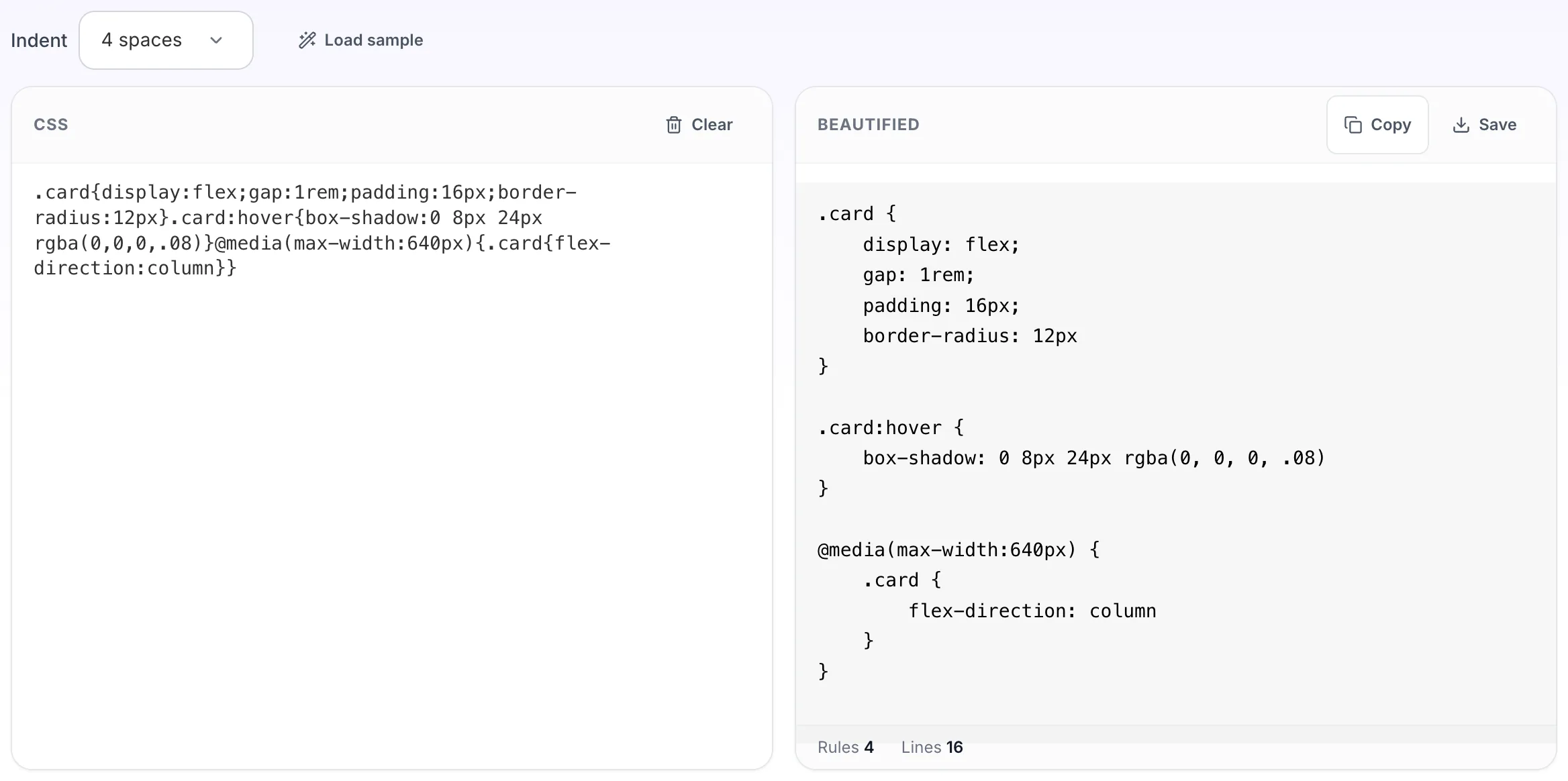
- 3
Read the result
The beautified appears on the right with copy and save beside it.