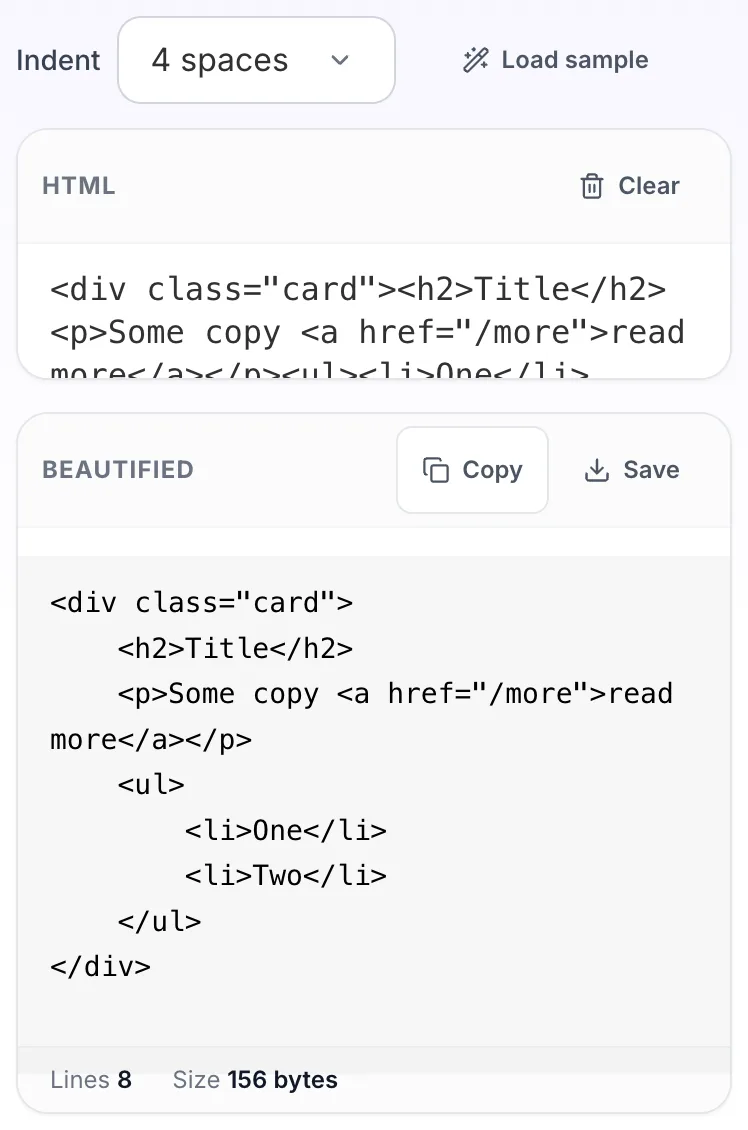
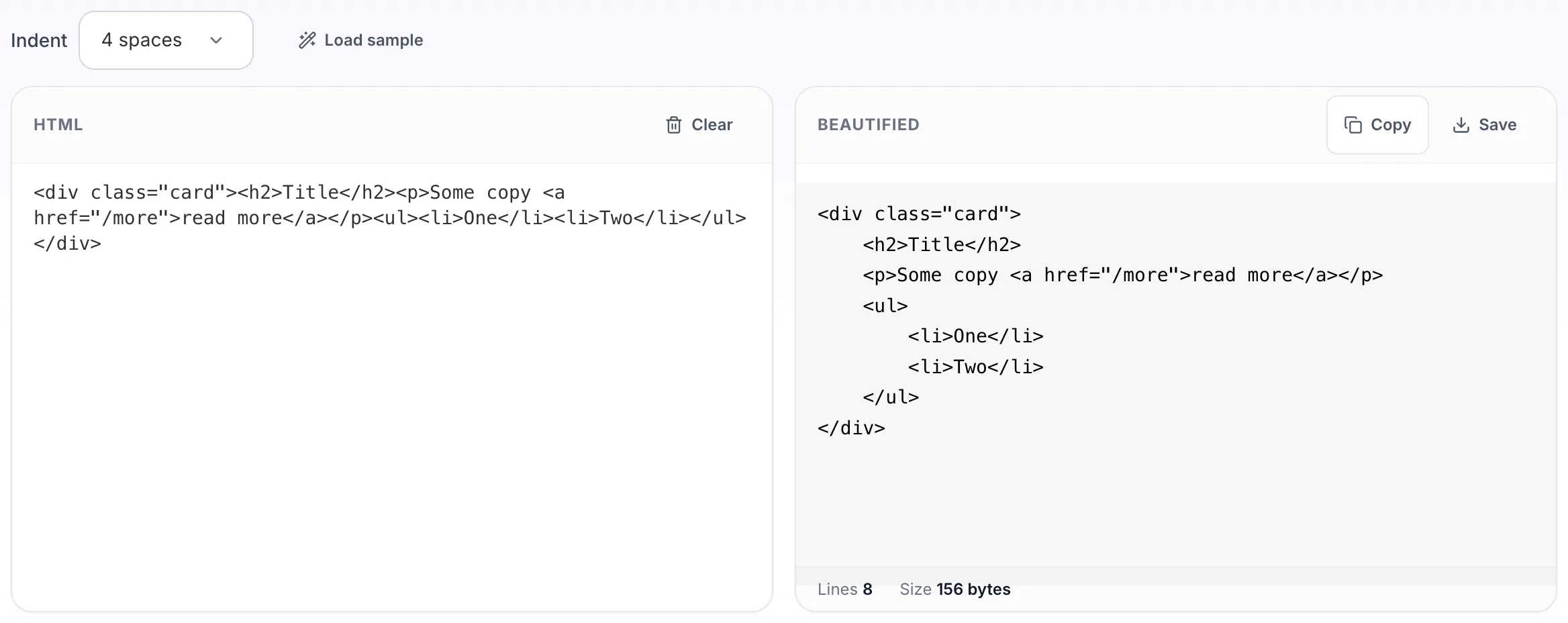
Puts each element on its own line at the right depth, which is usually the quickest way to find the div that was never closed. Works on minified output and on the deeply nested HTML that page builders and email templates produce. Also called an HTML formatter, prettifier or indenter. Handy for email templates where nested tables hide the structure.
How to use the HTML Beautifier, step by step
Real screenshots of the tool, captured while running it.
1
Open the tool
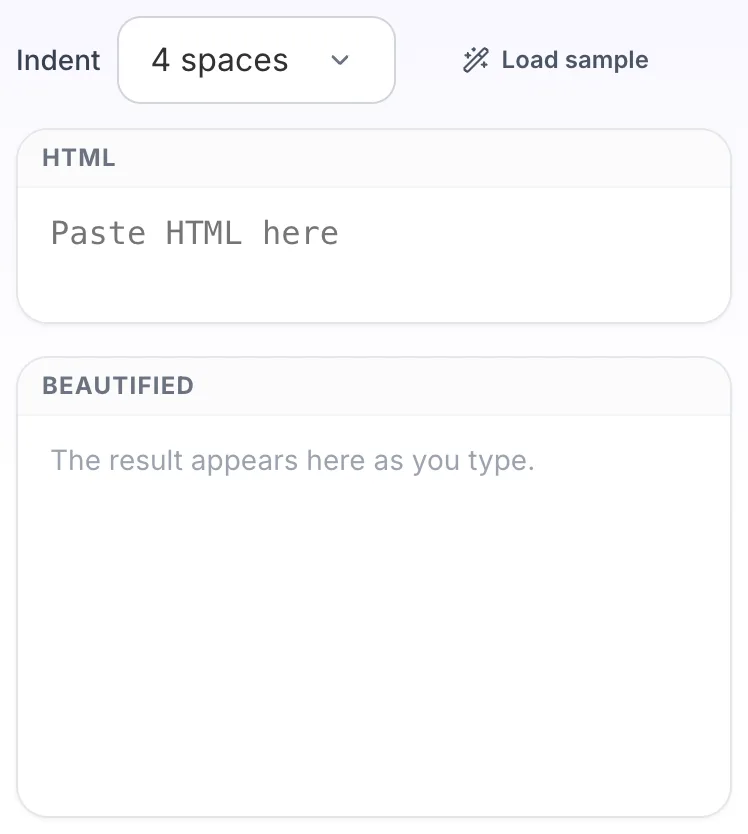
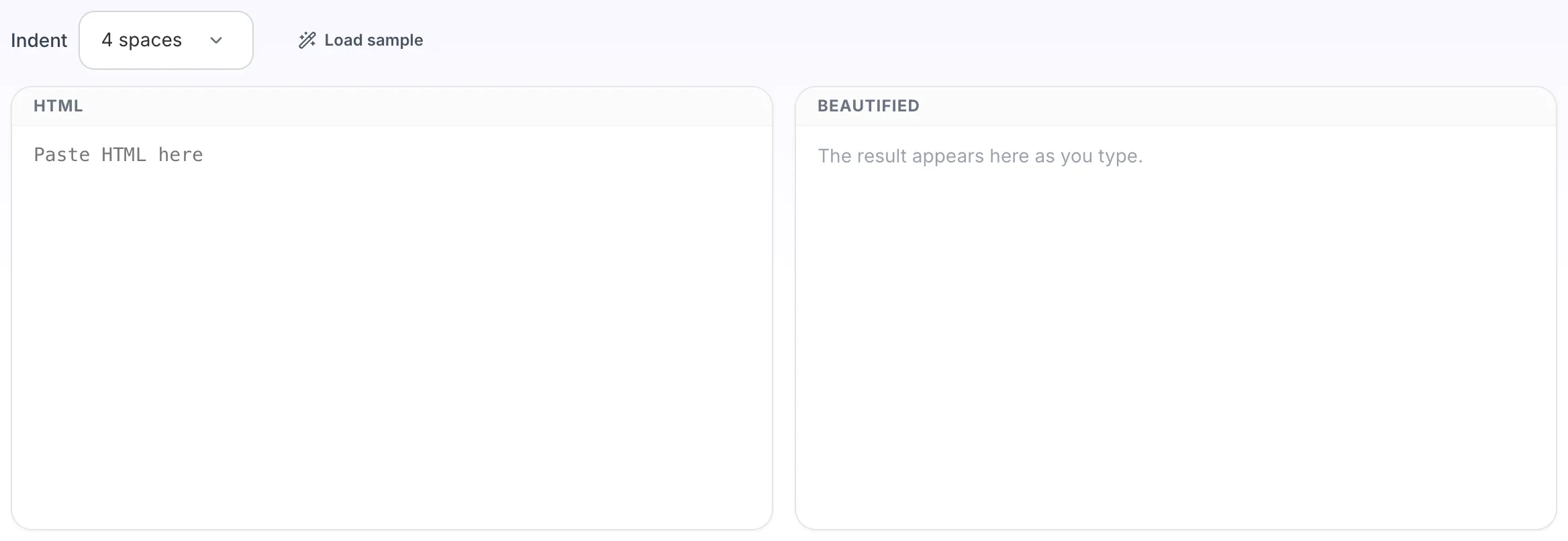
HTML Beautifier opens empty, with html on the left and beautified on the right.
2
Add your input
Paste your own html, or load the sample. The beautified pane fills in as you type.
3
Read the result
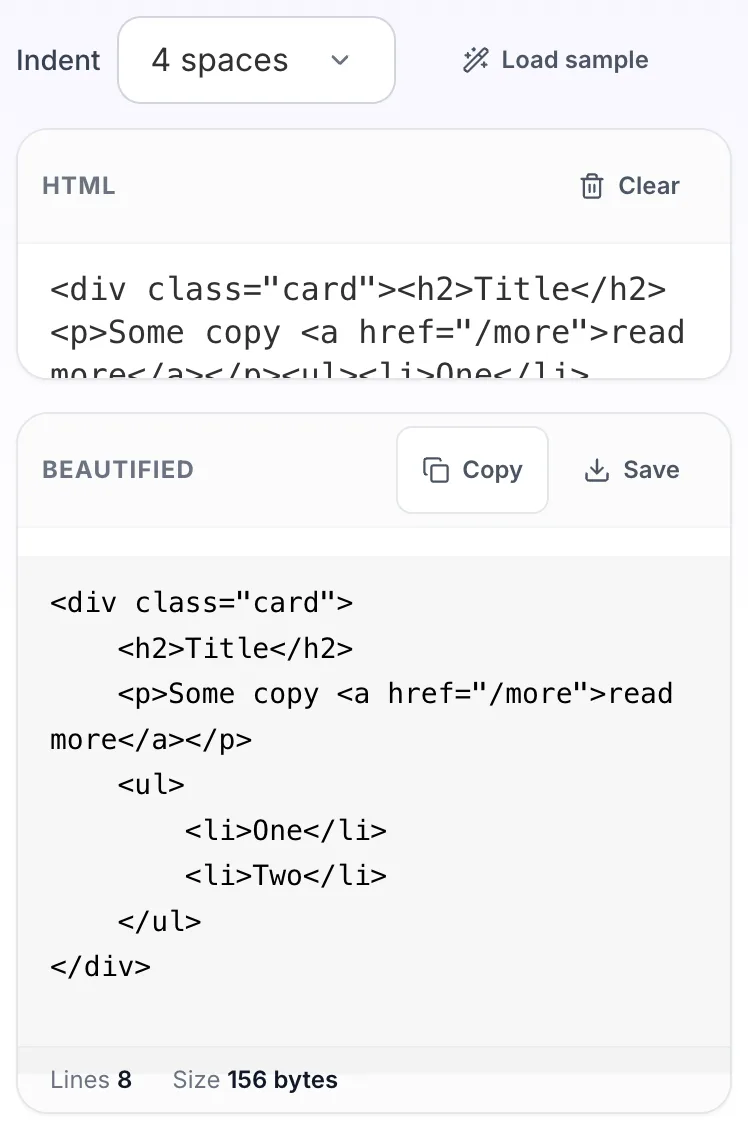
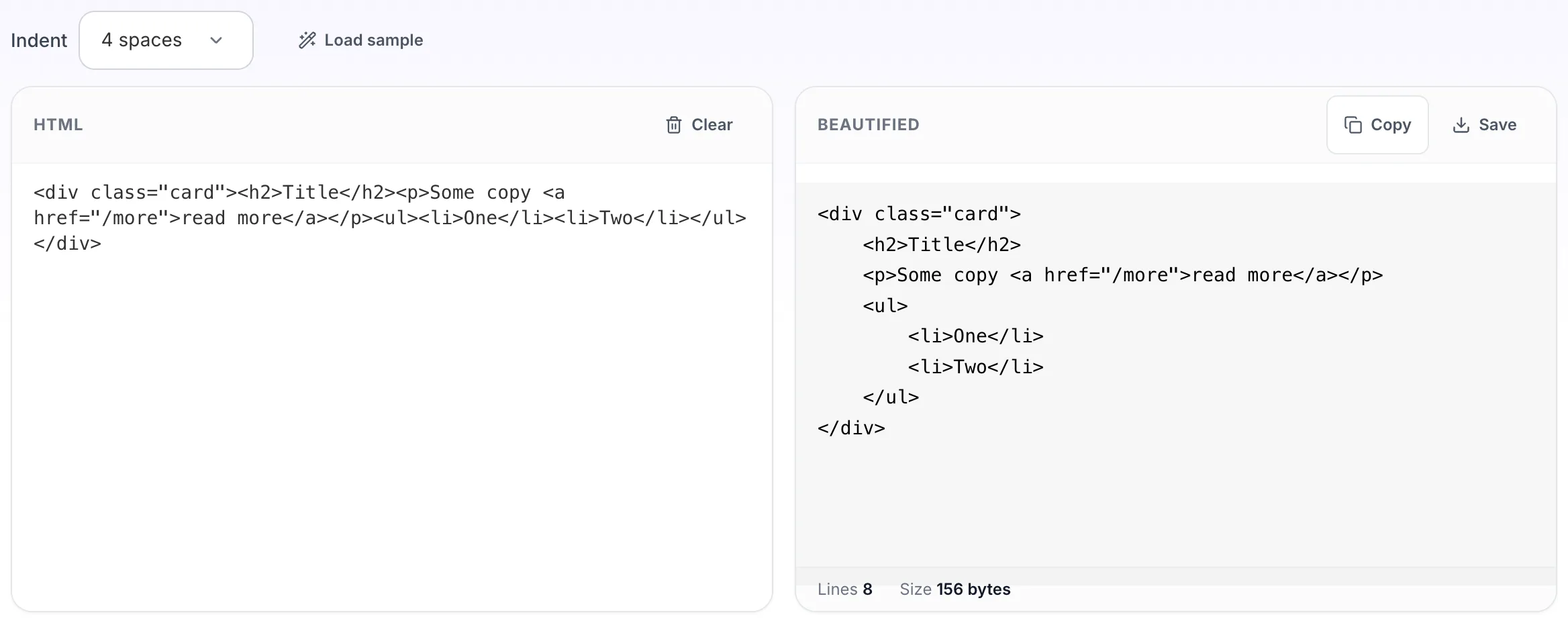
The beautified appears on the right with copy and save beside it.
Questions people ask
Almost never, with one real exception: whitespace between inline elements is meaningful, so adding line breaks between spans or links can introduce a visible space. Inside pre or textarea, whitespace is significant too.
It does not repair markup, but it makes the break easy to see. Once everything is indented, an element that never closes shows up as a block that never returns to its previous depth.
Yes, and nested tables are where it helps most. It formats the markup only and does not change inline styles, which email clients need left alone.
Handlebars, Liquid and similar tags are passed through as text. The surrounding HTML indents correctly, though a tag that spans a conditional may not line up.
Yes. The minifier strips whitespace for production and this puts it back for reading.