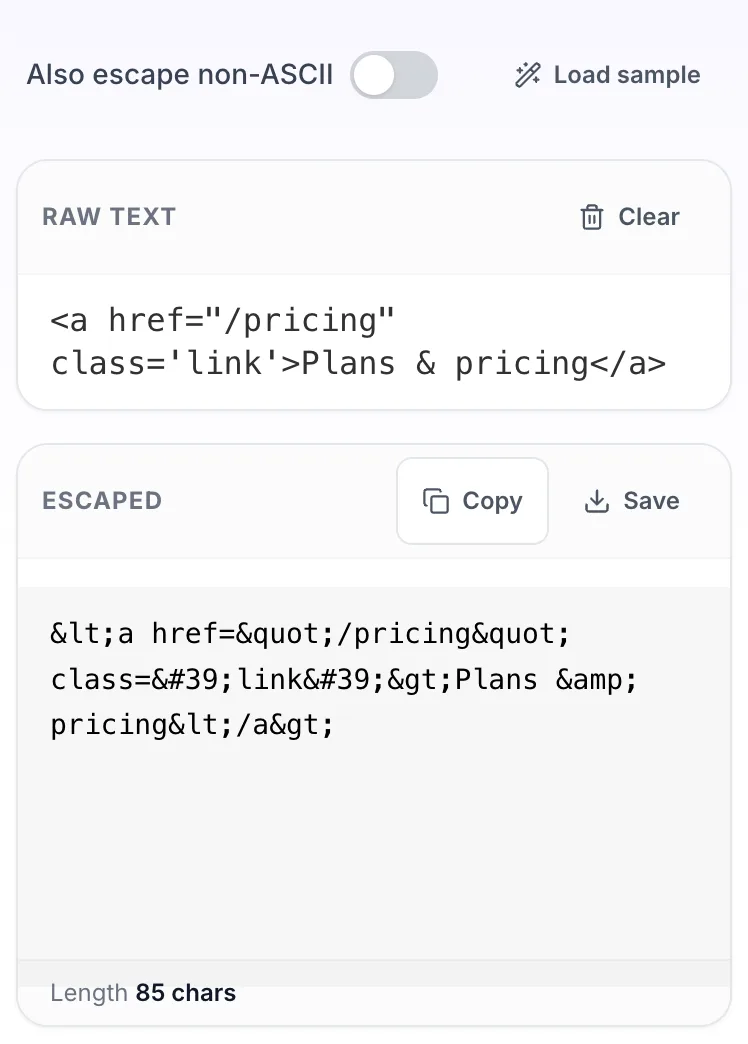
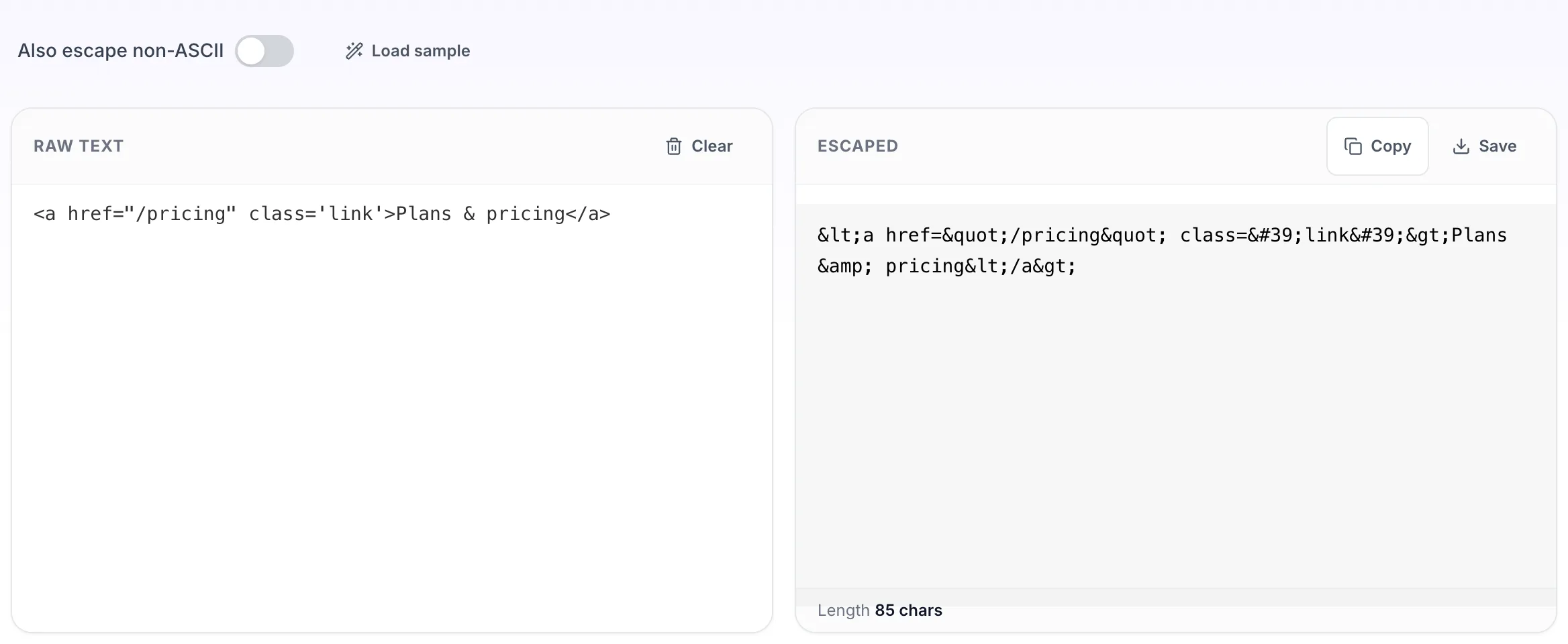
Converts the five characters that carry meaning in HTML into their entity form. This is what you need when showing a code sample on a page, or when putting untrusted text somewhere a browser will parse it. Also called HTML escaping or entity encoding. It escapes only; it does not wrap your text in paragraph tags.
How to use the HTML Encoder, step by step
Real screenshots of the tool, captured while running it.
1
Open the tool
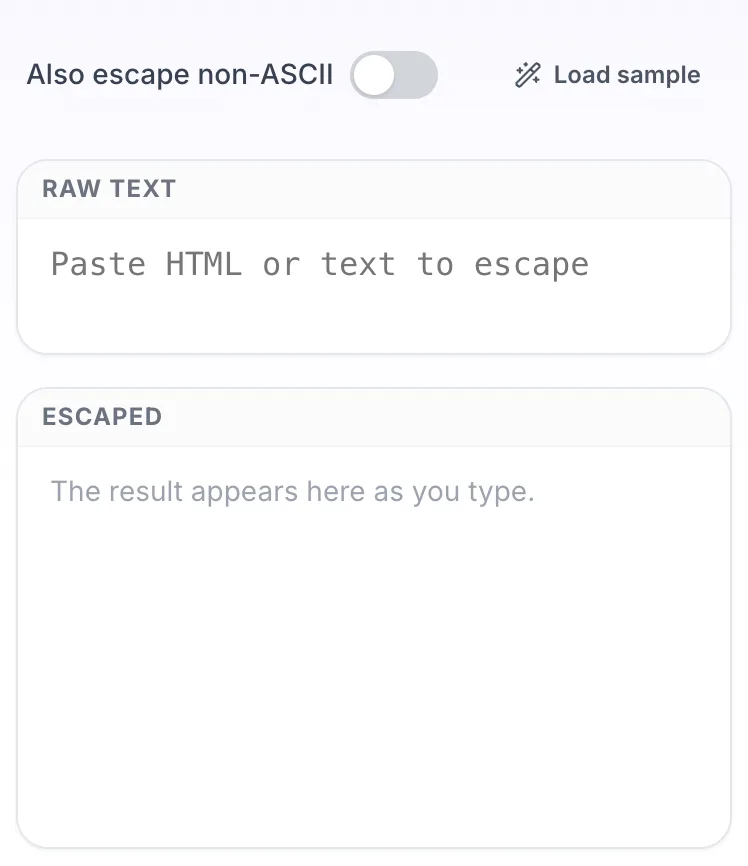
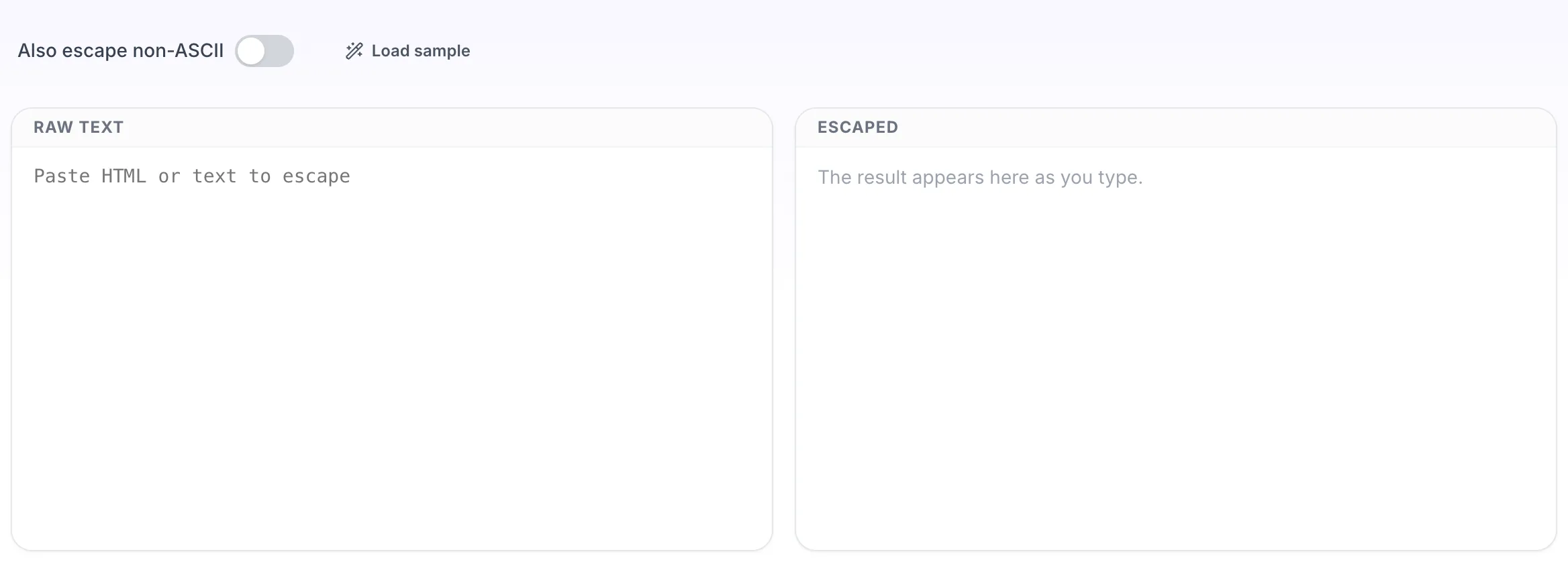
HTML Encoder opens empty, with raw text on the left and escaped on the right.
2
Add your input
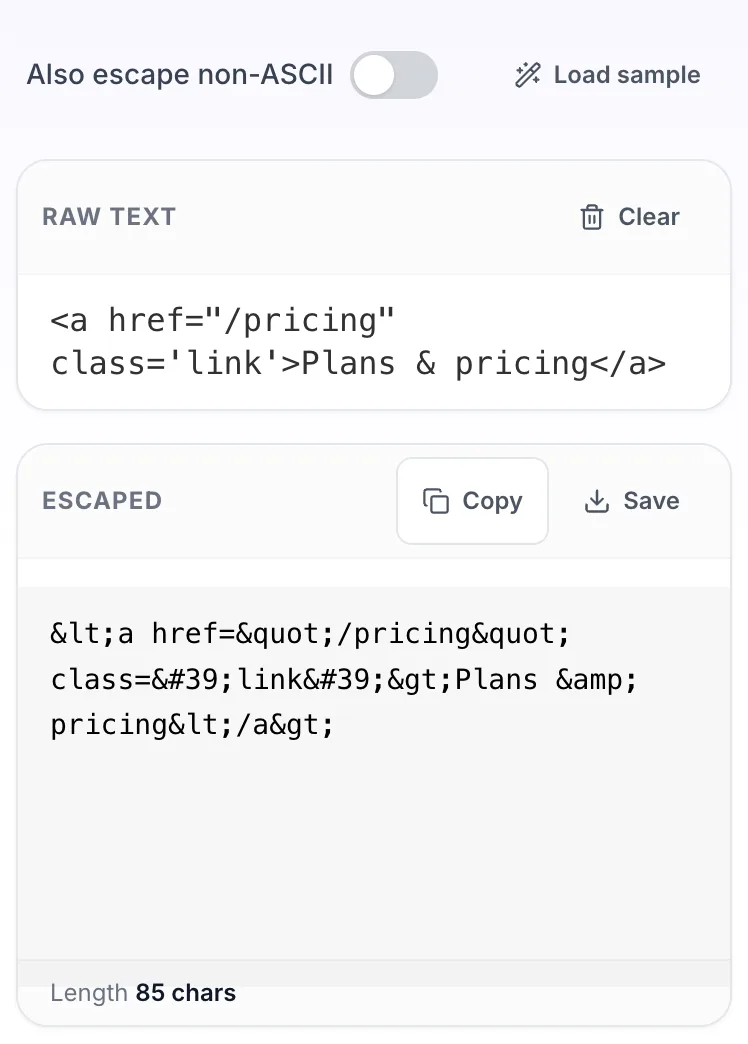
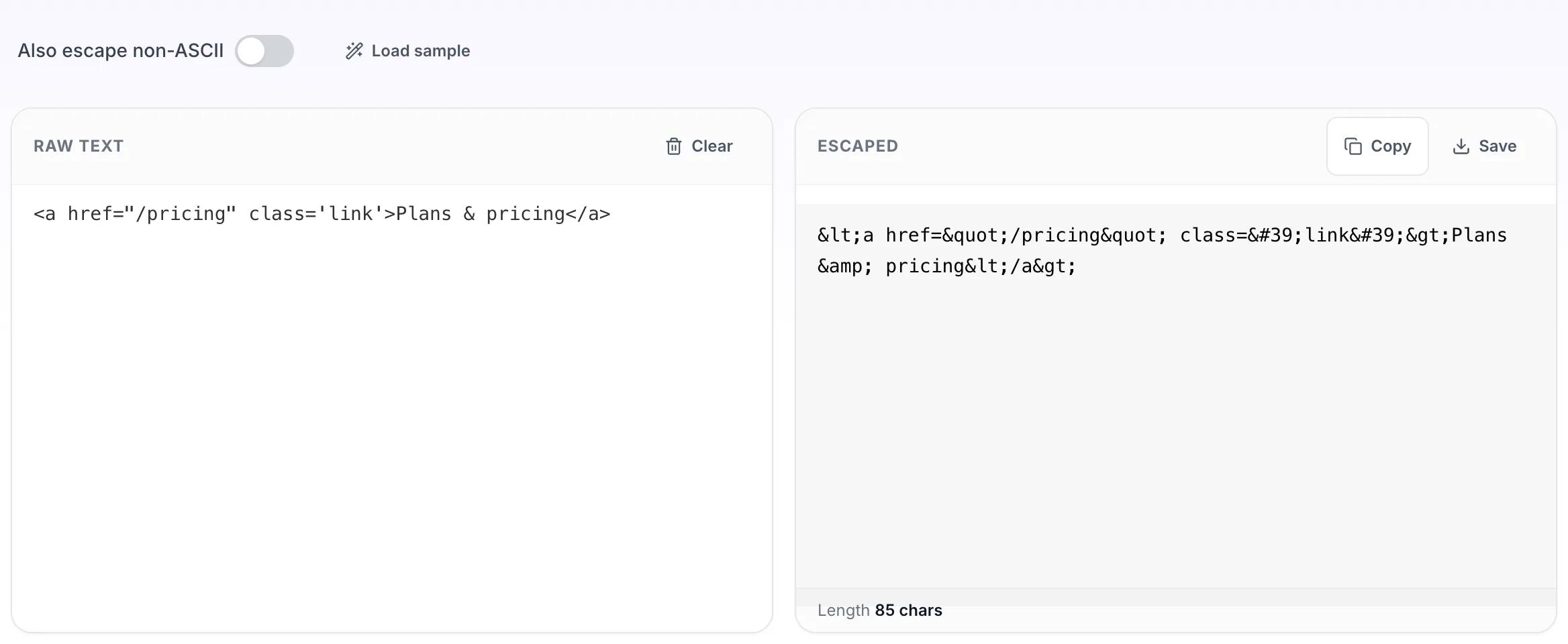
Paste your own raw text, or load the sample. The escaped pane fills in as you type.
3
Read the result
The escaped appears on the right with copy and save beside it.
Questions people ask
Ampersand, less than, greater than, double quote and apostrophe. The ampersand is escaped first, otherwise the escaping of the other four would itself be double escaped.
That tool wraps plain text in paragraph and line break tags to build markup, escaping as a side effect. This one only escapes and adds no tags, which is what you want when the text is going into markup you already wrote.
It is the right first step for text placed in page content, but context matters. Text going into an attribute, a URL or inline JavaScript each need different escaping, so do not treat HTML escaping as a universal fix.
It converts every character above the ASCII range into a numeric entity. You rarely need it now that pages are served as UTF-8, but it helps in older email clients and systems that mangle encodings.
Yes, with the HTML decoder, which turns entities back into the characters they represent.