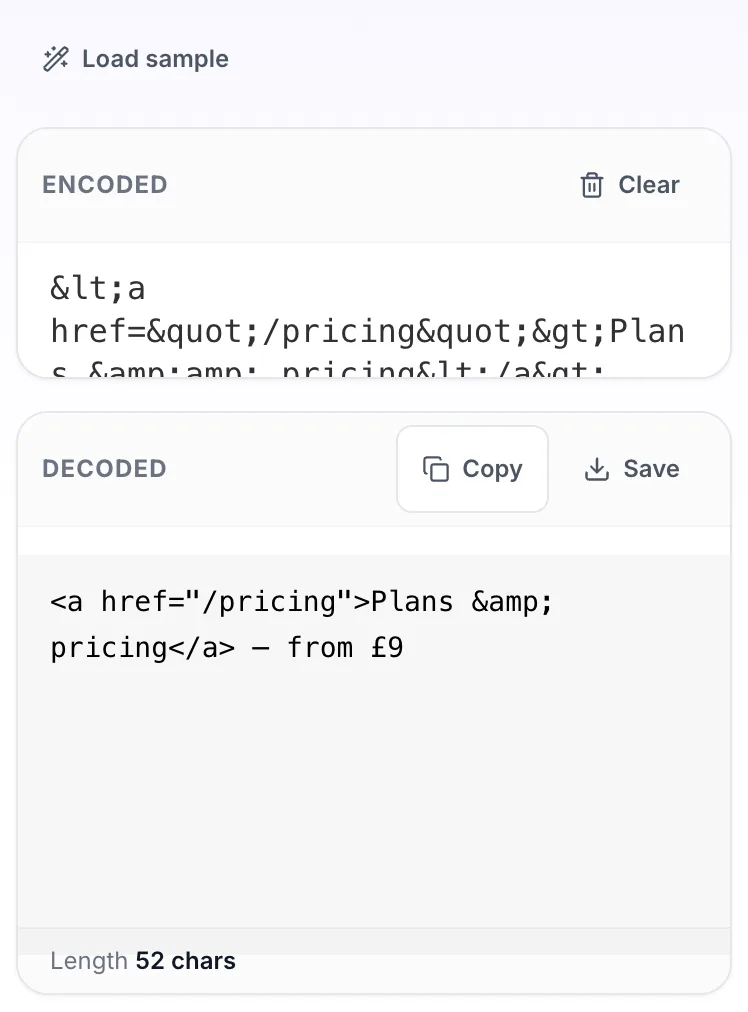
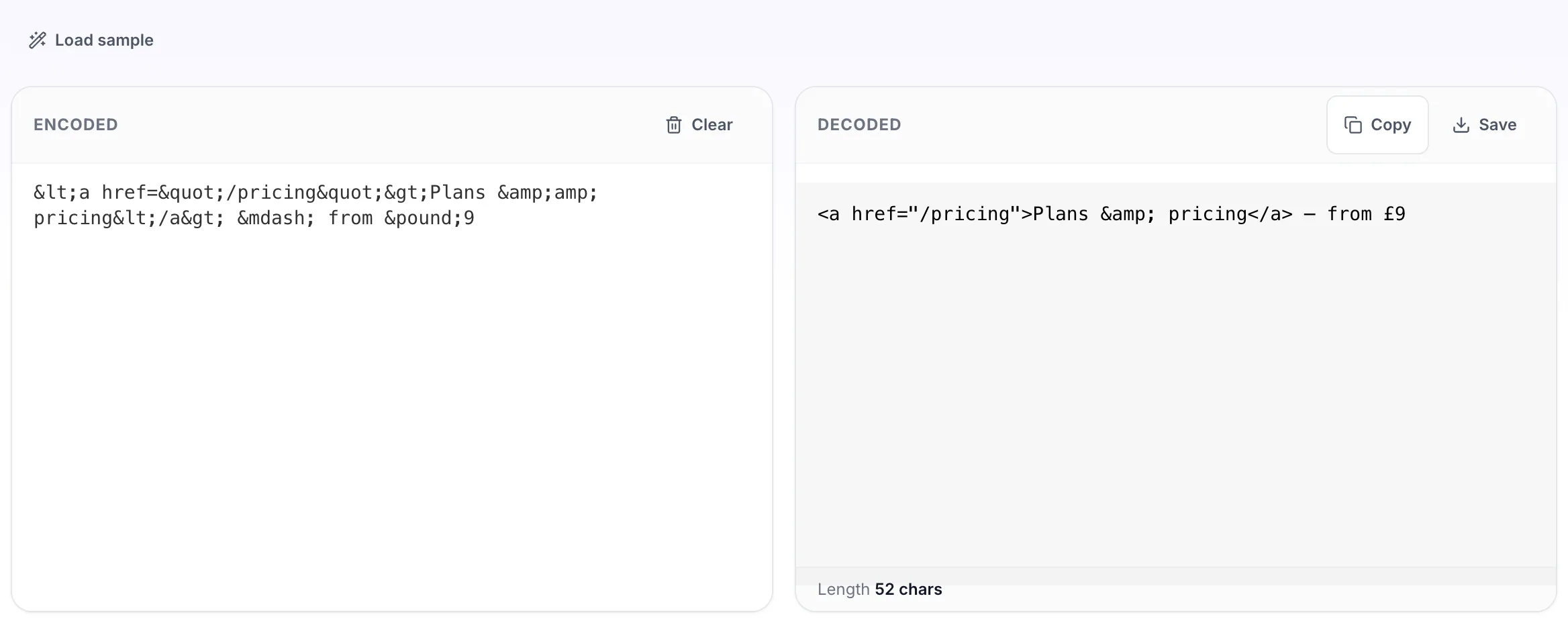
Decodes through the browser itself, so every named entity it knows is covered rather than the handful a lookup table would hold. Numeric and hexadecimal entities work too. Also called HTML unescaping. Double encoded text such as & needs a second pass to reach a literal ampersand.
How to use the HTML Decoder, step by step
Real screenshots of the tool, captured while running it.
1
Open the tool
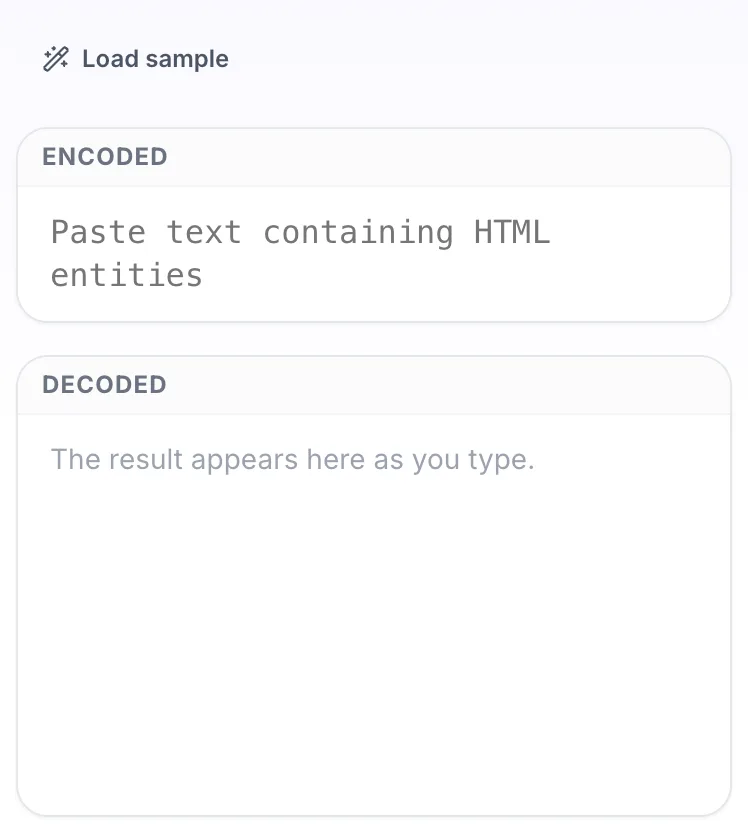
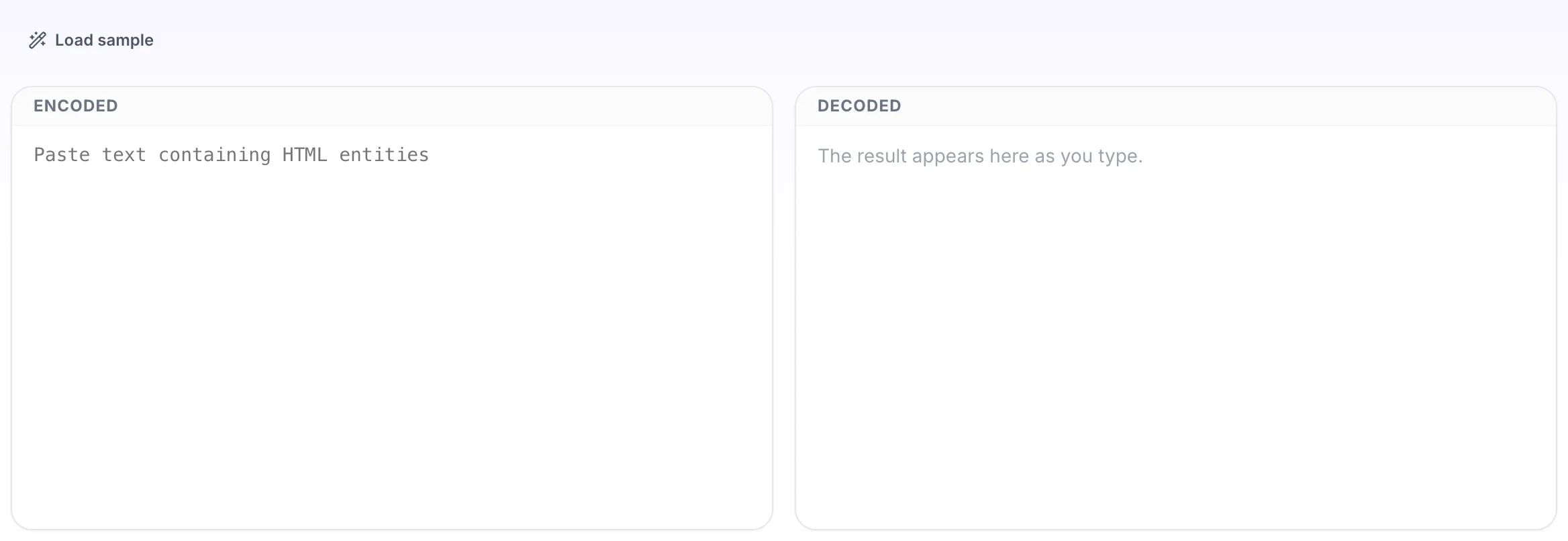
HTML Decoder opens empty, with encoded on the left and decoded on the right.
2
Add your input
Paste your own encoded, or load the sample. The decoded pane fills in as you type.
3
Read the result
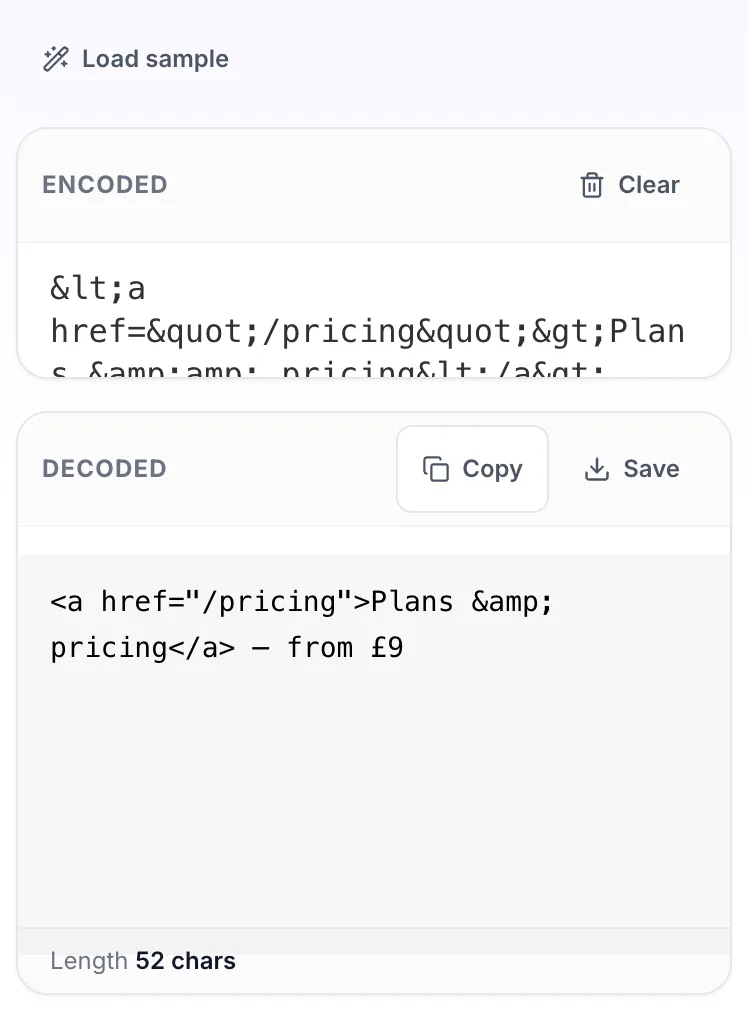
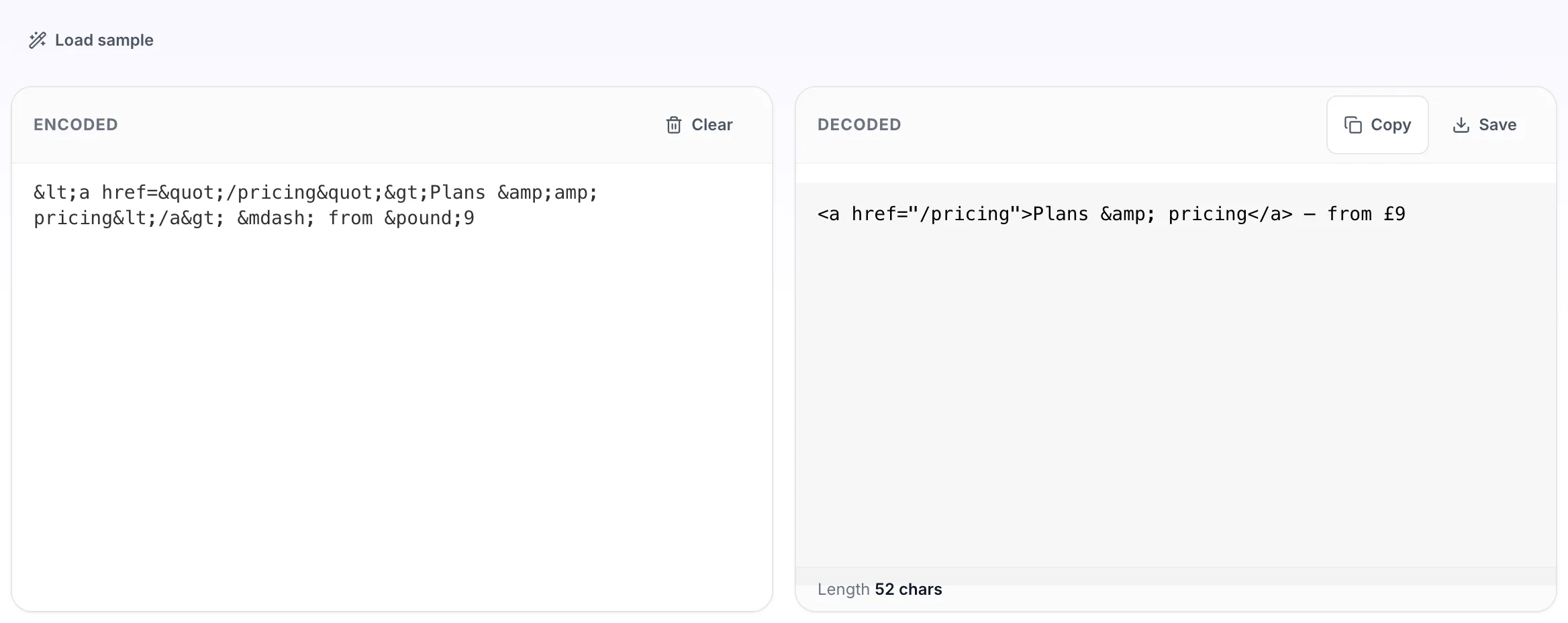
The decoded appears on the right with copy and save beside it.
Questions people ask
The cleaner strips tags out to leave readable prose. This decoder converts entities to characters and leaves any markup intact. If your text is full of angle bracket tags you want gone, use the cleaner.
Yes, all of them, because decoding is done by the browser HTML parser rather than a fixed table. Numeric forms such as — and hexadecimal forms such as — work as well.
A non breaking space decodes to a real non breaking space, which looks like a normal space but behaves differently. If it is causing layout trouble, search for it specifically when cleaning the text.
That is double encoding, usually from text passing through two systems that each escaped it. Run it through a second time to get the literal ampersand.
Decoding here is safe because the result is shown as plain text. Be careful what you do next: inserting decoded HTML into a page is exactly the step that reintroduces a scripting risk.