Beautify and format minified JavaScript online
JavaScript
Beautified
The result appears here as you type.
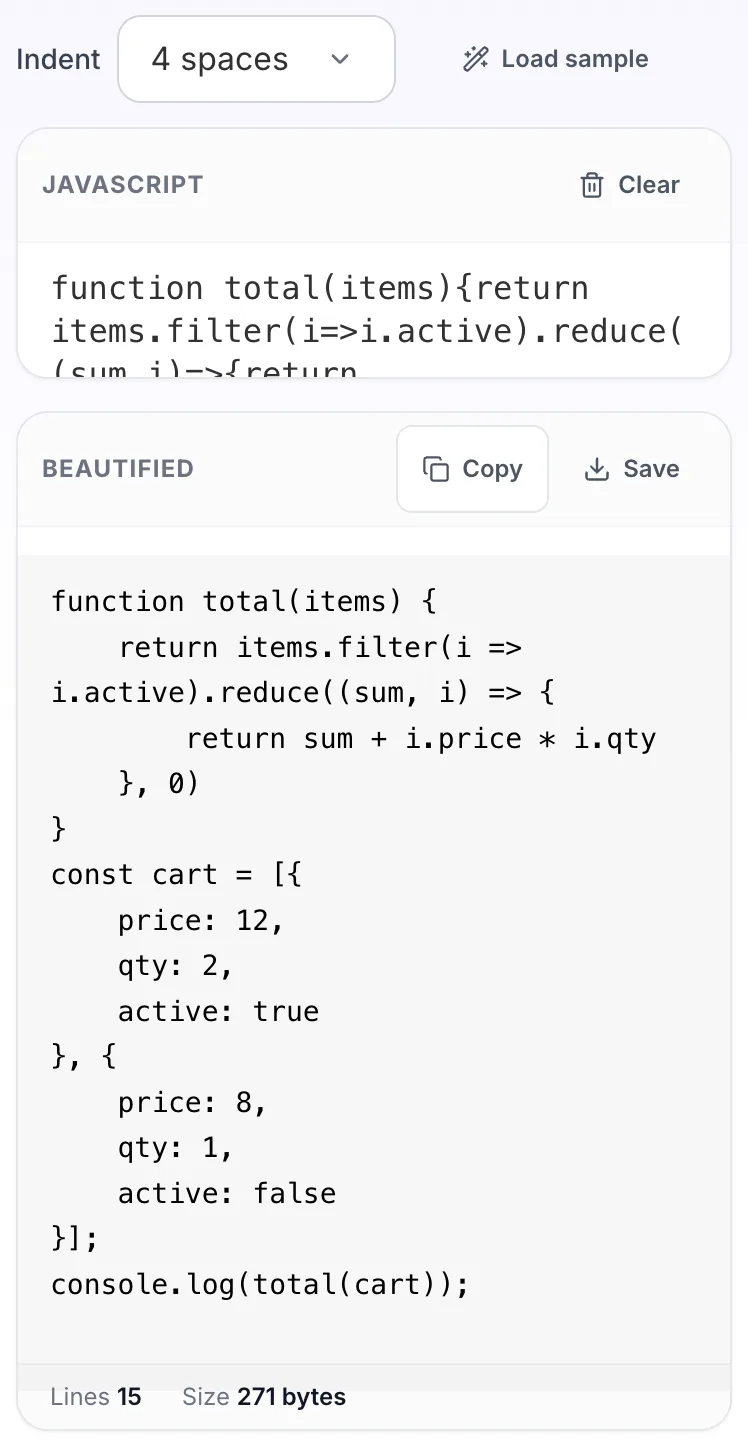
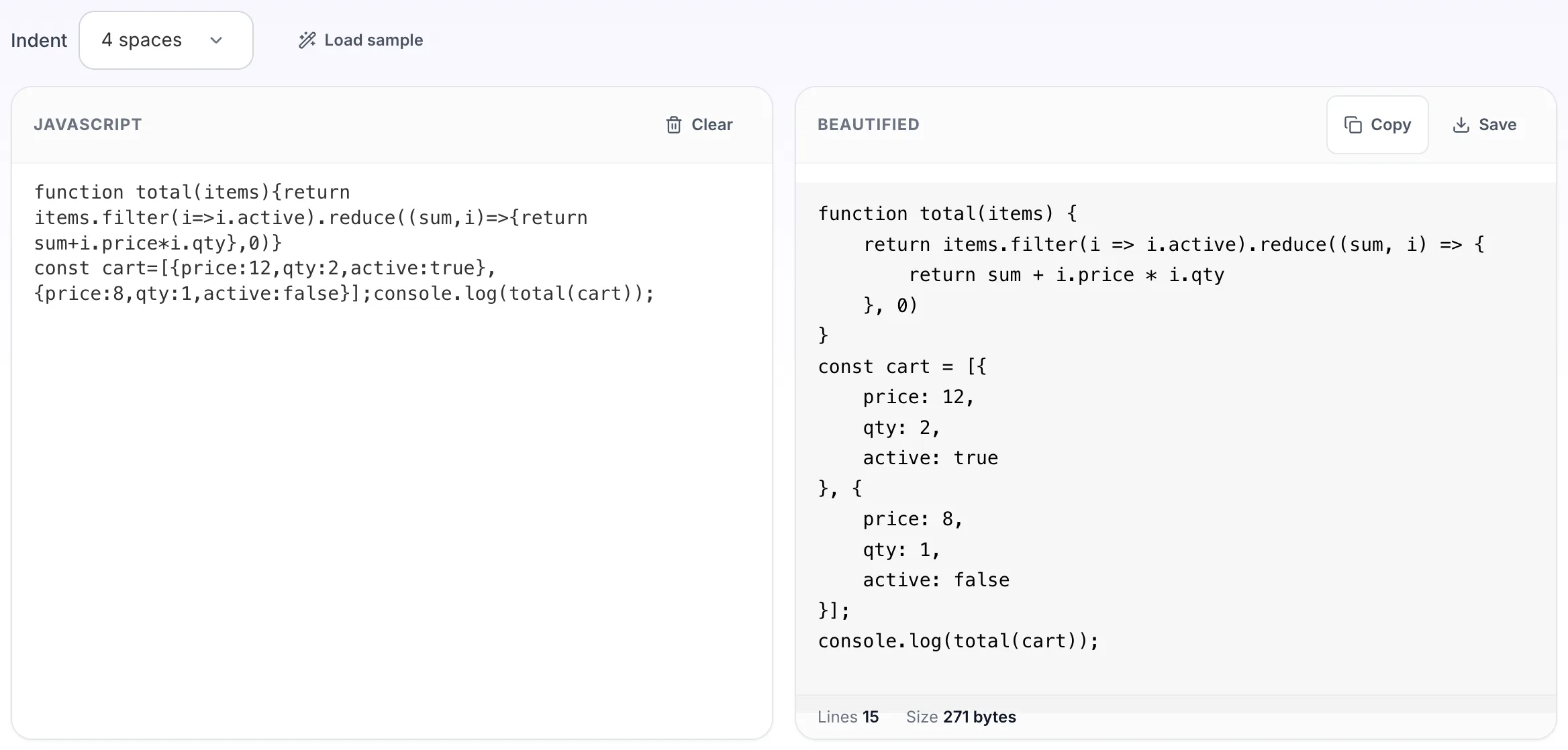
Re-indents compressed JavaScript so you can follow the control flow. It restores structure, not meaning: a minifier that renamed variables to single letters has thrown those names away, and no formatter can invent them back. Also called a JS formatter, prettifier or unminifier. It restores structure, not the variable names a minifier renamed away.
How to use the JavaScript Beautifier, step by step
Real screenshots of the tool, captured while running it.
- 1
Open the tool
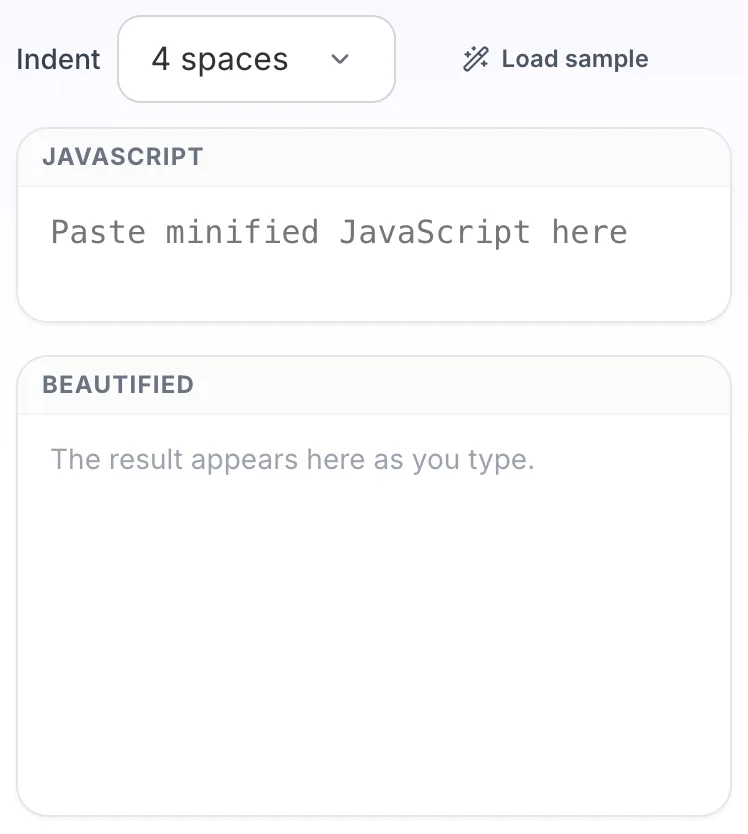
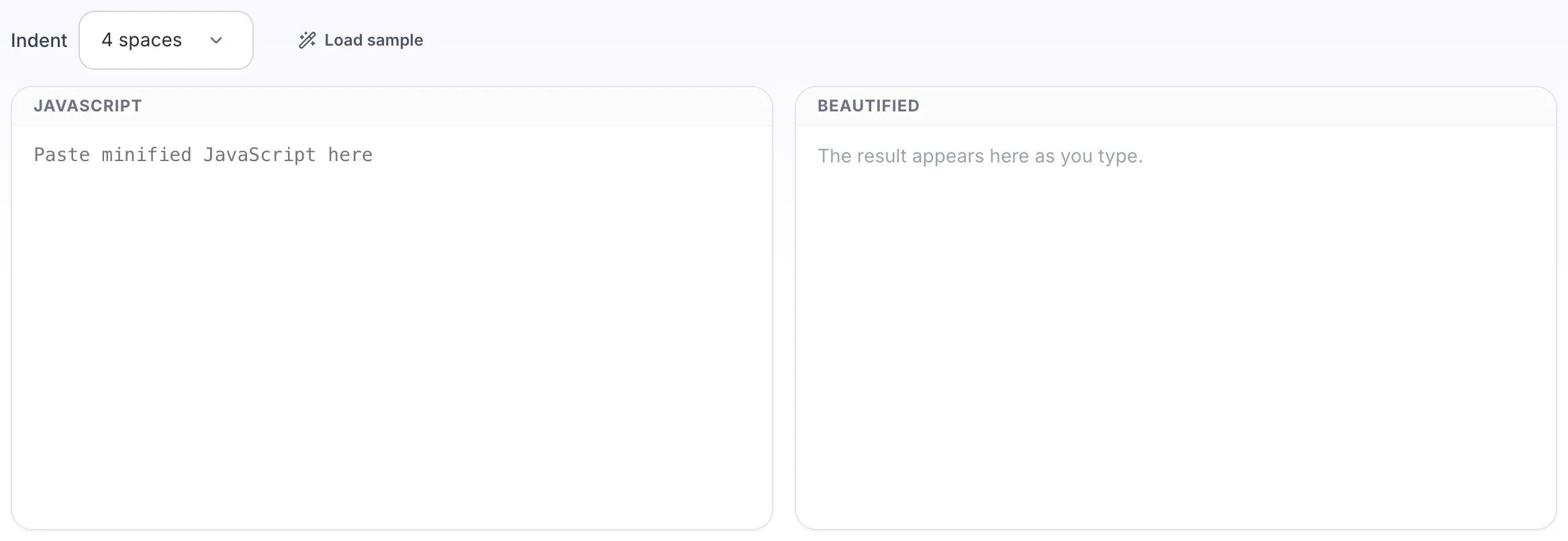
JavaScript Beautifier opens empty, with javascript on the left and beautified on the right.
- 2
Add your input
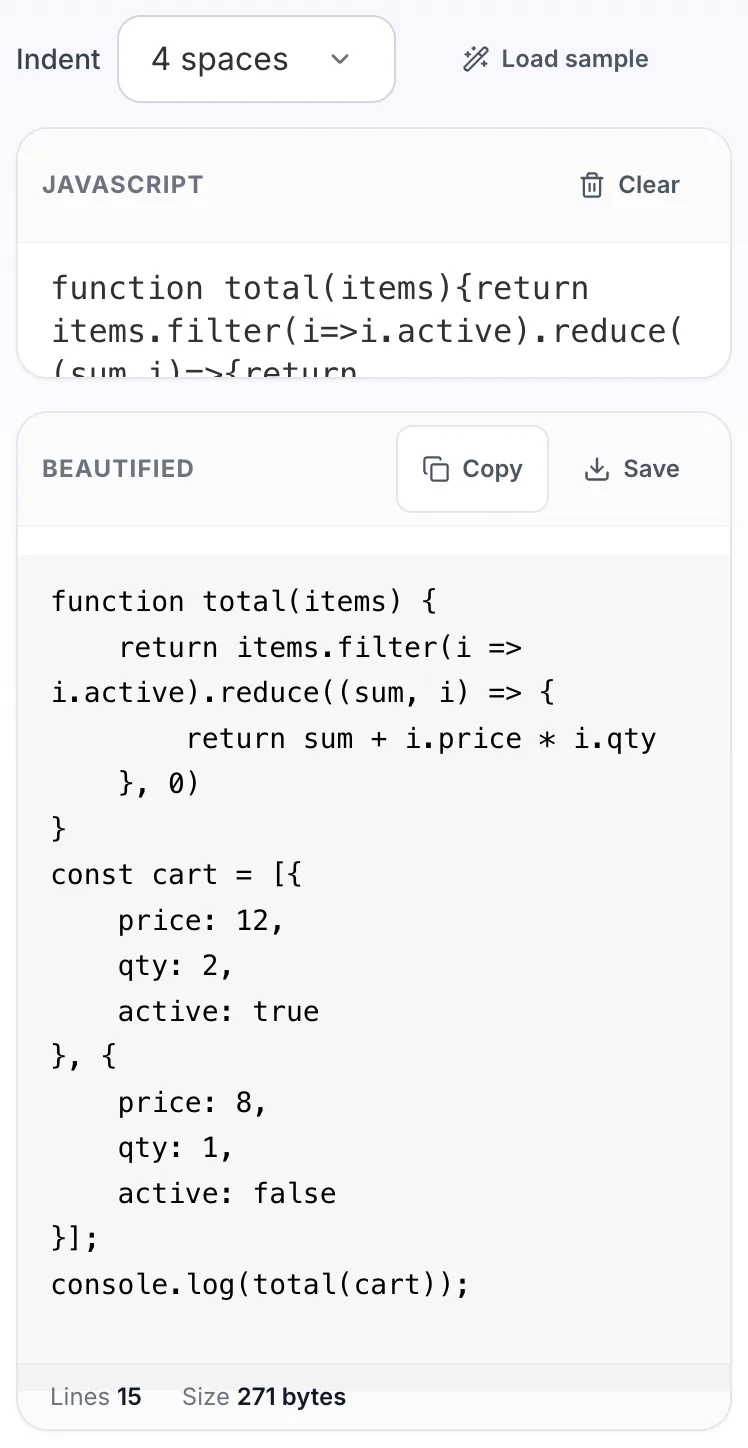
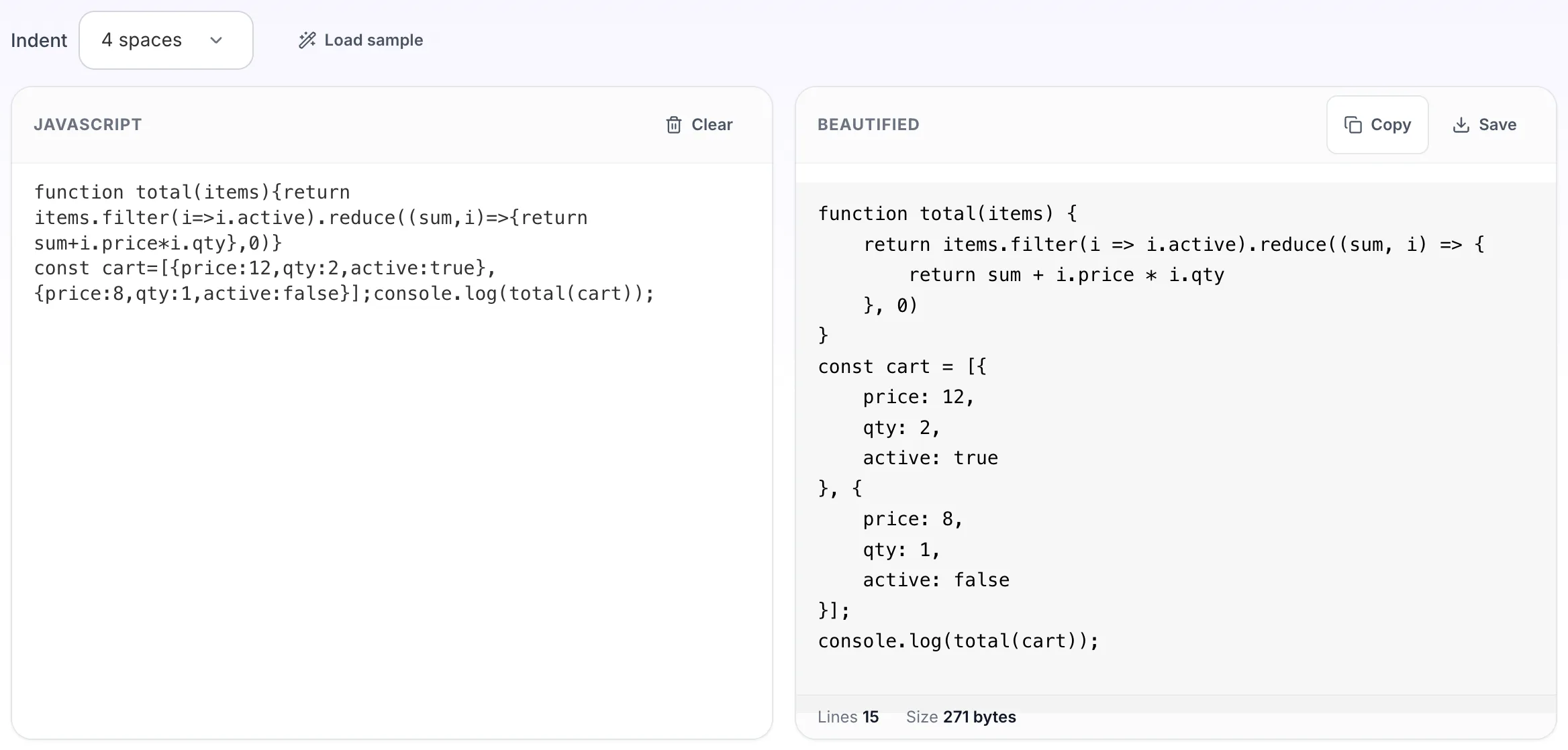
Paste your own javascript, or load the sample. The beautified pane fills in as you type.
- 3
Read the result
The beautified appears on the right with copy and save beside it.