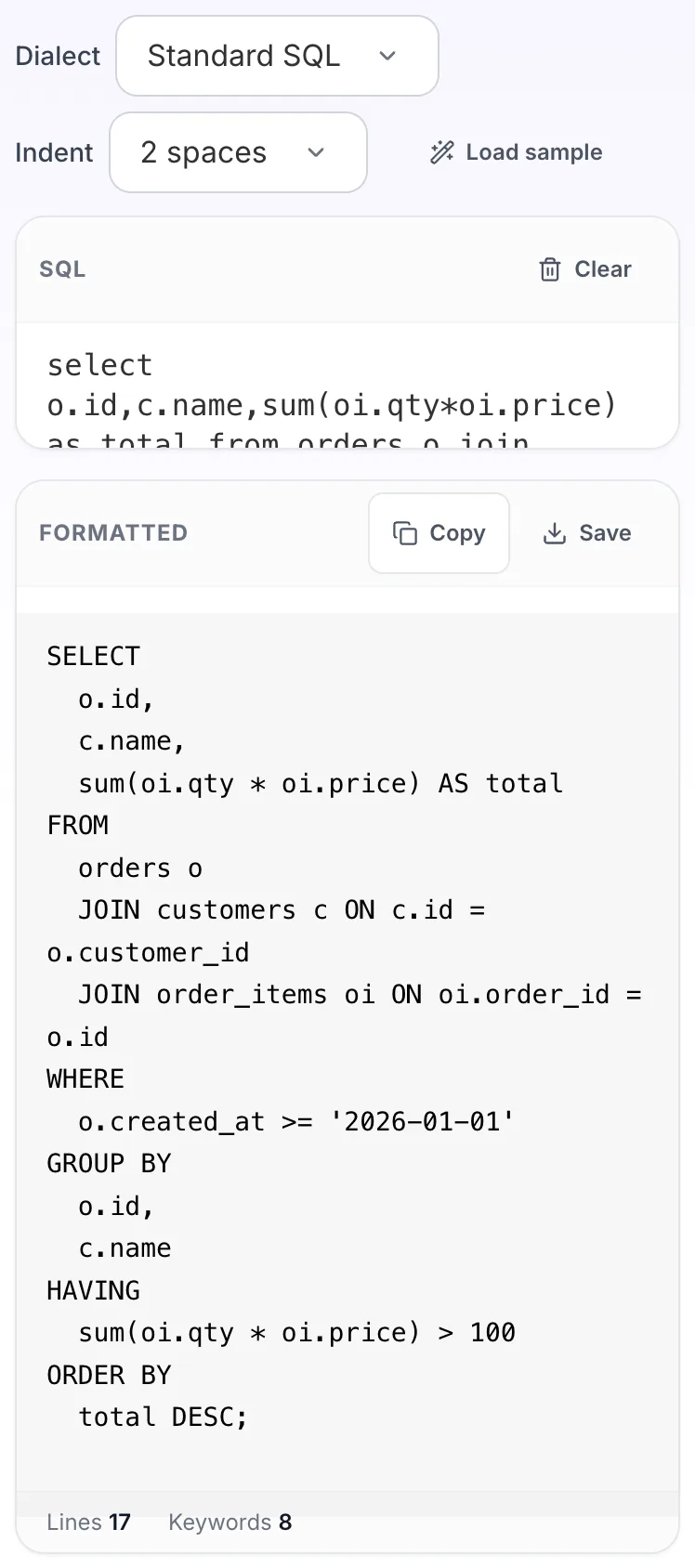
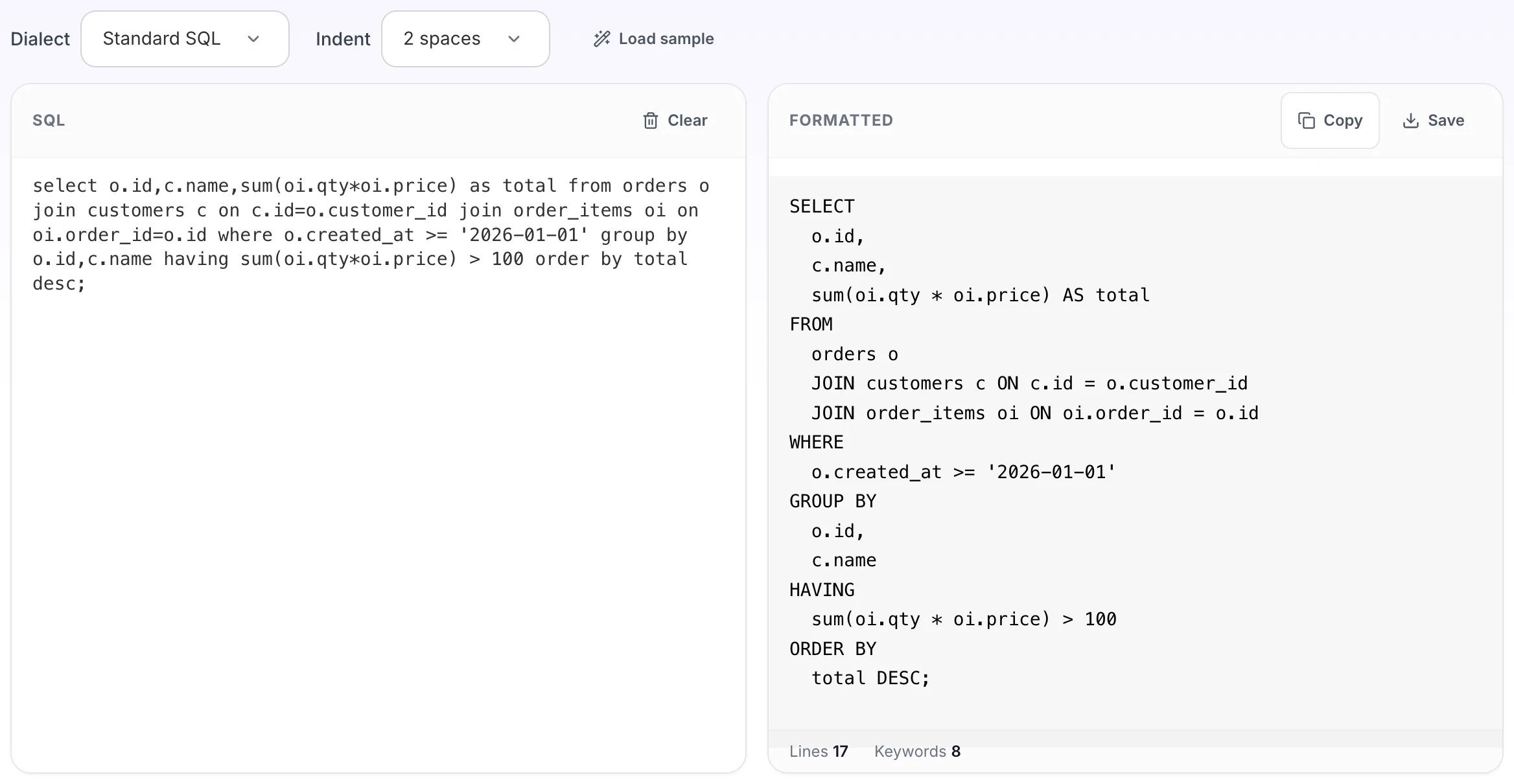
Format and beautify SQL queries online
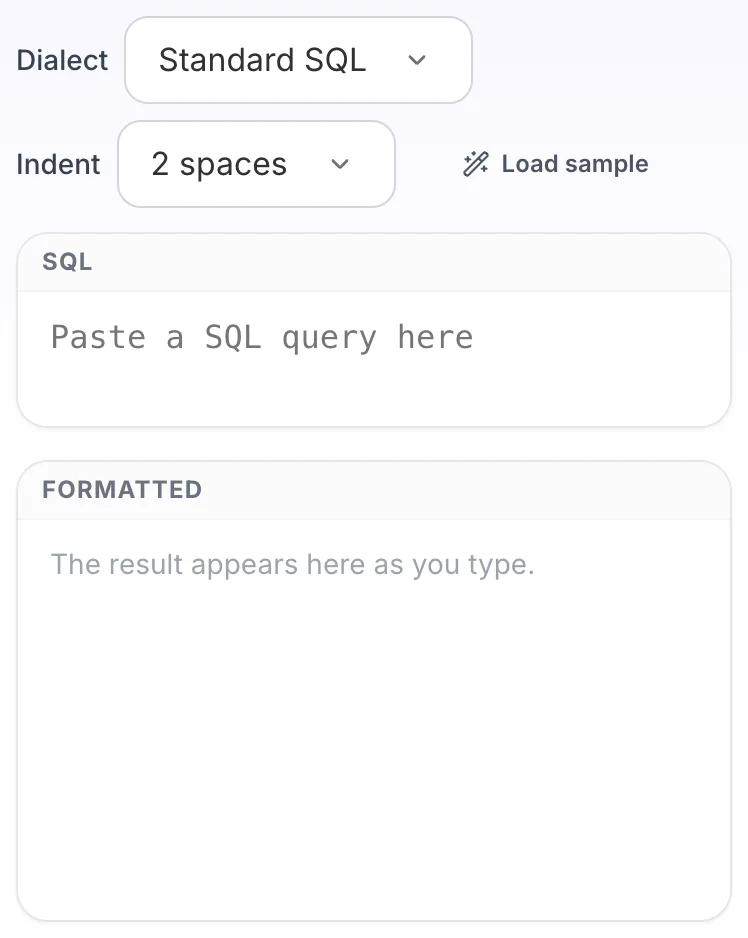
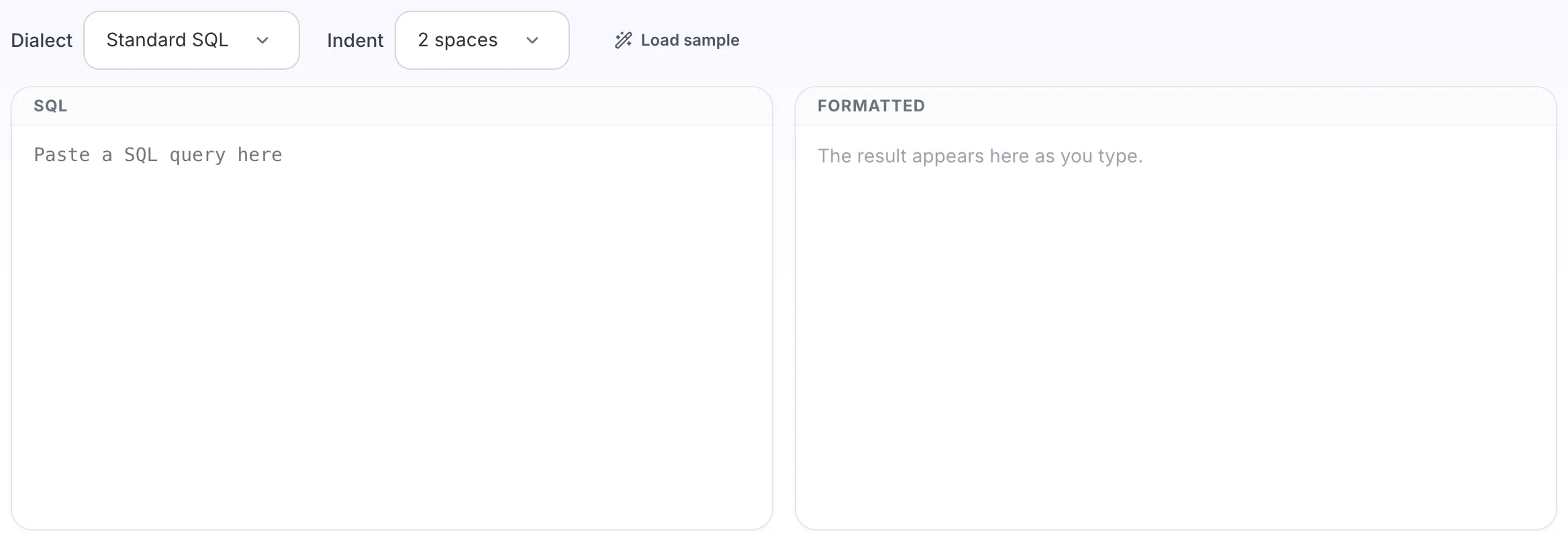
The result appears here as you type.
Breaks a query onto aligned lines so the clauses, joins and conditions separate visually. Choose the dialect you actually use, because what parses as valid SQL differs between engines. Also called a SQL beautifier or query prettifier. Pick the dialect, because valid syntax differs between engines.
If it will not parse
These are the messages people usually arrive with: Parse error at token, Unexpected token. Paste the input that produced one and the result pane names the problem and points at it.
How to use the SQL Formatter, step by step
Real screenshots of the tool, captured while running it.
- 1
Open the tool
SQL Formatter opens empty, with sql on the left and formatted on the right.
- 2
Add your input
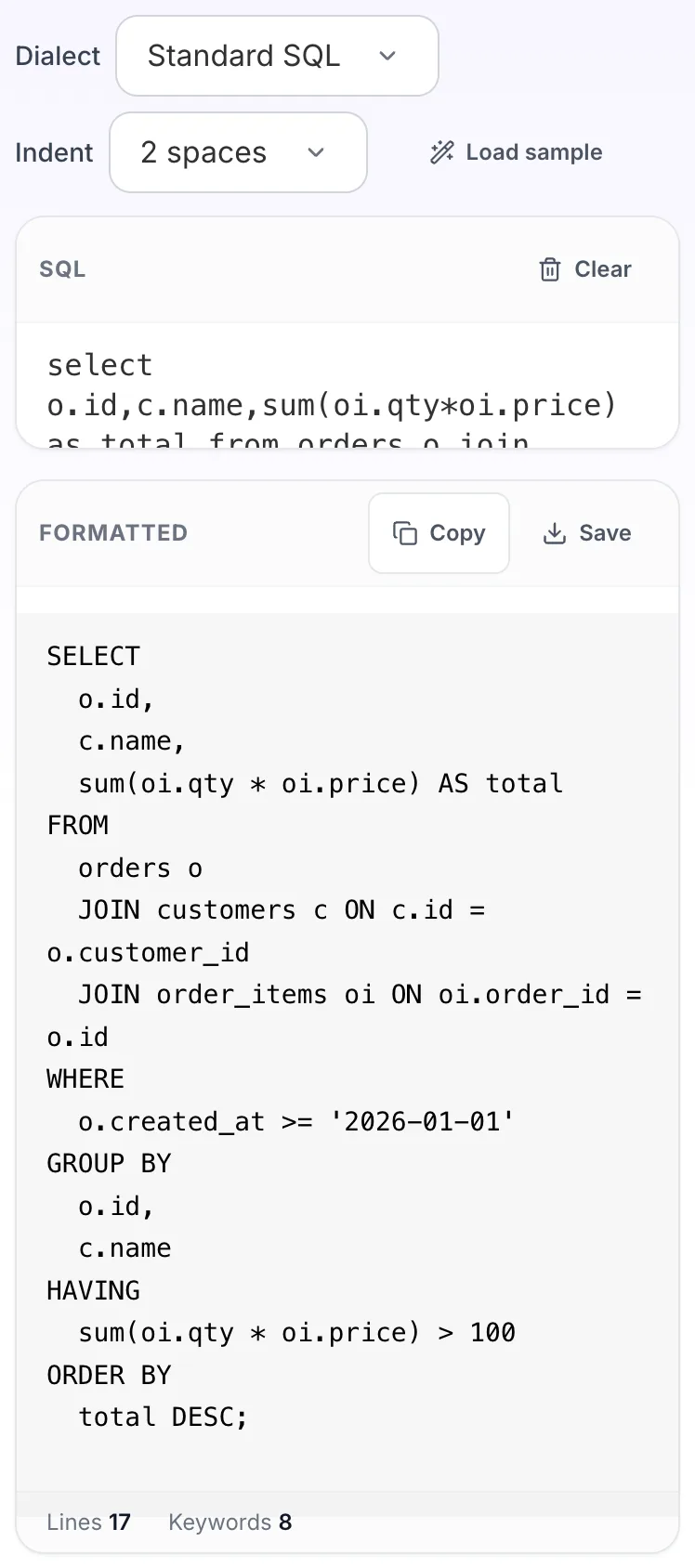
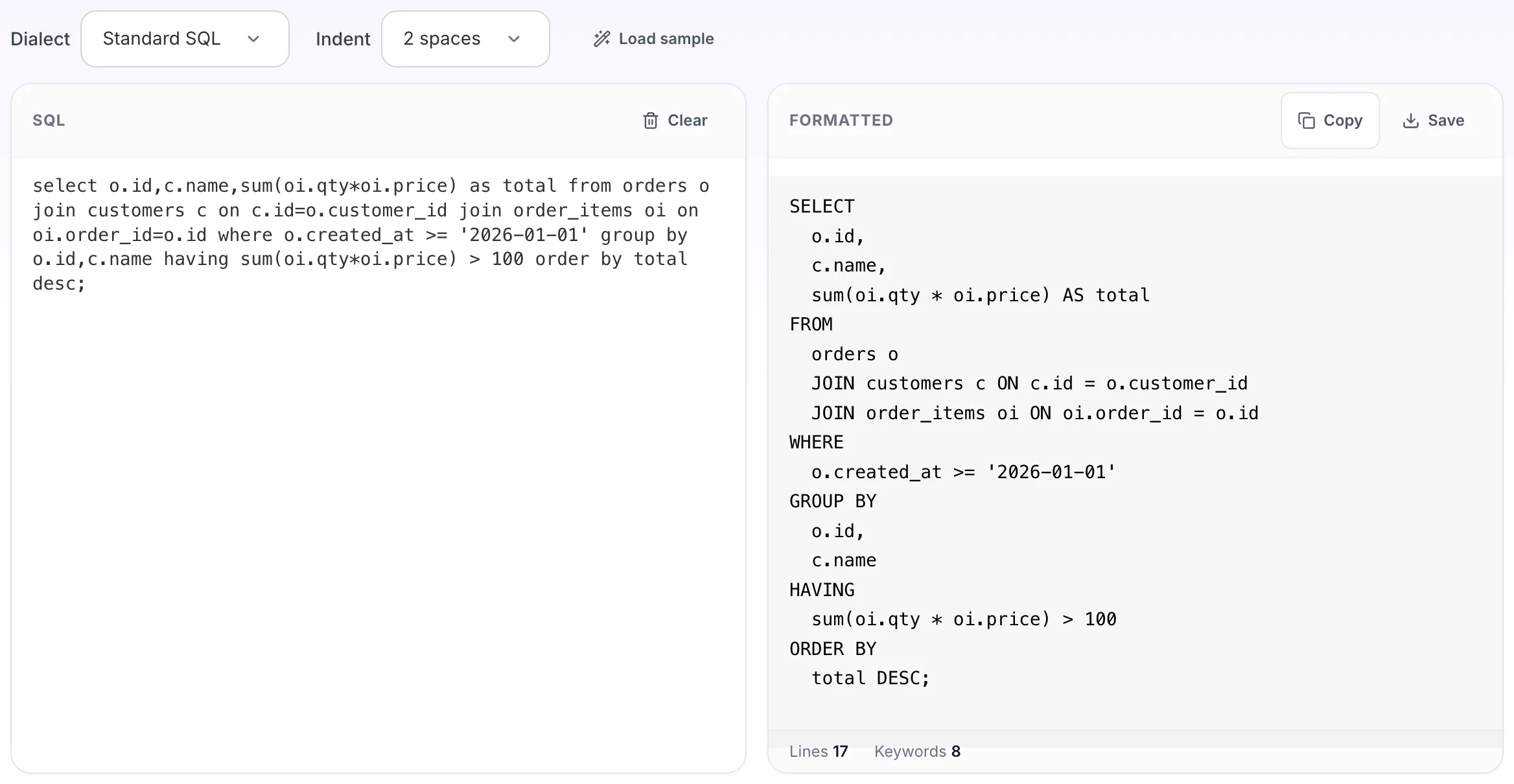
Paste your own sql, or load the sample. The formatted pane fills in as you type.
- 3
Read the result
The formatted appears on the right with copy and save beside it.