Built for the JSON you did not write: a minified API payload, a config that has been hand-edited into one line, a log entry copied out of a terminal. Four space indent by default, with key sorting on hand when you need two documents to line up for comparison. Also known as a JSON prettifier or unminifier. It restores indentation, though comments and key order cannot be recovered.
If it will not parse
These are the messages people usually arrive with: Unexpected token in JSON, Unexpected end of JSON input. Paste the input that produced one and the result pane names the problem and points at it.
How to use the JSON Beautifier, step by step
Real screenshots of the tool, captured while running it.
1
Open the tool
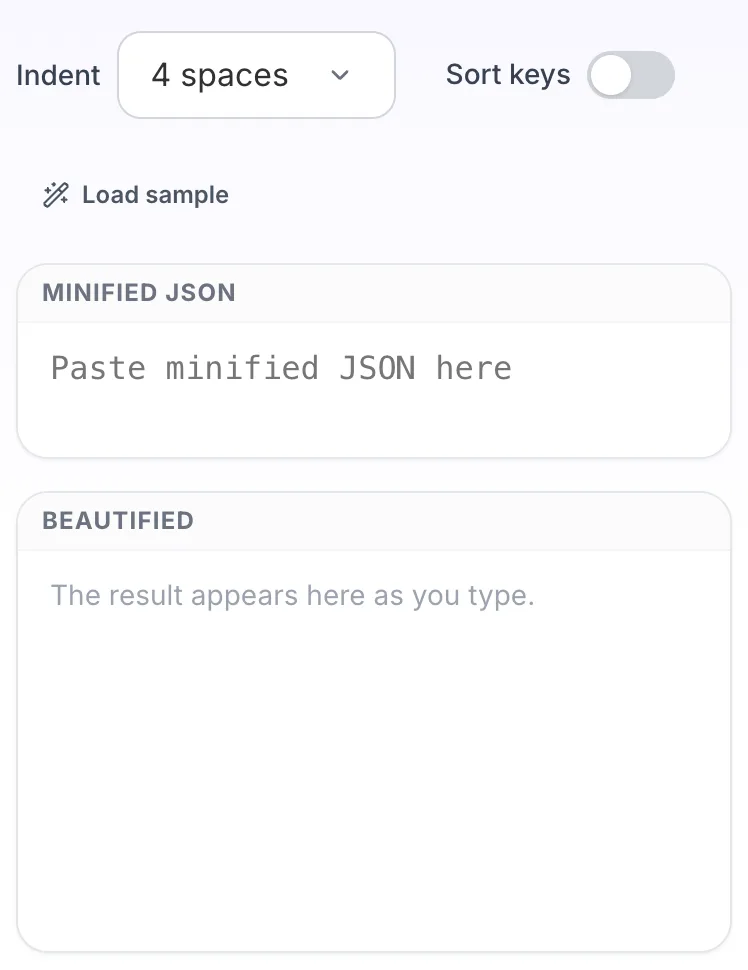
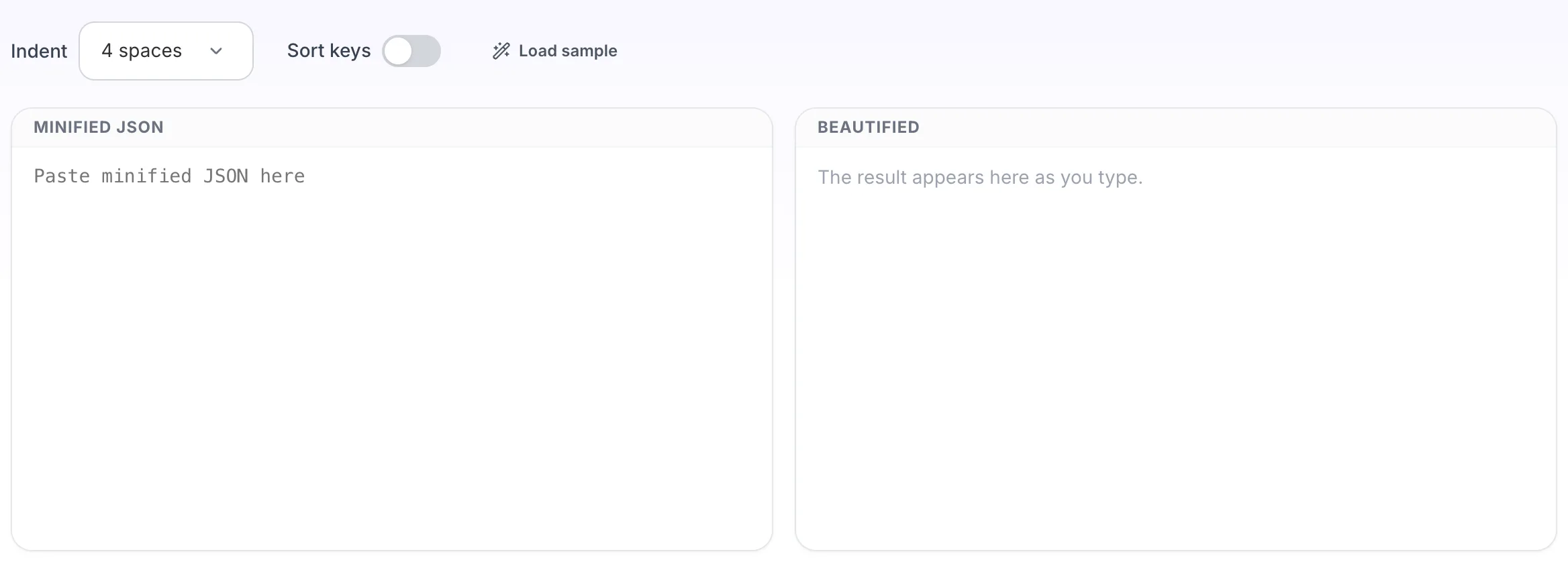
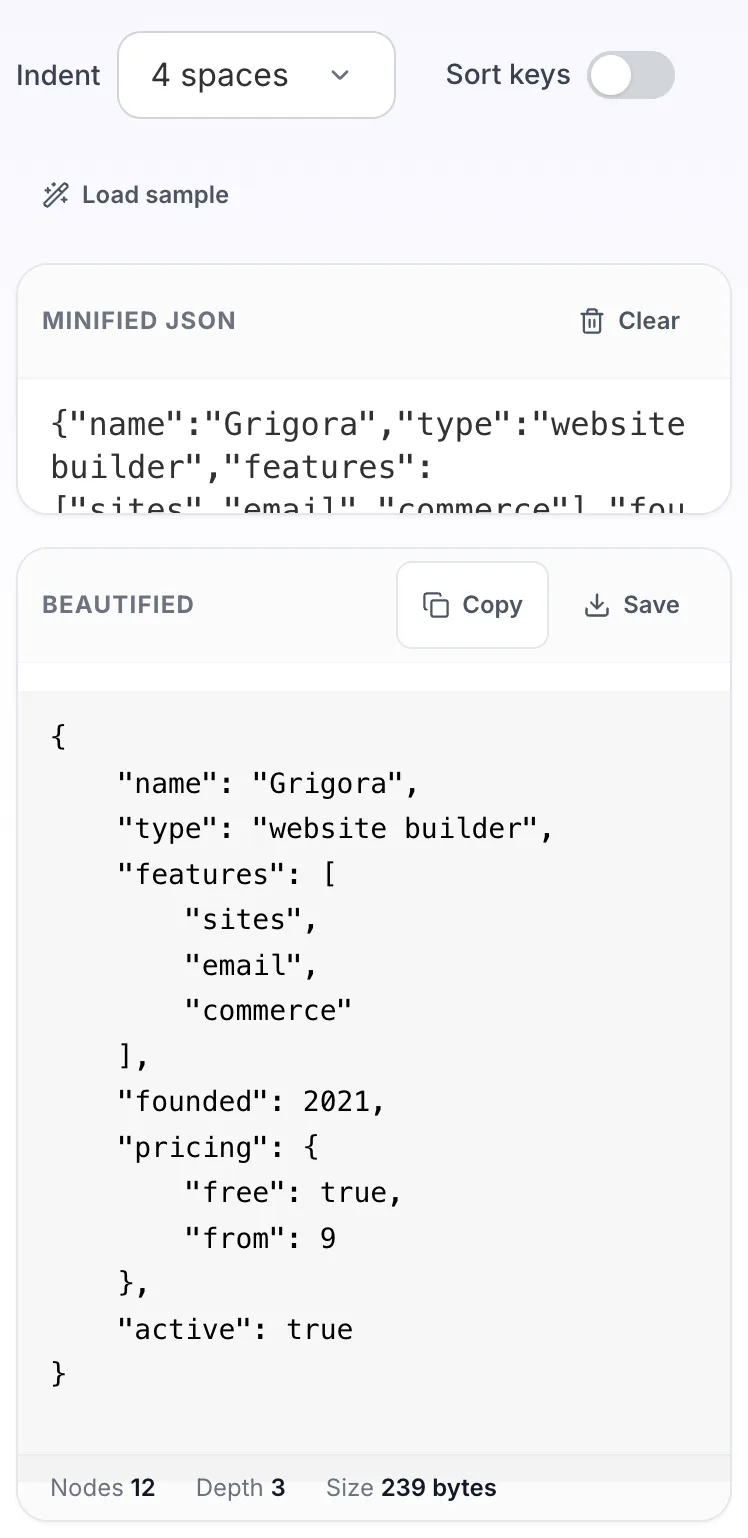
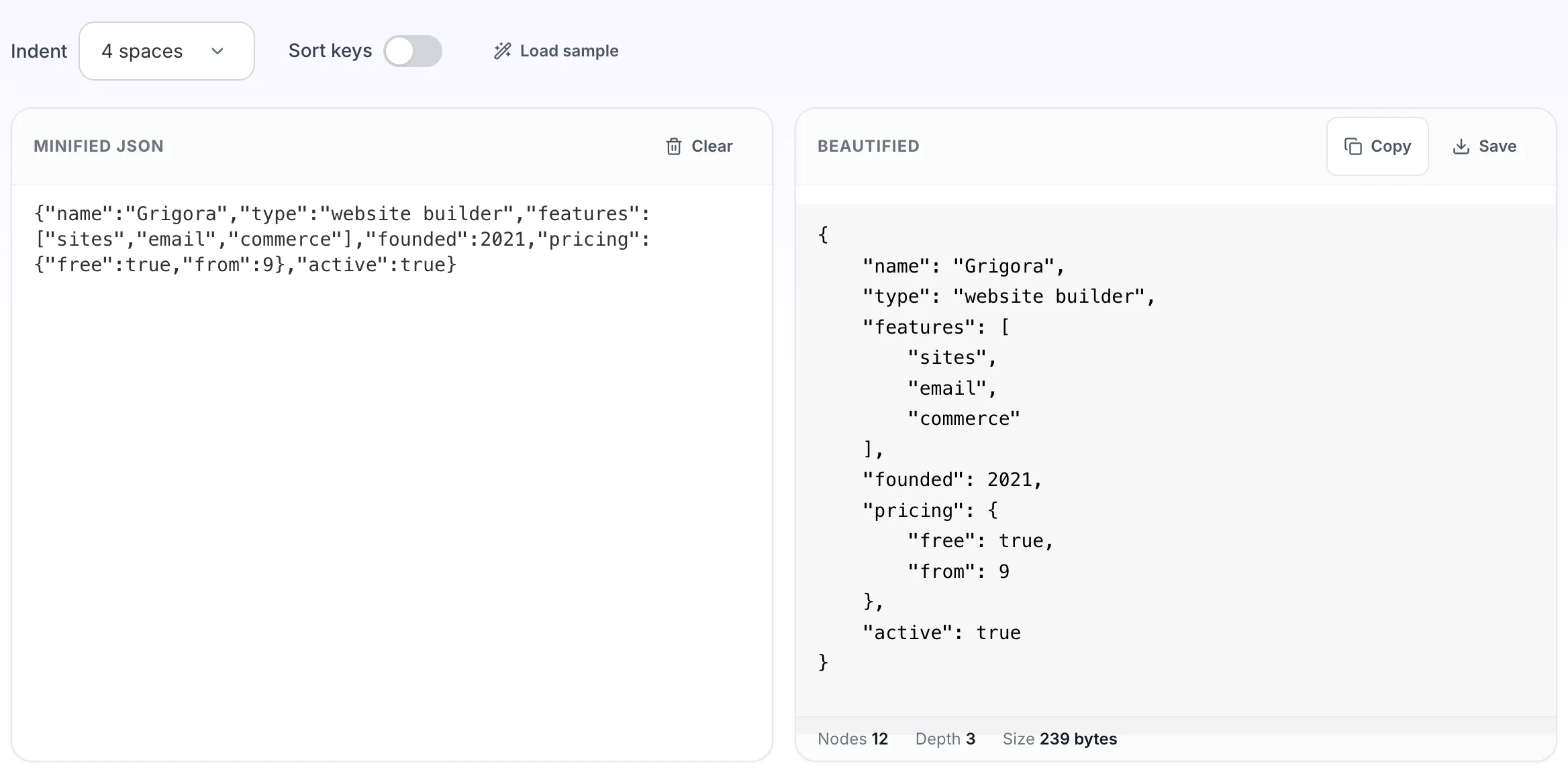
JSON Beautifier opens empty, with minified json on the left and beautified on the right.
2
Add your input
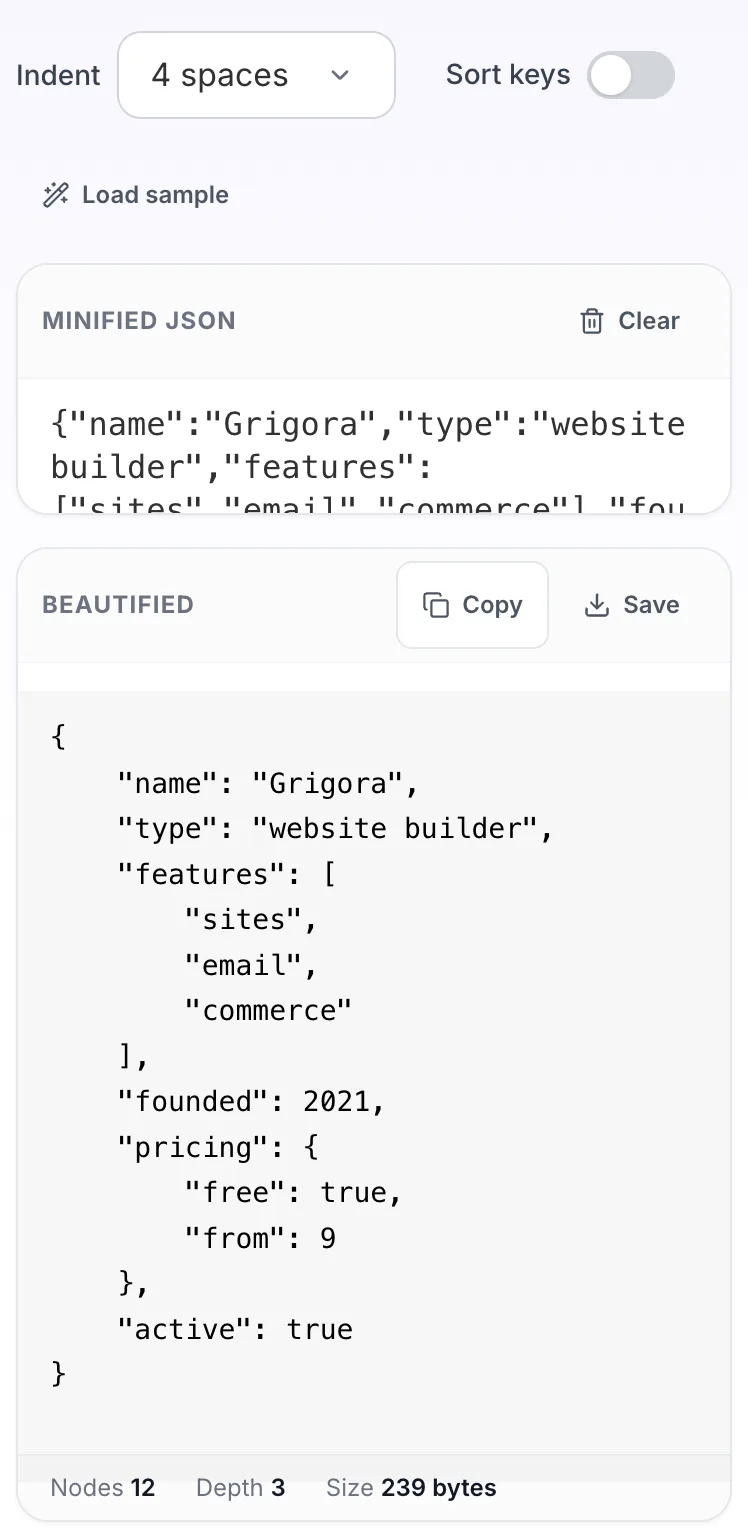
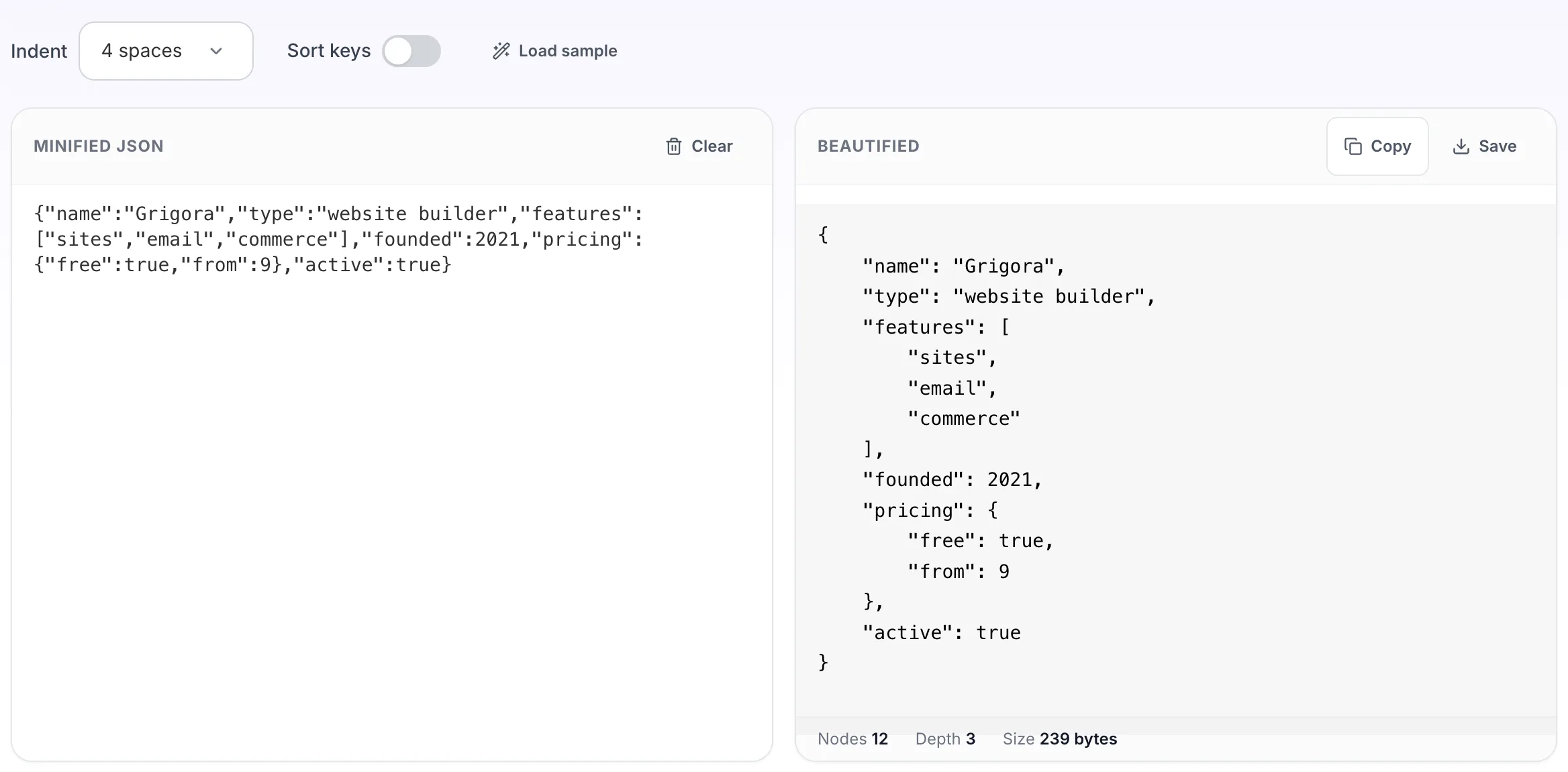
Paste your own minified json, or load the sample. The beautified pane fills in as you type.
3
Read the result
The beautified appears on the right with copy and save beside it.
Questions people ask
Same engine, different default. The beautifier opens at four space indent because it is aimed at reading unfamiliar JSON, where wider indentation makes nesting easier to follow. The formatter opens at two spaces, which is what most codebases commit.
Yes. Minifying only removes whitespace, so beautifying restores a readable shape. What it cannot restore is comments or the original key order, since neither survives a parse.
Two JSON documents that hold the same data can diff as completely different files purely because the keys are in a different order. Sorting both makes a diff show only the values that actually changed.
No. The document is parsed and re-serialised, so whitespace changes and nothing else. Numbers keep their value, though a number written as 1.50 comes back as 1.5 because that is the same number.
The usual causes are a trailing comma before a closing brace, single quotes instead of double, an unquoted key, or a real newline inside a string. The error panel prints the exact line and column so you can go straight to it.