Free OG Image Preview Tool
Settings
Preview your og:image as it appears on Facebook, Twitter, LinkedIn. Catch broken or wrong-sized images. Free, instant.
How to use the OG Image Preview Tool, step by step
Real screenshots of the tool, taken while running it.
- 1
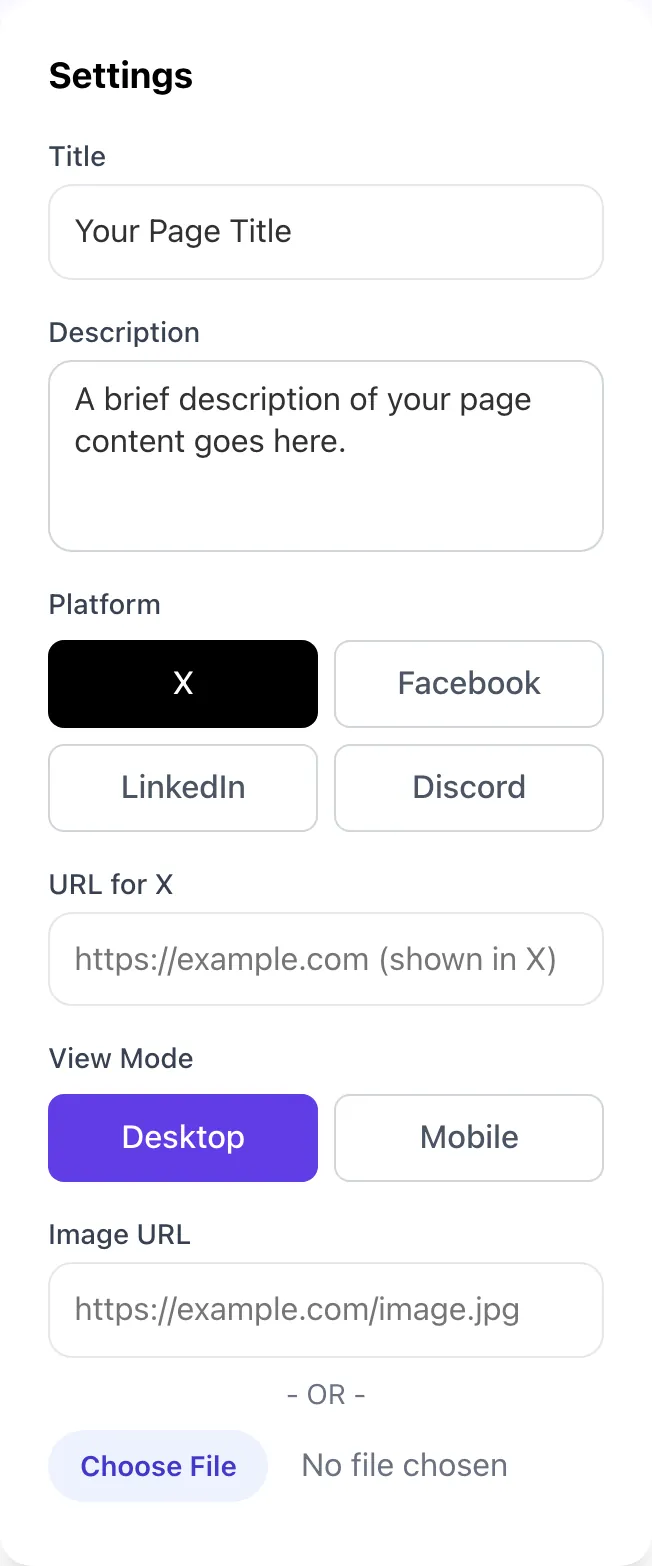
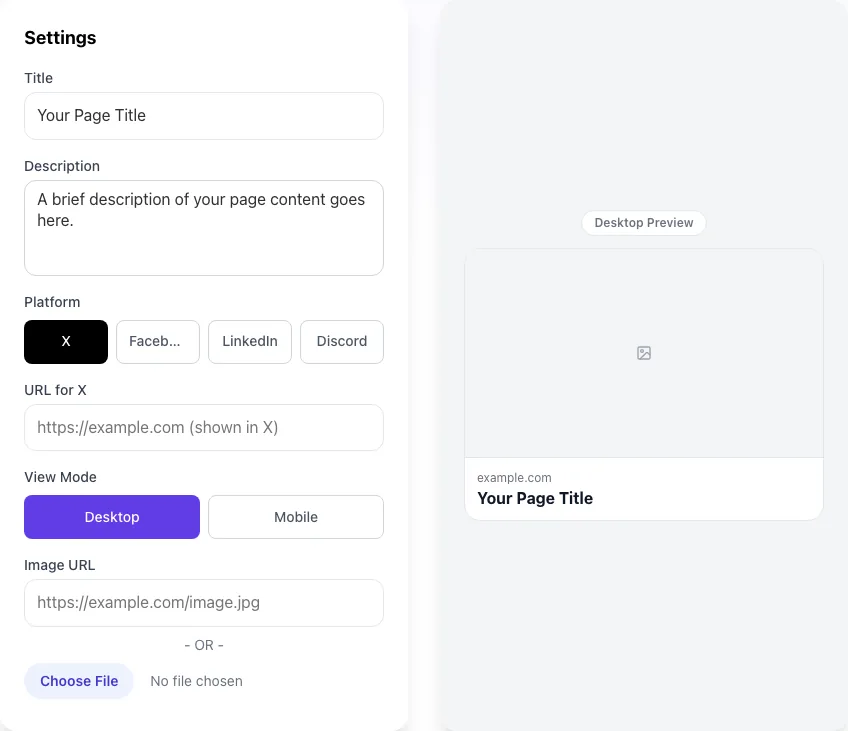
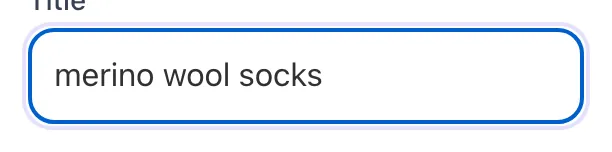
Add your input
Paste or type into the field OG Image Preview Tool works from.
- 2
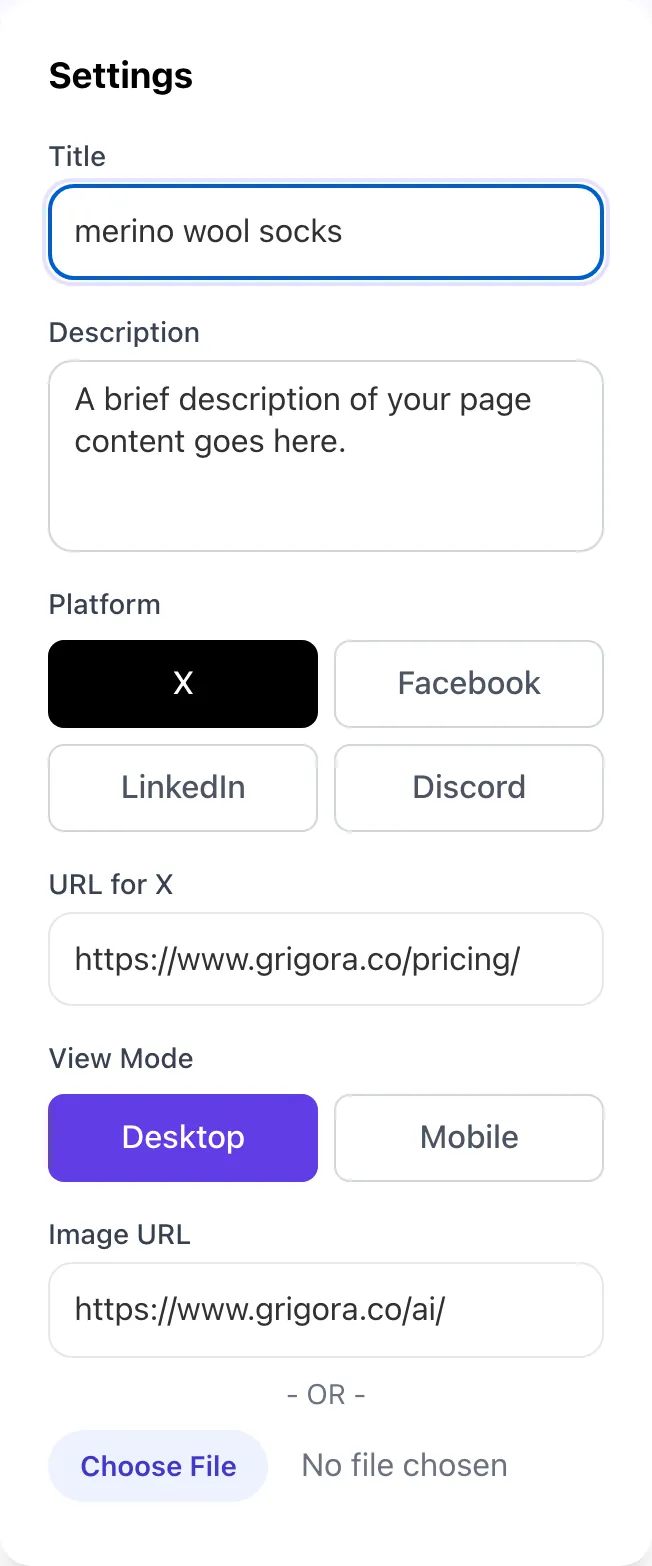
Sample text in place
With sample text entered, OG Image Preview Tool is ready to run.
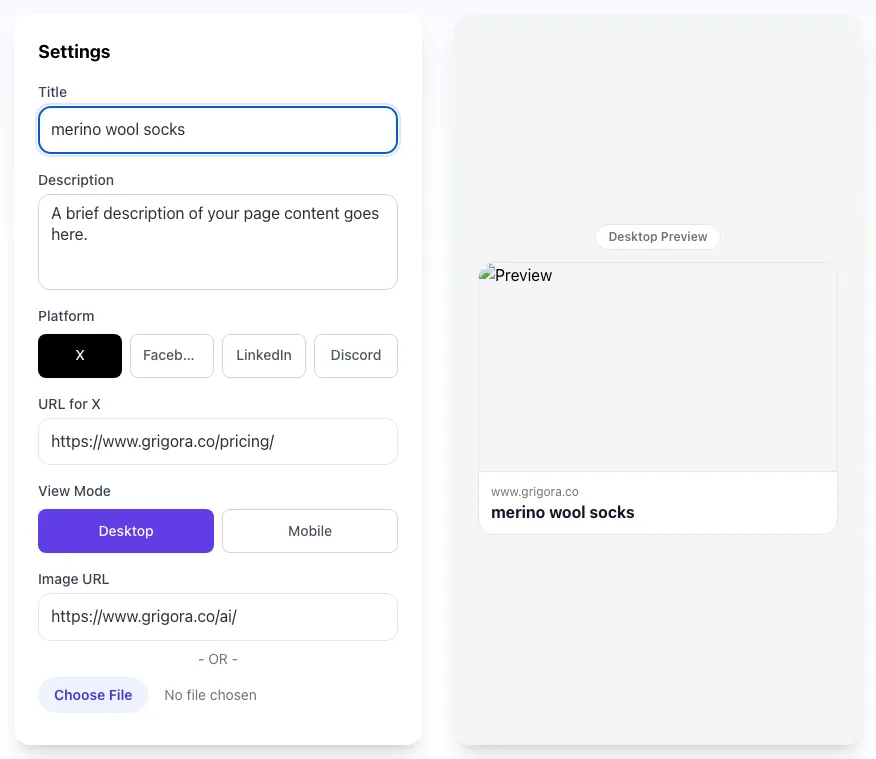
- 3
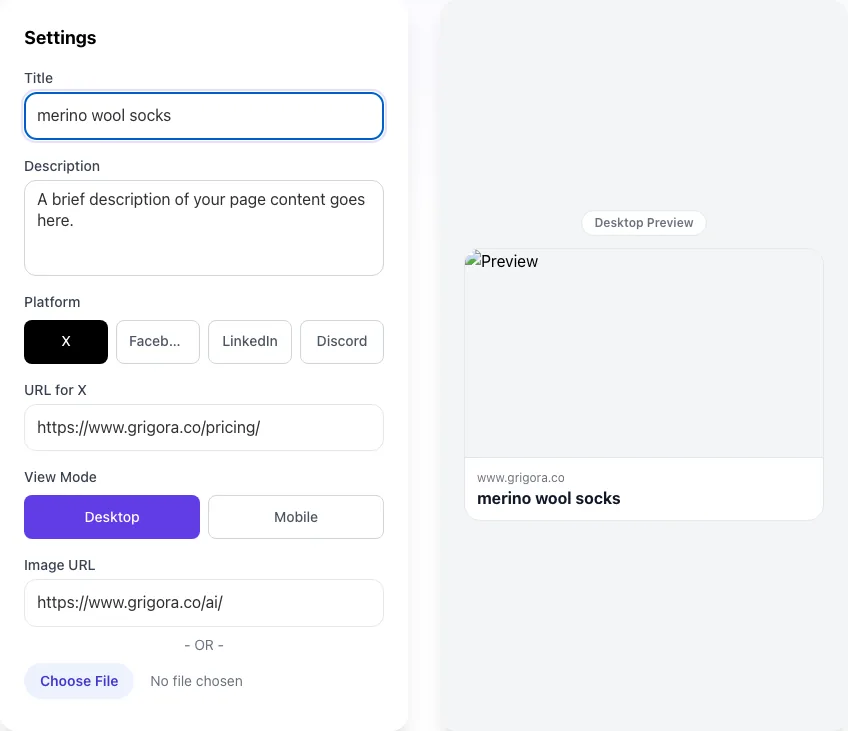
Read the result
OG Image Preview Tool updates as you type, so the result is already visible here.
What this tool does
OG Image Preview Tool delivers fast, reliable results for preview your og:image as it appears on facebook, twitter, linkedin. catch broken or wrong-sized images. free, instant.
Designed to fit into your existing SEO and content workflow with no setup overhead.
How to use it
Five steps.
Enter title and description
Type the og:title and og:description you plan to publish so the preview matches your live tags.
Upload or link your image
Drop a local 1200x630 file or paste the hosted og:image URL to render the actual asset.
Switch between platforms
Toggle Facebook, Twitter, LinkedIn, and Discord to see exact crops and truncation per network.
Compare mobile vs desktop
Verify that critical content stays inside the safe zone across feed and messenger contexts.
Iterate before publishing
Adjust copy or image until every platform looks intentional, then ship without polluting Facebooks cache.
When teams use it
Six common workflows.
Content marketers preparing a launch
Run every blog post and announcement page through the preview before scheduling, catching cropped headlines and broken images that would tank social CTR.
Engineering teams shipping dynamic OG generation
QA the @vercel/og or Satori output for hundreds of pages by spot-checking 10-20 representative URLs before deploying to production.
Social media managers running paid campaigns
Verify that every UTM-tagged variant renders correctly across Facebook, LinkedIn, and Twitter to avoid wasted ad spend on broken cards.
SEO consultants auditing client sites
Sweep a clients top 50 pages, flag missing or wrong-sized og:image tags, and quantify the missed engagement opportunity in a deliverable report.
Product launch teams
Coordinate creative, copy, and engineering by sharing pixel-perfect previews in Slack and Linear before the press embargo lifts.
Newsletter and creator economy publishers
Test how individual issues will appear when readers paste links to Twitter and LinkedIn, then iterate on cover art before sending the email.
Platform guides
Integrate with major platforms.
WordPress
- Install Yoast SEO or RankMath.
- In each post, set the Social Image under the Social tab.
- Upload a 1200x630 JPEG under 200 KB.
- Save the post and validate via the Facebook Sharing Debugger.
Webflow
- Open Page Settings for the page you want to share.
- Scroll to Open Graph Settings and set the OG Image to a 1200x630 asset uploaded to Webflow Assets.
- Set OG Title and OG Description independently from page meta.
- Publish and re-scrape via the Sharing Debugger.
Next.js with @vercel/og
- Install @vercel/og.
- Create a route at /api/og that returns an ImageResponse.
- In your page metadata export, set openGraph.images with the full URL.
- Deploy and verify the dynamic image renders within 200 ms.
Shopify
- Open Online Store > Themes > Edit Code.
- Find theme.liquid and add og:image meta tags inside the head section.
- Use product.featured_image.src for product pages and a static fallback for collections.
- Use Shopifys Image API to serve a 1200x630 crop.
Ghost
- Go to the post editor and click the gear icon.
- Scroll to Twitter Card and Facebook Card sections.
- Upload separate images if you want platform-specific creative.
- Save and publish; Ghost emits the meta tags automatically.
Grigora vs. alternatives
Side-by-side.
| Capability | Grigora | OpenGraph.xyz | Meta Debugger | Free | Manual |
|---|---|---|---|---|---|
| Live multi-platform preview | Yes | Facebook only | Yes | Yes | Manual screenshots |
| Discord and Slack rendering | Yes | No | No | Slack only | No |
| Mobile vs desktop comparison | Yes | Desktop only | Yes | No | No |
| Local image upload | Yes | URL only | URL only | Yes | N/A |
| Free without signup | Yes | Login required | Free tier | Yes | N/A |
| Crop safe-zone overlay | Yes | No | No | Partial | No |
| Bulk URL audit | Coming soon | No | Paid tier | No | Manual |
| No cache pollution | Yes | Hits Facebook cache | Hits Facebook cache | Yes | N/A |
Common errors and fixes
Eight issues users hit.
Image not showing on Facebook
Cause: The og:image URL returns a 404, redirects more than once, or exceeds 8 MB.
Fix: Verify the URL returns 200 directly (no redirects), keep file size under 1 MB, then re-scrape via the Facebook Sharing Debugger.
LinkedIn shows tiny thumbnail instead of full card
Cause: The og:image is smaller than 1200 pixels wide.
Fix: Replace with a 1200x630 image and trigger a re-scrape via the LinkedIn Post Inspector. LinkedIn caches for 7 days.
Twitter card downgrades to summary
Cause: The twitter:card meta tag is missing or set to summary instead of summary_large_image.
Fix: Add <meta name="twitter:card" content="summary_large_image"> in the page head.
Old image keeps appearing after update
Cause: Facebook cached the previous og:image for up to 30 days.
Fix: Either click Scrape Again in the Sharing Debugger or change the image URL with a version query string like ?v=2.
Important content cropped on mobile
Cause: Critical text or logo placed outside the 1080x540 center-safe zone.
Fix: Reposition all key content within the center safe area; treat outer 60 pixels as decorative.
OG image looks blurry on Retina displays
Cause: Source image is exactly 1200x630 with no high-DPI version.
Fix: Export at 2400x1260 and let the browser downsample, or serve via srcset for responsive images.
Animated GIF freezes on first frame
Cause: The platform stripped animation (LinkedIn and Twitter always do).
Fix: Design the first frame to stand alone visually; if motion is essential, use og:video on Facebook only.
Card shows blank for first share
Cause: Facebook scraper hit a slow response and timed out before fetching the image.
Fix: Pre-warm the cache by submitting the URL to the Sharing Debugger before promoting the link publicly.
Original data
2026 study.
Frequently asked questions
Twelve answers.
Related free tools
Other utilities.