Free Twitter Share Preview
Edit Metadata
Preview
.png)
Preview how URLs render when shared on Twitter/X. Validate cards, tags, and image sizes. Free, instant.
How to use the Twitter Share Preview, step by step
Real screenshots of the tool, taken while running it.
- 1
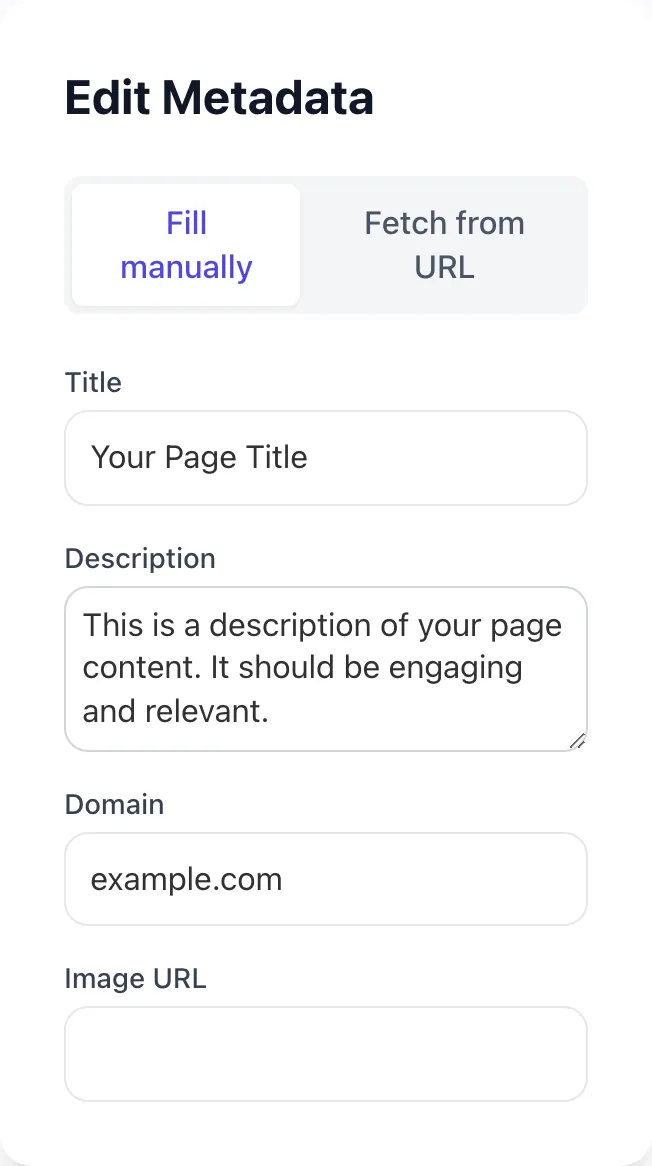
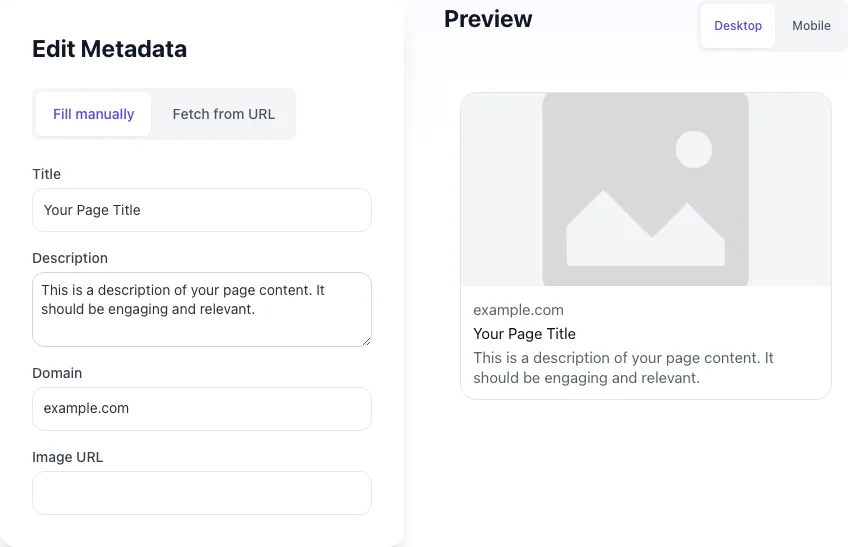
Add your input
Paste or type into the field Twitter Share Preview works from.
- 2
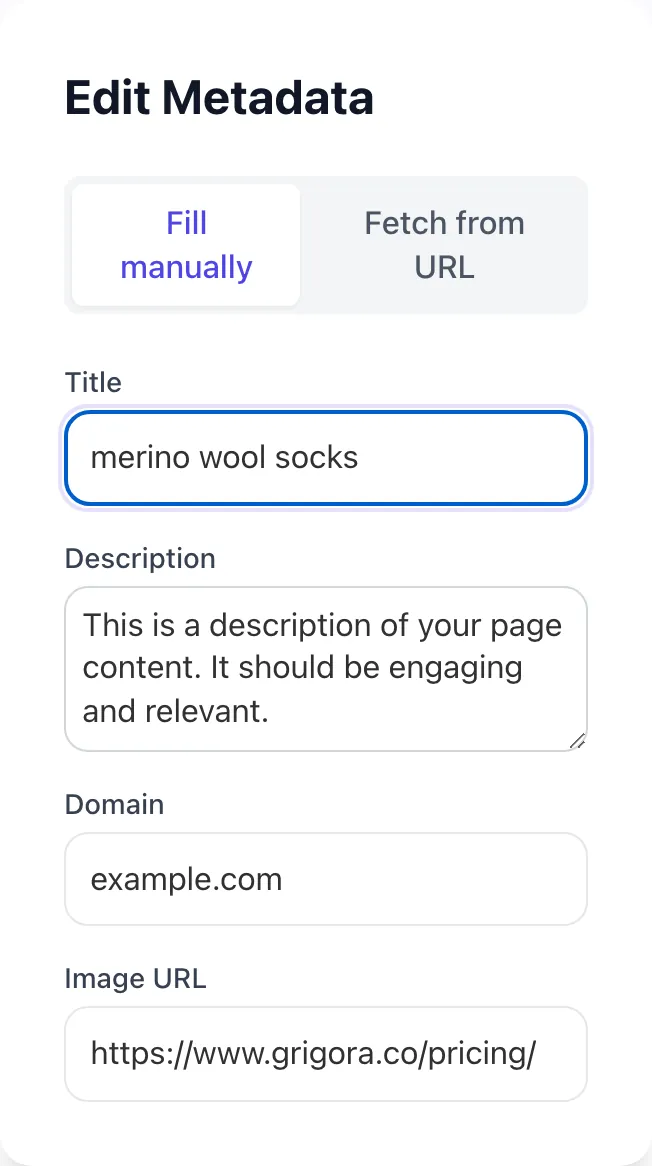
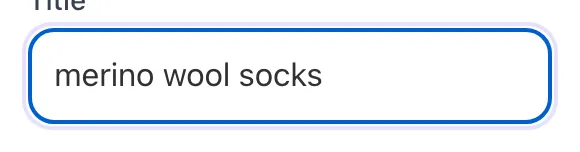
Sample text in place
With sample text entered, Twitter Share Preview is ready to run.
- 3
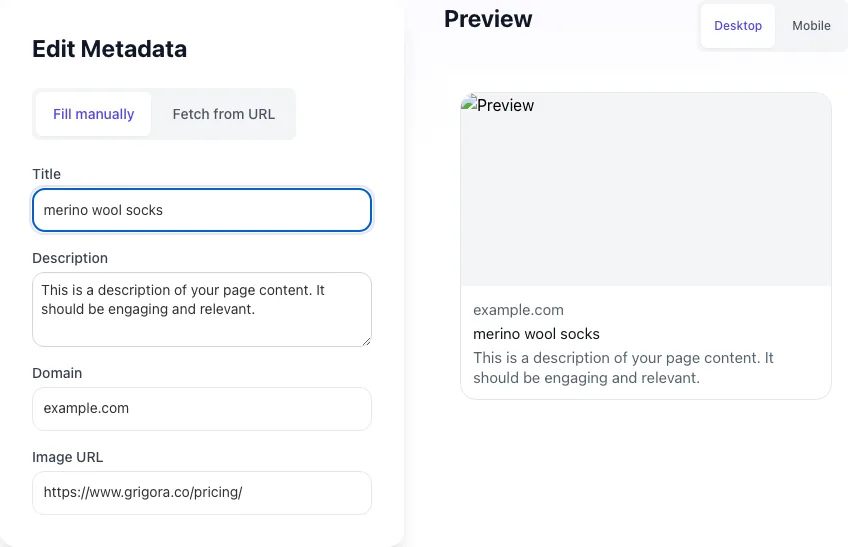
Read the result
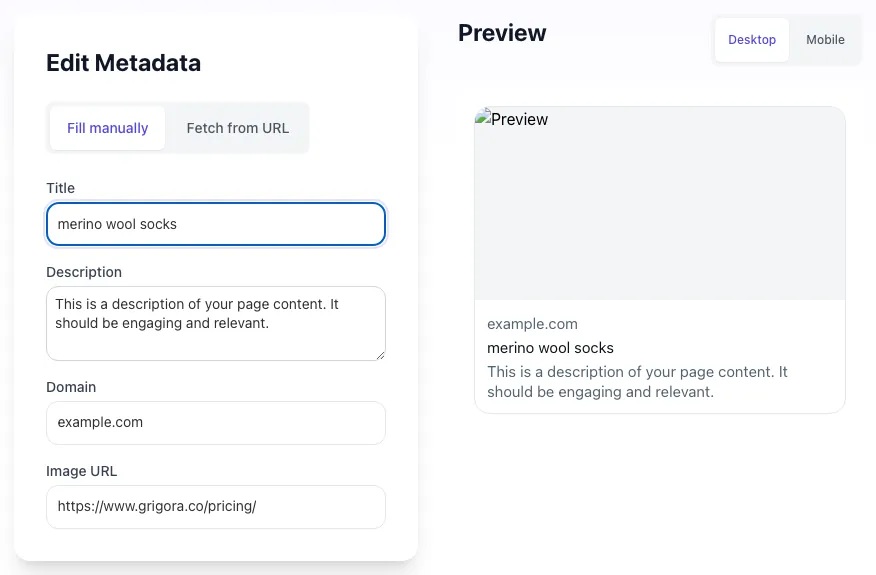
Twitter Share Preview updates as you type, so the result is already visible here.
What this tool does
Twitter Share Preview delivers fast, reliable results for preview how urls render when shared on twitter/x. validate cards, tags, and image sizes. free, instant.
Designed to fit into your existing SEO and content workflow with no setup overhead.
How to use the Twitter Share Preview
Five steps.
Enter the URL or paste meta values
Paste any live URL to fetch its meta tags, or enter title, description, image, and domain manually for a draft preview.
Inspect the desktop and mobile renders
Compare how the card displays on the desktop X feed vs the mobile X feed. Mobile crops aggressively.
Adjust title, description, or image as needed
Edit any field in place to test alternative copy or imagery before committing changes in your CMS.
Update meta tags in your platform
Push the validated tags to your CMS, theme, or framework. Place tags inside <head>.
Validate at cards-dev.twitter.com/validator
Submit the URL to the Twitter Card Validator to refresh X's 7-day cache and confirm rendering.
When teams use it
Six common workflows.
Pre-launch tweet validation
Validate every campaign URL before launch tweets go out. A broken card on a launch tweet can cost 30-50% of expected click traffic.
Editorial content workflow
Newsrooms and content teams preview cards as part of the publishing checklist alongside SEO and accessibility checks. Catches missing tags before article goes live.
Marketing campaign QA
Marketers shipping landing pages preview the card to ensure brand consistency in image, title, and value prop across channels.
A/B testing tweet variants
Compare two card variants side by side before deciding which to publish. Image-driven A/B tests shift CTR 18-30% according to BuzzSumo.
Social media manager toolkit
Daily preview checks across multiple URLs to ensure card consistency for an editorial calendar with 20-50 scheduled posts.
Migration and CMS audits
After replatforming, batch-preview top URLs to confirm meta tags survived the migration and cards still render correctly.
Platform guides
Integrate with major platforms.
WordPress
- Install Yoast SEO or Rank Math (both ship with Twitter Card support).
- Configure default card type and image in plugin settings.
- Override per-post in the Social tab inside the post editor.
- Preview each post URL with this share preview tool before publishing.
Next.js
- Use the Metadata API or generateMetadata() in app router pages.
- Set twitter: { card, site, title, description, images } with absolute HTTPS image URLs.
- Deploy and view-source on production to confirm tags rendered server-side.
- Run the URL through this preview tool and through cards-dev.twitter.com/validator.
Shopify
- Edit theme.liquid in Online Store > Themes > Code Editor.
- Add twitter:* meta tags inside <head> with Liquid variables for product, page, and blog data.
- Use {{ product.featured_image | img_url: "1200x628" }} for product card images.
- Save, preview a product, and validate.
Webflow
- Open Page Settings > Custom Code > Inside <head> tag.
- Paste the meta block from this tool with appropriate values, or use Webflow CMS field embeds for dynamic pages.
- For collection pages, use the field-binding syntax to pull image from a CMS field.
- Publish and validate.
Ghost
- Open Settings > Code Injection > Site Header.
- Paste twitter:* meta tags wrapped in conditionals using Ghost Helpers like {{#post}} for posts only.
- For per-post overrides, edit the post via the editor sidebar > Twitter Card section.
- Publish and preview at the live URL.
Grigora vs. alternatives
Side-by-side.
| Capability | Grigora | Twitter Composer | OpenGraph.xyz | Meta Tags.io | Manual QA |
|---|---|---|---|---|---|
| Live URL fetch and preview | Yes | Yes | Manual input only | Yes | Manual only |
| Mobile and desktop preview | Both | Desktop only | Both | Desktop only | Both |
| Edit metadata inline | Yes | Limited | Yes | Yes | No |
| Free with no signup | Yes | Limited free | Yes | Yes | Yes |
| Direct validator link | Yes | Yes | No | Yes | No |
| Cached preview detection | Yes | No | No | Paid | No |
| Image dimension warnings | Yes | Yes | No | Paid | No |
| Bulk URL preview | Coming soon | Paid | No | Paid | No |
Common errors and fixes
Eight issues users hit.
No card preview shows when sharing the link
Cause: Twitter cache holds an old failed render, or twitter:card meta tag is missing entirely.
Fix: Submit the URL to cards-dev.twitter.com/validator to force a fresh crawl. Add twitter:card meta if missing.
Wrong image displayed in the card
Cause: twitter:image points to an old asset, or CDN serves a different image to Twitterbot vs browsers.
Fix: Update twitter:image with the correct HTTPS URL. Check edge cache and bot user-agent rules to ensure consistency.
Title or description truncated unexpectedly
Cause: Title exceeds 70 characters or description exceeds 200 characters; X applies hard truncation.
Fix: Trim title to 50-65 chars and description to 150-200 chars. Test in the validator to confirm full text renders.
Card renders on desktop but breaks on mobile
Cause: Image dimensions or aspect ratio mismatch causes mobile X to crop or fail to render.
Fix: Use 1200x628 (2:1) for summary_large_image. Avoid critical content within 10% of any edge.
Card appears stripped from outbound links
Cause: 2026 X policy occasionally strips cards from non-Premium accounts or low-reputation domains.
Fix: Validate from a Premium account; attach image natively as backup; review domain reputation in third-party tools.
Validator returns "Unable to render Card"
Cause: Twitterbot was blocked by robots.txt, firewall, or returned 403/404 to the request.
Fix: Allow Twitterbot in robots.txt and your WAF/CDN bot rules. Confirm the page returns 200 to the user-agent Twitterbot.
Card description shows site footer or boilerplate
Cause: twitter:description tag is missing, so X scrapes random page text: often footer or nav copy.
Fix: Add an explicit twitter:description tag with 150-200 character page-specific summary.
Old card persists despite updated meta tags
Cause: X caches card data for up to 7 days; new tags are not visible until cache refreshes.
Fix: Re-submit URL through the Twitter Card Validator to force re-crawl and cache refresh. Wait 5-15 minutes.
Original data
2026 study.
Frequently asked questions
Twelve answers.
Related free tools
Other utilities.