Two modes, because they are not interchangeable. Component mode escapes the separators too, which is what you want for a query parameter value. Full URL mode leaves the structural characters alone so the address still works. Also called percent encoding or URI encoding. Query value mode matches encodeURIComponent, full URL mode matches encodeURI.
If it will not parse
These are the messages people usually arrive with: URIError: URI malformed. Paste the input that produced one and the result pane names the problem and points at it.
How to use the URL Encoder, step by step
Real screenshots of the tool, captured while running it.
1
Open the tool
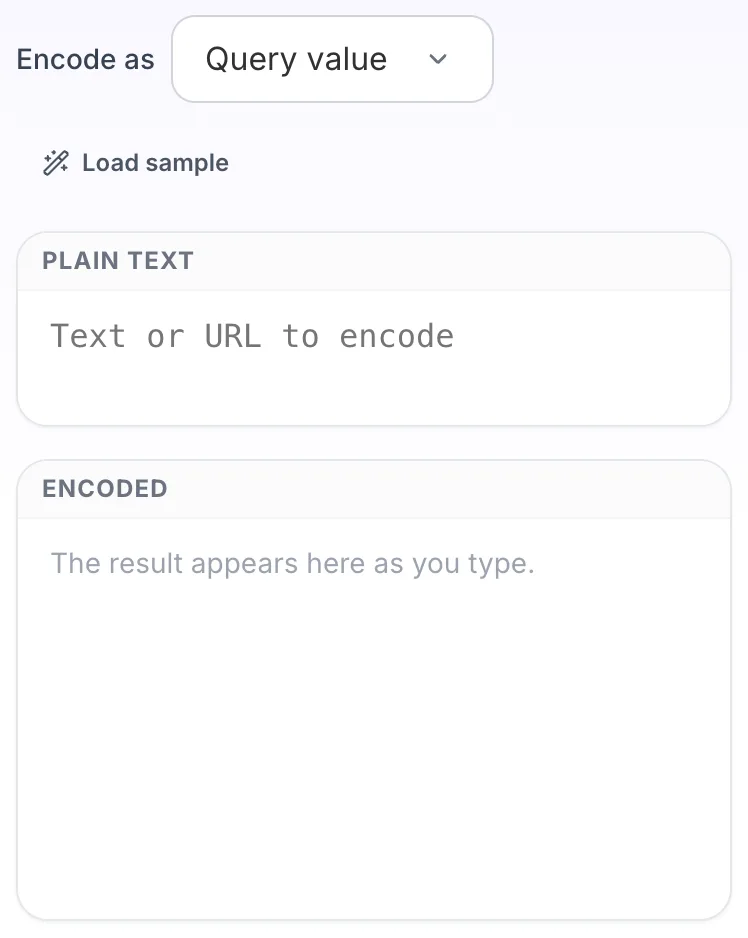
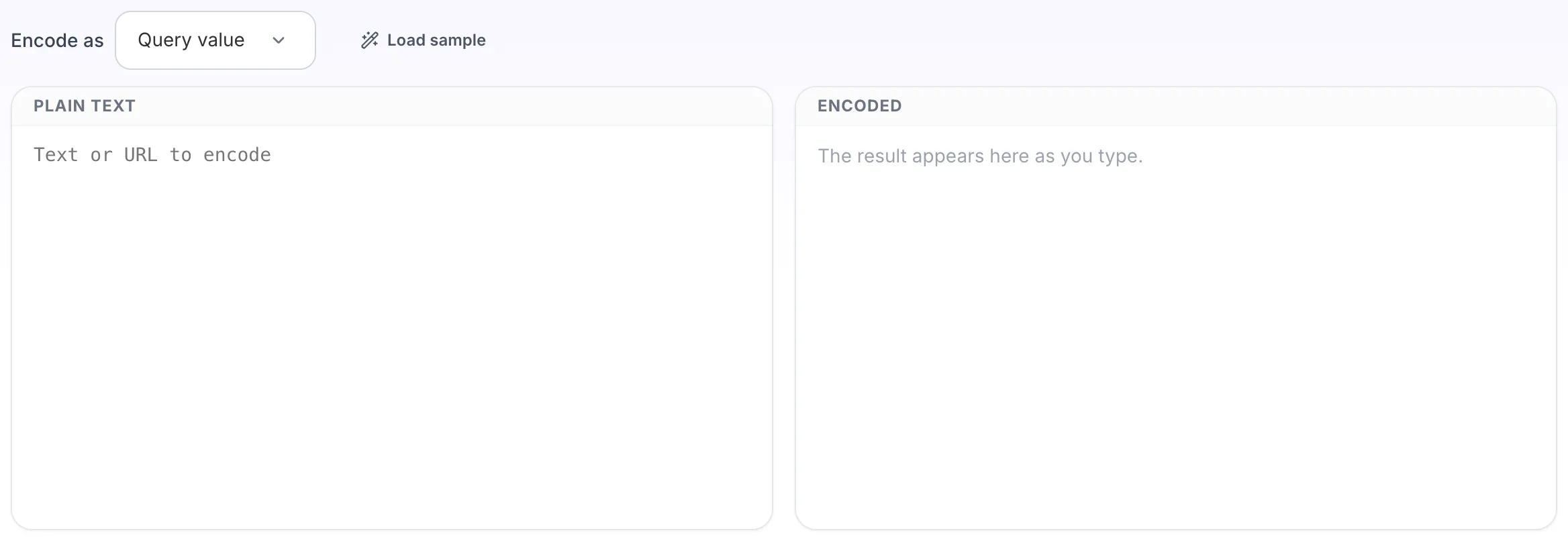
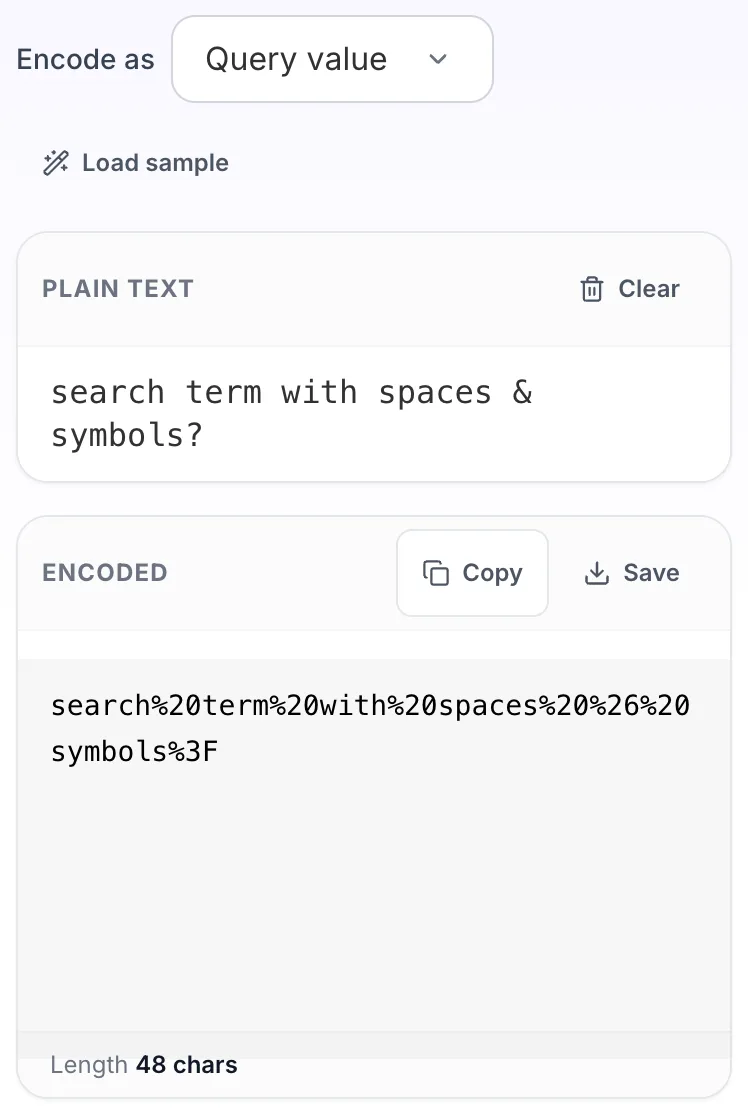
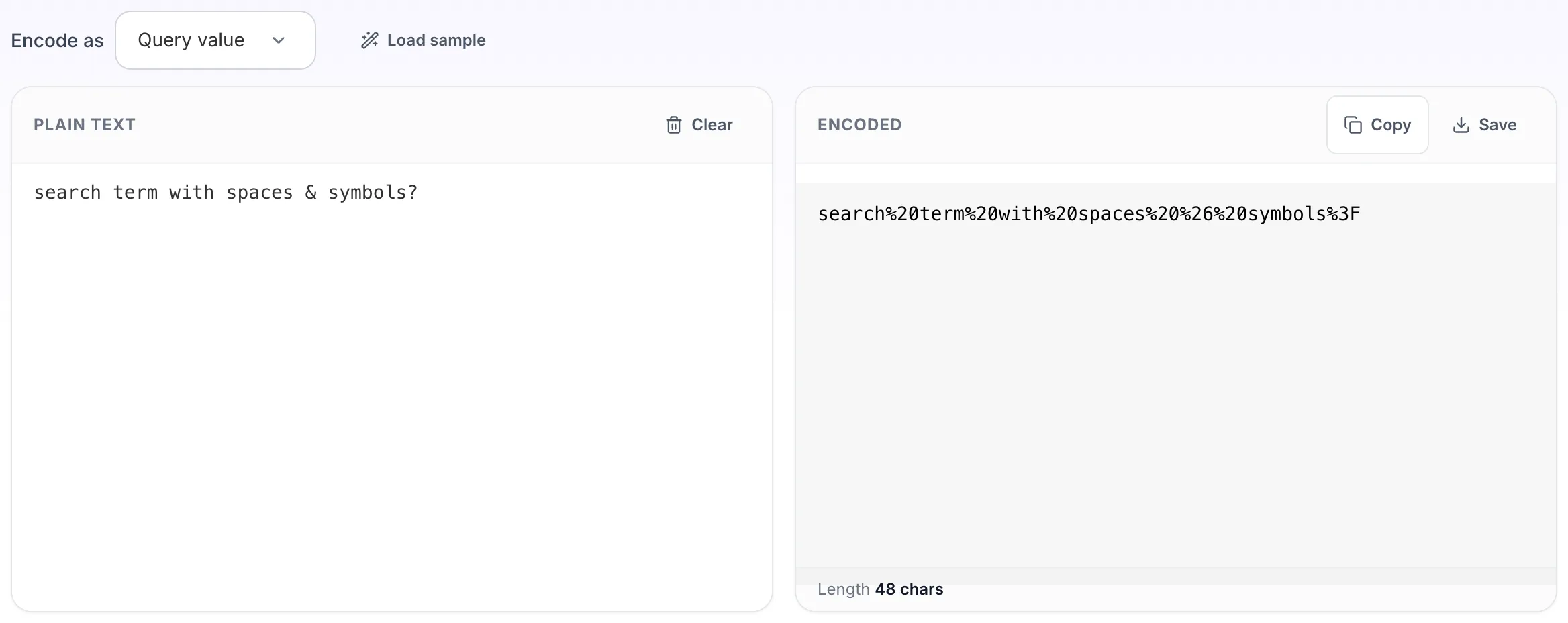
URL Encoder opens empty, with plain text on the left and encoded on the right.
2
Add your input
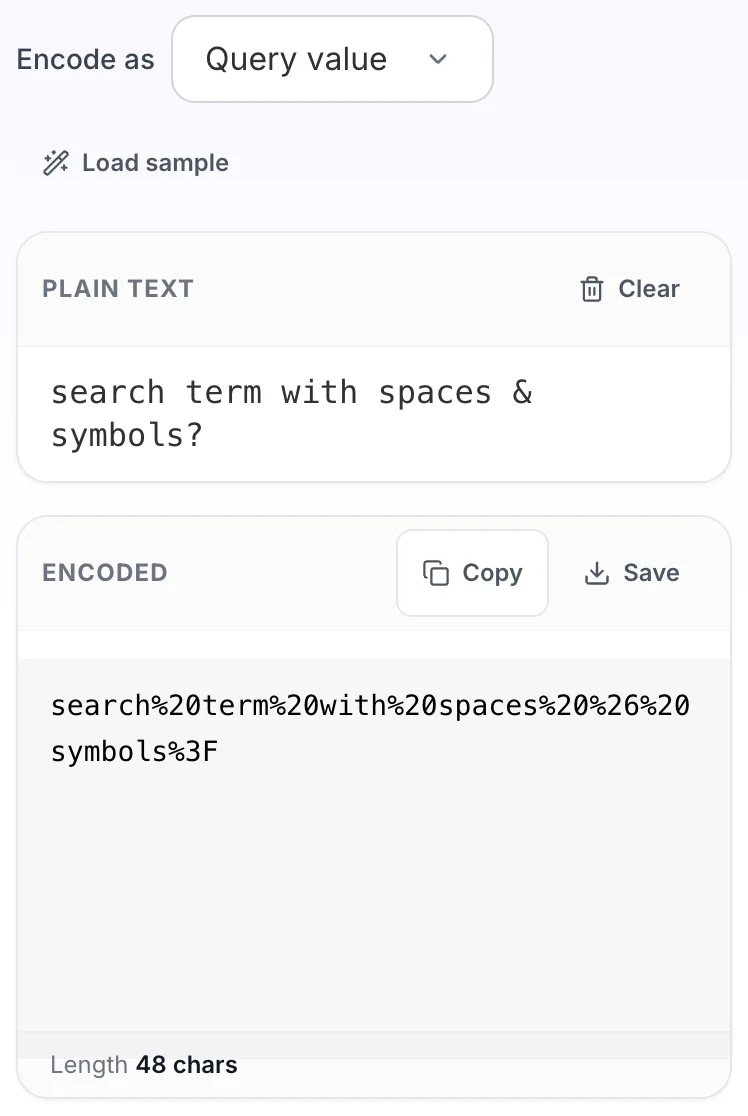
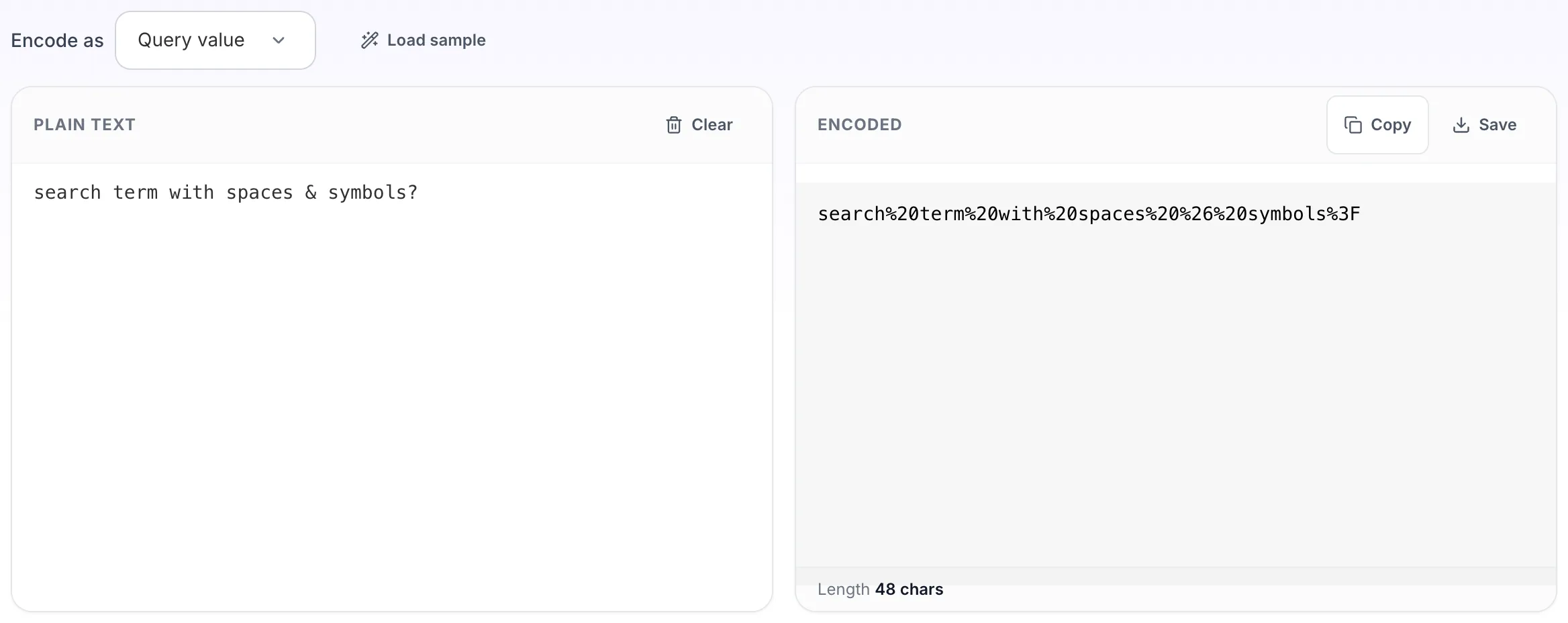
Paste your own plain text, or load the sample. The encoded pane fills in as you type.
3
Read the result
The encoded appears on the right with copy and save beside it.
Questions people ask
If you are building the value of a query parameter, use query value. If you are cleaning up a whole address, use full URL. Encoding a whole URL in component mode escapes the slashes and colons and produces something that is no longer a link.
Percent encoding uses %20. The plus convention comes from HTML form submission and only applies inside a query string. %20 is safe in both places, which is what this tool emits.
Only when the slash is part of a value rather than part of the path. A slash inside a query parameter must be encoded, otherwise a proxy or router may read it as a path separator.
They are converted to UTF-8 bytes and each byte is percent encoded, which is what the URL standard requires. A single accented character becomes two escape sequences.
No. Percent encoding makes text safe inside a URL. HTML encoding makes text safe inside a page. Using one where the other is needed leaves the original problem in place.