Start with an idea or a relevant template. Refine it around your campground audience and the information they need.
Describe your campground website
Tell the AI who you serve, what you offer and the style you want. Include campsite types & amenities and photo gallery & virtual tour in your brief, or choose a relevant template.
Name your audience and the next action you want visitors to take.
Review and make it yours
Edit your draft visually. Add your own photographs and review campsite types & amenities, photo gallery & virtual tour, local attractions & activities before sharing your website.
Confirm every claim and replace sample content with your actual details.
Preview, then publish
Check the website on phones, tablets and desktop screens. Publish with hosting and SSL, and connect a domain you own when your plan includes custom domains.
Test your contact form and every external service link after publishing.
The details that help visitors choose
Campsite Types & Amenities. One clear website.
A campground website shows travellers what your sites look like, what the rules are, and what you sell on the property, and Grigora builds one for your campground or RV park from a plain description. The AI drafts the pages and imagery, and you edit them visually without code.
Campsite Types & Amenities
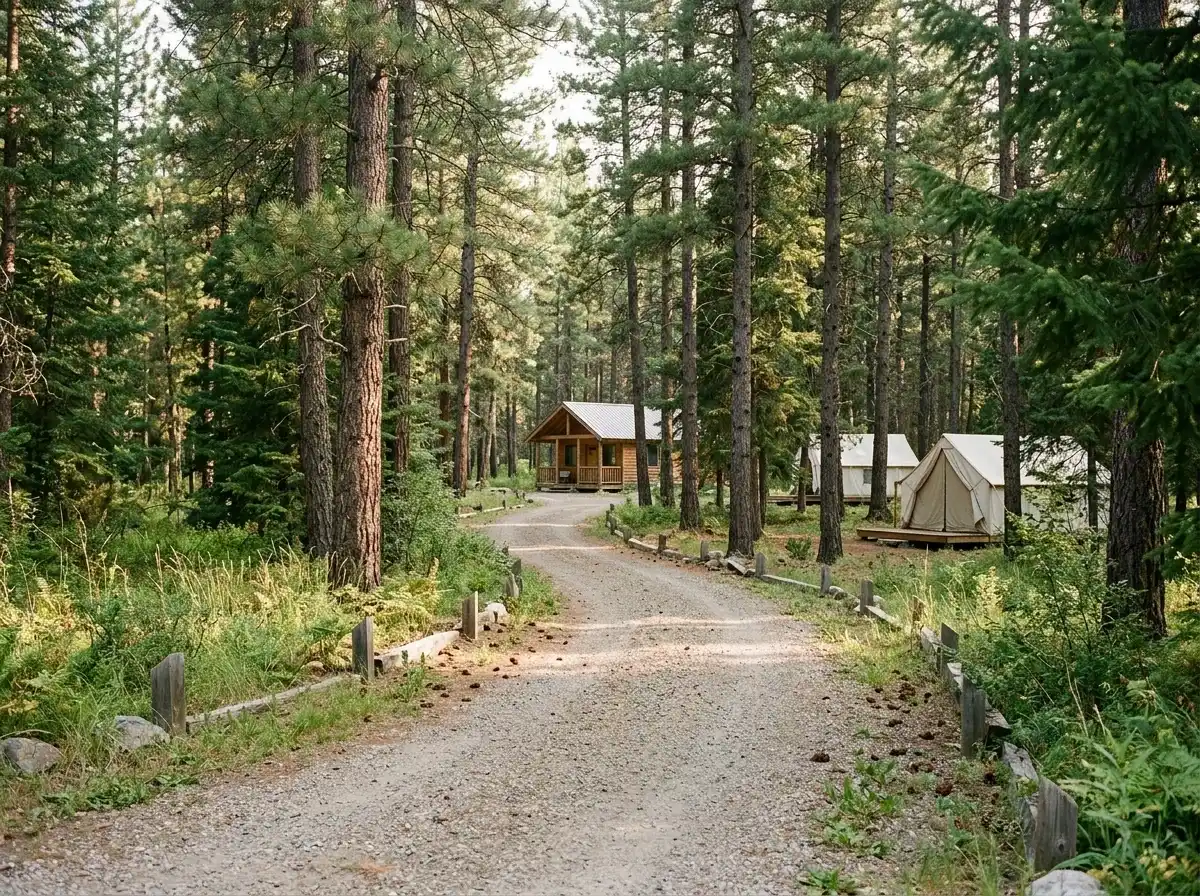
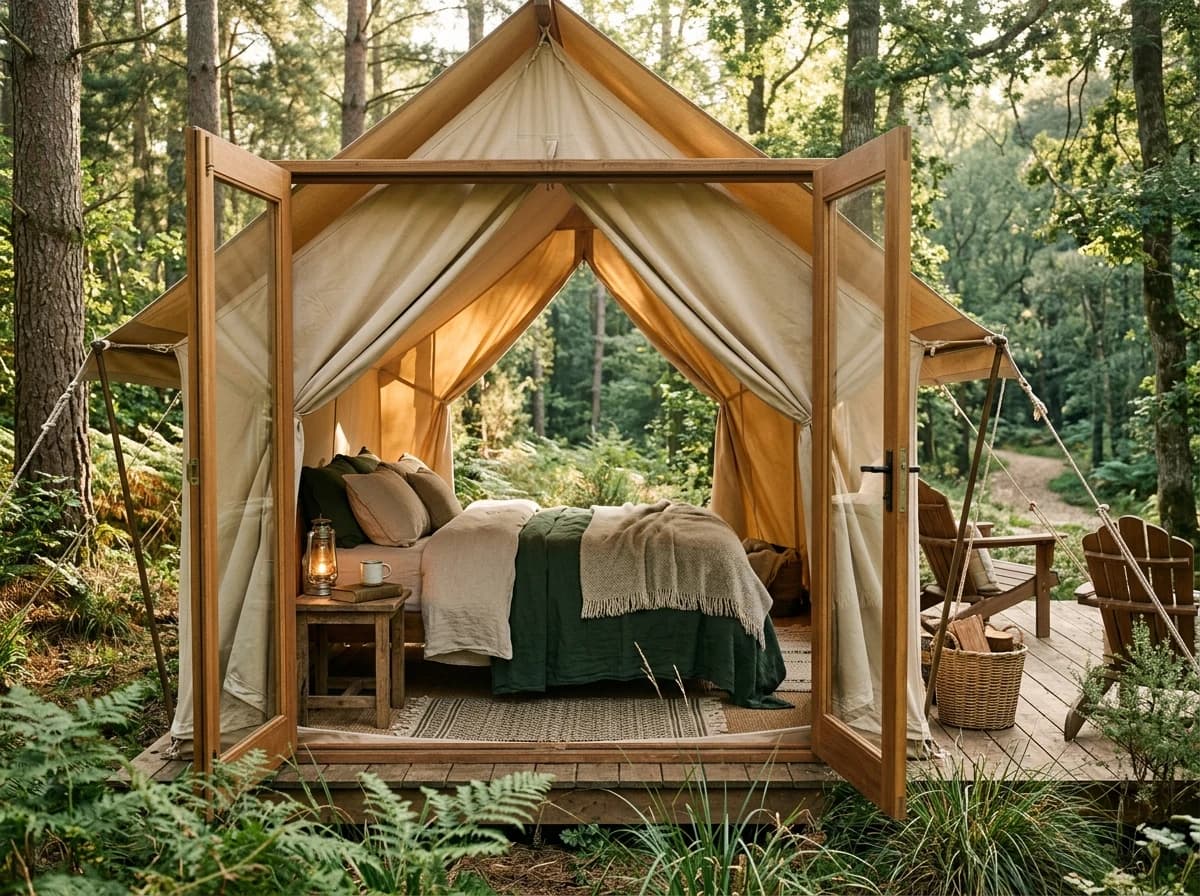
Clearly describe and differentiate your various campsite options (e.g., tent sites, RV sites with hookups, cabins, glamping). Detail the amenities available at each site and throughout the campground (restrooms, showers, laundry, Wi-Fi, fire pits).
Photo Gallery & Virtual Tour
Showcase high-quality photos of your campsites, facilities, and natural surroundings. A virtual tour (video or 360 photos) can significantly enhance the user experience, allowing prospective campers to visualize their stay. Quality visuals are key.
Local Attractions & Activities
Highlight nearby points of interest, hiking trails, fishing spots, national parks, or local towns. This helps campers plan their itinerary and showcases the value of your location beyond just the campsite itself, enticing longer stays.
Clearly describe and differentiate your various campsite options (e.g., tent sites, RV sites with hookups, cabins, glamping). Detail the amenities available at each site and throughout the campground (restrooms, showers, laundry, Wi-Fi, fire pits).
Your work, clearly presented
Interactive design inspiration. Illustrative photography and sample copy.
Plan the pages your visitors will use
The right information. A complete picture of your work.
A practical campground website content guide. Choose the pages that fit what you do and keep the important answers close.
Campsite Types & Amenities
Clearly describe and differentiate your various campsite options (e.g., tent sites, RV sites with hookups, cabins, glamping). Detail the amenities available at each site and throughout the campground (restrooms, showers, laundry, Wi-Fi, fire pits).
Photo Gallery & Virtual Tour
Showcase high-quality photos of your campsites, facilities, and natural surroundings. A virtual tour (video or 360 photos) can significantly enhance the user experience, allowing prospective campers to visualize their stay. Quality visuals are key.
Local Attractions & Activities
Highlight nearby points of interest, hiking trails, fishing spots, national parks, or local towns. This helps campers plan their itinerary and showcases the value of your location beyond just the campsite itself, enticing longer stays.
Rules & Regulations / FAQ
Address common questions about pets, quiet hours, campfires, visitor policies, and local wildlife. Clearly state your campground rules to ensure a pleasant experience for all guests and manage expectations upfront. This reduces administrative inquiries.
Testimonials & Reviews
Feature glowing reviews from past campers. Include specific comments about their experience, the beauty of the location, the cleanliness of facilities, and the helpfulness of your staff. This builds trust and encourages new bookings.
Learn from the pages visitors use.
Review site analytics to understand which pages people visit. Keep campsite types & amenities and contact information easy to reach, and update them when your work changes.
Choose how visitors to your campground website reach you. Make each action fit the services and processes you already use.
Give enquiries a clear route
Help visitors ask about campsite types & amenities. Use a contact form that collects the details your team needs, and explain what happens after an enquiry.
Your team reviews requests and confirms the next step.
Connect the services you use
Keep specialist workflows for your campground website in the services you already use. Add clear links and explain their process before visitors leave your site.
Your chosen provider handles its own availability, confirmations and account access.
Add commerce when it fits
If you sell products or agreed services, add Grigora Commerce product pages, a cart and checkout with your connected Stripe or Razorpay account. Explain prices, terms and fulfillment before accepting payment.
Your team manages orders and fulfillment; payment provider fees and terms apply.
Good campground website SEO starts with useful pages. Make campsite types & amenities, your contact details and your story easy to find.
Illustrative search result
Your website
https://campground.example/
Your website | Campground
Explore campsite types & amenities and photo gallery & virtual tour, learn about our approach and find out how to contact us.
Fictional example. Search engines choose the final title and snippet.
Titles and descriptions you can edit
Give pages for campsite types & amenities and photo gallery & virtual tour clear titles. Write descriptions that match their actual content.
Useful information for your audience
Explain campsite types & amenities with original copy and relevant photographs. Keep contact details and any locations you serve accurate.
Connected hosting and published pages
Publish with hosting, HTTPS and a sitemap. Use clear navigation so visitors and search engines can reach your pages. Custom domains are available on paid plans.
Use relevant photographs, helpful image descriptions and original copy about your work and the people you serve.
Try the AI builder and review your first campground website draft. Check the pricing page for current features and usage limits.
A first draft you can review and customize
Website hosting, SSL and CDN included
Page, form and newsletter usage limits to review
Choose room for your website to grow
Compare plans for your domain and the content your campground website needs. Paid plans add custom domains and Directory Maker for structured content.
Connect a domain you own
Organize content with custom directory fields
Choose capacity for your pages, content and enquiries
Check current plan limits and feature eligibility before choosing. Connected payment providers have their own terms and processing fees.
The last check before going online
Ready for your first online visitor?
Walk through your campground website as a visitor would. Review these details before publishing, and again whenever your content changes.
0 of 5 items reviewed
Before you go online
Campground website builder FAQs.
Clear answers about creating a campground website, its content and the tools you can use.
How can Grigora help my campground create an appealing website?
Grigora offers a user-friendly drag-and-drop editor with over 50 customizable blocks and 50+ ready-made templates, perfect for showcasing your campground. You can highlight amenities, gallery photos, and location details. The responsive design ensures visitors can easily browse your site on any device, while free SSL, CDN, and hosting guarantee a secure and fast experience.
Can I easily update my campground's website with new events or seasonal information?
Yes, Grigora's CMS features allow for simple content updates. Use the built-in blogging platform to announce new events, special offers, or seasonal opening times. The directory maker can also be used to list different site types or amenities. Team collaboration tools are available if multiple staff members need to contribute to website updates.
Does Grigora provide tools to help my campground attract more visitors through search engines?
Grigora includes robust SEO features to boost your campground's online visibility. These include built-in on-page SEO suggestions, a keyword research tool to target relevant terms like 'camping near me,' meta tag customization, and URL optimization. Google Search Console integration also helps you monitor your site's performance in search.
Can I use AI to help generate content for my campground website?
Absolutely. Grigora's AI tools can be a great asset. Use the AI website generator to quickly draft a site layout, the AI blog writer to create engaging posts about local attractions or camping tips, and AI image generation to create stunning visuals of your campground. The AI paragraph rephraser can also help refine descriptions of your facilities.
Can I collect inquiries or contact details from potential campers?
Yes, Grigora's interactive form builder allows you to create custom lead capture forms for inquiries about availability, group bookings, or general questions. You can also implement newsletter subscription forms and popups to build an email list, enabling you to send promotions or updates about your campground using the built-in newsletter system.
Can I show off different camping areas or facilities on my website?
The directory maker in Grigora is ideal for showcasing various aspects of your campground. You can create listings for different types of campsites (tent, RV, cabin), facilities (restrooms, playgrounds), or local attractions, complete with descriptions and images. This helps prospective campers find exactly what they're looking for.
Can I sell firewood, ice, and other camp store items directly from my campground website?
Yes. Grigora Commerce lets you build product pages for camp store items such as firewood bundles, ice, and s'mores kits, with inventory tracking, variants, and SKUs for different bundle sizes. Checkout runs through Stripe or Razorpay, and manual fulfillment lets you simply mark an order as fulfilled once a guest picks it up at the office or check-in.
Can I list my RV sites, tent sites, and cabins with a map and photos, not just one big gallery page?
Yes. Grigora's directories let you build a structured site listing collection, one entry per RV site, tent site, or cabin, using typed fields: a map field to pin each site's location, multi-image for photos, option fields for site type, and switch fields for amenities like full hookups or pet-friendly.
Can guests buy a seasonal or annual camping pass, or pay what they want for something like a shower token or firewood honesty box?
Yes, both are covered by Grigora Commerce. Stripe subscriptions let you sell a recurring seasonal or annual site pass that bills automatically, and pay-what-you-want pricing works well for the honesty-box side of camp life, like suggested donations for firewood or shower tokens.
Can I sell a downloadable campground map, trail guide, or gate code instead of handing out printed copies?
Yes. Grigora Commerce supports digital downloads with protected delivery, so a PDF trail map, printable site guide, or gate and check-in code can be sold as a digital product that only unlocks for the buyer after payment.
Can I set up a dedicated reservations@ or office@ email instead of running the campground off a personal Gmail account?
Yes. Grigora Mail gives you professional email on your own domain starting at $5/month, with up to 10 aliases, so reservations@, office@, and info@ can all run from one Gmail-like inbox. The built-in AI assistant can also draft quick replies to routine questions like site availability or check-in times.
Can guests book and pay for a campsite through the website?
Grigora has no reservation engine, so it will not hold dates or manage availability. Add a booking request form that captures dates, rig size, and party details, keep taking reservations in whatever system you already use, and link to it from the site. Passes and store items do sell through checkout.
How do I set up pages for cabin and glamping rentals?
Make each cabin, yurt, or safari tent a directory item with fields for beds, bathroom, maximum guests, pets, and nightly rate, then add a photo set per unit. Every rental gets a consistent page, and one edit to a field updates the listing everywhere it appears on the site.
How do I move my campground website off Wix?
You rebuild instead of importing, since only WordPress migration is supported. Describe the park, let the AI draft the structure, then move your site descriptions, rates, and photos over. Set redirects from your old URLs so directory links and bookmarks still land somewhere, then switch your domain.
How much does a campground website cost?
Starter costs $15 a month billed annually, which is $144 per year, and Pro is $25 a month. You start on a free trial, as there is no free forever tier. Sales of firewood, passes, and downloads run through your own Stripe or Razorpay account, whose fees are separate.