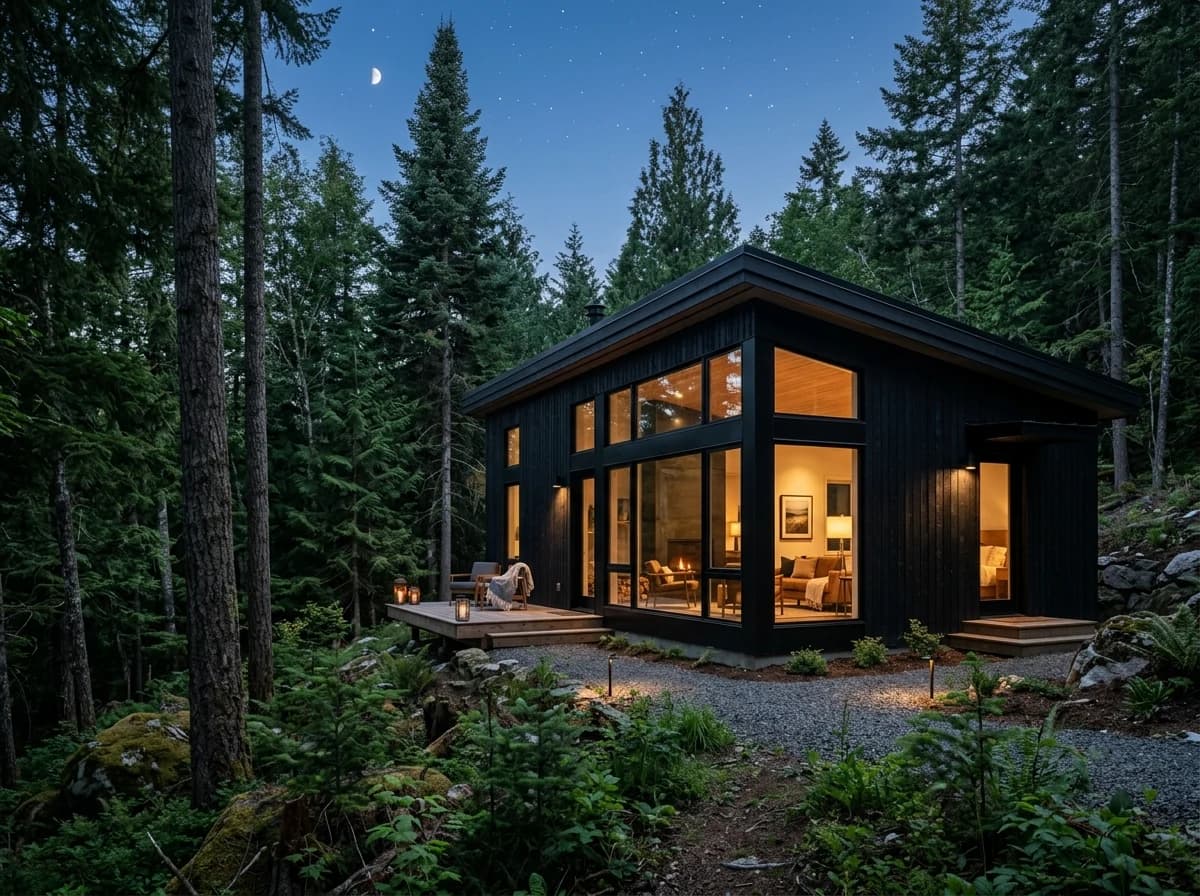
Property Gallery & Virtual Tour
Feature high-resolution photos of every room, outdoor spaces, and key features. Consider adding a video walkthrough or 360-degree virtual tour to give potential guests an immersive experience of your rental.
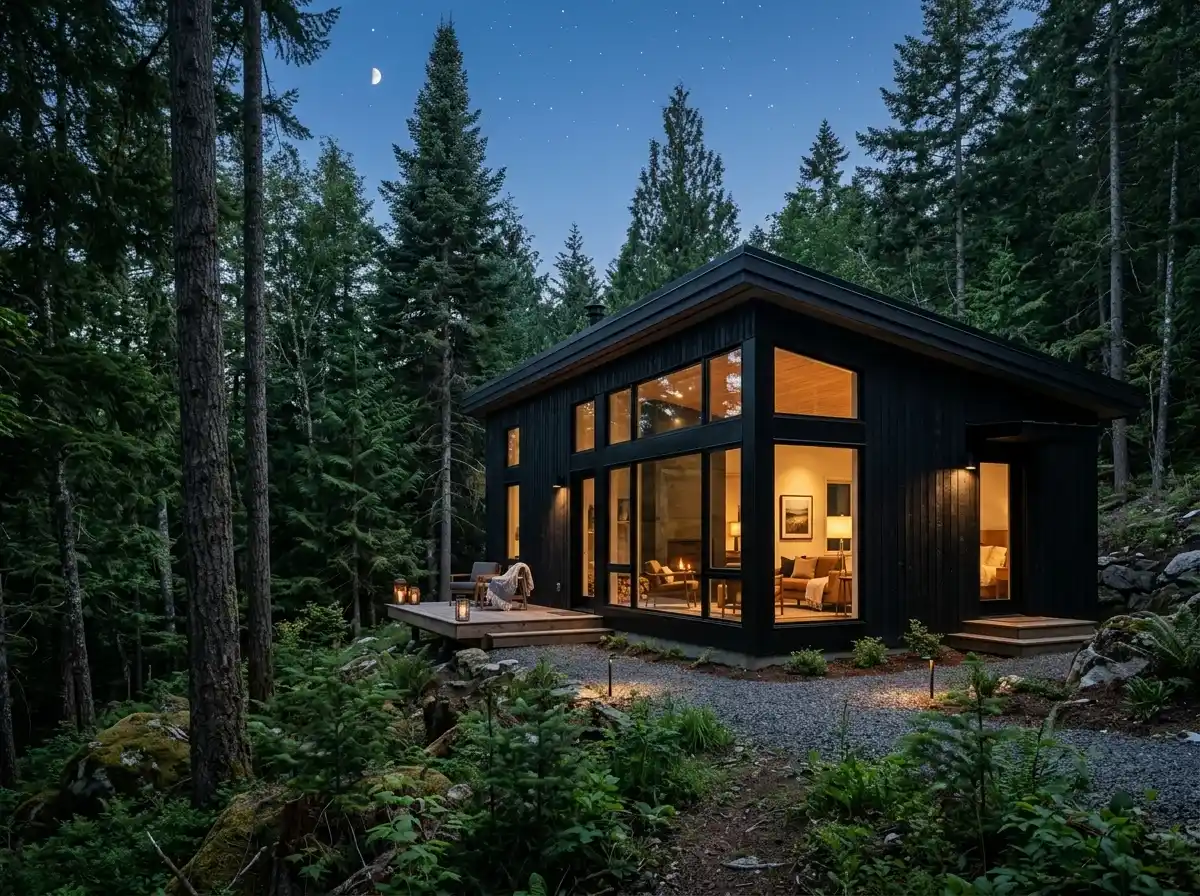
AI website builder for vacation rentals
Show your properties, amenities and stay policies with links to your existing booking service.
Your work deserves a good first impression
Explore templates for vacation rentals websites. Preview a design, then make the content, photographs and colours your own.
A first draft, with room to make it yours
Start with an idea or a relevant template. Refine it around your vacation rentals audience and the information they need.
Tell the AI who you serve, what you offer and the style you want. Include property gallery & virtual tour and amenities & features list in your brief, or choose a relevant template.
Name your audience and the next action you want visitors to take.Ask the AI Editor for any change, or click an element to show what you mean. Add your own photographs and review property gallery & virtual tour, amenities & features list, location & local attractions before sharing your website.
Confirm every claim and replace sample content with your actual details.Check the website on phones, tablets and desktop screens. Publish with hosting and SSL, and connect a domain you own when your plan includes custom domains.
Test your contact form and every external service link after publishing.The details that help visitors choose
A vacation rental website is where guests land once they have found you elsewhere, and it needs photos, a clear amenity list and an easy way to enquire, all of which Grigora builds without code. Describe the property and the AI drafts pages, copy and images from a template it adapts to your rental, then you change anything by describing it in the AI Editor.
Feature high-resolution photos of every room, outdoor spaces, and key features. Consider adding a video walkthrough or 360-degree virtual tour to give potential guests an immersive experience of your rental.
Provide a comprehensive list of all amenities (e.g., Wi-Fi, kitchen appliances, pool, hot tub, BBQ, pet-friendly) with clear icons or descriptions. Highlight unique features that set your rental apart.
Describe your property's location, proximity to local attractions, restaurants, beaches, or hiking trails. Include a map and provide recommendations for things to do in the area to entice visitors.
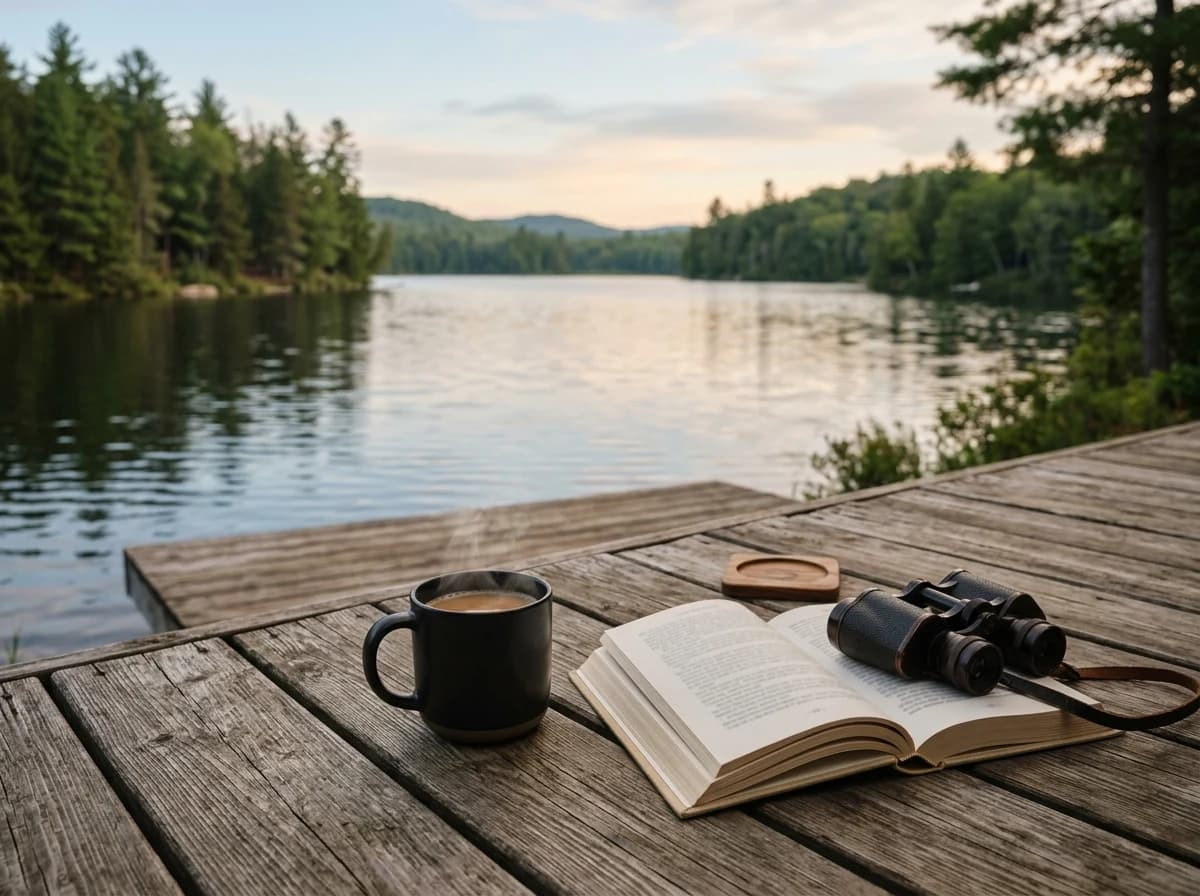 Mountain Cabin Retreat
A clear first impression
Feature high-resolution photos of every room, outdoor spaces, and key features. Consider adding a video walkthrough or 360-degree virtual tour to give potential guests an immersive experience of your rental.
Your work, clearly presentedInteractive design inspiration. Illustrative photography and sample copy.
Plan the pages your visitors will use
A practical vacation rentals website content guide. Choose the pages that fit what you do and keep the important answers close.
Feature high-resolution photos of every room, outdoor spaces, and key features. Consider adding a video walkthrough or 360-degree virtual tour to give potential guests an immersive experience of your rental.
Provide a comprehensive list of all amenities (e.g., Wi-Fi, kitchen appliances, pool, hot tub, BBQ, pet-friendly) with clear icons or descriptions. Highlight unique features that set your rental apart.
Describe your property's location, proximity to local attractions, restaurants, beaches, or hiking trails. Include a map and provide recommendations for things to do in the area to entice visitors.
Clearly state your pricing structure (per night, week, minimum stays, seasonal rates) and provide a link to your booking calendar on platforms like Airbnb or Vrbo. For direct inquiries, include a contact form.
Feature positive feedback from previous guests. Social proof builds trust and reassures potential renters about the quality and experience of staying at your property.
Create a curated guide of 'insider tips' for your area – best local restaurants, hidden gems, hiking trails, or cultural events. This adds significant value and showcases your expertise, enhancing the guest experience.
Review site analytics to understand which pages people visit. Keep property gallery & virtual tour and contact information easy to reach, and update them when your work changes.
Explore the tools behind your websiteMake the next step obvious
Choose how visitors to your vacation rentals website reach you. Make each action fit the services and processes you already use.
Help visitors ask about property gallery & virtual tour. Use a contact form that collects the details your team needs, and explain what happens after an enquiry.
Your team reviews requests and confirms the next step.
Keep specialist workflows for your vacation rentals website in the services you already use. Add clear links and explain their process before visitors leave your site.
Your chosen provider handles its own availability, confirmations and account access.
If you sell products or agreed services, add Grigora Commerce product pages, a cart and checkout with your connected Stripe, Razorpay, PayPal, or Paddle account. Explain prices, terms and fulfillment before accepting payment.
Your team manages orders and fulfillment; payment provider fees and terms apply.
SEO for vacation rentals websites
Good vacation rentals website SEO starts with useful pages. Make property gallery & virtual tour, your contact details and your story easy to find.
Your website
https://vacation-rentals.example/Explore property gallery & virtual tour and amenities & features list, learn about our approach and find out how to contact us.
Fictional example. Search engines choose the final title and snippet.
Give pages for property gallery & virtual tour and amenities & features list clear titles. Write descriptions that match their actual content.
Explain property gallery & virtual tour with original copy and relevant photographs. Keep contact details and any locations you serve accurate.
Publish with hosting, HTTPS and a sitemap. Use clear navigation so visitors and search engines can reach your pages. Custom domains are available on paid plans.
Room to start. Room to grow.
Build and review your first vacation rentals website draft with no card needed. Choose a plan before the trial ends to keep the site online.
Compare plans for your domain and the content your vacation rentals website needs. Paid plans keep your site online after the trial and let you connect a domain you own.
Check current plan limits and feature eligibility before choosing. Connected payment providers have their own terms and processing fees.
The last check before going online
Walk through your vacation rentals website as a visitor would. Review these details before publishing, and again whenever your content changes.
0 of 5 items reviewed
Before you go online
Clear answers about creating a vacation rentals website, its content and the tools you can use.
Grigora features a built-in privacy-friendly analytics dashboard, providing insights into traffic, engagement, and conversion tracking. You can also integrate Google Analytics for more detailed data. These tools help you understand which property features are most popular and optimize your website for better booking conversions.
Yes. Build a Properties directory and add typed fields for each listing: multi-image for the photo gallery, video for a walkthrough, map for the location, rich text for amenities and house rules, and option fields for things like bedroom count or pet policy. Each property becomes a structured entry instead of a one-off page you rebuild by hand every time you add a new listing.
Yes, through Grigora Commerce. Set up a product for the stay or the deposit amount and take payment via your own Stripe, Razorpay, PayPal, or Paddle checkout. You connect your own payment account and stay responsible for lodging tax and local legal requirements; Grigora handles the checkout flow, invoices, and order tracking on your end.
Yes. Grigora Commerce supports pay-what-you-want pricing and digital downloads, so a gift certificate can be sold as a digital product where the buyer names the amount and receives a voucher file by email, without you needing a separate gift card system.
Not from scratch, but it is a rebuild. There is no importer for sites made with the AI builder. Give the AI builder the address of your current site and it drafts a new version from the public pages it can read, so you check each property listing against the original instead of re-entering it by hand.
Yes, with Grigora Mail. It's professional business email on your own domain starting at $5/month, with up to 10 aliases, so you can run bookings@yourproperty.com and info@yourproperty.com from one inbox, with a built-in AI assistant to help draft replies to inquiry emails.
The Starter plan is $15 a month, or $144 for the year, which works out to $12 a month, and Pro is $25 a month. There is a free trial rather than a free tier. Card payments for deposits or gift certificates run through your own Stripe, Razorpay, PayPal, or Paddle account at their rates, and each mailbox on your domain is $5 a month.
Partly. Grigora has no availability calendar or booking engine, so dates are not held automatically. What works is an enquiry form plus a deposit or full stay sold as a product through your own Stripe account, with the calendar you already keep staying the source of truth for which dates are open.
Galleries handle the room by room set, and a Matterport or YouTube walkthrough embeds straight into the page. Use one strong wide shot per room instead of twenty near identical frames, put the floor plan beside the amenity list, and check the whole set on a phone before publishing.
Rooms with rates and what is included, breakfast details, house rules, check in times, directions and parking, plus an enquiry form that asks for dates and party size up front. A short local guide blog gives guests a reason to arrive directly, and a newsletter signup keeps returning guests reachable.
Describe your vacation rentals website. Get a first draft you can edit and make your own.
Start building free