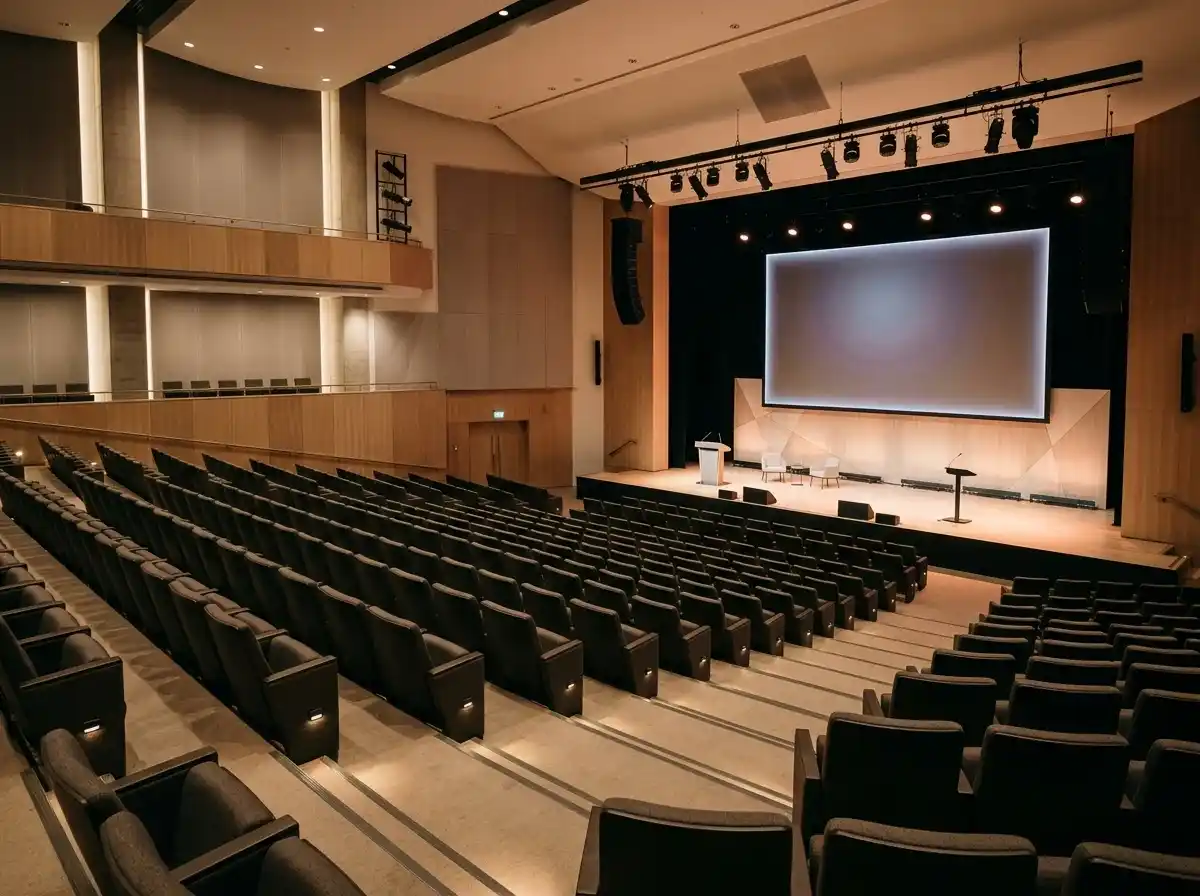
Event Overview / Theme
A compelling introduction to the conference, its core theme, target audience, and key takeaways. Clearly articulate the value proposition for attendees, explaining why they should participate and what they will gain.
AI website builder for conference
Introduce your conference programme, speakers and venue with clear registration links.
Your work deserves a good first impression
Explore templates for conference websites. Preview a design, then make the content, photographs and colours your own.
A first draft, with room to make it yours
Start with an idea or a relevant template. Refine it around your conference audience and the information they need.
Tell the AI who you serve, what you offer and the style you want. Include event overview / theme and speakers / presenters in your brief, or choose a relevant template.
Name your audience and the next action you want visitors to take.Edit your draft visually. Add your own photographs and review event overview / theme, speakers / presenters, program / agenda before sharing your website.
Confirm every claim and replace sample content with your actual details.Check the website on phones, tablets and desktop screens. Publish with hosting and SSL, and connect a domain you own when your plan includes custom domains.
Test your contact form and every external service link after publishing.The details that help visitors choose
Running a conference means the website changes weekly, and Grigora is built for that: describe the event, its theme, dates and audience, and the AI drafts a complete site with layout, copy and images that you edit visually. Speakers, sessions and exhibitors go into directory collections with typed fields, so a schedule with several tracks, a speaker grid and a sponsor page all read from structured entries instead of pages you retype each year.
A compelling introduction to the conference, its core theme, target audience, and key takeaways. Clearly articulate the value proposition for attendees, explaining why they should participate and what they will gain.
Showcase your confirmed speakers with their bios, professional headshots, talk titles, and abstracts. Highlight their expertise and why their sessions are valuable. This is a major draw for attendees. Grigora's directory maker can manage speaker profiles.
A detailed schedule of sessions, keynotes, workshops, and networking events. Include dates, times, locations (if hybrid/in-person), and session descriptions. Make it easy to navigate, with filters by track or time. Grigora's CMS helps manage complex agendas.
 Medical Research Symposium
A clear first impression
A compelling introduction to the conference, its core theme, target audience, and key takeaways. Clearly articulate the value proposition for attendees, explaining why they should participate and what they will gain.
Your work, clearly presentedInteractive design inspiration. Illustrative photography and sample copy.
Plan the pages your visitors will use
A practical conference website content guide. Choose the pages that fit what you do and keep the important answers close.
A compelling introduction to the conference, its core theme, target audience, and key takeaways. Clearly articulate the value proposition for attendees, explaining why they should participate and what they will gain.
Showcase your confirmed speakers with their bios, professional headshots, talk titles, and abstracts. Highlight their expertise and why their sessions are valuable. This is a major draw for attendees. Grigora's directory maker can manage speaker profiles.
A detailed schedule of sessions, keynotes, workshops, and networking events. Include dates, times, locations (if hybrid/in-person), and session descriptions. Make it easy to navigate, with filters by track or time. Grigora's CMS helps manage complex agendas.
Acknowledge and showcase your sponsors with their logos and links to their websites. Outline different sponsorship opportunities and benefits for potential future partners. Grigora's directory maker can list sponsors beautifully.
Provide practical information about the venue, accommodation, travel, parking, dress code, Wi-Fi, and accessibility. A comprehensive FAQ section can answer common questions and reduce attendee stress. Grigora's CMS allows for clear content organization.
Review site analytics to understand which pages people visit. Keep event overview / theme and contact information easy to reach, and update them when your work changes.
Explore the tools behind your websiteMake the next step obvious
Choose how visitors to your conference website reach you. Make each action fit the services and processes you already use.
Help visitors ask about event overview / theme. Use a contact form that collects the details your team needs, and explain what happens after an enquiry.
Your team reviews requests and confirms the next step.
Keep specialist workflows for your conference website in the services you already use. Add clear links and explain their process before visitors leave your site.
Your chosen provider handles its own availability, confirmations and account access.
If you sell products or agreed services, add Grigora Commerce product pages, a cart and checkout with your connected Stripe or Razorpay account. Explain prices, terms and fulfillment before accepting payment.
Your team manages orders and fulfillment; payment provider fees and terms apply.
SEO for conference websites
Good conference website SEO starts with useful pages. Make event overview / theme, your contact details and your story easy to find.
Your website
https://conference.example/Explore event overview / theme and speakers / presenters, learn about our approach and find out how to contact us.
Fictional example. Search engines choose the final title and snippet.
Give pages for event overview / theme and speakers / presenters clear titles. Write descriptions that match their actual content.
Explain event overview / theme with original copy and relevant photographs. Keep contact details and any locations you serve accurate.
Publish with hosting, HTTPS and a sitemap. Use clear navigation so visitors and search engines can reach your pages. Custom domains are available on paid plans.
Room to start. Room to grow.
Try the AI builder and review your first conference website draft. Check the pricing page for current features and usage limits.
Compare plans for your domain and the content your conference website needs. Paid plans add custom domains and Directory Maker for structured content.
Check current plan limits and feature eligibility before choosing. Connected payment providers have their own terms and processing fees.
The last check before going online
Walk through your conference website as a visitor would. Review these details before publishing, and again whenever your content changes.
0 of 5 items reviewed
Before you go online
Clear answers about creating a conference website, its content and the tools you can use.
Grigora's drag-and-drop website builder is perfect for creating a professional and informative conference website. With over 50 customizable blocks and ready-made templates, you can design a site to showcase speakers, agenda, venue details, and registration information. Its responsive design ensures attendees can access details on any device.
Yes, Grigora's robust CMS and directory maker feature are ideal for managing conference content. You can create detailed speaker profiles, session descriptions, and attendee listings. Team collaboration tools with task assignment can help organize content creation among conference organizers, ensuring all information is accurate and up-to-date.
Grigora provides comprehensive SEO features to boost your conference's visibility. Utilize built-in on-page SEO suggestions, a keyword research tool to target relevant industry terms, and meta tag customization. Schema markup generation for events and Google Search Console integration will help potential attendees find your conference online.
While Grigora doesn't have a built-in booking system, you can embed payment buttons or forms from Stripe and PayPal to collect registration fees. For managing registrations, an interactive form builder allows you to create custom lead capture forms. Zapier integration via webhooks can connect these forms to external registration platforms or CRM systems.
Grigora includes a built-in newsletter system that allows you to create, send, and track email campaigns. You can add newsletter subscription forms and popups to your site to gather attendee contacts. Send out important announcements, agenda changes, or post-conference summaries, keeping everyone informed and engaged.
Yes, Grigora's AI tools can be very helpful. The AI website generator can quickly set up your site's initial structure. The AI blog writer and outline generator can help craft engaging content for speaker bios, session summaries, or blog posts about conference topics. AI image generation can create custom visuals for your event.
Grigora offers a built-in privacy-friendly analytics dashboard to monitor your website's performance. You can track traffic, engagement, and conversion insights to understand how prospective attendees interact with your site. Google Analytics integration is also available for more detailed reporting, helping you optimize your promotional efforts.
Build a speakers directory (image, rich text bio, link fields for social profiles) and a separate sessions directory with a datetime field for start/end times, an option field for track or room, and a reference field pointing each session back to its speaker. Update one entry and every page that pulls from it stays in sync, so next year's edition is a matter of adding new entries rather than rebuilding pages.
Yes. Set up a sponsorship product in Grigora Commerce with product options and variants for each tier, giving each its own SKU, price, and inventory count so a tier can sell out. Payment runs through your connected Stripe or Razorpay account, and you can issue invoices to sponsors from the same order.
List each recording, or a full-conference bundle, as a digital download product with protected delivery in Grigora Commerce. Buyers get a secure link after checkout, so you can monetize the archive as one-time purchases without standing up separate video hosting or DRM.
Grigora Mail gives you one custom-domain mailbox with up to 10 aliases, so speakers@, sponsors@, and press@ can all land in a single Gmail-like inbox starting at $5/month. Smart labels keep the three streams sorted, and the built-in AI assistant can draft replies to routine sponsor and speaker questions.
Use the blog/post editor for recap write-ups and news updates, and a separate directory with multi-image and video fields for a structured archive of past editions. Each past year becomes its own typed entry with a photo gallery and highlight reel, instead of getting buried a few pages deep in the blog feed.
Make exhibitors a directory collection with fields for company name, logo, booth number, category, short description and website. The floor list, the category filters and each exhibitor's own page all read from those entries, so a late addition is one row rather than three separate page edits. Sponsors work exactly the same way.
Drop a signup form on the home page and at the foot of the schedule and speaker pages, all feeding one subscriber list. Use it long before registration opens: date announcements, speaker reveals, call for papers, final pricing. A content locker can put the full agenda PDF behind that signup if you want the address.
There is no Wix importer, only WordPress, so plan on rebuilding. Describe the event to the AI, take a fresh draft, then bring speaker bios and past year recaps across as directory entries and blog posts. Add redirects from your old URLs so links in previous years' emails still land somewhere useful.
Starter is $15 a month billed annually, so $144 for the year, and Pro is $25 a month. A free trial covers the build. Registration and sponsorship sales settle through your own Stripe or Razorpay account at their rates, and a speakers@ or sponsors@ mailbox is $5 a month per account.
Describe your conference website. Get a first draft you can edit and make your own.
Start building free