Start with an idea or a relevant template. Refine it around your cinematographer audience and the information they need.
Describe your cinematographer website
Tell the AI who you serve, what you offer and the style you want. Include showreel/demo reel and full portfolio of projects in your brief, or choose a relevant template.
Name your audience and the next action you want visitors to take.
Review and make it yours
Ask the AI Editor for any change, or click an element to show what you mean. Add your own photographs and review showreel/demo reel, full portfolio of projects, technical specs & equipment list before sharing your website.
Confirm every claim and replace sample content with your actual details.
Preview, then publish
Check the website on phones, tablets and desktop screens. Publish with hosting and SSL, and connect a domain you own when your plan includes custom domains.
Test your contact form and every external service link after publishing.
The details that help visitors choose
Showreel/Demo Reel. One clear website.
A cinematographer website is where producers, directors, and agencies watch your reel and decide whether to call you, and Grigora builds that site for a working cinematographer from a short description of what you shoot. Tell it your specialties and the AI returns a full draft: a reel-first home page, project pages, a gear and credits section, and an inquiry form, all editable by prompt in the AI Editor.
Showreel/Demo Reel
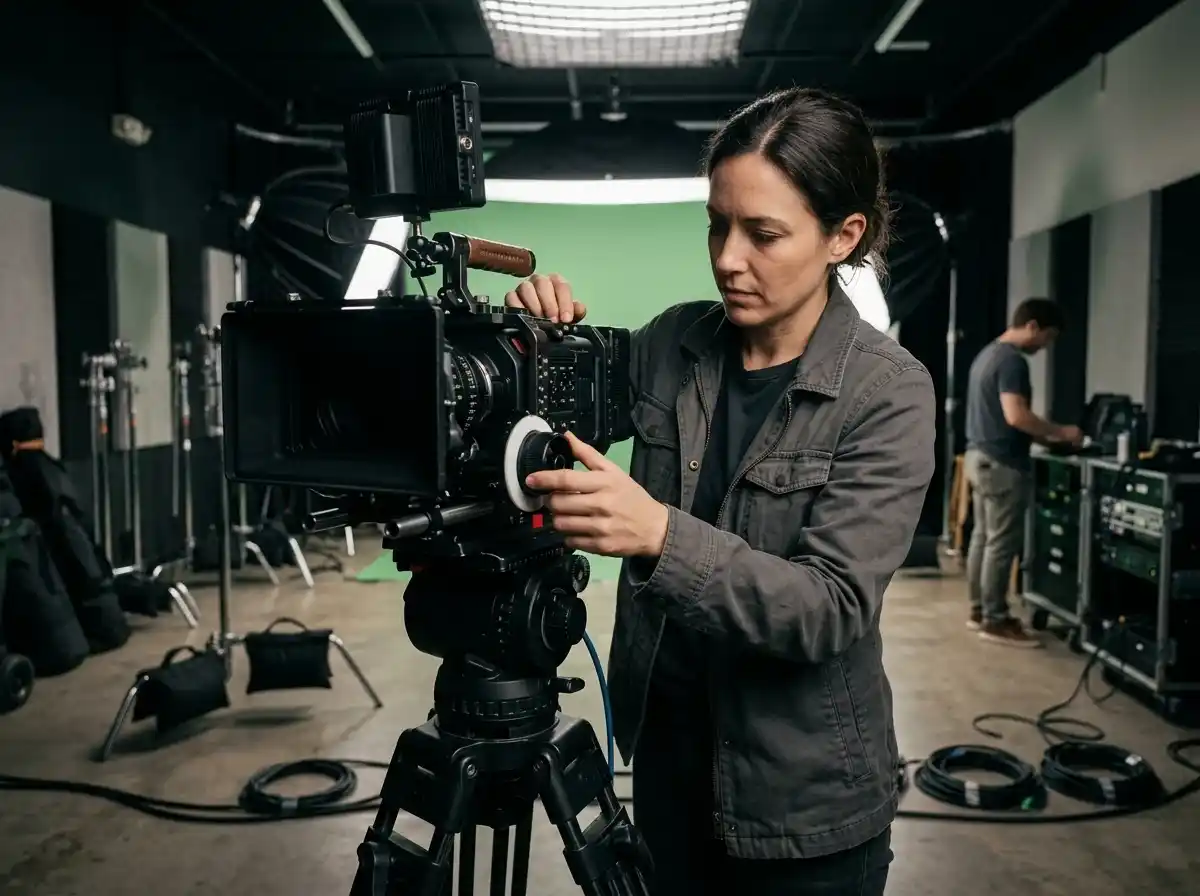
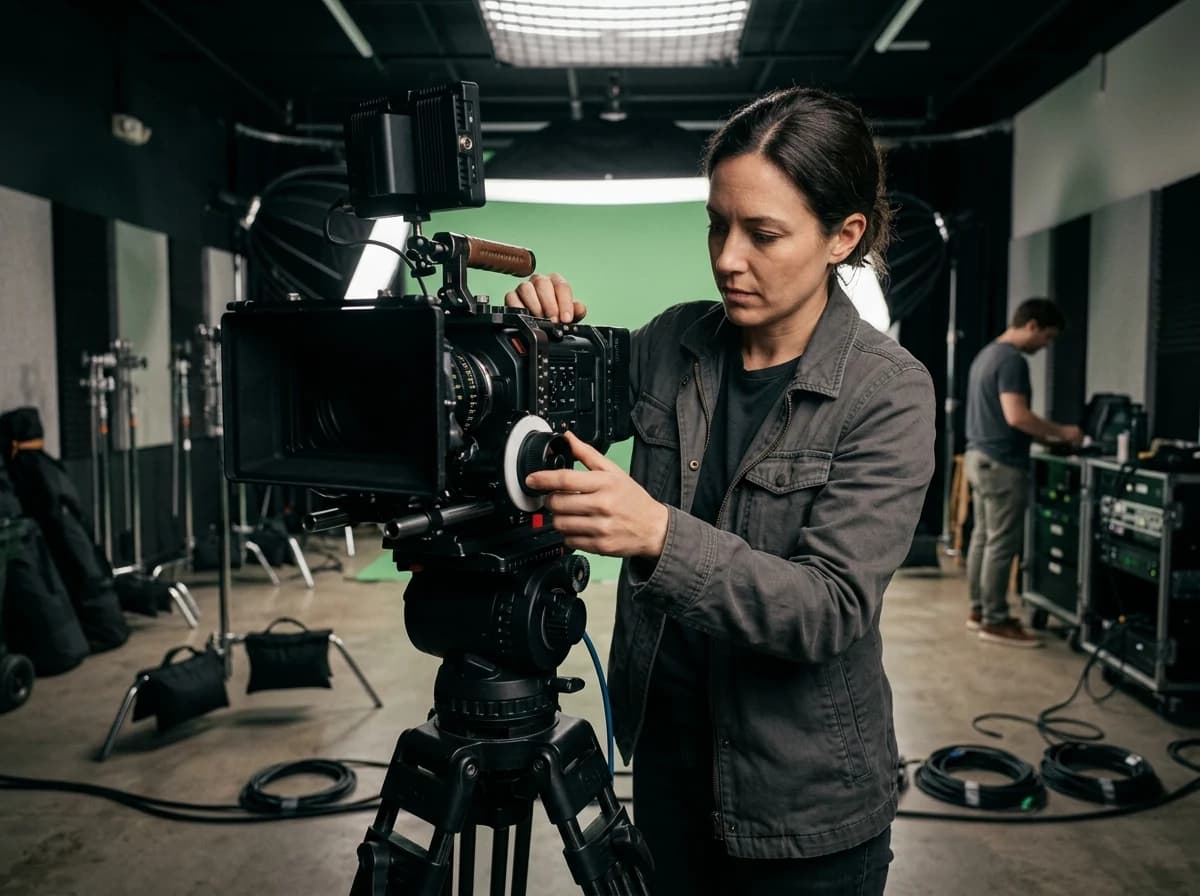
The absolute centerpiece of your site. Feature a high-quality, concise, and impactful showreel that immediately grabs attention, demonstrating your best work, range of styles, and technical skill in capturing compelling visuals. Place it prominently on your homepage.
Full Portfolio of Projects
Beyond the showreel, provide a comprehensive portfolio with individual project pages. For each project, include stills, a brief synopsis, your role, and technical details (cameras, lenses, lighting approach) to give depth to your work. Categorize by genre (e.g., narrative, commercial, documentary).
Technical Specs & Equipment List
Detail your proficiency with various camera systems (e.g., ARRI, RED, Sony), lenses, lighting setups, and grip equipment. This reassures potential clients that you have the right tools and expertise for their production needs.
The absolute centerpiece of your site. Feature a high-quality, concise, and impactful showreel that immediately grabs attention, demonstrating your best work, range of styles, and technical skill in capturing compelling visuals. Place it prominently on your homepage.
Your work, clearly presented
Interactive design inspiration. Illustrative photography and sample copy.
Plan the pages your visitors will use
The right information. A complete picture of your work.
A practical cinematographer website content guide. Choose the pages that fit what you do and keep the important answers close.
Showreel/Demo Reel
The absolute centerpiece of your site. Feature a high-quality, concise, and impactful showreel that immediately grabs attention, demonstrating your best work, range of styles, and technical skill in capturing compelling visuals. Place it prominently on your homepage.
Full Portfolio of Projects
Beyond the showreel, provide a comprehensive portfolio with individual project pages. For each project, include stills, a brief synopsis, your role, and technical details (cameras, lenses, lighting approach) to give depth to your work. Categorize by genre (e.g., narrative, commercial, documentary).
Technical Specs & Equipment List
Detail your proficiency with various camera systems (e.g., ARRI, RED, Sony), lenses, lighting setups, and grip equipment. This reassures potential clients that you have the right tools and expertise for their production needs.
About & Cinematography Philosophy
Share your artistic vision, influences, and what drives your approach to visual storytelling. This personal touch helps directors understand your creative compatibility and sets you apart beyond just technical skill.
Testimonials & Credits
Include testimonials from directors, producers, or key collaborators you've worked with. A detailed IMDb-style credits list reinforces your professional experience and the caliber of projects you've been a part of.
Behind-the-Scenes & Industry Insights Blog
Share articles or photo essays about your creative process, challenges on set, lighting techniques, gear reviews, or reflections on industry trends. This provides valuable insights, establishes you as a thought leader, and attracts collaborators.
Learn from the pages visitors use.
Review site analytics to understand which pages people visit. Keep showreel/demo reel and contact information easy to reach, and update them when your work changes.
Choose how visitors to your cinematographer website reach you. Make each action fit the services and processes you already use.
Give enquiries a clear route
Help visitors ask about showreel/demo reel. Use a contact form that collects the details your team needs, and explain what happens after an enquiry.
Your team reviews requests and confirms the next step.
Connect the services you use
Keep specialist workflows for your cinematographer website in the services you already use. Add clear links and explain their process before visitors leave your site.
Your chosen provider handles its own availability, confirmations and account access.
Add commerce when it fits
If you sell products or agreed services, add Grigora Commerce product pages, a cart and checkout with your connected Stripe, Razorpay, PayPal, or Paddle account. Explain prices, terms and fulfillment before accepting payment.
Your team manages orders and fulfillment; payment provider fees and terms apply.
Good cinematographer website SEO starts with useful pages. Make showreel/demo reel, your contact details and your story easy to find.
Illustrative search result
Your website
https://cinematographer.example/
Your website | Cinematographer
Explore showreel/demo reel and full portfolio of projects, learn about our approach and find out how to contact us.
Fictional example. Search engines choose the final title and snippet.
Titles and descriptions you can edit
Give pages for showreel/demo reel and full portfolio of projects clear titles. Write descriptions that match their actual content.
Useful information for your audience
Explain showreel/demo reel with original copy and relevant photographs. Keep contact details and any locations you serve accurate.
Connected hosting and published pages
Publish with hosting, HTTPS and a sitemap. Use clear navigation so visitors and search engines can reach your pages. Custom domains are available on paid plans.
Use relevant photographs, helpful image descriptions and original copy about your work and the people you serve.
Build and review your first cinematographer website draft with no card needed. Choose a plan before the trial ends to keep the site online.
A first draft you can review and customize
Website hosting, SSL and CDN included
Page, form and newsletter usage limits to review
Choose room for your website to grow
Compare plans for your domain and the content your cinematographer website needs. Paid plans keep your site online after the trial and let you connect a domain you own.
Connect a domain you own
Keep the site online after the trial
Choose capacity for your pages, content and enquiries
Check current plan limits and feature eligibility before choosing. Connected payment providers have their own terms and processing fees.
The last check before going online
Ready for your first online visitor?
Walk through your cinematographer website as a visitor would. Review these details before publishing, and again whenever your content changes.
0 of 5 items reviewed
Before you go online
Cinematographer website builder FAQs.
Clear answers about creating a cinematographer website, its content and the tools you can use.
Does Grigora support custom domains for my cinematography brand?
Yes, Grigora fully supports custom domain connections, allowing you to use your own domain (e.g., yourname.com), subdomain, or subdirectory. This establishes a professional and memorable online presence that aligns with your cinematography brand, enhancing your credibility in the industry.
What kind of analytics does Grigora provide for a cinematographer's website?
Grigora offers a built-in privacy-friendly analytics dashboard to monitor your website's performance, including traffic, engagement with your portfolio, and visitor behavior. You can also integrate Google Analytics for more detailed data. These insights help you understand which projects are most popular and optimize your site for better client attraction.
How can I take a deposit for a wedding or commercial shoot booking directly from my website?
Set up a booking deposit item in Grigora Commerce as a fixed-price one-time purchase, or use pay-what-you-want pricing if deposit amounts vary by project, and take payment through your connected Stripe, Razorpay, PayPal, or Paddle account. Grigora Commerce also generates an invoice and lets you track the order as you fulfill the shoot.
Can I sell B-roll or stock footage clips through my site?
Yes. List each clip as a digital product in Grigora Commerce and sell it as a one-time purchase, so each buyer gets a download link by email after paying.
I do ongoing corporate video work for a few clients on retainer. Can I bill them automatically each month?
No. Grigora Commerce sells one-time purchases only, so there is no recurring retainer product or automatic monthly billing. Invoice retainer work outside the site, and sell fixed-price shoots or deposits as one-time products.
I already have a portfolio site on Wix. Do I have to rebuild everything from scratch?
Not from a blank page, though there is no importer for sites made with the AI builder. Give the AI builder the address of your current portfolio and it drafts a new version from the public pages it can read; check every page against the original.
I shoot weddings, commercials, and documentaries. Can I keep my reel library organized behind the scenes?
Yes. Create a directory collection for your reel library and add a field, such as an option field, for shoot type, so you can tag and manage each entry by category as you add new work. This organizes your entries for you as the site owner in the CMS.
What should a cinematographer portfolio website include?
Lead with one reel that plays immediately, then individual project pages carrying stills, credits, format, and the director you worked with. Add a short bio, a gear list, the territories you travel to, and a direct inquiry form. Keep the rest to a minimum so the footage stays first.
How do I get my cinematography site found by producers searching nearby?
Write real pages for the work and the city you shoot in, then use the on-page SEO suggestions to tighten titles and descriptions. Sitemaps and IndexNow submit new project pages automatically, and you can add your Google Search Console verification tag in settings, then check which searches reach you in Search Console itself.
Can I get a professional email address for my cinematography business?
Yes. Grigora Mail is $5 per mailbox a month, so you can run bookings@yourname.com on the same domain as your portfolio and keep enquiries out of a personal inbox. Add separate mailboxes for an agent or a producer if more than one person handles bookings.
How much does a cinematographer website cost?
Paid plans begin at $15 a month on Starter, or $144 a year, which works out to $12 a month, and Pro is $25 a month. You get a free trial instead of a free forever tier. If you sell footage or take deposits, payments go through your own Stripe, Razorpay, PayPal, or Paddle account and their fees apply.