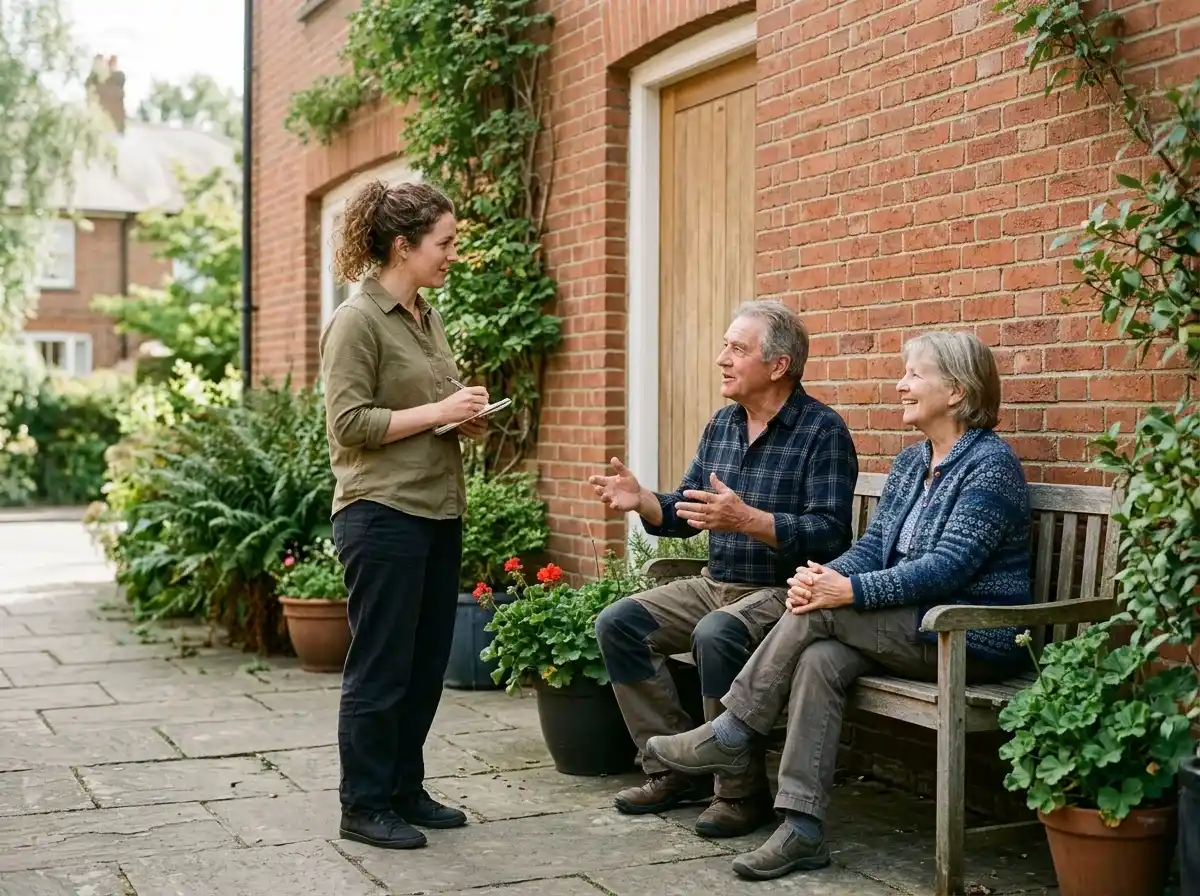
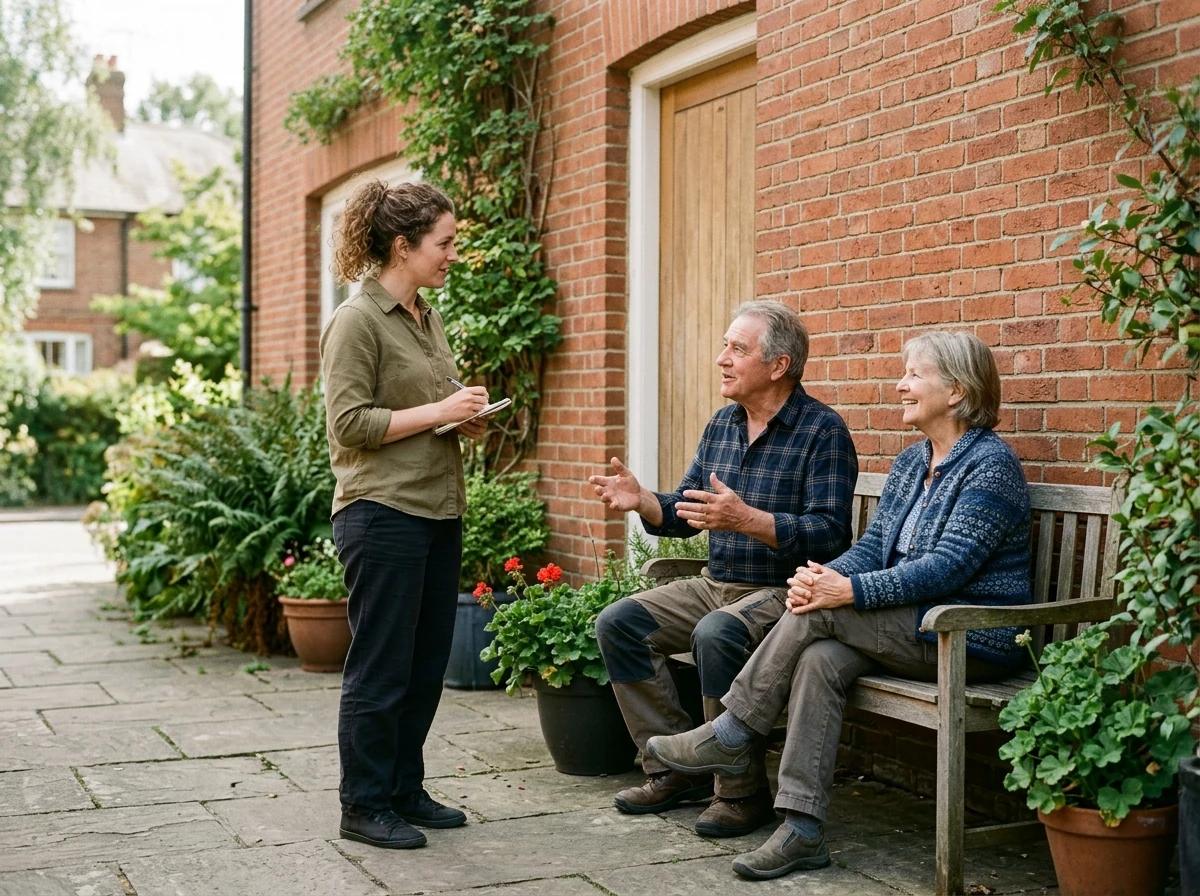
Three adults talking together outside a neighborhood community space.

AI website builder for community organizer

Your local action website. Keep neighbors informed.AI website builder for local organizers

Introduce your local organizing work, explain community projects and make meeting details, public updates and participation routes easy to find.

Create your community organizer website
Name & style (optional)Options · English

Choose a starting style

Try it free for 14 days. No credit card needed. 14 days free. No card needed. See plans

Try an example, then make it yoursTry an example
Explore community organizer website ideas

A first draft, with room to make it yours

How to create
your community organizer website.

Start with an idea or a relevant template. Refine it around your community organizer audience and the information they need.

  1. Describe your community organizer website

    Tell the AI who you serve, what you offer and the style you want. Include organizing background and local focus and local projects and shared priorities in your brief, or choose a relevant template.

    Name your audience and the next action you want visitors to take.
  2. Review and make it yours

    Ask the AI Editor for any change, or click an element to show what you mean. Add your own photographs and review organizing background and local focus, local projects and shared priorities, meetings and public gathering information before sharing your website.

    Confirm every claim and replace sample content with your actual details.
  3. Preview, then publish

    Check the website on phones, tablets and desktop screens. Publish with hosting and SSL, and connect a domain you own when your plan includes custom domains.

    Test your contact form and every external service link after publishing.

The details that help visitors choose

Organizing background and local focus.
One clear website.

A community organizer website presents local projects, public meeting information and participation routes in one accessible place. Describe your organizing background and community focus to create a Grigora draft, then refine the content in the AI Editor.

Organizing background and local focus

Introduce your experience, the places or groups you work with and the purpose of your organizing activities. Explain your current role and any organizational affiliations accurately, distinguishing independent projects from work led by a partner. Use plain language to describe how you approach listening, collaboration and public participation. Give someone new to the neighborhood enough context to understand the website, and link to relevant public information without implying that you speak for every resident or organization.

Local projects and shared priorities

Give each project a clear title, a short explanation of its purpose and a factual description of your involvement. Identify the people or organizations responsible for the work, giving collaborators appropriate credit. Explain which steps are proposed, underway or complete, and date updates so readers can follow progress. Share public examples that are suitable for the audience and review permission for photographs or personal stories. Keep stated aims separate from outcomes that have actually been documented.

Meetings and public gathering information

Help readers understand the purpose of a meeting before they decide to attend. Include the date, time, location or existing online meeting link, the organizer and any confirmed accessibility information. Explain where to find an agenda or ask a practical question, and direct visitors to the responsible organizer for changes. Distinguish upcoming gatherings from past events, and avoid publishing private attendee lists or personal contact details that were not intended for public use.

Explore Grigora Commerce
Try a style. Explore the design.
Your website
Three adults talking together outside a neighborhood community space.Local Organizing Profile

A clear first impression

Organizing background and local focus

Introduce your experience, the places or groups you work with and the purpose of your organizing activities. Explain your current role and any organizational affiliations accurately, distinguishing independent projects from work led by a partner. Use plain language to describe how you approach listening, collaboration and public participation. Give someone new to the neighborhood enough context to understand the website, and link to relevant public information without implying that you speak for every resident or organization.

Your work, clearly presented

Interactive design inspiration. Illustrative photography and sample copy.

Plan the pages your visitors will use

The right information.
A complete picture of your work.

A practical community organizer website content guide. Choose the pages that fit what you do and keep the important answers close.

Organizing background and local focus

Introduce your experience, the places or groups you work with and the purpose of your organizing activities. Explain your current role and any organizational affiliations accurately, distinguishing independent projects from work led by a partner. Use plain language to describe how you approach listening, collaboration and public participation. Give someone new to the neighborhood enough context to understand the website, and link to relevant public information without implying that you speak for every resident or organization.

Local projects and shared priorities

Give each project a clear title, a short explanation of its purpose and a factual description of your involvement. Identify the people or organizations responsible for the work, giving collaborators appropriate credit. Explain which steps are proposed, underway or complete, and date updates so readers can follow progress. Share public examples that are suitable for the audience and review permission for photographs or personal stories. Keep stated aims separate from outcomes that have actually been documented.

Meetings and public gathering information

Help readers understand the purpose of a meeting before they decide to attend. Include the date, time, location or existing online meeting link, the organizer and any confirmed accessibility information. Explain where to find an agenda or ask a practical question, and direct visitors to the responsible organizer for changes. Distinguish upcoming gatherings from past events, and avoid publishing private attendee lists or personal contact details that were not intended for public use.

Ways to participate and share ideas

Explain the available ways people can learn about a project, attend a public discussion or make a general inquiry. Describe what each route is for and who receives the message, using a clear contact link or the existing process provided by the organizer. Make practical expectations understandable without promising that a submission guarantees a particular decision or role. Keep private concerns and individual arrangements in the appropriate separate channel, and review participation information as projects develop.

Public updates and meeting summaries

Publish concise, dated updates that explain what happened and what readers can expect next. When sharing a meeting summary, distinguish agreed actions from proposals or individual views, and identify the group responsible for the record. Link to original public documents where available and credit contributors accurately. Review permission and personal information before publishing photographs or quotations. A clear archive helps people follow a project over time without confusing an older discussion with a current plan.

Resources, partners and contact details

Organize useful public resources and partner links with short descriptions of what each destination provides. Identify the organization responsible for the information rather than suggesting that every linked service is provided by you. Keep contact details current and explain which route is suitable for project questions, collaboration proposals or website corrections. Review broken links and outdated resources regularly, and keep private participant information outside the public website so visitors can find useful material without exposing personal records.

Learn from the pages visitors use.

Review site analytics to understand which pages people visit. Keep organizing background and local focus and contact information easy to reach, and update them when your work changes.

Explore the tools behind your website

Make the next step obvious

A question. An enquiry.
A clear next step.

Choose how visitors to your community organizer website reach you. Make each action fit the services and processes you already use.

Give enquiries a clear route

Help visitors ask about organizing background and local focus. Use a contact form that collects the details your team needs, and explain what happens after an enquiry.

Your team reviews requests and confirms the next step.

Connect the services you use

Keep specialist workflows for your community organizer website in the services you already use. Add clear links and explain their process before visitors leave your site.

Your chosen provider handles its own availability, confirmations and account access.

Add commerce when it fits

If you sell products or agreed services, add Grigora Commerce product pages, a cart and checkout with your connected Stripe, Razorpay, PayPal, Paddle, or Paystack account. Explain prices, terms and fulfillment before accepting payment.

Your team manages orders and fulfillment; payment provider fees and terms apply.

See how Commerce works

SEO for community organizer websites

Help the right people
discover your website.

Good community organizer website SEO starts with useful pages. Make organizing background and local focus, your contact details and your story easy to find.

Illustrative search result

Your website

https://community-organizer.example/

Your website | Community Organizer

Explore organizing background and local focus and local projects and shared priorities, learn about our approach and find out how to contact us.

Fictional example. Search engines choose the final title and snippet.

Titles and descriptions you can edit

Give pages for organizing background and local focus and local projects and shared priorities clear titles. Write descriptions that match their actual content.

Useful information for your audience

Explain organizing background and local focus with original copy and relevant photographs. Keep contact details and any locations you serve accurate.

Connected hosting and published pages

Publish with hosting, HTTPS and a sitemap. Use clear navigation so visitors and search engines can reach your pages. Custom domains are available on paid plans.

Use relevant photographs, helpful image descriptions and original copy about your work and the people you serve.

Explore free SEO tools

Room to start. Room to grow.

14 days free.
Choose what your website needs.

Current plans & pricing

Try it free for 14 days

Build and review your first community organizer website draft with no card needed. Choose a plan before the trial ends to keep the site online.

  • A first draft you can review and customize
  • Website hosting, SSL and CDN included
  • Page, form and newsletter usage limits to review

Choose room for your website to grow

Compare plans for your domain and the content your community organizer website needs. Paid plans keep your site online after the trial and let you connect a domain you own.

  • Connect a domain you own
  • Keep the site online after the trial
  • Choose capacity for your pages, content and enquiries

Check current plan limits and feature eligibility before choosing. Connected payment providers have their own terms and processing fees.

The last check before going online

Ready for
your first online visitor?

Walk through your community organizer website as a visitor would. Review these details before publishing, and again whenever your content changes.

0 of 5 items reviewed

Review your community organizer website before publishing

Before you go online

Community Organizer website builder FAQs.

Clear answers about creating a community organizer website, its content and the tools you can use.

How do I build a community organizer website with Grigora?

Describe your local focus, organizing experience and the information visitors should find. Grigora creates a draft that you can refine in the AI Editor with project descriptions, meeting details and participation information. Add accurate roles, dates and source links, and review permission for photographs or stories. Check contact routes and external links, then preview the desktop and phone layouts before publishing.

What should a community organizer website include?

Include a clear introduction, your local focus and factual descriptions of current projects. Readers may also need upcoming meeting details, ways to make an inquiry, dated updates and links to useful public resources. Explain who is responsible for each activity and credit partners accurately. Keep past events separate from current plans, and review contact details and practical information regularly so visitors can find the right next step.

Can I share meeting details and participation information?

Yes. Present the purpose, date, time, location and responsible organizer for each public gathering, along with confirmed accessibility or preparation details. Link to an existing registration or meeting process when one is used, and explain where readers should check for changes. The website can publish this information; it does not provide meeting attendance management or a private member discussion system.

How should I publish project updates and meeting summaries?

Use dates and clear titles, explain your role and distinguish proposed actions from completed work. For a meeting summary, identify who produced the record and separate agreed actions from individual views. Link to original public material where available. Review permission for quotations and photographs, remove private participant information and label archived updates clearly so readers can understand the current state of the project.

How is this different from a volunteer coordinator website?

A community organizer website explains local projects, public discussions and ways people can participate or share ideas. A volunteer coordinator profile focuses more specifically on volunteer opportunities, preparation and the inquiry process for roles. Choose content that reflects your actual work, and describe overlapping responsibilities accurately. Keep scheduling, attendance, private records and other operational processes in the separate tools used by the responsible organization.

Can I keep an archive of past community projects?

Yes. Organize completed projects and past meeting summaries by date or topic, with accurate roles, partner credits and links to original public material. Label archived information clearly and keep upcoming activities separate. Review permission for photographs, quotations and personal stories before publishing them, and provide a suitable contact route for corrections so the archive remains useful and understandable.

Ready to choose a plan for your website?

See current plans & pricing

Bring your work online.

Describe your community organizer website. Get a first draft you can edit and make your own.

Start building free
Adults arranging plants and chairs in a shared neighborhood courtyard.