Start with an idea or a relevant template. Refine it around your event venue audience and the information they need.
Describe your event venue website
Tell the AI who you serve, what you offer and the style you want. Include spaces and layout options and facilities and included services in your brief, or choose a relevant template.
Name your audience and the next action you want visitors to take.
Review and make it yours
Ask the AI Editor for any change, or click an element to show what you mean. Add your own photographs and review spaces and layout options, facilities and included services, photographs with useful context before sharing your website.
Confirm every claim and replace sample content with your actual details.
Preview, then publish
Check the website on phones, tablets and desktop screens. Publish with hosting and SSL, and connect a domain you own when your plan includes custom domains.
Test your contact form and every external service link after publishing.
The details that help visitors choose
Spaces and layout options. One clear website.
An event venue website helps organizers compare spaces and prepare a useful hire inquiry. Describe your rooms, outdoor areas and event formats to create a Grigora draft, then refine the pages in the AI Editor.
Spaces and layout options
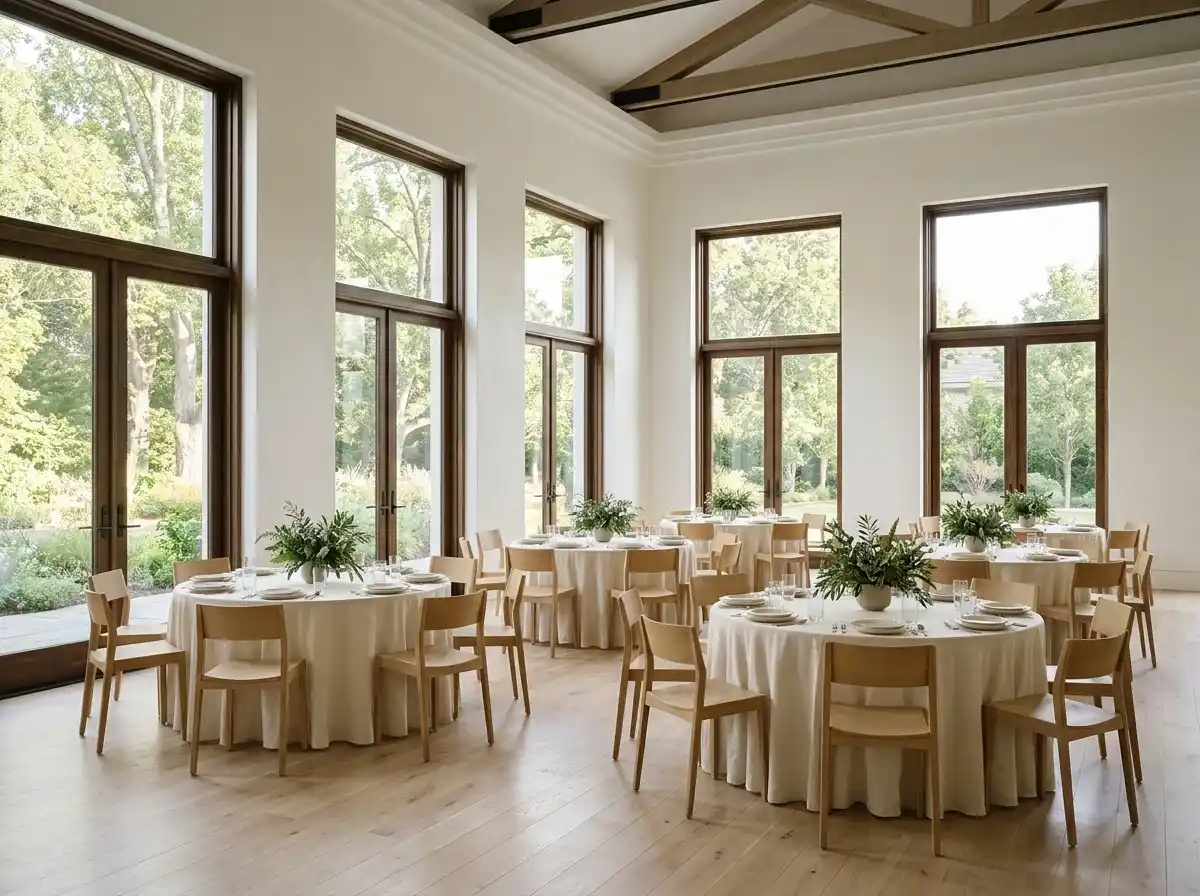
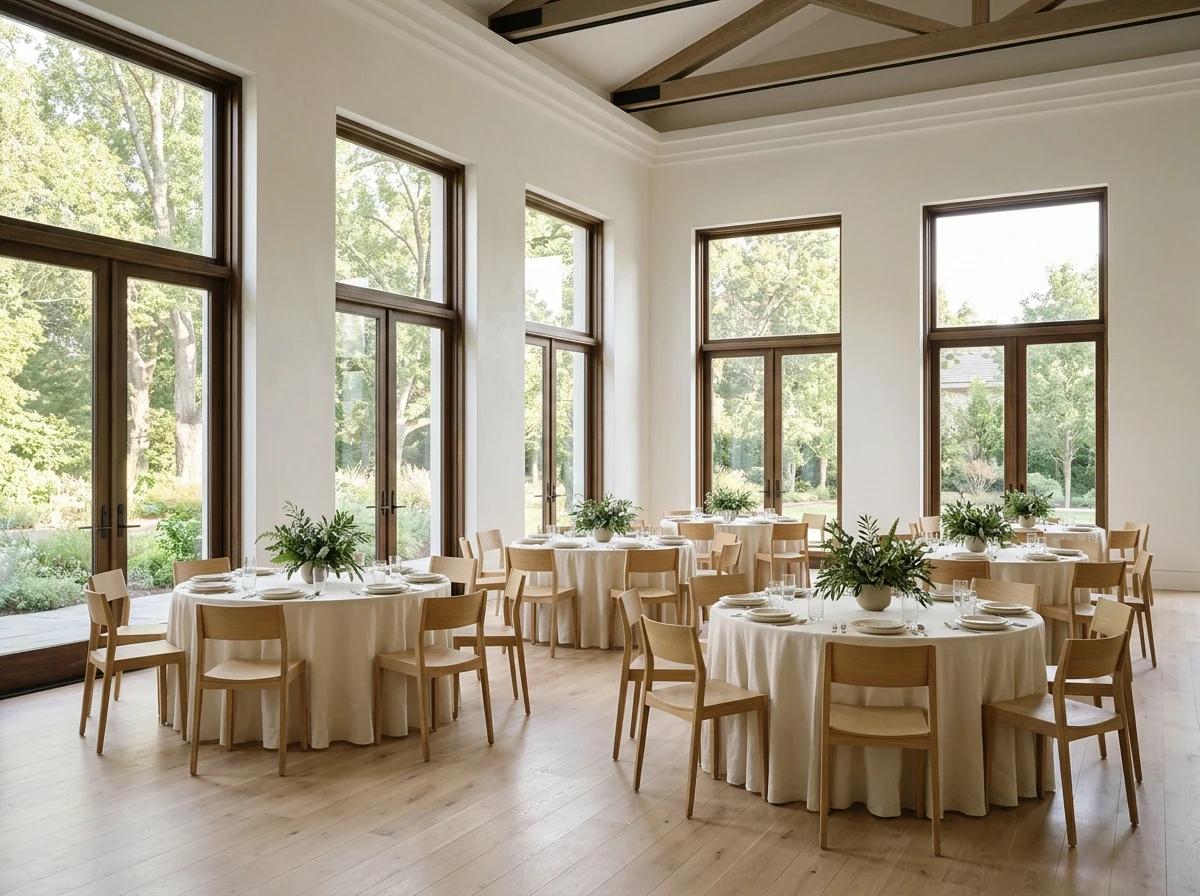
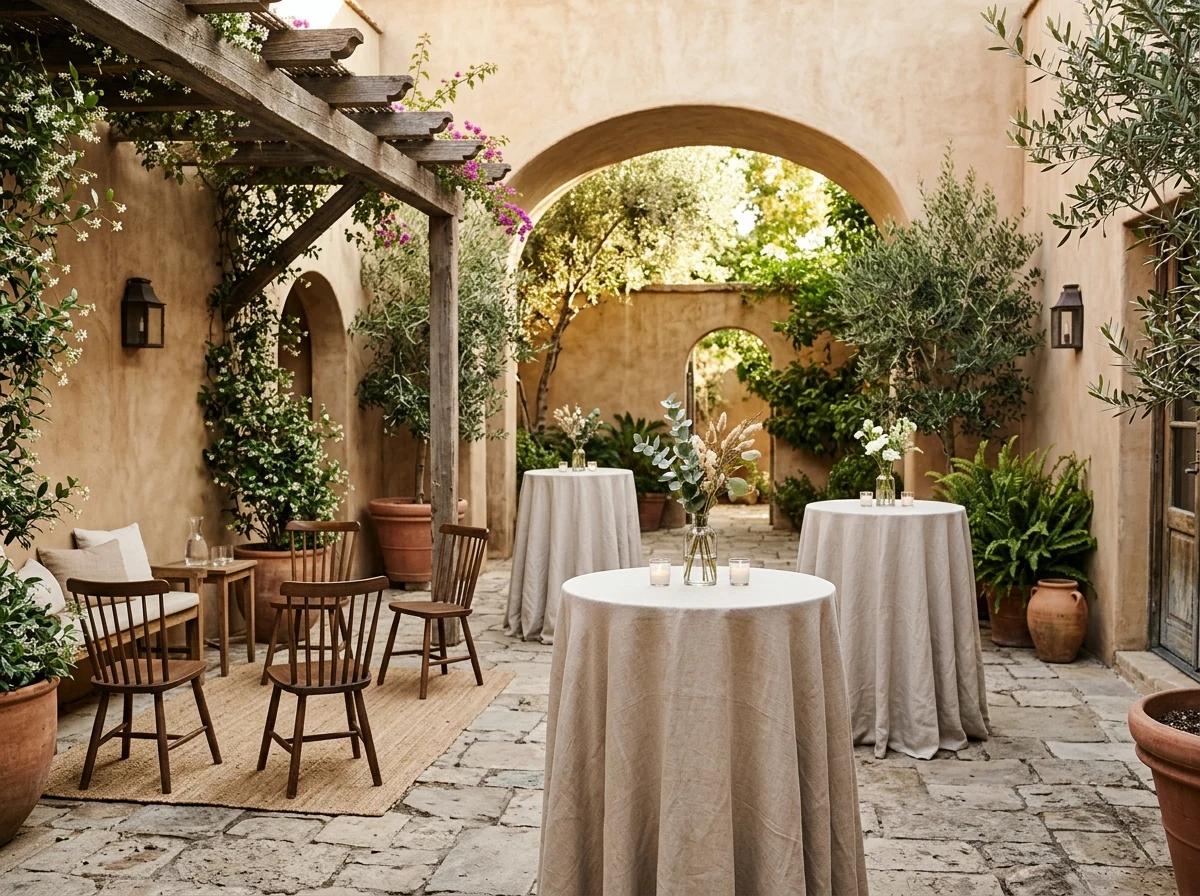
Give each room or outdoor area its own description with current photographs and the event formats it supports. Explain how the space can be arranged for meetings, workshops, receptions or private gatherings. State capacities for the specific layouts you actually offer and identify any conditions that affect them. Help an organizer compare options before contacting your team to discuss the details of their event.
Facilities and included services
Describe the furniture, equipment and on-site support included in venue hire. Explain which items need to be arranged separately and how an organizer discusses additional requirements. Include useful information about presentation equipment, catering arrangements and preparation areas where these apply. Keep the details specific to your venue, and make it easy to ask questions about a proposed setup before confirming a scope.
Photographs with useful context
Show the venue in a range of real arrangements that visitors can understand. Caption each authorized photograph with the room or area shown and the type of setup it illustrates. Distinguish standard furniture from equipment supplied for a particular event. Use current images that reflect the spaces available today, and explain any seasonal or layout differences that could affect an organizer’s plans.
Give each room or outdoor area its own description with current photographs and the event formats it supports. Explain how the space can be arranged for meetings, workshops, receptions or private gatherings. State capacities for the specific layouts you actually offer and identify any conditions that affect them. Help an organizer compare options before contacting your team to discuss the details of their event.
Your work, clearly presented
Interactive design inspiration. Illustrative photography and sample copy.
Plan the pages your visitors will use
The right information. A complete picture of your work.
A practical event venue website content guide. Choose the pages that fit what you do and keep the important answers close.
Spaces and layout options
Give each room or outdoor area its own description with current photographs and the event formats it supports. Explain how the space can be arranged for meetings, workshops, receptions or private gatherings. State capacities for the specific layouts you actually offer and identify any conditions that affect them. Help an organizer compare options before contacting your team to discuss the details of their event.
Facilities and included services
Describe the furniture, equipment and on-site support included in venue hire. Explain which items need to be arranged separately and how an organizer discusses additional requirements. Include useful information about presentation equipment, catering arrangements and preparation areas where these apply. Keep the details specific to your venue, and make it easy to ask questions about a proposed setup before confirming a scope.
Photographs with useful context
Show the venue in a range of real arrangements that visitors can understand. Caption each authorized photograph with the room or area shown and the type of setup it illustrates. Distinguish standard furniture from equipment supplied for a particular event. Use current images that reflect the spaces available today, and explain any seasonal or layout differences that could affect an organizer’s plans.
Arrival and access information
Help organizers and guests plan their arrival with the venue address, directions and practical transport information. Describe entrances, parking and the access features you can accurately confirm. Explain how suppliers arrange deliveries and which contact handles questions about the site. Invite visitors to discuss individual access needs before a visit, and keep this information aligned with the arrangements your team can provide.
Hire process and event preparation
Walk organizers through the steps from an inquiry and site visit to an agreed event plan. Explain how your team reviews dates, layouts and service requirements, and when you provide hire terms or an estimate. Describe setup and clear-down arrangements without assuming they are the same for every event. Give clients a clear contact for discussing changes before the agreed date.
Availability inquiries and visits
Ask prospective clients for the event type, preferred date, approximate guest numbers and layout needs. Explain how your team checks availability and follows up with suitable options. Provide a way to request a venue visit and describe how the appointment is confirmed. Keep an inquiry distinct from a confirmed reservation, and link to an existing scheduling or venue system if your team uses one.
Learn from the pages visitors use.
Review site analytics to understand which pages people visit. Keep spaces and layout options and contact information easy to reach, and update them when your work changes.
Choose how visitors to your event venue website reach you. Make each action fit the services and processes you already use.
Give enquiries a clear route
Help visitors ask about spaces and layout options. Use a contact form that collects the details your team needs, and explain what happens after an enquiry.
Your team reviews requests and confirms the next step.
Connect the services you use
Keep specialist workflows for your event venue website in the services you already use. Add clear links and explain their process before visitors leave your site.
Your chosen provider handles its own availability, confirmations and account access.
Add commerce when it fits
If you sell products or agreed services, add Grigora Commerce product pages, a cart and checkout with your connected Stripe, Razorpay, PayPal, Paddle, or Paystack account. Explain prices, terms and fulfillment before accepting payment.
Your team manages orders and fulfillment; payment provider fees and terms apply.
Good event venue website SEO starts with useful pages. Make spaces and layout options, your contact details and your story easy to find.
Illustrative search result
Your website
https://event-venue.example/
Your website | Event Venue
Explore spaces and layout options and facilities and included services, learn about our approach and find out how to contact us.
Fictional example. Search engines choose the final title and snippet.
Titles and descriptions you can edit
Give pages for spaces and layout options and facilities and included services clear titles. Write descriptions that match their actual content.
Useful information for your audience
Explain spaces and layout options with original copy and relevant photographs. Keep contact details and any locations you serve accurate.
Connected hosting and published pages
Publish with hosting, HTTPS and a sitemap. Use clear navigation so visitors and search engines can reach your pages. Custom domains are available on paid plans.
Use relevant photographs, helpful image descriptions and original copy about your work and the people you serve.
Build and review your first event venue website draft with no card needed. Choose a plan before the trial ends to keep the site online.
A first draft you can review and customize
Website hosting, SSL and CDN included
Page, form and newsletter usage limits to review
Choose room for your website to grow
Compare plans for your domain and the content your event venue website needs. Paid plans keep your site online after the trial and let you connect a domain you own.
Connect a domain you own
Keep the site online after the trial
Choose capacity for your pages, content and enquiries
Check current plan limits and feature eligibility before choosing. Connected payment providers have their own terms and processing fees.
The last check before going online
Ready for your first online visitor?
Walk through your event venue website as a visitor would. Review these details before publishing, and again whenever your content changes.
0 of 5 items reviewed
Before you go online
Event Venue website builder FAQs.
Clear answers about creating a event venue website, its content and the tools you can use.
How do I build an event venue website with Grigora?
Describe your venue, available spaces and the events you host. Grigora creates a website draft that you can refine in the AI Editor. Add current photographs, layout information, facilities and a clear inquiry route. Check capacities and hire details with your team, preview the site on a phone and test contact links before publishing.
What should an event venue website include?
Include room descriptions, photographs, layout options, facilities and practical arrival information. Explain the hire process and what organizers need to share when asking about a date. Visitors should understand which spaces suit their event and how to request a visit or estimate. Keep details about furniture, equipment and included support accurate and current.
Can organizers ask about availability through the website?
Yes. Use an inquiry form or link to the venue system you already use. Ask for the event type, preferred date, guest numbers and setup requirements so your team can review the request. Explain how you confirm availability and the next step. Sending an inquiry does not by itself reserve the space or confirm an event.
Can I show different room capacities and layouts?
Yes. Give each space clear layout descriptions and state the capacity associated with each arrangement. Use current photographs or a plan you have permission to publish. Explain when equipment, catering or other requirements change the usable space. Have your venue team verify the details and invite organizers to discuss their proposed layout before confirming an arrangement.
Does the website manage the venue’s reservations automatically?
The website introduces your spaces and helps organizers send inquiries. Your team or existing venue system handles availability, hire agreements and confirmations. Link to that service where appropriate and explain the process clearly. Creating the public website does not automatically establish a reservation workflow or make every date shown a confirmed offer.
Can I present meetings, workshops and private celebrations on one site?
Yes. Organize the content around your spaces and the event formats they support. Explain how layouts, facilities and hire arrangements differ for each use. Give organizers relevant photographs and a clear way to discuss their requirements. Keep all descriptions tied to what your venue can provide, and have your team confirm the proposed arrangement for each inquiry.