Start with an idea or a relevant template. Refine it around your makeup artist audience and the information they need.
Describe your makeup artist website
Tell the AI who you serve, what you offer and the style you want. Include portfolio gallery by style/event and services offered & packages in your brief, or choose a relevant template.
Name your audience and the next action you want visitors to take.
Review and make it yours
Ask the AI Editor for any change, or click an element to show what you mean. Add your own photographs and review portfolio gallery by style/event, services offered & packages, rates & booking process before sharing your website.
Confirm every claim and replace sample content with your actual details.
Preview, then publish
Check the website on phones, tablets and desktop screens. Publish with hosting and SSL, and connect a domain you own when your plan includes custom domains.
Test your contact form and every external service link after publishing.
The details that help visitors choose
Portfolio Gallery by Style/Event. One clear website.
A makeup artist website is your portfolio, rate card and enquiry desk in one place, and Grigora builds it from a short description of your work. Say what you do, bridal, editorial, SFX or lessons, where you travel and what you charge, and the AI drafts the layout, copy and images, which you then change by describing any edit in the AI Editor, or by clicking an element to show what you mean.
Portfolio Gallery by Style/Event
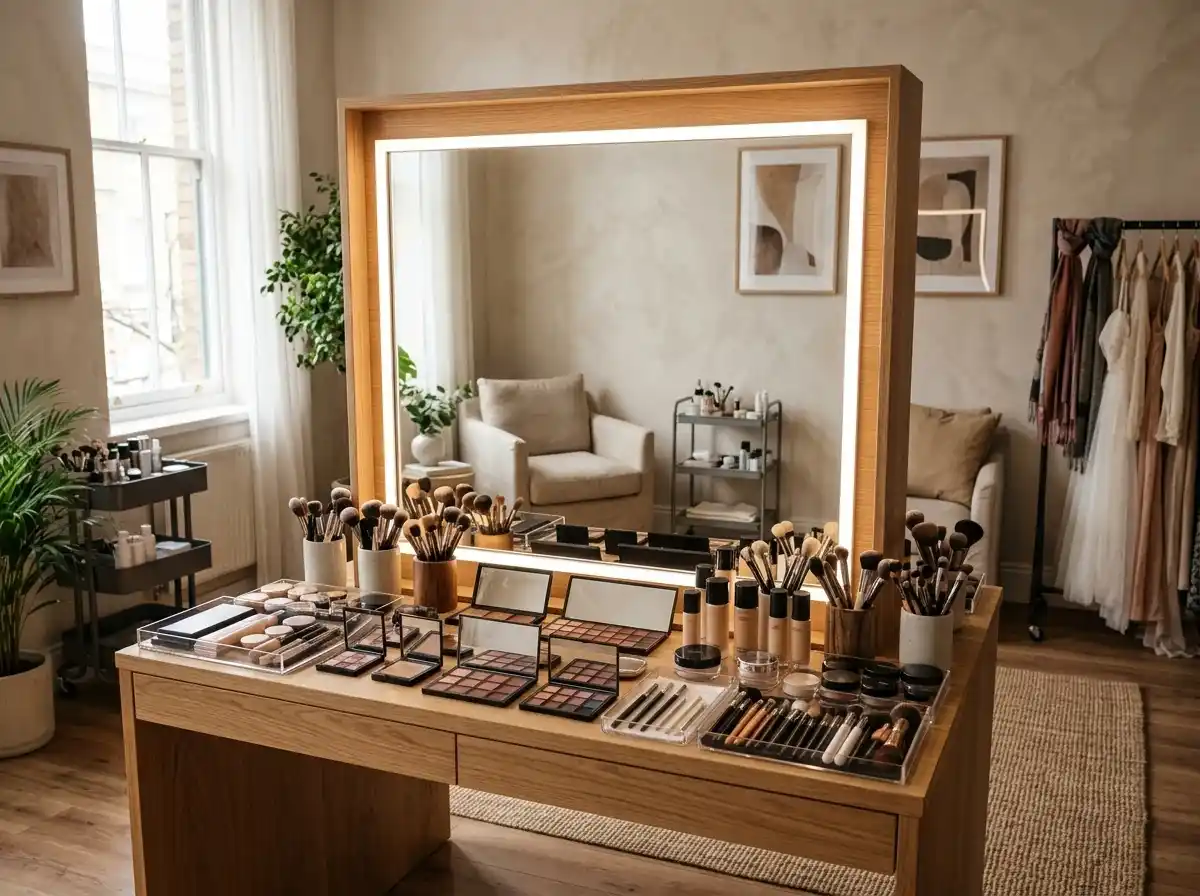
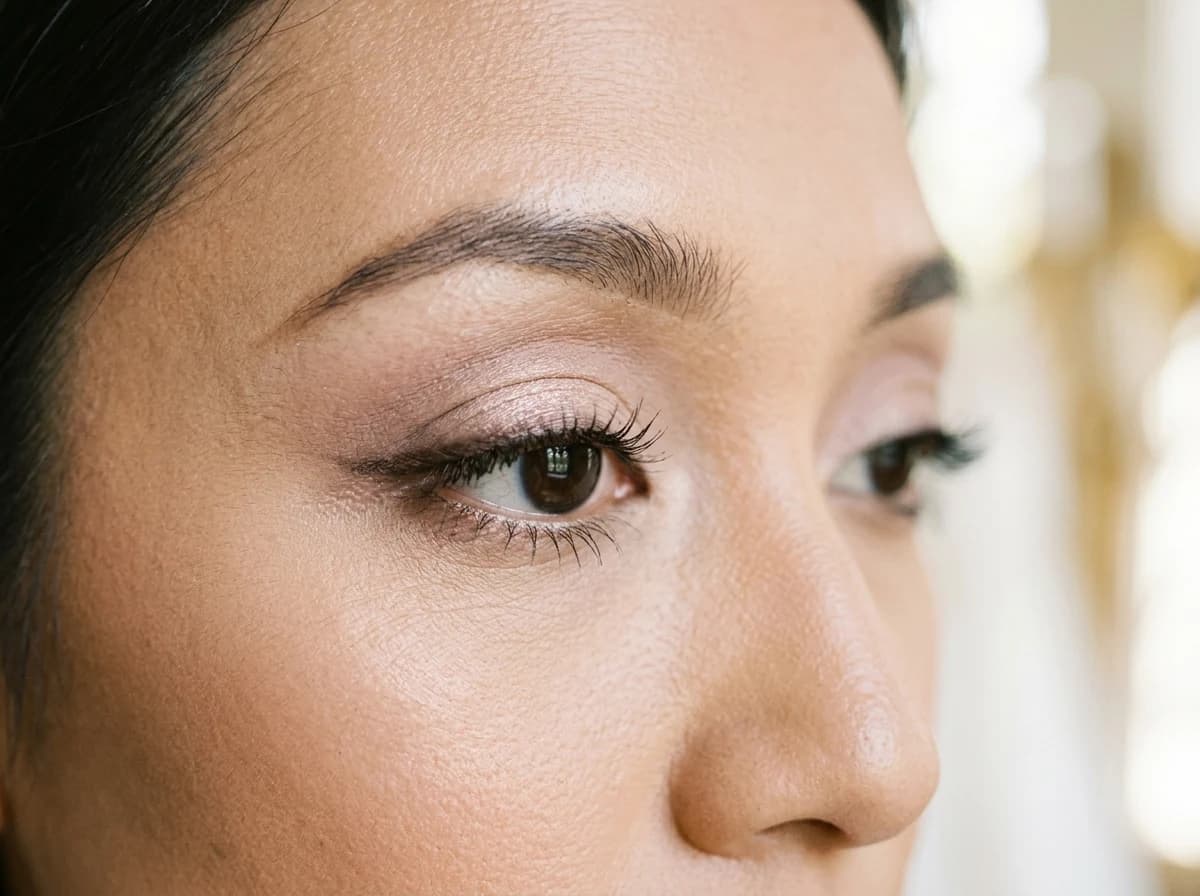
Showcase your best work with high-quality images, organized into clear categories like 'Bridal,' 'Fashion,' 'Special Effects,' or 'Everyday Glam.' This allows potential clients to easily find the specific style they are looking for and see your versatility.
Services Offered & Packages
Clearly outline the types of makeup services you provide (e.g., bridal, editorial, prom, lessons). If you offer packages, detail what's included in each, such as trial sessions, on-location services, or full-day touch-ups, to simplify client choices.
Rates & Booking Process
Be transparent about your pricing structure. List base rates for different services or packages. Explain your booking process step-by-step, including deposit requirements, contract details, and how far in advance clients should book.
Showcase your best work with high-quality images, organized into clear categories like 'Bridal,' 'Fashion,' 'Special Effects,' or 'Everyday Glam.' This allows potential clients to easily find the specific style they are looking for and see your versatility.
Your work, clearly presented
Interactive design inspiration. Illustrative photography and sample copy.
Plan the pages your visitors will use
The right information. A complete picture of your work.
A practical makeup artist website content guide. Choose the pages that fit what you do and keep the important answers close.
Portfolio Gallery by Style/Event
Showcase your best work with high-quality images, organized into clear categories like 'Bridal,' 'Fashion,' 'Special Effects,' or 'Everyday Glam.' This allows potential clients to easily find the specific style they are looking for and see your versatility.
Services Offered & Packages
Clearly outline the types of makeup services you provide (e.g., bridal, editorial, prom, lessons). If you offer packages, detail what's included in each, such as trial sessions, on-location services, or full-day touch-ups, to simplify client choices.
Rates & Booking Process
Be transparent about your pricing structure. List base rates for different services or packages. Explain your booking process step-by-step, including deposit requirements, contract details, and how far in advance clients should book.
Client Testimonials & Reviews
Feature glowing reviews from past clients. Authentic testimonials from satisfied brides, models, or individuals can significantly build trust and social proof, reassuring new clients about your professionalism and skill.
About Me & My Philosophy
Share your story, your passion for makeup, and your artistic philosophy. Clients often connect with the artist behind the brush. Personalize this section to help them understand your unique approach and why they should choose you.
Booking Request Form & FAQs
Instead of just an email, provide a detailed booking inquiry form that asks for essential information like date, location, event type, and number of people. Include a FAQ section to answer common questions about trials, travel fees, or timelines.
Learn from the pages visitors use.
Review site analytics to understand which pages people visit. Keep portfolio gallery by style/event and contact information easy to reach, and update them when your work changes.
Choose how visitors to your makeup artist website reach you. Make each action fit the services and processes you already use.
Give enquiries a clear route
Help visitors ask about portfolio gallery by style/event. Use a contact form that collects the details your team needs, and explain what happens after an enquiry.
Your team reviews requests and confirms the next step.
Connect the services you use
Keep specialist workflows for your makeup artist website in the services you already use. Add clear links and explain their process before visitors leave your site.
Your chosen provider handles its own availability, confirmations and account access.
Add commerce when it fits
If you sell products or agreed services, add Grigora Commerce product pages, a cart and checkout with your connected Stripe, Razorpay, PayPal, or Paddle account. Explain prices, terms and fulfillment before accepting payment.
Your team manages orders and fulfillment; payment provider fees and terms apply.
Good makeup artist website SEO starts with useful pages. Make portfolio gallery by style/event, your contact details and your story easy to find.
Illustrative search result
Your website
https://makeup-artist.example/
Your website | Makeup Artist
Explore portfolio gallery by style/event and services offered & packages, learn about our approach and find out how to contact us.
Fictional example. Search engines choose the final title and snippet.
Titles and descriptions you can edit
Give pages for portfolio gallery by style/event and services offered & packages clear titles. Write descriptions that match their actual content.
Useful information for your audience
Explain portfolio gallery by style/event with original copy and relevant photographs. Keep contact details and any locations you serve accurate.
Connected hosting and published pages
Publish with hosting, HTTPS and a sitemap. Use clear navigation so visitors and search engines can reach your pages. Custom domains are available on paid plans.
Use relevant photographs, helpful image descriptions and original copy about your work and the people you serve.
Build and review your first makeup artist website draft with no card needed. Choose a plan before the trial ends to keep the site online.
A first draft you can review and customize
Website hosting, SSL and CDN included
Page, form and newsletter usage limits to review
Choose room for your website to grow
Compare plans for your domain and the content your makeup artist website needs. Paid plans keep your site online after the trial and let you connect a domain you own.
Connect a domain you own
Keep the site online after the trial
Choose capacity for your pages, content and enquiries
Check current plan limits and feature eligibility before choosing. Connected payment providers have their own terms and processing fees.
The last check before going online
Ready for your first online visitor?
Walk through your makeup artist website as a visitor would. Review these details before publishing, and again whenever your content changes.
0 of 5 items reviewed
Before you go online
Makeup Artist website builder FAQs.
Clear answers about creating a makeup artist website, its content and the tools you can use.
How can a makeup artist display high-quality images of their work on Grigora?
Grigora makes it easy to display high-resolution images. Our image optimization feature ensures your makeup artistry photos look sharp while loading quickly, providing an excellent visual experience. You can create expansive photo galleries and use various content blocks to highlight your best work, ensuring your talent shines through to potential clients.
Does Grigora support online booking for makeup artist appointments?
Grigora does not have a built-in booking system for appointments. However, you can easily integrate third-party booking solutions into your website. Simply embed the code from your preferred scheduling software into a custom code block, or provide direct links to your booking page. This allows clients to schedule appointments while enjoying your Grigora-powered portfolio.
How can I collect emails for promotions and send newsletters to my clients?
Grigora includes a powerful built-in newsletter system. You can easily add newsletter subscription forms and popups to your website to capture emails from interested clients. Use our email templates to send out special offers, new service announcements, or seasonal promotions, keeping your client base engaged and encouraging repeat bookings.
Can I sell my own lash, brush, or product line alongside my portfolio?
Yes. Grigora Commerce lets you list physical products like false lashes, brush sets, or a private label line with variants (shade, size, bundle), SKUs, and inventory tracking, then take payment through Stripe, Razorpay, PayPal, or Paddle checkout with your own shipping and tax settings configured.
Can I sell makeup tutorial videos or a masterclass without worrying about people reselling them?
You can sell them, but there is no DRM or watermarking to stop a buyer from resharing a file. Digital downloads on Grigora Commerce are delivered by email, so tutorial videos, PDF guides, or brush care courses can be sold as one-time purchases, or offered at pay-what-you-want pricing if you'd rather let students name their price.
How do I keep bridal, editorial, and SFX work visually separate instead of one long photo dump?
Set up a separate directory for each specialty. Directories are structured collections with typed fields, including image, multi-image, and video, so you can build a bridal gallery, an editorial gallery, and an SFX gallery as distinct sections rather than one mixed portfolio page.
I already use a separate app to schedule bridal trials. Can my website still take the deposit?
Yes. Keep your existing scheduling tool for trial dates, and if it already collects deposits, any button on your site can link out to its payment page, though payments made there are not tracked in Grigora. You can also process the deposit directly through Stripe, Razorpay, PayPal, or Paddle checkout if you prefer.
Can I set up a bookings@ or bridal@ email instead of using my personal Gmail for client inquiries?
Yes. Grigora Mail gives you professional email on your own domain starting at $5/month, with up to 10 aliases, so you can run bookings@yourstudio.com and bridal@yourstudio.com from the same inbox, with labels you create yourself and an AI assistant for drafting replies.
How do I take booking enquiries on a makeup artist website?
Add an enquiry form asking for the date, the venue or location, how many faces, the look they want and their budget. That is enough to answer with a yes and a price. Grigora has no booking calendar built in, so confirm the slot in the scheduling tool you already use and take a deposit at checkout.
How do I get found when someone searches for a makeup artist near them?
Give each area you cover its own page with real detail, your city and travel radius in the copy, and the venues you have worked at. Grigora's SEO tools flag on page fixes, generate a sitemap and ping IndexNow when you publish. Keep your listings elsewhere matching the name and address on the site.
How do I move my makeup business site off Wix?
There is no importer for sites made with the AI builder, so treat it as a fresh build. Describe your work, take the AI draft, then upload your best images again at full quality rather than pulling the compressed versions off the old site. Note your existing page addresses and set redirects for the ones people still link to.
How much does a makeup artist website cost?
Starter is $15 a month, or $144 a year, which works out to $12 a month. Pro is $25 a month, and you get a free trial rather than a free plan. Deposits and product sales are processed by your own Stripe, Razorpay, PayPal, or Paddle account at their fees, and a bookings@ mailbox on your domain is $5 a month.