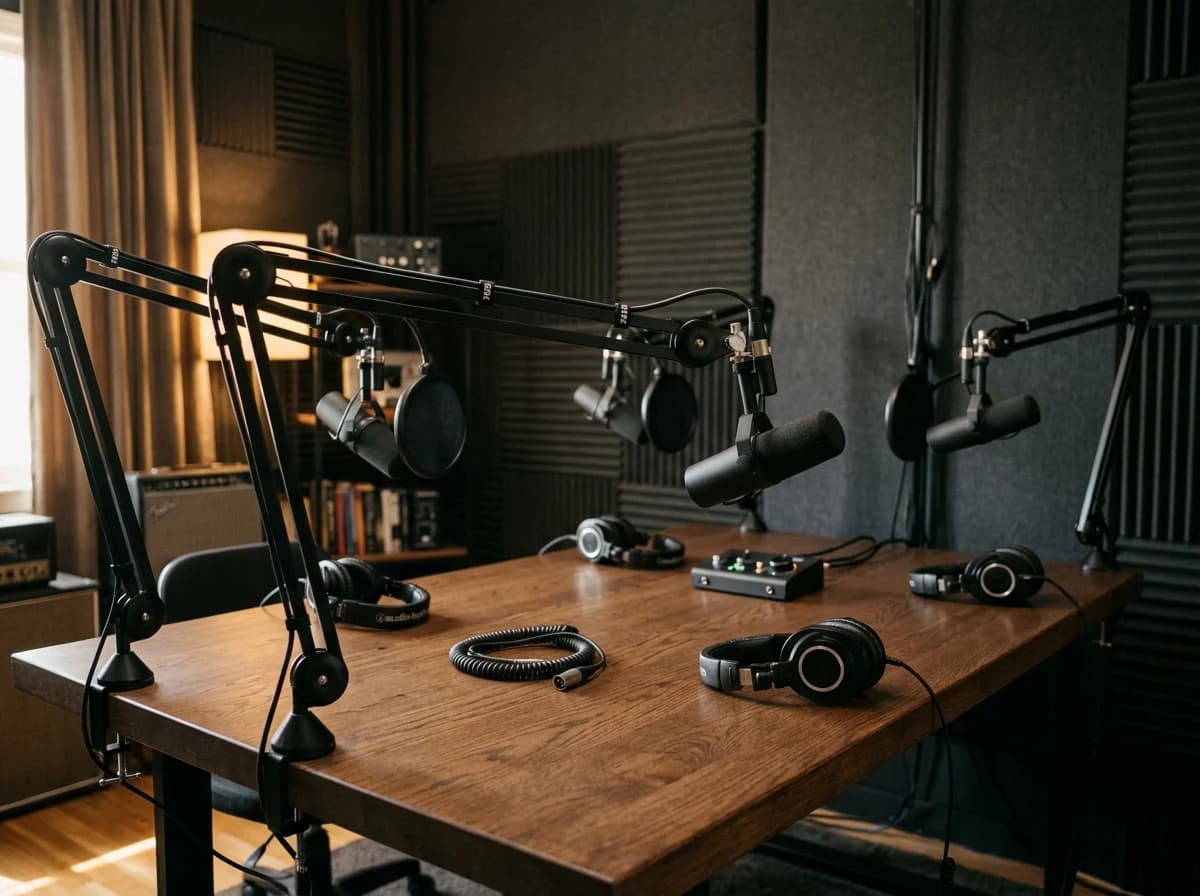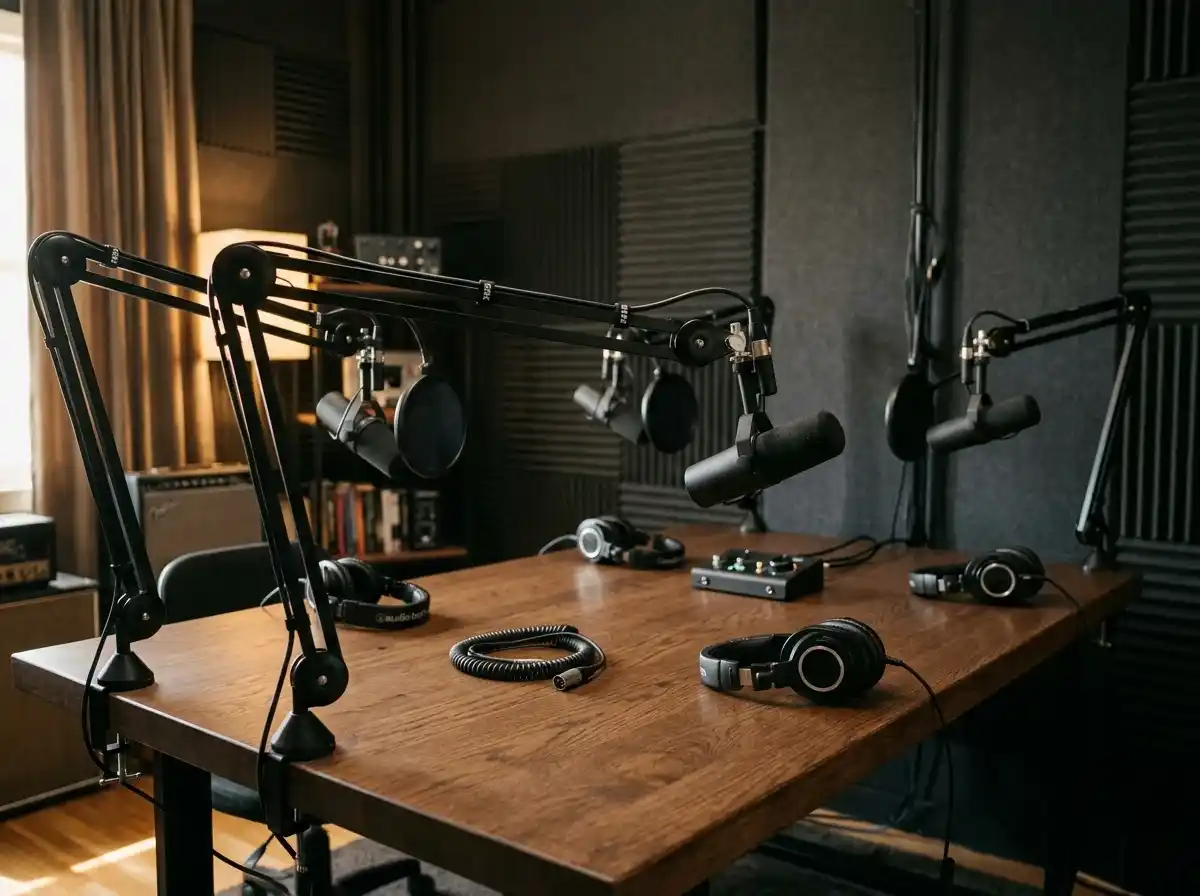
Episode Library & Show Notes
Create a dedicated page for each episode, featuring an embedded audio player, a detailed synopsis, key takeaways, guest bios, and links to anything mentioned in the show.
AI website builder for podcasts
Organize episodes, introduce your hosts and help listeners find the platforms you publish on.
Your work deserves a good first impression
Explore templates for podcasts websites. Preview a design, then make the content, photographs and colours your own.
A first draft, with room to make it yours
Start with an idea or a relevant template. Refine it around your podcasts audience and the information they need.
Tell the AI who you serve, what you offer and the style you want. Include episode library & show notes and subscribe & listen links in your brief, or choose a relevant template.
Name your audience and the next action you want visitors to take.Edit your draft visually. Add your own photographs and review episode library & show notes, subscribe & listen links, about the podcast & host(s) before sharing your website.
Confirm every claim and replace sample content with your actual details.Check the website on phones, tablets and desktop screens. Publish with hosting and SSL, and connect a domain you own when your plan includes custom domains.
Test your contact form and every external service link after publishing.The details that help visitors choose
A podcast website is the home your show owns, and Grigora builds one from a description of the podcast rather than from a blank page. Tell it the show name, topic and tone, and the AI drafts the pages, copy and images, which you then edit by dragging blocks.
Create a dedicated page for each episode, featuring an embedded audio player, a detailed synopsis, key takeaways, guest bios, and links to anything mentioned in the show.
Prominently display direct links to your podcast on all major platforms (Apple Podcasts, Spotify, Google Podcasts, Stitcher, etc.) to make it easy for new listeners to subscribe.
Share the premise of your show, what listeners can expect, and a brief bio of the host(s). This helps new visitors quickly understand your podcast's value and connect with the personalities.
 Tech Commentary Broadcast
A clear first impression
Create a dedicated page for each episode, featuring an embedded audio player, a detailed synopsis, key takeaways, guest bios, and links to anything mentioned in the show.
Your work, clearly presentedInteractive design inspiration. Illustrative photography and sample copy.
Plan the pages your visitors will use
A practical podcasts website content guide. Choose the pages that fit what you do and keep the important answers close.
Create a dedicated page for each episode, featuring an embedded audio player, a detailed synopsis, key takeaways, guest bios, and links to anything mentioned in the show.
Prominently display direct links to your podcast on all major platforms (Apple Podcasts, Spotify, Google Podcasts, Stitcher, etc.) to make it easy for new listeners to subscribe.
Share the premise of your show, what listeners can expect, and a brief bio of the host(s). This helps new visitors quickly understand your podcast's value and connect with the personalities.
If your podcast features guests, dedicate a section explaining how potential guests can apply or what to expect if they are invited. Include a contact form for inquiries.
Encourage listener interaction! Link to your social media groups, invite comments, or run polls. Consider a newsletter signup for exclusive updates or bonus content.
Repurpose your content by publishing episode transcripts (great for SEO!), related articles, or behind-the-scenes posts. This adds value, attracts search traffic, and offers an alternative consumption method. Grigora's blogging platform is perfect for this.
Review site analytics to understand which pages people visit. Keep episode library & show notes and contact information easy to reach, and update them when your work changes.
Explore the tools behind your websiteMake the next step obvious
Choose how visitors to your podcasts website reach you. Make each action fit the services and processes you already use.
Help visitors ask about episode library & show notes. Use a contact form that collects the details your team needs, and explain what happens after an enquiry.
Your team reviews requests and confirms the next step.
Keep specialist workflows for your podcasts website in the services you already use. Add clear links and explain their process before visitors leave your site.
Your chosen provider handles its own availability, confirmations and account access.
If you sell products or agreed services, add Grigora Commerce product pages, a cart and checkout with your connected Stripe or Razorpay account. Explain prices, terms and fulfillment before accepting payment.
Your team manages orders and fulfillment; payment provider fees and terms apply.
SEO for podcasts websites
Good podcasts website SEO starts with useful pages. Make episode library & show notes, your contact details and your story easy to find.
Your website
https://podcasts.example/Explore episode library & show notes and subscribe & listen links, learn about our approach and find out how to contact us.
Fictional example. Search engines choose the final title and snippet.
Give pages for episode library & show notes and subscribe & listen links clear titles. Write descriptions that match their actual content.
Explain episode library & show notes with original copy and relevant photographs. Keep contact details and any locations you serve accurate.
Publish with hosting, HTTPS and a sitemap. Use clear navigation so visitors and search engines can reach your pages. Custom domains are available on paid plans.
Room to start. Room to grow.
Try the AI builder and review your first podcasts website draft. Check the pricing page for current features and usage limits.
Compare plans for your domain and the content your podcasts website needs. Paid plans add custom domains and Directory Maker for structured content.
Check current plan limits and feature eligibility before choosing. Connected payment providers have their own terms and processing fees.
The last check before going online
Walk through your podcasts website as a visitor would. Review these details before publishing, and again whenever your content changes.
0 of 5 items reviewed
Before you go online
Clear answers about creating a podcasts website, its content and the tools you can use.
Grigora's website builder is excellent for podcasters. Its drag-and-drop editor with 50+ customizable blocks and templates allows you to design a professional, mobile-friendly site to showcase episodes, host bios, and show notes. You can embed your podcast player from popular hosting platforms. Grigora includes free SSL, CDN, and hosting, ensuring a reliable online presence for your show.
Absolutely. Grigora includes a built-in blogging platform perfect for publishing new podcast episodes as blog posts, complete with show notes, guest bios, and embedded audio players. Use AI tools like the AI blog writer to quickly generate episode summaries or promotional content, keeping your listeners informed and engaged.
Yes, Grigora provides robust SEO features to boost your podcast website's visibility. Utilize built-in on-page SEO suggestions, a keyword research tool, and meta tag customization to rank for your podcast's name or topics. Schema markup generation and URL optimization further enhance search engine understanding, helping new listeners find your show.
Grigora's interactive form builder is ideal for creating custom forms for listener feedback, guest applications, or contact inquiries. You can easily embed these forms on your website, streamlining interaction with your audience and potential collaborators. Newsletter subscription forms can also help you build an email list for show updates.
Grigora features a built-in newsletter system, enabling you to create, send, and track email campaigns to your podcast listeners. Use newsletter subscription forms on your website to build your mailing list. Email templates ensure professional communications for new episode announcements, guest highlights, or special listener content, keeping your audience engaged and growing.
Grigora offers a built-in, privacy-friendly analytics dashboard to monitor your website's performance. You can track traffic, engagement, and other insights to understand which episodes or pages are most popular. Google Analytics integration is also available for more in-depth data, helping you optimize your website and promotional strategies for your podcast.
Yes. Grigora's directories let you set up a structured episode collection with typed fields: a datetime field for release date, rich text for show notes, an image field for cover art, and a link field pointing to Spotify, Apple Podcasts, or wherever you're hosted. Visitors can browse your full catalog from one organized page instead of scrolling a blog.
Yes. Grigora Commerce supports Stripe subscriptions and pay-what-you-want pricing, along with digital downloads that use protected delivery, so you can offer an ad-free feed, bonus episodes, or a paid supporter tier directly from your site.
Grigora's Newsletters and Email Builder let you write, design, and send an episode-drop email from the same platform you publish your site on, so you're not juggling a separate email tool just to announce new releases.
Yes. Grigora's MCP server lets an AI agent manage your live site directly, including creating and publishing posts or directory entries. You can have it turn a transcript or outline into a published show notes page each week without doing it by hand.
Yes. Grigora Mail gives you business email on your own domain starting at $5/month, with up to 10 aliases (like sponsors@yourshow.com or guests@yourshow.com), a Gmail-like inbox, scheduled sending, and a built-in AI assistant for drafting replies.
Describe the show in a sentence or two and Grigora drafts a home page, an episode archive, an about page and a contact page. Swap in your artwork, embed the player from your host, add a signup form, connect your domain, and publish. Editing stays drag and drop throughout.
You can sell a recurring subscription through Stripe, and one off bonus files as digital products. Grigora does not gate member only audio behind a login, so deliver the private feed your podcast host generates. The newsletter content locker works well for free extras that only ask for an email.
Plans start at $15 a month for Starter when billed annually, which works out to $144 a year, and Pro is $25 a month. There is a free trial instead of a free tier. Hosting, SSL and the CDN are included, and payments go through your own Stripe or Razorpay account.
Pick one that gives you an episode archive, a real newsletter and hosting you never think about. Grigora drafts the whole site from a description, keeps episodes in a CMS you can filter by season or guest, and lets you edit any block visually without touching code.
Describe your podcasts website. Get a first draft you can edit and make your own.
Start building free