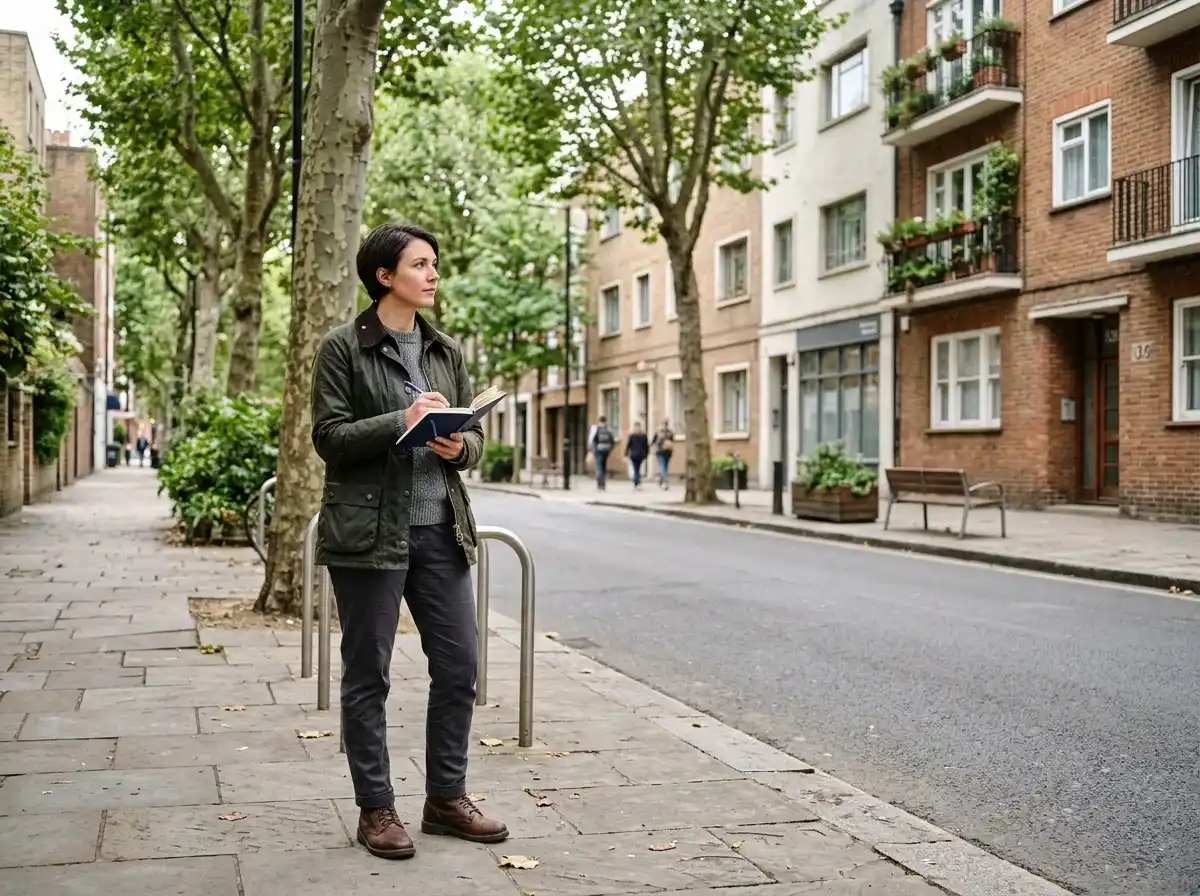
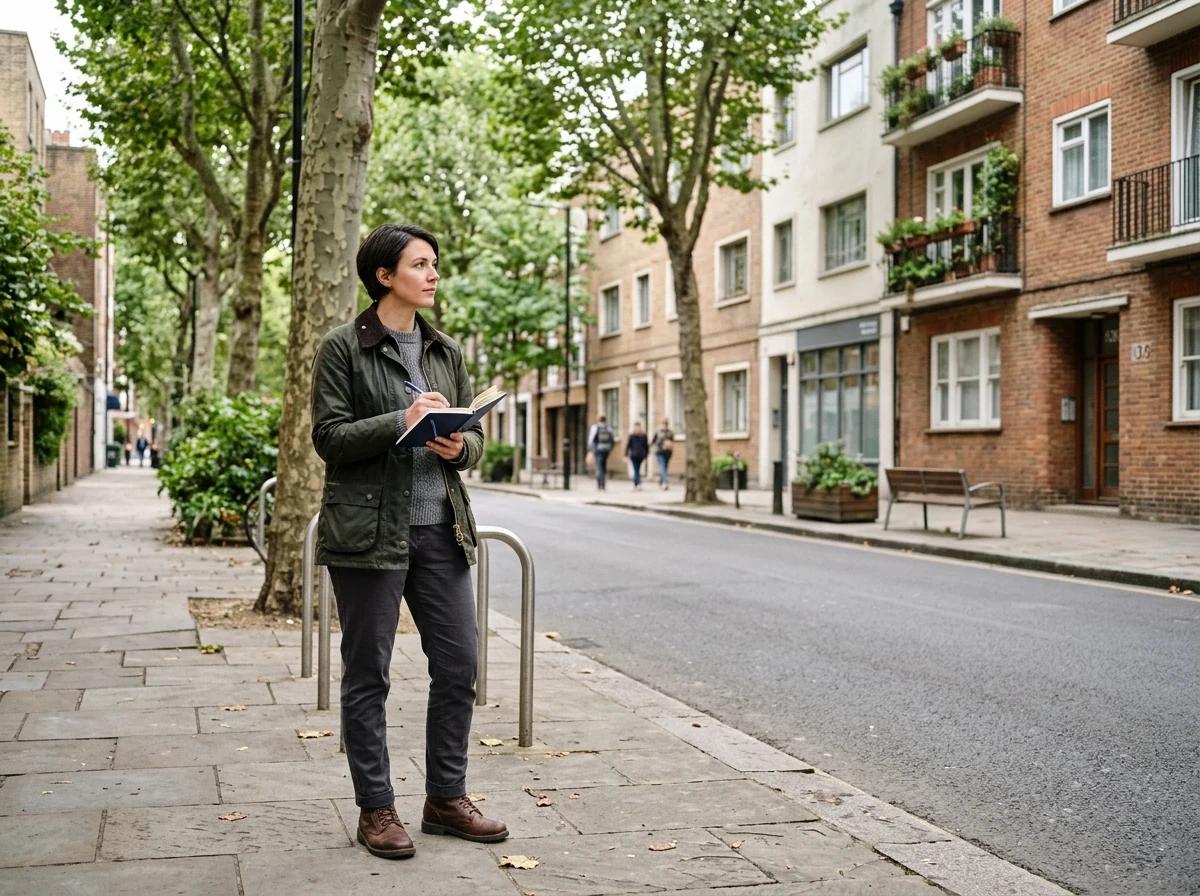
Start with an idea or a relevant template. Refine it around your urban planner audience and the information they need.
Describe your urban planner website
Tell the AI who you serve, what you offer and the style you want. Include planning expertise and professional background and services and the planning process in your brief, or choose a relevant template.
Name your audience and the next action you want visitors to take.
Review and make it yours
Ask the AI Editor for any change, or click an element to show what you mean. Add your own photographs and review planning expertise and professional background, services and the planning process, projects with place and stage context before sharing your website.
Confirm every claim and replace sample content with your actual details.
Preview, then publish
Check the website on phones, tablets and desktop screens. Publish with hosting and SSL, and connect a domain you own when your plan includes custom domains.
Test your contact form and every external service link after publishing.
The details that help visitors choose
Planning expertise and professional background. One clear website.
An urban planner website brings your professional background, planning projects and services into one clear place. Describe your practice and intended audience to create a Grigora draft, then refine the pages in the AI Editor.
Planning expertise and professional background
Introduce your planning practice, the places you work with and the experience you bring to each engagement. Describe your current role, relevant qualifications and professional memberships accurately. Explain your interests in language that prospective clients and community partners can understand, whether your work concerns neighborhoods, public space or wider spatial strategies. Connect this background to the services you actually provide and keep your professional details current.
Services and the planning process
Explain the purpose of each planning service and the stage at which you usually contribute. Describe the questions you help explore, the information needed and the kinds of outputs a project may involve. Outline how an initial conversation establishes scope, responsibilities and timing. Help a prospective client understand your role within a wider team without implying that a website inquiry guarantees an appointment, approval or particular project outcome.
Projects with place and stage context
Present selected projects through the place, planning question and contribution you made. Include dates, collaborators and project stage so readers can distinguish an early concept from an adopted plan or completed place. Use maps, photographs and extracts you may publish, with captions that explain their purpose. State what you were responsible for and link to current public project information where available, keeping confidential materials outside the public portfolio.
Introduce your planning practice, the places you work with and the experience you bring to each engagement. Describe your current role, relevant qualifications and professional memberships accurately. Explain your interests in language that prospective clients and community partners can understand, whether your work concerns neighborhoods, public space or wider spatial strategies. Connect this background to the services you actually provide and keep your professional details current.
Your work, clearly presented
Interactive design inspiration. Illustrative photography and sample copy.
Plan the pages your visitors will use
The right information. A complete picture of your work.
A practical urban planner website content guide. Choose the pages that fit what you do and keep the important answers close.
Planning expertise and professional background
Introduce your planning practice, the places you work with and the experience you bring to each engagement. Describe your current role, relevant qualifications and professional memberships accurately. Explain your interests in language that prospective clients and community partners can understand, whether your work concerns neighborhoods, public space or wider spatial strategies. Connect this background to the services you actually provide and keep your professional details current.
Services and the planning process
Explain the purpose of each planning service and the stage at which you usually contribute. Describe the questions you help explore, the information needed and the kinds of outputs a project may involve. Outline how an initial conversation establishes scope, responsibilities and timing. Help a prospective client understand your role within a wider team without implying that a website inquiry guarantees an appointment, approval or particular project outcome.
Projects with place and stage context
Present selected projects through the place, planning question and contribution you made. Include dates, collaborators and project stage so readers can distinguish an early concept from an adopted plan or completed place. Use maps, photographs and extracts you may publish, with captions that explain their purpose. State what you were responsible for and link to current public project information where available, keeping confidential materials outside the public portfolio.
Community engagement and participation
Describe how you help people understand a planning question and contribute to a conversation. Explain the audience, engagement format and your role, using examples that may be shared publicly. When listing an event or consultation, provide current dates, location details and a link to the responsible organizer. Distinguish general contact from any formal response process and explain where readers should find the current participation instructions.
Insights, methods and public resources
Share articles, talks and accessible explanations of your planning approach. Give each resource a clear topic, date and source, distinguishing personal commentary from published project material. Use plain language to introduce methods and explain the context of examples rather than presenting every place as interchangeable. Link to original public documents where helpful, and review older resources so visitors can tell when a publication describes a past project stage.
Project inquiries and collaboration
Make it easy for clients, project teams and community partners to introduce an opportunity. Ask for the location, planning question, current stage and intended timing in a short initial summary. Explain how you review fit and discuss next steps. Provide current professional contact details and agree the scope, terms and suitable method for sharing detailed project files separately, with formal submissions directed to the responsible project process.
Learn from the pages visitors use.
Review site analytics to understand which pages people visit. Keep planning expertise and professional background and contact information easy to reach, and update them when your work changes.
Choose how visitors to your urban planner website reach you. Make each action fit the services and processes you already use.
Give enquiries a clear route
Help visitors ask about planning expertise and professional background. Use a contact form that collects the details your team needs, and explain what happens after an enquiry.
Your team reviews requests and confirms the next step.
Connect the services you use
Keep specialist workflows for your urban planner website in the services you already use. Add clear links and explain their process before visitors leave your site.
Your chosen provider handles its own availability, confirmations and account access.
Add commerce when it fits
If you sell products or agreed services, add Grigora Commerce product pages, a cart and checkout with your connected Stripe, Razorpay, PayPal, Paddle, or Paystack account. Explain prices, terms and fulfillment before accepting payment.
Your team manages orders and fulfillment; payment provider fees and terms apply.
Good urban planner website SEO starts with useful pages. Make planning expertise and professional background, your contact details and your story easy to find.
Illustrative search result
Your website
https://urban-planner.example/
Your website | Urban Planner
Explore planning expertise and professional background and services and the planning process, learn about our approach and find out how to contact us.
Fictional example. Search engines choose the final title and snippet.
Titles and descriptions you can edit
Give pages for planning expertise and professional background and services and the planning process clear titles. Write descriptions that match their actual content.
Useful information for your audience
Explain planning expertise and professional background with original copy and relevant photographs. Keep contact details and any locations you serve accurate.
Connected hosting and published pages
Publish with hosting, HTTPS and a sitemap. Use clear navigation so visitors and search engines can reach your pages. Custom domains are available on paid plans.
Use relevant photographs, helpful image descriptions and original copy about your work and the people you serve.
Build and review your first urban planner website draft with no card needed. Choose a plan before the trial ends to keep the site online.
A first draft you can review and customize
Website hosting, SSL and CDN included
Page, form and newsletter usage limits to review
Choose room for your website to grow
Compare plans for your domain and the content your urban planner website needs. Paid plans keep your site online after the trial and let you connect a domain you own.
Connect a domain you own
Keep the site online after the trial
Choose capacity for your pages, content and enquiries
Check current plan limits and feature eligibility before choosing. Connected payment providers have their own terms and processing fees.
The last check before going online
Ready for your first online visitor?
Walk through your urban planner website as a visitor would. Review these details before publishing, and again whenever your content changes.
0 of 5 items reviewed
Before you go online
Urban Planner website builder FAQs.
Clear answers about creating a urban planner website, its content and the tools you can use.
How do I build an urban planner website with Grigora?
Describe your planning practice, services and intended audience to create a website draft. Refine the pages in the AI Editor with your professional background, selected projects, engagement approach and public resources. Add accurate dates, project stages and source links. Review the content on desktop and phone, check contact details and test links before publishing your urban planner website.
What should an urban planner include in a portfolio?
Show the planning question, place and context for each project, followed by your role and contribution. Include dates, collaborators and the current stage so readers can distinguish concepts from adopted plans or completed work. Use approved photographs, maps or extracts with useful captions. Link to public project information when available and explain the scope of your involvement without claiming the work of the wider team.
Can I explain community engagement on my website?
Yes. Describe your approach, the people involved and the formats you use, supported by examples you may share. For current opportunities, include accurate dates and links to the organizer or official project page. Explain whether your contact route is for general inquiries or part of a defined engagement process. Keep participation instructions current and direct formal responses to the appropriate destination.
Can I share planning maps and project documents?
Yes, when you have permission to publish them. Use clear captions, dates and stage labels so readers understand what the material shows. Link to the current public source when possible and offer readable explanatory text alongside visual material. Keep confidential project files in the systems used by the project team, and label illustrative concepts so visitors do not mistake them for adopted plans.
Does the website handle planning approvals or formal consultations?
A professional website can explain your services, present projects and provide links and contact information. It does not automatically become a planning approval system or an official consultation platform. Use the process designated by the responsible organization for formal submissions, records and decisions. If you link to an existing service, explain its purpose and keep the destination current.
Can I keep project updates and public resources together?
Yes. Organize public updates and resources by project or topic, using accurate dates, stage labels and links to original sources. Explain the intended audience and your role in the work. Review older updates so readers understand when they refer to a previous phase, and use the current project or organizer page for participation instructions that may change.