Start with an idea or a relevant template. Refine it around your wedding photographers audience and the information they need.
Describe your wedding photographers website
Tell the AI who you serve, what you offer and the style you want. Include wedding portfolio / galleries and about me & your approach in your brief, or choose a relevant template.
Name your audience and the next action you want visitors to take.
Review and make it yours
Ask the AI Editor for any change, or click an element to show what you mean. Add your own photographs and review wedding portfolio / galleries, about me & your approach, packages & pricing before sharing your website.
Confirm every claim and replace sample content with your actual details.
Preview, then publish
Check the website on phones, tablets and desktop screens. Publish with hosting and SSL, and connect a domain you own when your plan includes custom domains.
Test your contact form and every external service link after publishing.
The details that help visitors choose
Wedding Portfolio / Galleries. One clear website.
A wedding photographer website is portfolio, pricing page and shop in one, and Grigora builds yours from a description of the studio, the work and the couples you shoot for. The AI drafts layout, copy and images, adapting a template to your studio, and you change anything by describing it in the AI Editor.
Wedding Portfolio / Galleries
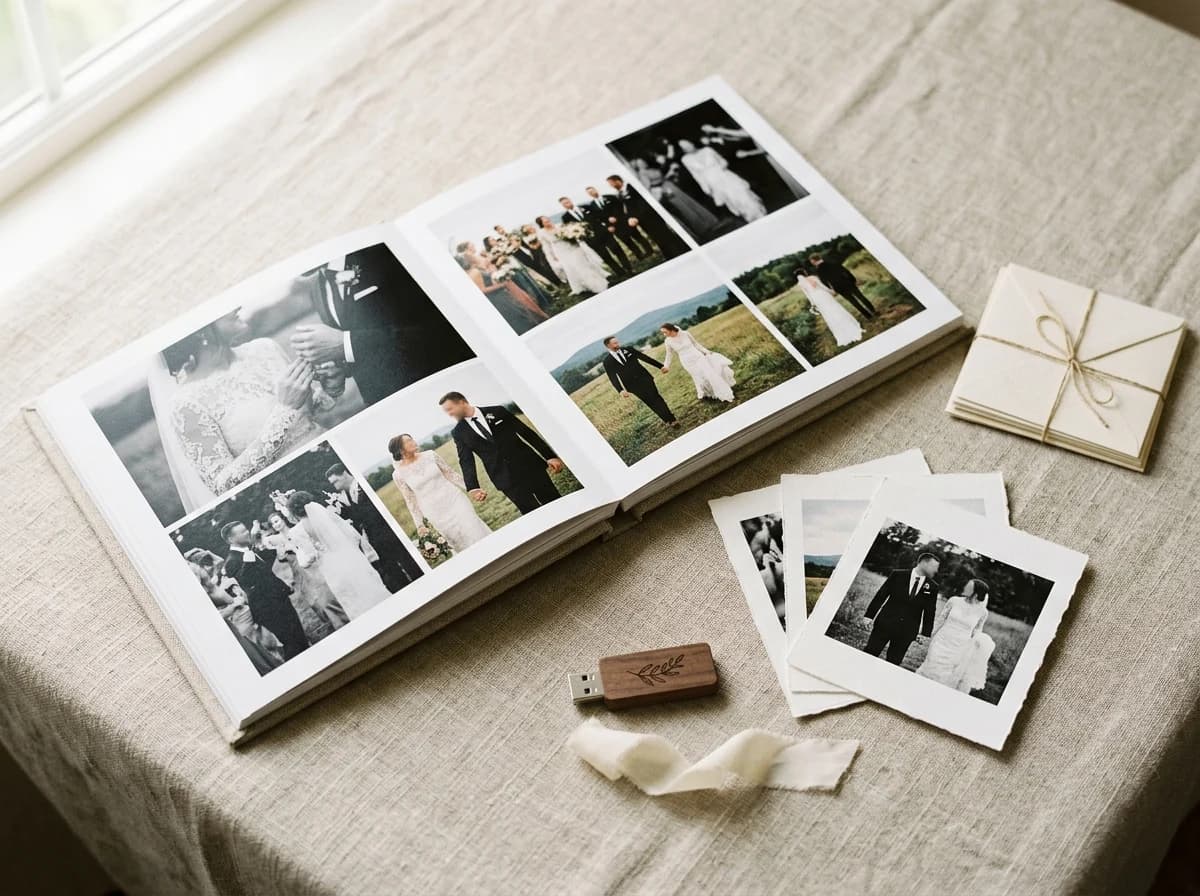
Showcase a curated selection of your best wedding photography. Organize galleries by real weddings, highlight reels, or specific themes (e.g., 'Outdoor Weddings,' 'Intimate Elopements'). High-resolution images are non-negotiable.
About Me & Your Approach
Share your personal story, your passion for wedding photography, and your unique photographic philosophy. Couples want to connect with their photographer, so a warm, engaging bio and a professional headshot are essential.
Packages & Pricing
Clearly outline your wedding photography packages, what's included in each (hours of coverage, number of photos, albums, second shooter), and starting prices. Transparency helps couples budget and prevents unnecessary inquiries.
Showcase a curated selection of your best wedding photography. Organize galleries by real weddings, highlight reels, or specific themes (e.g., 'Outdoor Weddings,' 'Intimate Elopements'). High-resolution images are non-negotiable.
Your work, clearly presented
Interactive design inspiration. Illustrative photography and sample copy.
Plan the pages your visitors will use
The right information. A complete picture of your work.
A practical wedding photographers website content guide. Choose the pages that fit what you do and keep the important answers close.
Wedding Portfolio / Galleries
Showcase a curated selection of your best wedding photography. Organize galleries by real weddings, highlight reels, or specific themes (e.g., 'Outdoor Weddings,' 'Intimate Elopements'). High-resolution images are non-negotiable.
About Me & Your Approach
Share your personal story, your passion for wedding photography, and your unique photographic philosophy. Couples want to connect with their photographer, so a warm, engaging bio and a professional headshot are essential.
Packages & Pricing
Clearly outline your wedding photography packages, what's included in each (hours of coverage, number of photos, albums, second shooter), and starting prices. Transparency helps couples budget and prevents unnecessary inquiries.
FAQ & Planning Guide
Answer common questions about your process, booking, timelines, and deliverables. A 'Planning Guide' section can provide valuable tips for couples, positioning you as an expert and building trust.
Testimonials & Reviews
Feature heartfelt testimonials and reviews from past couples. Real stories about their experience working with you are incredibly powerful and build immense social proof, reassuring new clients.
Client Experience / What to Expect
Walk potential clients through what it's like to work with you, from initial inquiry to final delivery. This sets clear expectations and demonstrates your professionalism and commitment to a smooth experience.
Learn from the pages visitors use.
Review site analytics to understand which pages people visit. Keep wedding portfolio / galleries and contact information easy to reach, and update them when your work changes.
Choose how visitors to your wedding photographers website reach you. Make each action fit the services and processes you already use.
Give enquiries a clear route
Help visitors ask about wedding portfolio / galleries. Use a contact form that collects the details your team needs, and explain what happens after an enquiry.
Your team reviews requests and confirms the next step.
Connect the services you use
Keep specialist workflows for your wedding photographers website in the services you already use. Add clear links and explain their process before visitors leave your site.
Your chosen provider handles its own availability, confirmations and account access.
Add commerce when it fits
If you sell products or agreed services, add Grigora Commerce product pages, a cart and checkout with your connected Stripe, Razorpay, PayPal, or Paddle account. Explain prices, terms and fulfillment before accepting payment.
Your team manages orders and fulfillment; payment provider fees and terms apply.
Good wedding photographers website SEO starts with useful pages. Make wedding portfolio / galleries, your contact details and your story easy to find.
Illustrative search result
Your website
https://wedding-photographers.example/
Your website | Wedding Photographers
Explore wedding portfolio / galleries and about me & your approach, learn about our approach and find out how to contact us.
Fictional example. Search engines choose the final title and snippet.
Titles and descriptions you can edit
Give pages for wedding portfolio / galleries and about me & your approach clear titles. Write descriptions that match their actual content.
Useful information for your audience
Explain wedding portfolio / galleries with original copy and relevant photographs. Keep contact details and any locations you serve accurate.
Connected hosting and published pages
Publish with hosting, HTTPS and a sitemap. Use clear navigation so visitors and search engines can reach your pages. Custom domains are available on paid plans.
Use relevant photographs, helpful image descriptions and original copy about your work and the people you serve.
Build and review your first wedding photographers website draft with no card needed. Choose a plan before the trial ends to keep the site online.
A first draft you can review and customize
Website hosting, SSL and CDN included
Page, form and newsletter usage limits to review
Choose room for your website to grow
Compare plans for your domain and the content your wedding photographers website needs. Paid plans keep your site online after the trial and let you connect a domain you own.
Connect a domain you own
Keep the site online after the trial
Choose capacity for your pages, content and enquiries
Check current plan limits and feature eligibility before choosing. Connected payment providers have their own terms and processing fees.
The last check before going online
Ready for your first online visitor?
Walk through your wedding photographers website as a visitor would. Review these details before publishing, and again whenever your content changes.
0 of 5 items reviewed
Before you go online
Wedding Photographers website builder FAQs.
Clear answers about creating a wedding photographers website, its content and the tools you can use.
Does Grigora offer SEO tools to help couples find my wedding photography services?
Yes, Grigora includes robust SEO tools to boost your photography business's visibility. You'll find built-in on-page SEO suggestions, a keyword research tool (e.g., for 'wedding photographer your city'), meta tag customization, and image optimization (automatic). These features help your website rank higher in search results, connecting you with engaged couples actively searching for wedding photographers.
What kind of analytics does Grigora provide for my wedding photography website?
Grigora offers a privacy-friendly analytics dashboard to track your website's performance, including traffic and engagement. You can also integrate Google Analytics for more detailed insights. This helps you understand which galleries are most viewed, where your audience comes from, and how they interact with your portfolio, informing your marketing strategies.
Does Grigora support custom domains for my wedding photography brand?
Yes, Grigora fully supports custom domains. You can connect your existing domain or choose a new one, like 'yournamephotography.com', to give your wedding photography website a professional and memorable brand identity. This, coupled with free SSL, CDN, and hosting, ensures a secure and high-performing online presence for your beautiful work.
Can I sell digital wedding galleries and print packages directly from my site?
Yes. Grigora Commerce supports digital downloads delivered by email, which works for full-resolution galleries or albums, alongside physical products like framed prints or photo books using variants and SKUs for size and finish options. Checkout runs through your own connected Stripe, Razorpay, PayPal, or Paddle account, and you set your own shipping and tax rules for anything physical.
How do I bill a couple for a custom package that doesn't fit my standard pricing?
Grigora Commerce includes invoices alongside standard product checkout, so a destination wedding, extra coverage hours, or any one-off arrangement can be billed directly without forcing it through your regular product listings.
I already have a wedding photography site on Wix. Can I move it over without rebuilding everything?
Not as an import, because there is no importer for sites made with the AI builder. Give the AI builder the address of your current site and it drafts a new version from the public pages it can read, so you are not rebuilding everything by hand; check every gallery and package page against the original.
Can my second shooters or studio manager have their own email on our business domain?
Grigora Mail includes up to 10 aliases on your custom domain starting at $5/month, so you can set up separate addresses like bookings@ or info@ alongside your own, all landing in one inbox instead of juggling separate accounts per person.
What's the best way to set up a portfolio of past weddings on my site?
Directories let you build a structured collection, for example one entry per wedding, with typed fields such as a datetime field for the wedding date, a text field for the venue, an image or multi-image field for the gallery, and a video field for a highlight reel. That keeps every wedding's details and media consistent as your portfolio grows.
What is the best website builder for wedding photographers?
Judge it on three things: how a heavy gallery loads on a phone, whether you can sell prints and files without bolting on a plugin, and whether you can restyle a page yourself. Grigora drafts the site with AI, serves images over a global CDN, and includes the store in the same subscription.
How do I sell digital wedding photos without leaving the files public?
List a gallery or collection as a digital product in Commerce. The buyer pays through your own Stripe, Razorpay, PayPal, or Paddle account and receives the files with the order, rather than from a link anyone could pass around. Price per collection, per set, or bundle files with a print package.
Can couples pay a retainer online when they book me?
Yes. Create a one time product priced at the amount you take to hold the date and send the couple its link, or put it on a booking page. Payment lands in your Stripe, Razorpay, PayPal, or Paddle account and produces a receipt. There is no invoicing tool with net terms, and no calendar, so the date is still held by you.
How much does a wedding photography website cost?
Starter runs $15 a month, or $144 for the year, which works out to $12 a month, and Pro is $25 a month. A free trial comes first, there is no free forever plan. Hosting, SSL and the CDN are included, and print or file sales add only your own Stripe, Razorpay, PayPal, or Paddle fees.