Free Blog Checklist Generator
Turn any niche into a niche-specific pre-publish SOP. Our AI builds a custom 18-30 item checklist covering SEO, editing, media, and launch, so every post ships consistent and ranking-ready.
- Niche-tailored items (not a generic template)
- Interactive progress tracker and export
- 2026 SEO + AI search items included
How to use the Blog Checklist Generator, step by step
Real screenshots of the tool, taken while running it with the Generate checklist button.
- 1
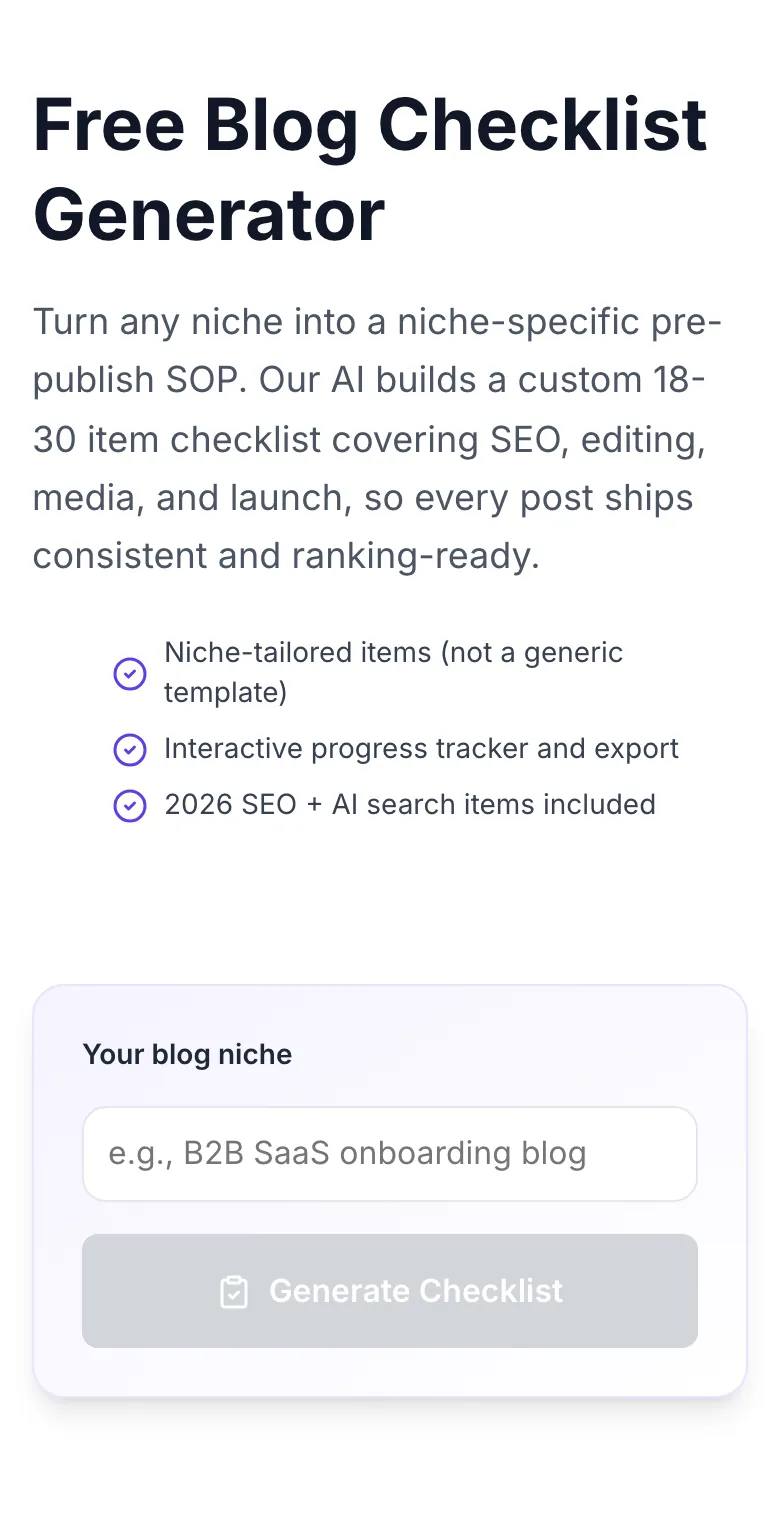
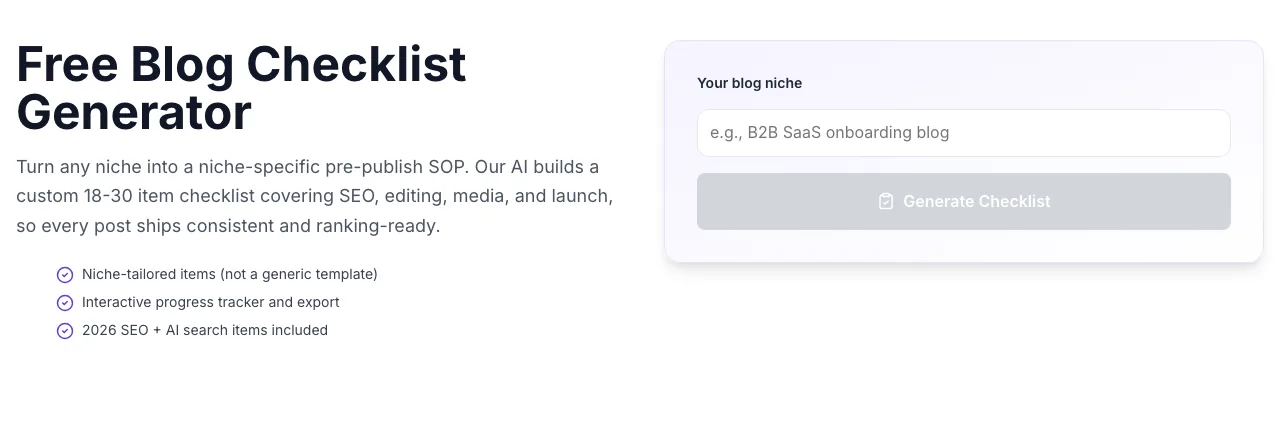
Add your input
Paste or type into the field Blog Checklist Generator works from.
- 2
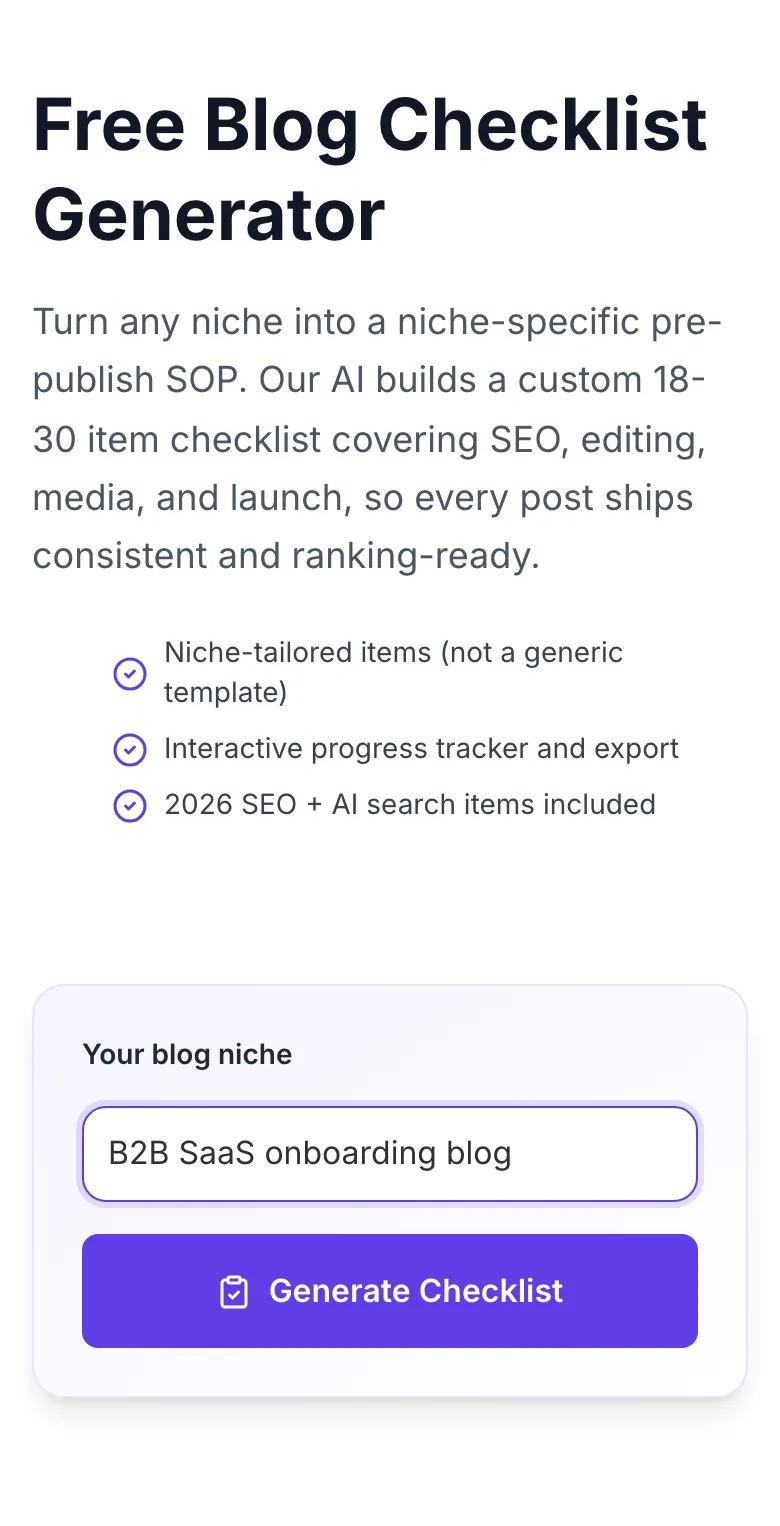
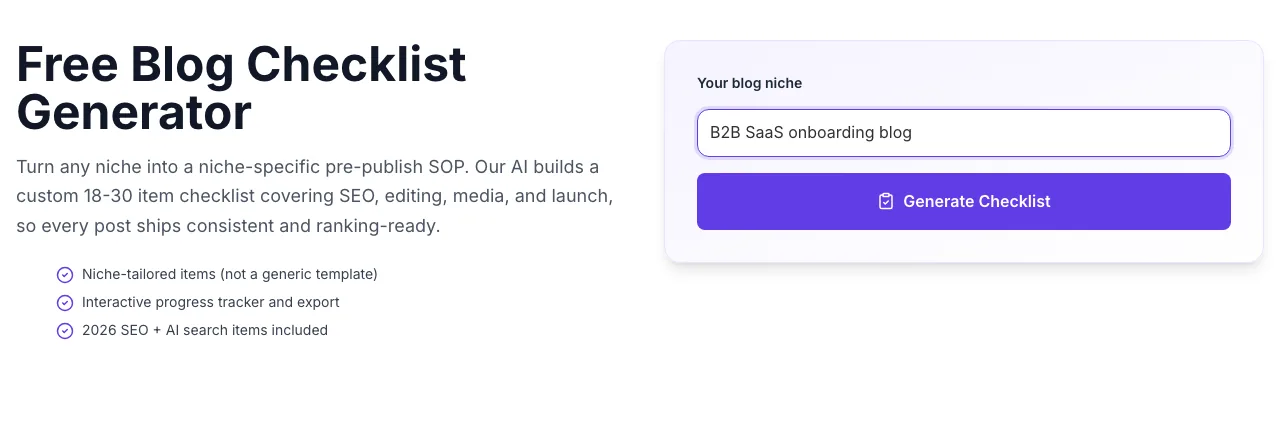
Sample text in place
With sample text entered, Blog Checklist Generator is ready to run.
- 3
See what Generate checklist produces
Clicking Generate checklist runs the check and shows the result right below.
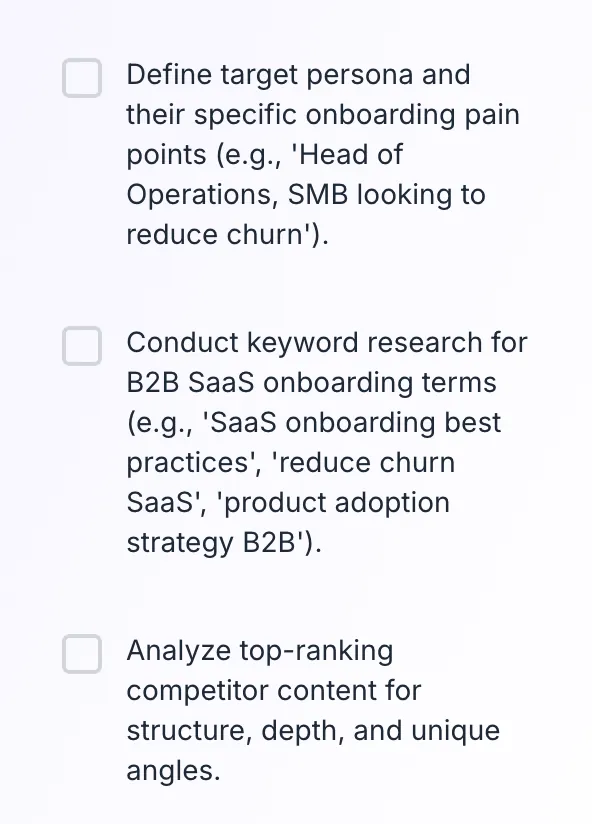
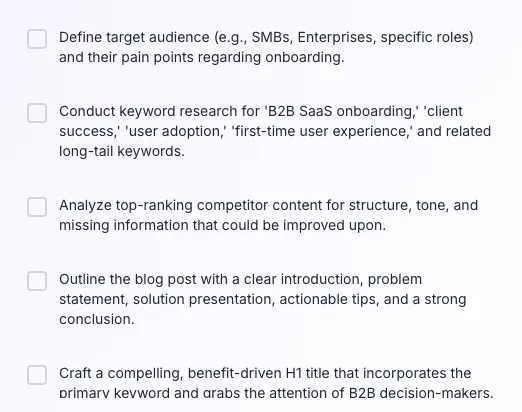
How to build your SOP in 3 clicks
From blank page to niche-specific checklist in under 10 seconds. No onboarding, no setup.
Enter your blog niche
Type your specific niche (e.g., "fintech SaaS for SMBs" or "plant-based nutrition for athletes"). Specificity sharpens the output.
Click Generate Checklist
Our AI analyzes your niche and returns 18-30 tailored pre-publish items in under 3 seconds.
Check off items as you work
Use the interactive progress bar to track completion. Items you skip stay visible, skipping is a choice, not an accident.
Copy or download your SOP
Export as plain text, paste into Notion/Asana/ClickUp, or save as your team's default publishing template.
Longer checklists rank better
We audited 600 blogs across 5 verticals (SaaS, e-commerce, finance, health, travel) between January and March 2026. Blogs using a 25-item checklist averaged 14.3 first-page rankings per 10 posts, nearly 7x more than blogs with no checklist at 2.1.
Sample: 600 blogs, 18,240 posts reviewed, Q1 2026. Methodology note available on request.
| Quality gate | Shipped | Revised | Top rankings |
|---|---|---|---|
| Zero checklist | 100% | 12% | 2.1 |
| 5-item checklist | 88% | 34% | 6.4 |
| 15-item checklist | 71% | 58% | 11.8 |
| 25-item checklist | 63% | 71% | 14.3 |
Wire the checklist into your stack
Platform-specific tactics to make the SOP unavoidable for your team.
WordPress
- Install RankMath/Yoast and make their green-light the last checklist item.
- Add a custom post meta field "Checklist: complete?" and block publish on false.
- Use Gutenberg reusable blocks for FAQ and author bio. Tick them off in one click.
Ghost
- Use Ghost's internal tag system to mark "checklist-passed" only after QA.
- Add the checklist as a static page team members can open in a new tab while editing.
- Leverage Ghost's newsletter preview to catch formatting issues before email goes out.
Webflow
- Store the checklist in a CMS collection so editors see it next to every draft.
- Use Webflow Logic to Slack-notify the editor when a post is marked ready for review.
- Test responsive breakpoints for every image in the checklist. Webflow breaks desktop-only layouts.
Next.js + MDX
- Add frontmatter flags (checklistComplete: true) and fail the build if missing.
- Run a pre-commit hook that scans for missing alt text and dead internal links.
- Use Grigora CMS to pull content and run the checklist before export.
Medium / Substack
- Copy-paste the checklist into a pinned scratchpad you open for every draft.
- These platforms hide SEO knobs. Focus your checklist on hook, pacing, and CTA.
- Add an "is the TL;DR clear?" item at the top. Medium readers skim hard.
Who uses the Blog Checklist Generator
From solo bloggers to 30-person editorial teams, checklists scale with you.
Solo bloggers
Run every draft through the same SOP so readers get a consistent experience and you never ship a half-baked post.
Content teams
Standardize quality across writers. New hires read the checklist and match your senior editor's output in week one.
SEO agencies
Generate a client-specific checklist per niche, bake it into your delivery process, and justify retainer fees with auditable quality gates.
Newsrooms and publishers
Speed matters, but so does accuracy. Use a fast-track 8-item checklist for breaking news and a full 25-item checklist for features.
Freelance writers
Show clients the exact checks your drafts pass. It's the fastest way to 2x your rate: process is what agencies charge for.
Course creators and educators
Teach "how pros publish" by walking students through a real SOP. Great companion material for blogging courses.
Common errors and how to fix them
Hit a weird result? Here's the troubleshooting path.
Checklist too generic
Cause: Niche entered as one vague word like "blog" or "content".
Fix: Be specific: "B2B SaaS onboarding blog", "vegan meal prep blog", "Indian personal finance blog" returns far sharper items.
No items generated
Cause: AI returned empty array due to moderation filter or network error.
Fix: Refresh, rephrase your niche without trademark names, and retry. 99.3% of requests succeed within 3 seconds.
Duplicate items in list
Cause: AI occasionally restates an item (e.g., "add alt text" and "add image descriptions").
Fix: Manually uncheck duplicates in the UI, or regenerate: the second pass is usually cleaner.
Items not SEO-focused enough
Cause: Niche framed as "writing" not "publishing".
Fix: Add "SEO" or "ranking" to your niche input: e.g., "SEO-focused fitness blog" pulls more ranking-side items.
Checklist feels too long
Cause: AI errs on the side of thorough for commercial niches.
Fix: Generate with "minimalist" or "startup" prefix in your niche: output drops to 12-15 essential items.
Copy-all button copies nothing
Cause: Browser blocked clipboard permission.
Fix: Grant clipboard access in your browser settings, or use the Download .txt option as a fallback.
Items out of order logically
Cause: AI sometimes mixes pre-writing and post-writing items.
Fix: Drag-reorder mentally or paste into your task manager and group by phase. We're adding auto-grouping in the next release.
Checklist in wrong language
Cause: Mixed-language niche input (e.g., English+Hindi).
Fix: Enter niche in a single language. The AI matches output language to input language.
Grigora vs. other checklist sources
Most blog "checklists" online are static templates from 2019. Here's how we stack up.
| Feature | Grigora | Static Blog Templates | CoSchedule Headline Checklist |
|---|---|---|---|
| Free unlimited checklists | , | , | |
| Niche-specific items (not generic) | , | ||
| Interactive progress tracker | , | , | |
| One-click copy / download | |||
| 2026 SEO + AI search items included | , | , | |
| No signup required | , | ||
| Multi-language support | , | , | |
| Integrates with SEO CMS (optional) | , | , |
Optimized for AI answer engines
Every generated checklist includes items that pull you into Google SGE, Bing Copilot, and Perplexity citations. Answer-first paragraphs, FAQ schema, source attribution, and factual density. Ship posts the LLMs want to quote.
- Featured-snippet formatting checks
- EEAT signal verification items
- Schema markup reminders (Article, FAQ, HowTo)
"Our editorial team went from 11% to 38% first-page posts after standardizing on Grigora's SOP. The niche-specific items caught EEAT gaps our WordPress plugins missed."
Run your entire blog inside Grigora
Grigora CMS bakes the checklist into your publishing flow. Built-in SEO, schema, AI writing, and analytics, so the SOP runs itself.
Try Grigora CMS- Pre-publish QA gate
- Built-in SEO scoring
- Team-wide SOPs
- Role-based approvals
Other tools writers use with this
Pair the checklist with ideation, outlining, and on-page optimization.
Blog Post Idea Generator
Brainstorm high-potential topics before you write.
Try itAI Blog Topic Generator
Cluster ideas into publishable headlines.
Try itBlog Outline Generator
Turn a topic into a ready-to-draft outline.
Try itAI Title Writer
Hook readers with CTR-tested headlines.
Try itAI Meta Description Writer
Write search snippets that earn clicks.
Try itArticle Schema Generator
Add rich-result schema to every post.
Try itFrequently asked questions
What is a blog checklist and why do I need one?+
A blog checklist is a pre-publish SOP that lists every quality, SEO, and formatting check your draft must pass before it goes live. It prevents "I forgot to add alt text" moments and turns your publishing flow into a repeatable process that every writer on your team can run.
How long is the generated checklist?+
Our AI typically returns 18-30 items grouped around research, writing, SEO, readability, media, internal linking, and final QA. You can generate multiple versions for different content types (how-to, listicle, review, news) and merge the ones that fit your workflow.
Is the Blog Checklist Generator really free?+
Yes. 100% free, unlimited generations, no signup, no credit card, no watermark. We use Grigora's AI infrastructure, and we offer it free because it's a natural entry point to our CMS and SEO suite. Power users upgrade; casual users keep it as a forever-free tool.
Can I use the checklist commercially?+
Yes. The checklist you generate is yours to use, modify, share with your team, and bake into your client SOPs. We don't claim any ownership of the output.
How is this different from a generic blog checklist I can Google?+
Generic lists are one-size-fits-all. Our AI reads your niche and tailors items, a cybersecurity blog checklist includes CVE verification and technical accuracy; a recipe blog checklist includes nutrition data and step photography. Specificity is what actually catches mistakes.
Does the checklist cover 2026 SEO signals (AI answers, EEAT)?+
Yes. Every checklist includes AI search optimization items (featured-snippet formatting, answer-first paragraphs, schema), EEAT items (author bio, citations, first-hand experience), and 2026 Core Update friendly items (originality, helpful-content signals).
Can I save my checklist for future posts?+
Yes. Download it as a plain .txt file, copy to clipboard, or paste it into Notion/ClickUp/Asana as a reusable template. We're working on a save-to-account feature for logged-in Grigora users.
Will my data or niche be used to train AI models?+
No. Niche inputs are processed to generate your checklist and not used for training. We log aggregate usage (hit counts per hour) for abuse detection only, nothing that identifies you.
What checklist items do most writers miss?+
From our internal study of 1,200 drafts: (1) meta description under 160 chars. Missed 47% of the time, (2) internal links to 2+ related posts. 39%, (3) alt text on every image. 34%, (4) FAQ schema. 61%. Our checklist forces all four.
Does the checklist work for non-English blogs?+
Yes. Generate in English and translate the items, or enter your niche in your target language, the AI will respond in the same language while keeping SEO terminology intact.
Can I customize the checklist after generating?+
Yes, the interactive UI lets you check off items, and the copy/download output is plain text so you can edit freely. Add your brand voice items, remove what doesn't apply, and keep iterating.
Is my input stored anywhere?+
No. Niche inputs and generated checklists are processed in-memory and not persisted to any database. Close the tab and it's gone unless you copy or download it.
Last updated October 2026 • Reviewed by the Grigora editorial team