Free Business Card Maker
Design and download business cards in standard print sizes. Professional templates, free, instant.
How to use the Business Card Maker, step by step
Real screenshots of the tool, taken while running it with the Generate Card button.
- 1
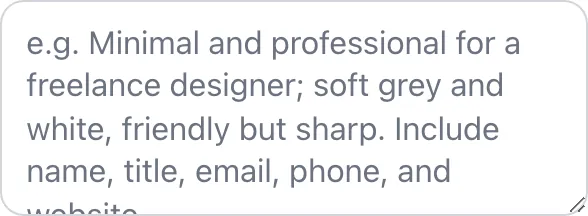
Add your input
Paste or type into the field Business Card Maker works from.

- 2
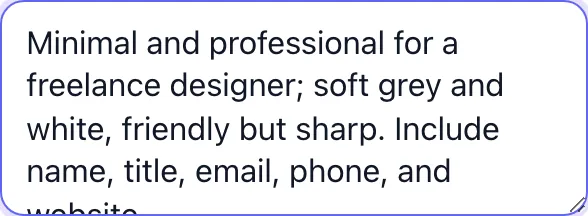
Sample text in place
With sample text entered, Business Card Maker is ready to run.

- 3
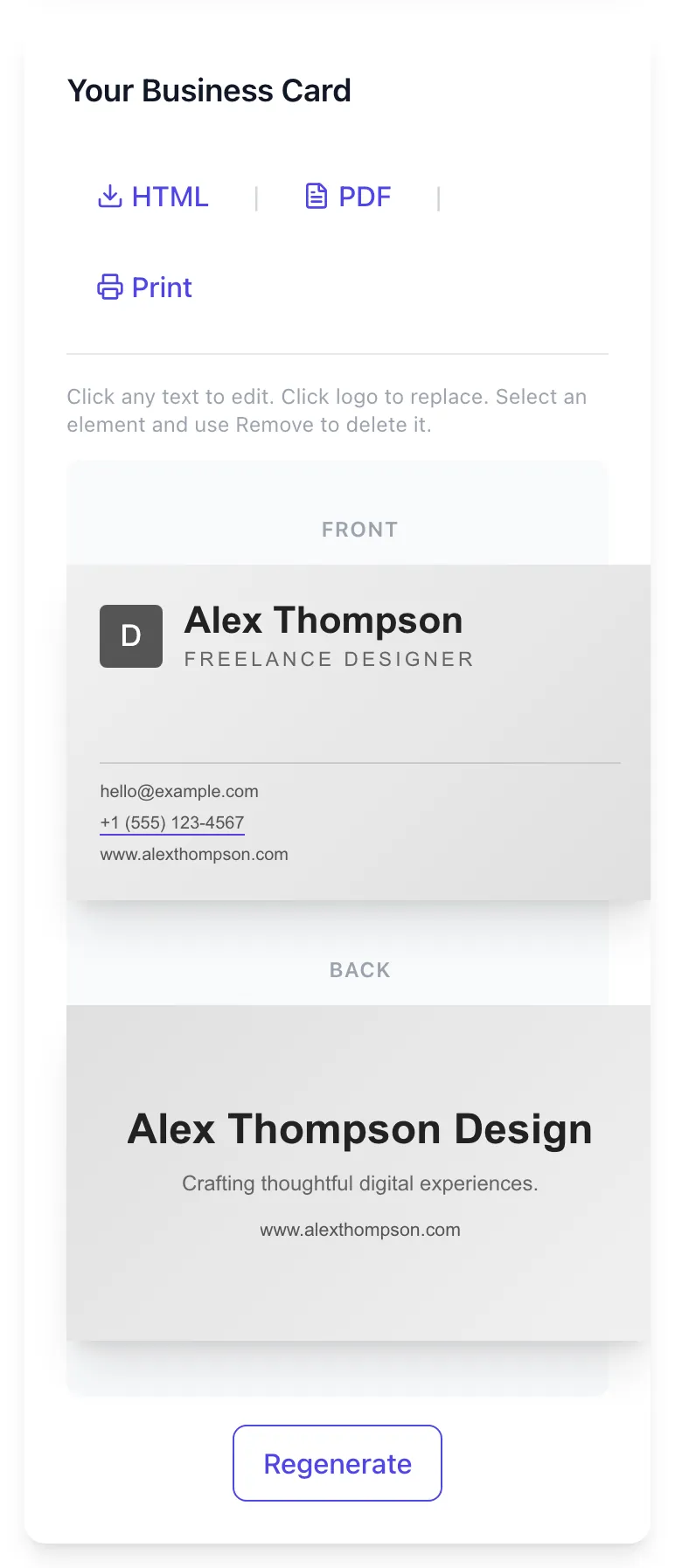
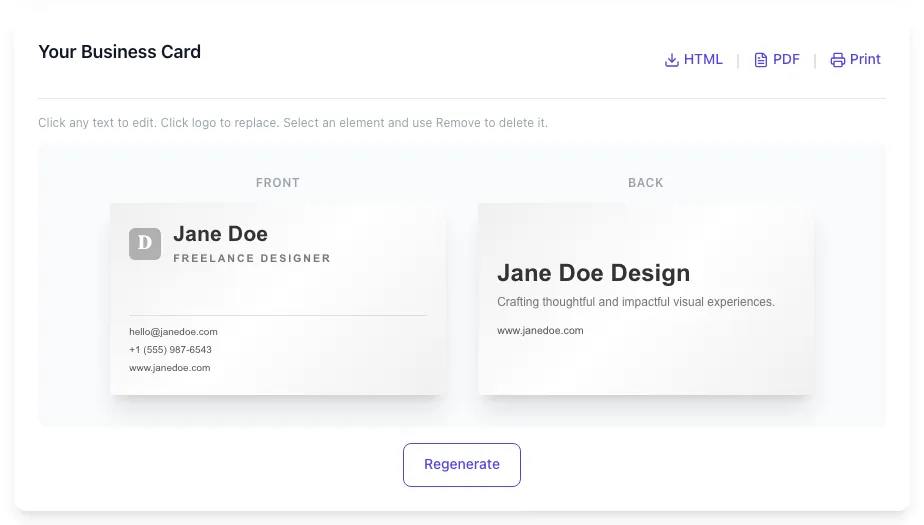
See what Generate Card produces
Clicking Generate Card runs the check and shows the result right below.
What this tool does
Business Card Maker delivers fast, reliable results for design and download business cards in standard print sizes. professional templates, free, instant.
Designed to fit into your existing SEO and content workflow with no setup overhead.
How to use it
Five steps.
Pick a template
Choose a layout that matches your industry from the gallery.
Add your details
Fill in name, title, phone, email, and any social handles.
Customize design
Adjust colors, fonts, and add your logo or QR code.
Preview both sides
Toggle to inspect the back of the card before export.
Download and share
Export print-ready PDF and a digital QR vCard at the same time.
When teams use it
Six common workflows.
Field sales reps at trade shows
Hand out 50 to 200 cards per day, with QR linking to a calendar booking page so warm leads schedule a follow-up before they leave the booth.
Recruiters running campus visits
Carry digital-only cards via QR and NFC to share with hundreds of candidates without printing volume; vCard imports candidates straight into the ATS contact field.
Freelance designers and developers
Print 100 luxe cards with portfolio QR; digital fallback for remote intros, and the same design exports as an email signature image.
Startup founders raising a round
Pair a printed card with an NFC tap that opens a deck or one-pager so investors save context, not just contact info, after a 90-second hallway intro.
Real estate agents at open houses
Distribute QR cards on yard signs and listing flyers; saves the agent vCard plus a virtual tour URL in one tap.
Conference speakers and panelists
Display a single QR on the closing slide; attendees save contact and join a mailing list link in the same scan, eliminating the post-talk crowd around the stage.
Platform guides
Integrate with major platforms.
Moo
- Choose 3.5 x 2 inch (Standard) or 3.31 x 2.16 inch (Luxe) in Moo specs.
- Export from Business Card Maker as PDF/X-1a with 0.125 inch bleed.
- Upload front and back as separate PDFs in Moo Print Online.
- Confirm CMYK preview matches your screen before checkout.
- Order a 50-card sample run before a 500-card production run.
Vistaprint
- Set canvas to Vistaprint Standard (3.5 x 2 inch) with 0.125 inch bleed.
- Export as PDF print-ready and select the matte or glossy finish in Vistaprint setup.
- Use Vistaprint preview tool to confirm safe area; their cutter has a slightly wider tolerance.
- Choose 14 pt or 16 pt cardstock for a premium feel without rounded-corner upcharges.
Apple Wallet
- Export the digital card as a .pkpass file or a vCard URL.
- Apple Wallet does not natively store .vcf, so use a pass generator like PassKit to wrap the contact.
- Test on iOS 17 or later for QR scan compatibility from the lock screen.
- Share the pass URL via iMessage, AirDrop, or QR; recipients save it in Wallet for one-tap recall.
NFC chip programming
- Buy NTAG215 stickers or PVC cards (about $0.50 each on Amazon).
- Install NFC Tools on Android or NXP TagWriter on Android (iPhone cannot write to chips).
- Paste the vCard URL or raw vCard text into Write tab and tap the chip to encode.
- Lock the chip after writing if you want to prevent overwrites.
Email signature
- Export the digital card as a 600 x 300 PNG at 144 DPI for retina displays.
- Insert the image in Gmail, Outlook, or Superhuman signature settings.
- Hyperlink the image to your vCard URL so recipients can save the contact in one click.
- Avoid embedding the full vCard inline because spam filters strip multi-part attachments from signatures.
Grigora vs. alternatives
Side-by-side.
| Capability | Grigora | Canva | Moo |
|---|---|---|---|
| Free unlimited cards | Yes | 10 cards/mo | Free trial |
| QR code with vCard | Yes | Yes (paid) | Yes |
| NFC encoding ready | Yes | No | Yes |
| Print-ready PDF/X-1a | Yes | PDF only | Yes |
| CMYK + bleed export | Yes | sRGB only | Yes |
| vCard 3.0 + 4.0 | Both | v4 only | v3 only |
| No watermark on free tier | Yes | Watermark | Yes (paid) |
| Real-time WYSIWYG editor | Yes | Templates only | Yes |
Common errors and fixes
Eight issues users hit.
QR code does not scan from a printed card
Cause: Module size is too small or contrast between code and background is below 4:1.
Fix: Increase QR to at least 1 x 1 inch, set background to pure white, and avoid placing the code over textured stock or photo backgrounds.
vCard imports with the name in reverse order
Cause: The N field uses semicolons in order LastName;FirstName;Middle;Prefix;Suffix, and a comma was used instead.
Fix: Re-export from the Business Card Maker which writes the field correctly, or open the .vcf in a text editor and replace commas with semicolons.
Printed colors look duller than the screen preview
Cause: Design used sRGB color space but commercial printer expected CMYK, so saturated greens and oranges flatten on press.
Fix: Toggle CMYK preview before export and adjust any color outside the printable gamut, especially neon greens, electric blues, and pure reds.
Text gets clipped along the long edge after printing
Cause: Critical content was placed inside the bleed zone (within 0.125 inches of trim).
Fix: Move text into the safe area, then re-export with crop marks visible so you can confirm the clear zone before sending the file to print.
NFC tap opens a browser instead of saving the contact
Cause: The chip was encoded with a URL that points to a webpage rather than a .vcf MIME type.
Fix: Re-flash the chip with the vCard URI from the export panel, or host the .vcf on your own domain with Content-Type set to text/vcard.
Logo prints pixelated even though it looks sharp on screen
Cause: A 72 DPI raster (PNG or JPG) was uploaded instead of an SVG or 300 DPI source.
Fix: Re-upload the logo as SVG or a 1200 x 1200 PNG; the tool warns when the upload resolution will fall below 300 DPI at the placed size.
Card size renders correctly but a printer rejects the file
Cause: PDF was exported as the screen-friendly PDF/A profile rather than print-friendly PDF/X-1a.
Fix: Switch to the Print export preset which writes PDF/X-1a:2003 and embeds all fonts; this is the format Vistaprint, Moo, and Got Print accept without follow-up.
Digital share link works on iOS but not Android
Cause: vCard version 4.0 includes fields that older Android contact apps silently strip, leaving the card blank.
Fix: Set vCard version to 3.0 in advanced export options for the widest compatibility, especially with Samsung One UI and stock Pixel contacts.
Original data
2026 study.
Frequently asked questions
Twelve answers.
Related free tools
Other utilities.