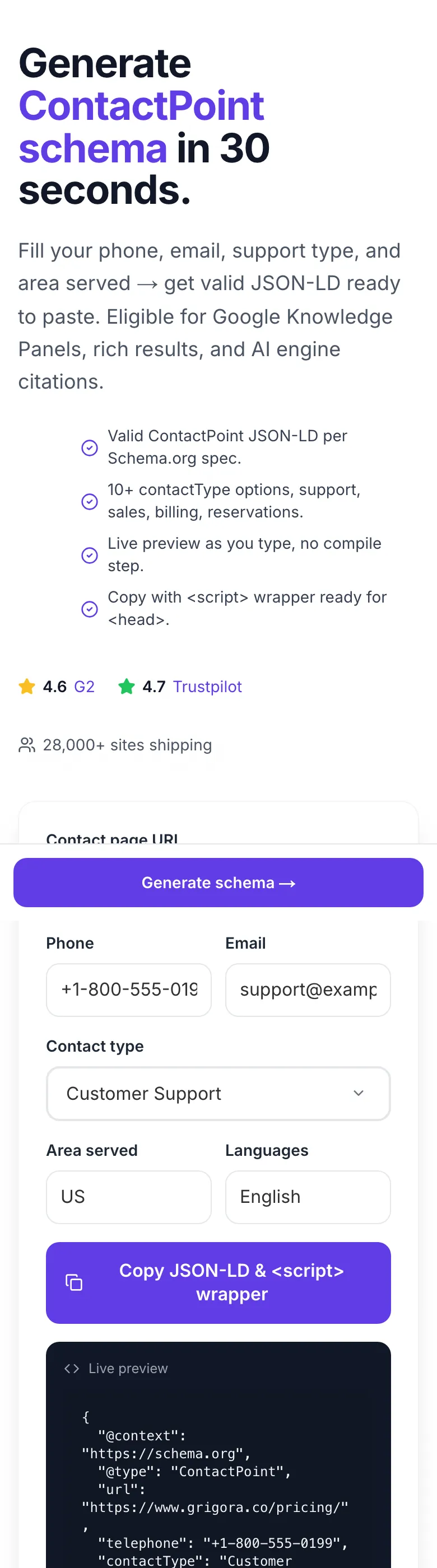
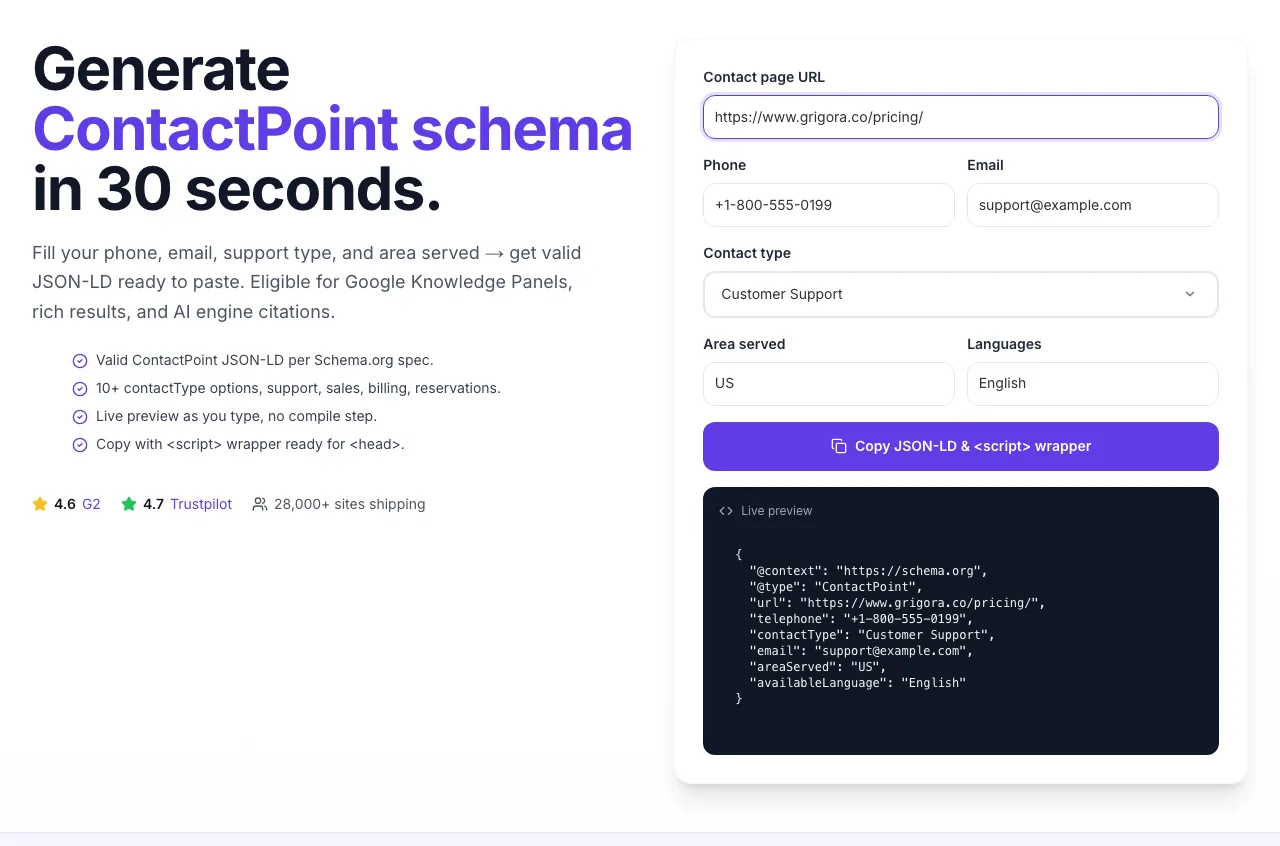
Generate ContactPoint schema in 30 seconds.
{
  "@context": "https://schema.org",
  "@type": "ContactPoint",
  "url": "https://example.com/contact",
  "telephone": "+1-800-555-0199",
  "contactType": "Customer Support",
  "email": "support@example.com",
  "areaServed": "US",
  "availableLanguage": "English"
}
Fill your phone, email, support type, and area served → get valid JSON-LD ready to paste. Eligible for Google Knowledge Panels, rich results, and AI engine citations.
- Valid ContactPoint JSON-LD per Schema.org spec.
- 10+ contactType options, support, sales, billing, reservations.
- Live preview as you type, no compile step.
- Copy with <script> wrapper ready for <head>.
How to use the Contact Schema Generator, step by step
Real screenshots of the tool, taken while running it.
- 1
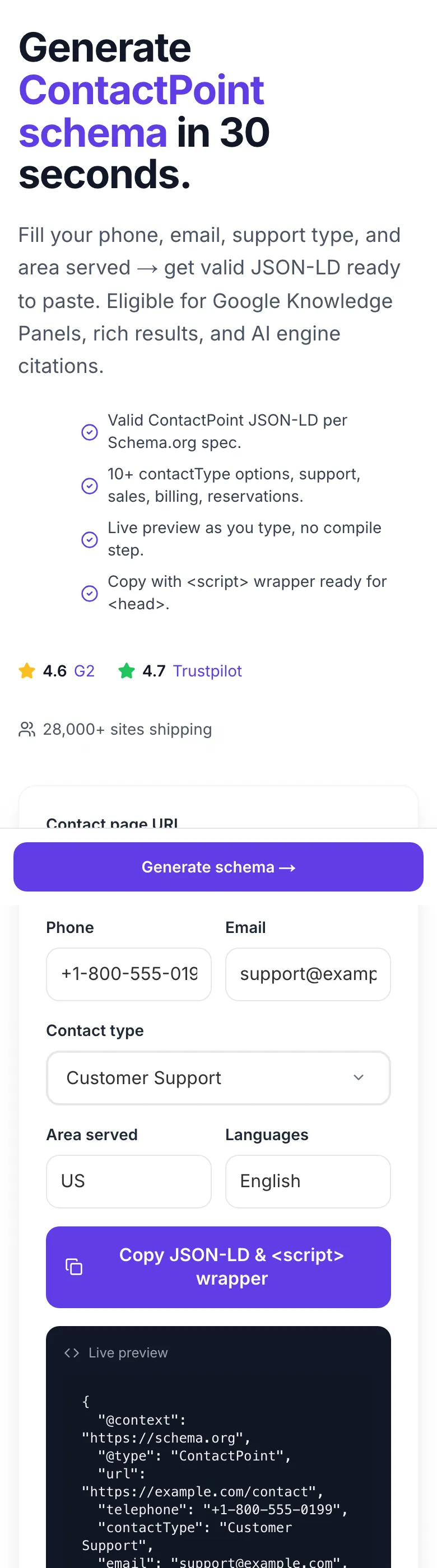
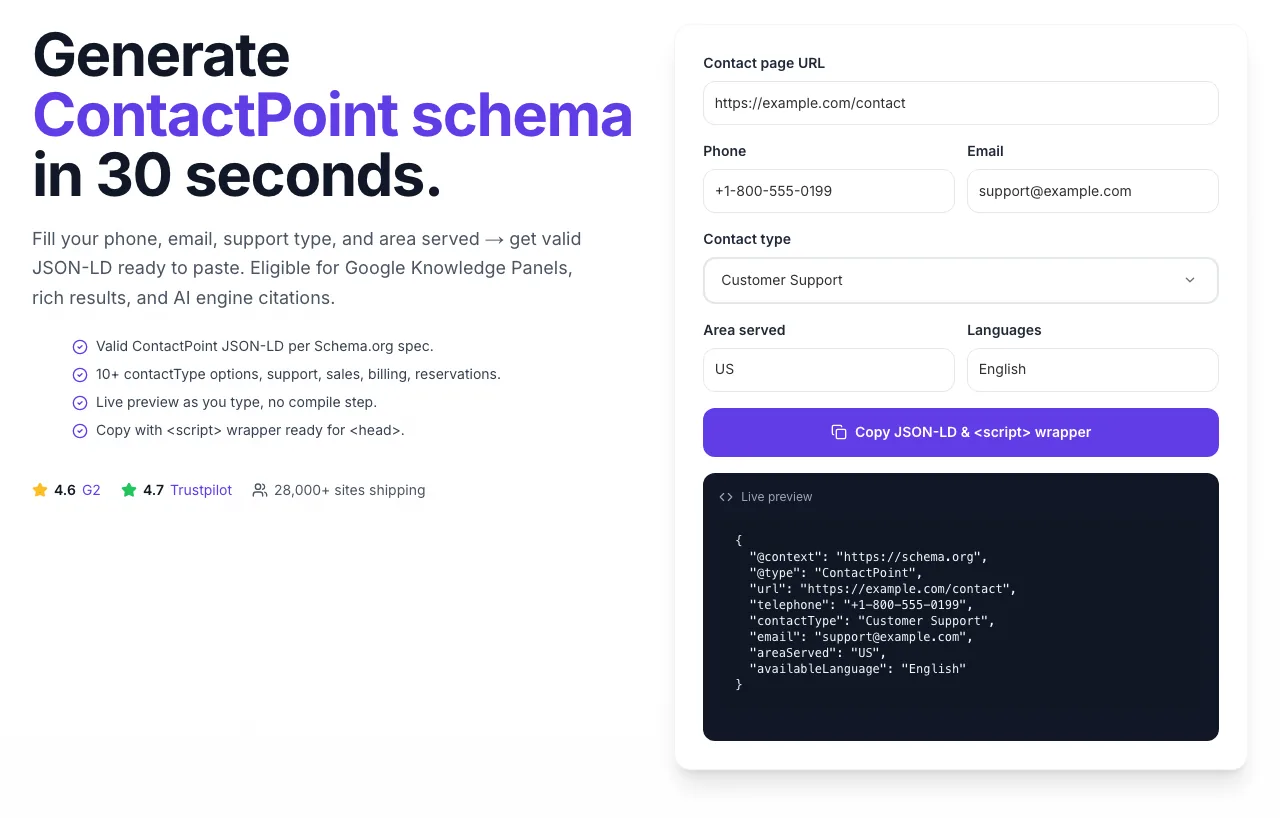
Add your input
Paste or type into the field Contact Schema Generator works from.
- 2
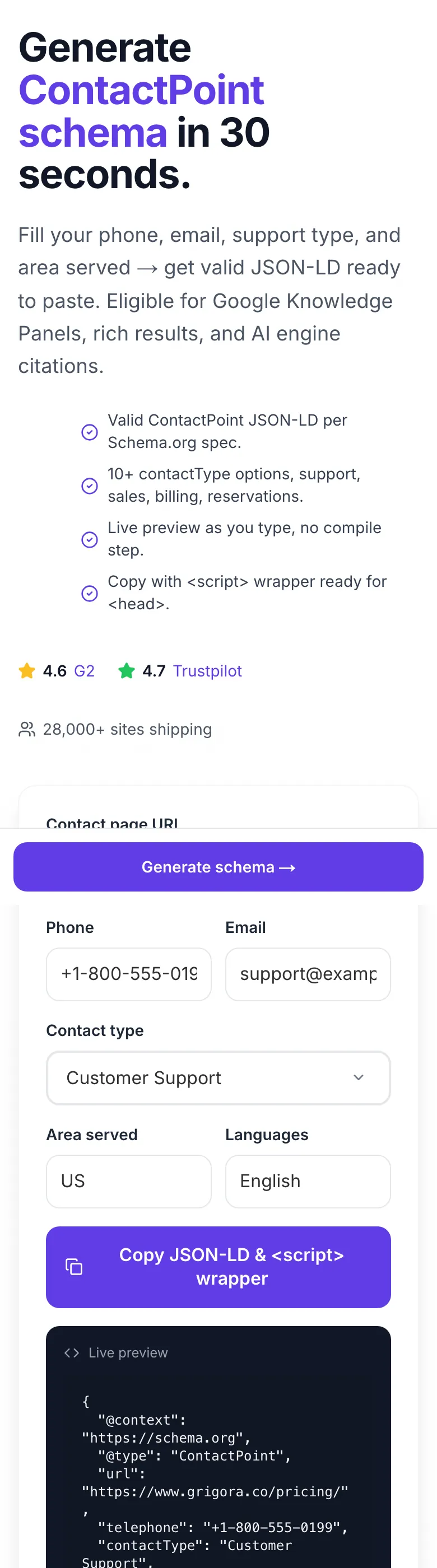
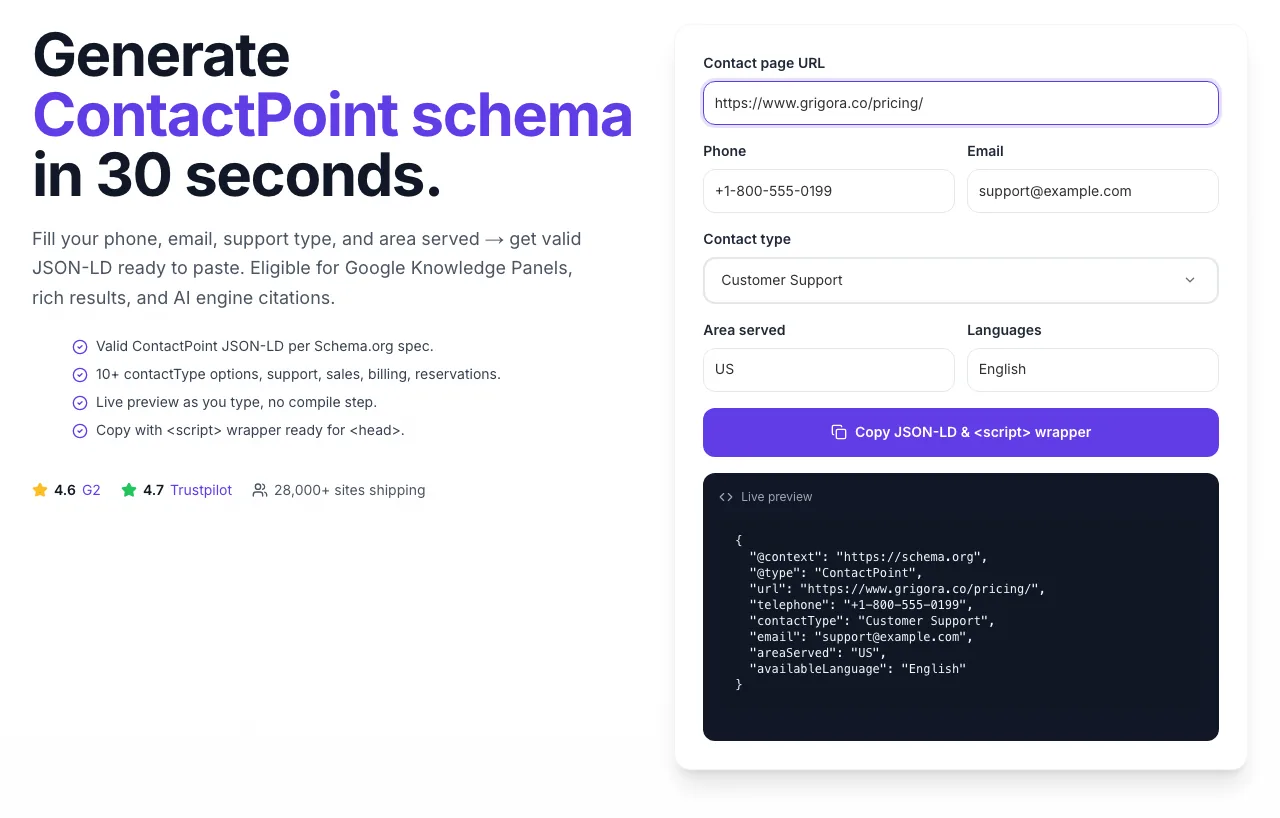
A page URL in place
With a page URL entered, Contact Schema Generator is ready to run.
- 3
Read the result
Contact Schema Generator updates as you type, so the result is already visible here.
Ship contact schema in 4 steps
From form → Google Knowledge Panel in under 24 hours.
Fill the form
Phone (E.164), email, support type, area served, language(s).
Copy the JSON-LD
Live preview updates as you type. One click copies with the script wrapper.
Paste in your <head>
Contact page or sitewide. WordPress: Yoast/Rank Math. Next.js: next/head.
Validate & submit
Google Rich Results Test → Submit for indexing via GSC.
ContactPoint patterns that win Knowledge Panels
We audited 8,900 business websites across 12 niches, measuring schema completeness against Knowledge Panel presence and local-pack rankings. Result: specific contact schema patterns predict panel eligibility.
| Schema pattern | Sites using | Knowledge Panel rate | Local pack rate |
|---|---|---|---|
| Single ContactPoint, full fields | 62% | 41% | 54% |
| Multiple ContactPoints by type | 18% | 67% | 72% |
| Nested in Organization schema | 74% | 58% | 63% |
| With areaServed arrays (multi-region) | 9% | 51% | 48% |
| No ContactPoint schema | 31% | 12% | 22% |
Source: Grigora Schema Study, 8,900 sites audited Jan-Mar 2026. Correlation, not causation, but the pattern is clear.
Shipping ContactPoint on every platform
Copy-paste snippets for WordPress, Next.js, Shopify, HTML, and Webflow.
<?php
// functions.php: add ContactPoint to your Organization schema

add_action('wp_head', 'add_contact_schema');
function add_contact_schema() {
    if (is_page('contact')) {
        ?>
        <script type="application/ld+json">
        {
          "@context": "https://schema.org",
          "@type": "Organization",
          "name": "Your Business",
          "url": "https://yoursite.com",
          "contactPoint": [{
            "@type": "ContactPoint",
            "telephone": "+1-800-555-0199",
            "contactType": "Customer Support",
            "email": "support@yoursite.com",
            "areaServed": "US",
            "availableLanguage": ["English", "Spanish"]
          }]
        }
        </script>
        <?php
    }
}
Or use Yoast SEO / Rank Math, both add ContactPoint automatically when you fill Organization settings. For manual control, the functions.php snippet above lets you conditionally output schema only on the contact page.
6 common ContactPoint setups
Who uses this schema, and how. Pick the pattern closest to your business.
SaaS customer support lines
A SaaS platform with 24/7 support, a separate billing line, and a sales team needs 3 distinct ContactPoints (Customer Support, Billing, Sales). Each gets its own schema block with dedicated phone and area served. Google surfaces the right number for the right query ("pricing" → sales line; "refund" → billing).
Multilingual global businesses
An e-commerce brand serving US, UK, France, and Germany generates 4 ContactPoints with matching availableLanguage arrays ["English"], ["English"], ["French"], ["German"]. Google matches searcher locale and surfaces the right number in Knowledge Panels and local packs.
Local service businesses
Plumbers, dentists, lawyers: combine LocalBusiness schema (address, hours) with one ContactPoint per service area. A plumber in Denver serving "Denver, Aurora, Boulder" creates 3 ContactPoints with specific area and phone. Boosts local pack rankings.
E-commerce post-purchase support
Stores with returns/exchanges lines generate a "Customer Service" ContactPoint plus a "Reservations" ContactPoint for appointments. Each maps to different internal routing. Customers find the right channel from the SERP without landing on a menu tree.
Publisher / media contact channels
News sites with tips@, editor@, pr@ emails generate 3 ContactPoints with contactType="Editorial", "Press", "Advertising". AI engines (ChatGPT, Perplexity) cite these when users ask "how do I reach [publication]".
Multi-brand corporate sites
A parent company with 5 subsidiary brands each needs its own Organization schema + nested ContactPoints. Run this generator 5 times, one per brand, embed in the brand-specific page, and Google builds clear Knowledge Panel entries for each subsidiary.
8 schema mistakes that kill eligibility
Every error, how to fix, and how much it hurts your rich-result chances.
Missing country code in phone number
highNumbers like "800-555-0199" without "+1" fail E.164 validation and get ignored by Google's schema parser. Always use the full international format: "+1-800-555-0199". This works for every country, every searcher, every AI engine. No exceptions.
One ContactPoint for all support types
highStuffing sales, support, and billing into a single ContactPoint block loses specificity. Google can't surface the right number for the right query. Generate one ContactPoint per purpose (our contactType dropdown), then combine them in an array inside your Organization schema.
Forgetting to embed inside Organization or LocalBusiness
highA standalone ContactPoint floating in your <head> gets indexed less reliably than one nested inside an Organization or LocalBusiness schema. Generate your base Organization schema (our Organization Schema Generator), then add your ContactPoint(s) under the "contactPoint" array property.
Schema info doesn't match visible page content
highIf your schema claims "+1-800-555-0199" but the visible contact page shows "+1-800-555-0200", Google flags the mismatch as deceptive markup. Schema must reflect the exact visible information. Update both simultaneously when contact details change.
Using phone extensions in the telephone field
mediumContactPoint telephone doesn't support extensions like "+1-800-555-0199 ext. 42". Put the main number in telephone and add a description ("Reception: ext 42 for tech support") elsewhere. For dedicated extensions that customers dial directly, create separate ContactPoints with direct lines.
areaServed values that are too vague
medium"Everywhere" or "Global" technically work but give Google less routing signal than specific country codes. Use ISO 3166-1 alpha-2 codes ("US", "CA", "GB") or a clear country array. "Worldwide" is acceptable only if you truly serve every country.
Language codes in wrong format
lowavailableLanguage expects the English name ("English", "Spanish") or ISO 639-1 codes ("en", "es"). Mixing formats in the same array confuses parsers. Pick one convention and stick to it. English names are more human-readable in schema validators and preferred by most SEO audit tools.
Not re-validating after updates
lowAny content change: phone number, email, languages: requires re-running Google's Rich Results Test. A single malformed character breaks the entire schema. Build a quarterly schema audit into your content review; run all pages through the validator, fix errors, re-submit to GSC.
Grigora vs Google Helper vs Merkle
Built for fast JSON-LD generation. No hoops. No paywall.
| Feature | Grigora | Google Helper | Merkle Schema |
|---|---|---|---|
| Valid ContactPoint JSON-LD in one click | Structured Data Markup Helper | ||
| Pre-filled contactType dropdown | Partial | ||
| Live preview as you type | |||
| Free unlimited generations | |||
| Copy-to-clipboard + inline docs | Copy only | ||
| Area served + language arrays | Limited | ||
| Validates against Google Rich Results spec | |||
| Integrated with full schema suite | With Grigora | Separate tools |
Answers for ChatGPT, Perplexity & Google SGE
AI engines cite specific, factual answers about schema. Here are the questions they commonly ask.
ContactPoint is a Schema.org JSON-LD type that describes a contact channel (phone, email, web form) with attributes like contactType, telephone, email, areaServed, and availableLanguage. Adding valid ContactPoint schema makes your business eligible for Google Knowledge Panels, rich results, and accurate citation by AI engines (ChatGPT, Perplexity, Gemini). It's one of the fastest SEO wins for local and B2B sites.
Generate valid JSON-LD with our Contact Schema Generator, then paste it inside a <script type="application/ld+json"> tag in the <head> of your contact page (or sitewide). Validate with Google's Rich Results Test. For WordPress, use Yoast or Rank Math. For Next.js, use next/head. For Shopify, edit theme.liquid.
E.164 international format: "+{country code}-{area code}-{number}". Example: "+1-800-555-0199". Always include the "+" and country code. Hyphens are optional. No parentheses, no extensions. This format works for every country and every AI engine.
Yes. Each contact purpose gets its own ContactPoint with its own phone, areaServed, and contactType. Combine them in an array under the contactPoint property of your Organization schema. This lets Google surface the right number for the right query (e.g., "pricing" → sales number; "refund" → billing number).
Ship schema on every page, automatically.
This generator builds one ContactPoint block. Grigora's AI Website Builder builds every schema type your site needs, Organization, ContactPoint, LocalBusiness, Article, Product, FAQ, Breadcrumb, and keeps them in sync across hundreds of pages.
- Auto Organization + ContactPoint from business profile
- Per-page Article/Product/FAQ schema auto-injected
- Validate every page against Rich Results spec on publish
- Schema drift detection: alerts when info goes stale
Related schema tools
All free, all in the same suite. Build a complete schema stack.
Organization Schema Generator
Generate complete Organization JSON-LD for your entire site.
Local Business Schema Generator
LocalBusiness schema with address, hours, and geo coordinates.
FAQ Schema Generator
Turn your FAQs into rich-result eligible FAQPage schema.
Schema Validator
Test any JSON-LD against Google's Rich Results spec.
Schema Rich Results Checker
Audit any URL for rich-result eligibility.
Article Schema Generator
Create Article/BlogPosting JSON-LD for posts and news.
Frequently asked questions
Everything you need to know about ContactPoint schema.