Free Local Business Schema Generator
Business Details
Address
Generate LocalBusiness JSON-LD schema for local SEO. NAP, hours, geo, reviews, all required fields. Free, no signup.
How to use the Local Business Schema Generator, step by step
Real screenshots of the tool, taken while running it.
- 1
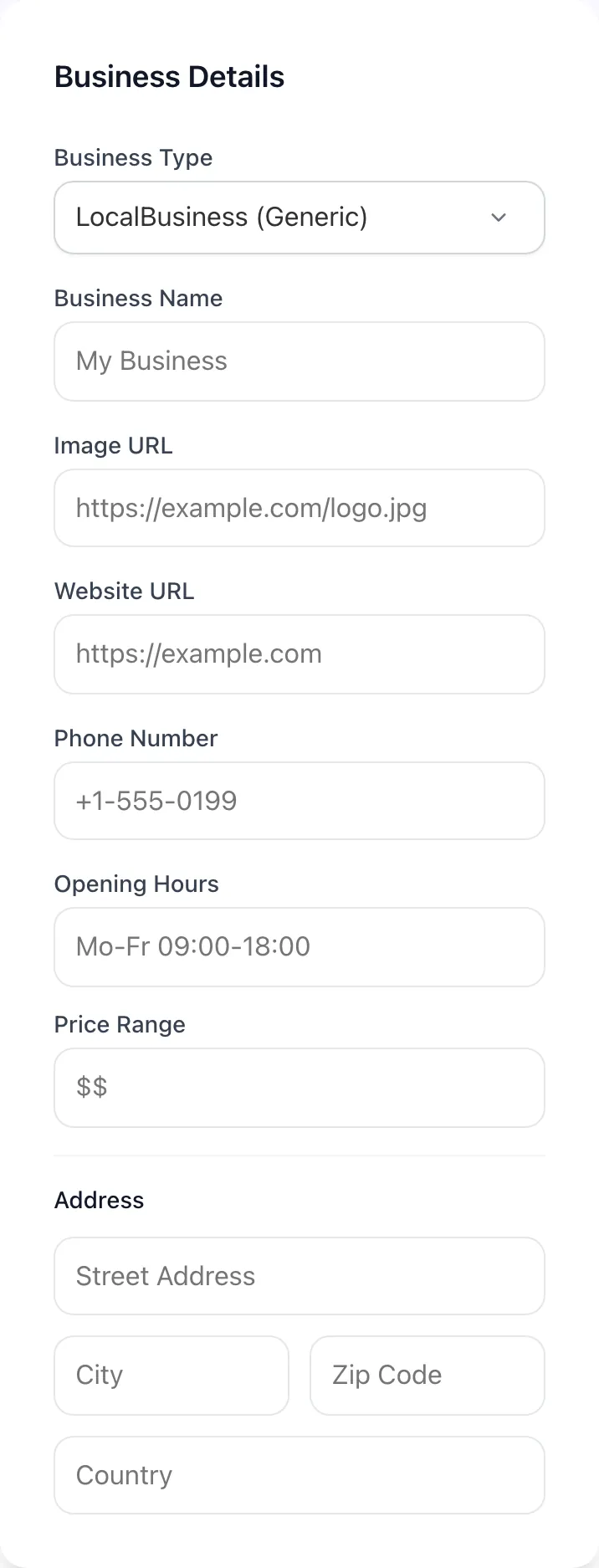
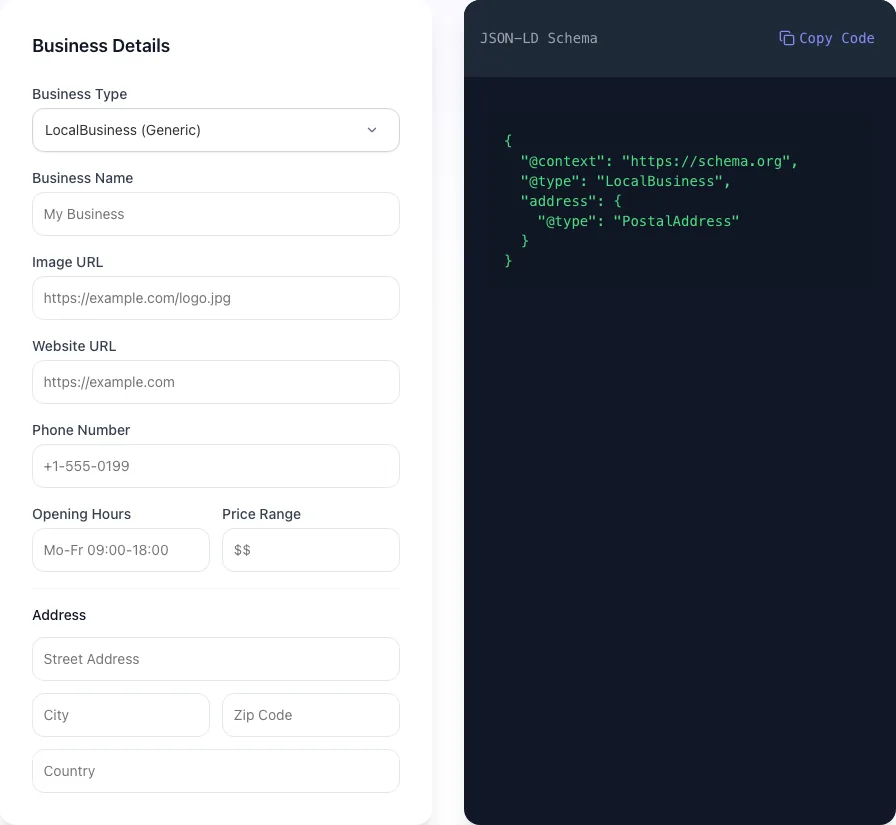
Add your input
Paste or type into the field Local Business Schema Generator works from.
- 2
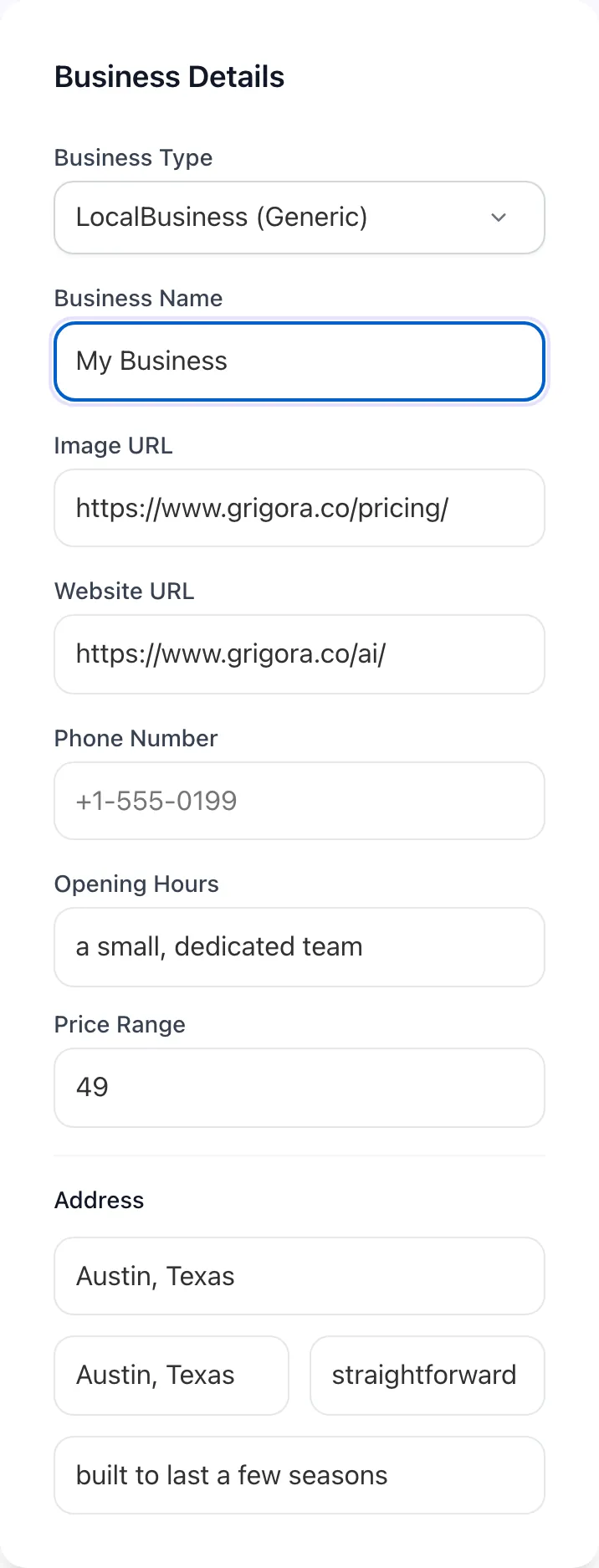
Sample text in place
With sample text entered, Local Business Schema Generator is ready to run.
- 3
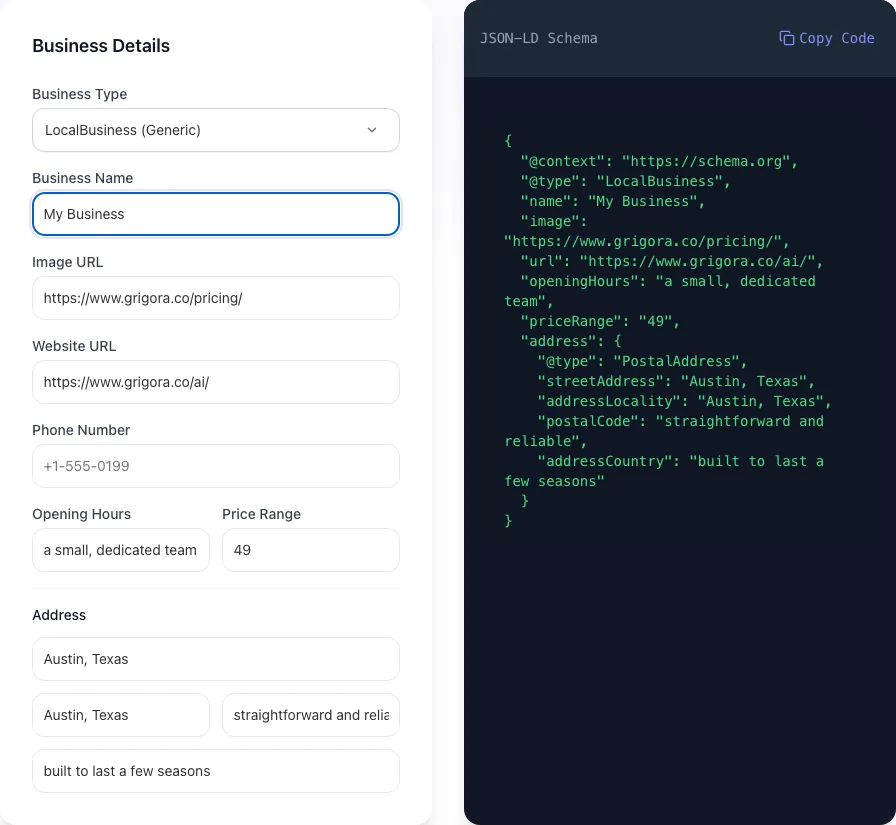
Read the result
Local Business Schema Generator updates as you type, so the result is already visible here.

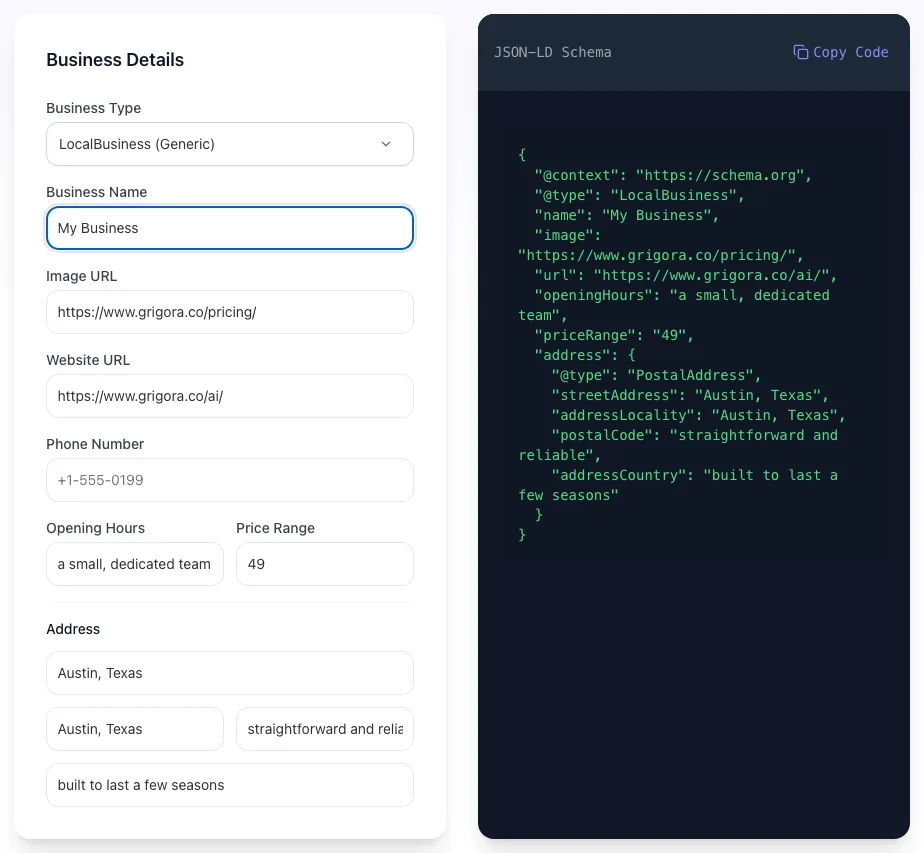
What this tool does
LocalBusiness schema is foundational for local SEO. It tells Google your business type, location, hours, phone, and reviews. Powering Knowledge Graph and local pack rankings.
Pick a sub-type, fill in NAP and hours, copy the JSON-LD. Validate with Rich Results Test before deploying.
How to generate schema
Five steps from form to deployed.
Pick business type
6 sub-types: Restaurant, Dentist, Hotel, etc.
Fill in NAP and hours
Name, Address, Phone + opening hours.
Add optional fields
Geo, reviews, image, price range.
Copy JSON-LD
One-click copy.
Deploy and validate
Paste in page head; test with Rich Results Test.
When local businesses use it
Six common scenarios.
Single-location small business
Restaurant, dentist, salon. Add schema to homepage and key location pages.
Multi-location franchise
Per-location schema on each location page. Helps each rank for its city.
Service-area business
Plumber, contractor. Use serviceArea instead of fixed address.
Hotel/lodging schema
Use Hotel @type with amenities, star rating, room types.
Medical practice
MedicalClinic with medicalSpecialty, hours, accepted insurance.
Local SEO sprint
Audit competitors' schema; match or exceed their structured data.
Platform-specific guides
How to deploy schema on the platforms most local businesses use.
WordPress
- Use Yoast Local SEO or Schema Pro for plugin-based generation.
- Or paste this tool's output via custom code block.
- Verify with Rich Results Test.
Webflow
- Page settings > custom code > head. Paste JSON-LD.
- For multi-location, bind dynamic fields per CMS item.
- Publish and verify.
Wix
- Settings > SEO > Advanced SEO > Schema Markup.
- Paste JSON-LD output.
- Test in Rich Results Test.
Shopify
- Edit theme.liquid, add JSON-LD before </head>.
- For per-location, use metafields.
- Verify with Rich Results.
Custom HTML / Next.js
- Add via next/head or document.
- For dynamic, generate from CMS data.
- Validate at build time.
Grigora vs. other generators
Side-by-side comparison.
| Capability | Grigora | Schema.org | Yoast Local | Free generators | Manual |
|---|---|---|---|---|---|
| Free + unlimited | Yes | Yes | Limited | Yes | Manual |
| All sub-types | 6 | Limited | All | Generic only | Manual |
| Opening hours support | Yes | Yes | Yes | Partial | Manual |
| Geo coordinates | Yes | Yes | Yes | No | Manual |
| Reviews/ratings | Yes | Yes | Yes | No | Manual |
| No signup | Yes | Account required | Account required | Yes | Yes |
| Live preview | Yes | No | Yes | No | No |
| Result speed | Instant | <3 sec | Instant | Instant | Manual |
Common errors and how to fix them
Eight issues teams hit when generating schema.
Schema rejected by Google
Cause: Missing required field.
Fix: Run through Rich Results Test; fix flagged field.
Wrong @type
Cause: Used generic LocalBusiness when specific type fits.
Fix: Use specific type (Restaurant, Dentist, etc.) for better SEO.
Address format invalid
Cause: Used inline address, not PostalAddress.
Fix: Use structured PostalAddress with streetAddress, addressLocality, addressRegion, postalCode, addressCountry.
Opening hours wrong format
Cause: Used informal "Mon-Fri 9-5".
Fix: Use openingHoursSpecification with dayOfWeek and times array.
Phone number not E.164
Cause: Used local format.
Fix: Use +1 country code prefix.
Multiple LocalBusiness conflict
Cause: Multiple schemas on one page.
Fix: One per page; multiple locations need separate URLs.
Geo coordinates wrong
Cause: Lat/lng swapped or wrong format.
Fix: Latitude first, then longitude. Decimal format only.
Schema works but no Knowledge Graph
Cause: Google has not indexed yet.
Fix: Wait 1-4 weeks; submit URL in Search Console.
Original data from our 2026 LocalBusiness audit
Across 2,000 local business pages.
Frequently asked questions
Twelve answers about LocalBusiness schema.
Related free tools
Other utilities that pair with LocalBusiness Schema.
Job Posting Schema Generator
JobPosting JSON-LD for Google for Jobs.
Try itFAQ Schema Generator
FAQ JSON-LD for rich results.
Try itProduct Schema Generator
Schema for ecommerce products.
Try itReview Schema Generator
Review/Rating schema for SERP stars.
Try itOrganization Schema Generator
Identify your company to Google.
Try itBreadcrumb Schema Generator
Breadcrumbs for SERP display.
Try it