Free Featured Snippet Optimizer
Tell us the keyword. We tell you the snippet format, target length, ideal H2 phrasing, and a sample answer to drop into your page. Then watch the SERP flip.
What the Featured Snippet Optimizer does
Featured snippets are the boxed answers Google shows above the regular results. Owning one puts your brand in front of every searcher for that query, drives voice-assistant answers, and signals authority, even if the click-through is sometimes lower than ranking #1 traditionally.
The Featured Snippet Optimizer takes your target keyword, identifies the format Google currently rewards for that query, and gives you the exact length, phrasing, and structure to match. You get a sample answer, an H2 suggestion, and a checklist of common mistakes. Everything you need to rewrite the relevant section of your page in under 10 minutes. Then re-index, wait a week, and watch the SERP flip.
How to use the Featured Snippet Optimizer, step by step
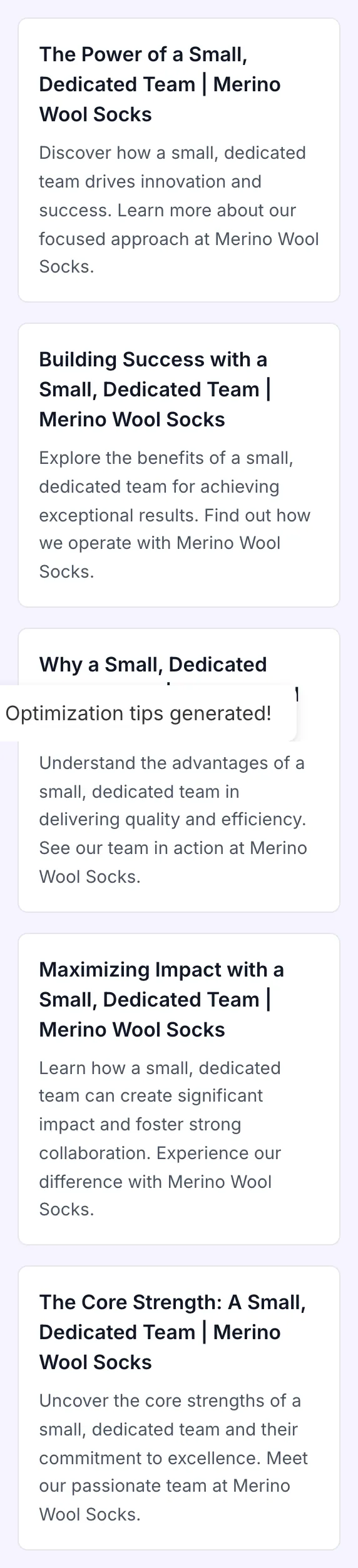
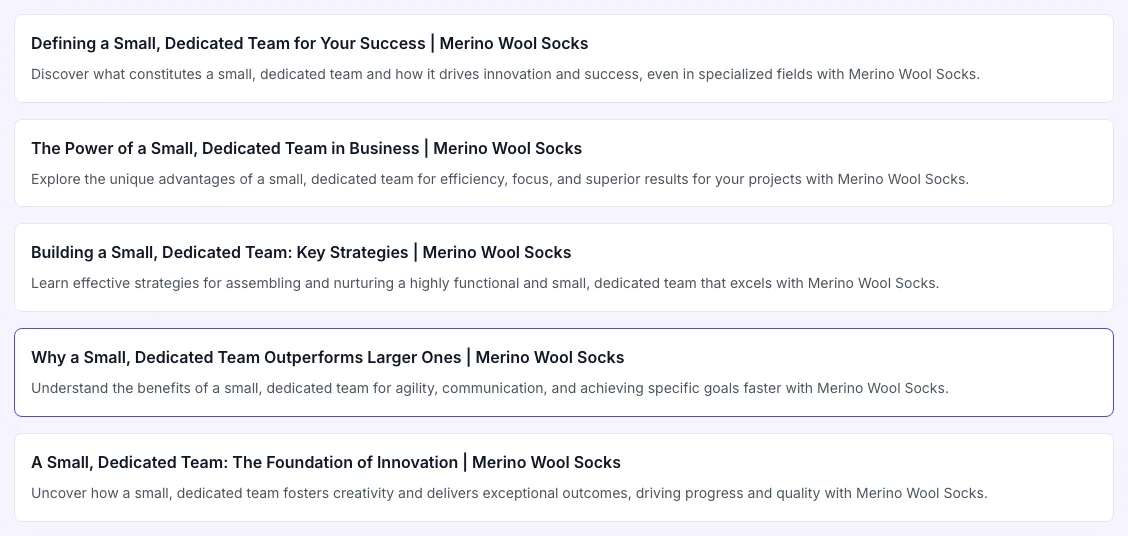
Real screenshots of the tool, taken while running it with the Generate button.
- 1
Add your input
Paste or type into the field Featured Snippet Optimizer works from.
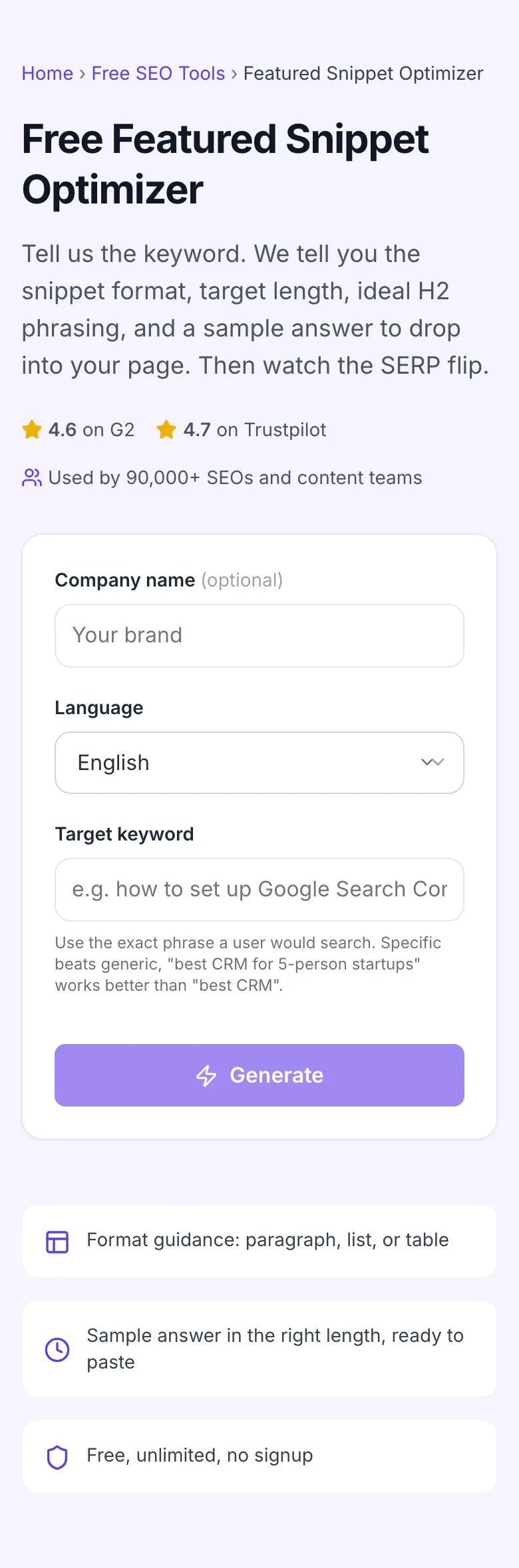
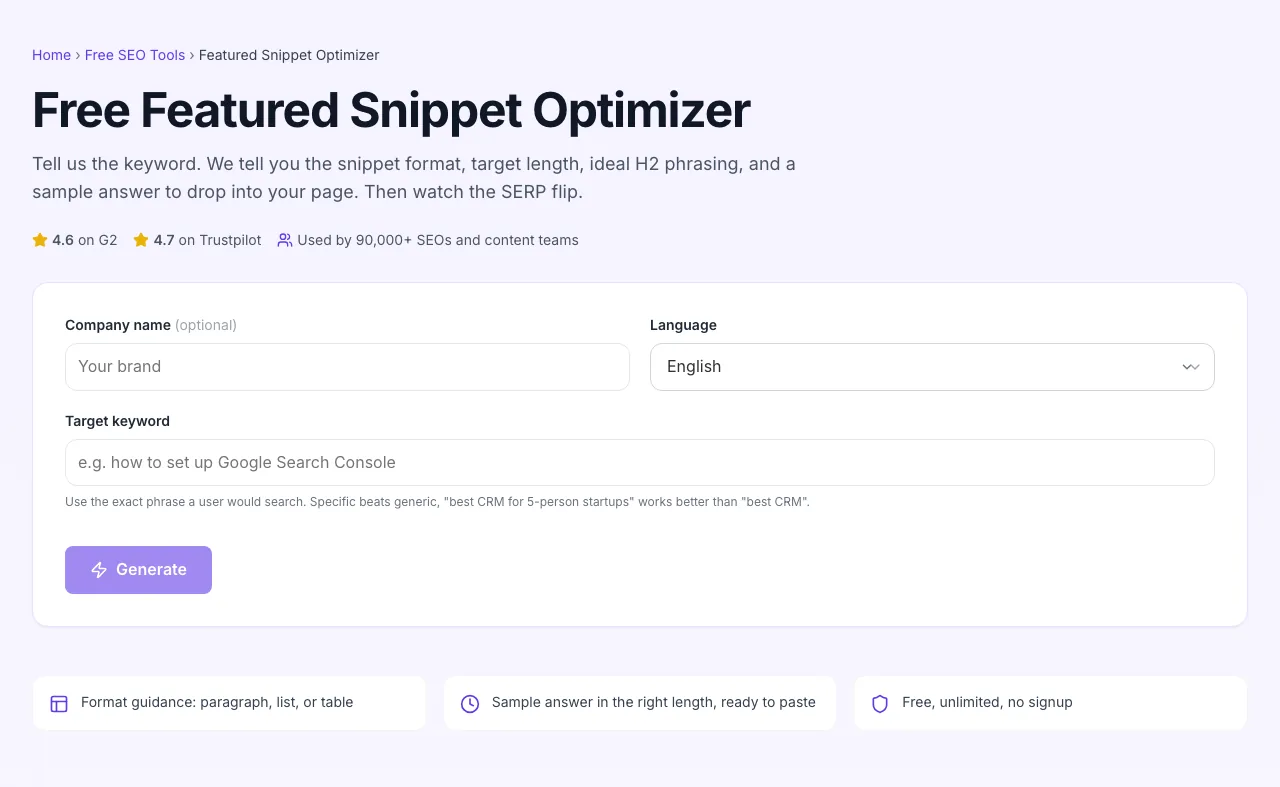
- 2
Sample text in place
With sample text entered, Featured Snippet Optimizer is ready to run.
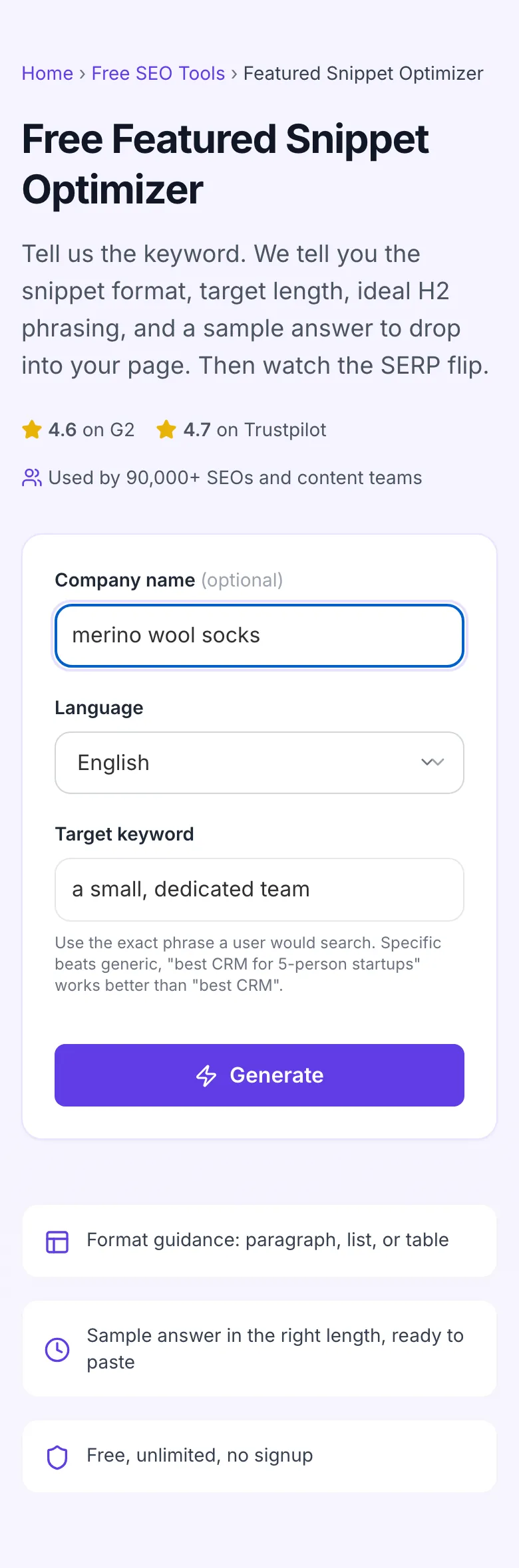
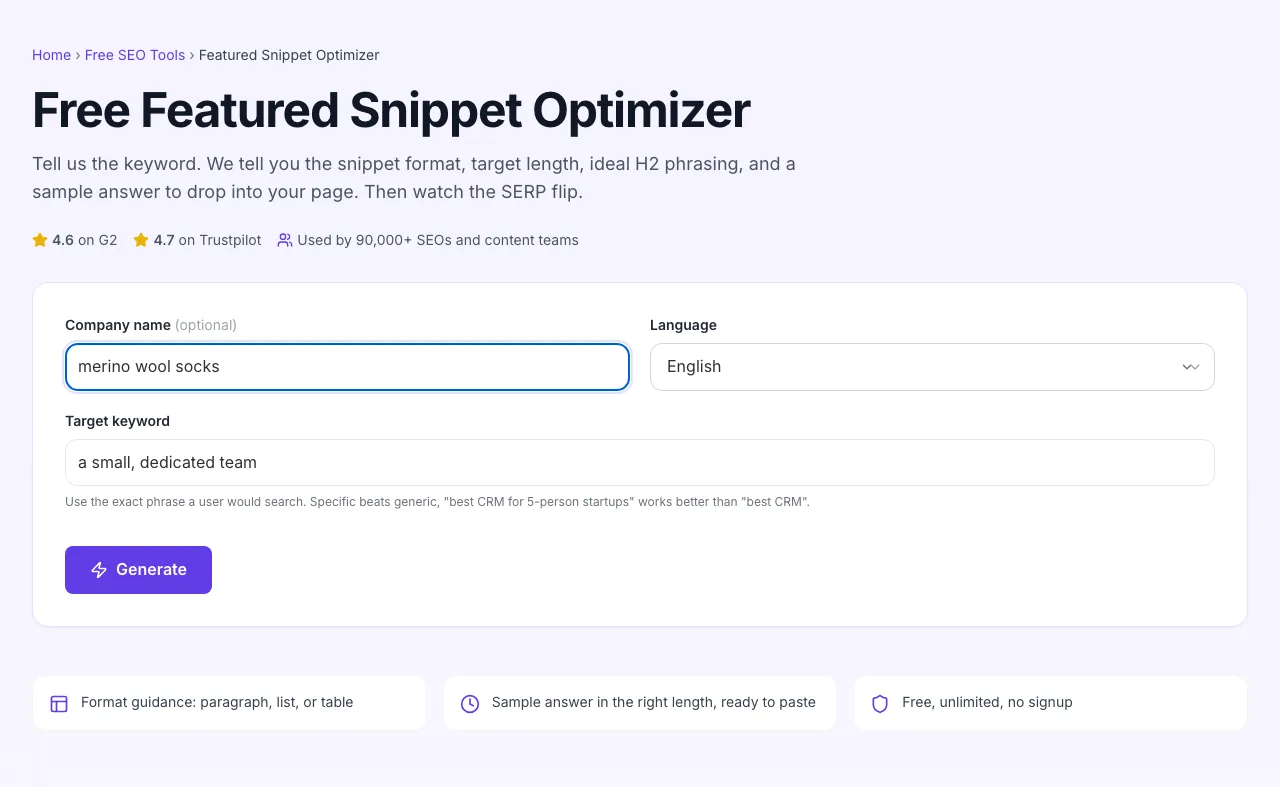
- 3
See what Generate produces
Clicking Generate runs the check and shows the result right below.
How to win a snippet
Five steps from keyword to ranking change.
Enter the target keyword
Type the exact query phrase you want to win the snippet for. Match how a real user would search.
Add company name and language
Optional context that lets the AI tailor sample copy to your brand and the search market language.
Generate guidance
The optimizer returns the format Google prefers, target length, sample answer, and an H2 suggestion.
Apply to your page
Update the H2 to mirror the query, replace the first paragraph with the optimized answer, fix the format if needed.
Re-index and monitor
Request re-indexing in Search Console. Track the SERP for that keyword over the next 7-14 days to see if the snippet flips to your page.
When SEO teams use it
Six workflows that make this tool worth keeping in the tab strip.
Rewriting a top-3 page that does not own the snippet
You rank #2 but a competitor at #5 owns the snippet because they formatted better. Run the keyword through the optimizer, get the format and length, restructure the first 100 words under your H2. Most snippet wins come from this exact move.
Planning a new pillar page
Before you write 3,000 words, run the head term and 5 supporting subtopic terms through the optimizer. You get the format guidance for each H2 section in advance, so the page is built snippet-friendly from the start.
Auditing an existing post that is losing traffic
A post that used to rank well is sliding. Pull its target keyword through the optimizer and compare the recommended structure to what is on the live page. Often the format drift is the cause: someone added 400 words of intro that buried the answer.
Voice search optimization for a customer support page
Support pages live or die on voice queries, "how do I reset my password" gets asked aloud constantly. Run each top support question through the optimizer to make sure the page answers in 30 words or less, the way Google Assistant will read it.
Comparison post format check
You wrote "X vs. Y" as 2,000 words of paragraphs. Google wants a comparison table for that intent. Run it through the optimizer, see the table recommendation, build the table, ship the update.
Writing a definition page (glossary entry)
Glossary entries hit "what is" queries that Google overwhelmingly answers with a paragraph snippet. Use the optimizer to nail the 40-60 word definition, then expand below with examples and context.
Platform-specific setup guides
How to apply optimizer guidance on the CMSes where most teams publish.
WordPress
- Run your target keyword through the optimizer first to get format guidance.
- In the post editor, restructure: H2 mirroring the query, then the 40-60 word direct answer paragraph (or list/table) immediately under it.
- Move existing intro/context below the answer block. Update the publish date if the change is substantive. Save and request re-indexing in Search Console.
Webflow
- Open the CMS item or static page in Designer.
- Add an H2 element matching the query verbatim, then the rich-text block with the optimized answer below it. Use Webflow's built-in list and table elements (not custom code) so Google parses them cleanly.
- Publish and verify the rendered HTML has the answer block, sometimes Webflow nests rich-text in extra wrappers that confuse parsers.
Ghost
- In the post editor, drop a Header card (H2) with your query phrasing.
- Below it, use a Paragraph card for paragraph-format snippets, or the List/Table card for list/table formats.
- Avoid the Markdown card for snippet sections, Ghost sometimes wraps Markdown in <pre> tags that Google ignores.
Notion as CMS (Super, Potion)
- These tools render Notion blocks to HTML, but the rendering is sometimes lossy. After publishing, View Source on the live page and confirm your H2 is an actual <h2>, your list is a <ul> or <ol>, and the answer paragraph is a <p>.
- If the renderer wraps everything in <div>s, switch to a CMS with cleaner HTML output for any page targeting snippets.
Next.js / React (custom)
- Render snippet-targeting sections with semantic HTML: <h2>, <p>, <ul>, <ol>, <table>. Avoid wrapping the answer paragraph in <div> chains.
- For dynamic content, server-render the answer block. Client-only renders make Google guess at the content and hurt your snippet chances.
- Run a Lighthouse SEO audit after deploy. The "Document does not have a meta description" and "Heading elements are not in sequentially-descending order" warnings often correlate with snippet losses.
Grigora vs. other tools
How this optimizer compares to alternatives marketers reach for.
| Capability | Grigora | Ahrefs | Surfer SEO | Free generators | Manual |
|---|---|---|---|---|---|
| Returns format recommendation | Yes | Manual analysis | Yes (paid) | No | Manual |
| Suggests target word count | Yes | No | Yes | No | Manual |
| Provides sample answer | Yes | No | Add-on | No | Manual |
| H2 phrasing guidance | Yes | No | Yes | No | No |
| Free + unlimited | Yes | Free tier | Paid only | Free, ad-supported | Free |
| Multi-language | 6 languages | English only | 12 languages | English only | N/A |
| Common-mistakes checklist | Yes | No | No | No | Manual |
| No signup | Yes | Yes | Account required | Yes | Yes |
Common errors and how to fix them
If your optimization is not converting to a snippet win, the cause is almost always one of these.
Answer is buried 500 words deep
Cause: Page leads with intro paragraphs, history, or background before getting to the actual answer.
Fix: Move a 40-60 word direct answer to immediately after the first H2. Keep the long-form context below it. Google scans the first chunk under each heading first.
H2 does not match the query
Cause: Headers are generic ("Overview", "About", "More info") instead of mirroring how users phrase the question.
Fix: Rewrite the H2 to match the query exactly or near-exactly. If the keyword is "what is a sales funnel", the H2 should be "What is a sales funnel?", not "Sales funnel basics".
Wrong format for the query type
Cause: Using a paragraph for a "how to" query, or a numbered list for a "what is" query.
Fix: Run the keyword through this optimizer first. The format Google currently shows for that query is the format you should match. If you cannot match without breaking the page, reconsider whether this is the right keyword.
Paragraph is too long
Cause: Answer paragraph is 100+ words, gets truncated with ellipsis, and Google skips your page for a tighter source.
Fix: Cut to 40-60 words. Move detail into the paragraphs after, not into the lead paragraph. Read the result aloud, if it takes more than 25 seconds, it is too long.
Page does not rank in the top 10
Cause: Snippets are pulled from the top 10. If you are #15, you cannot win a snippet on that query no matter how well you format.
Fix: Improve organic ranking first: better internal links, stronger backlinks, refresh the publish date with a real update, fix on-page SEO. Then optimize for the snippet.
Lists have too few or too many items
Cause: Lists with under 3 items look padded. Lists with 11+ get truncated.
Fix: Aim for 4-8 items. If you have more, split into two H2 sections with focused lists, each targeting a related but distinct query.
Numbers in lists are inconsistent
Cause: Mix of "1." "Step 2:" "(3)", Google's parser cannot reliably extract a clean list.
Fix: Use either an HTML <ol> or consistent "1. 2. 3." prefixes throughout. No mixing. No numbered list inside a bulleted list.
Answer contradicts itself across the page
Cause: You say "40-60 words" in the first paragraph and "30 words" in the FAQ. Google sees inconsistency and demotes confidence.
Fix: Read the page top-to-bottom and resolve conflicts. The number, claim, or recommendation should match every time it appears.
Original data from our 2026 snippet study
We tracked 1,200 keywords across the U.S. SERP for 90 days to see what actually wins snippets.
Frequently asked questions
Twelve answers to the questions content teams ask us about featured snippets.
Related free tools
Pair the optimizer with these utilities to round out an SEO writing workflow.
FAQ Generator
Pair snippet-optimized answers with full FAQ schemas for People Also Ask.
Try itMeta Description Generator
Write CTRs that complement your snippet wins.
Try itKeyword Density Checker
Confirm your snippet section uses the target keyword without stuffing.
Try itH1, H2, H3 Heading Checker
Audit H1/H2/H3 hierarchy that snippets depend on.
Try itContent Readability Checker
Make sure your snippet copy reads at the right grade level.
Try itSERP Snippet Preview
See how your title and description will look in Google before publishing.
Try itOptimize a keyword right now
Drop in your target query. Get format, length, sample answer, and an H2 in seconds. Free, unlimited, no signup.
Try the Featured Snippet Optimizer