Parse JSON online and see the type of every value
The result appears here as you type.
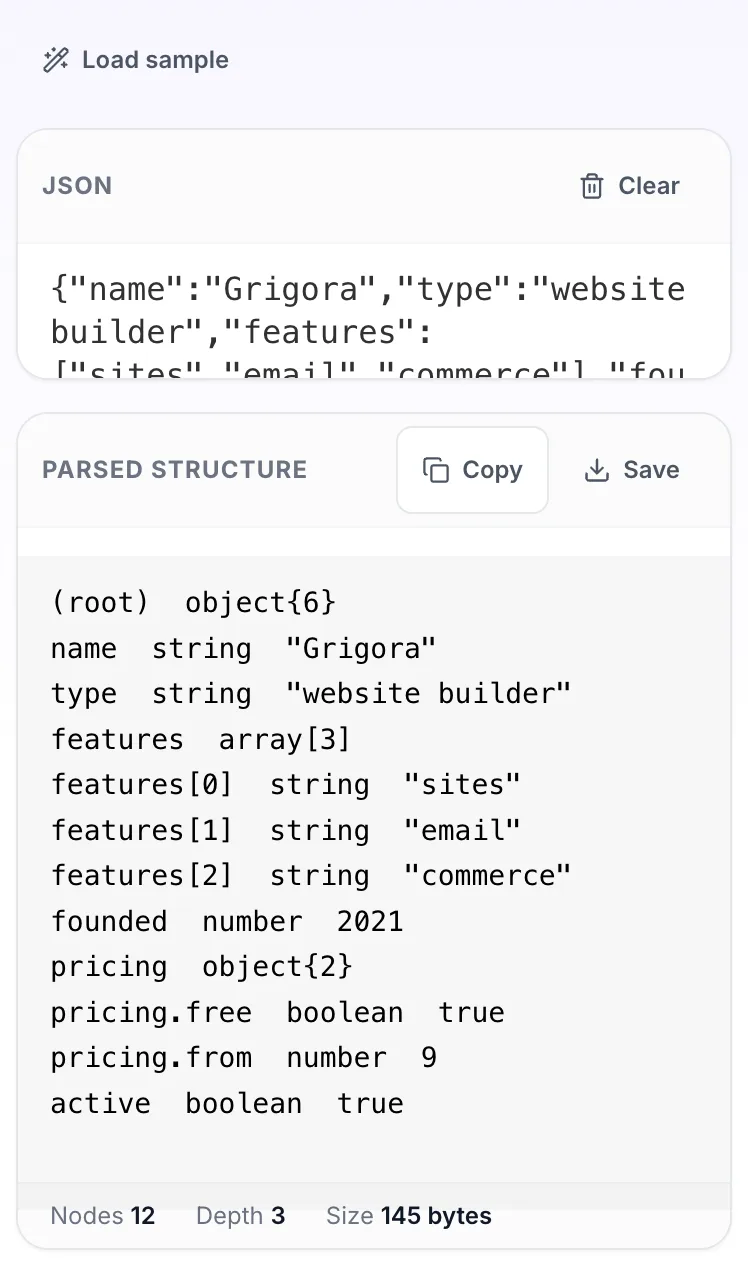
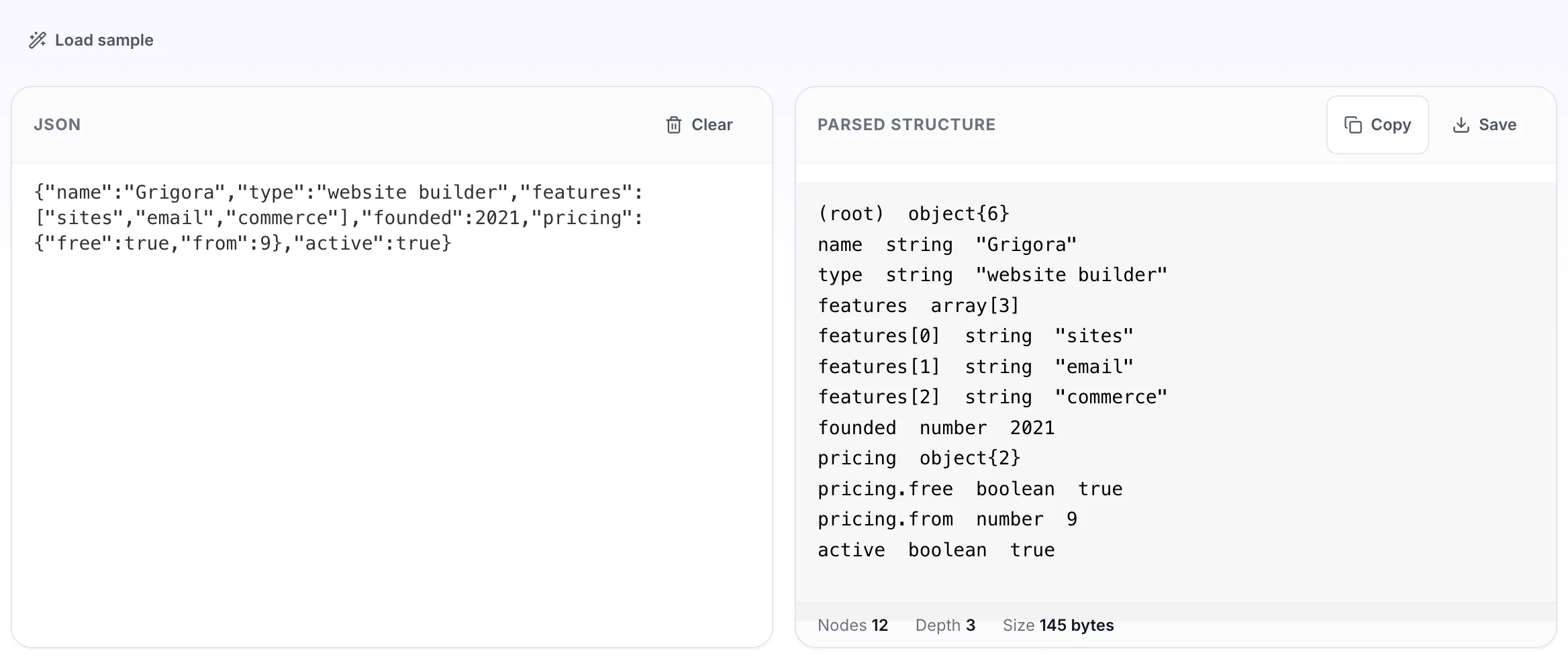
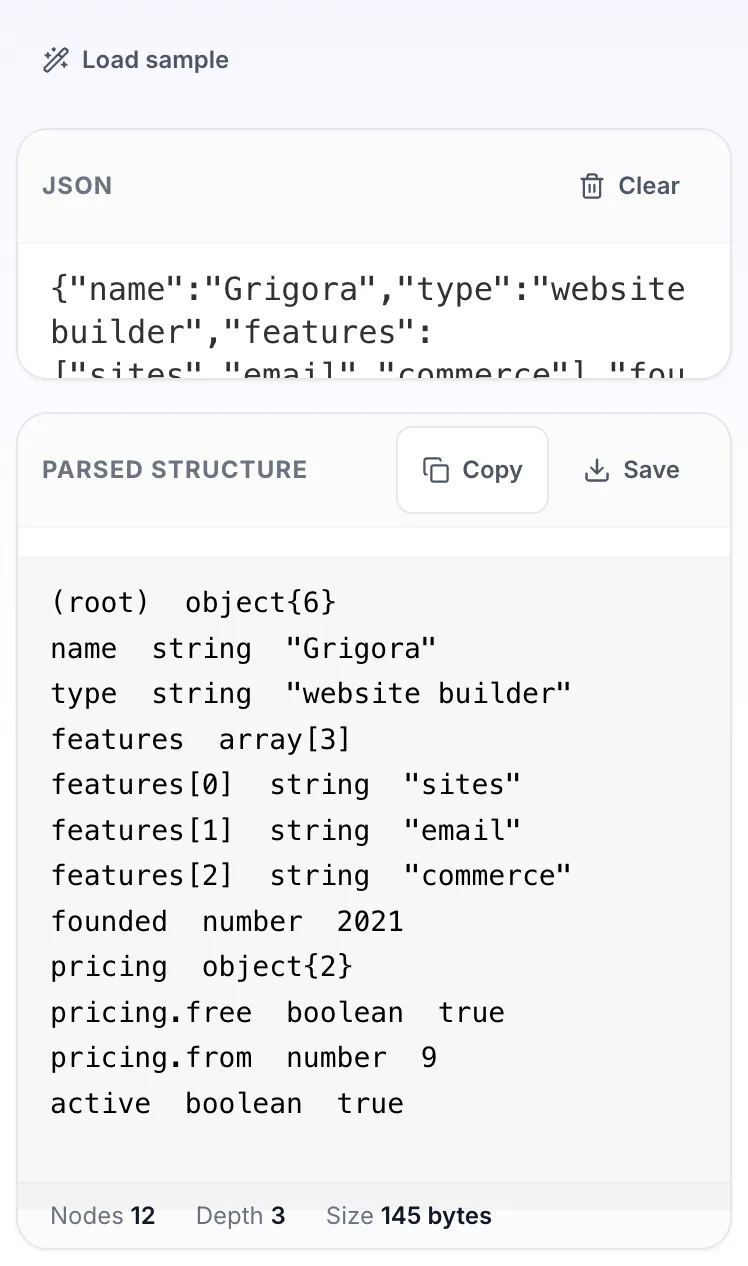
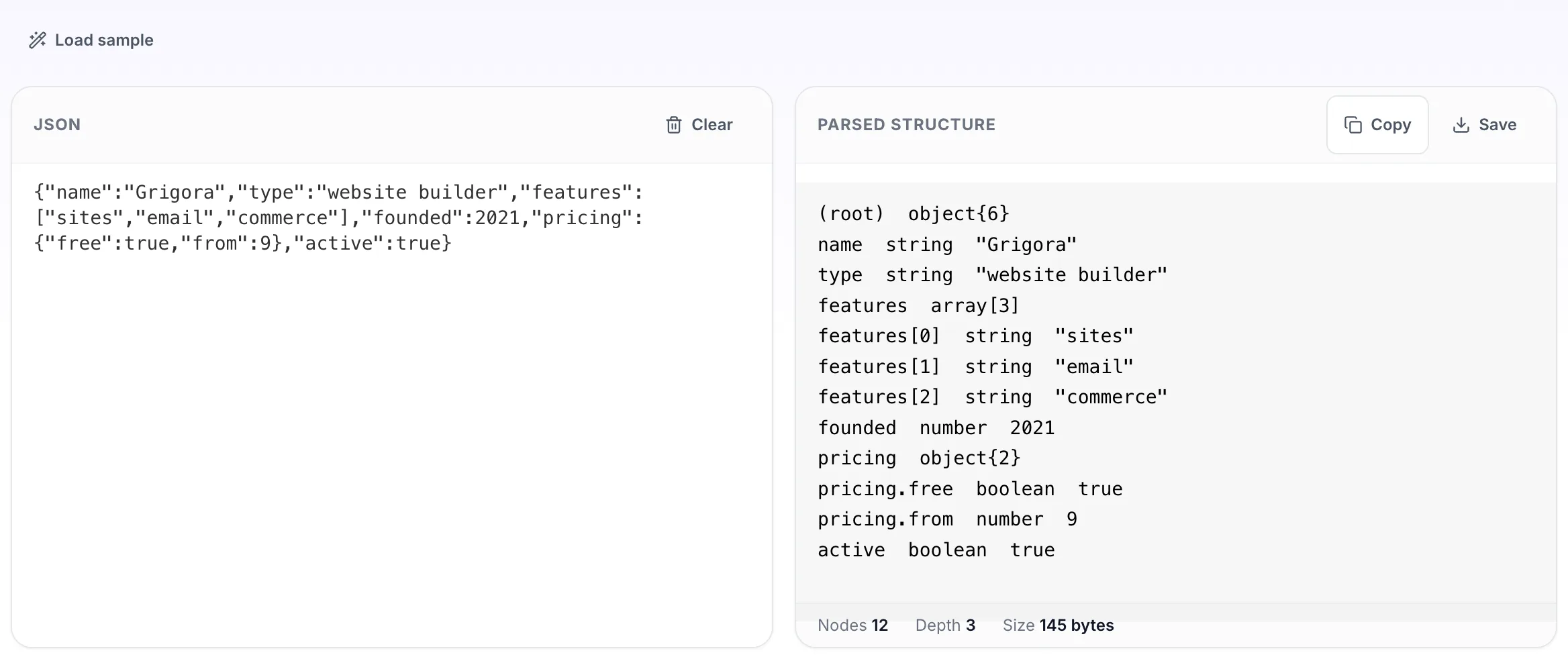
Instead of echoing the document back, this prints the path, resolved type and value of everything inside it. It is the fastest way to answer questions like whether an id came through as a number or a string, or how deep an array of objects really goes. Shows what JSON.parse actually returns, so you can check whether an id came through as a string or a number.
If it will not parse
These are the messages people usually arrive with: Unexpected token in JSON, Unexpected end of JSON input, SyntaxError: JSON.parse. Paste the input that produced one and the result pane names the problem and points at it.
How to use the JSON Parser, step by step
Real screenshots of the tool, captured while running it.
- 1
Open the tool
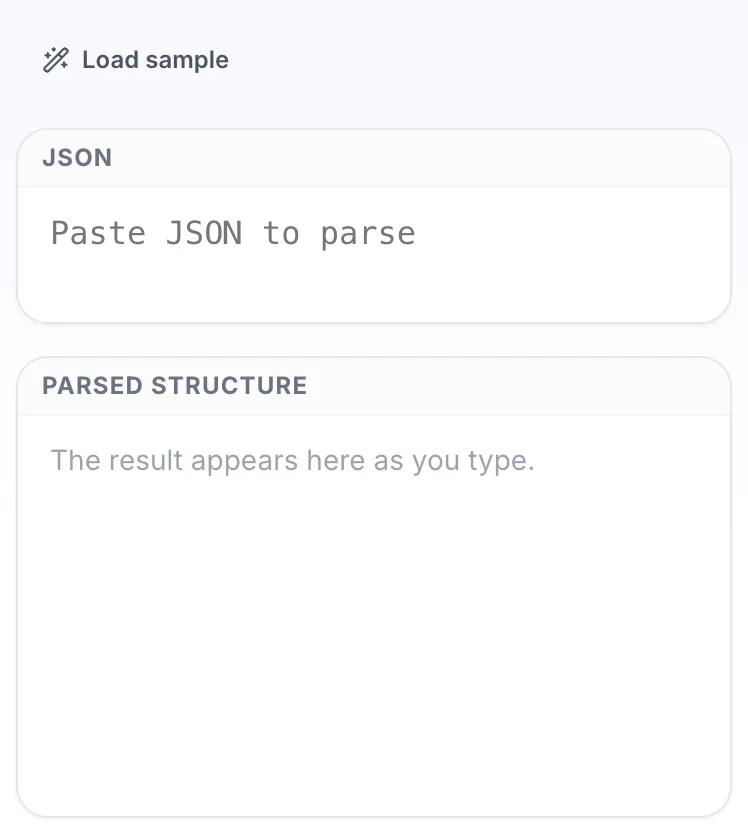
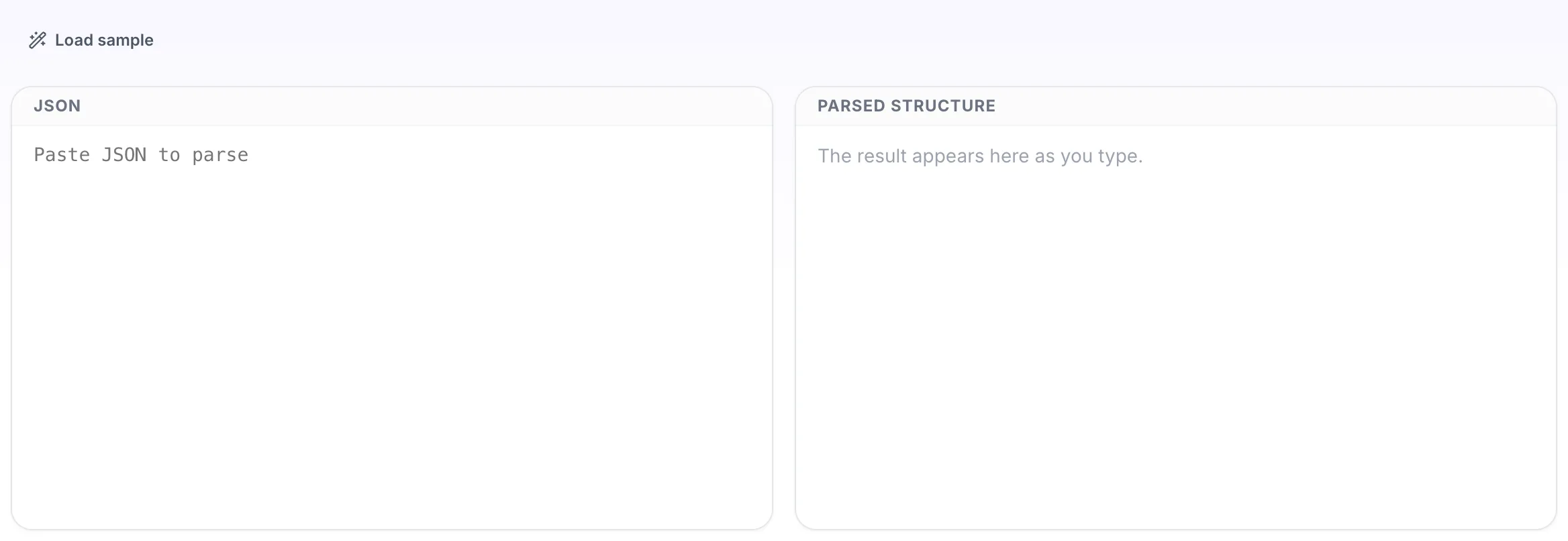
JSON Parser opens empty, with json on the left and parsed structure on the right.
- 2
Add your input
Paste your own json, or load the sample. The parsed structure pane fills in as you type.
- 3
Read the result
The parsed structure appears on the right with copy and save beside it.