A free online JSON viewer for large payloads
The result appears here as you type.
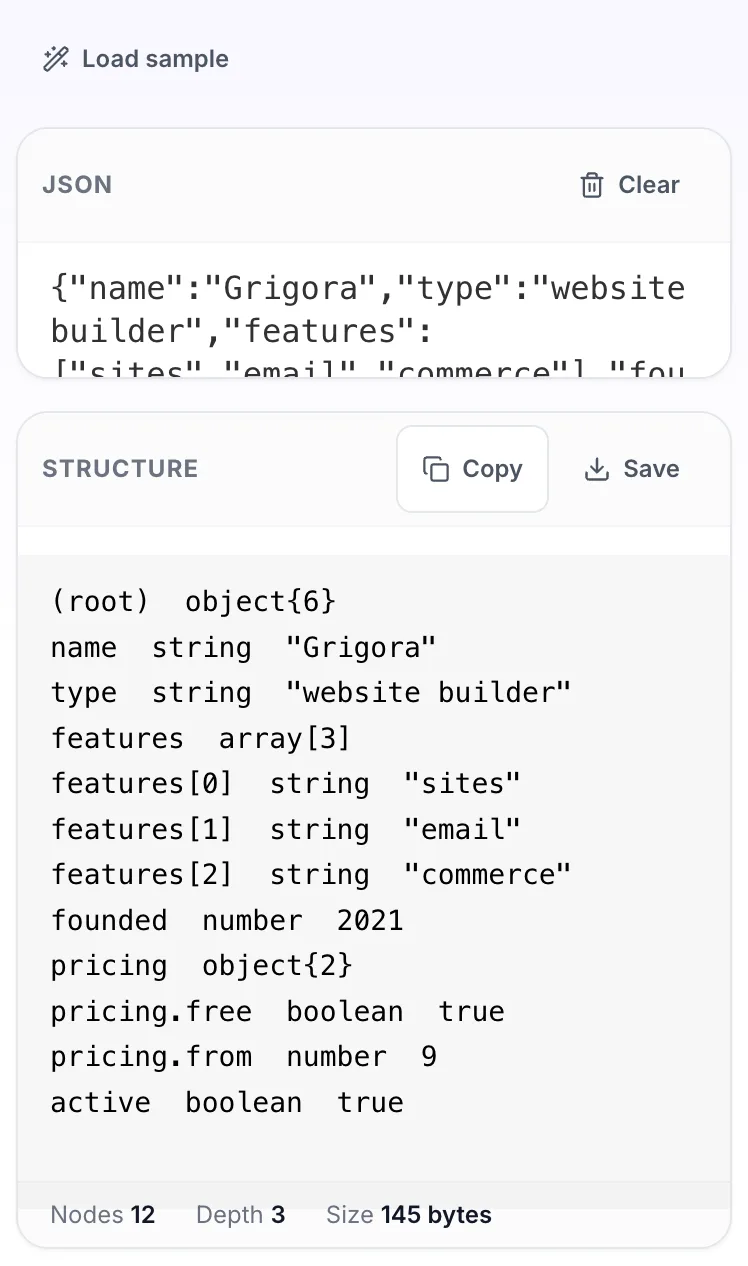
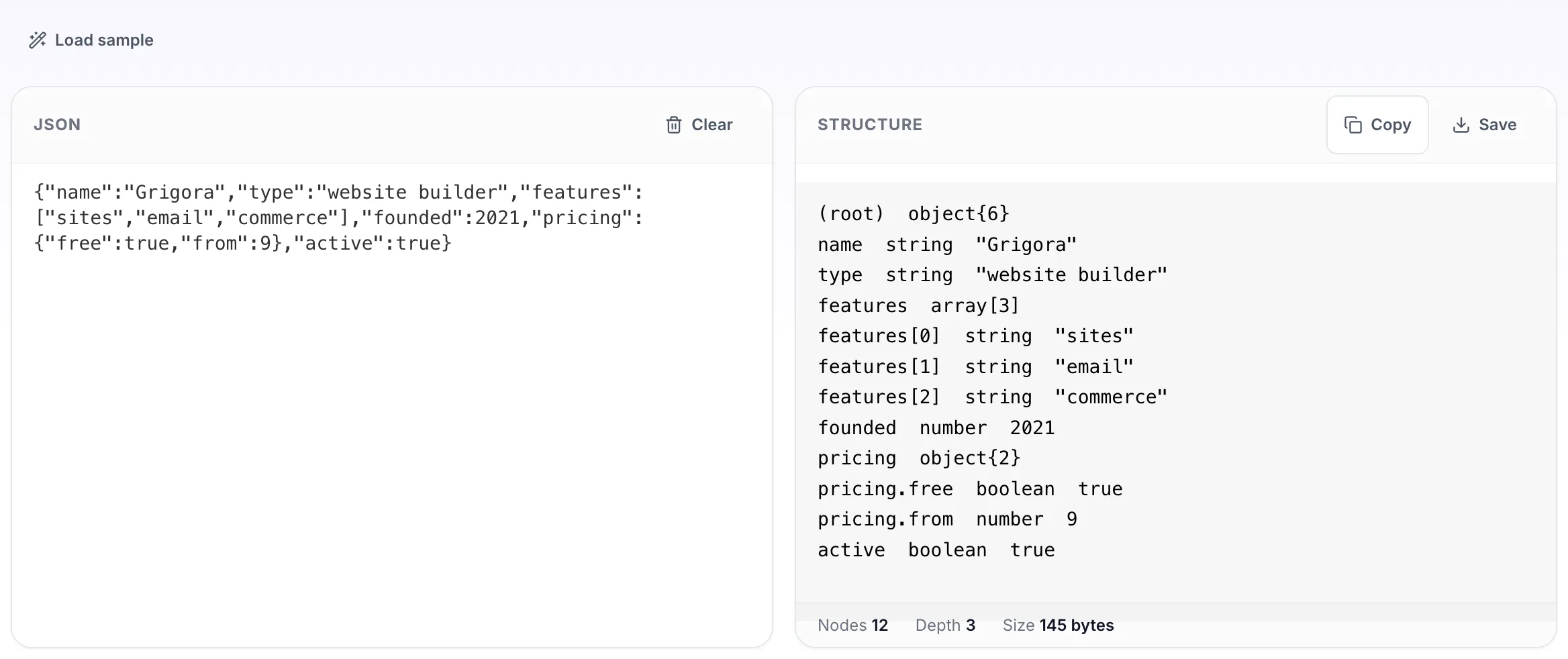
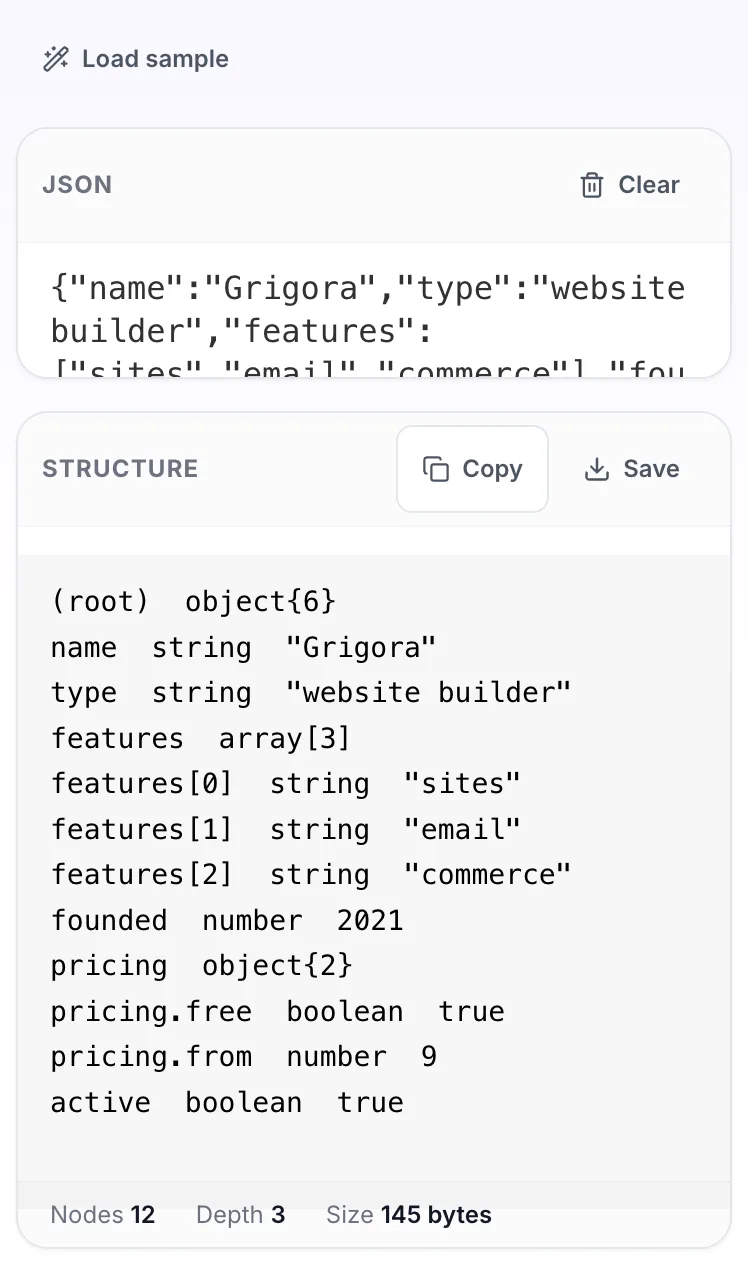
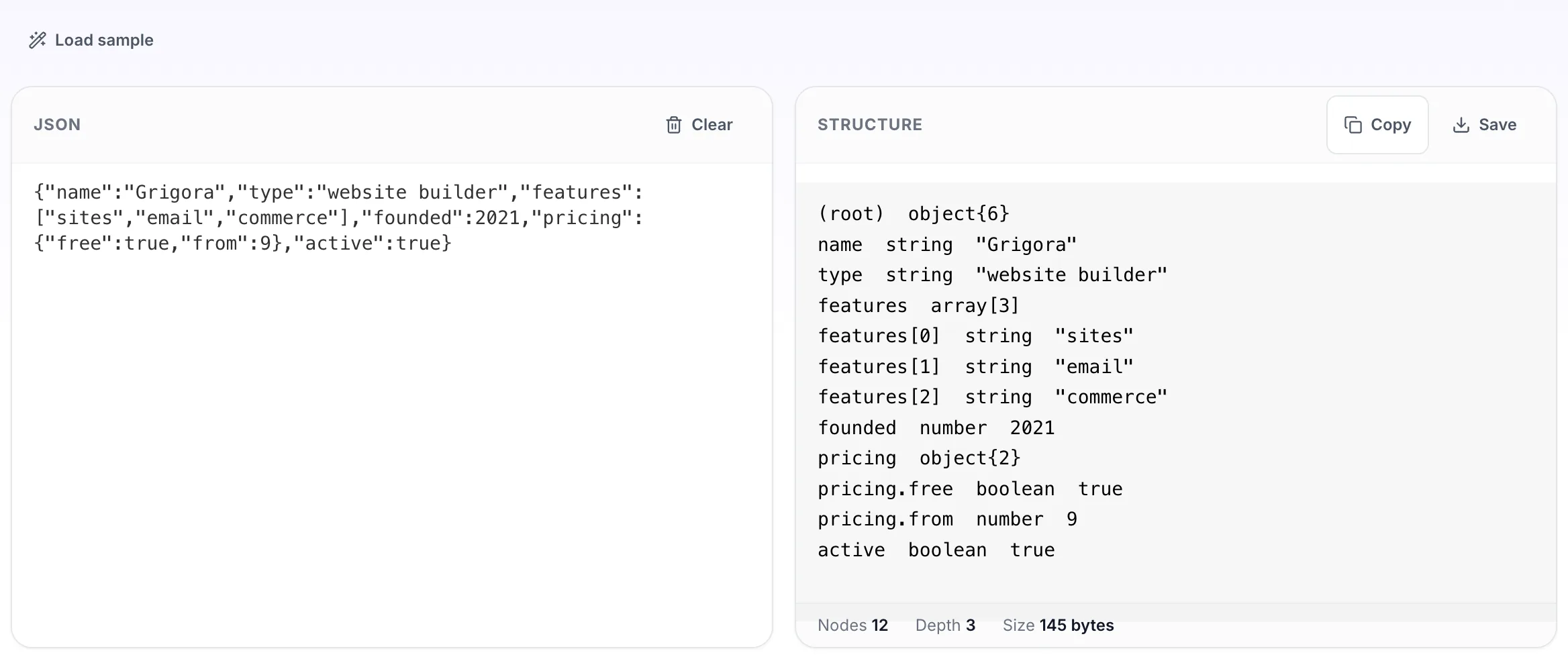
Flattens the document into a path listing so you can search it. When an API returns three hundred lines and you need to know where the customer email lives, searching a path list beats collapsing nodes by hand. A JSON tree viewer shows nesting; this shows every value with its full path, so you can search rather than expand.
If it will not parse
These are the messages people usually arrive with: Unexpected token in JSON, Unexpected end of JSON input. Paste the input that produced one and the result pane names the problem and points at it.
How to use the JSON Viewer, step by step
Real screenshots of the tool, captured while running it.
- 1
Open the tool
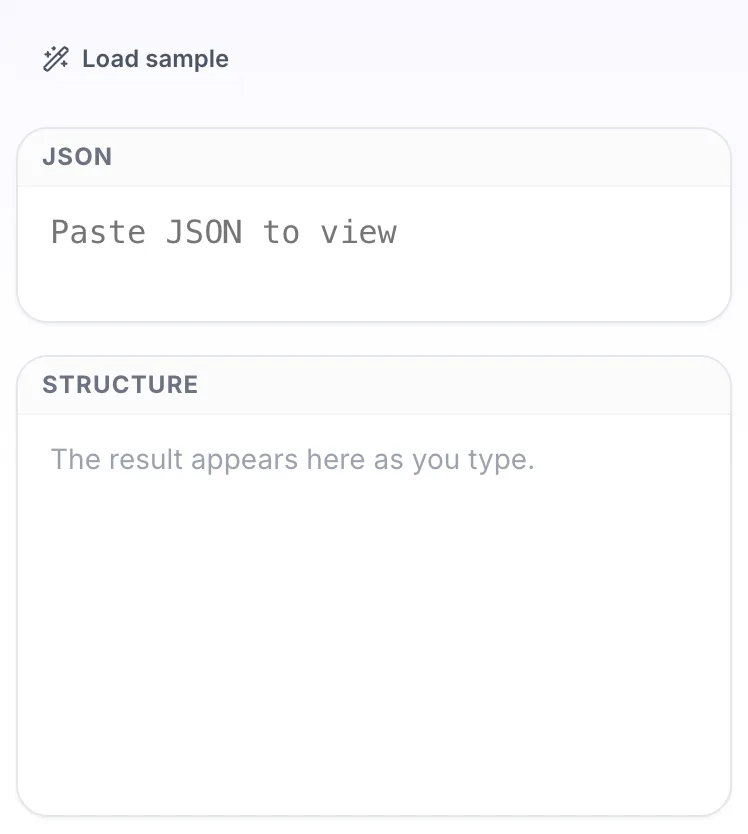
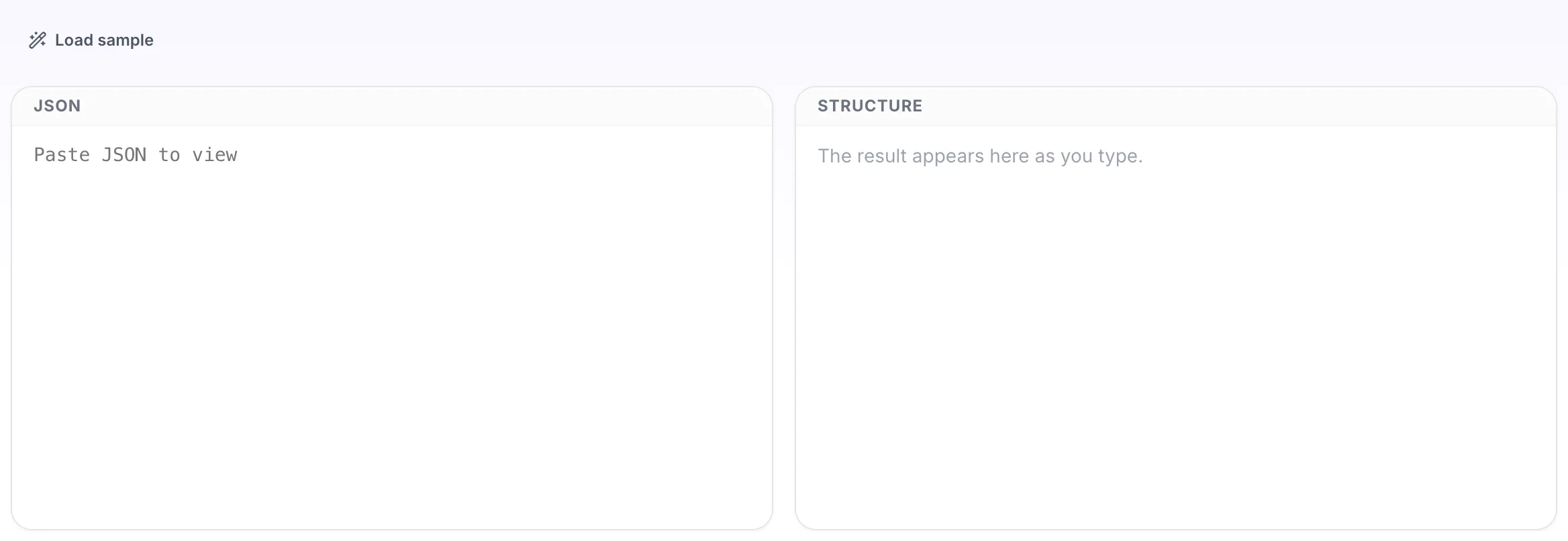
JSON Viewer opens empty, with json on the left and structure on the right.
- 2
Add your input
Paste your own json, or load the sample. The structure pane fills in as you type.
- 3
Read the result
The structure appears on the right with copy and save beside it.