Free Noarchive Tag Generator
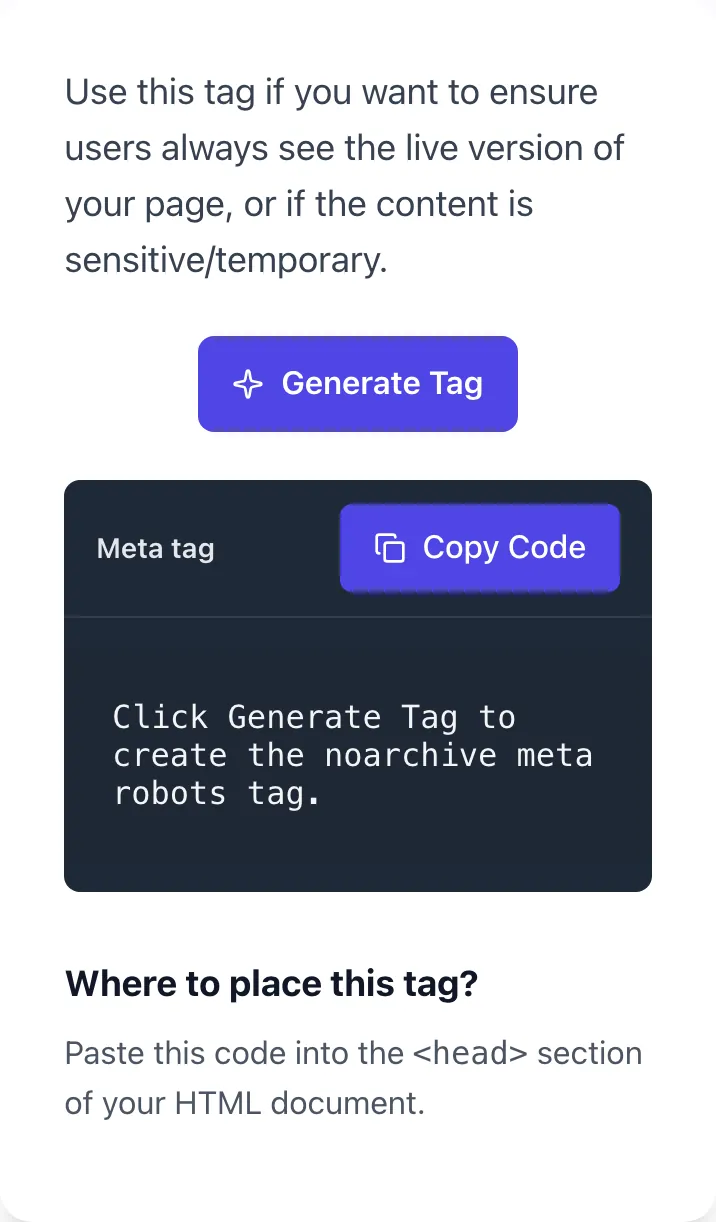
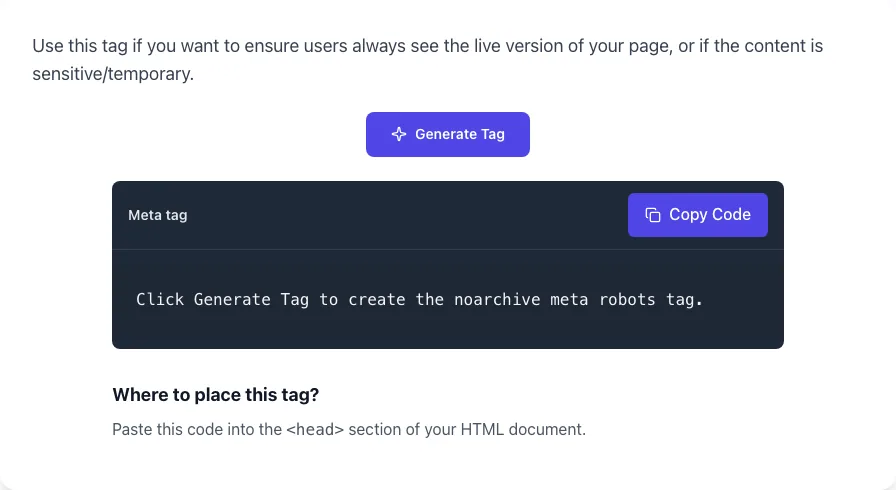
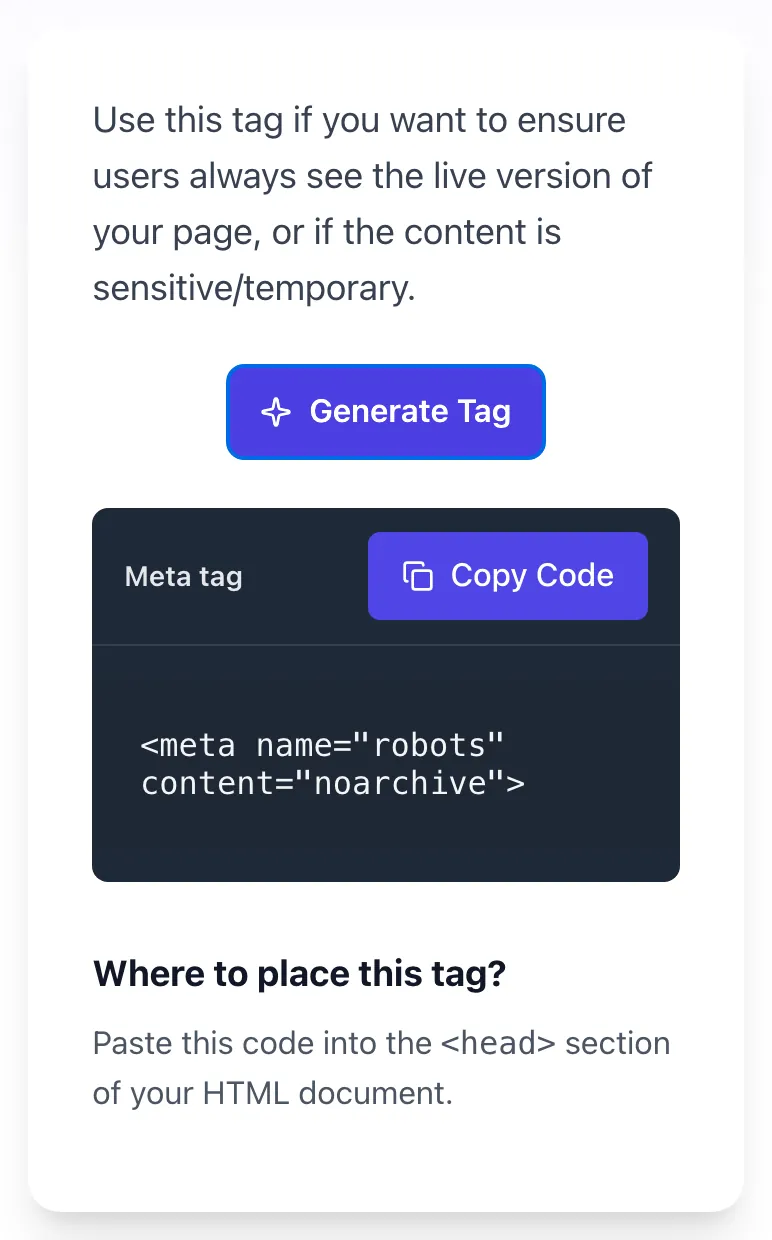
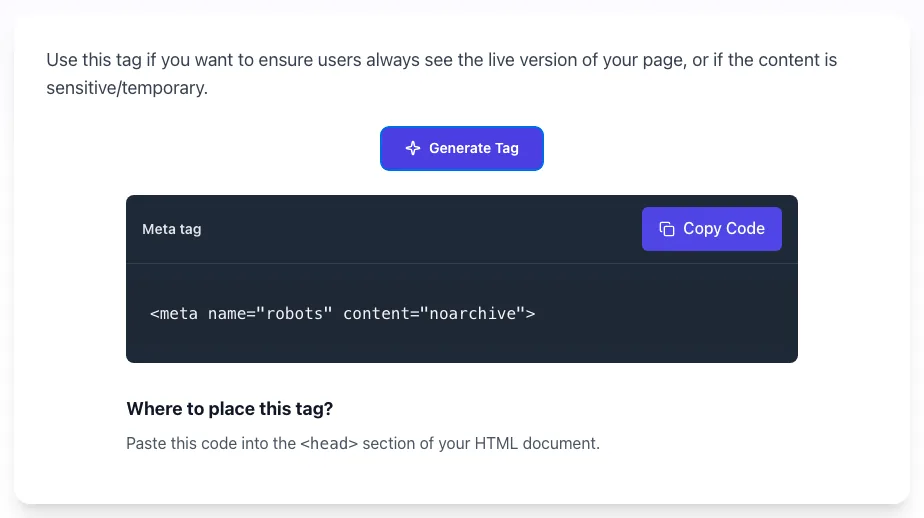
Use this tag if you want to ensure users always see the live version of your page, or if the content is sensitive/temporary.
Click Generate Tag to create the noarchive meta robots tag.Where to place this tag?
Paste this code into the <head> section of your HTML document.
Generate the noarchive meta tag to block search engines from caching pages. Copy-paste ready. Free, instant.
How to use the Noarchive Tag Generator, step by step
Real screenshots of the tool, taken while running it with the Generate Tag button.
- 1
Open the tool
Nothing to configure here - the button is ready as soon as the page loads.
- 2
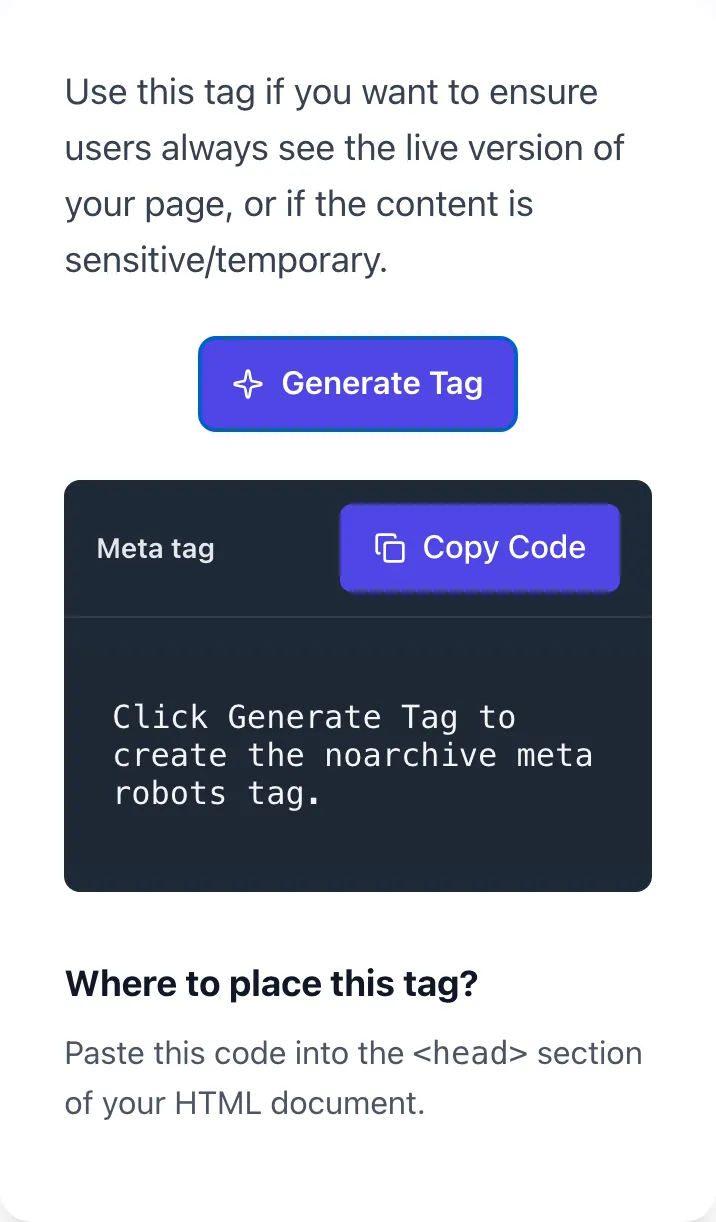
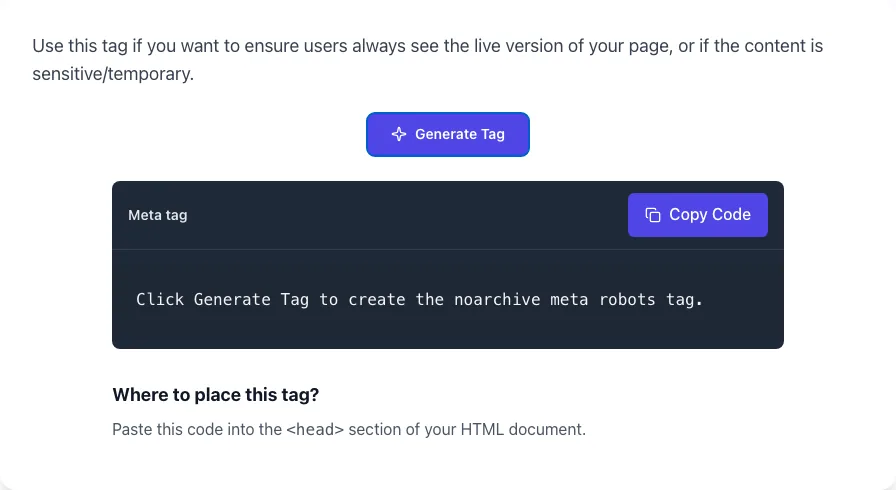
Ready to generate
Nothing more to set - the next step clicks the button.
- 3
See what Generate Tag produces
Clicking Generate Tag runs the check and shows the result right below.
What this tool does
Noarchive Tag Generator delivers fast, reliable results for generate the noarchive meta tag to block search engines from caching pages. copy-paste ready. free, instant.
Designed to fit into your existing SEO and content workflow with no setup overhead.
How to use it
Five steps.
Review the tag
The tool generates the standard noarchive meta tag for HTML pages.
Choose placement
Use the generated meta tag in the head section of your page.
Copy generated tag
One-click copy the exact markup ready to paste in your CMS or server config.
Deploy to your page
Add the generated tag to the head section of your HTML page.
Verify with URL Inspection
Submit URL in Search Console to confirm Google detects the directive.
When teams use it
Six common workflows.
Premium news publishers
Apply noarchive on paywall-protected articles to prevent the cached version from bypassing the paywall in search results.
Legal compliance teams
Set noarchive on time-sensitive legal pages (terms of service, privacy policies) to ensure users always see the current version.
Financial services sites
Apply noarchive on pricing, rate, or stock-quote pages where stale cached data could mislead consumers.
Healthcare information portals
Use noarchive on dosage, side effect, and treatment pages where outdated cached versions could create patient safety risk.
E-commerce stores with frequent price changes
Apply noarchive to product pages with dynamic pricing so users do not see stale prices in cached snippets.
Government and public-policy sites
Use noarchive on policy pages with version-controlled wording where the current version always supersedes prior text.
Platform guides
Integrate with major platforms.
WordPress (Yoast SEO)
- Edit the post or page in WordPress.
- Scroll to Yoast SEO meta box and click Advanced tab.
- Set "Meta robots advanced" to "noarchive" or check the noarchive checkbox.
- Save and verify with View Source on the live page.
WordPress (Rank Math)
- Edit the post or page in WordPress.
- Open the Rank Math sidebar and click Advanced.
- Toggle "No Archive" to On under Robots Meta.
- Update and inspect the published page source for the meta tag.
Webflow
- Open Page Settings of the relevant page.
- Scroll to SEO Settings > Meta Tags > Custom Code.
- Paste <meta name="robots" content="noarchive"> in the Inside <head> tag section.
- Publish and verify with browser View Source.
Next.js
- Use next/head in pages directory or generateMetadata in app router.
- Add: <meta name="robots" content="noarchive" /> inside <Head> component.
- For app router: export const metadata = { robots: { archive: false } }.
- Build and deploy; verify on production URL.
Apache (.htaccess)
- Open .htaccess at site root.
- Add: <FilesMatch "\.(pdf|doc|docx)$"> Header set X-Robots-Tag "noarchive" </FilesMatch>.
- Reload Apache or wait for next crawl.
- Verify with curl -I and inspect response headers.
Grigora vs. alternatives
Side-by-side.
| Capability | Grigora | TechnicalSEO.com | Merkle | Free | Manual |
|---|---|---|---|---|---|
| Free unlimited use | Yes | Limited | Free trial | Yes | Manual |
| Single-page meta tag output | Yes | Single only | Both | Single only | Manual |
| Combined directive support | Yes | No | Yes | No | Manual |
| X-Robots-Tag HTTP header output | No | No | Yes | No | Manual |
| Wayback Machine exclusion output | No | No | No | No | Manual |
| CMS-specific instructions | Yes | Generic | Yes | Generic | Manual |
| Paywall + noarchive combo | No | No | Partial | No | Manual |
| No login | Yes | Account | Account | Yes | Yes |
Common errors and fixes
Eight issues users hit.
Tag added but cached link still appears in Google
Cause: Google has not re-crawled the page since deployment, or the cache predates the change.
Fix: Submit URL via Search Console URL Inspection > Request Indexing; cache typically clears within 1 to 7 days post-recrawl.
Meta robots tag conflicts with X-Robots-Tag header
Cause: Both layers set different directives, with the more restrictive winning.
Fix: Audit both layers and align them; use either meta tag (for HTML pages) or HTTP header (for non-HTML), not contradicting both.
Noarchive directive ignored on subdomain
Cause: Subdomain has its own robots.txt that may inadvertently block crawler access entirely.
Fix: Verify robots.txt on the subdomain allows crawling (otherwise Google never sees the noarchive tag) and re-deploy.
PDF documents still cached despite noarchive intent
Cause: PDF files cannot have meta tags; noarchive must be set via X-Robots-Tag HTTP header.
Fix: Configure server to add X-Robots-Tag: noarchive on Content-Type application/pdf responses.
Tag works in Google but not Bing
Cause: Bing recognizes the directive but caches separately; cache TTL longer than Google's.
Fix: Wait 14 to 30 days for Bing to recrawl, or use Bing Webmaster Tools to request re-crawl.
Tag added in head but stripped by CMS
Cause: WordPress SEO plugin or template overrides custom meta robots configurations.
Fix: Set noarchive via your plugin's "Robots Meta" settings (Yoast: Advanced tab > Meta robots: Advanced) instead of raw HTML to avoid override.
Wayback Machine still archives despite noarchive tag
Cause: archive.org does not honor meta robots noarchive.
Fix: Add user-agent ia_archiver Disallow: / to robots.txt or contact archive.org for direct exclusion request.
Cached snapshot leaks paywall content
Cause: Page allows Googlebot to see full content (for ranking) but cache preserves that full content publicly.
Fix: Combine noarchive with cx-flexible-sampling JSON-LD and serve different content to logged-out users via session detection.
Original data
2026 study.
Frequently asked questions
Twelve answers.
Related free tools
Other utilities.