Free Robots.txt Generator
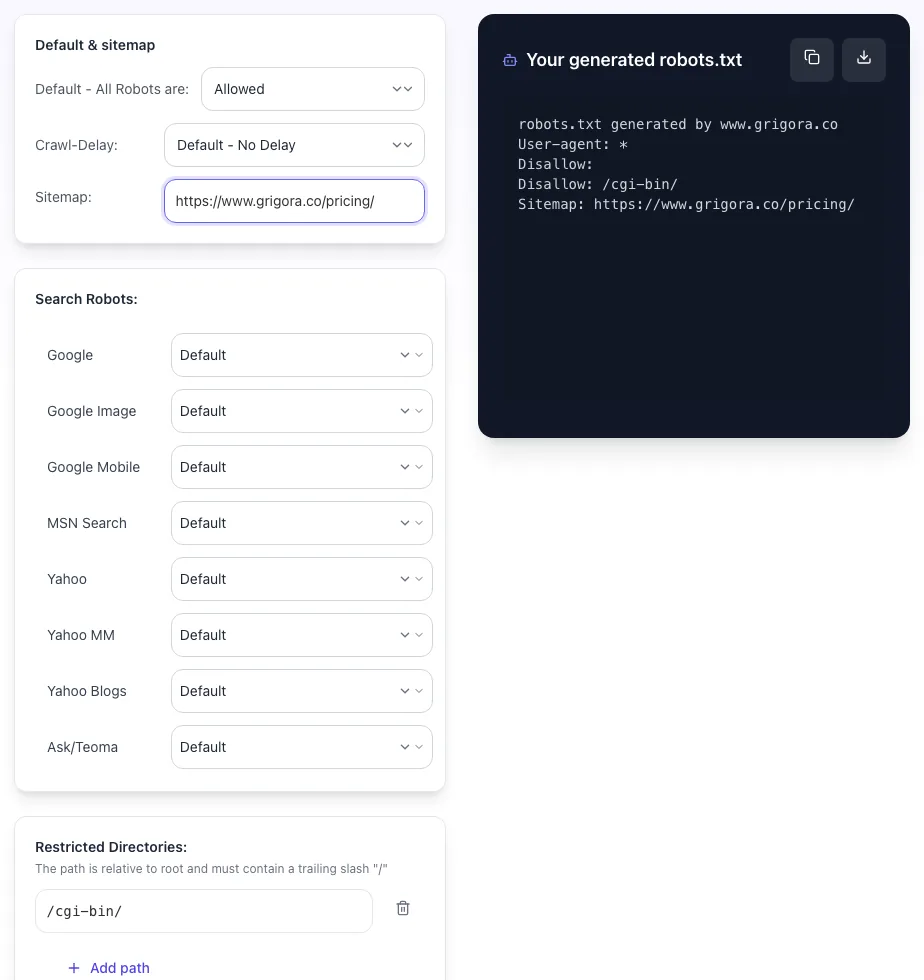
Default & sitemap
Search Robots:
Restricted Directories:
The path is relative to root and must contain a trailing slash "/"
Your generated robots.txt
# Output updates as you change settings.
Generate robots.txt with allow/disallow rules per user-agent. Sitemap, crawl delay. Free, instant.
How to use the Robots txt Generator, step by step
Real screenshots of the tool, taken while running it.
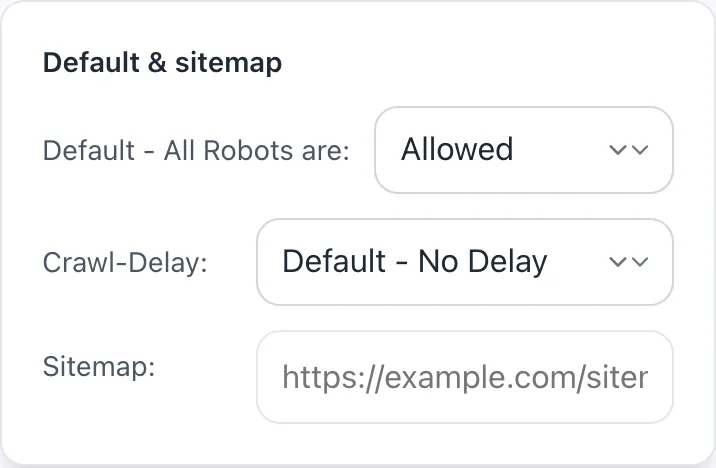
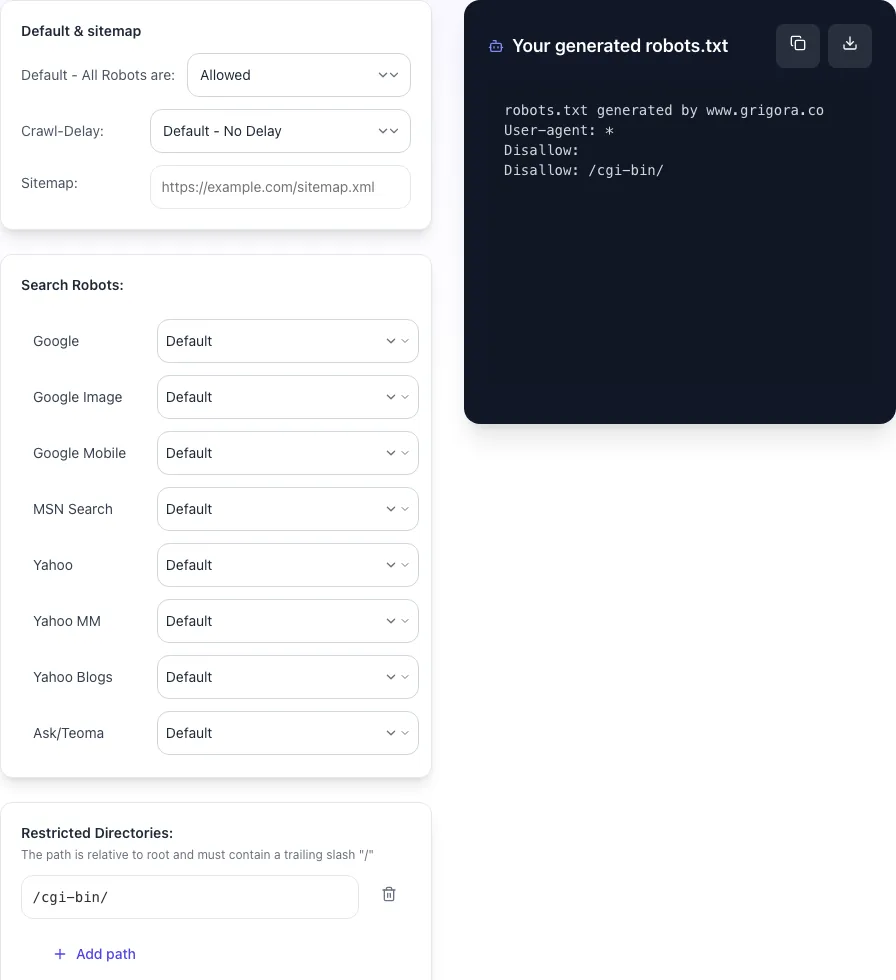
- 1
Add your input
Paste or type into the field Robots txt Generator works from.
- 2
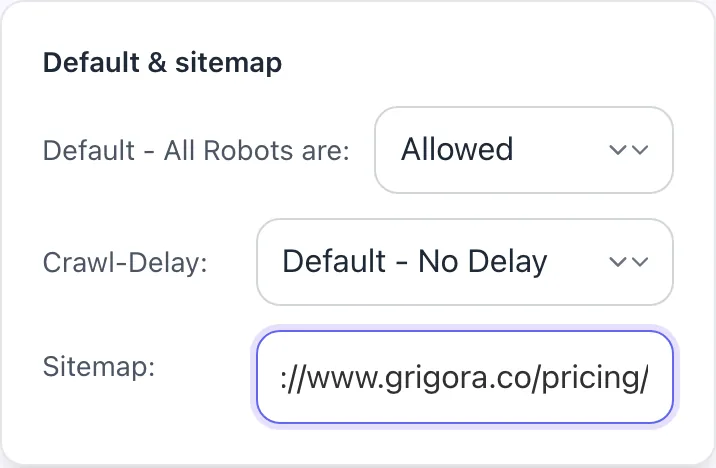
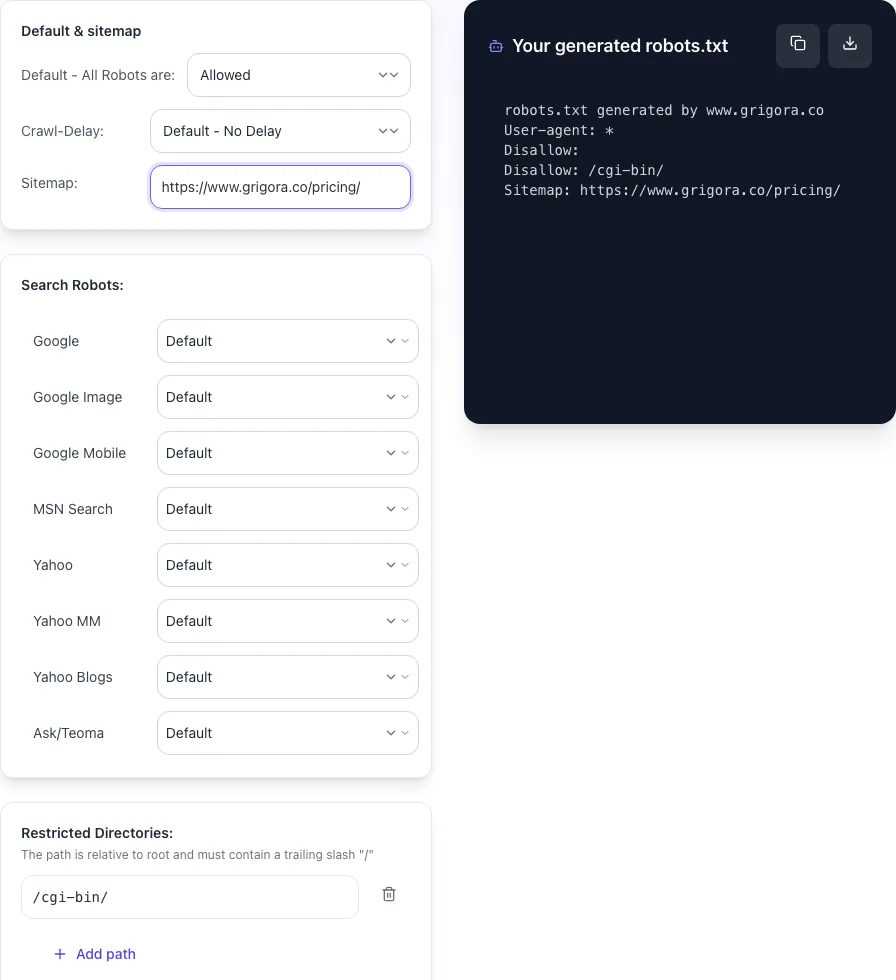
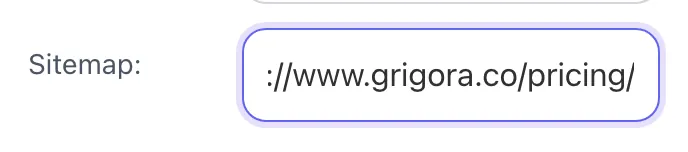
A page URL in place
With a page URL entered, Robots txt Generator is ready to run.
- 3
Read the result
Robots txt Generator updates as you type, so the result is already visible here.
What this tool does
Robots.txt Generator delivers fast, reliable results for generate robots.txt with allow/disallow rules per user-agent. sitemap, crawl delay. free, instant.
Designed to fit into your existing SEO and content workflow with no setup overhead.
How to use it
Five steps.
Pick your platform preset
Choose WordPress, Shopify, Webflow, Next.js, or generic. Preset adds standard Disallow rules for that platform automatically.
Add custom rules
Append your own Allow / Disallow patterns. Use wildcards (*) for prefix matching and $ for end-of-URL anchoring.
Reference your sitemap
Add the full absolute URL of your sitemap.xml. Multiple sitemap lines if you have separate sitemaps for pages, blog, and products.
Toggle AI bot blocks
Enable the AI bot preset to block GPTBot, ClaudeBot, Google-Extended, and 4 other 2026 AI training scrapers.
Generate, test, deploy
Copy output, deploy as /robots.txt at your domain root. Test rules in Google Search Console Robots Testing Tool before relying on them.
When teams use it
Six common workflows.
Block staging environment from indexing
Generate a Disallow: / robots.txt for staging.yoursite.com to prevent Google from indexing pre-production content. Combine with HTTP basic auth for full protection. Required before any client launch.
Save crawl budget on faceted commerce URLs
E-commerce filters (size, color, price) generate millions of duplicate URLs. Use Disallow: /*?filter=* and similar wildcards to block crawling. Lifts crawl efficiency on important product pages 3-5x.
Block AI training scrapers
Add 2026-current AI bot blocks: GPTBot, ClaudeBot, Google-Extended, PerplexityBot, Bytespider. Generator includes a one-click preset for the 7 major AI training User-agents.
Reference sitemap for multi-sitemap sites
Add multiple Sitemap directives to point search engines at sitemap-pages.xml, sitemap-blog.xml, sitemap-products.xml. Improves index discovery for sites over 50,000 URLs.
Configure platform-specific rules (WordPress, Shopify)
Each major CMS has standard paths to block (/wp-admin/, /cart/, /checkout/). Generator includes platform presets that capture the right Disallow rules without you needing to remember each.
Block aggressive crawlers harming server load
Use Crawl-delay or full Disallow for User-agents that hammer your site (SemrushBot, AhrefsBot, etc.: disable for SEO research at your discretion). Generator includes detection of high-volume crawlers.
Platform guides
Integrate with major platforms.
WordPress
- Generate the robots.txt content with WordPress mode (includes /wp-admin/ Disallow).
- Upload via FTP to your site root, or use a plugin like Yoast SEO > Tools > File Editor.
- Verify yoursite.com/robots.txt loads correctly.
- Test rules in Google Search Console Robots Testing Tool.
- Submit your sitemap to Google Search Console.
Shopify
- Shopify generates robots.txt automatically. As of 2021, Shopify Plus stores can customize it.
- In Shopify admin (Plus only), navigate to Online Store > Themes > Edit code > robots.txt.liquid.
- Generate custom additions from our tool and inject into the Liquid template.
- Save and verify yoursite.com/robots.txt.
- Test specific URLs in Google Search Console.
Next.js / Vercel
- Generate robots.txt content from our tool.
- Save as public/robots.txt in your Next.js project.
- For dynamic robots.txt, use app/robots.ts (Next.js 13+) or pages/robots.txt.js with getServerSideProps.
- Deploy via vercel --prod.
- Verify at yoursite.com/robots.txt and test in Google Search Console.
Webflow
- Generate robots.txt content.
- In Webflow Designer, navigate to Project Settings > SEO.
- Paste content into the Robots.txt field.
- Publish the site.
- Verify yoursite.com/robots.txt and test rules in Google Search Console.
Static / Apache
- Generate robots.txt content.
- Save as a file named robots.txt (case-sensitive) in your web root directory.
- Set file permissions to 644 (chmod 644 robots.txt).
- Verify yoursite.com/robots.txt loads via curl or browser.
- Test rules in Google Search Console Robots Testing Tool.
Grigora vs. alternatives
Side-by-side.
| Capability | Grigora | Yoast SEO | SEOptimer | Merkle | Manual |
|---|---|---|---|---|---|
| AI bot presets (GPTBot, ClaudeBot, etc.) | Yes | No | Limited | Yes | Manual |
| Wildcard pattern testing | Yes | Yes | No | Yes | Manual |
| Multi-sitemap reference | Yes | Yes | Yes | Yes | Manual |
| Platform presets (WordPress, Shopify, etc.) | Yes | No | Limited | No | Manual |
| Validates against RFC 9309 | Yes | No | No | Limited | No |
| Free without signup | Yes | Trial only | No | Plan-capped | Yes |
| Built-in URL test against generated rules | Yes | No | No | Yes | No |
| Sensitive-path warning | Yes | No | No | No | No |
Common errors and fixes
Eight issues users hit.
Disallow: / accidentally blocked entire site
Cause: Single character typo: extra slash treated as block-everything rule.
Fix: Replace with the specific path you intended (Disallow: /admin/) or remove the rule. Re-deploy and verify in Google Search Console Robots Testing Tool that root "/" is allowed.
Pages still appearing in index after Disallow
Cause: Disallow prevents crawling but does not deindex pages that already exist in Google index.
Fix: For removal, add noindex meta tag to the page and temporarily remove the Disallow so Google can crawl and see the noindex. Re-add Disallow after Google processes the noindex.
CSS or JS blocked, harming rankings
Cause: Old robots.txt blocked /static/, /assets/, or similar resource directories.
Fix: Remove Disallow rules for CSS, JS, and image directories. Modern Googlebot needs to render pages fully. Test deployment in Google Search Console Mobile-Friendly Test to confirm rendering works.
Sitemap directive ignored by crawlers
Cause: Sitemap URL was relative or inaccessible (404 or behind auth).
Fix: Use full absolute URL: Sitemap: https://yoursite.com/sitemap.xml. Verify the URL returns 200 OK in incognito browser. Submit also via Google Search Console Sitemaps section.
Wildcard rule matched more URLs than intended
Cause: Wildcard placed too broadly (e.g., Disallow: /*-test* matched legitimate URLs).
Fix: Test the wildcard in Google Search Console Robots Testing Tool against 10+ representative URLs. Tighten the pattern to be more specific. Use $ anchor for "ends-with" matching.
Crawl-delay not respected by Googlebot
Cause: Google does not support the Crawl-delay directive.
Fix: Set crawl rate for Google in Google Search Console > Settings > Crawl rate. Crawl-delay still works for Bing, Yandex, Yahoo, but is ignored by Google as of 2019.
AI bot rules ignored
Cause: Some AI scrapers (PerplexityBot, others) reportedly ignore robots.txt despite stating compliance.
Fix: Add firewall-level blocking via Cloudflare WAF, Vercel Firewall, or AWS WAF using User-agent header rules. Combine with robots.txt for compliant bots and firewall for non-compliant ones.
Robots.txt 403 or 500 from CDN
Cause: CDN cache returned an error, causing Google to assume default (allow all) or skip site temporarily.
Fix: Verify robots.txt loads in incognito. Check CDN logs for 4xx/5xx on the path. Fix at origin server, then purge CDN cache for /robots.txt to propagate fix.
Original data
2026 study.
Frequently asked questions
Twelve answers.
Related free tools
Other utilities.