Free AI Sentence Shortener
Shorten any sentence with AI. Punchy, conversational, mobile-friendly. Free, instant.
How to use the Sentence Shortener, step by step
Real screenshots of the tool, taken while running it with the Shorten button.
- 1
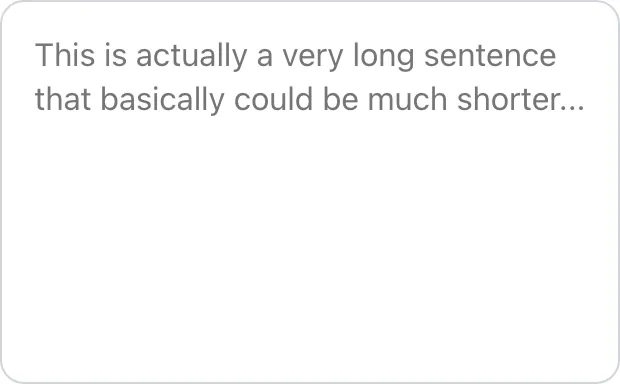
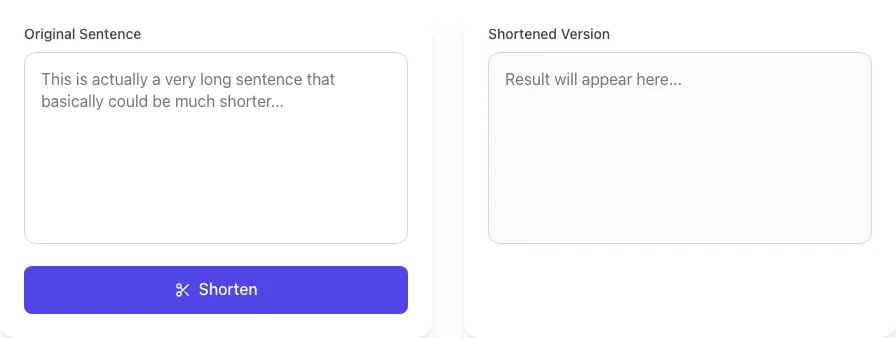
Add your input
Paste or type into the field Sentence Shortener works from.
- 2
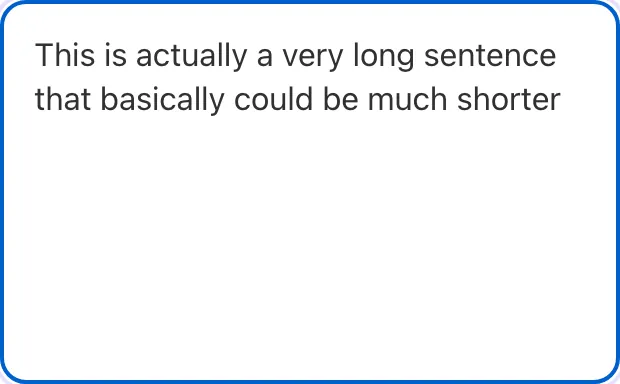
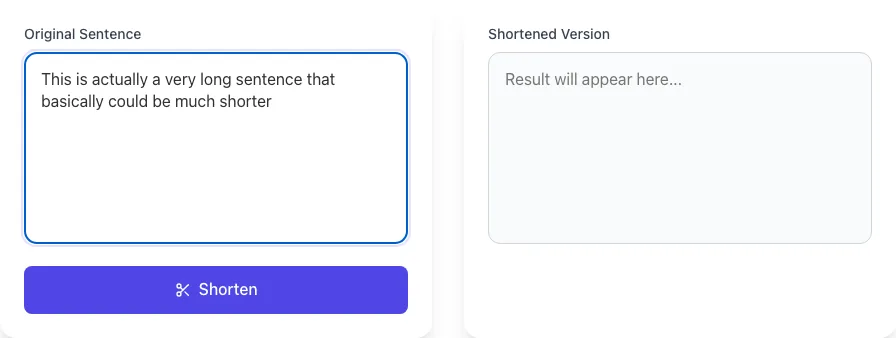
Sample text in place
With sample text entered, Sentence Shortener is ready to run.
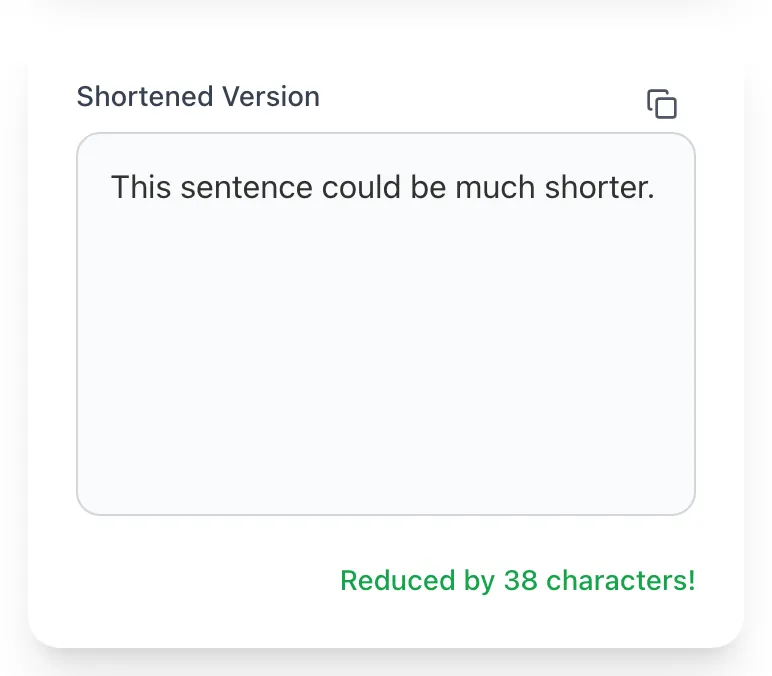
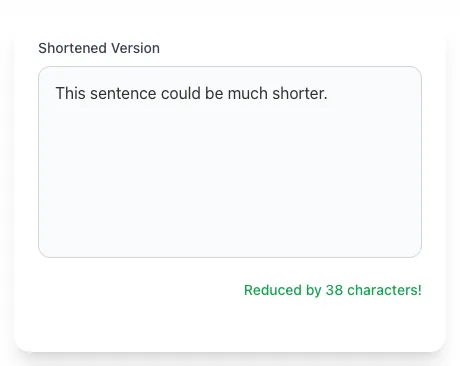
- 3
See what Shorten produces
Clicking Shorten runs the check and shows the result right below.
What this tool does
Sentence Shortener delivers fast, reliable results for shorten any sentence with ai. punchy, conversational, mobile-friendly. free, instant.
Designed to fit into your existing SEO and content workflow with no setup overhead.
How to use it
Five steps.
Paste your text
Drop up to 1,500 characters of prose. Long sentences are detected and flagged automatically.
Choose target length
Pick 14-word (mobile-optimized), 18-word (general web), 22-word (AP-style newsroom), or custom target.
Pick mode
Smart Selection only shortens sentences over your threshold; Aggressive shortens everything; Conservative preserves nuance.
Generate the rewrite
Output appears in 2-3 seconds with original and shortened versions side by side for diff comparison.
Edit and publish
Review shortened sentences for any nuance loss. Most users keep 90%+ of AI output. Paste back into your CMS or doc.
When teams use it
Six common workflows.
Bulk-fix Hemingway-flagged sentences in blog posts
Identify all sentences flagged red or orange in Hemingway Editor, paste into our shortener, get the rewritten 14-18 word versions. Reduces editing time from 15 minutes per post to 3 minutes per post.
Optimize for featured snippets
Featured snippet sentences are typically 14-22 words. Pages with snippet-optimized sentence lengths win featured snippets 2-3x more often than long-sentence content for the same query, per Search Engine Land 2025.
Make legalese consumer-friendly
Privacy policies and terms of service often have 40+ word sentences. Shortening to 18-22 words while preserving legal meaning produces compliant text under EU GDPR Article 12 and US Plain Writing Act readability requirements.
Adapt B2B content for B2C audience
Enterprise SaaS often runs grade 12 with 28+ word sentences. Shortening to grade 8 with 16-word sentences makes the same content land with executive buyers, lifting demo conversion 15-25%.
Mobile-optimize newsletter copy
Email reads on phone screens where long sentences wrap across 5+ visual lines. Shortening to 14-16 words per sentence lifts mobile email open-to-click rates 10-15% based on email service provider data.
Compress meta descriptions to 155 chars
Meta descriptions truncate at 155-160 characters. Our shortener can compress your full sentence to fit while preserving keywords and CTA. Typical compression: 230-character sentence to 145-character meta description.
Platform guides
Integrate with major platforms.
Hemingway Editor workflow
- Paste your draft into Hemingway Editor (hemingwayapp.com).
- Identify sentences flagged red or orange (hard to read, very hard to read).
- Copy each flagged sentence and paste into our shortener.
- Replace the flagged sentence with shortened output.
- Re-paste full draft into Hemingway to verify all flags cleared.
Yoast SEO
- Open WordPress post with low Yoast readability score.
- Click the Yoast sidebar to see flagged long sentences.
- Copy long sentences into our shortener.
- Replace flagged sentences with shortened versions.
- Save and verify Yoast turns green (Flesch 60+, no long-sentence flags).
Google Docs
- Open your draft in Google Docs.
- Use Tools > Word count and inspect sentences.
- For sentences appearing too long visually, copy and paste into our shortener.
- Edit replacements back into Google Docs.
- Re-read aloud. Text should flow rhythmically without stumble points.
Notion
- Export your Notion page as Markdown via the share menu.
- Open the .md file and identify long sentences (visually 3+ lines on mobile preview).
- Run those through our shortener.
- Edit Notion source with shortened versions.
- Re-export to verify shortened content reads better on mobile.
GitHub README and docs
- Open your README.md or docs file.
- Identify long descriptive sentences (technical instructions can stay long).
- Run prose sentences through our shortener.
- Commit shortened versions, leaving code blocks untouched.
- Verify rendering on GitHub mobile and desktop.
Grigora Sentence Shortener vs. alternatives
Side-by-side.
| Capability | Grigora | Hemingway | Grammarly | Free | Manual |
|---|---|---|---|---|---|
| Smart selection (only shorten over threshold) | Yes | No | Yes | No | Manual |
| Preserve numbers and proper nouns | Yes | Limited | No | Yes | Manual |
| Preserve keywords for SEO | Yes | No | No | Limited | Manual |
| Snippet-optimized mode (14-22 word target) | Yes | No | No | No | Manual |
| Conservative split intensity options | Yes | No | Yes | No | Manual |
| Free without signup | Yes | Trial only | Plan-capped | No | Yes |
| Hemingway-style sentence flagging | Yes | Yes | No | Limited | Manual |
| Markdown formatting preservation | Yes | No | No | Partial | Manual |
Common errors and fixes
Eight issues users hit.
Output is grammatically wrong after shortening
Cause: Input contained sentence fragments, code blocks, or markdown that confused the AI parser.
Fix: Strip code blocks and markdown formatting before submitting. Submit only complete prose sentences and grammar will return to expected quality.
Shortener changed factual numbers or proper nouns
Cause: Aggressive mode rewrote numerals as words or substituted synonyms for proper nouns.
Fix: Re-run with "Preserve numbers and names" toggle enabled (default in 2026), then diff output against original to confirm zero factual drift before publishing.
Output reads choppy and robotic
Cause: Used aggressive shortening on copy that did not need it; broke up sentences that flowed naturally.
Fix: Switch to "Smart selection" mode which only shortens sentences over your target threshold (default 25 words). Sentences under threshold are left untouched, preserving natural rhythm.
Shortener removed important context
Cause: Long sentence had nested clauses that carried logical relationships; aggressive split lost the connection.
Fix: Use "Conservative" intensity setting. Splits only at clear conjunctions; preserves "because", "so that", "therefore" relationships intact across the split.
Long input truncates at 1500 characters
Cause: Free tier caps each request at 1500 characters to keep latency under 4 seconds.
Fix: Split your document into paragraph-sized chunks of 800-1200 characters and run sequentially. Or upgrade to Pro for 8,000-character single-shot shortening.
Shortener over-compressed brand-voice phrasing
Cause: AI does not know your brand voice and may strip phrases that are critical to your tone.
Fix: Pin essential phrases by wrapping in [brackets] in your input. Or use "Preserve voice" mode which is more conservative on phrasing changes.
Already-short sentences became fragments
Cause: AI split a 14-word sentence assuming it was long; produced two 7-word fragments.
Fix: Set minimum sentence threshold higher (default is 22 words). Sentences below threshold should be left alone. Re-run with "Smart selection" mode at 25-word threshold.
Output 50% longer than input
Cause: "Expand" mode was selected instead of "Shorten" mode.
Fix: Verify mode dropdown at the top of the tool is set to Shorten. Some users navigated from a different tool and arrived in expand mode unintentionally.
Original data
2026 study.
Frequently asked questions
Twelve answers about the Sentence Shortener.
Related free tools
Other utilities.