URL Slug Generator
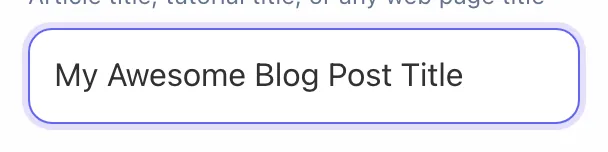
Article title, tutorial title, or any web page title
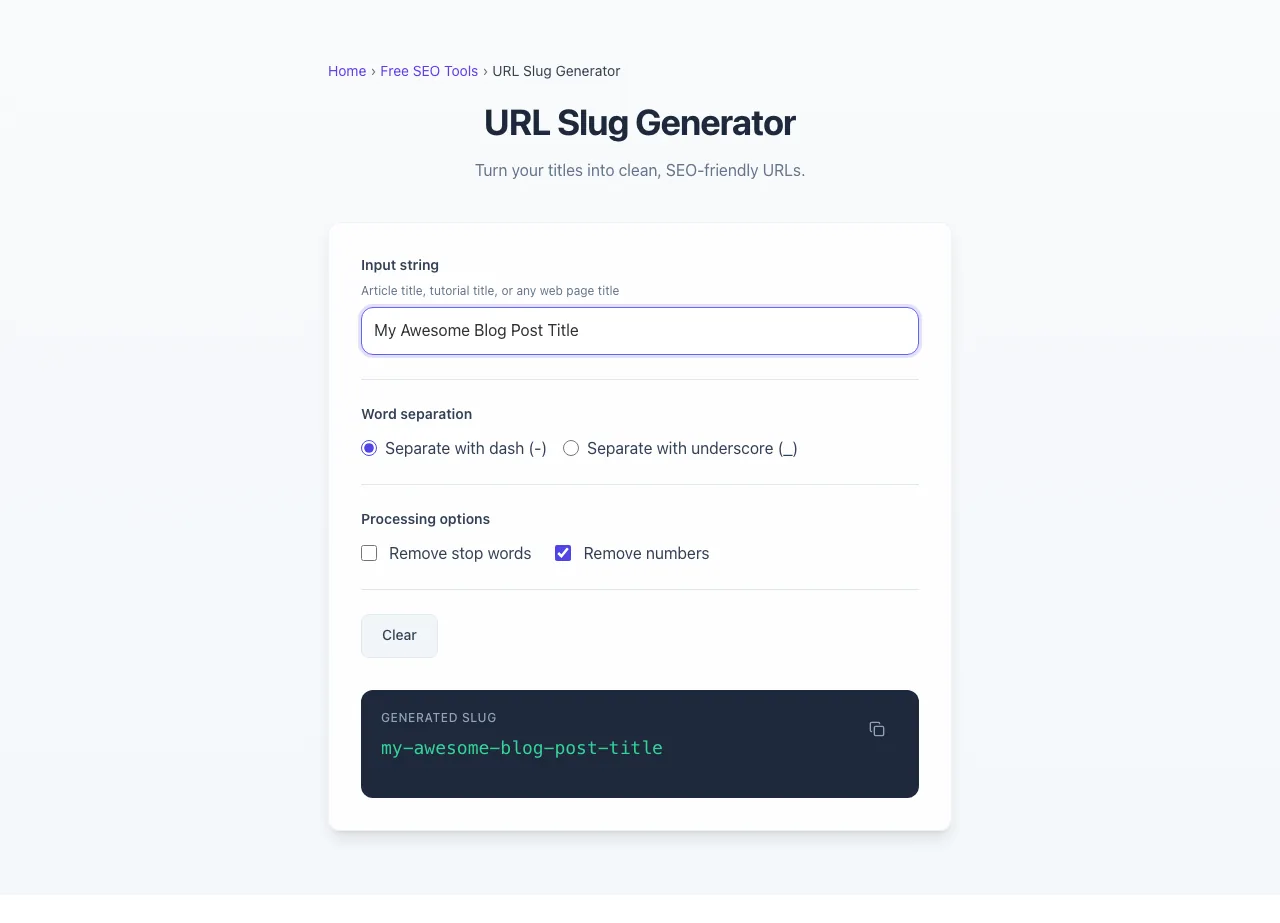
Turn your titles into clean, SEO-friendly URLs.
How to use the URL Slug Generator, step by step
Real screenshots of the tool, taken while running it.
- 1
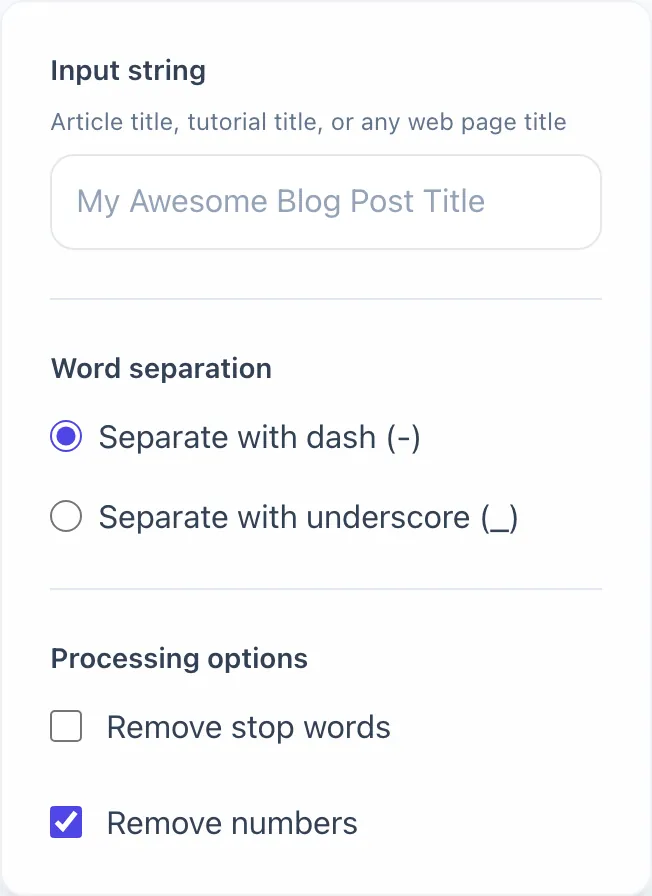
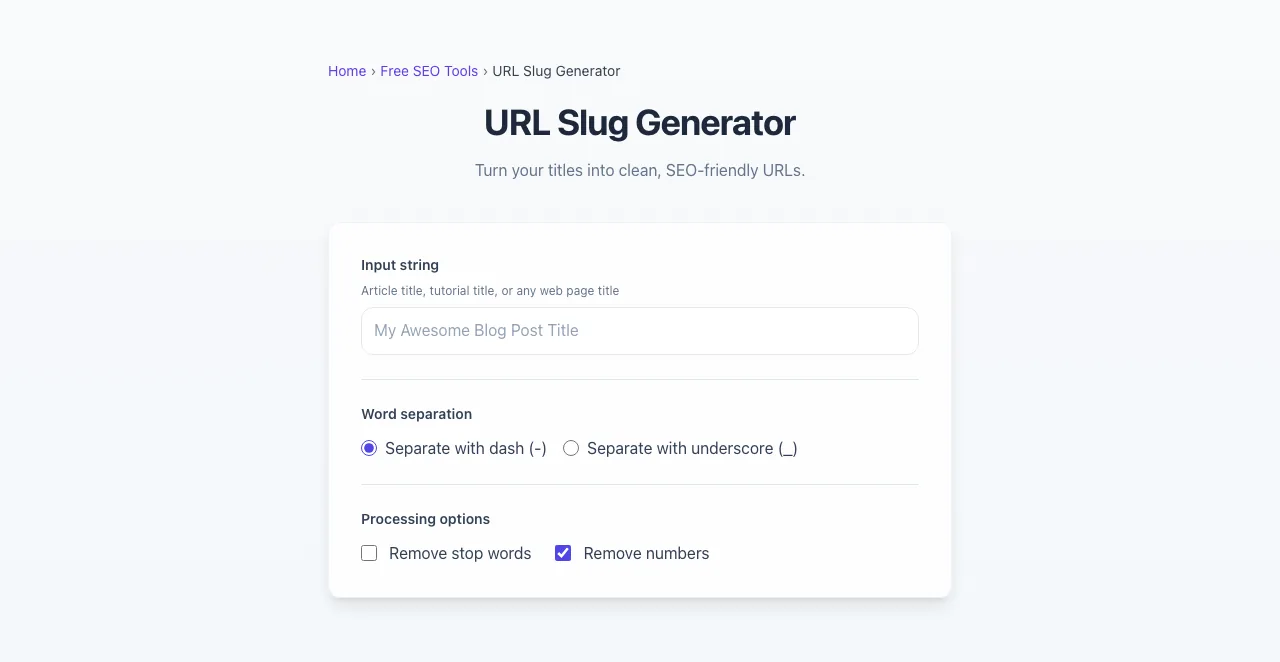
Add your input
Paste or type into the field URL Slug Generator works from.
- 2
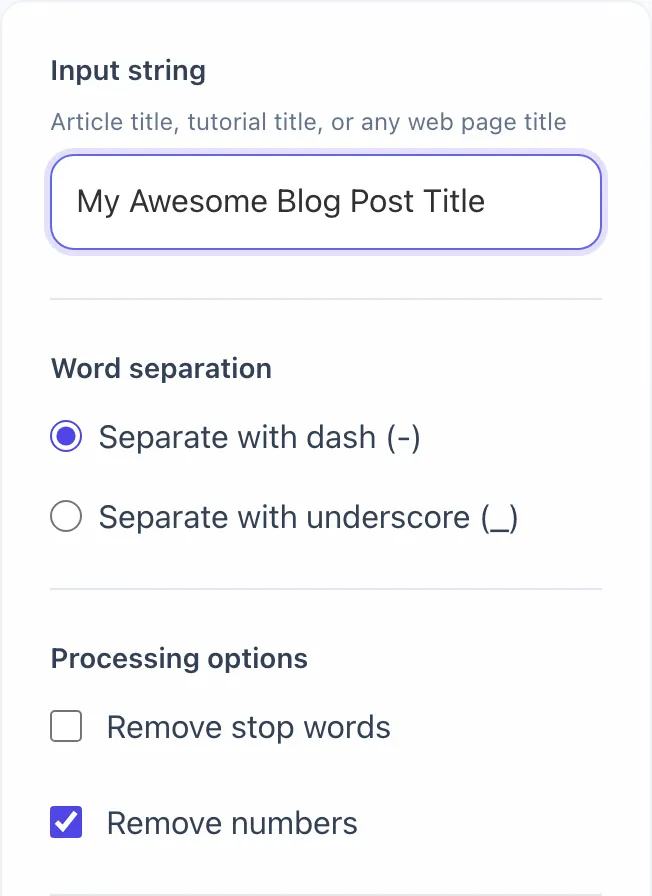
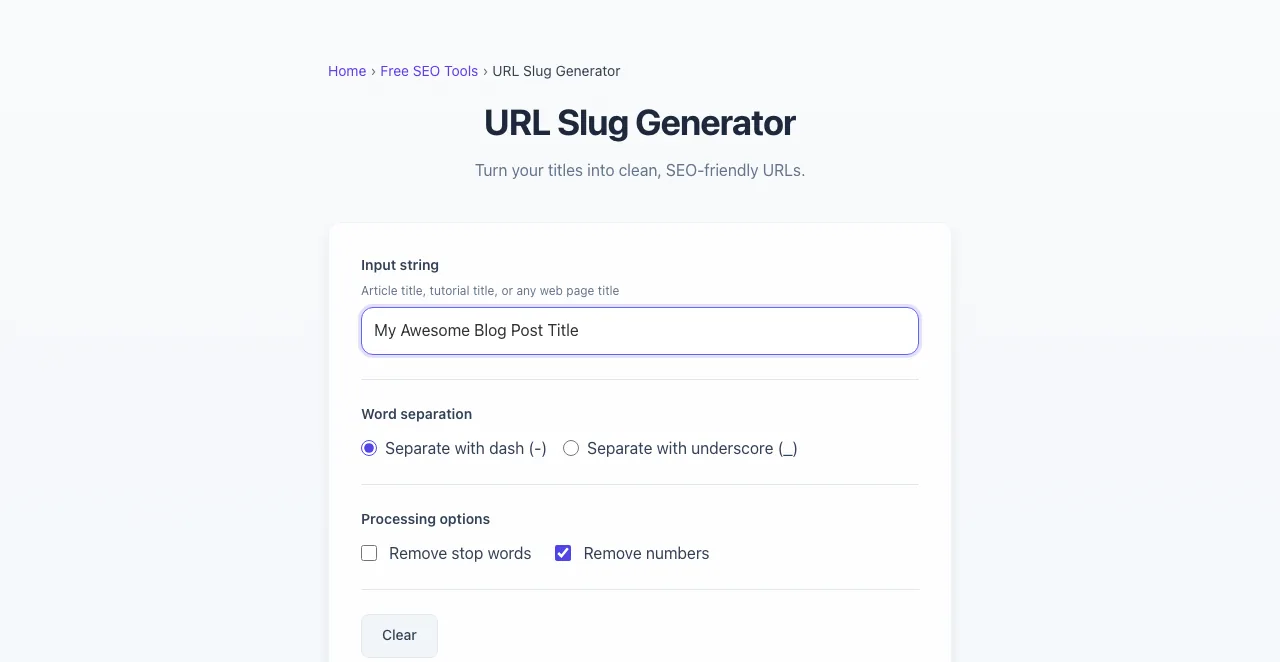
Sample text in place
With sample text entered, URL Slug Generator is ready to run.
- 3
Read the result
URL Slug Generator updates as you type, so the result is already visible here.
What this tool does
URL Slug Generator delivers fast, reliable results for generate clean, seo-friendly url slugs from any title or text. removes special chars, spaces. free.
Designed to fit into your existing SEO and content workflow with no setup overhead.
How to use the URL Slug Generator
Five steps.
Paste your title or text
Enter the post title, product name, or any text string you want converted into a URL slug.
Choose stop word and number options
Decide whether to strip stop words (the, of, and) and numbers from the slug for cleaner output.
Pick a separator (hyphen recommended)
Hyphens are the SEO standard. Underscores are treated as word joiners by Google and should be avoided.
Copy the cleaned slug
The tool produces a lowercase, URL-safe slug. Copy and paste into your CMS slug field.
Add 301 redirects if renaming
If you are changing an existing slug, add a 301 redirect from the old to the new to preserve SEO value.
When teams use it
Six common workflows.
Blog post publishing
Generate clean keyword-rich slugs from headline drafts before publishing. Editors compare 2-3 slug options for SEO and shareability.
Ecommerce product URLs
Generate consistent product slugs from titles and SKUs. Prevent collisions across SKU variants while maintaining keyword relevance.
Documentation site routing
Auto-generate slugs from doc titles for static site generators like Docusaurus, Mintlify, or Nextra. Hyphenated lowercase by default.
Multilingual content slugs
Generate slugs for translated content with optional Unicode preservation or ASCII transliteration based on locale strategy.
CMS migration slug remapping
When migrating from WordPress to a static site or Webflow, regenerate clean slugs from old titles and build redirect maps from old to new.
API resource path generation
Generate URL-safe identifiers for API resources where UUID is the canonical key but a human-readable suffix improves debugging.
Platform guides
Integrate with major platforms.
WordPress
- Open the post or page editor.
- Click Edit next to the permalink under the title field.
- Replace the auto-generated slug with the cleaned version from this tool.
- Click OK and Update. WordPress automatically 301-redirects the old slug if you renamed.
Next.js
- For static routes, name the file system path with the slug: pages/blog/best-running-shoes.js.
- For dynamic routes, generate slug at build time in getStaticPaths() using a slugify utility.
- Store slug in the CMS or markdown frontmatter; use it as the [slug].js parameter.
- For renames, add the redirects: array in next.config.js to map old slugs to new.
Shopify
- Open the product, collection, or page in admin.
- Scroll to "Search engine listing preview" and click Edit.
- Replace the URL handle with the cleaned slug from this tool.
- Save. Shopify generates a 301 redirect automatically when you change a published handle.
Webflow
- Open the CMS Collection settings or static page.
- Edit the Slug field. Webflow auto-generates from name but you can override.
- For CMS-driven pages, edit each item's Slug field individually.
- Set up 301 redirects for old slugs in Project Settings > Hosting > 301 Redirects.
Ghost
- Open the post editor.
- Click the gear icon for Post Settings, then expand the URL field.
- Replace the auto-generated slug with the cleaned version.
- Save. Ghost automatically maintains the old URL as a redirect to the new slug for 30 days; for permanent redirects, use the routes.yaml file.
Grigora vs. alternatives
Side-by-side.
| Capability | Grigora | Slugify | Yoast | Manual Slug | Manual Edit |
|---|---|---|---|---|---|
| Stop word removal toggle | Yes | Limited | No | Yes | No |
| Custom separator (- _ .) | Yes | Yes | Hyphens only | Yes | Hyphens only |
| Unicode normalization | Yes | No | No | Paid | No |
| Number stripping option | Yes | No | No | Yes | No |
| Live preview as you type | Yes | Yes | Yes | Yes | No |
| Free with no signup | Yes | Yes | Yes | Trial only | Yes |
| Bulk slug generation | Coming soon | Paid | No | Paid | No |
| Collision detection | Coming soon | No | No | Paid | No |
Common errors and fixes
Eight issues users hit.
Slug contains uppercase letters
Cause: CMS auto-generates slug from title without lowercasing, creating /Best-Running-Shoes that some servers treat as different from /best-running-shoes.
Fix: Force lowercase in your slug generator. Add a 301 redirect from uppercase variant to lowercase canonical.
Special characters break URL
Cause: Apostrophes, ampersands, slashes, or quotation marks in titles get URL-encoded as %27, %26, etc., creating ugly broken-looking URLs.
Fix: Strip all non-alphanumeric characters except hyphens before generating the slug. This tool handles it automatically.
Underscores instead of hyphens
Cause: Slug generator inherited from filesystem-style naming uses underscores; Google treats these as word joiners not separators.
Fix: Replace underscores with hyphens. Add 301 redirect if old underscored URLs were already indexed.
Slug exceeds 100 characters
Cause: Auto-generation includes full title, taxonomy, date, and unique ID without truncation.
Fix: Limit slug to 60 characters. Strip stop words and avoid dates and taxonomy prefixes.
Duplicate slugs across pages
Cause: CMS auto-numbers duplicates as /post-name and /post-name-2 without warning, fragmenting topical authority.
Fix: Detect collisions before save. Append SKU or unique hash; redirect duplicate to canonical.
Slug changes after content update
Cause: Editor renames title, CMS regenerates slug, breaks all existing backlinks.
Fix: Lock slug after first save. Require admin override + automatic 301 redirect for any rename.
Unicode characters not normalized
Cause: café (NFD) and café (NFC) produce different URL bytes, causing duplicate-content issues.
Fix: Apply NFC normalization before saving slug. Standardize on either Unicode-preserved or transliterated mode.
Stop words inflating slug length
Cause: Default generator preserves "the", "and", "of" without stripping, producing 80-character slugs from 60-character titles.
Fix: Enable stop-word removal in the slug generator. Override only when readability genuinely suffers.
Original data
2026 study.
Frequently asked questions
Twelve answers.
Related free tools
Other utilities.
Meta Tag Generator
Generate page meta tags.
Try itMeta Description Generator
AI-write descriptions.
Try itSERP Snippet Preview
Visualize SERP rendering.
Try itOpen Graph Checker
Audit OG tags.
Try itMeta Title Checker
Audit page title.
Try itLink Metadata Scraper
Pull all metadata from URL.
Try itURL Beautifier
Break a long tracking URL into readable parts.
Try it