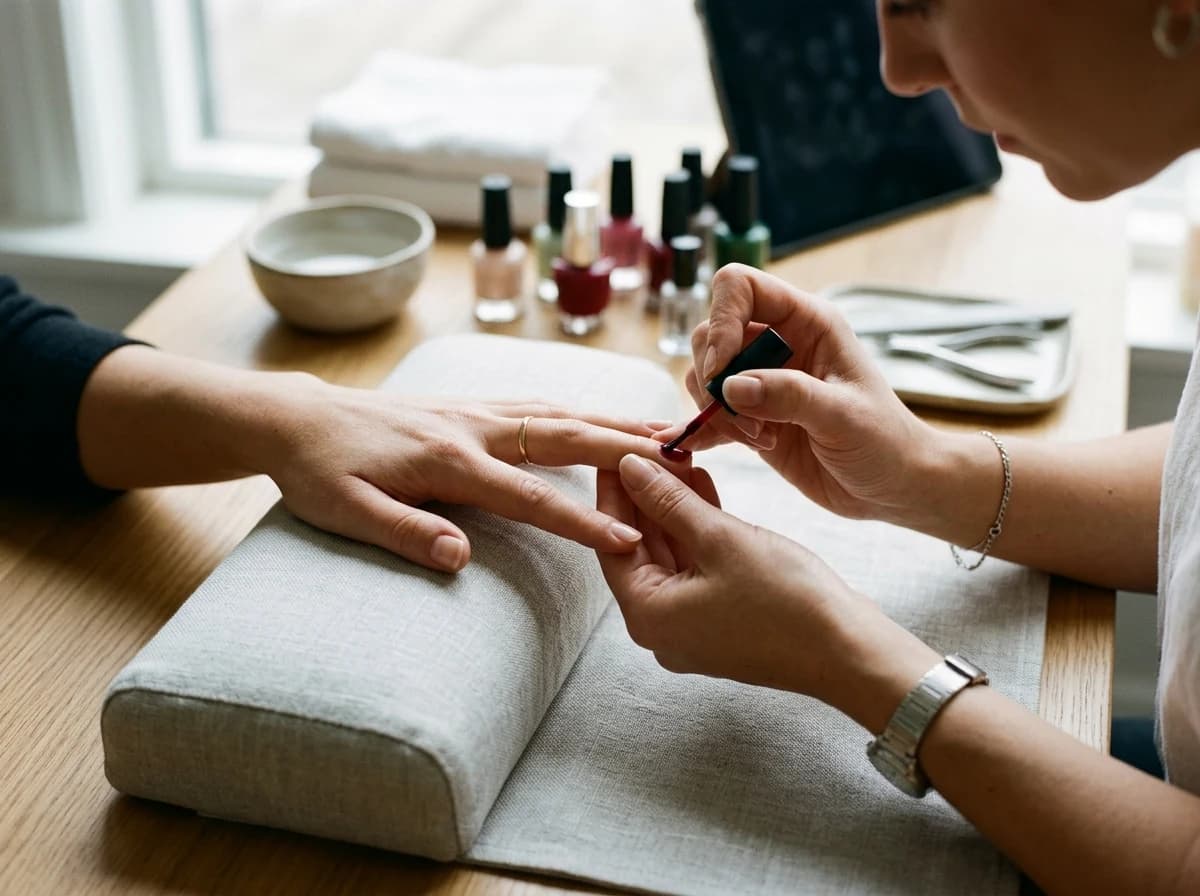
Services Menu & Pricing
Clearly list all your salon services (e.g., haircuts, coloring, facials, manicures). Provide detailed descriptions, transparent pricing, and highlight any special packages or seasonal offers.
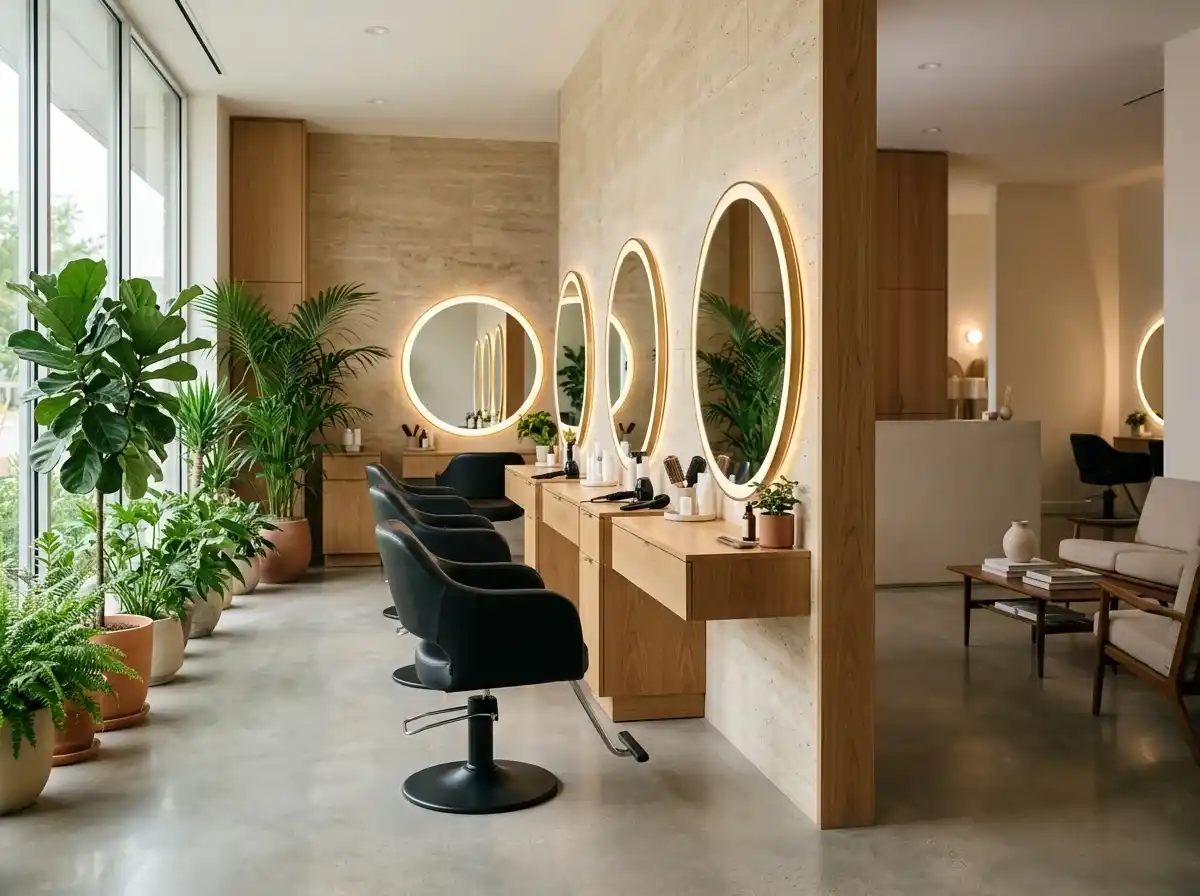
AI website builder for beauty salon
Present your treatments, team and real work, with a clear route for appointment enquiries.
Your work deserves a good first impression
Explore templates for beauty salon websites. Preview a design, then make the content, photographs and colours your own.
A first draft, with room to make it yours
Start with an idea or a relevant template. Refine it around your beauty salon audience and the information they need.
Tell the AI who you serve, what you offer and the style you want. Include services menu & pricing and stylist portfolios & bios in your brief, or choose a relevant template.
Name your audience and the next action you want visitors to take.Ask the AI Editor for any change, or click an element to show what you mean. Add your own photographs and review services menu & pricing, stylist portfolios & bios, gallery of work / before & afters before sharing your website.
Confirm every claim and replace sample content with your actual details.Check the website on phones, tablets and desktop screens. Publish with hosting and SSL, and connect a domain you own when your plan includes custom domains.
Test your contact form and every external service link after publishing.The details that help visitors choose
A beauty salon website shows the work, the prices and the people behind the chair, and Grigora builds one for your salon from a few lines describing what you offer. Say whether you do colour, extensions, nails, lashes or facials, and the AI drafts a home page, a service and price list, a stylist section, a gallery and a contact page, all editable by describing changes in the AI Editor, with no code.
Clearly list all your salon services (e.g., haircuts, coloring, facials, manicures). Provide detailed descriptions, transparent pricing, and highlight any special packages or seasonal offers.
Introduce your talented team with professional headshots, bios, and individual portfolios showcasing their best work. This builds trust and helps clients choose the perfect stylist for their needs.
Showcase high-quality photos of your salon's work, including stunning haircuts, vibrant color transformations, and beautiful nail art. Before-and-after photos are particularly effective at demonstrating skill.
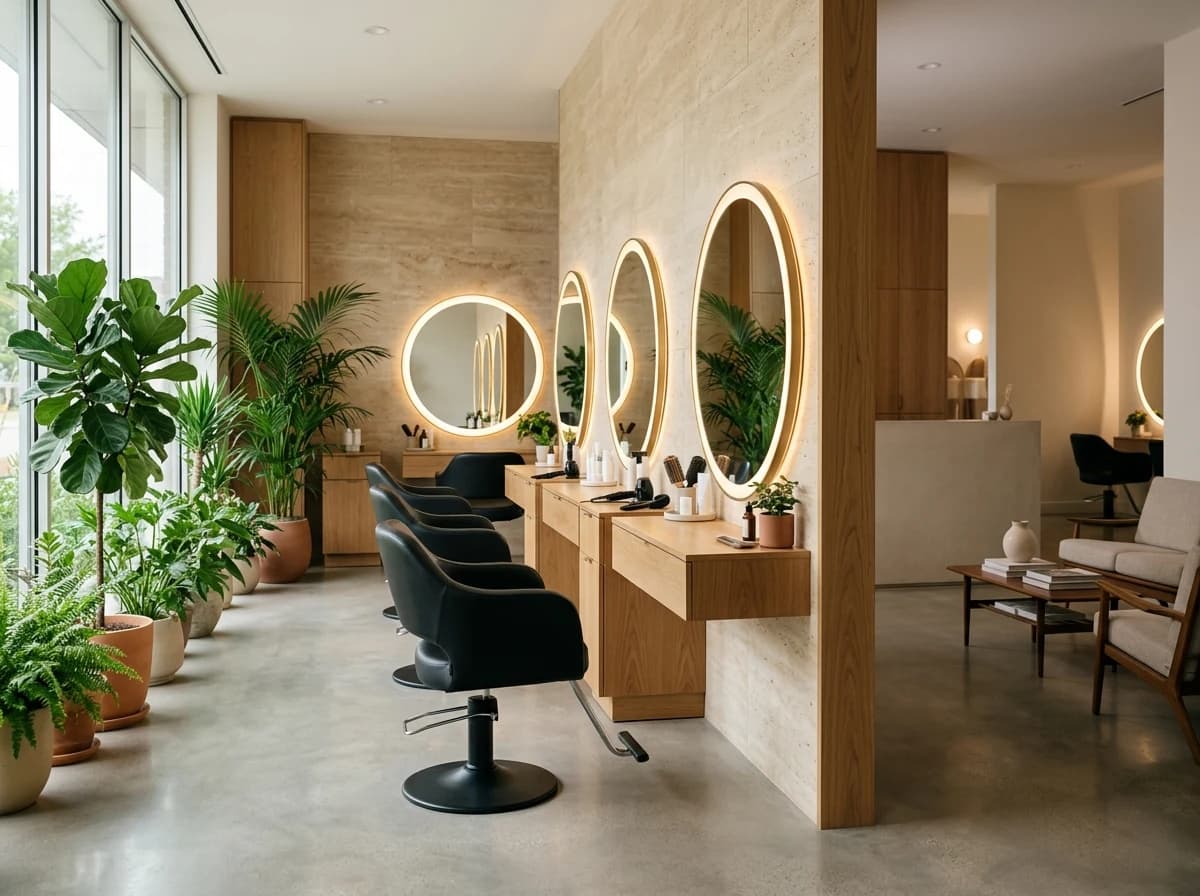 Luxury Day Spa
A clear first impression
Clearly list all your salon services (e.g., haircuts, coloring, facials, manicures). Provide detailed descriptions, transparent pricing, and highlight any special packages or seasonal offers.
Your work, clearly presentedInteractive design inspiration. Illustrative photography and sample copy.
Plan the pages your visitors will use
A practical beauty salon website content guide. Choose the pages that fit what you do and keep the important answers close.
Clearly list all your salon services (e.g., haircuts, coloring, facials, manicures). Provide detailed descriptions, transparent pricing, and highlight any special packages or seasonal offers.
Introduce your talented team with professional headshots, bios, and individual portfolios showcasing their best work. This builds trust and helps clients choose the perfect stylist for their needs.
Showcase high-quality photos of your salon's work, including stunning haircuts, vibrant color transformations, and beautiful nail art. Before-and-after photos are particularly effective at demonstrating skill.
Feature glowing reviews from satisfied clients about their salon experience, the results they achieved, and the friendly atmosphere. This social proof is crucial for attracting new customers.
Share articles on hair care tips, makeup trends, skincare advice, or seasonal style guides. A blog positions your salon as an expert and attracts visitors seeking beauty information and inspiration.
Review site analytics to understand which pages people visit. Keep services menu & pricing and contact information easy to reach, and update them when your work changes.
Explore the tools behind your websiteMake the next step obvious
Choose how visitors to your beauty salon website reach you. Make each action fit the services and processes you already use.
Help visitors ask about services menu & pricing. Use a contact form that collects the details your team needs, and explain what happens after an enquiry.
Your team reviews requests and confirms the next step.
Keep specialist workflows for your beauty salon website in the services you already use. Add clear links and explain their process before visitors leave your site.
Your chosen provider handles its own availability, confirmations and account access.
If you sell products or agreed services, add Grigora Commerce product pages, a cart and checkout with your connected Stripe, Razorpay, PayPal, Paddle, or Paystack account. Explain prices, terms and fulfillment before accepting payment.
Your team manages orders and fulfillment; payment provider fees and terms apply.
SEO for beauty salon websites
Good beauty salon website SEO starts with useful pages. Make services menu & pricing, your contact details and your story easy to find.
Your website
https://beauty-salon.example/Explore services menu & pricing and stylist portfolios & bios, learn about our approach and find out how to contact us.
Fictional example. Search engines choose the final title and snippet.
Give pages for services menu & pricing and stylist portfolios & bios clear titles. Write descriptions that match their actual content.
Explain services menu & pricing with original copy and relevant photographs. Keep contact details and any locations you serve accurate.
Publish with hosting, HTTPS and a sitemap. Use clear navigation so visitors and search engines can reach your pages. Custom domains are available on paid plans.
Room to start. Room to grow.
Build and review your first beauty salon website draft with no card needed. Choose a plan before the trial ends to keep the site online.
Compare plans for your domain and the content your beauty salon website needs. Paid plans keep your site online after the trial and let you connect a domain you own.
Check current plan limits and feature eligibility before choosing. Connected payment providers have their own terms and processing fees.
The last check before going online
Walk through your beauty salon website as a visitor would. Review these details before publishing, and again whenever your content changes.
0 of 5 items reviewed
Before you go online
Clear answers about creating a beauty salon website, its content and the tools you can use.
Absolutely. Grigora features a built-in newsletter system perfect for beauty salons. You can create, send, and track professional emails to announce new services, special offers, or seasonal promotions. Easily integrate newsletter subscription forms and popups on your website to build your client email list, enabling direct marketing and fostering client loyalty.
Grigora includes a built-in privacy-friendly analytics dashboard that tracks traffic, engagement, and performance insights. You can also integrate Google Analytics for more detailed reporting. These tools help you understand how visitors interact with your website, which services are most popular, and how effective your lead generation efforts are, allowing you to optimize your online presence for your salon.
Set the service up as a one-time purchase product in Grigora Commerce, priced at your deposit amount, and take payment through Stripe, Razorpay, PayPal, Paddle, or Paystack checkout. Once the deposit is paid, mark the order fulfilled manually and follow up with the client directly to confirm the appointment time, since scheduling itself happens outside the site.
Yes. List a gift card as a digital product with pay-what-you-want pricing so clients can choose the amount, and deliver the redeemable code as a Grigora Commerce digital download that the buyer gets by email after paying.
No. Grigora Commerce has no subscriptions or automatic monthly billing, so sell a prepaid package instead, such as five blowouts or three facials, as a one-time product, and use order tracking to keep an eye on who has bought one.
Yes. Create a team directory and add one entry per stylist with fields for a photo, a rich text bio, and a specialty, so your roster stays organized and easy to update as staff change. You control how each entry displays on the page when you design it.
Yes, use Grigora's Newsletters and Email Builder to design and send a promotional email straight from the same platform as your site. This is separate from Grigora Mail, which is your everyday business inbox on your own domain.
Build a gallery page and pair each transformation with the service that produced it, the time it took and the stylist who did it. A directory collection works well here, one item per look with fields for service, hair type and stylist, so clients can browse colour work separately from cuts or extensions.
Yes. Add each product to Grigora Commerce with photos, price, SKU and stock, use variants for sizes or shades, set shipping or local pickup, and connect your own Stripe, Razorpay, PayPal, Paddle, or Paystack account. Orders and receipts sit in your dashboard and you fulfil them yourself, which suits a small retail shelf.
There is no importer for sites made with the AI builder, so plan on rebuilding. In practice that means describing the salon to Grigora, getting a drafted site back, and pasting across your service list and bios. Keep your URLs where you can, set redirects for the rest, then point your domain over.
Starter is $15 a month, or $144 a year, which works out to $12 a month, and Pro is $25 a month. Grigora offers a free trial, not a free forever plan. Retail and gift card payments are processed by your own Stripe, Razorpay, PayPal, Paddle, or Paystack account, and a mailbox like hello@yoursalon.com is $5 a month.
Describe your beauty salon website. Get a first draft you can edit and make your own.
Start building free