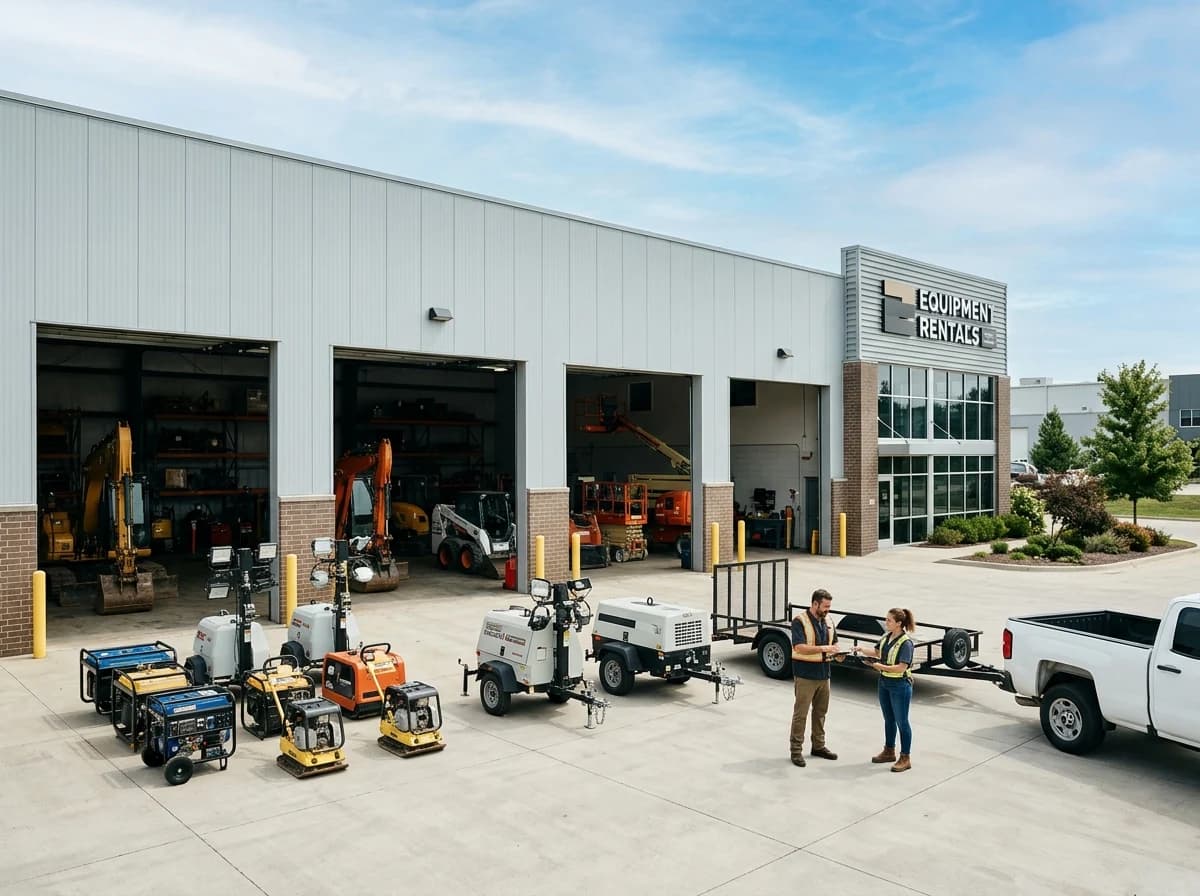
Equipment Catalog with Details
Showcase your full inventory with high-quality photos, detailed descriptions, specifications, and suggested uses for each piece of equipment. Categorize items clearly for easy browsing.
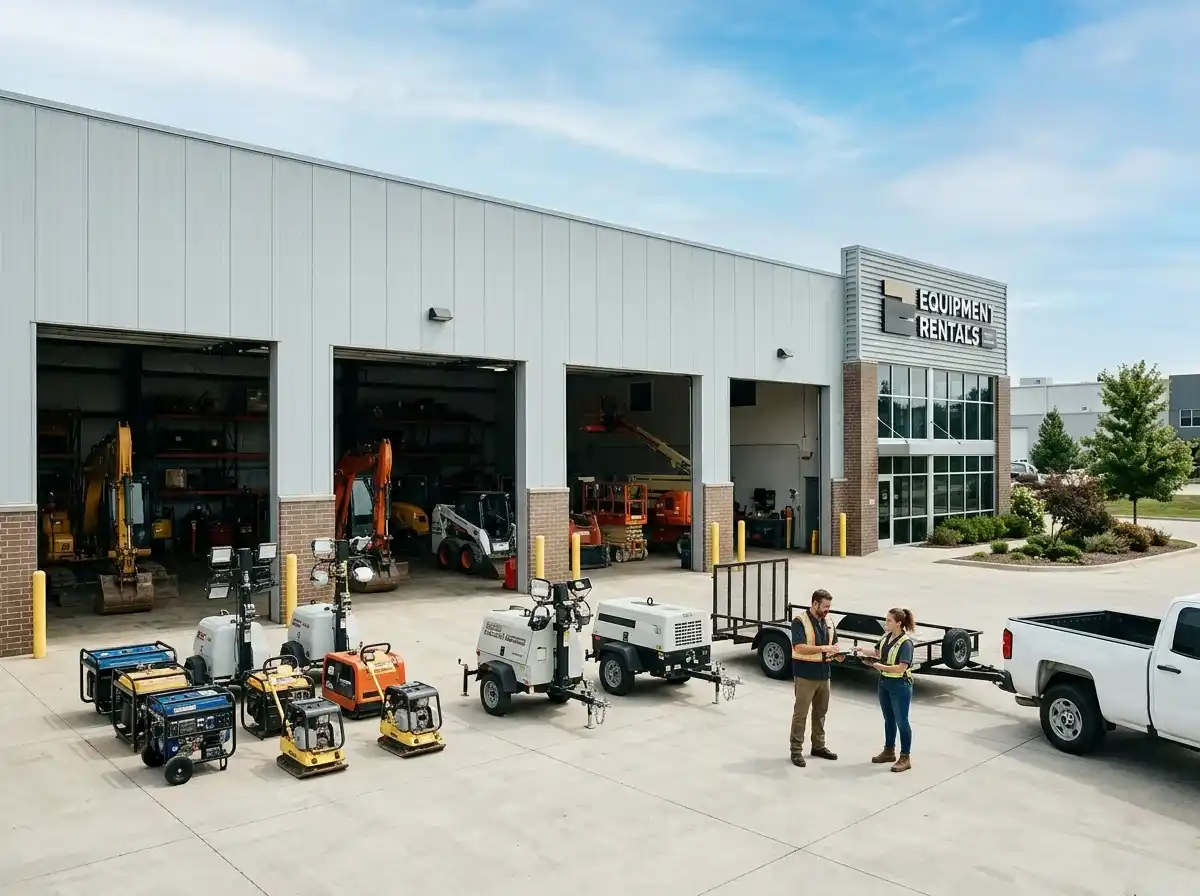
AI website builder for equipment rental
Show the equipment you hire out, rental terms and how customers can confirm availability.
Your work deserves a good first impression
Explore templates for equipment rental websites. Preview a design, then make the content, photographs and colours your own.
A first draft, with room to make it yours
Start with an idea or a relevant template. Refine it around your equipment rental audience and the information they need.
Tell the AI who you serve, what you offer and the style you want. Include equipment catalog with details and rental process & faqs in your brief, or choose a relevant template.
Name your audience and the next action you want visitors to take.Ask the AI Editor for any change, or click an element to show what you mean. Add your own photographs and review equipment catalog with details, rental process & faqs, about us & service area before sharing your website.
Confirm every claim and replace sample content with your actual details.Check the website on phones, tablets and desktop screens. Publish with hosting and SSL, and connect a domain you own when your plan includes custom domains.
Test your contact form and every external service link after publishing.The details that help visitors choose
An equipment rental website is an online catalog of your fleet with specs, rates and a way to reach you, and Grigora builds one for a rental yard without code. Describe the business, whether that is excavators and skid steers or tents, tables and inflatables, and the AI drafts category pages, item pages, a rate sheet and a quote request form.
Showcase your full inventory with high-quality photos, detailed descriptions, specifications, and suggested uses for each piece of equipment. Categorize items clearly for easy browsing.
Clearly explain how to rent equipment, including reservation steps, pickup/delivery options, payment terms, and required documentation. An FAQ section can answer common questions.
Share your company's story, values, and commitment to customer service. Clearly define your geographic service area and any delivery/pickup options.
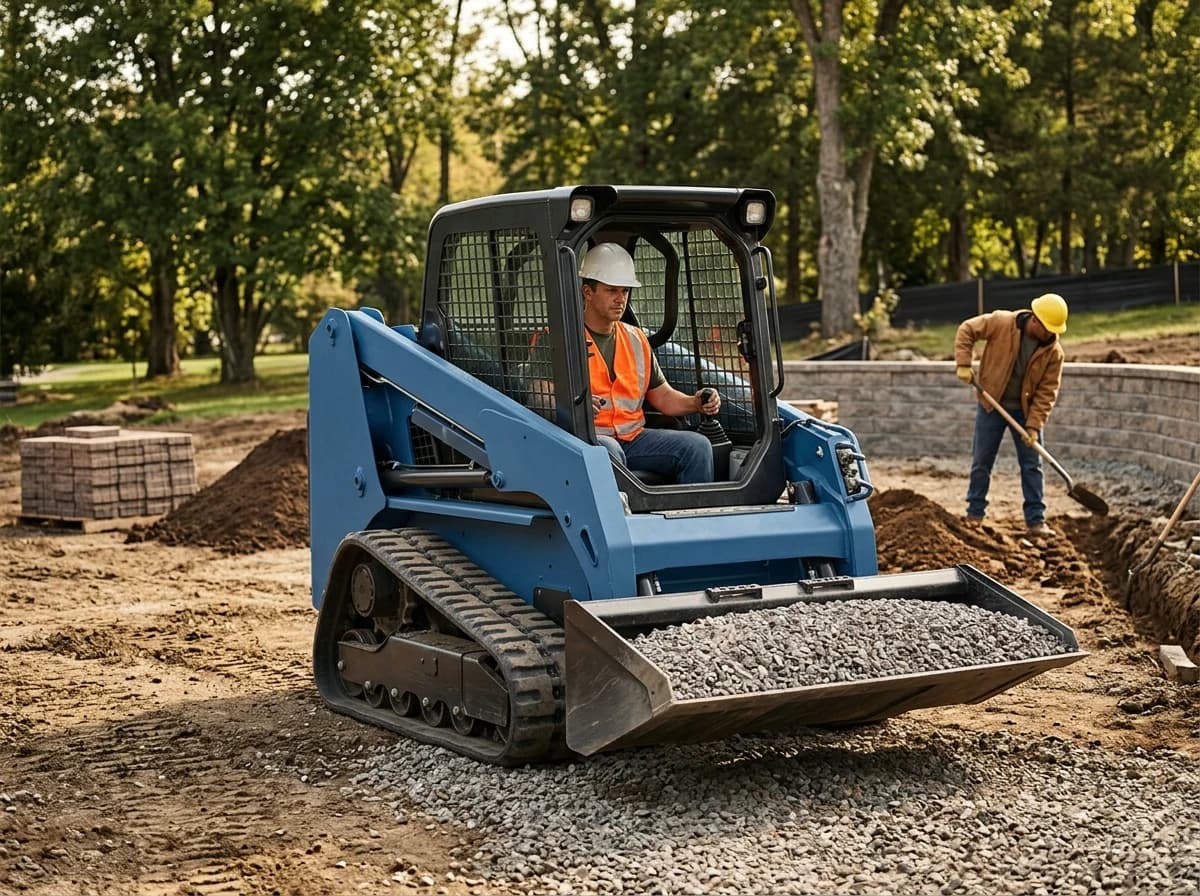 Heavy Machinery Yard
A clear first impression
Showcase your full inventory with high-quality photos, detailed descriptions, specifications, and suggested uses for each piece of equipment. Categorize items clearly for easy browsing.
Your work, clearly presentedInteractive design inspiration. Illustrative photography and sample copy.
Plan the pages your visitors will use
A practical equipment rental website content guide. Choose the pages that fit what you do and keep the important answers close.
Showcase your full inventory with high-quality photos, detailed descriptions, specifications, and suggested uses for each piece of equipment. Categorize items clearly for easy browsing.
Clearly explain how to rent equipment, including reservation steps, pickup/delivery options, payment terms, and required documentation. An FAQ section can answer common questions.
Share your company's story, values, and commitment to customer service. Clearly define your geographic service area and any delivery/pickup options.
Feature reviews from satisfied customers. If possible, showcase photos or brief case studies of projects where your equipment was used, demonstrating real-world applications and impact.
Offer helpful resources like safety guidelines, operation manuals, or best practice tips for using your equipment. This adds value, promotes safe use, and positions you as a knowledgeable partner.
Review site analytics to understand which pages people visit. Keep equipment catalog with details and contact information easy to reach, and update them when your work changes.
Explore the tools behind your websiteMake the next step obvious
Choose how visitors to your equipment rental website reach you. Make each action fit the services and processes you already use.
Help visitors ask about equipment catalog with details. Use a contact form that collects the details your team needs, and explain what happens after an enquiry.
Your team reviews requests and confirms the next step.
Keep specialist workflows for your equipment rental website in the services you already use. Add clear links and explain their process before visitors leave your site.
Your chosen provider handles its own availability, confirmations and account access.
If you sell products or agreed services, add Grigora Commerce product pages, a cart and checkout with your connected Stripe, Razorpay, PayPal, or Paddle account. Explain prices, terms and fulfillment before accepting payment.
Your team manages orders and fulfillment; payment provider fees and terms apply.
SEO for equipment rental websites
Good equipment rental website SEO starts with useful pages. Make equipment catalog with details, your contact details and your story easy to find.
Your website
https://equipment-rental.example/Explore equipment catalog with details and rental process & faqs, learn about our approach and find out how to contact us.
Fictional example. Search engines choose the final title and snippet.
Give pages for equipment catalog with details and rental process & faqs clear titles. Write descriptions that match their actual content.
Explain equipment catalog with details with original copy and relevant photographs. Keep contact details and any locations you serve accurate.
Publish with hosting, HTTPS and a sitemap. Use clear navigation so visitors and search engines can reach your pages. Custom domains are available on paid plans.
Room to start. Room to grow.
Build and review your first equipment rental website draft with no card needed. Choose a plan before the trial ends to keep the site online.
Compare plans for your domain and the content your equipment rental website needs. Paid plans keep your site online after the trial and let you connect a domain you own.
Check current plan limits and feature eligibility before choosing. Connected payment providers have their own terms and processing fees.
The last check before going online
Walk through your equipment rental website as a visitor would. Review these details before publishing, and again whenever your content changes.
0 of 5 items reviewed
Before you go online
Clear answers about creating a equipment rental website, its content and the tools you can use.
Grigora features a built-in privacy-friendly analytics dashboard, providing insights into traffic, engagement, and conversion tracking. You can also integrate Google Analytics for more detailed data. These tools help you understand which equipment is most popular and optimize your website for better lead generation.
Build an equipment directory, a structured content collection under Grigora's CMS, with one entry per machine or tool. Typed fields cover what renters actually check before booking: option fields for fuel type or equipment category, datetime fields for last service or next availability, multi-image fields for condition photos from multiple angles, and a reference field to connect attachments or accessories to the main unit.
Yes. Set the item up as a Commerce product with a "Rental Length" product option, then create Daily, Weekly, and Monthly variants under it, each with its own SKU and price. Customers pick the rate on the product page instead of you quoting it by phone.
Yes. A button on any page can link out to the scheduling system you already run, so your equipment listings, photos, and specs can live on your Grigora site for SEO and browsing while the actual date reservation happens there, and those reservations are not tracked in Grigora.
Track each unit through Commerce inventory (set quantity to 1 for a unique machine) and use manual fulfillment to mark it as out of stock while it's rented and back in stock once it's returned and inspected, instead of relying on customers to call and ask what's free.
Use Grigora Commerce's invoicing to send a separate charge for a deposit or damage waiver, useful when that amount depends on the equipment's condition at pickup rather than being a fixed price you can put on the product page.
Set up a directory collection with the fields that matter on your yard: model, capacity, operating weight, attachments, rate tiers and photos. Each unit you add becomes its own page and appears in filtered category listings automatically, so a hundred item catalog takes a form entry per machine instead of a hundred layouts.
Plans start at $15 a month on Starter, or $144 a year, which works out to $12 a month, and Pro is $25 a month. You get a free trial first rather than a permanent free tier. Hosting and SSL are included, and any card payments go through your own Stripe, Razorpay, PayPal, or Paddle account.
Commerce tracks stock counts on products, which suits consumables and items you sell outright. Rental availability by date is a different problem and Grigora does not solve it, so keep availability in your rental software and use the site to show the fleet, the rates and the request form.
There is no importer for sites made with the AI builder, so plan on a rebuild. Describe your yard, let the AI produce the draft, then move your copy and photos across and load the fleet into a directory. Add redirects from your old URLs before you point the domain over.
Describe your equipment rental website. Get a first draft you can edit and make your own.
Start building free