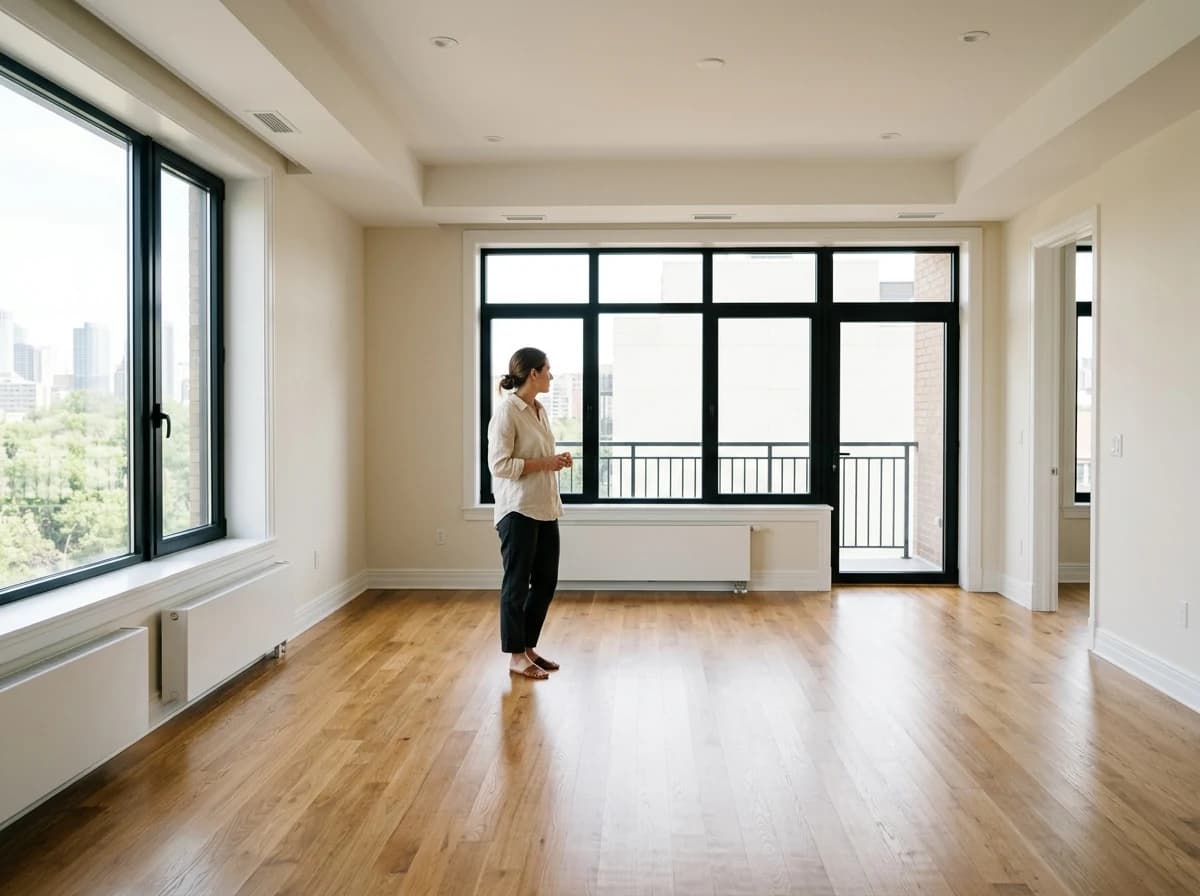
Available Properties Listing
Clearly list all vacant or soon-to-be-vacant units. Each listing should have its own page with high-resolution photos, detailed descriptions, and key features like number of beds/baths, square footage, and monthly rent.

AI website builder for rental property
Present your properties, current details and enquiry process with links to your existing services.
Your work deserves a good first impression
Explore templates for rental property websites. Preview a design, then make the content, photographs and colours your own.
A first draft, with room to make it yours
Start with an idea or a relevant template. Refine it around your rental property audience and the information they need.
Tell the AI who you serve, what you offer and the style you want. Include available properties listing and virtual tours & floor plans in your brief, or choose a relevant template.
Name your audience and the next action you want visitors to take.Ask the AI Editor for any change, or click an element to show what you mean. Add your own photographs and review available properties listing, virtual tours & floor plans, rental application form before sharing your website.
Confirm every claim and replace sample content with your actual details.Check the website on phones, tablets and desktop screens. Publish with hosting and SSL, and connect a domain you own when your plan includes custom domains.
Test your contact form and every external service link after publishing.The details that help visitors choose
A rental property website puts your units, photos, terms and enquiry form on a domain you own instead of only a listings portal, and Grigora builds one for landlords and short-term hosts from a plain description of your properties. The AI drafts the layout, copy and images, then you describe any change in the AI Editor, or click an element to show what you mean, no code.
Clearly list all vacant or soon-to-be-vacant units. Each listing should have its own page with high-resolution photos, detailed descriptions, and key features like number of beds/baths, square footage, and monthly rent.
Enhance listings with virtual tours, 3D walkthroughs, or clear floor plans. This helps prospective tenants visualize the space and reduces the need for unnecessary in-person viewings, saving time for all.
Provide an online application form for interested tenants. Collect essential information like contact details, employment history, references, and permission for background/credit checks. Ensure it's secure and easy to submit.
 Urban Apartment Portfolio
A clear first impression
Clearly list all vacant or soon-to-be-vacant units. Each listing should have its own page with high-resolution photos, detailed descriptions, and key features like number of beds/baths, square footage, and monthly rent.
Your work, clearly presentedInteractive design inspiration. Illustrative photography and sample copy.
Plan the pages your visitors will use
A practical rental property website content guide. Choose the pages that fit what you do and keep the important answers close.
Clearly list all vacant or soon-to-be-vacant units. Each listing should have its own page with high-resolution photos, detailed descriptions, and key features like number of beds/baths, square footage, and monthly rent.
Enhance listings with virtual tours, 3D walkthroughs, or clear floor plans. This helps prospective tenants visualize the space and reduces the need for unnecessary in-person viewings, saving time for all.
Provide an online application form for interested tenants. Collect essential information like contact details, employment history, references, and permission for background/credit checks. Ensure it's secure and easy to submit.
Create a section with information vital for current and prospective tenants. Include details on maintenance requests, rent payment options, lease terms, and common questions about living in your properties.
Highlight the benefits of the property's location. Include information about nearby schools, public transport, parks, restaurants, and shopping. This helps tenants envision their life there beyond just the unit.
Build trust by introducing yourself or your management team. Share your approach to property management, tenant relations, and commitment to maintaining quality housing. This personal touch can set you apart.
Review site analytics to understand which pages people visit. Keep available properties listing and contact information easy to reach, and update them when your work changes.
Explore the tools behind your websiteMake the next step obvious
Choose how visitors to your rental property website reach you. Make each action fit the services and processes you already use.
Help visitors ask about available properties listing. Use a contact form that collects the details your team needs, and explain what happens after an enquiry.
Your team reviews requests and confirms the next step.
Keep specialist workflows for your rental property website in the services you already use. Add clear links and explain their process before visitors leave your site.
Your chosen provider handles its own availability, confirmations and account access.
If you sell products or agreed services, add Grigora Commerce product pages, a cart and checkout with your connected Stripe, Razorpay, PayPal, Paddle, or Paystack account. Explain prices, terms and fulfillment before accepting payment.
Your team manages orders and fulfillment; payment provider fees and terms apply.
SEO for rental property websites
Good rental property website SEO starts with useful pages. Make available properties listing, your contact details and your story easy to find.
Your website
https://rental-property.example/Explore available properties listing and virtual tours & floor plans, learn about our approach and find out how to contact us.
Fictional example. Search engines choose the final title and snippet.
Give pages for available properties listing and virtual tours & floor plans clear titles. Write descriptions that match their actual content.
Explain available properties listing with original copy and relevant photographs. Keep contact details and any locations you serve accurate.
Publish with hosting, HTTPS and a sitemap. Use clear navigation so visitors and search engines can reach your pages. Custom domains are available on paid plans.
Room to start. Room to grow.
Build and review your first rental property website draft with no card needed. Choose a plan before the trial ends to keep the site online.
Compare plans for your domain and the content your rental property website needs. Paid plans keep your site online after the trial and let you connect a domain you own.
Check current plan limits and feature eligibility before choosing. Connected payment providers have their own terms and processing fees.
The last check before going online
Walk through your rental property website as a visitor would. Review these details before publishing, and again whenever your content changes.
0 of 5 items reviewed
Before you go online
Clear answers about creating a rental property website, its content and the tools you can use.
Grigora provides robust SEO tools to improve the visibility of your rental property listings. This includes built-in on-page SEO suggestions, a keyword research tool (e.g., for 'apartments for rent your city'), meta tag customization, and URL optimization. These features help your properties rank higher in search results, attracting more qualified leads.
Set up a directory collection for your properties. Typed fields let each unit get a consistent, structured listing: multi-image for photo galleries, datetime for move-in or availability dates, map for the address, switch fields for yes/no amenities like pet-friendly or parking, and option fields for choices like unit type. No custom code needed to keep dozens of listings organized the same way.
Yes. Grigora Commerce supports one-time purchase products, so you can set up a Security Deposit or Application Fee item and take payment through Stripe, Razorpay, PayPal, Paddle, or Paystack checkout. You connect your own payment account and stay responsible for handling deposits according to local law.
Yes. Instead of routing a listing through Stripe, Razorpay, PayPal, Paddle, or Paystack, you can have any button on it link out to your existing reservation system while the rest of the site, listings, blog, and email, stays on Grigora. Bookings made there are not tracked in Grigora.
There is no importer for sites made with the AI builder, but you don't have to manually recreate every property listing and page: give the AI builder the address of your current site and it drafts a new version from the public pages it can read, then check every page against the original.
Use Grigora's Newsletters and Email Builder to write and send a vacancy update to your contact list from the same platform where you manage your site, without adding a separate email tool.
Yes. Describe the property, the area and the kind of guest you want, and the AI produces a full draft you change by describing any edit in the AI Editor. Photo galleries, amenity lists, house rules and local guides all sit on the page, and everything is responsive for guests browsing on a phone.
No. There is no tenant portal, no rent ledger, no maintenance tickets and no tenant screening. It is the public-facing website: listings, photos, enquiry forms and one-off payments. Keep your management platform for leases and ongoing rent, and let the site handle marketing the units and capturing enquiries.
One-off amounts like application fees, holding deposits and cleaning charges work well as checkout products. Recurring monthly charges are not possible, since there are no subscriptions, and there is no rent roll, arrears tracking or per-tenant statement, so landlords keep ongoing rent in their existing system.
Starter is $15 a month, or $144 a year, which works out to $12 a month, and Pro is $25 a month, or $240 a year. You start with a free trial rather than a free forever plan. Deposits and fees are collected through your own Stripe, Razorpay, PayPal, Paddle, or Paystack account, with their processing fees on top.
Describe your rental property website. Get a first draft you can edit and make your own.
Start building free