Online Catalog & Resource Search
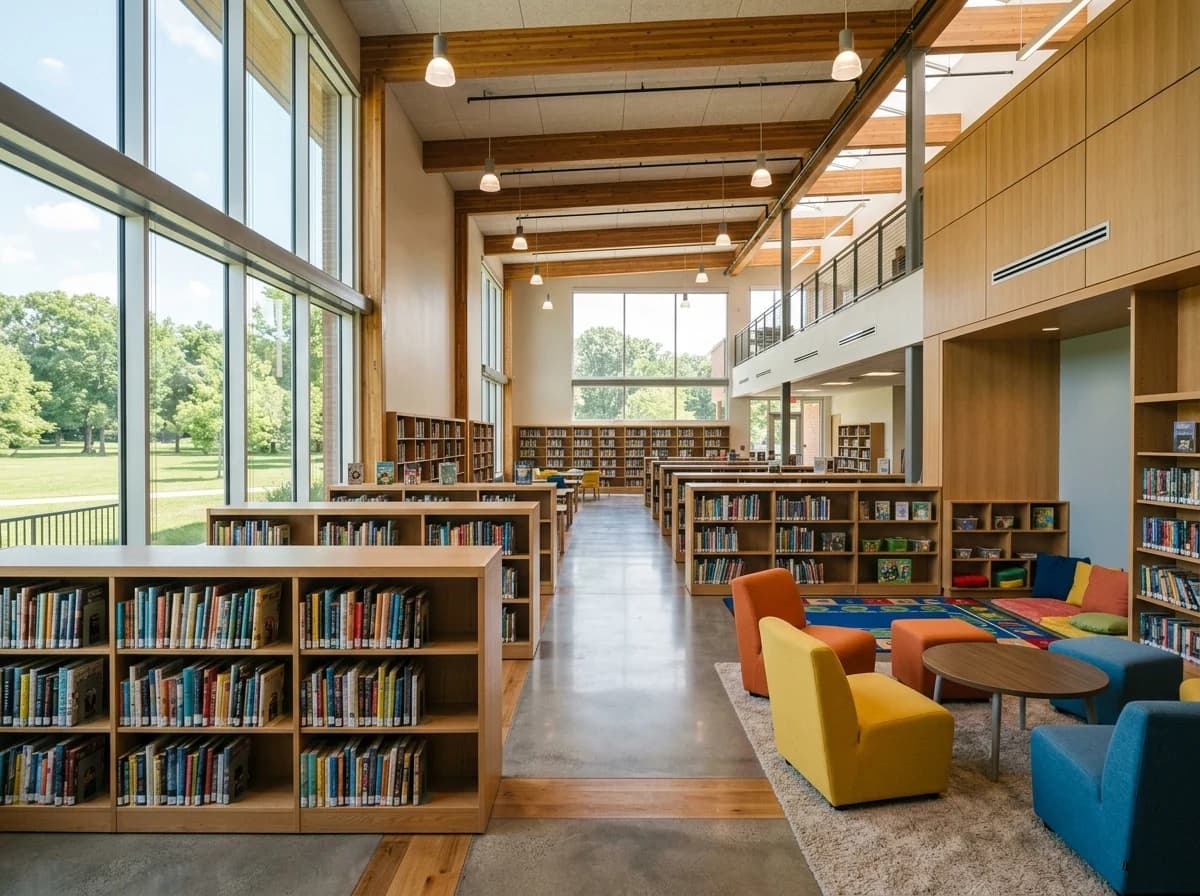
Provide a searchable online catalog for books, e-books, audiobooks, and other media. Integrate links to digital databases (e.g., JSTOR, EBSCO) and explain how students can access them from school or home.
AI website builder for school libraries
Share library resources, reading activities and access guidance for your school community.
Your work deserves a good first impression
Explore templates for school libraries websites. Preview a design, then make the content, photographs and colours your own.
A first draft, with room to make it yours
Start with an idea or a relevant template. Refine it around your school libraries audience and the information they need.
Tell the AI who you serve, what you offer and the style you want. Include online catalog & resource search and reading programs & book recommendations in your brief, or choose a relevant template.
Name your audience and the next action you want visitors to take.Ask the AI Editor for any change, or click an element to show what you mean. Add your own photographs and review online catalog & resource search, reading programs & book recommendations, research tools & citation guides before sharing your website.
Confirm every claim and replace sample content with your actual details.Check the website on phones, tablets and desktop screens. Publish with hosting and SSL, and connect a domain you own when your plan includes custom domains.
Test your contact form and every external service link after publishing.The details that help visitors choose
A school library website is the page students, teachers and parents use to find reading lists, opening hours, research guides and library news, and Grigora builds one for your school library from a plain description of what you need. The AI drafts layout, copy and images, then you describe any change in the AI Editor, or click an element to show what you mean.
Provide a searchable online catalog for books, e-books, audiobooks, and other media. Integrate links to digital databases (e.g., JSTOR, EBSCO) and explain how students can access them from school or home.
Promote school-wide reading challenges, book clubs, and summer reading lists. Offer curated book recommendations by grade level, genre, or topic to encourage students to discover new titles.
Equip students with resources for their assignments, including guides on how to conduct effective research, evaluate sources, and properly cite information using various styles (MLA, APA).
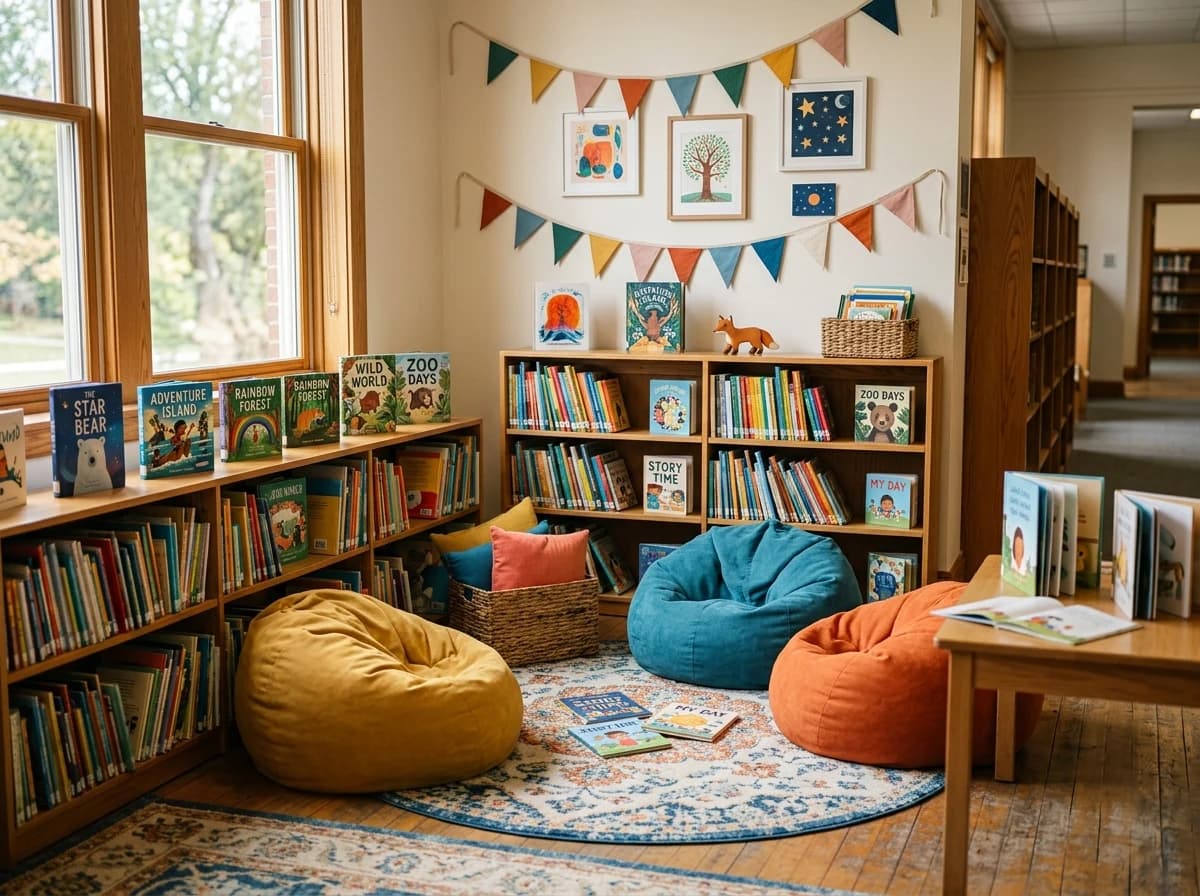 Elementary Learning Center
A clear first impression
Provide a searchable online catalog for books, e-books, audiobooks, and other media. Integrate links to digital databases (e.g., JSTOR, EBSCO) and explain how students can access them from school or home.
Your work, clearly presentedInteractive design inspiration. Illustrative photography and sample copy.
Plan the pages your visitors will use
A practical school libraries website content guide. Choose the pages that fit what you do and keep the important answers close.
Provide a searchable online catalog for books, e-books, audiobooks, and other media. Integrate links to digital databases (e.g., JSTOR, EBSCO) and explain how students can access them from school or home.
Promote school-wide reading challenges, book clubs, and summer reading lists. Offer curated book recommendations by grade level, genre, or topic to encourage students to discover new titles.
Equip students with resources for their assignments, including guides on how to conduct effective research, evaluate sources, and properly cite information using various styles (MLA, APA).
Clearly state the library's operating hours, borrowing policies (e.g., loan periods, overdue fines), and procedures for reserving materials. Provide contact information for the librarian and staff.
Showcase upcoming library events like author visits, storytelling sessions, workshops, or book fairs. A calendar helps students and teachers plan their participation and highlights the library's role as a community hub.
Beyond traditional books, provide guides on internet safety, identifying fake news, digital footprint awareness, and responsible online behavior. This equips students with essential 21st-century skills.
Review site analytics to understand which pages people visit. Keep online catalog & resource search and contact information easy to reach, and update them when your work changes.
Explore the tools behind your websiteMake the next step obvious
Choose how visitors to your school libraries website reach you. Make each action fit the services and processes you already use.
Help visitors ask about online catalog & resource search. Use a contact form that collects the details your team needs, and explain what happens after an enquiry.
Your team reviews requests and confirms the next step.
Keep specialist workflows for your school libraries website in the services you already use. Add clear links and explain their process before visitors leave your site.
Your chosen provider handles its own availability, confirmations and account access.
If you sell products or agreed services, add Grigora Commerce product pages, a cart and checkout with your connected Stripe, Razorpay, PayPal, or Paddle account. Explain prices, terms and fulfillment before accepting payment.
Your team manages orders and fulfillment; payment provider fees and terms apply.
SEO for school libraries websites
Good school libraries website SEO starts with useful pages. Make online catalog & resource search, your contact details and your story easy to find.
Your website
https://school-libraries.example/Explore online catalog & resource search and reading programs & book recommendations, learn about our approach and find out how to contact us.
Fictional example. Search engines choose the final title and snippet.
Give pages for online catalog & resource search and reading programs & book recommendations clear titles. Write descriptions that match their actual content.
Explain online catalog & resource search with original copy and relevant photographs. Keep contact details and any locations you serve accurate.
Publish with hosting, HTTPS and a sitemap. Use clear navigation so visitors and search engines can reach your pages. Custom domains are available on paid plans.
Room to start. Room to grow.
Build and review your first school libraries website draft with no card needed. Choose a plan before the trial ends to keep the site online.
Compare plans for your domain and the content your school libraries website needs. Paid plans keep your site online after the trial and let you connect a domain you own.
Check current plan limits and feature eligibility before choosing. Connected payment providers have their own terms and processing fees.
The last check before going online
Walk through your school libraries website as a visitor would. Review these details before publishing, and again whenever your content changes.
0 of 5 items reviewed
Before you go online
Clear answers about creating a school libraries website, its content and the tools you can use.
Yes, Grigora provides robust analytics to help school libraries understand their website performance. Our built-in privacy-friendly analytics dashboard offers insights into traffic, engagement, and visitor behavior. You can also integrate Google Analytics for more detailed reporting. These tools help you see which resources are most popular and how students and staff are interacting with the library's online offerings, enabling data-driven improvements.
Yes. Use Grigora's directories to create a structured collection, such as a staff picks list or grade-level reading list, with typed fields for a cover image, rich-text summary, genre or reading level (option field), and a link field pointing to the full record in your existing library catalog. Directories are for curated lists and collections, not circulation or checkout tracking, so they sit alongside your existing catalog system rather than replacing it.
Not if you plan for it, but there is no importer for sites made with the AI builder. Give the AI builder the address of your current site and it drafts a new version from the public pages it can read, then add the posts you want to keep as CMS entries and check every page against the original.
Yes. Grigora's Newsletters and Email Builder let you write, design, and send announcements, like a new-arrivals list or a book fair reminder, from the same platform as your site, without adding a separate email tool.
Yes, through Grigora Mail. It's business email on your own domain starting at $5/month, with one inbox and up to 10 aliases, which is useful for routing acquisitions, overdue notices, and general inquiries to separate addresses. It also includes a built-in AI assistant that can help draft replies to parent and teacher emails.
Yes. Grigora Commerce supports one-time purchases and pay-what-you-want pricing, which covers straightforward merchandise sales and open-amount donations, with Stripe, Razorpay, PayPal, or Paddle checkout. You connect your own payment account and remain responsible for related tax and compliance requirements.
Paid plans start at $15 a month, or $12 a month billed yearly, and Pro is $25 a month, or $20 a month billed yearly. There is a free trial rather than a free forever tier, so you can build the whole site before paying. Hosting, SSL and the custom domain are included. Grigora Mail, for addresses on the school domain, is $5 per mailbox a month.
Yes, they do different jobs. Destiny Discover is your catalogue and circulation system, so keep searching and checkouts there. Your Grigora site is the public front: hours, policies, curated reading lists, research guides, event news and staff contacts, all findable by search engines. Link out to the catalogue from any page or book list.
There are templates matched to school libraries, and the AI adapts one to your content instead of leaving you to fill a blank layout. Describe your library and you get a drafted home page, hours, reading lists and contact pages. Ask the AI Editor to swap sections, colors and fonts, or click an element to show what you mean.
Use a directory, which is a structured collection with typed fields. Create fields for name, role, photo, subject areas, office hours and email, then add one item per staff member. The page lists everyone in a consistent layout, and each person can have their own page. Adding or updating a person takes a minute.
Describe your school libraries website. Get a first draft you can edit and make your own.
Start building free