Camp programmes
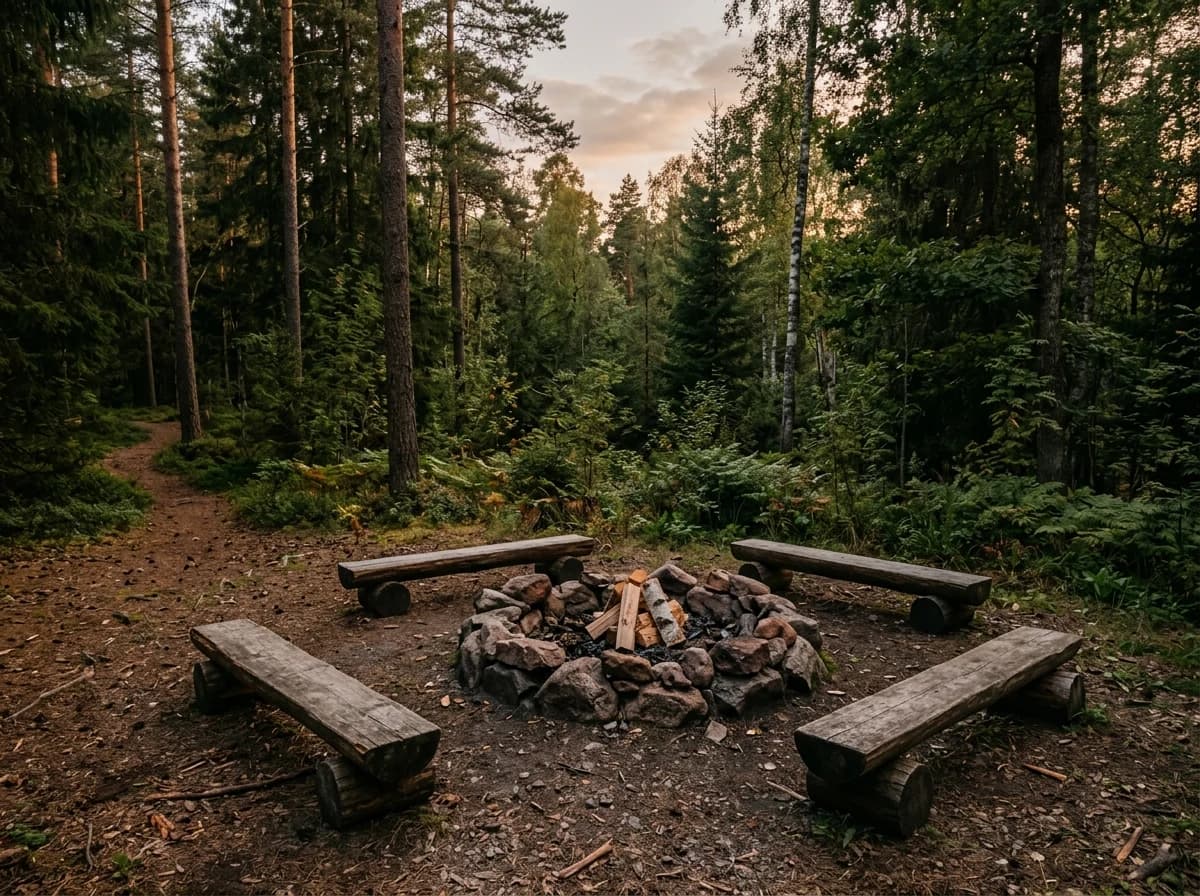
Describe the activities, age groups and session types you offer. Use accurate photographs published with the appropriate permissions.
AI website builder for summer camps
Show your camp programmes, dates and practical registration guidance for families.
Your work deserves a good first impression
Explore templates for summer camps websites. Preview a design, then make the content, photographs and colours your own.
A first draft, with room to make it yours
Start with an idea or a relevant template. Refine it around your summer camps audience and the information they need.
Tell the AI who you serve, what you offer and the style you want. Include camp programmes and dates and locations in your brief, or choose a relevant template.
Name your audience and the next action you want visitors to take.Ask the AI Editor for any change, or click an element to show what you mean. Add your own photographs and review camp programmes, dates and locations, staff and supervision before sharing your website.
Confirm every claim and replace sample content with your actual details.Check the website on phones, tablets and desktop screens. Publish with hosting and SSL, and connect a domain you own when your plan includes custom domains.
Test your contact form and every external service link after publishing.The details that help visitors choose
A summer camp website is where parents check dates, ages, price and packing lists and then sign a child up, and Grigora builds one from a plain description of your camp. The AI drafts the pages, copy and images so you are editing rather than staring at a blank screen.
Describe the activities, age groups and session types you offer. Use accurate photographs published with the appropriate permissions.
List confirmed session dates, venues and arrival arrangements. Keep capacity guidance current and explain how availability is confirmed.
Introduce camp leaders and publish verified information about supervision and staff qualifications. Have your team review every statement.
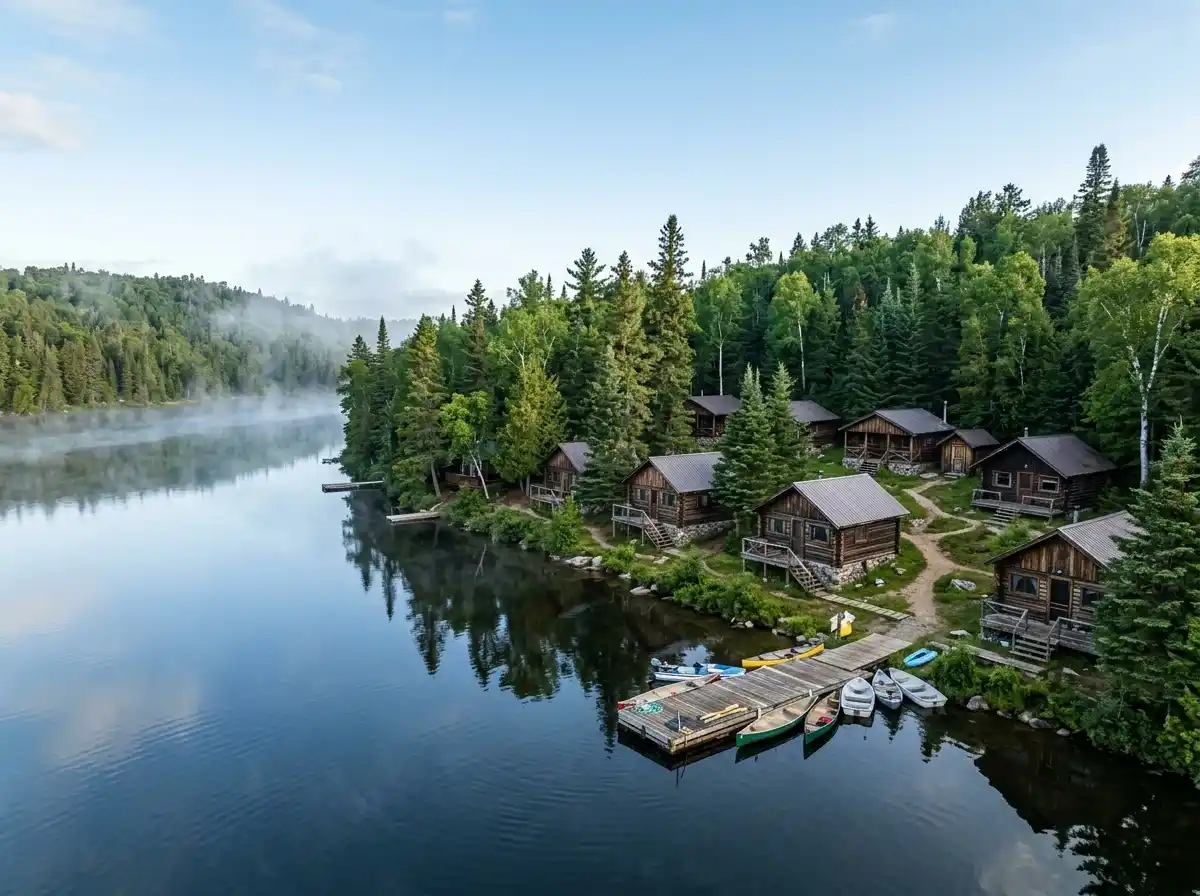
 Lakeside Youth Camp
A clear first impression
Describe the activities, age groups and session types you offer. Use accurate photographs published with the appropriate permissions.
Your work, clearly presentedInteractive design inspiration. Illustrative photography and sample copy.
Plan the pages your visitors will use
A practical summer camps website content guide. Choose the pages that fit what you do and keep the important answers close.
Describe the activities, age groups and session types you offer. Use accurate photographs published with the appropriate permissions.
List confirmed session dates, venues and arrival arrangements. Keep capacity guidance current and explain how availability is confirmed.
Introduce camp leaders and publish verified information about supervision and staff qualifications. Have your team review every statement.
Explain what campers should bring, daily arrangements and how families contact staff. Give families a way to discuss individual needs through your chosen channels.
Explain current fees, what is included and relevant cancellation terms. Link to your existing registration service or collect initial enquiries.
Provide a clear contact route for programme and registration questions. Explain what happens after an enquiry and how enrolment is confirmed.
Review site analytics to understand which pages people visit. Keep camp programmes and contact information easy to reach, and update them when your work changes.
Explore the tools behind your websiteMake the next step obvious
Choose how visitors to your summer camps website reach you. Make each action fit the services and processes you already use.
Help visitors ask about camp programmes. Use a contact form that collects the details your team needs, and explain what happens after an enquiry.
Your team reviews requests and confirms the next step.
Keep specialist workflows for your summer camps website in the services you already use. Add clear links and explain their process before visitors leave your site.
Your chosen provider handles its own availability, confirmations and account access.
If you sell products or agreed services, add Grigora Commerce product pages, a cart and checkout with your connected Stripe, Razorpay, PayPal, or Paddle account. Explain prices, terms and fulfillment before accepting payment.
Your team manages orders and fulfillment; payment provider fees and terms apply.
SEO for summer camps websites
Good summer camps website SEO starts with useful pages. Make camp programmes, your contact details and your story easy to find.
Your website
https://summer-camps.example/Explore camp programmes and dates and locations, learn about our approach and find out how to contact us.
Fictional example. Search engines choose the final title and snippet.
Give pages for camp programmes and dates and locations clear titles. Write descriptions that match their actual content.
Explain camp programmes with original copy and relevant photographs. Keep contact details and any locations you serve accurate.
Publish with hosting, HTTPS and a sitemap. Use clear navigation so visitors and search engines can reach your pages. Custom domains are available on paid plans.
Room to start. Room to grow.
Build and review your first summer camps website draft with no card needed. Choose a plan before the trial ends to keep the site online.
Compare plans for your domain and the content your summer camps website needs. Paid plans keep your site online after the trial and let you connect a domain you own.
Check current plan limits and feature eligibility before choosing. Connected payment providers have their own terms and processing fees.
The last check before going online
Walk through your summer camps website as a visitor would. Review these details before publishing, and again whenever your content changes.
0 of 5 items reviewed
Before you go online
Clear answers about creating a summer camps website, its content and the tools you can use.
Use Grigora's built-in newsletter system to send session reminders, weather updates, and camp photos straight to parents' inboxes. Newsletter automation can pull content from your blog posts automatically, and subscription popups placed across your site help you keep growing your list all summer long, from open house through closing day.
A homepage that states ages, dates and location straight away, a page per session or program, a rates page, a staff and safety page, an FAQ covering drop-off, food and what to bring, and a registration page. Photos of real campers do more work than any of the copy around them.
Sell each session as a product with limited stock, so the week closes when it fills. Checkout collects payment and produces a receipt. For medical notes, allergies and consent, add a camper details form or link the form your insurer requires. There is no scheduling engine, so the roster stays in your own records.
Hosting, SSL and a global CDN are included with every plan, and you can connect a custom domain to the site. Pages are responsive, so parents reading on a phone at work see the same information. Domain registration itself is bought from a registrar and pointed at your site.
Starter is $15 a month, or $144 a year, which works out to $12 a month, and Pro is $25 a month. There is a free trial rather than a free tier, which is usually enough time to build the site off-season. Registration payments go through your own Stripe, Razorpay, PayPal, or Paddle account, whose fees are billed separately.
Describe your summer camps website. Get a first draft you can edit and make your own.
Start building free