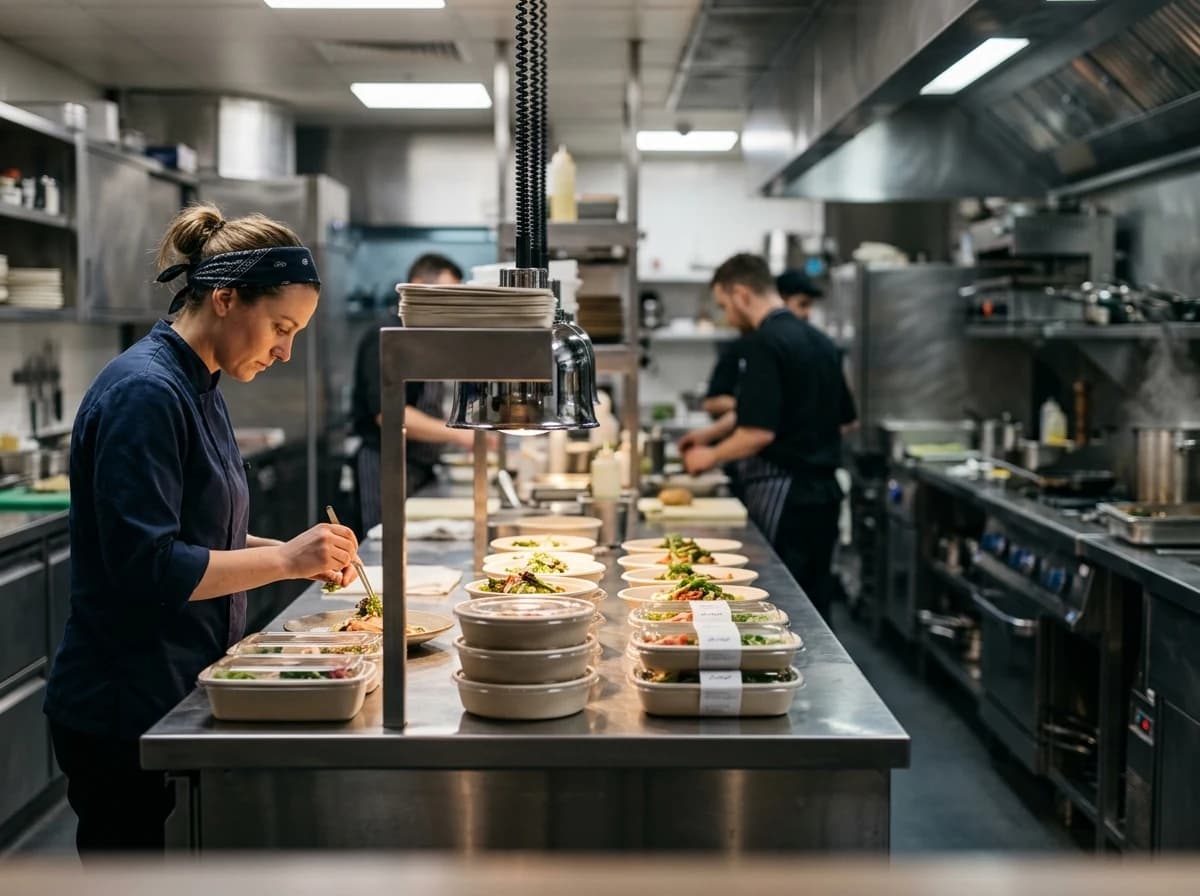
Digital Menu with Photos & Prices
Display your full menu with mouth-watering photos for each item, clear descriptions, and up-to-date pricing. Make it easy for customers to see ingredients, allergens, and dietary options.
AI website builder for take out restaurants
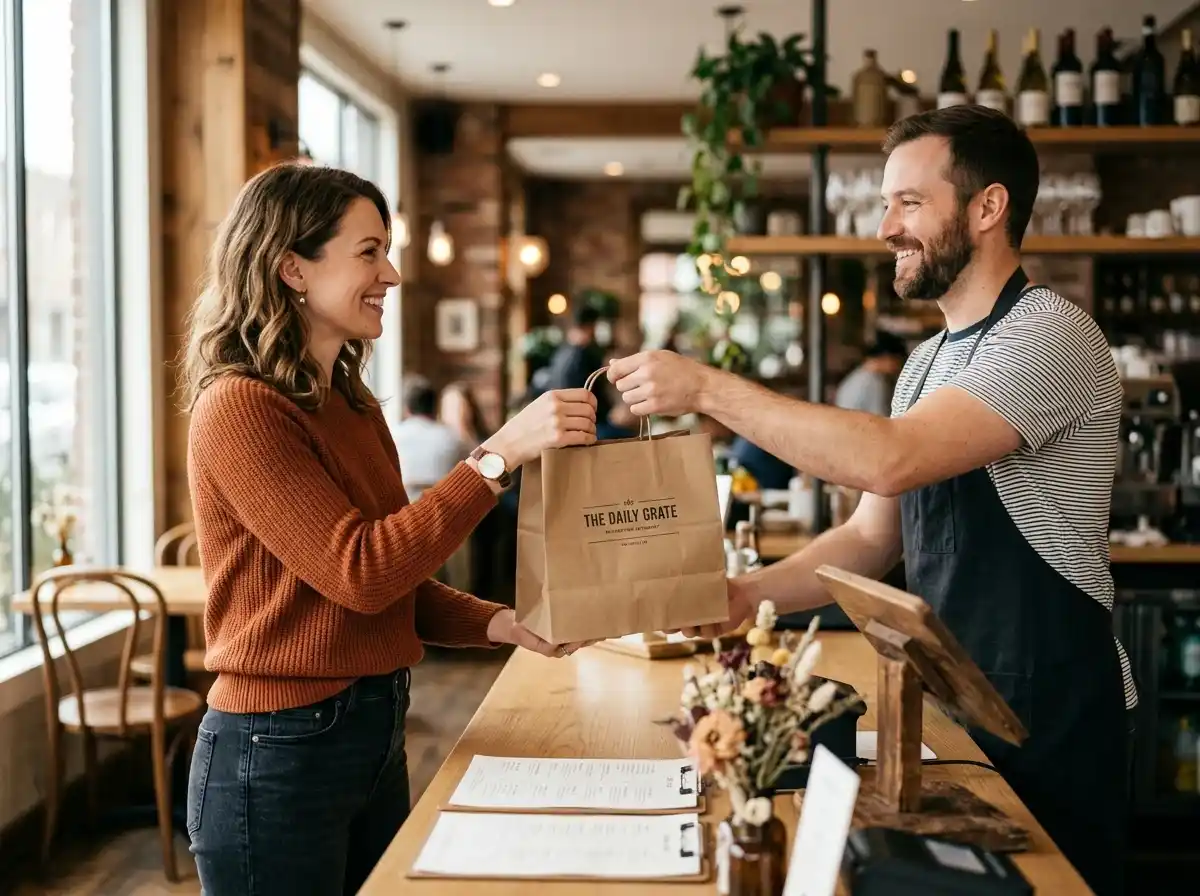
Show your dishes, pickup details and hours with a clear link to your existing ordering service.
Your work deserves a good first impression
Explore templates for take out restaurants websites. Preview a design, then make the content, photographs and colours your own.
A first draft, with room to make it yours
Start with an idea or a relevant template. Refine it around your take out restaurants audience and the information they need.
Tell the AI who you serve, what you offer and the style you want. Include digital menu with photos & prices and pickup & delivery information in your brief, or choose a relevant template.
Name your audience and the next action you want visitors to take.Edit your draft visually. Add your own photographs and review digital menu with photos & prices, pickup & delivery information, daily specials & promotions before sharing your website.
Confirm every claim and replace sample content with your actual details.Check the website on phones, tablets and desktop screens. Publish with hosting and SSL, and connect a domain you own when your plan includes custom domains.
Test your contact form and every external service link after publishing.The details that help visitors choose
A takeout restaurant website is your own menu and ordering page rather than a listing inside a delivery app, and Grigora builds one from a description of your kitchen. Say what you cook, where you are and your pickup hours, and the AI drafts the pages, menu copy and images for you to edit by dragging blocks.
Display your full menu with mouth-watering photos for each item, clear descriptions, and up-to-date pricing. Make it easy for customers to see ingredients, allergens, and dietary options.
Clearly state your pickup instructions, delivery zones, delivery fees, and estimated wait times. Transparency here manages customer expectations and prevents frustration.
Highlight any daily specials, limited-time offers, or promotions prominently on your homepage and menu. This encourages repeat business and incentivizes larger orders.
 Gourmet Burger Spot
A clear first impression
Display your full menu with mouth-watering photos for each item, clear descriptions, and up-to-date pricing. Make it easy for customers to see ingredients, allergens, and dietary options.
Your work, clearly presentedInteractive design inspiration. Illustrative photography and sample copy.
Plan the pages your visitors will use
A practical take out restaurants website content guide. Choose the pages that fit what you do and keep the important answers close.
Display your full menu with mouth-watering photos for each item, clear descriptions, and up-to-date pricing. Make it easy for customers to see ingredients, allergens, and dietary options.
Clearly state your pickup instructions, delivery zones, delivery fees, and estimated wait times. Transparency here manages customer expectations and prevents frustration.
Highlight any daily specials, limited-time offers, or promotions prominently on your homepage and menu. This encourages repeat business and incentivizes larger orders.
Provide easily accessible information on your operating hours, physical address with a map, phone number, and social media links. Ensure this is visible on every page.
Feature positive customer reviews about your food and service. This builds trust and encourages new customers to try your take-out, much like a Yelp or Google review section.
Review site analytics to understand which pages people visit. Keep digital menu with photos & prices and contact information easy to reach, and update them when your work changes.
Explore the tools behind your websiteMake the next step obvious
Choose how visitors to your take out restaurants website reach you. Make each action fit the services and processes you already use.
Help visitors ask about digital menu with photos & prices. Use a contact form that collects the details your team needs, and explain what happens after an enquiry.
Your team reviews requests and confirms the next step.
Keep specialist workflows for your take out restaurants website in the services you already use. Add clear links and explain their process before visitors leave your site.
Your chosen provider handles its own availability, confirmations and account access.
If you sell products or agreed services, add Grigora Commerce product pages, a cart and checkout with your connected Stripe or Razorpay account. Explain prices, terms and fulfillment before accepting payment.
Your team manages orders and fulfillment; payment provider fees and terms apply.
SEO for take out restaurants websites
Good take out restaurants website SEO starts with useful pages. Make digital menu with photos & prices, your contact details and your story easy to find.
Your website
https://take-out-restaurants.example/Explore digital menu with photos & prices and pickup & delivery information, learn about our approach and find out how to contact us.
Fictional example. Search engines choose the final title and snippet.
Give pages for digital menu with photos & prices and pickup & delivery information clear titles. Write descriptions that match their actual content.
Explain digital menu with photos & prices with original copy and relevant photographs. Keep contact details and any locations you serve accurate.
Publish with hosting, HTTPS and a sitemap. Use clear navigation so visitors and search engines can reach your pages. Custom domains are available on paid plans.
Room to start. Room to grow.
Try the AI builder and review your first take out restaurants website draft. Check the pricing page for current features and usage limits.
Compare plans for your domain and the content your take out restaurants website needs. Paid plans add custom domains and Directory Maker for structured content.
Check current plan limits and feature eligibility before choosing. Connected payment providers have their own terms and processing fees.
The last check before going online
Walk through your take out restaurants website as a visitor would. Review these details before publishing, and again whenever your content changes.
0 of 5 items reviewed
Before you go online
Clear answers about creating a take out restaurants website, its content and the tools you can use.
Grigora's drag-and-drop editor with 50+ customizable blocks and templates is ideal for creating an attractive website for your take out restaurant. You can showcase your menu, mouth-watering food photos, and special offers. The responsive design ensures your site looks great and is easy to navigate on any device, especially smartphones where most orders are placed.
While Grigora does not have a built-in e-commerce or ordering system, you can easily embed links or widgets from popular third-party online ordering platforms your restaurant uses. Additionally, you can embed Stripe and PayPal for direct payment options for special offers or merchandise. For collecting custom orders, Grigora's interactive form builder can be utilized.
Yes, Grigora features a built-in blogging platform where you can post daily specials, new menu items, and restaurant news. You can also leverage the newsletter system to send out regular email updates to subscribed customers. Add newsletter subscription forms to your site to easily grow your email list and keep your patrons informed and coming back.
Grigora provides comprehensive SEO tools to improve your restaurant's local visibility. Utilize built-in on-page SEO suggestions, a keyword research tool for terms like 'take out near me,' meta tag customization, and URL optimization. You can generate schema markup for your menu and location, and integrate with Google Search Console to track performance.
Grigora's AI tools can be very helpful for your take out restaurant. Use the AI blog writer to create engaging articles about your ingredients or cooking philosophy. The AI paragraph rephraser can refine your menu descriptions to make them more enticing, and AI image generation can help create unique promotional graphics for your website.
Grigora includes a built-in privacy-friendly analytics dashboard, and you can also integrate Google Analytics. These tools allow you to monitor traffic, engagement, and performance insights for your website. Understanding what customers look at most can help you optimize your menu presentation and promotions.
Absolutely. Every Grigora website, including those for take out restaurants, comes with free SSL, CDN, and hosting included. This ensures your site is secure, loads quickly for customers, and is always available. You won't need to worry about separate hosting providers or security certificates.
Yes. List your dishes as products in Grigora Commerce with product options for sizes or add-ons and SKUs per variant, then take payment through Stripe or Razorpay checkout (or link out to a checkout URL you already use). Each order comes with order tracking so you can mark it fulfilled once it's ready for pickup, and you can set up discounts for combo deals or first-time orders.
Build it as a directory collection - a structured content type where every dish is an item with typed fields: an image field for the photo, text and rich text for the name and description, and option or switch fields for things like spice level or vegetarian/gluten-free tags. Every item stays consistent, and updating a price or description doesn't mean touching page layout.
If a dish is set up as a product in Grigora Commerce, it carries its own inventory count. Set that count to zero when you 86 an item and it stops being orderable until you restock the number - no need to unpublish or edit the page itself.
Yes, using the built-in Newsletters and Email Builder - write, design, and send a specials email from the same platform your site runs on, separate from Grigora Mail, which you'd use for day-to-day business correspondence.
Grigora Mail gives you professional email on your own domain starting at $5/month, with up to 10 aliases - so you can run orders@ and catering@ addresses alongside your main inbox, plus a Gmail-like interface and a built-in AI assistant for drafting quick replies.
List dishes as products, connect your Stripe or Razorpay account, and checkout takes the money directly with no marketplace commission in between. Each order arrives with a receipt and its line items, and you mark it fulfilled when it is collected. There is no POS or driver dispatch, so this suits pickup orders.
Fill in a real address, hours and area served, give every dish and location page its own title and description, and use the on-page suggestions as you write. Sitemaps and IndexNow push new pages to search engines quickly. No builder can promise a ranking, so pair this with your business listings and reviews.
Migration covers WordPress, not Wix, so expect a rebuild. It is faster than it sounds: describe the restaurant, get a full AI draft, then move your menu text and photos across, which is worth doing anyway if the prices are stale. Redirect the old URLs so existing links reach the new pages.
Starter costs $15 a month billed annually, which is $144 a year, and Pro is $25 a month. There is a free trial instead of a free tier. Ordering runs through your own Stripe or Razorpay account, so you pay their card fees but no per-order commission to a delivery app.
Describe your take out restaurants website. Get a first draft you can edit and make your own.
Start building free