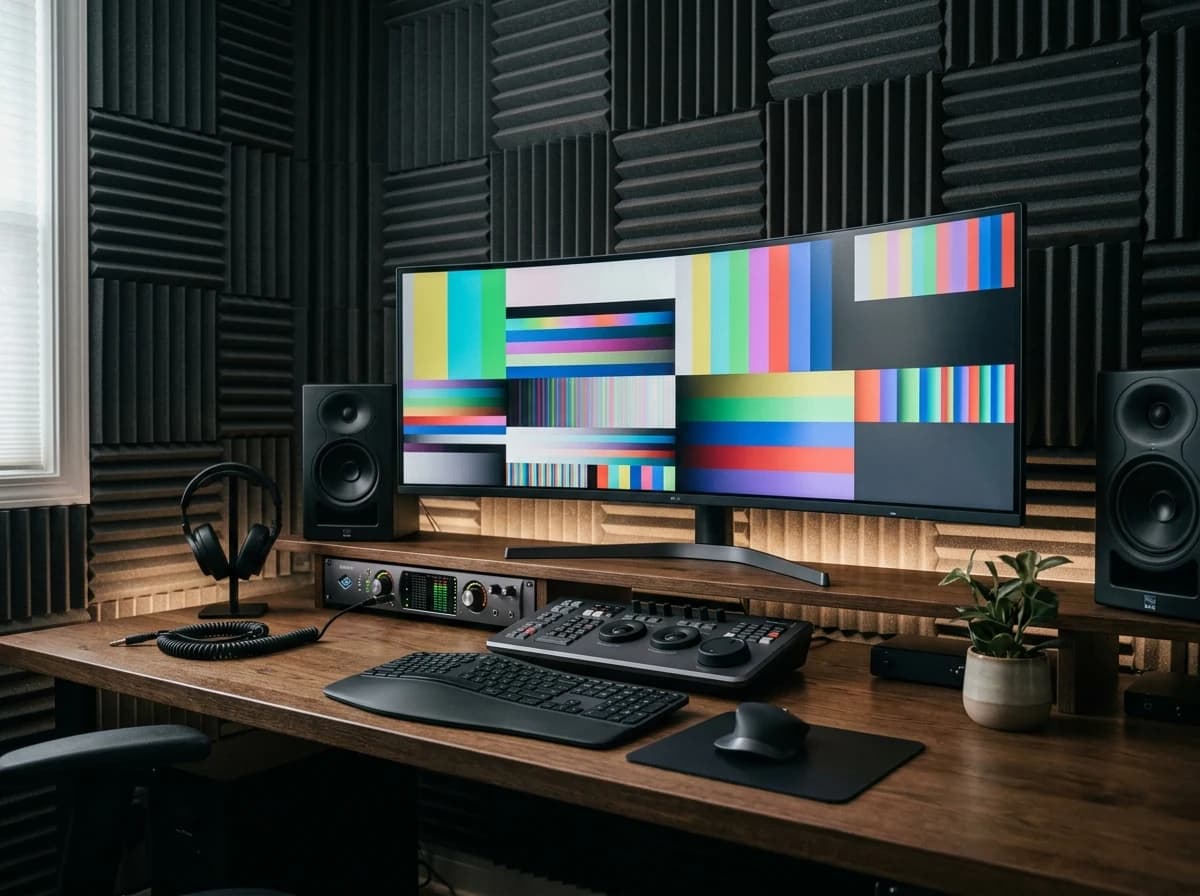
Demo Reels & Highlight Sizzles
Feature your absolute best work across various genres (e.g., commercials, narratives, documentaries, corporate videos). Keep reels concise and impactful, demonstrating your pacing, rhythm, and storytelling abilities.
AI website builder for video editor
Show selected edits, production credits and the projects you are available to discuss.
Your work deserves a good first impression
Explore templates for video editor websites. Preview a design, then make the content, photographs and colours your own.
A first draft, with room to make it yours
Start with an idea or a relevant template. Refine it around your video editor audience and the information they need.
Tell the AI who you serve, what you offer and the style you want. Include demo reels & highlight sizzles and project portfolio with case studies in your brief, or choose a relevant template.
Name your audience and the next action you want visitors to take.Edit your draft visually. Add your own photographs and review demo reels & highlight sizzles, project portfolio with case studies, software proficiency & technical skills before sharing your website.
Confirm every claim and replace sample content with your actual details.Check the website on phones, tablets and desktop screens. Publish with hosting and SSL, and connect a domain you own when your plan includes custom domains.
Test your contact form and every external service link after publishing.The details that help visitors choose
A video editor's website has one job, getting a producer to press play and then email you, and Grigora builds it without code. Say what you cut and for whom, and the AI returns a draft site, layout, copy and images, from a library of 130+ templates that you then rearrange visually.
Feature your absolute best work across various genres (e.g., commercials, narratives, documentaries, corporate videos). Keep reels concise and impactful, demonstrating your pacing, rhythm, and storytelling abilities.
Showcase individual projects with full-length videos or significant excerpts. For each, describe your role, the creative brief, the editing challenges, and the solutions you implemented, providing context for your work.
List your expertise in industry-standard editing software (e.g., Adobe Premiere Pro, Avid Media Composer, DaVinci Resolve, Final Cut Pro) and related skills like color grading, motion graphics, or sound design basics.
 Commercial Post House
A clear first impression
Feature your absolute best work across various genres (e.g., commercials, narratives, documentaries, corporate videos). Keep reels concise and impactful, demonstrating your pacing, rhythm, and storytelling abilities.
Your work, clearly presentedInteractive design inspiration. Illustrative photography and sample copy.
Plan the pages your visitors will use
A practical video editor website content guide. Choose the pages that fit what you do and keep the important answers close.
Feature your absolute best work across various genres (e.g., commercials, narratives, documentaries, corporate videos). Keep reels concise and impactful, demonstrating your pacing, rhythm, and storytelling abilities.
Showcase individual projects with full-length videos or significant excerpts. For each, describe your role, the creative brief, the editing challenges, and the solutions you implemented, providing context for your work.
List your expertise in industry-standard editing software (e.g., Adobe Premiere Pro, Avid Media Composer, DaVinci Resolve, Final Cut Pro) and related skills like color grading, motion graphics, or sound design basics.
Feature strong testimonials from directors, producers, or clients speaking to your creativity, efficiency, and collaborative spirit. List notable projects or companies you've worked with to build credibility.
Share your creative vision, influences, and what drives your passion for visual storytelling. A personal narrative can help clients connect with your unique artistic perspective.
Write articles about your editing process for specific projects, breakdown complex sequences, or discuss industry trends and software tips. This establishes you as a thought leader and improves your site's SEO, attracting more clients.
Review site analytics to understand which pages people visit. Keep demo reels & highlight sizzles and contact information easy to reach, and update them when your work changes.
Explore the tools behind your websiteMake the next step obvious
Choose how visitors to your video editor website reach you. Make each action fit the services and processes you already use.
Help visitors ask about demo reels & highlight sizzles. Use a contact form that collects the details your team needs, and explain what happens after an enquiry.
Your team reviews requests and confirms the next step.
Keep specialist workflows for your video editor website in the services you already use. Add clear links and explain their process before visitors leave your site.
Your chosen provider handles its own availability, confirmations and account access.
If you sell products or agreed services, add Grigora Commerce product pages, a cart and checkout with your connected Stripe or Razorpay account. Explain prices, terms and fulfillment before accepting payment.
Your team manages orders and fulfillment; payment provider fees and terms apply.
SEO for video editor websites
Good video editor website SEO starts with useful pages. Make demo reels & highlight sizzles, your contact details and your story easy to find.
Your website
https://video-editor.example/Explore demo reels & highlight sizzles and project portfolio with case studies, learn about our approach and find out how to contact us.
Fictional example. Search engines choose the final title and snippet.
Give pages for demo reels & highlight sizzles and project portfolio with case studies clear titles. Write descriptions that match their actual content.
Explain demo reels & highlight sizzles with original copy and relevant photographs. Keep contact details and any locations you serve accurate.
Publish with hosting, HTTPS and a sitemap. Use clear navigation so visitors and search engines can reach your pages. Custom domains are available on paid plans.
Room to start. Room to grow.
Try the AI builder and review your first video editor website draft. Check the pricing page for current features and usage limits.
Compare plans for your domain and the content your video editor website needs. Paid plans add custom domains and Directory Maker for structured content.
Check current plan limits and feature eligibility before choosing. Connected payment providers have their own terms and processing fees.
The last check before going online
Walk through your video editor website as a visitor would. Review these details before publishing, and again whenever your content changes.
0 of 5 items reviewed
Before you go online
Clear answers about creating a video editor website, its content and the tools you can use.
Grigora offers a superb platform for video editors to showcase their reels and projects. With its drag-and-drop editor and over 50 customizable blocks, you can easily embed videos and create stunning visual layouts. Choose from 50+ ready-made templates to kickstart your design, ensuring a professional look. The responsive design guarantees your portfolio looks great on any device, while free SSL, CDN, and hosting provide a secure and fast viewing experience for potential clients.
Yes, Grigora provides robust SEO tools essential for video editors to get discovered. You'll find built-in on-page SEO suggestions, a keyword research tool to optimize for terms like 'video post-production' or 'film editing,' and options for meta tag customization. Grigora also handles schema markup generation, URL optimization, and image optimization automatically. Google Search Console integration helps you monitor and improve your site's performance in search results.
Absolutely. Grigora's AI tools can be very beneficial for video editors. The AI website generator can help you quickly outline a professional site. You can use the AI blog writer to create articles about your editing process, industry trends, or case studies. Furthermore, the AI image generation feature allows you to create custom graphics or cover art for your website, adding a unique visual flair that complements your video work.
Grigora includes valuable team collaboration features for video editors. You can invite clients or team members to review website content, assign tasks, and manage workflows efficiently. The blog remarks feature provides a Google Docs-style commenting system, allowing for streamlined feedback on project descriptions, blog posts, or client testimonials before they are published, ensuring everything is polished and approved.
Yes, Grigora supports client interaction and audience building. You can use the interactive form builder to create lead capture forms for project inquiries or collaboration requests. Additionally, the built-in newsletter system allows you to create, send, and track newsletters to your subscribers, keeping them updated on your latest projects or services. You can easily add newsletter subscription forms and popups to your site to grow your email list.
Yes, Grigora offers a convenient migration tool that supports transfers from WordPress, Wix, Webflow, and Blogger. This means you can seamlessly move your existing video editor portfolio, blog posts, and other content to Grigora. Once migrated, you can leverage Grigora's modern design tools and features to enhance your site's appearance and functionality, ensuring your work is presented in the best possible light.
No. Build one "Portfolio" or "Case Studies" directory and add a typed field for each project detail: a video field to embed the actual reel, an image or multi-image field for stills, a text or rich text field for the brief, and an option field to mark the project category. Each project becomes one structured entry instead of a hand-built page.
Set up a one-time purchase product with Stripe or Razorpay checkout (or link out to an external checkout URL) for single projects, and use Stripe subscriptions for retainer clients who need recurring monthly edits billed automatically. For custom-quoted jobs, send an invoice directly instead of building a product page.
Yes. Grigora Commerce supports digital downloads with protected delivery, so preset packs, LUTs, or footage bundles can be sold as digital products alongside any physical merch you offer, with inventory and SKUs handled the same way as physical products.
Grigora Mail runs on your own domain starting at $5/month and includes up to 10 aliases, so you can route booking@, invoices@, and info@ into one Gmail-like inbox, with scheduled sending and a built-in AI assistant to help draft replies when you're mid-edit on a deadline.
Grigora's Newsletter and Email Builder lets you write and send an announcement straight from the same platform where you publish the project, so a new reel or case study can go out to your client list without a separate email tool.
Plans start at $15 a month on Starter, billed annually at $144 a year, and Pro is $25 a month. There is a free trial rather than a free tier. If you take client payments, the money moves through your own Stripe or Razorpay account, and a branded email address costs $5 a month.
Describe the work in a sentence, let the AI generate the first draft, then replace its placeholders with your own reels. Videos embed from YouTube or Vimeo so the page stays quick to load, and you drag sections into order. One strong reel at the top, then three to five project pages underneath.
Connect Stripe or Razorpay and sell editing as products: a fixed price short form edit, a day rate, or a deposit that starts the job. Every order produces a receipt. For a retainer, Stripe subscription checkout charges the same amount each month, so you are not chasing payment every cycle.
Work that matches the job they are hiring for, first. Then the practical answers, what you cut on, turnaround time, how many revision rounds a price covers, whether you handle colour and sound, and rates or at least a range. A short about section with your real name and location settles the rest.
Describe your video editor website. Get a first draft you can edit and make your own.
Start building free