Email remains the most powerful tool for professional communication. Whether you're introducing yourself to a potential client, requesting a meeting with a busy executive, following up on an application, or negotiating a deadline, the right words can mean the difference between a response and silence. In this guide, we'll provide you with 30+ professional email templates that are proven to get responses.
These aren't generic templates. Each one is carefully crafted based on real-world scenarios, industry best practices, and psychology-backed communication principles. You'll find copy-paste ready templates for every situation, from initial outreach to complex business negotiations. Plus, we'll show you how to personalize them effectively, and how to send them from a mailbox on your own domain with Grigora Mail, a paid add-on with scheduled sending and AI help drafting replies.
By the end of this article, you'll have a comprehensive library of templates you can customize and use immediately to improve response rates and build stronger professional relationships.
In today's fast-paced business environment, professionals receive hundreds of emails daily. Most get skimmed or deleted in seconds. A professional email template isn't just about saving time. It's about crafting messages that stand out, convey respect, and inspire action.
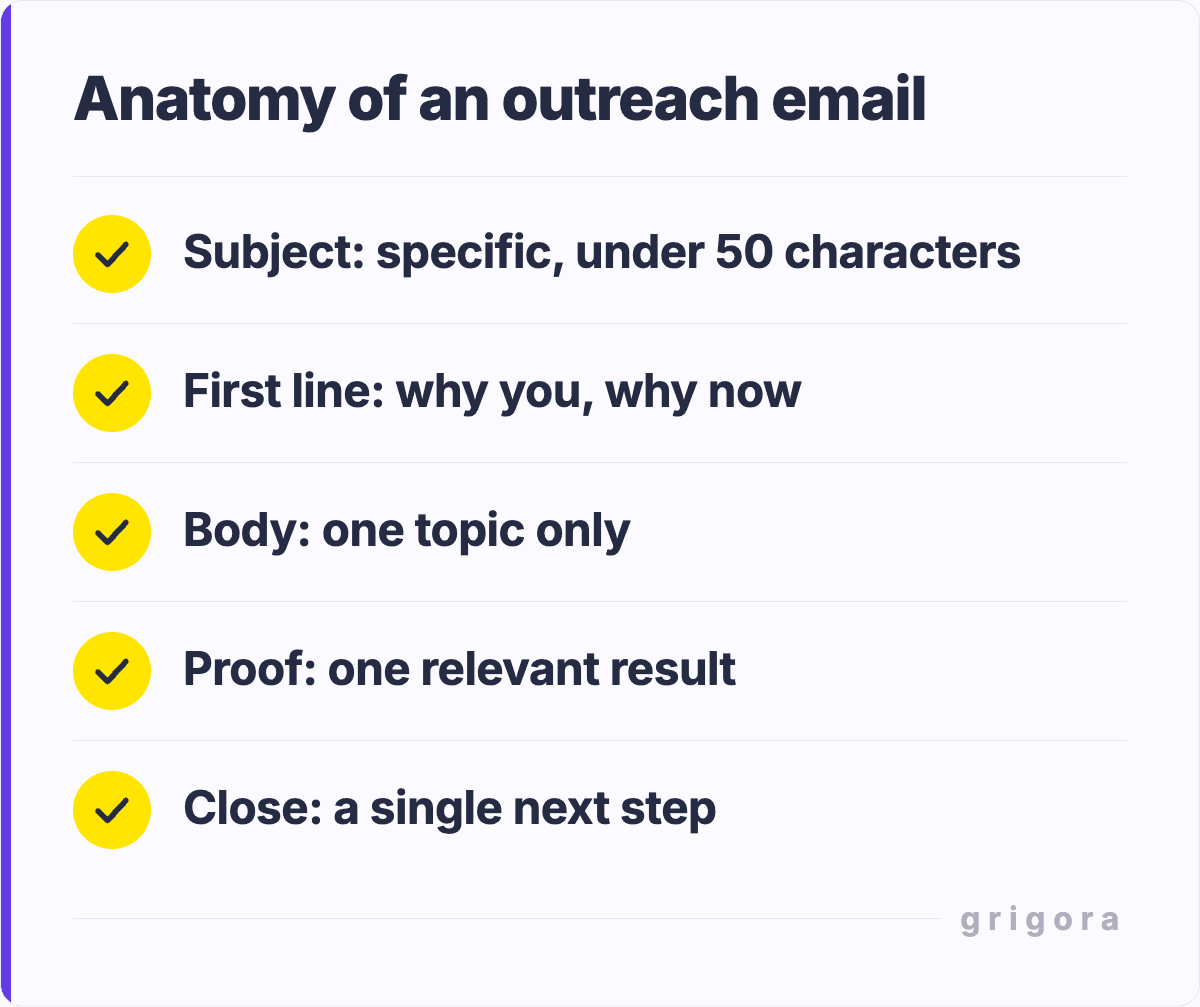
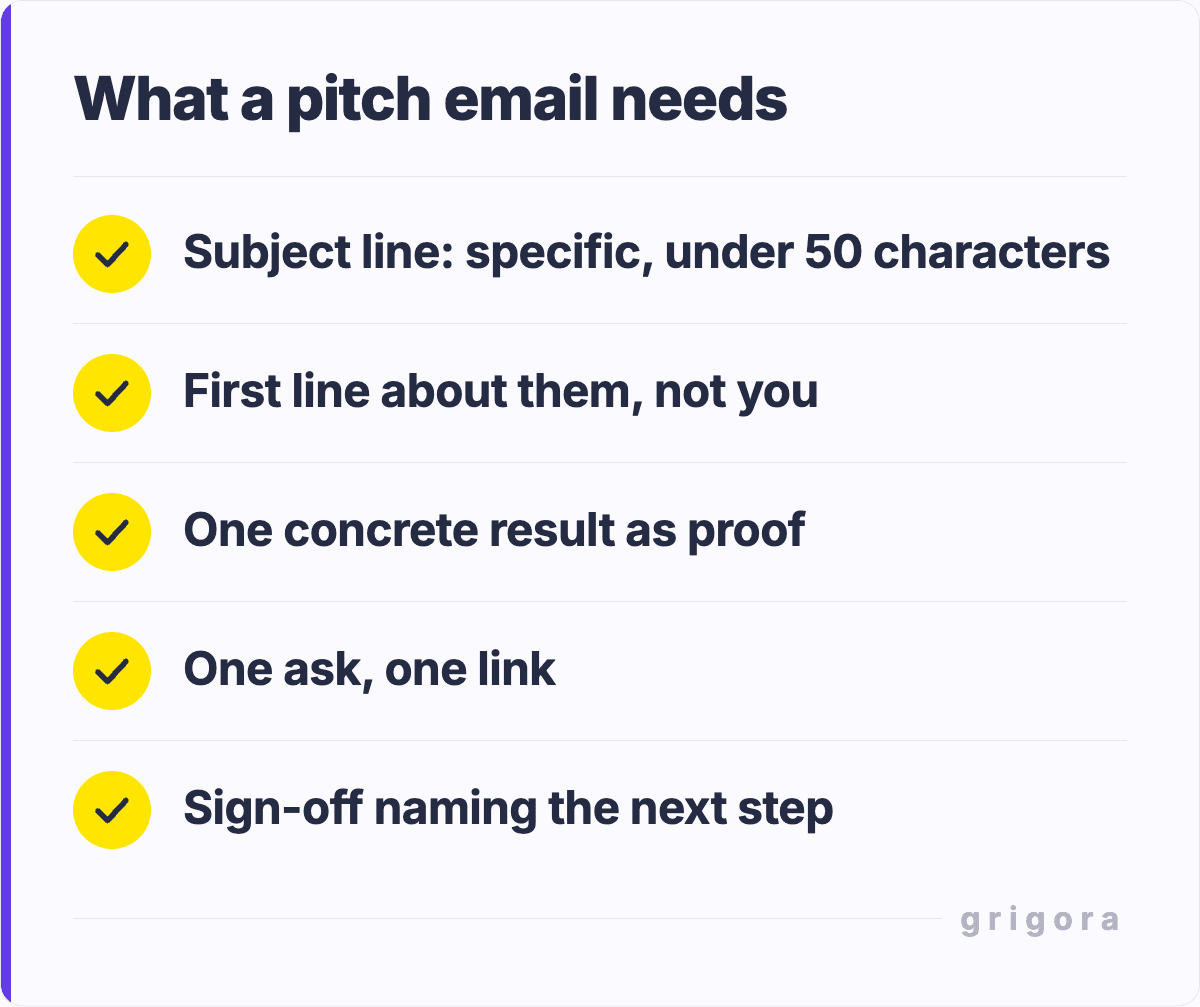
Research shows that emails with clear subject lines, concise openings, and specific calls-to-action have 3x higher response rates than rambling messages. Professional email examples serve as scaffolding: they give you a proven structure while allowing room for personalization that makes recipients feel valued.
Using templates doesn't make your emails robotic. In fact, professional templates force you to be more intentional about every word. They help you avoid common pitfalls like overly casual language, unnecessary jargon, or missing critical context. Many successful professionals use templates as starting points, then add personal touches that make each message unique.
The templates in this article follow a consistent philosophy: respect the recipient's time, be specific about what you want, provide value upfront, and always include a clear next step. Whether you're managing outreach through Grigora Mail or another platform, these principles will dramatically improve your response rates.
Introduction & Outreach Emails
Cold Outreach Email Template
Template 1: Cold Outreach to Potential Client
Subject: Quick idea for [Company Name]
Hi [First Name],
I came across [Company Name]'s recent [specific achievement/announcement], and I was impressed by [specific detail].
I noticed you're handling [their responsibility/goal], which is exactly what we've helped [similar company/industry] accomplish.
We recently helped [case study example] reduce their [metric] by [specific %].
Given your focus on [their goal], I thought you might find our [specific solution] valuable.
Would you be open to a brief 15-minute conversation next week? I'm available Tuesday or Thursday afternoons.
I've been following your work on [specific project/initiative], and your approach to [specific element] is exactly the direction I would have taken. It shows a clear understanding of [industry challenge].
I specialize in [your specialty] and have successfully guided teams through similar initiatives.
In fact, I just wrapped up a project with [similar company] where we achieved [specific result].
I documented the process in [resource type] that might be relevant to your work.
No pitch here. Just thought I'd share the resource and say I'm impressed by your approach.
If you ever want to grab coffee and geek out about [relevant topic], I'd be up for it.
All the best,
[Your Name]
Template 3: Introduction via Mutual Connection
Subject: [Mutual Connection] thought we should connect
Hi [First Name],
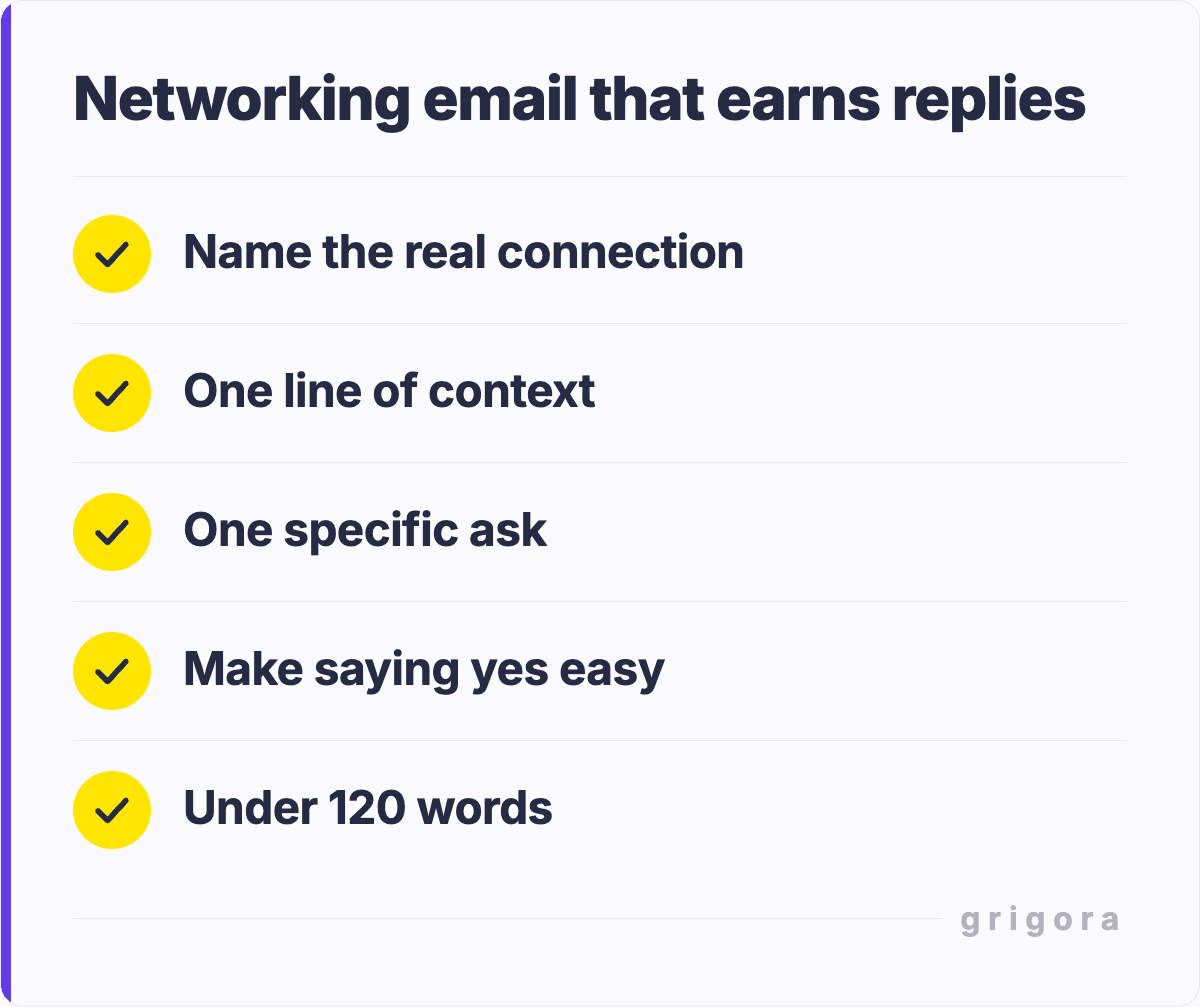
[Mutual Connection Name] suggested we connect. He mentioned you're expanding into [their goal/direction] and that my experience with [your specialty] could be helpful.
I won't assume he knows what's right for you, but for context: I've spent the last [timeframe] helping [type of clients] with [specific problem].
My approach differs from the standard industry playbook in that [key differentiator].
If you'd like to explore further, [Mutual Connection] suggested I share my [resource]. Happy to send it over, or we can jump on a quick call sometime.
Either way, I'm excited about the work you're doing at [Company Name].
I know email inboxes are overwhelming. I wanted to circle back on my message from [date].
I'm specifically interested in connecting because of [specific reason].
I'll keep this short: would a brief call on [specific day/date] work for you? I'm flexible on timing.
Looking forward,
[Your Name]
Template 5: Second Follow-Up with Value Add
Subject: Last note from me
Hi [First Name],
I wanted to reach out one more time before I let this go.
I found a resource I think could be genuinely useful: [specific article/case study/analysis] that directly addresses the [challenge/goal] you're working on.
I'm not looking to push anything. I just thought you'd find value in it.
If you do review it and think there's a conversation worth having, feel free to reach out.
Otherwise, thanks for your time, and I'll stop cluttering your inbox.
Best regards,
[Your Name]
Template 6: Follow-Up After Meeting or Call
Subject: Great to chat: next steps
Hi [First Name],
Thanks again for taking the time to speak with me on [date].
I really appreciated your perspective on [topic discussed], especially your point about [specific insight].
As we discussed, the next step is [specific action].
I've already [action taken] and will [next action] by [date].
In the meantime, here's [resource/document/link] for reference.
Let me know if you have any questions, and I'll follow up on [date] with [update].
Thanks again,
[Your Name]
Meeting Request & Scheduling Emails
Meeting Request & Scheduling Emails Templates
Template 7: Direct Meeting Request with Specific Value
Subject: 20 minutes on [specific topic]?
Hi [First Name],
I'd like to get 20 minutes on your calendar to discuss [specific topic].
Here's why I think it's worth your time: [specific value proposition or insight].
I'm available [2–3 specific time slots].
If none of those work, feel free to suggest a time that does.
[Your Name]
Template 8: High-Value Meeting Request
Subject: Collaboration opportunity for [Shared Goal]
Hi [First Name],
[Company Name] and [Their Company] share the same goal: [specific goal].
I've been thinking about how we could work together to achieve it more efficiently.
Would you be open to a 30-minute conversation to explore this?
I have some thoughts on [specific approach/solution] that could be valuable to discuss.
My availability: [specific dates/times]
Looking forward,
[Your Name]
Template 9: Declining a Meeting Politely
Subject: Re: Meeting with [Their Name]
Hi [First Name],
Thanks so much for reaching out. I truly appreciate your interest in connecting.
Unfortunately, my bandwidth is limited right now as we're in the middle of [current project/season].
That said, I don’t want to leave things hanging, so let’s reconnect in [timeframe] when things settle down.
In the meantime, feel free to reach out to [colleague/team member] who handles [relevant area] and may be able to help immediately.
Best,
[Your Name]
Thank You & Appreciation Emails
Thank You & Appreciation Templates
Template 10: Thank You After Interview
Subject: Thanks for the conversation today
Hi [First Name],
Thank you for taking the time to meet with me today.
I really enjoyed learning about your approach to [topic] and your vision for [area].
Your point about [specific insight] particularly stood out.
I'm genuinely excited about the opportunity to [role/goal] and would love to contribute to [specific project/mission] you're working on.
I've attached [portfolio/writing sample/proposal] for your reference.
Happy to provide any additional information you might need.
Thank you again. I look forward to hearing from you.
Best regards,
[Your Name]
Template 11: Thank You for Introduction/Referral
Subject: Thanks for the connection
Hi [First Name],
I wanted to thank you for introducing me to [Other Person's Name].
We had a great conversation on [date] about [topic], and it’s already opened some interesting opportunities.
Your recommendation meant a lot. It’s clear you’re genuinely invested in helping your network succeed.
I’d love to return the favor if there’s anyone I can introduce you to or any way I can help.
Thanks again for thinking of me.
Best,
[Your Name]
Template 12: Thank You for Feedback
Subject: Really appreciate your feedback
Hi [First Name],
I wanted to personally thank you for the detailed feedback on [project/proposal].
Your points about [specific feedback] were particularly valuable. They’ve already changed how I’m approaching [relevant area].
This kind of thoughtful input is exactly what helps me improve.
I’m truly grateful for your time and generosity.
All the best,
[Your Name]
Apology & Damage Control Emails
Apology & Damage Control Emails Templates
Template 13: Apology for Missed Deadline
Subject: Apology and update on [Project Name]
Hi [First Name],
I want to apologize for not meeting the deadline we agreed on for [specific deliverable].
There’s no good excuse: I missed the mark, and I understand how that impacts your timeline.
Here’s what I’ve done to address it: [specific actions taken].
The updated timeline is [new date], and I’m personally managing this to ensure delivery.
I value our working relationship and take my commitments seriously. Thank you for your patience.
[Your Name]
Template 14: Apology for Miscommunication
Subject: Clarification on our last conversation
Hi [First Name],
I've been thinking about our conversation on [date], and I realize I didn't communicate clearly about [specific topic].
I gave the impression that [what they understood], which isn't what I intended to convey.
To be clear: [accurate explanation].
I apologize for the confusion. I should have been more precise upfront.
Let's connect briefly to make sure we're on the same page. [suggest time/date].
Thanks for understanding,
[Your Name]
Job Application & Career Emails
Job Application & Career Emails Templates
Template 15: Cold Email to Hiring Manager
Subject: Experienced [Your Job Title] interested in [Company Name]
Hi [Hiring Manager Name],
I've been following [Company Name]'s growth, and I'm impressed by your recent [specific achievement/product launch].
Your approach to [relevant area] aligns perfectly with my values as a professional.
I'm an experienced [your job title] with [X years] in [industry/field].
I specialize in [key skills], and I've consistently delivered [specific results, e.g., increased sales by X%, reduced costs by X%].
I'd love to explore whether there's an opportunity to bring my skills to your team.
I'm not aware of a specific open role, but I believe I could add significant value to [relevant department/initiative].
Would you be open to a brief conversation?
[Your Name]
[LinkedIn Profile]
Template 16: Resignation Email
Subject: Resignation notice: [Your Name]
Hi [Manager Name],
I am writing to formally notify you of my resignation from [Your Position] at [Company Name].
My final day will be [date], providing the standard two weeks' notice.
This decision wasn't easy. I've greatly appreciated the opportunity to work with you and the team on [specific projects].
I've learned a tremendous amount about [relevant skill/industry], and I'm grateful for the support you've provided throughout my tenure.
I'm committed to ensuring a smooth transition. I'm happy to train my replacement, document my current projects, and help tie up any loose ends before I leave.
I value our working relationship and want to ensure we continue collaborating effectively.
I wanted to bring up something important.
[Boundary issue]. For example, receiving requests outside business hours makes it harder to deliver my best work consistently.
Here’s what I’d propose going forward: [clear, reasonable boundary].
I believe this will help me be more effective and deliver better results.
I wanted to address this proactively and directly. Would love to hear your thoughts.
[Your Name]
Email Template Comparison Table
Template Type
Best For
Response Rate
Time to Write
Cold Outreach
New prospects, networking
Medium (15–20%)
Medium (5–10 min)
Introduction via Connection
Warm introductions, networking
High (30–40%)
Medium (5–10 min)
Follow-Up
Previous contacts, multi-touch
High (25–35%)
Quick (2–5 min)
Meeting Request
Scheduling conversations
High (40–50%)
Quick (2–5 min)
Thank You
Post-meeting, relationship building
N/A
Quick (3–5 min)
Professional Complaint
Issues, service recovery
High (70–80%)
Medium (10–15 min)
Job Application
Job hunting, career transitions
Medium (20–30%)
Long (15–30 min)
How to Personalize These Templates
Templates are only effective if they feel personal. Here's how to customize these examples for maximum impact:
Research Your Recipient
Before sending any email, spend 5 minutes researching the person. Visit their LinkedIn profile, check their recent posts, or read any articles they've published. The goal is to find 1–2 specific details you can reference that show you did your homework. Instead of saying “I’m impressed by your work,” say “I’m impressed by your approach to [specific thing]”. This simple shift instantly separates you from generic emails.
Customize the Opening
Never use a generic greeting. Instead of "Hi [First Name]," start with a specific detail. "I saw your recent post on [topic]" or "I came across your interview in [publication]" or "A mutual friend, [name], thought we should connect." These customized openings signal that this isn't a template. It's a personal message.
Never use a generic greeting. Instead of "Hi [First Name]," start with a specific, personalized opener like:
Opening Line Variations
I saw your recent post on [topic].
I came across your interview in [publication].
A mutual connection, [name], suggested we connect.
These openings signal that your email is personal, not templated, and make the recipient more likely to engage.
Make the Value Explicit
Don’t assume the recipient will understand why they should care. Make it explicit. Use a line like: “Given your focus on [their goal], this is relevant because [specific reason].”
The strongest emails include a clear value proposition in the first paragraph. If the recipient can’t immediately see the relevance, they won’t continue reading.
Include Specific Details
Replace [brackets] with real, specific information before sending. Never leave placeholder text. It looks unprofessional and signals a mass email.
Using specific details makes your message feel personal and intentional, and can increase response rates by 40–60%.
Email Deliverability Best Practices
Even the best email templates won’t work if your emails land in the spam folder. Authentication comes first: Grigora Mail generates SPF, DKIM and DMARC records for your domain and checks that they are published, which helps your mail reach the inbox. It does not report opens or delivery, so watch your replies and bounces yourself.
Short subject lines are more likely to be read on mobile devices and increase open rates. They also tend to perform better with spam filters.
Avoid Spam Trigger Words
Words like “free,” “limited time,” “urgent,” “click here,” and “act now” can trigger spam filters. These templates avoid such language because they focus on professional communication over hype.
Test Before Sending at Scale
Always test templates with real recipients before rolling them out in bulk. Different industries, roles, and regions respond differently to communication styles, so testing helps you optimize for what actually works.
Frequently Asked Questions
Aim for 50-125 words. The longer the email, the lower your response rate. If you need more space to explain something, consider suggesting a call instead of writing a novel.
Wait 5-7 business days, then send one follow-up. If you still get no response, wait another 5-7 days and send one final follow-up with added value. After that, let it go.
"Hi" is more conversational and modern. "Hello" can feel slightly formal. Use whichever matches the tone of your relationship. When in doubt, "Hi" is generally better for professional emails unless you're in a very formal industry.
Be specific about what you want, acknowledge that their time is valuable, and make it easy to say yes. Instead of "I'd love to connect," say "Would Tuesday at 2 pm work for a 15-minute call?" Specificity removes friction.
Tuesday-Thursday mornings (9am-11am) typically get the highest open rates. Avoid Mondays (crowded inboxes) and Fridays (people are thinking about the weekend). But this varies by industry and role, so test what works for your audience.
Yes, but keep it clean. Include your name, title, company, phone number, and one professional link (LinkedIn or website). Skip the lengthy legal disclaimers unless required by compliance.
Final Thoughts
Professional email templates are tools, not shortcuts. They help structure your communication, but real relationships come from personalization and intent. The most effective professionals use templates as starting points, then add personal touches that make each message feel genuine and relevant.
Get the next guide by email
Practical writing on building a site, growing an audience and sending email people open. No more than one a week.