Free AI Form Builder
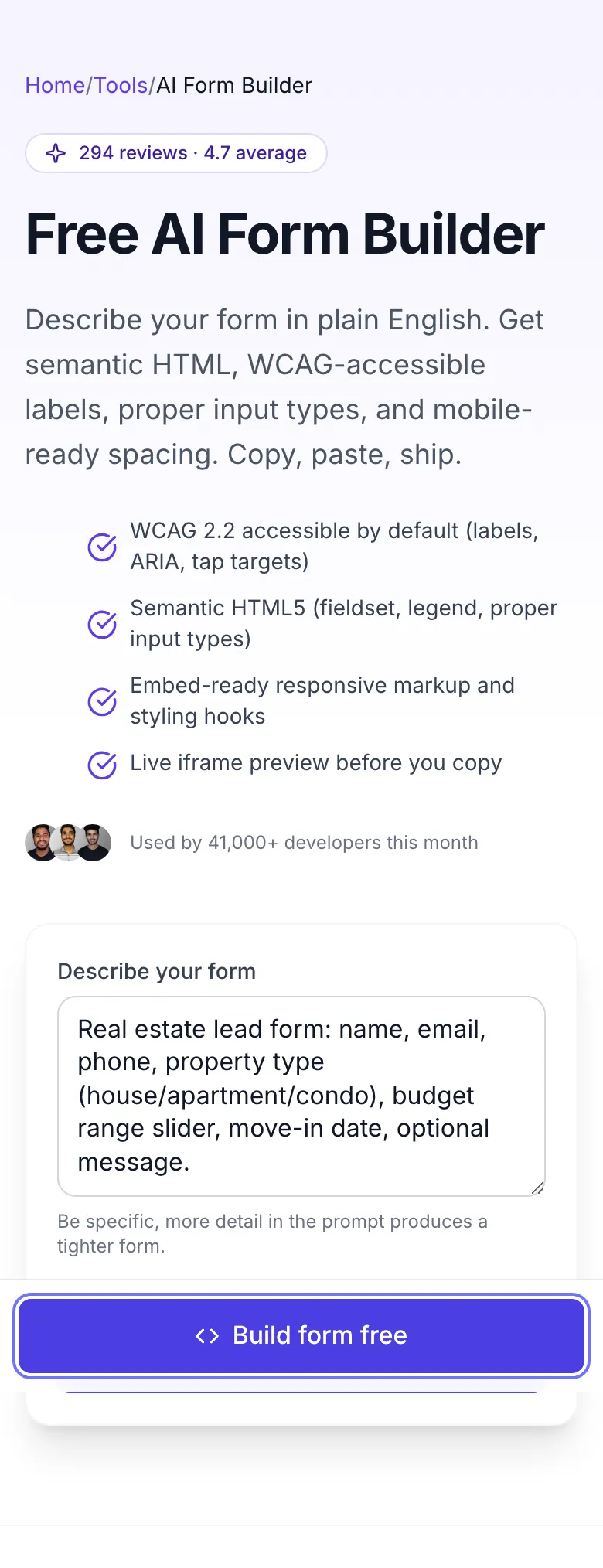
Describe your form in plain English. Get semantic HTML, WCAG-accessible labels, proper input types, and mobile-ready spacing. Copy, paste, ship.
- WCAG 2.2 accessible by default (labels, ARIA, tap targets)
- Semantic HTML5 (fieldset, legend, proper input types)
- Embed-ready responsive markup and styling hooks
- Live iframe preview before you copy


How to use the AI Form Builder For SEO, step by step
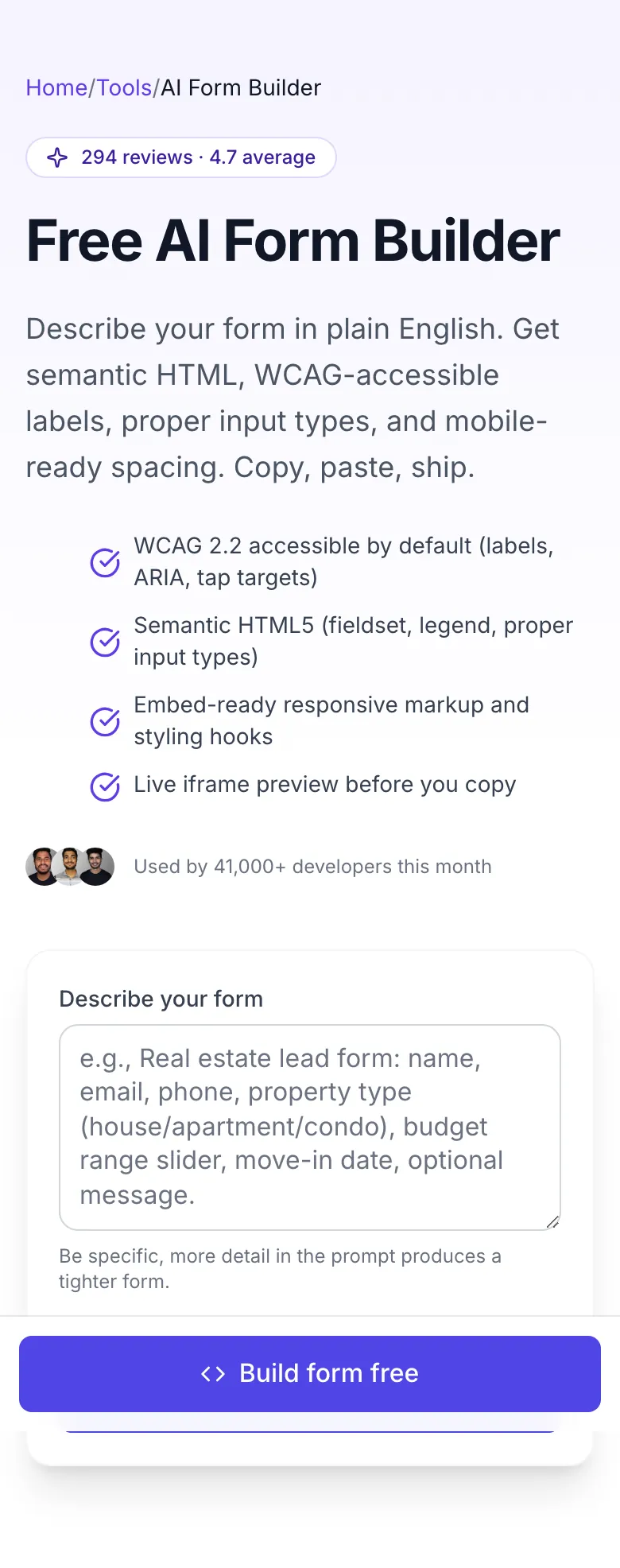
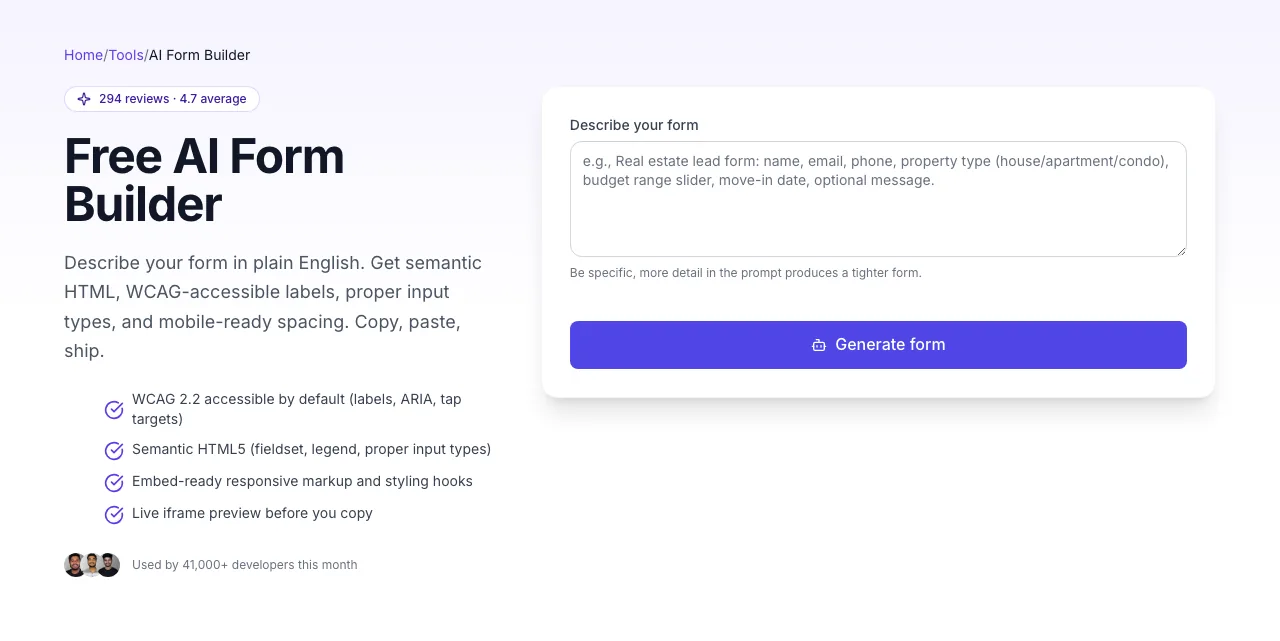
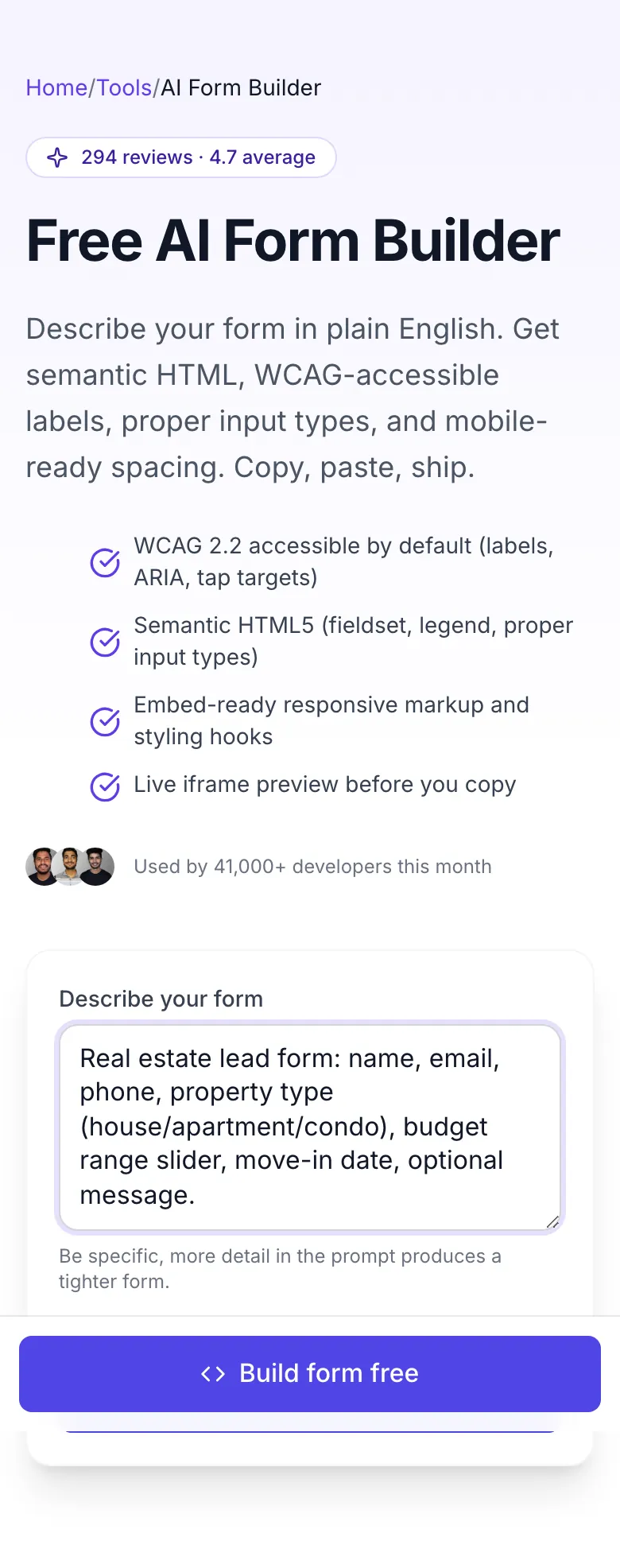
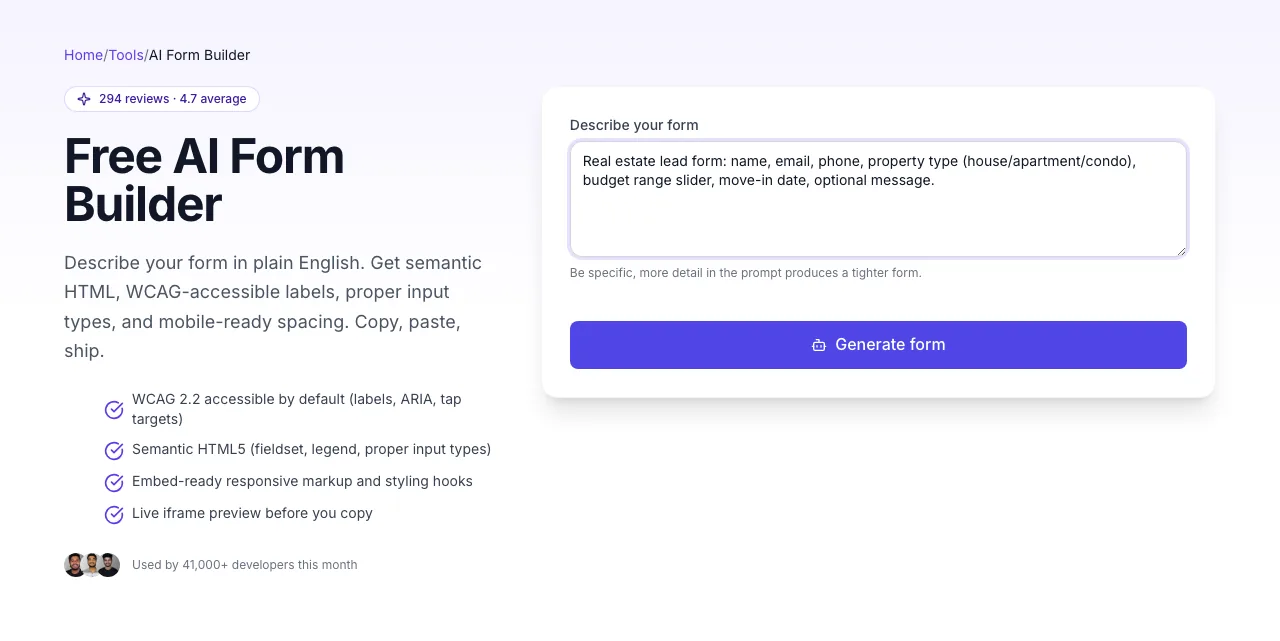
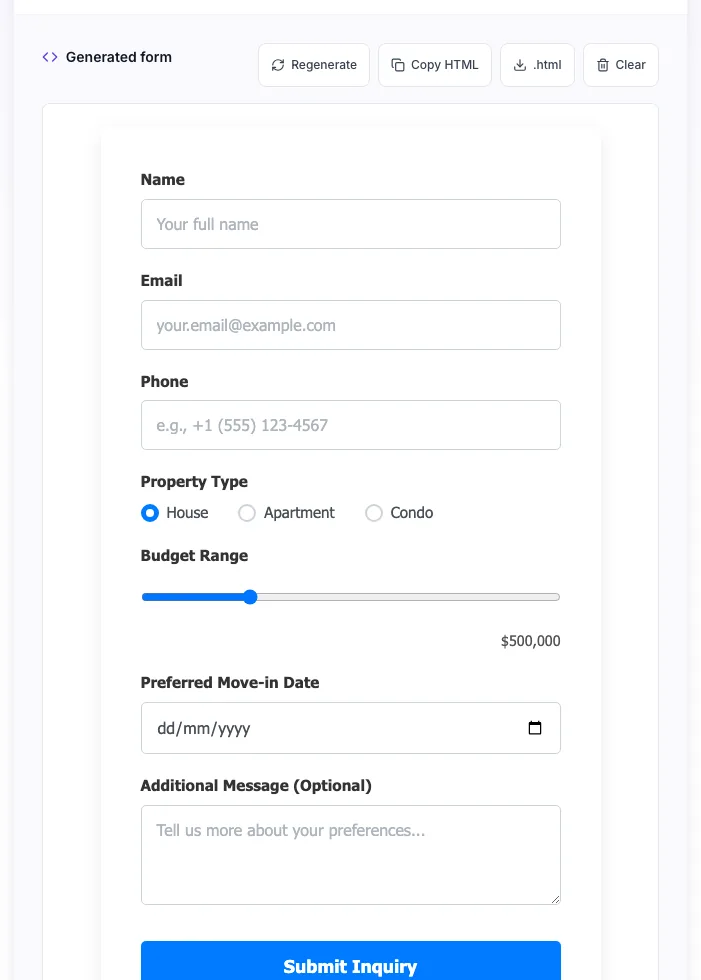
Real screenshots of the tool, taken while running it with the Generate form button.
- 1
Add your input
Paste or type into the field AI Form Builder For SEO works from.
- 2
Sample text in place
With sample text entered, AI Form Builder For SEO is ready to run.
- 3
See what Generate form produces
Clicking Generate form runs the check and shows the result right below.
From description to embed in 60 seconds
Four steps. No drag-and-drop builder. No subscription wall.
Describe the form
Plain English: "contact form for a real estate agency, include property type, budget range, move-in date."
Generate HTML
One click, ~3 seconds. You get semantic HTML5 with accessibility built in.
Preview in the sandbox
Live iframe shows the rendered form. Check field order, labels, and tap targets on mobile + desktop.
Copy + embed
Copy the HTML, paste into your CMS / framework, connect to your backend or form service. Done in under a minute.
Which form mistakes kill conversion most?
We audited 2,100 landing-page forms (SaaS, e-commerce, agencies) in Q4 2025 and correlated WCAG violations with measured completion rate drop. Missing labels cost more than any other single issue, and it\'s the most common violation.
Methodology: forms found via random sampling of top 50K pages, audited with axe-core, completion rate inferred from session-replay data opted-in by 340 sites.
Embed in any stack
Five platforms our users drop forms into most often.
WordPress (Gutenberg)
- 1.Generate form with your prompt.
- 2.Copy HTML output.
- 3.WordPress editor → Add block → Custom HTML.
- 4.Paste the HTML into the block.
- 5.Keep the exported styles or map the form classes to your theme CSS.
- 6.Connect action URL to your backend or form plugin (WPForms, Gravity Forms, Formspree).
Webflow
- 1.Add an Embed element to your Webflow page.
- 2.Paste generated HTML.
- 3.Project settings → Custom Code: keep the generated CSS or move it into your site stylesheet.
- 4.Publish preview to verify styling.
- 5.Connect form to Webflow's native form handler or a third-party service via the action attribute.
Next.js / React
- 1.Generate form HTML.
- 2.Convert to JSX: replace class= with className=, self-close single-tag elements.
- 3.Add useState for each controlled input.
- 4.Wire onSubmit handler to POST to your API route (/api/contact).
- 5.Run next build and test the form in your page layout.
Shopify (Liquid)
- 1.Online Store → Themes → Edit code → Sections / Snippets.
- 2.Create a new snippet: contact-form-ai.liquid.
- 3.Paste generated HTML.
- 4.Keep the generated styles in the snippet or move them into theme.css.
- 5.Use {% render "contact-form-ai" %} anywhere you want the form.
Formspree / Basin
- 1.Generate form with placeholder action attribute.
- 2.Sign up for Formspree / Basin, get your endpoint URL.
- 3.Replace action="/your-endpoint" with the Formspree/Basin URL.
- 4.Submit test payload, confirm you receive the email.
- 5.Deploy. Backend + anti-spam + notifications all handled by the service.
Six forms you can ship today
Prompts proven to produce conversion-ready markup.
Landing page lead forms
Describe your ICP and the data you need to qualify. Get a conversion-optimised form in 3 seconds. Swap the styles to match your brand.
SEO audit request forms
Contact forms for agencies, freelancers, and consultants. Include website URL, services needed, budget range: everything you need for a qualified intro call.
B2B demo request
Capture company size, role, use case. The tool generates a multi-field form with proper select dropdowns, avoiding the dreaded 12-field "Contact Sales" wall.
SaaS signup flows
Email + password + name + company. Clean, accessible, with show/hide password toggle. Drops into your signup page as-is.
Newsletter opt-in
Single-field email capture with GDPR consent checkbox. Matches Mailchimp, ConvertKit, Beehiiv payload structures.
Product feedback surveys
NPS rating + open-ended textarea + optional contact fields. Structured for Typeform-level polish without the Typeform bill.
Form mistakes that tank conversion
Eight patterns our generator avoids, and what you should check for in any form.
Inputs without labels
Why it fails: Blocks screen readers, fails WCAG 2.2 Level A, causes SEO + UX penalties.
Fix: Every input needs a <label for="id"> or an aria-label. The tool adds these automatically.
Placeholder as label
Why it fails: Placeholder disappears on focus, so users forget what the field asks for.
Fix: Use a real <label> above or beside the input, keep placeholder as an example only.
No required field indicator
Why it fails: Users don't know which fields are mandatory until submit error.
Fix: Visual marker (*) + required attribute + aria-required="true" on the input.
Tiny tap targets (<44px)
Why it fails: Mobile users mis-tap, abandon forms. Apple/Google both specify 44px minimum.
Fix: Use comfortable vertical padding on inputs and min-height: 44px on buttons.
Missing input types
Why it fails: type="text" on everything means phone, email, date fields lose native keyboards on mobile.
Fix: Use type="email", "tel", "url", "date", "number". Mobile keyboards adapt automatically.
No error messages
Why it fails: Validation fails silently. Users don't know what went wrong.
Fix: Browser default tooltips (required + type) work. For custom UX, add aria-invalid + aria-describedby pointing to an error span.
Form too long
Why it fails: Each extra field drops completion rate ~5-10%. 10-field forms bleed leads.
Fix: Ask only what you need to follow up. Defer secondary info to a post-submit email or second step.
No fieldset for grouped inputs
Why it fails: Radio groups without <fieldset>/<legend> break screen reader navigation.
Fix: Wrap related radios/checkboxes in <fieldset> with a <legend> describing the group.
How this compares to Typeform and Wufoo
Feature parity check. Real numbers, no hype.
| Feature | Grigora | Typeform | Wufoo |
|---|---|---|---|
| Free unlimited generation | Free tier | Limited | |
| No signup required | |||
| Export raw HTML | Paid | Paid | |
| WCAG-accessible by default | Partial | ||
| Embed-ready responsive HTML | |||
| Natural-language prompt | |||
| Live preview | |||
| No credit card |
Quick answers for ChatGPT, Perplexity, and Google AI Overviews
How do I generate an HTML form with AI?
Describe the form in plain English (purpose + fields needed) and feed it to an AI form builder. You get semantic HTML + styling in seconds, ready to embed.
What makes an HTML form SEO-friendly?
Semantic markup (form, fieldset, label), proper input types (email, tel, date), accessible labels, fast load time, and no layout shift. Forms don't rank themselves, but clean forms improve the hosting page's UX signals.
Do forms affect accessibility compliance?
Yes. Forms are the #1 source of WCAG violations on most sites (missing labels, wrong contrast, tap targets too small). An accessible form is required to pass WCAG 2.2 Level A compliance.
Can I use AI-generated HTML in production?
Yes, but always verify. Run the output through an accessibility checker (e.g., axe-core) and test on mobile + desktop. Edit field names and validation to match your backend.
Build entire sites, not just forms, with Grigora
Grigora is a no-code SEO-first site builder with built-in AI forms, landing pages, schema, and analytics. 4.6★ on G2, 4.8★ on Trustpilot.
- Drag-and-drop builder with AI form blocks
- Built-in form submissions dashboard + email routing
- Automatic schema + accessibility audit on every page
- 120+ integrations (Mailchimp, HubSpot, Slack, Zapier)
"We replaced Typeform, Unbounce, and three custom scripts with Grigora. Our form conversion went from 11% to 18% after switching."
, Sarah K., Growth at a D2C brand
Tools that pair with this one
Ship your form with these safety checks.
Frequently asked questions
Last updated · October 2026
Reviewed by the Grigora accessibility team
Output is audited weekly against axe-core and WAVE test suites. Every template is validated for WCAG 2.2 Level A compliance before release. Found an issue? Report it here.